
SOFTWARE DATABASE / RELEASE RECORD
VERSION 1.0.0GM MCVM Utility for T87 / T87A / T93 Solenoid Data Read / Write J2534 Tool 1.0.0
Read, inspect and restore MCVM solenoid characterization data for supported GM T87, T87A and T93 transmission modules using J2534 and SPS2-compatible BIN files.
Categories
Vehicle references
Overview
GM MCVM Utility is a Windows service tool for reading, inspecting and writing MCVM solenoid characterization data on supported GM T87, T87A and T93 transmission control modules through a locally installed SAE J2534 04.04 interface.
It stores characterization data in a GM SPS2-compatible BIN record structure for authorized backup, transmission-module replacement and restoration workflows. Support applies to compatible GM 8+ speed transmission-control applications using MCVM data; it is not a universal transmission flasher or a guarantee of support for every vehicle or firmware.
Supported Modules
- GM T87
- GM T87A
- GM T93
The documented module list includes T87. The available interface screenshot shows T87A and T93 in its open selector and confirmation label. Confirm that the actual software build supports the intended module before attempting communication.
Main Features
- Read MCVM characterization records directly from supported transmission modules.
- Write inspected MCVM data back to supported T87 / T87A / T93 modules.
- Communicate through SAE J2534 04.04.
- Discover installed J2534 providers automatically.
- Select a specific J2534 DLL manually.
- Use the GM SPS2-compatible MCVM BIN format.
- Inspect MCVM BIN files before writing.
- Validate DID records and their structure.
- Select the intended module type.
- Review an operation log.
- Read and save a new MCVM BIN file.
- Protect existing output files from silent overwriting.
Software Workspace
The workspace groups J2534 connection settings, module read and write controls, file inspection and the operation log. The screenshot shows no selected device or file, zero inspected records, unchecked confirmations and disabled read/write actions; it does not demonstrate a successful hardware operation.
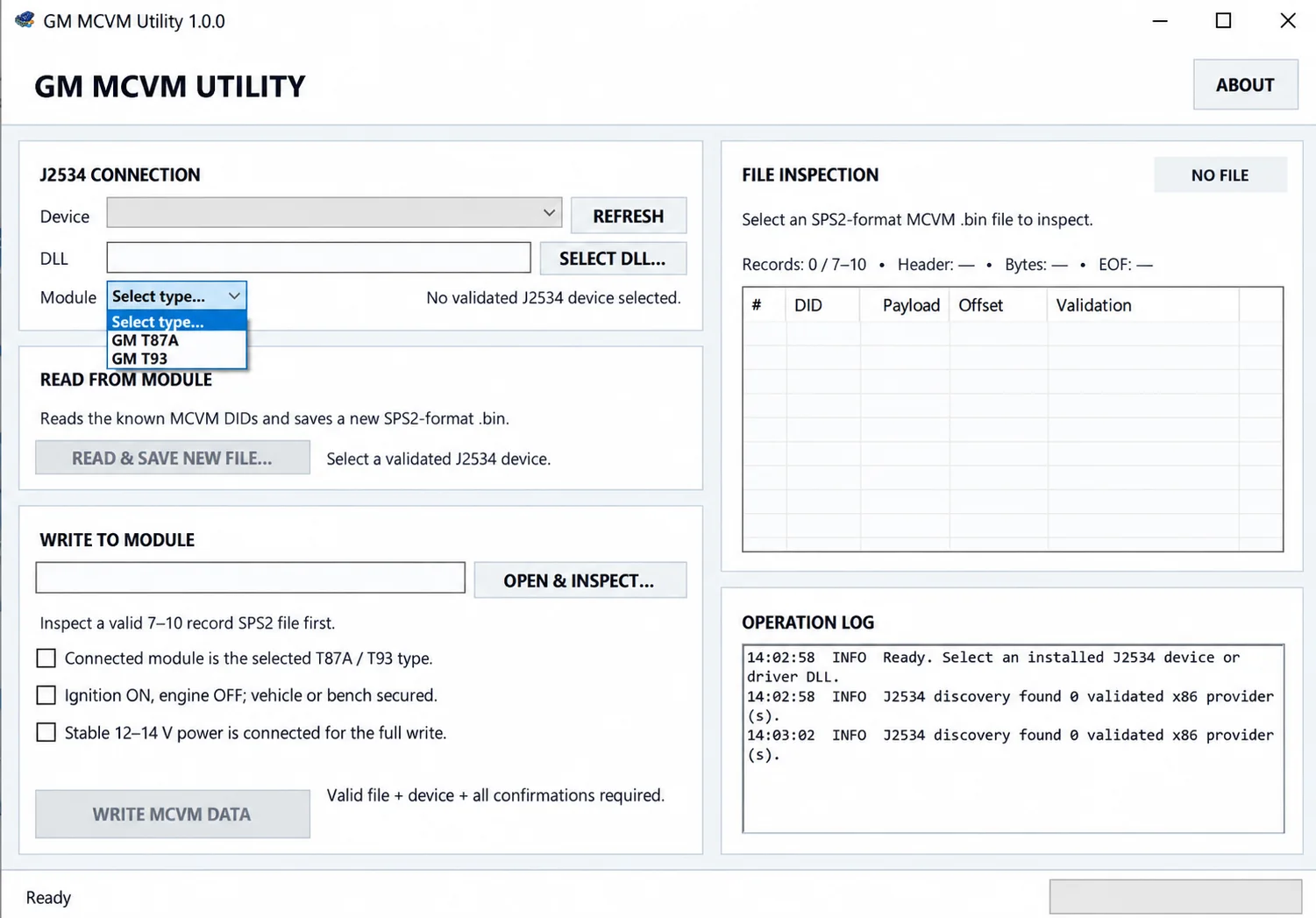
Read MCVM Data
READ & SAVE NEW FILE reads the known MCVM DIDs from the selected module and creates a new SPS2-format BIN.
- Connect a compatible J2534 interface.
- Switch ignition ON with the engine OFF.
- Select the correct J2534 device and driver.
- Select the correct module family.
- Read the MCVM data.
- Review the recovered DID records.
- Save the result as a new BIN file.
A valid read requires at least 7 accepted records from the expected MCVM data set. Existing output files are not silently overwritten.
Write MCVM Data
WRITE MCVM DATA accepts a valid SPS2-compatible MCVM BIN and writes the inspected characterization records to the selected transmission module. Before write access is enabled, confirm all of the following:
- The connected module matches the selected T87 / T87A / T93 type.
- Ignition is ON and the engine is OFF.
- The vehicle or bench setup is secured.
- Stable 12–14 V programming power is available for the complete write.
- The selected MCVM BIN has passed file inspection.
- A validated J2534 provider is selected.
Do not interrupt an active MCVM write. Maintain stable power and leave the J2534 interface connected until the complete write sequence has finished. After a successful write, switch ignition OFF for at least 30 seconds before continuing with the applicable service procedure.
MCVM BIN File Inspection
Before module write access, the utility inspects the selected file and validates its record structure. The inspection view displays record count, DID, payload, record offset, validation result and header/file information.
Input is rejected before vehicle access if the utility detects:
- Truncated MCVM data.
- Invalid file structure.
- Unknown DID records.
- Duplicate DID records.
- Invalid record count.
- Unexpected trailing data.
A normal supported file contains approximately 7–10 valid MCVM records. Passing structural validation alone does not establish vehicle, transmission or module compatibility.
GM SPS2 File Compatibility
MCVM data is read and written using the standard GM / SPS2-compatible record format, retaining characterization data as a normal BIN for authorized backup, replacement and restore work. Verify that the file belongs to the correct vehicle, transmission configuration and module before writing it.
J2534 Interface Requirements
A working 32-bit SAE J2534 04.04 driver is required for the connected hardware, including on 64-bit Windows. The workspace can search installed providers, select a validated installed device or load a particular J2534 DLL manually. Install and validate the correct driver before attempting module communication.
System Requirements
- Windows 7 SP1 through Windows 11.
- 32-bit or 64-bit Windows.
- Microsoft .NET Framework 4.8.
- A working 32-bit SAE J2534 04.04 driver.
- Compatible J2534 hardware.
- A stable workshop or bench power supply.
Package Contents
The documented package contains GM_MCVM_Utility_1.0.0.exe. Package size, developer identity, license category and actual software release/update dates are not confirmed.
Version Information
The documented version is 1.0.0. No detailed change list is available. The listing date is not used as the software release date.
Validation Status
The available documentation reports automatic validation and communication testing with a J2534 simulator. Controlled bench validation with the intended physical J2534 adapter and supported T87 / T87A / T93 module remains required before production field use. ECUDB has not performed hardware testing; editorial review does not certify the executable or physical compatibility.
Important
GM MCVM Utility is intended for authorized professional transmission-control service work.
Do not write MCVM data from an unknown vehicle, transmission configuration or module.
Before writing, verify the module family, MCVM file, J2534 interface, ignition state and programming voltage.
A structurally valid MCVM BIN does not by itself prove compatibility with the connected vehicle or transmission.
Technical Compatibility
Supported Modules
Operating Systems
File Formats
System Requirements
- Windows 7 SP1 through Windows 11
- 32-bit or 64-bit Windows
- Microsoft .NET Framework 4.8
- Working 32-bit SAE J2534 04.04 driver
- Compatible J2534 hardware
- Stable workshop or bench power supply; 12–14 V throughout write operations
Screenshots
Related Software
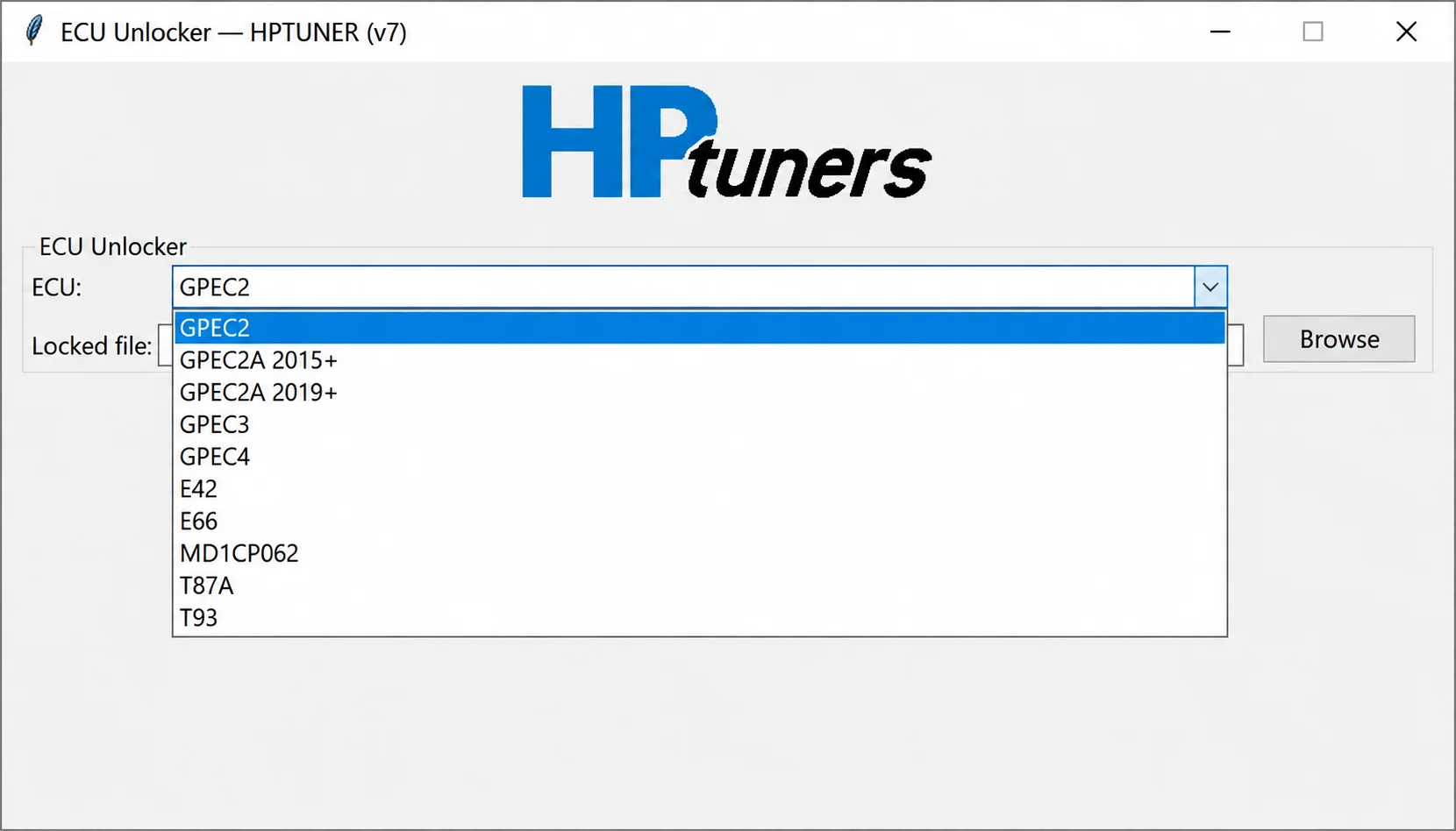
Offline controller-file processing for supported GPEC, E42, E66, MD1CP062, T87A and T93 reads, preparing working files for compatible calibration workflows.
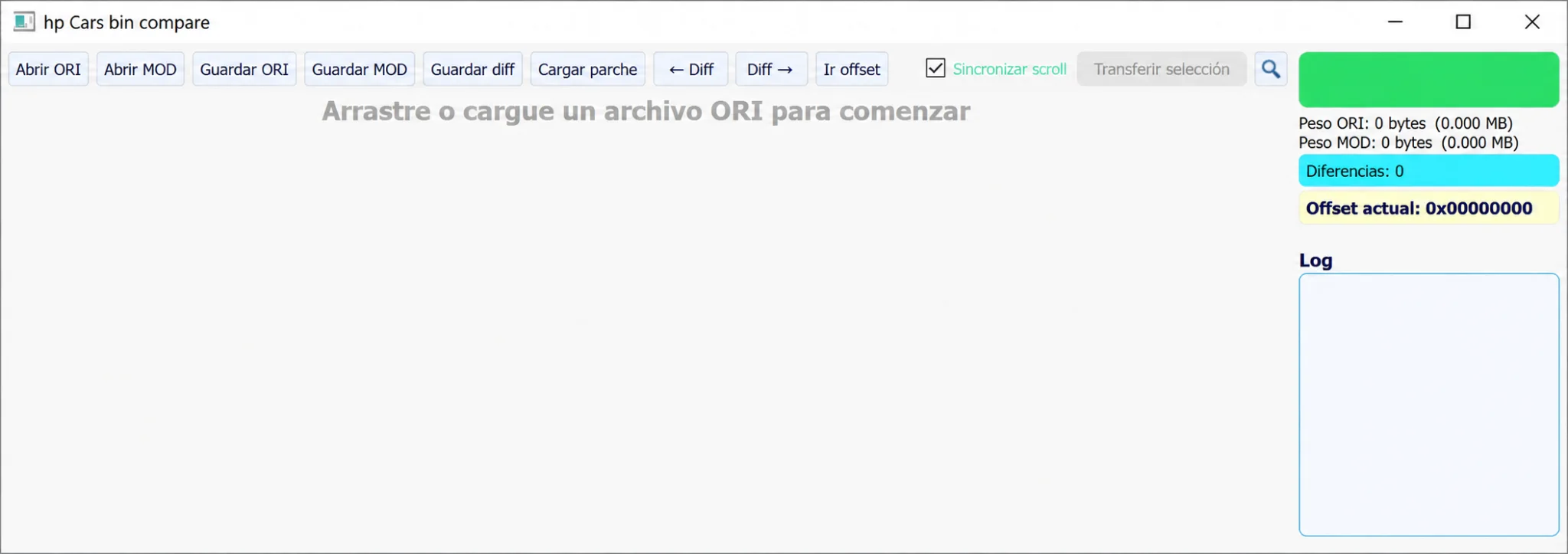
Windows ORI/MOD binary comparator with synchronized scrolling, byte-difference navigation, hexadecimal offsets, selection transfer and patch import/export.
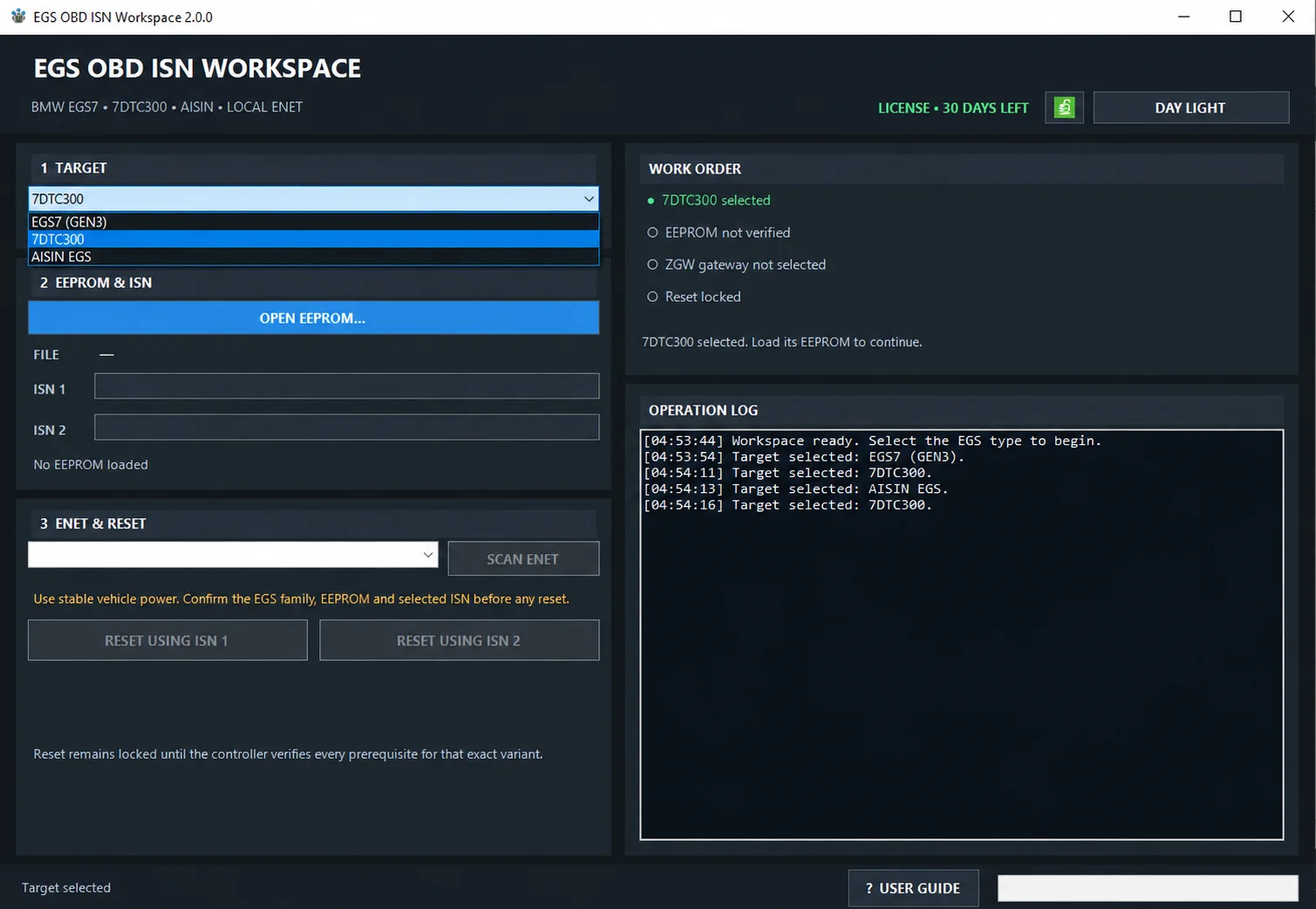
Windows workspace for BMW EGS7 (GEN3), 7DTC300 and AISIN EGS: read-only EEPROM ISN analysis, ENET/ZGW discovery and guarded two-phase ISN reset.
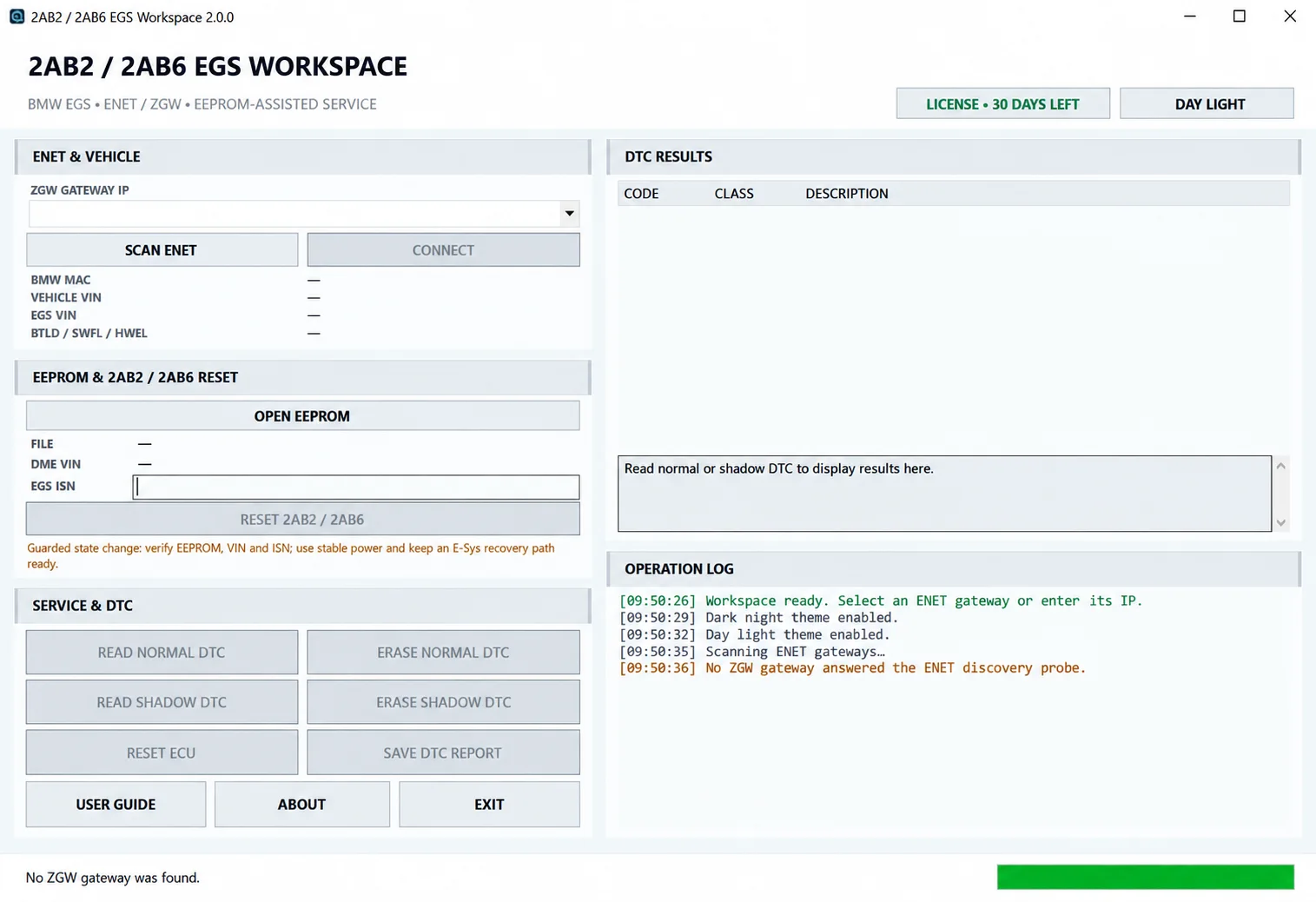
Windows BMW EGS service workspace for ENET/ZGW identification, local EEPROM-assisted VIN and ISN analysis, normal/shadow DTC diagnostics and guarded 2AB2 / 2AB6 reset.
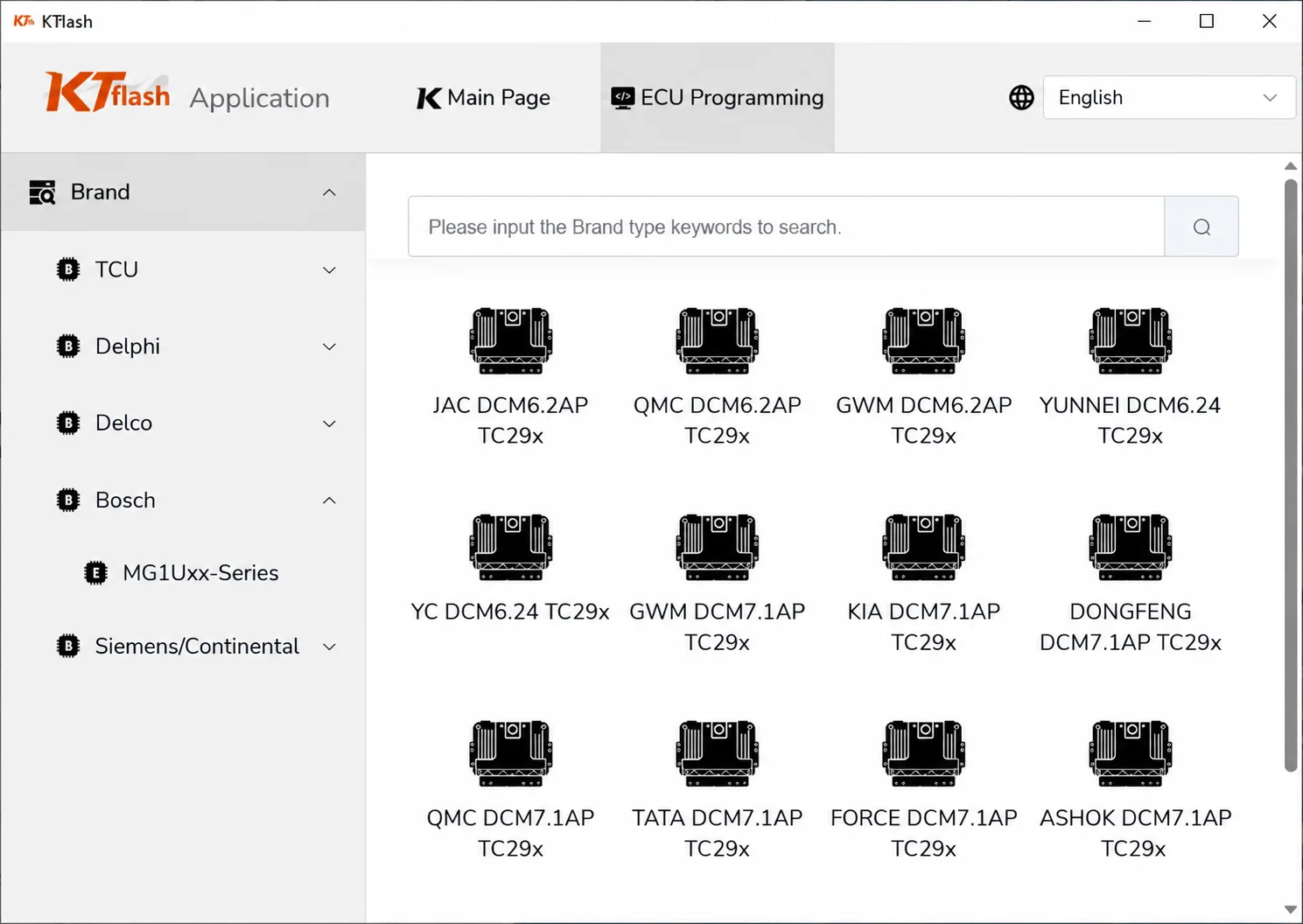
KTflash Bench ECU and TCU Read / Write Utility
vUnspecifiedWindows bench-programming utility for supported ECU and TCU protocols, using compatible J2534-style hardware with controller-family search and read / write workflows.
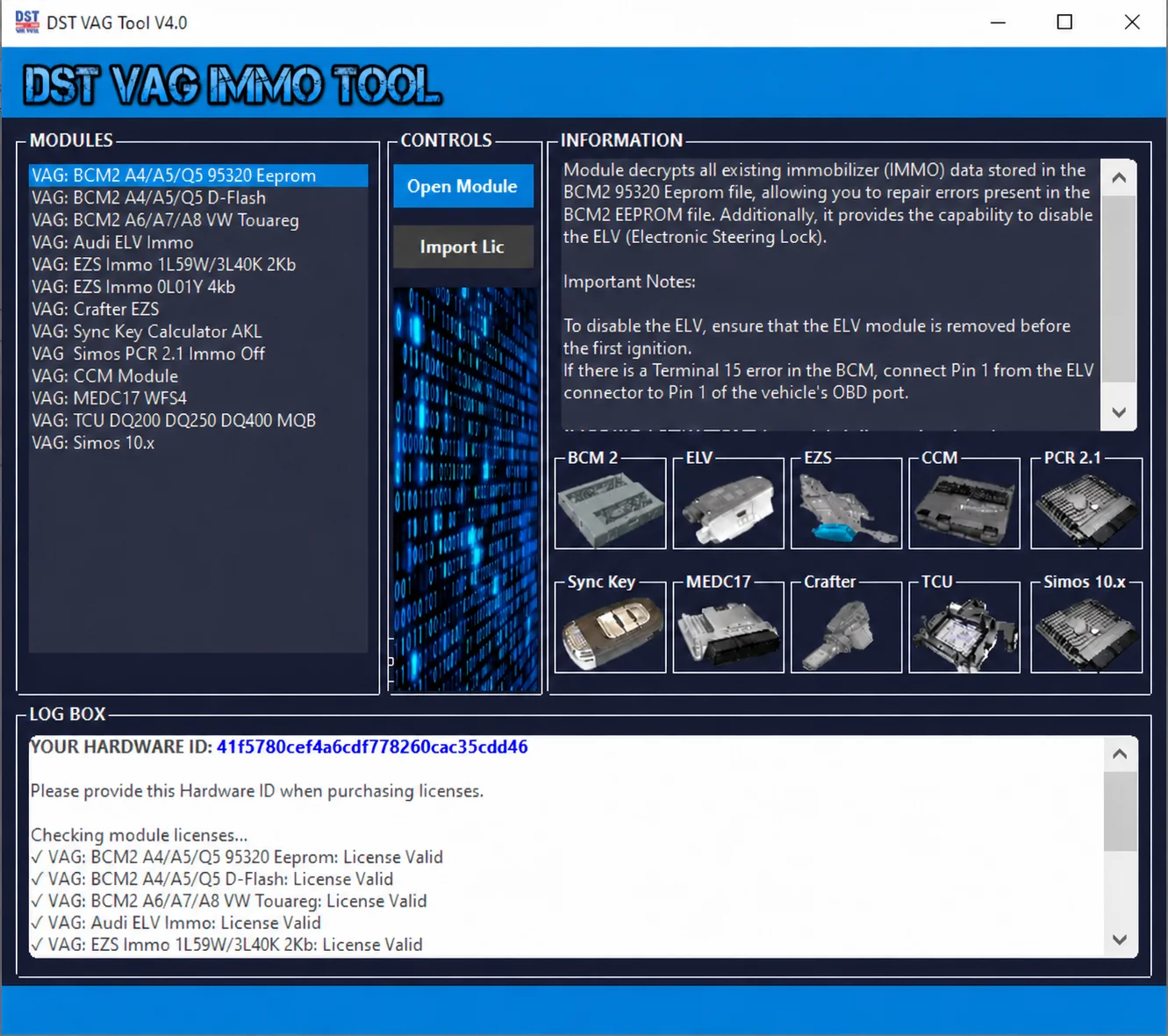
Modular Windows suite for supported VAG EEPROM and flash files, with BCM2, ELV, EZS, CCM, MEDC17, Simos, PCR2.1 and transmission service workspaces.