
SOFTWARE DATABASE / RELEASE RECORD
VERSION UnspecifiedKTflash Bench ECU and TCU Read / Write Utility
Windows bench-programming utility for supported ECU and TCU protocols, using compatible J2534-style hardware with controller-family search and read / write workflows.
Categories
Overview
KTflash Bench is a Windows utility for reading and writing supported engine and transmission controllers with compatible programming hardware. Its searchable protocol catalog groups entries by supplier and controller family so the correct connection procedure can be selected before identification, reading, writing or a supported recovery operation.
It is intended for experienced ECU technicians. Actual support depends on the exact controller family, hardware number, processor, connection mode, interface driver and active license. A matching vehicle brand does not establish programming compatibility.
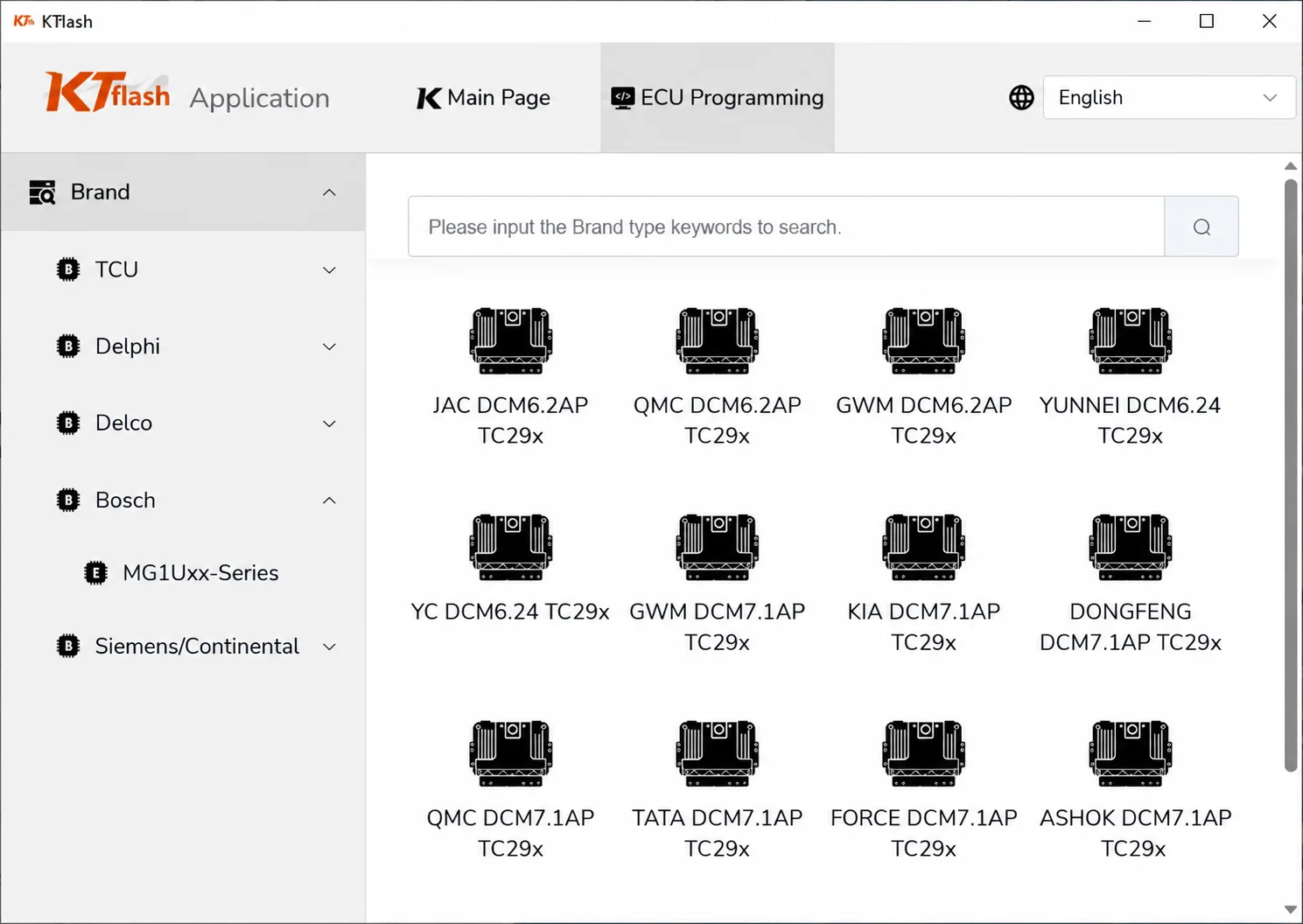
KTflash ECU Programming protocol-selection interface.
What the Application Does
- Search the installed protocol catalog by brand or controller keyword.
- Browse engine and transmission entries grouped by ECU supplier and family.
- Use bench-oriented reading and writing where the chosen protocol supports those operations.
- Communicate through a compatible pass-through interface and its installed driver.
- Keep the selected ECU family, processor and connection mode visible before programming.
Controller Families Visible in the Interface
- Bosch: the navigation shows MG1Uxx-Series.
- Delphi: illustrated entries include DCM6.2AP, DCM6.24 and DCM7.1AP.
- Siemens / Continental: a dedicated protocol-browser group is visible.
- Delco: available as a supplier group.
- TCU: transmission-controller entries have their own selector.
The displayed protocol examples are:
- JAC DCM6.2AP — TC29x.
- QMC DCM6.2AP — TC29x.
- GWM DCM6.2AP — TC29x.
- YUNNEI DCM6.24 — TC29x.
- YC DCM6.24 — TC29x.
- GWM DCM7.1AP — TC29x.
- KIA DCM7.1AP — TC29x.
- DONGFENG DCM7.1AP — TC29x.
- QMC DCM7.1AP — TC29x.
- TATA DCM7.1AP — TC29x.
- FORCE DCM7.1AP — TC29x.
- ASHOK DCM7.1AP — TC29x.
These are visible catalog examples, not a complete support list. The screenshot shows the ECU Programming page, an empty protocol-search field, Main Page navigation and English selected.
Hardware and Compatibility Notes
KTflash uses compatible J2534-style programming interfaces. The available hardware documentation describes Scanmatik-compatible equipment and bench connections. The application package does not supply an interface, bench harness, driver bundle, protocol subscription or activation service.
- Search by the full controller designation rather than the vehicle make alone.
- Confirm whether the selected entry requires bench, OBD or another connection mode before wiring.
- Follow the pinout and voltage requirements for that exact protocol revision.
- Do not assume a controller is supported because a related family appears in the menu.
- Check the required hardware and entitlement; some operations can depend on online access, a licensed dongle or a separately installed driver.
Package Contents
- The KTflash application executable.
- A screenshot of the protocol-selection interface.
- No ECU dumps, tuning files, customer data, interface drivers or vehicle logs.
- Programming hardware, activation and subscriptions are not established as bundled items.
A numeric application version is not specified for this package. The package-preparation notes describe static inspection of the executable without launching it; no application execution or ECU-programming test is claimed by ECUDB.
PC and Workshop Requirements
- A dedicated Windows workshop computer, with local administrator access for any required driver installation.
- Stable vehicle or bench power appropriate for the controller and selected operation.
- The correct interface, cable and pinout for the chosen connection mode.
- Confirmed controller identity and a complete original backup before a write-capable operation.
- Storage for the extracted application, original reads, logs and verification files.
Exact Windows versions, architecture and runtime dependencies are not specified.
Recommended Bench Workflow
- Record the controller manufacturer, family, hardware number and software number from its label.
- Install the correct interface driver and verify that the pass-through device is recognized before connecting the controller.
- Select the exact controller and connection mode in the protocol catalog.
- Build and check the harness using the documented pinout, including power, ground, ignition and communication connections.
- Create a complete original backup and verify it before writing modified or replacement data.
- Preserve the original read unchanged; perform editing and checksum work on a separate copy.
- After writing, follow the protocol-specific power-cycle procedure and check identification, faults and vehicle operation.
Important Limitations
- This is a software package; J2534 hardware, probes, adapters and bench cables are separate.
- Available protocols can vary with license entitlement, server availability, hardware revision and application build.
- A bench read does not automatically provide a complete clone. Confirm EEPROM, internal-flash and external-flash coverage individually.
- Keep power and communication uninterrupted throughout erase and write operations.
- Do not substitute a similar protocol when the processor or hardware number differs.
- Incorrect wiring, files, checksums or voltage can leave a controller permanently inoperative.
Troubleshooting Checklist
- Interface missing: check the installed driver, Windows Device Manager and selected pass-through device.
- No communication: verify the bench pinout, ignition supply, grounds, CAN polarity and power-supply current limit.
- Protocol unavailable: search the full ECU designation and compare its label with the current protocol catalog.
- Read interrupted or inconsistent file sizes: stop and inspect voltage, wiring, interface firmware and memory selection.
- Write refused: preserve the original log and check protocol selection, file type, checksum and license entitlement.
- Controller will not wake after writing: avoid random repeat writes; use the documented recovery procedure with stable power.
Safety and Data Handling
Use KTflash only on controllers you are authorized to service. Keep original reads, label photographs and operation logs private. Before sharing support information, remove VINs, immobilizer data, customer details and other security material.
Technical Compatibility
Supported Modules
Operating Systems
System Requirements
- Windows workshop computer
- Administrator access for required interface drivers
- Compatible J2534-style programming interface and correct installed driver
- Protocol-specific cable, harness and pinout
- Stable vehicle or bench power
- Verified ECU or TCU identity and complete original backup
- Storage for original reads, logs and verification files
- Required license, dongle or online entitlement for the selected protocol
Screenshots
Related Software

Legacy Windows ECU service software for supported VAG EDC15/ME7, PSA EDC15C2 and Opel Delco controllers, with profile-dependent PIN, identity and EEPROM functions through a matching interface.
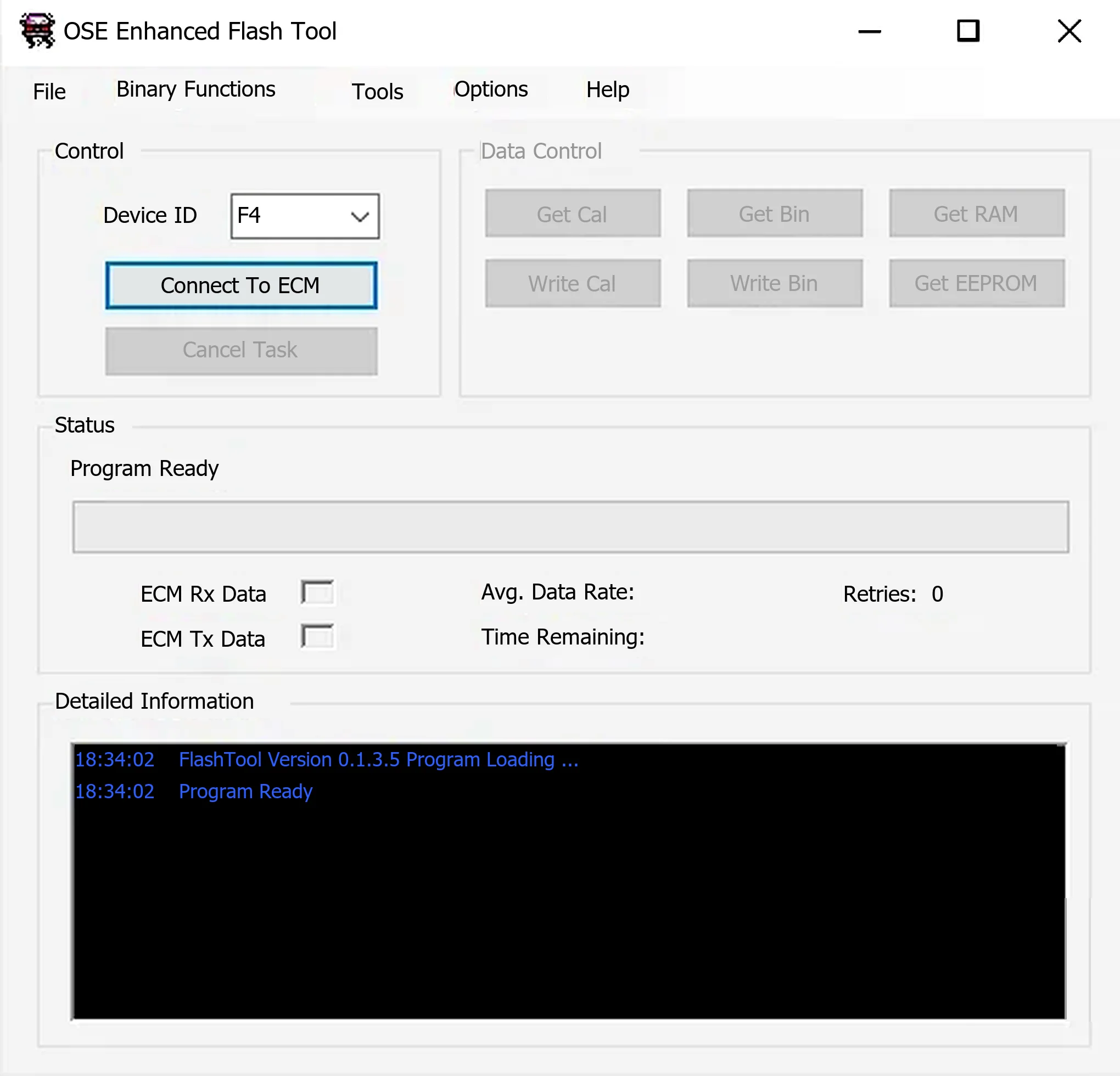
Windows ALDL utility for supported Holden/GM Delco controllers, with calibration, binary, RAM and EEPROM reads, compatible writes and OSE calibration migration.
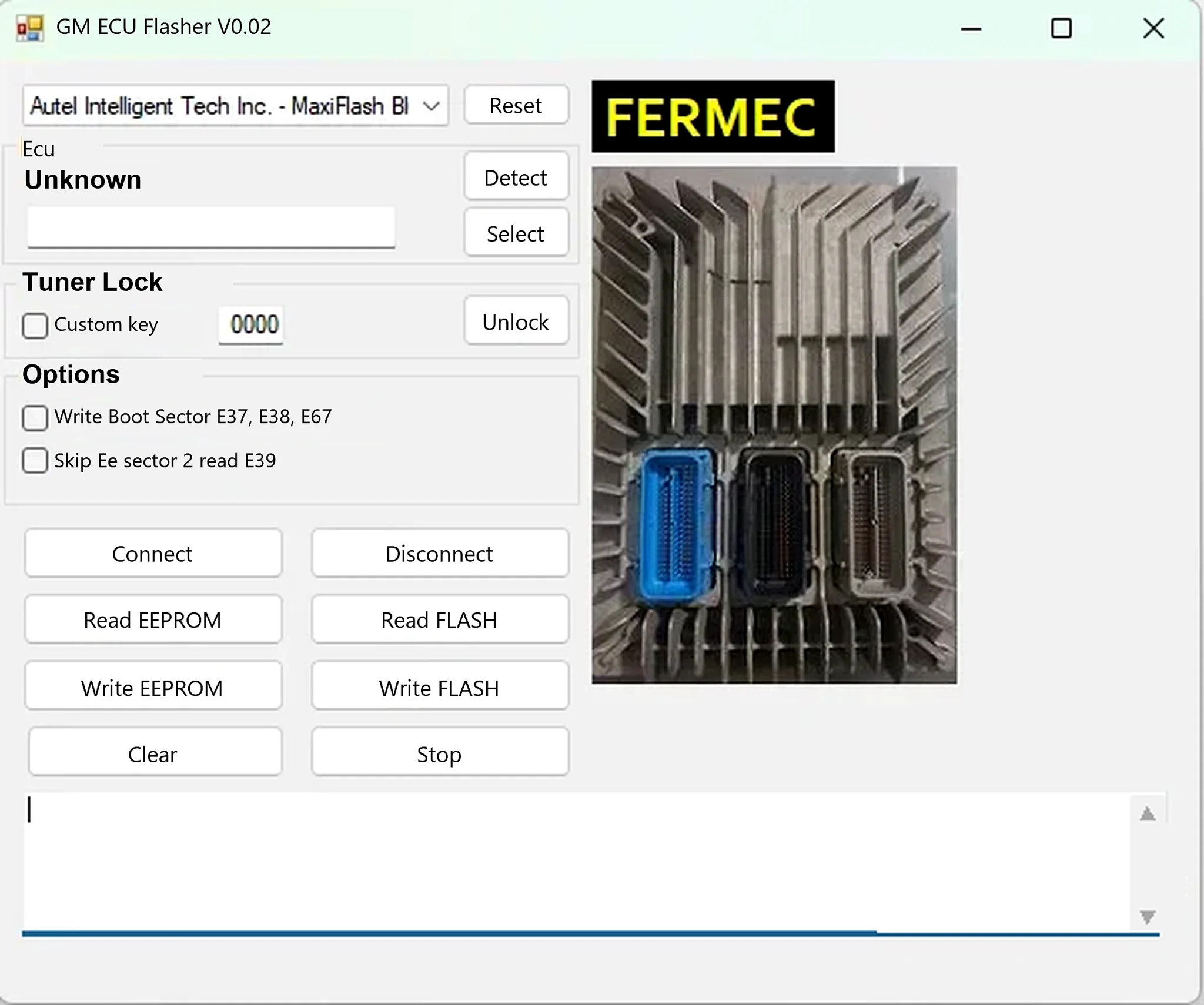
Windows J2534 ECU read/write utility for supported GM E37, E38, E39 and E67 controllers, with separate FLASH and EEPROM operations.
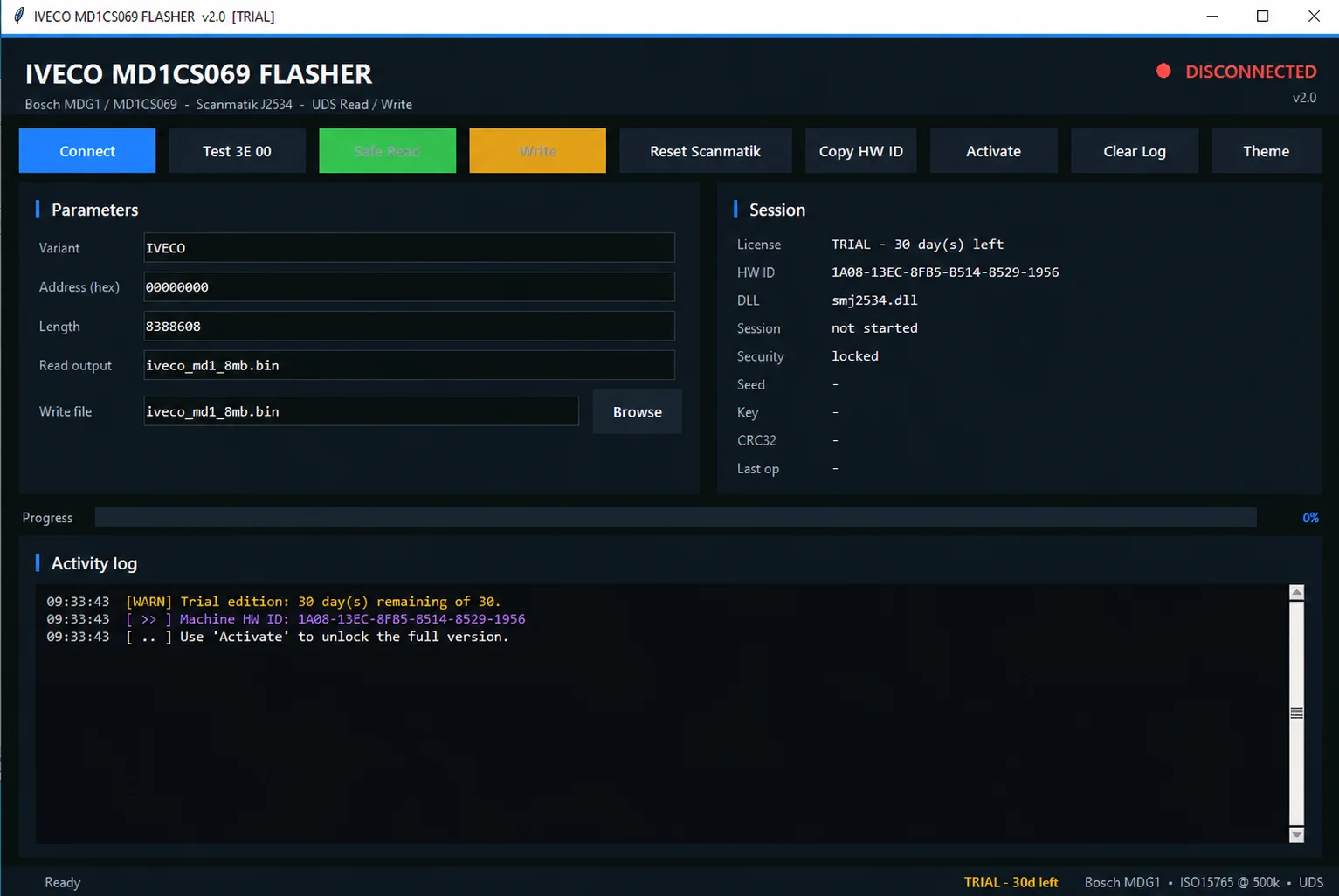
Bench read and write software for supported Iveco Bosch MD1CS069 ECUs using an original Scanmatik J2534 interface, with UDS, session status and operation logging.
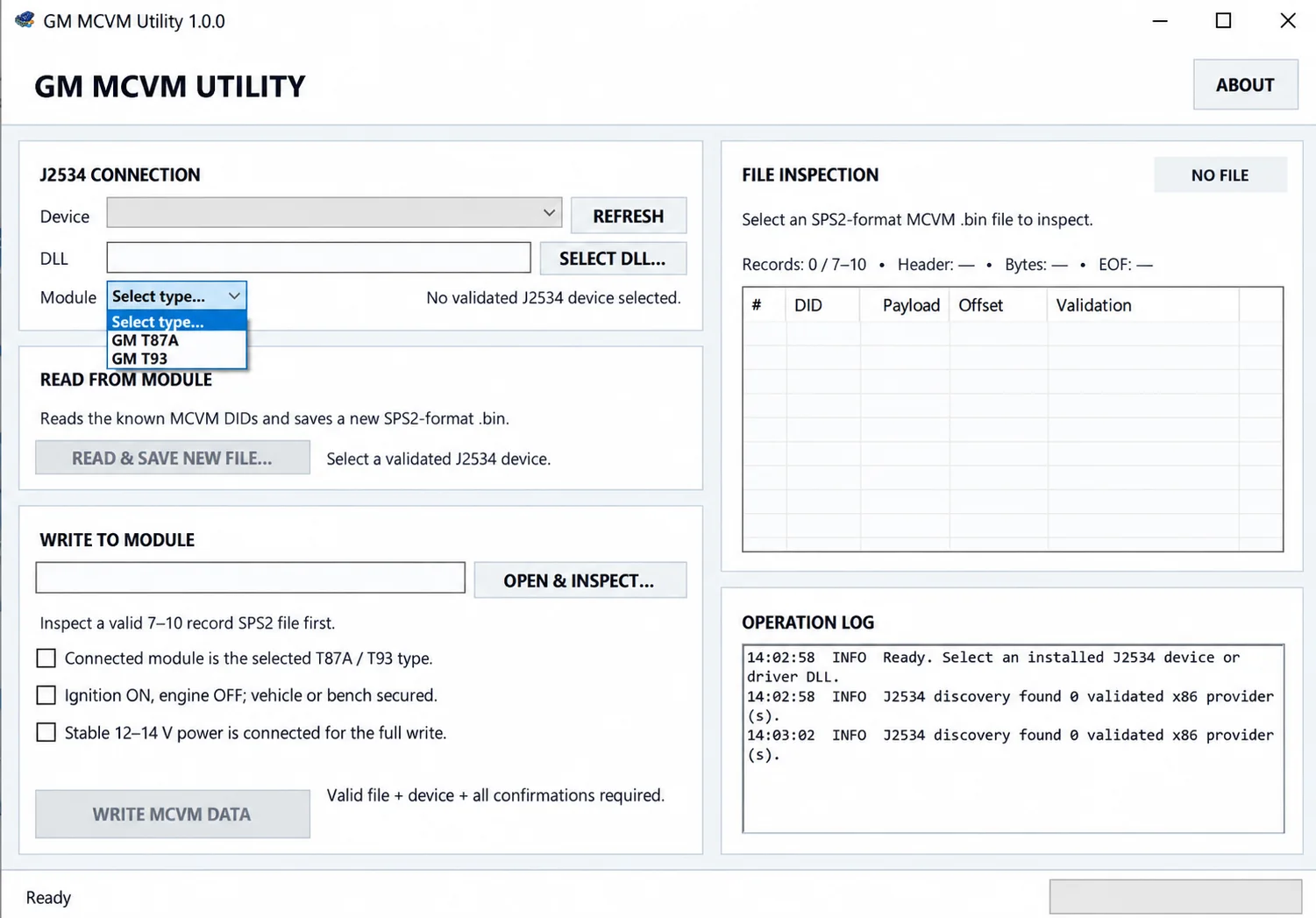
Read, inspect and restore MCVM solenoid characterization data for supported GM T87, T87A and T93 transmission modules using J2534 and SPS2-compatible BIN files.
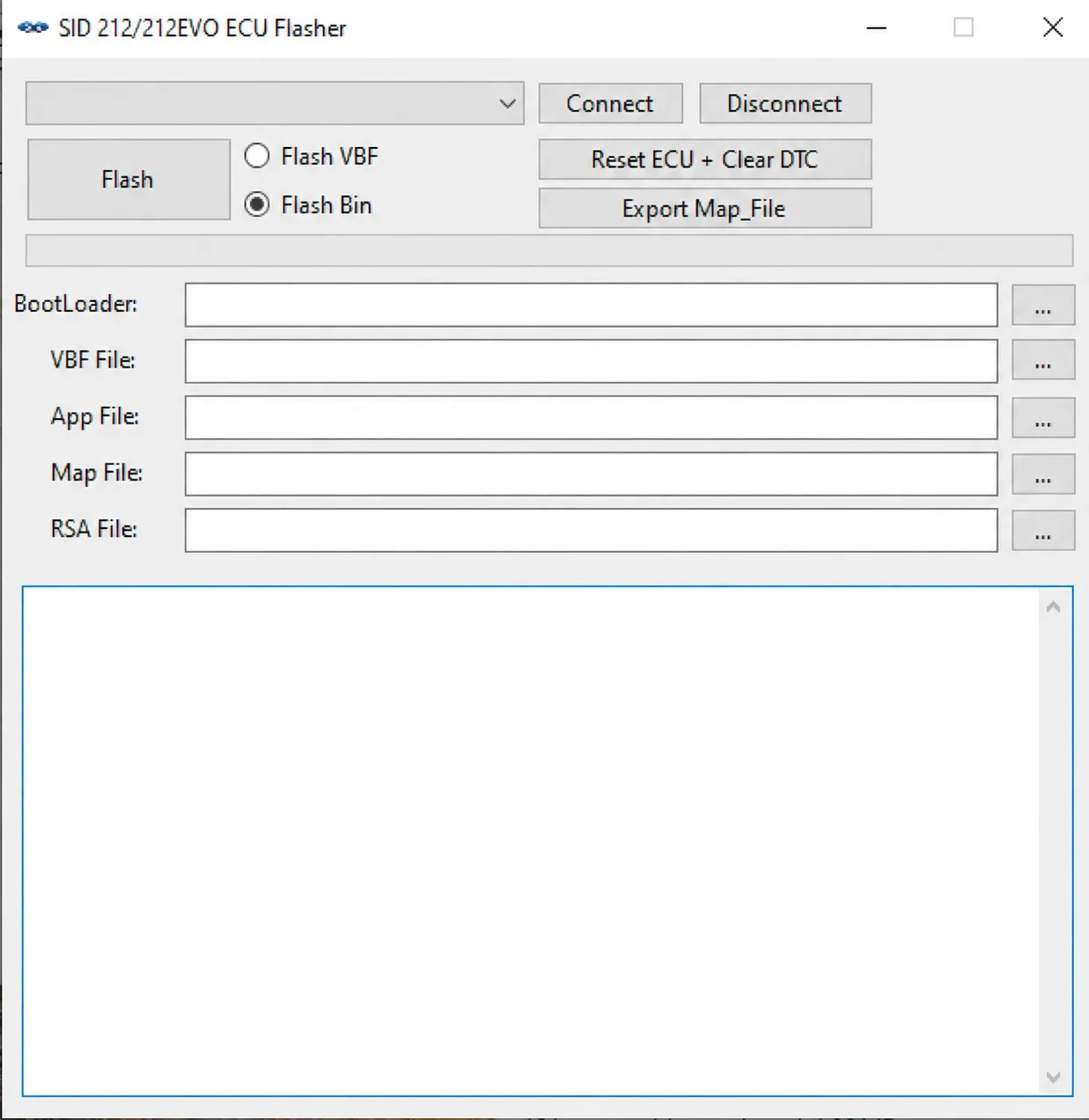
Windows SID212 / SID212 EVO ECU flasher with VBF and BIN modes, J2534 communication, BootLoader / App / Map / RSA file handling, ECU reset and Map export.