
SOFTWARE DATABASE / RELEASE RECORD
VERSION 2.0Iveco MD1CS069 Bosch MD1 ECU Bench Flasher for Scanmatik J2534 Read / Write 2.0
Bench read and write software for supported Iveco Bosch MD1CS069 ECUs using an original Scanmatik J2534 interface, with UDS, session status and operation logging.
Categories
Vehicle references
Overview
IVECO MD1CS069 Flasher is a Windows application for reading and writing supported Bosch MD1CS069 engine control units used in Iveco vehicles. It communicates with the ECU in Bench mode through an original Scanmatik J2534 interface, with UDS communication and an operation log.
Version 2.0 provides a dedicated workspace for ECU servicing, file preparation, tuning and calibration work. Support is specific to compatible Iveco MD1CS069 applications; no universal coverage of Bosch MD1, MDG1, all Iveco models or every firmware revision is established.
Main Features
- Support for compatible Bosch MD1 / MD1CS069 ECUs in Iveco vehicles.
- ECU reading and writing in Bench mode.
- UDS communication.
- Operation through the original Scanmatik J2534 interface.
- Hardware-ID-based license activation.
- A dedicated interface with parameter and session panels.
- Operation logging for monitoring activity.
- Tools for professional ECU service, tuning and calibration workflows.
Software Workspace
The toolbar shows Connect, Test 3E 00, Safe Read, Write, Reset Scanmatik, Copy HW ID, Activate, Clear Log and Theme. The parameter panel provides Variant, Address (hex), Length, Read output and Write file fields, plus Browse.
The session panel displays license state, HW ID, the interface DLL, session and security states, Seed, Key, CRC32 and the last operation. A progress bar and activity log are shown below. The displayed Seed/Key fields do not establish a standalone calculator feature.
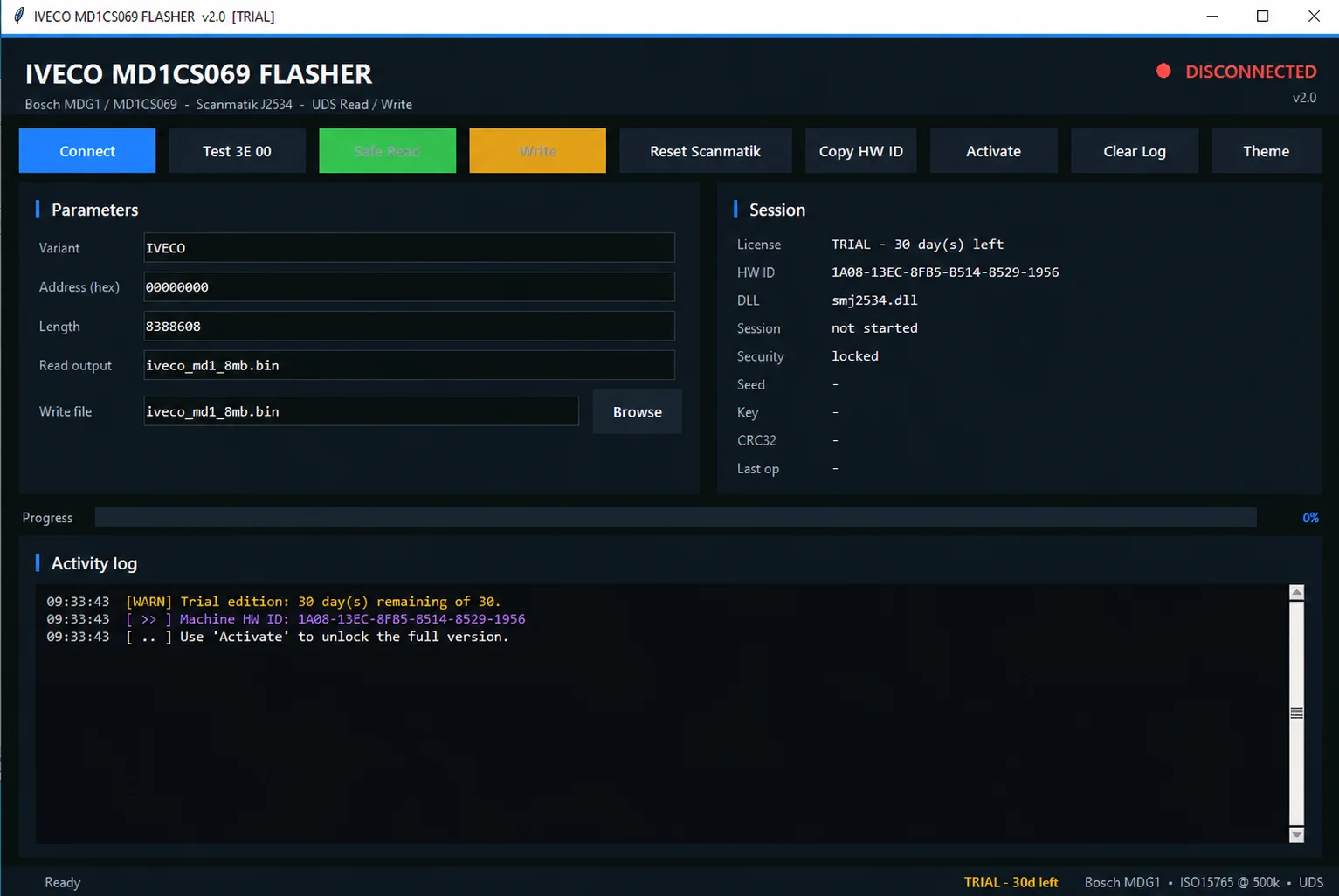
The screenshot is an example v2.0 Trial session: Disconnected, session not started, security locked and progress 0%. It displays an example 30-day trial, smj2534.dll, address 00000000, length 8388608 and the example filename iveco_md1_8mb.bin. The length is a displayed ECU-data parameter, not the application download size or a guaranteed size for every ECU. The example HW ID and trial status do not grant a license to another machine.
The interface subtitle/status includes Bosch MDG1 / MD1CS069 and ISO15765 at 500k with UDS. These are visible interface labels; the catalog compatibility remains limited to documented Iveco MD1CS069 applications. The screenshot does not demonstrate a completed read, write or ECUDB hardware test.
Hardware and Compatibility Requirements
- A compatible Iveco Bosch MD1CS069 ECU and the correct Bench connection for its exact hardware revision.
- An original Scanmatik J2534 interface, with the appropriate working driver and settings.
- A reliable, stable power supply and secure Bench wiring.
- A Windows computer. Exact supported Windows versions, CPU architecture, runtime and minimum RAM/storage are not confirmed.
Scanmatik clone devices and SM3 interfaces are declared untested. Compatibility with clone equipment is not guaranteed. Do not infer support for other J2534 adapters from the protocol name alone.
Bench Connector Reference
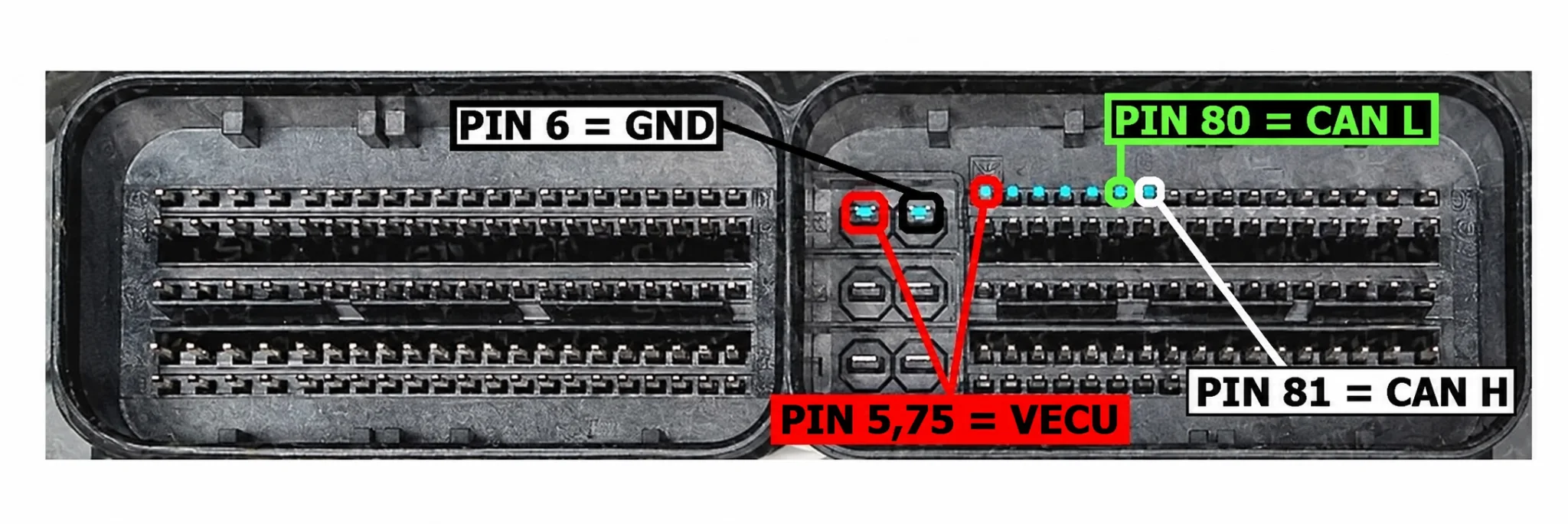
The connector reference identifies power, ground and CAN connections for the illustrated connector. Match the ECU hardware revision, connector orientation and an authoritative wiring reference before making any connection; this image is not proof of compatibility with every MD1CS069 variant.
Trial and Full Activation
The initial documentation describes trying the program before activating Full mode with a machine-specific HW ID and license key. A later activation-enabled build retains version 2.0 and adds automatic Full activation tied to the current machine. An older downloaded build must be replaced with that updated build to use the added activation mechanism.
The documented activation process uses the HW ID copied from the application. It depends on an external activation service and its availability; ECUDB does not issue activation keys or provide that service.
- Use the legitimate activation-enabled build for the intended license.
- Launch the application and copy its HW ID with Copy HW ID.
- Provide only the required HW ID through the authorized activation channel; old activation keys are not the requested identifier.
- Complete the authorized activation process and check the application confirmation.
The confirmation reads Full version activated on this machine. The example below illustrates that dialog, not an activation performed by ECUDB or a transferable license.
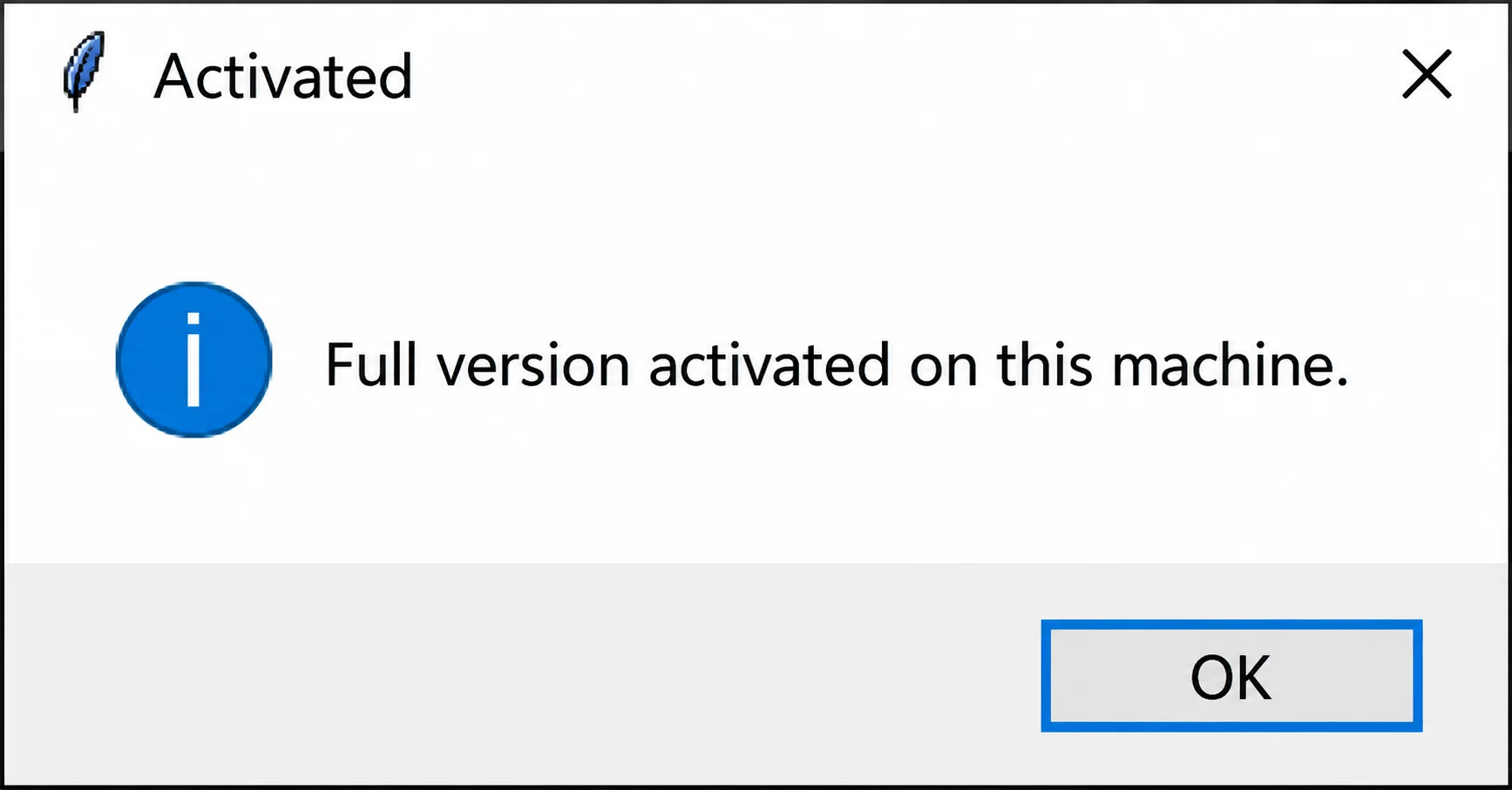
The Trial screenshot and Full activation example show different license states. Current license terms, the entitlement of any future download and activation-service availability are not confirmed; the catalog license category remains Unknown.
Checksum and Writing Precautions
The checksum must be calculated and corrected manually before writing a modified file back to the ECU. Do not assume that the flasher corrects it automatically.
Before writing, verify all of the following:
- The ECU file parameter is specified correctly for the intended operation.
- The checksum has been corrected properly.
- The Bench connection is stable.
- The power supply is reliable.
- The correct interface and settings are selected.
A wrong file, incorrect checksum or unstable power supply can cause a programming failure or ECU damage. Retain the original read and verify the exact ECU, file and operation before programming.
Version Information
The documented application version is 2.0. A later build adds the machine-specific automatic Full activation mechanism without changing that version number. Actual software release/update dates, package size and developer identity are not confirmed.
Important
Use this software only for authorized professional ECU service. The checksum must be corrected manually before writing a modified file.
Confirm the exact ECU application, file parameters, corrected checksum, original Scanmatik interface, stable Bench connection and reliable power supply before programming. Clone Scanmatik devices and SM3 remain untested.
Improper use, incorrect file selection, checksum errors, unstable power or an interrupted or unsuccessful flash can damage the ECU, vehicle, interface or data. The available material does not establish independent ECUDB hardware testing or a guarantee of successful recovery.
Technical Compatibility
Supported Modules
Operating Systems
File Formats
ECU Families
System Requirements
- Windows computer; exact supported versions and architecture not confirmed
- Original Scanmatik J2534 interface with appropriate working driver
- Compatible Iveco Bosch MD1CS069 ECU and correct Bench wiring
- Reliable, stable Bench power supply
- Manually corrected checksum before writing modified files
- Clone Scanmatik devices and SM3 interfaces are untested
Screenshots
Related Software
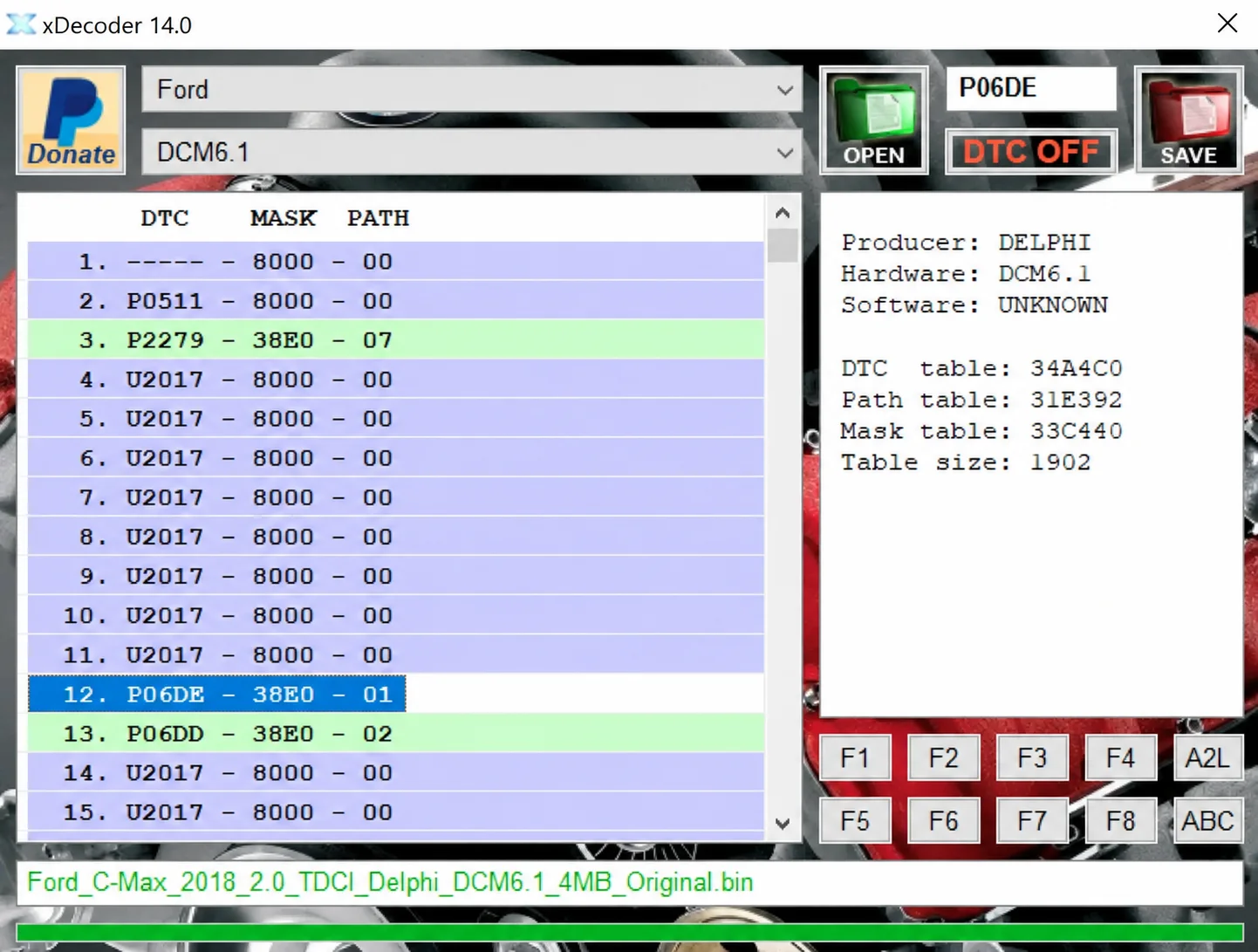
Windows BIN analysis and DTC editing utility for supported Bosch, Delphi, Continental, Siemens, Visteon and other ECU strategies.

Offline Windows reference tool for Bosch ECU part numbers, controller families and OE cross-references, with exact, wildcard, prefix and binary-dump identifier searches.
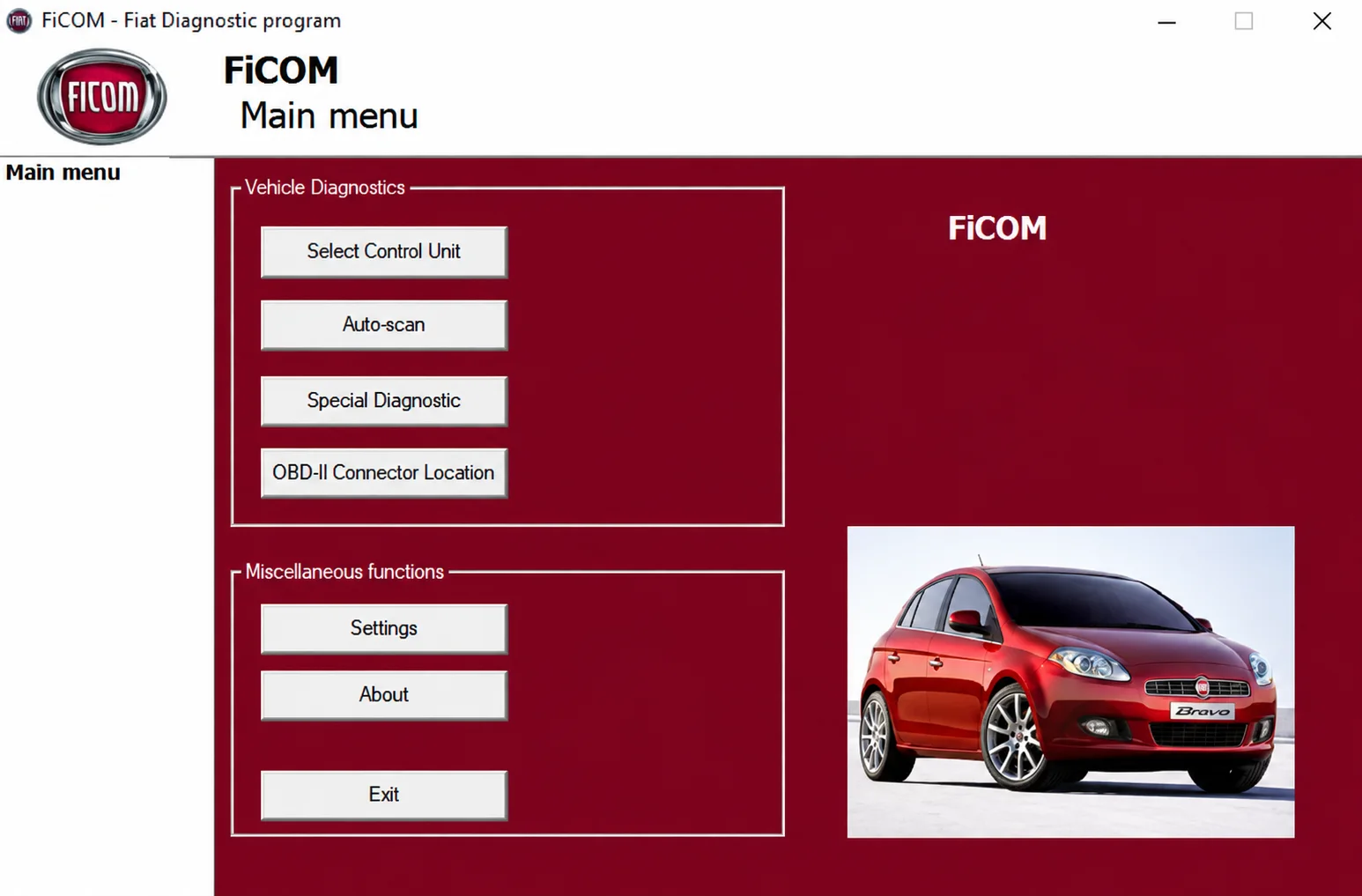
Windows diagnostics for supported Fiat-group vehicles, with ECU selection, auto-scan, fault codes, live parameters and module-specific service functions.

Legacy Windows ECU service software for supported VAG EDC15/ME7, PSA EDC15C2 and Opel Delco controllers, with profile-dependent PIN, identity and EEPROM functions through a matching interface.
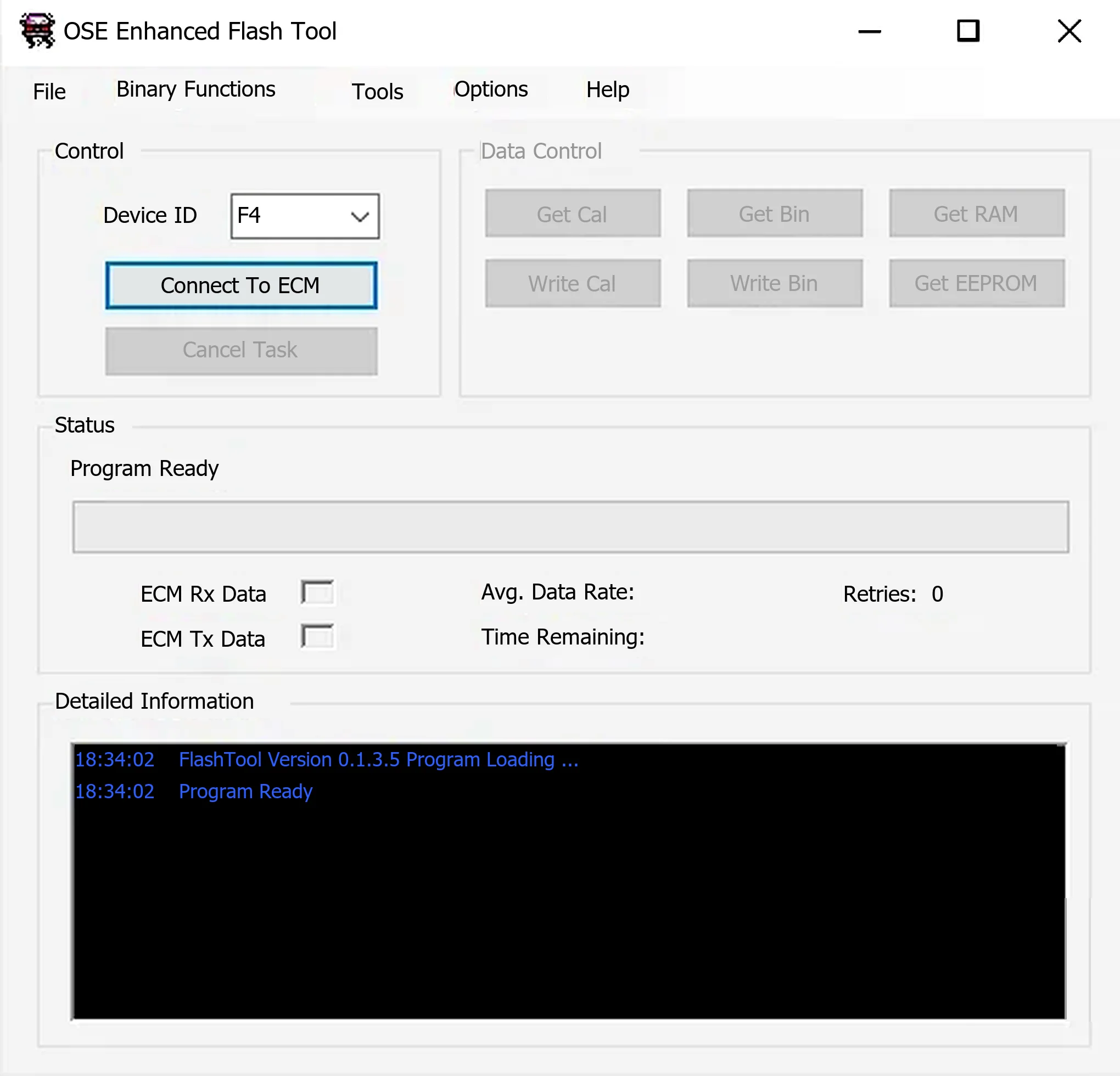
Windows ALDL utility for supported Holden/GM Delco controllers, with calibration, binary, RAM and EEPROM reads, compatible writes and OSE calibration migration.
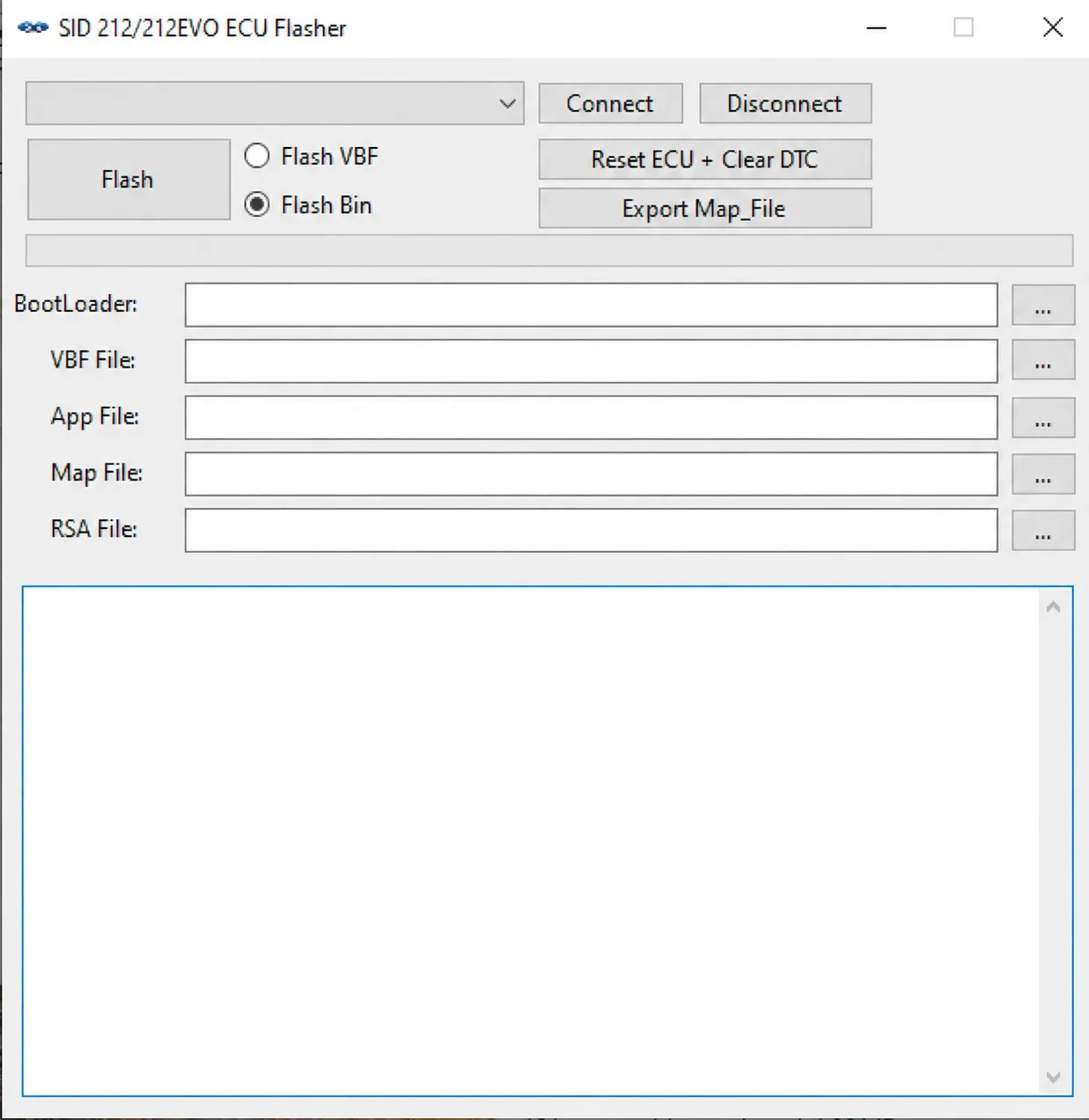
Windows SID212 / SID212 EVO ECU flasher with VBF and BIN modes, J2534 communication, BootLoader / App / Map / RSA file handling, ECU reset and Map export.