
SOFTWARE DATABASE / RELEASE RECORD
VERSION UnspecifiedFiCOM Fiat Group Vehicle Diagnostics and Module Service
Windows diagnostics for supported Fiat-group vehicles, with ECU selection, auto-scan, fault codes, live parameters and module-specific service functions.
Categories
Vehicle references
Overview
FiCOM is a Windows diagnostic application for supported Fiat-group vehicles. It provides manufacturer-specific control-unit access in addition to generic emissions diagnostics, with manual ECU selection, automatic vehicle scanning, special diagnostic functions and OBD connector-location guidance.
A compatible dedicated FiCOM interface and its drivers are required. Coverage depends on the exact model year, engine, transmission, controller and installed definitions; the presence of a brand or model in the selector does not establish support for every ECU or active test.
What This Resource Is For
Carry out a structured initial scan, identify controllers, investigate fault codes, review live measurements and perform supported service operations. With the correct interface and vehicle definition, FiCOM can provide deeper module access than a generic EOBD reader.
Confirmed Functions
- Scan the vehicle automatically for responding control units.
- Choose a specific controller manually for a targeted diagnostic session.
- Read manufacturer-specific and generic diagnostic trouble codes, and clear them where supported.
- Display controller identification and available live parameters.
- Run supported actuator tests, adaptations and service routines after checking their prerequisites.
- Consult OBD-II connector-location information.
- Retain diagnostic findings for comparison before and after the repair.
Main Menu
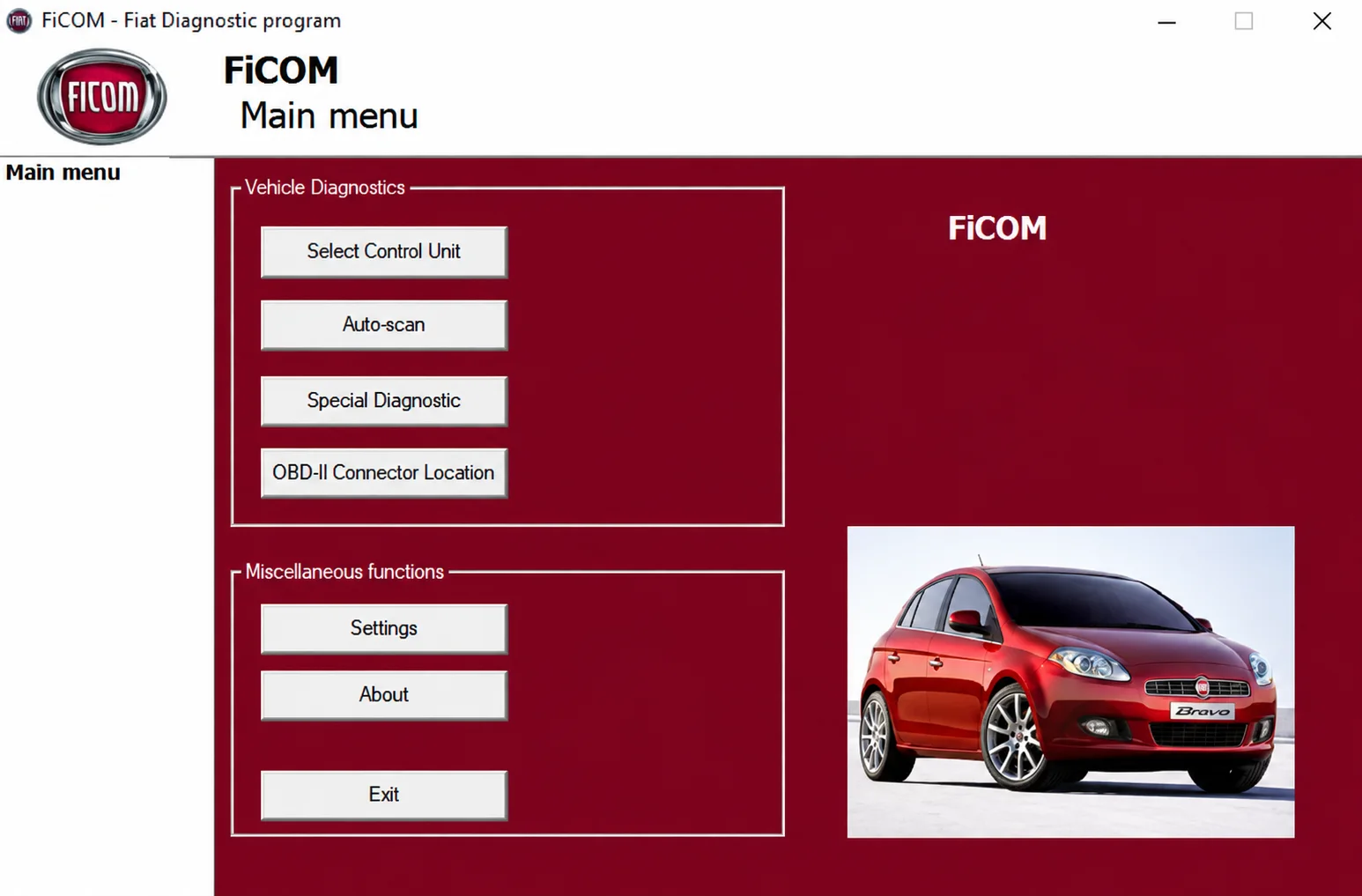
The illustrated menu contains Select Control Unit, Auto-scan, Special Diagnostic and OBD-II Connector Location. Settings, About and Exit appear in the miscellaneous-functions group.
Supported Vehicles, Controllers and Files
- The core product targets Fiat, Alfa Romeo and Lancia diagnostics.
- The supplied selector also shows Abarth, light Iveco, Maserati, Innocenti and related platforms.
- Citroën, Ford and Peugeot branches are visible; confirm their actual availability in the installed build.
- Engine, transmission, ABS, airbag, body, climate and other controller functions vary by vehicle and model year.
- No universal coverage is established for every listed vehicle, interface or software build.
Model Selection
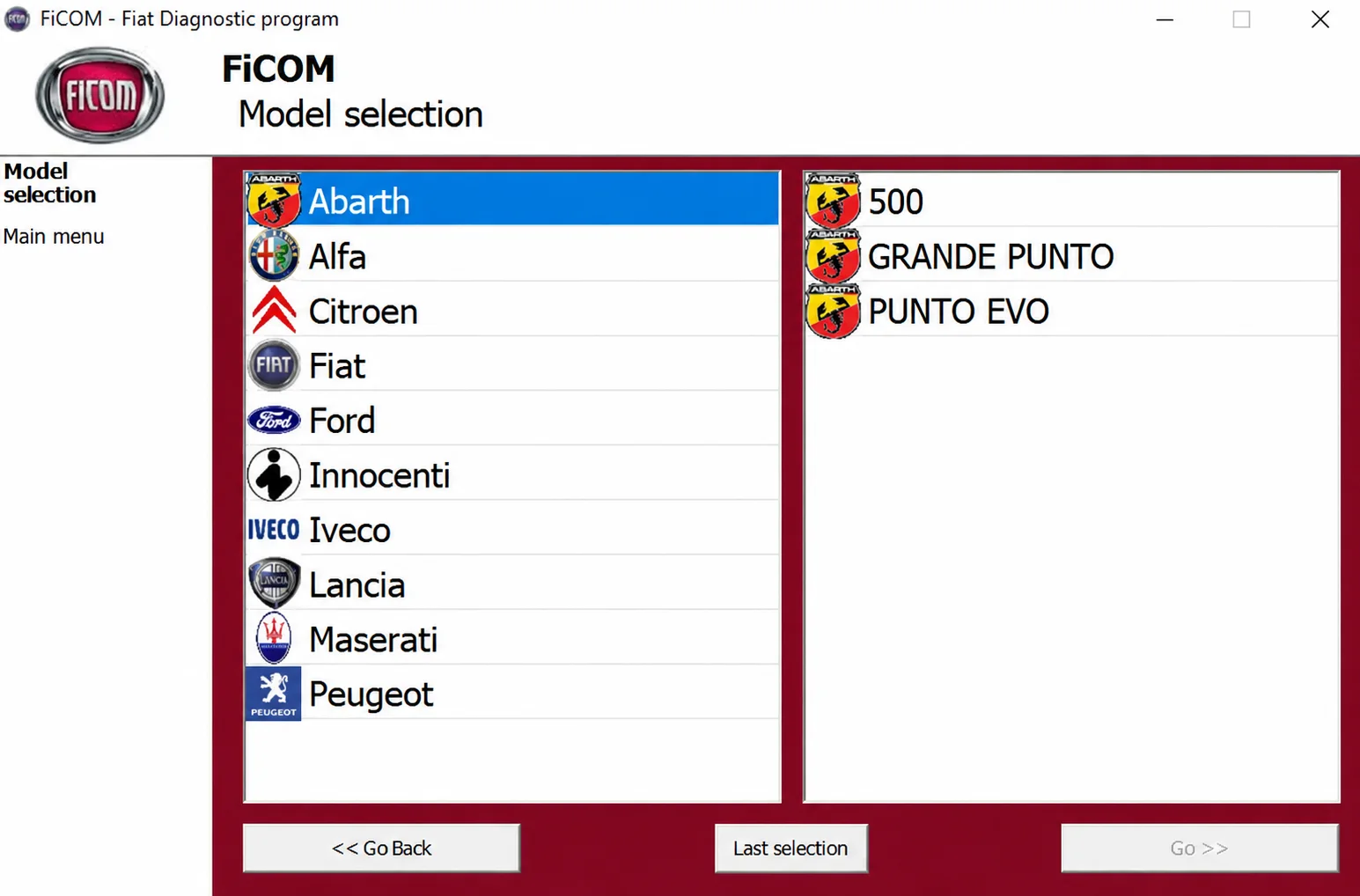
The screenshot lists Abarth, Alfa, Citroen, Fiat, Ford, Innocenti, Iveco, Lancia, Maserati and Peugeot. With Abarth selected, the model panel displays 500, GRANDE PUNTO and PUNTO EVO. These entries document the selector, not a complete compatibility list.
Package Contents
- One FiCOM setup executable.
- No separate vehicle-firmware bundle or collection of raw ECU files.
- Two application screenshots showing the main menu and model selector.
- Package documentation describes archive-content testing and static installer examination without executing it. These are documented review claims, not ECUDB runtime tests.
System, Hardware and Interface Requirements
- A Windows diagnostic laptop with a free USB port. The exact Windows edition and architecture requirements of this unidentified build are not confirmed.
- A compatible dedicated FiCOM diagnostic interface and the correct driver.
- The appropriate vehicle adapter where a non-standard diagnostic connector is used.
- Stable vehicle battery support for active tests, adaptations and coding.
- Applicable service information for interpreting measurements and completing the repair correctly.
Recommended Workshop Workflow
- Confirm the VIN, model year, engine and transmission before connecting.
- Connect the interface with the ignition off, then follow the application’s ignition instructions.
- Run an automatic scan and save the initial module list and fault inventory.
- Open the affected ECU, confirm its identification and compare live measurements with service data.
- After repairing the underlying fault, perform only the required test or adaptation.
- Complete a final scan and record cleared, remaining and newly introduced codes.
Compatibility Limits and Responsible Use
- An ELM327 adapter is not a replacement for the dedicated FiCOM interface.
- A fault-code description alone does not identify the failed component.
- Actuator tests and coding can produce unsafe behaviour if prerequisites are ignored.
- Support depends on vehicle architecture and the database installed with the application.
- Capture freeze-frame and controller-identification information before clearing faults.
Troubleshooting
- Interface not detected: check the correct driver, USB cable and selected communication port.
- No ECU response: verify ignition state, battery voltage, connector pin assignment and the manual controller selection.
- A module is missing from auto-scan: try the exact model and ECU branch before concluding that the module is absent.
- Live measurements stop: inspect the vehicle network and interface power before reconnecting.
- Adaptation fails: verify the procedure’s prerequisites, existing module faults and security-access requirements.
File Integrity and Safety Notes
Package documentation reports extraction and archive checks, including nested containers where present, with static examination of native executables without launching them. ECUDB has not run the installer or carried out a diagnostic session on a vehicle.
Keep untouched originals, work on copies and use current independent security scanning. Before a vehicle or module write, provide stable power and a proven recovery procedure. Hash records and structural checks do not by themselves establish that an unsigned or activation-modified executable is malware-free.
Technical Compatibility
Supported Modules
Operating Systems
System Requirements
- Windows diagnostic laptop with a free USB port
- Compatible dedicated FiCOM diagnostic interface and correct driver
- Vehicle-specific adapter for non-standard diagnostic connectors, where required
- Stable vehicle battery support during active tests, adaptations and coding
- Service information for the exact vehicle and controller
- Exact build version, Windows edition and architecture requirements are not confirmed
Screenshots
Related Software

Offline Windows reference tool for Bosch ECU part numbers, controller families and OE cross-references, with exact, wildcard, prefix and binary-dump identifier searches.
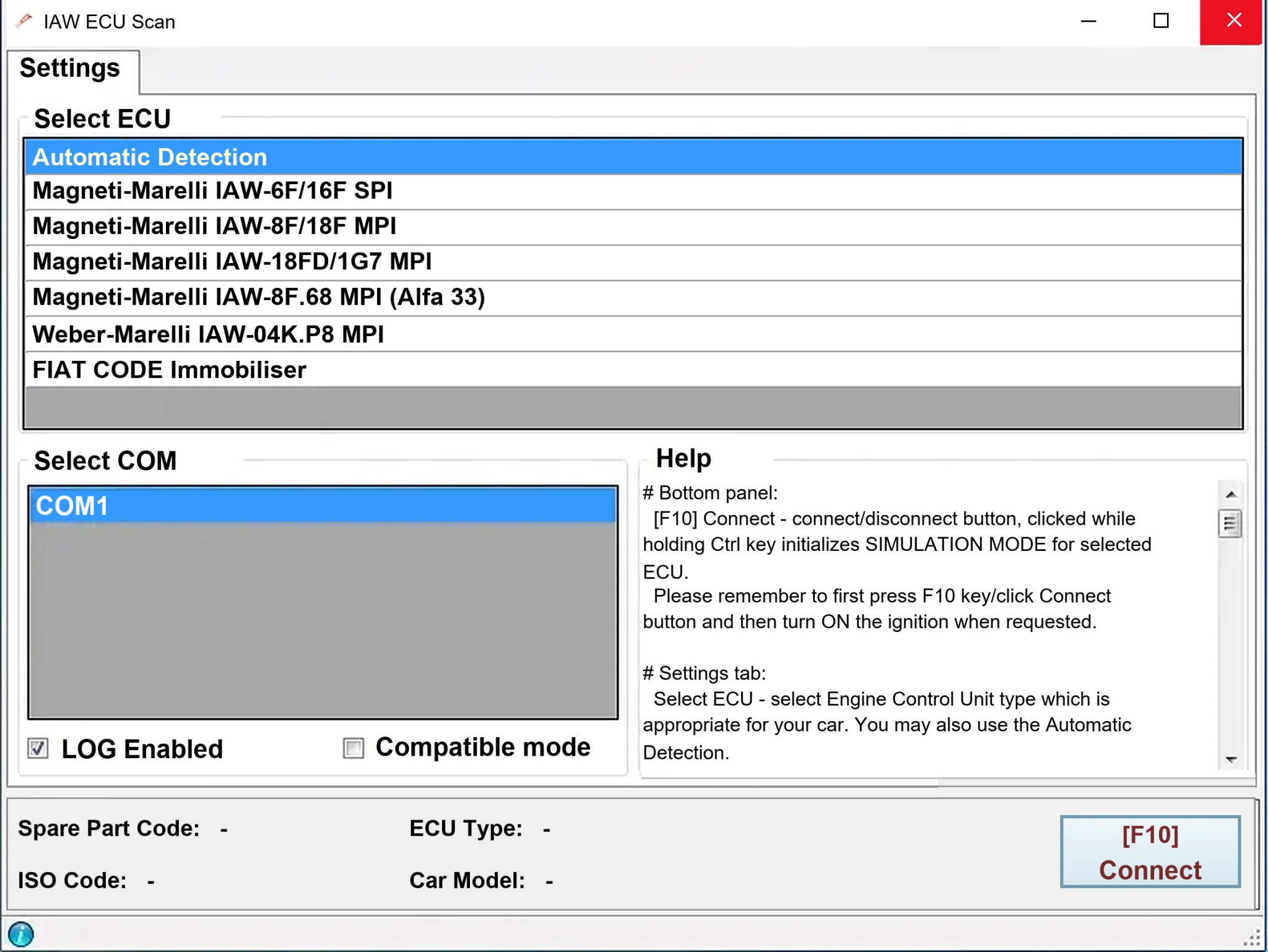
Windows diagnostics for selected legacy Magneti Marelli IAW ECUs in Fiat, Lancia and Alfa Romeo vehicles, using a KKL K-line interface for identification, faults and live data.

Windows map and axis detection for supported Siemens PPD/SID full BDM binaries, with table and 3D views, DTC analysis and XDF/A2L definition export.

Offline Windows checksum inspection and correction for recognized Bosch and Sagem petrol ECU binaries, with eight supplied modules and All, Bad and Fixed counters.
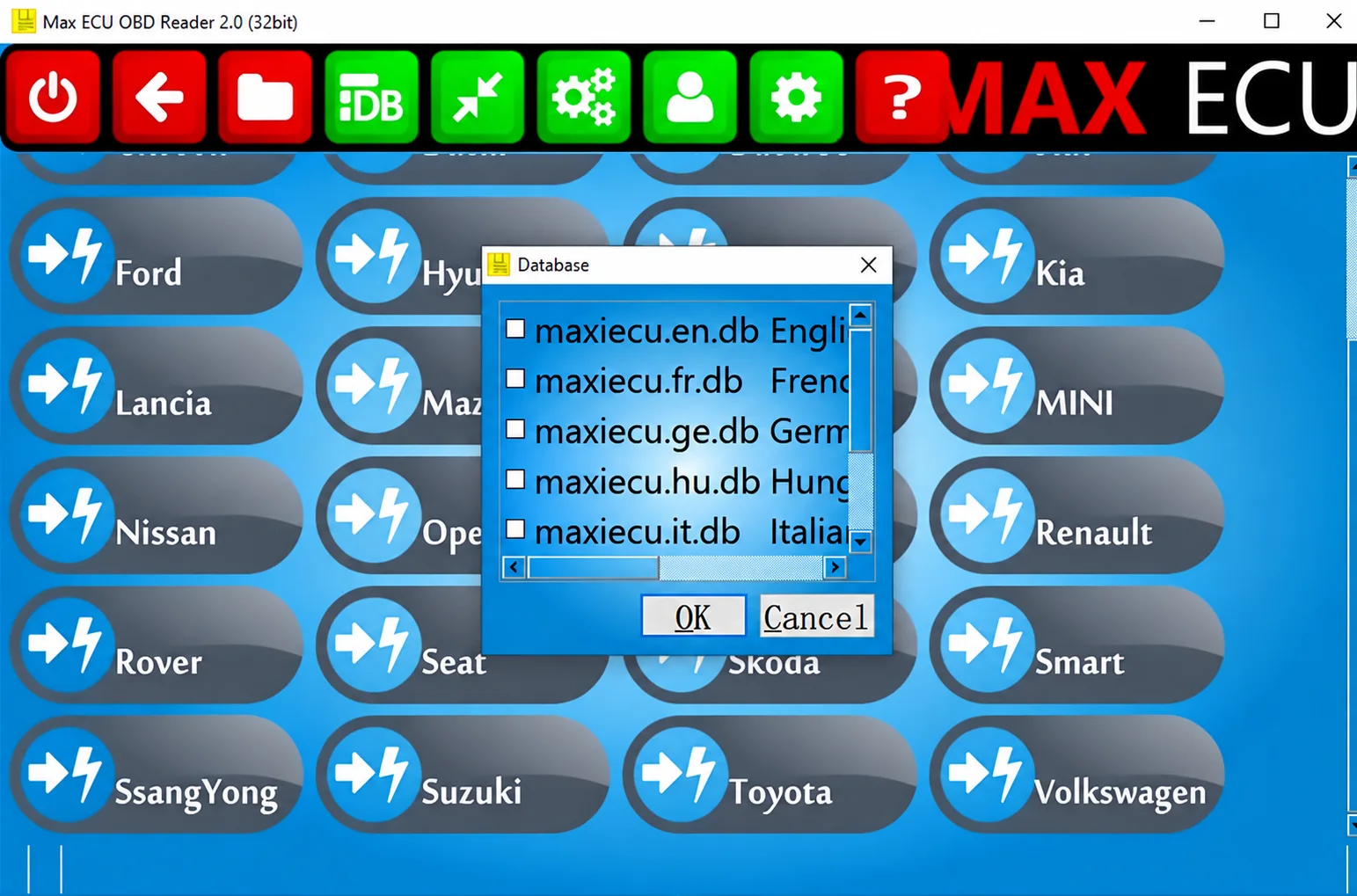
Legacy Windows multi-brand diagnostics with generic OBD, licensed manufacturer modules, live data and supported service functions using compatible MaxiECU hardware.
Windows diagnostic software for supported Alfa Romeo and Fiat-family ECU profiles, with K-Line/CAN communication, live sensors, DTCs, actuator tests and calibration routines.