
SOFTWARE DATABASE / RELEASE RECORD
VERSION 2.0.0BMW EGS7 / 7DTC300 / AISIN ISN Reset Tool EEPROM and ENET Workspace 2.0.0
Windows workspace for BMW EGS7 (GEN3), 7DTC300 and AISIN EGS: read-only EEPROM ISN analysis, ENET/ZGW discovery and guarded two-phase ISN reset.
Categories
Vehicle references
Overview
EGS OBD ISN Workspace 2.0.0 is a Windows service utility for BMW transmission controllers in the EGS7 (GEN3), 7DTC300 and AISIN EGS families.
It brings local EEPROM analysis, recovery of a 16-byte ISN, BMW ENET / ZGW discovery and a guarded two-phase EGS reset into one workspace. EEPROM parsing is read-only; the network reset is a separate state-changing service operation.
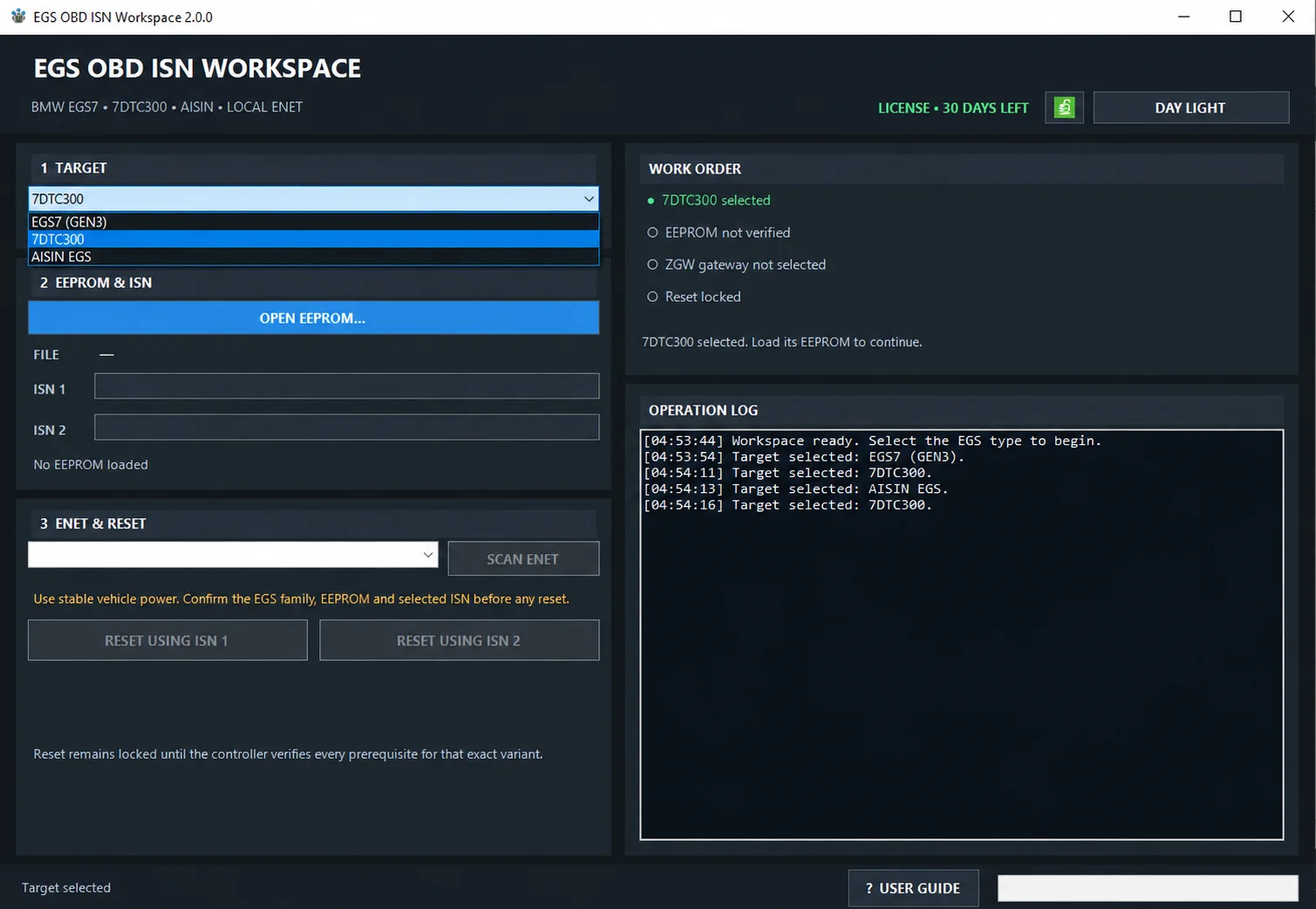
EGS OBD ISN Workspace 2.0.0 with target selection, EEPROM/ISN fields, ENET/reset controls, Work Order and Operation Log.
Supported EGS Families
- BMW EGS7 (GEN3).
- 7DTC300.
- AISIN EGS.
Each family has its own file-validation rules and reset availability. Select the actual controller family before opening its EEPROM image; the application does not identify the correct family or file origin automatically.
Key Features
- BMW EGS7 (GEN3), 7DTC300 and AISIN EGS target selection.
- Local EEPROM-file analysis.
- Recovery of a 16-byte ISN.
- ISN display as 32 hexadecimal characters.
- ISN 1 and ISN 2 handling where valid values are available.
- BMW ENET / ZGW network discovery.
- Manual entry of a verified ZGW IPv4 address.
- Guarded two-phase EGS reset workflow.
- Reset locking specific to the selected variant.
- Work Order checks for the required prerequisites.
- Chronological Operation Log.
- Definite protocol-success detection from a final C0 01 response.
- Dark Night and Day Light themes.
- HWID-based offline licensing.
- Embedded English User Guide.
EEPROM Reading and Analysis
Read the complete EEPROM separately with Flex, PCM Flash or another suitable EEPROM-reading tool. This application does not read EEPROM directly from the EGS: it analyses the local BIN after the external read is complete.
- Read and save the complete EEPROM from the intended EGS.
- Preserve an untouched backup of that original read.
- Select the matching EGS family in the workspace.
- Load the saved file with OPEN EEPROM.
- Check the recovered ISN data against the intended controller and file origin.
- Connect to the intended BMW ZGW through ENET.
- Use only a reset variant unlocked by the validated EEPROM.
Local EEPROM processing is read-only. The selected BIN is not modified by the parser.
EEPROM Requirements
EGS7 (GEN3)
The documented image-size range is 200,000 to 1,200,000 bytes. A recognized EGS7 signature and the complete primary ISN payload must also be present. This family uses the verified primary ISN 1.
7DTC300
The parser looks for the supported 7DTC300 structure and can recover one or two valid 16-byte ISNs.
- ISN 1 supplies the primary reset variant.
- ISN 2 supplies the second reset variant only if a valid second value is recovered.
Variant 2 stays locked when a valid ISN 2 is absent. The documented requirements do not specify a universal file size for this family.
AISIN EGS
The accepted EEPROM sizes are:
- 64 KiB — 65,536 bytes.
- 128 KiB — 131,072 bytes.
AISIN uses the verified primary ISN 1.
BMW ENET / ZGW Connection
Once a valid EEPROM has been loaded, the application can discover the BMW ZGW on the wired ENET network.
- SCAN ENET searches for available local BMW ZGW addresses.
- Manual entry accepts a separately verified ZGW IPv4 address.
A known, verified network route can also be used when the workshop configuration provides access to the correct gateway endpoint. Vehicle operations run locally, without a remote ECU-processing backend.
Work Order Safety Gates
Reset availability depends on all four prerequisite checks:
- Target — a supported EGS family is selected.
- EEPROM — the file is accepted and a valid ISN is recovered.
- ZGW — a valid gateway IPv4 address is selected.
- Reset — the requested variant has a valid, verified ISN source.
Changing the target clears dependent EEPROM and gateway state, preventing data from different controllers from being mixed.
Two-Phase EGS ISN Reset
The workspace exposes two guarded actions:
- RESET USING ISN 1.
- RESET USING ISN 2 — available only for 7DTC300 when a valid second ISN has been recovered.
The confirmed reset runs in two phases through the selected ZGW route, using the verified ISN source. Do not interrupt the operation between phases. Maintain stable vehicle power and the wired ENET connection until the complete result appears.
After reset, complete the required EGS coding with E-Sys, then check controller identity, communication and normal operation.
Reset Result
The documented definite-success condition is a final response ending in:
C0 01This confirms the application's expected protocol-success response; it does not replace post-reset coding or functional checks. If the response does not end in C0 01, or communication is interrupted, establish the current EGS state before considering another attempt. Do not blindly repeat the reset.
Local / Offline Operation
- EEPROM analysis runs on the workshop computer.
- ZGW discovery uses the local ENET network.
- Reset targets the selected local ZGW.
- License validation is local after activation.
The documented vehicle workflow has no cloud EEPROM parser, remote ECU-function lookup, telemetry, update check or daily usage quota. Licensing is HWID-based and validated offline after activation; activation availability or a license is not supplied by this catalog entry.
System Requirements
- Windows 7 SP1, Windows 8.1, Windows 10 or Windows 11.
- 32-bit or 64-bit Windows.
- Microsoft .NET Framework 4.8.
- Display resolution of 1024 × 768 or greater.
- Known-good BMW ENET cable.
- Active wired IPv4 network adapter.
- Stable regulated workshop power supply.
- Close E-Sys, ISTA and competing diagnostic clients during reset.
Validation Status
The documentation reports deterministic tests for EEPROM parsers, protocol frames, timeouts, error paths and isolated UDP/TCP fixtures. Controlled validation on physical EGS bench hardware remains pending. These are documented development-test claims, not independent ECUDB hardware tests.
Until the physical comparison is complete, state-changing functions belong only in an authorized, controlled service workflow.
Documentation
The package includes the English manual:
User_Guide_EN.pdfIt covers the EGS families, EEPROM requirements, ENET/ZGW discovery, reset variants, operation results, recovery decisions and post-reset verification.
Important
EGS OBD ISN Workspace is intended for authorized professional BMW transmission-control service work.
The application does not automatically determine the correct EGS family or EEPROM source.
Verify the controller family, EEPROM origin, ISN, ZGW endpoint, vehicle authorization, stable programming power and recovery / coding plan before executing a reset.
Do not manually edit an ISN, bypass a disabled reset action or blindly repeat a state-changing command after an uncertain result.
Technical Compatibility
Supported Modules
Operating Systems
File Formats
System Requirements
- Windows 7 SP1, Windows 8.1, Windows 10 or Windows 11.
- 32-bit or 64-bit Windows.
- Microsoft .NET Framework 4.8.
- Display resolution of 1024 × 768 or greater.
- Known-good BMW ENET cable.
- Active wired IPv4 network adapter.
- Stable regulated workshop power supply.
- Close E-Sys, ISTA and competing diagnostic clients during reset.
Screenshots
Related Software
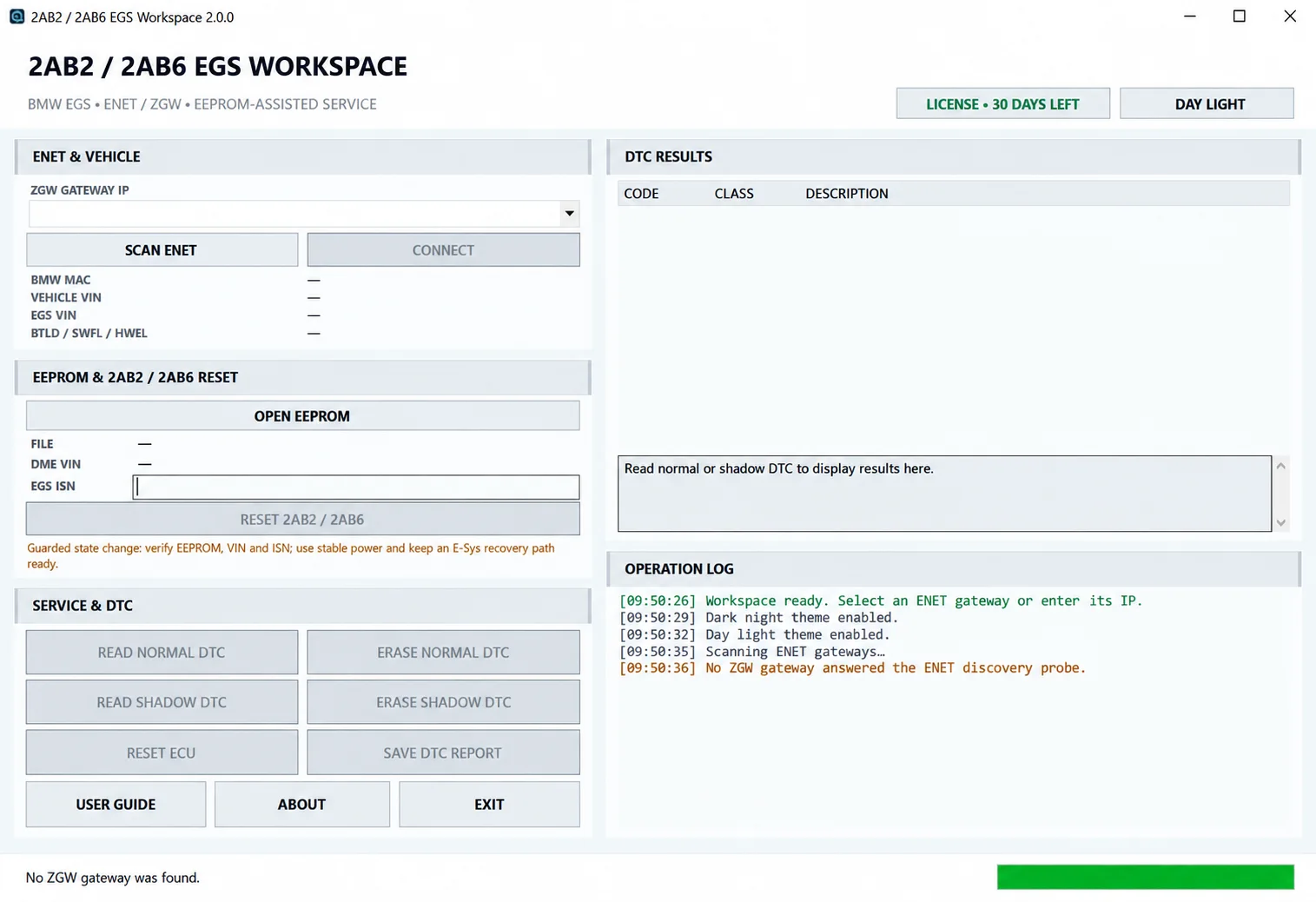
Windows BMW EGS service workspace for ENET/ZGW identification, local EEPROM-assisted VIN and ISN analysis, normal/shadow DTC diagnostics and guarded 2AB2 / 2AB6 reset.
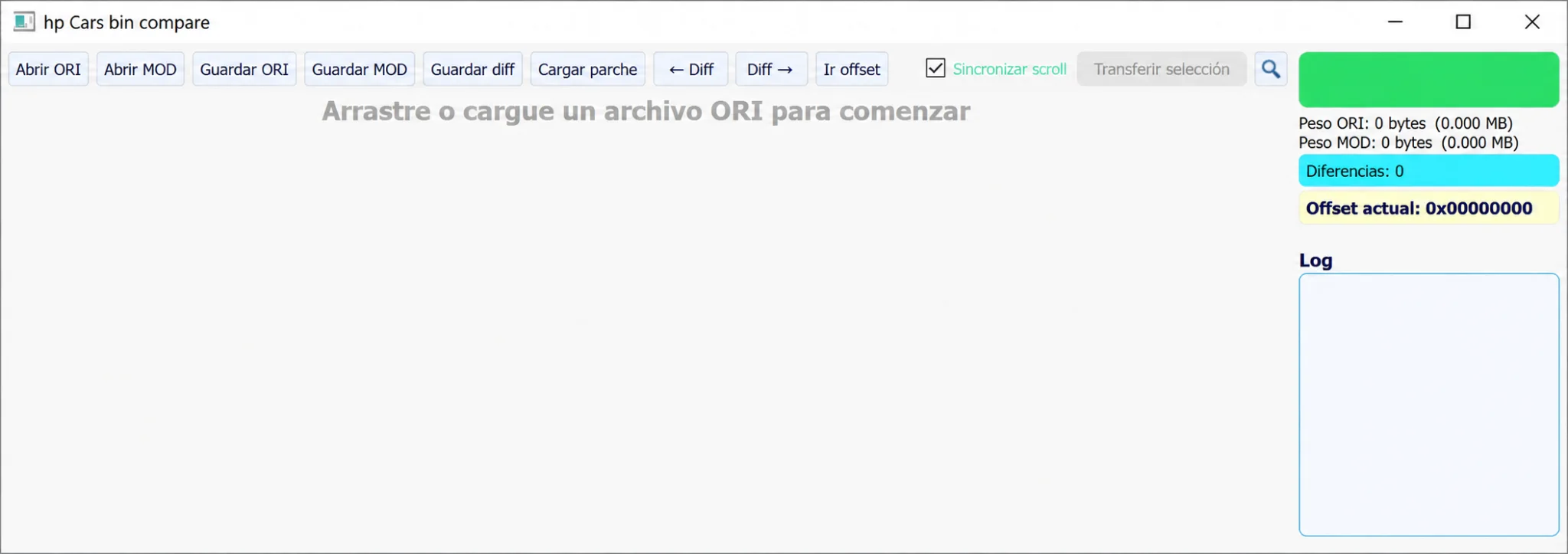
Windows ORI/MOD binary comparator with synchronized scrolling, byte-difference navigation, hexadecimal offsets, selection transfer and patch import/export.
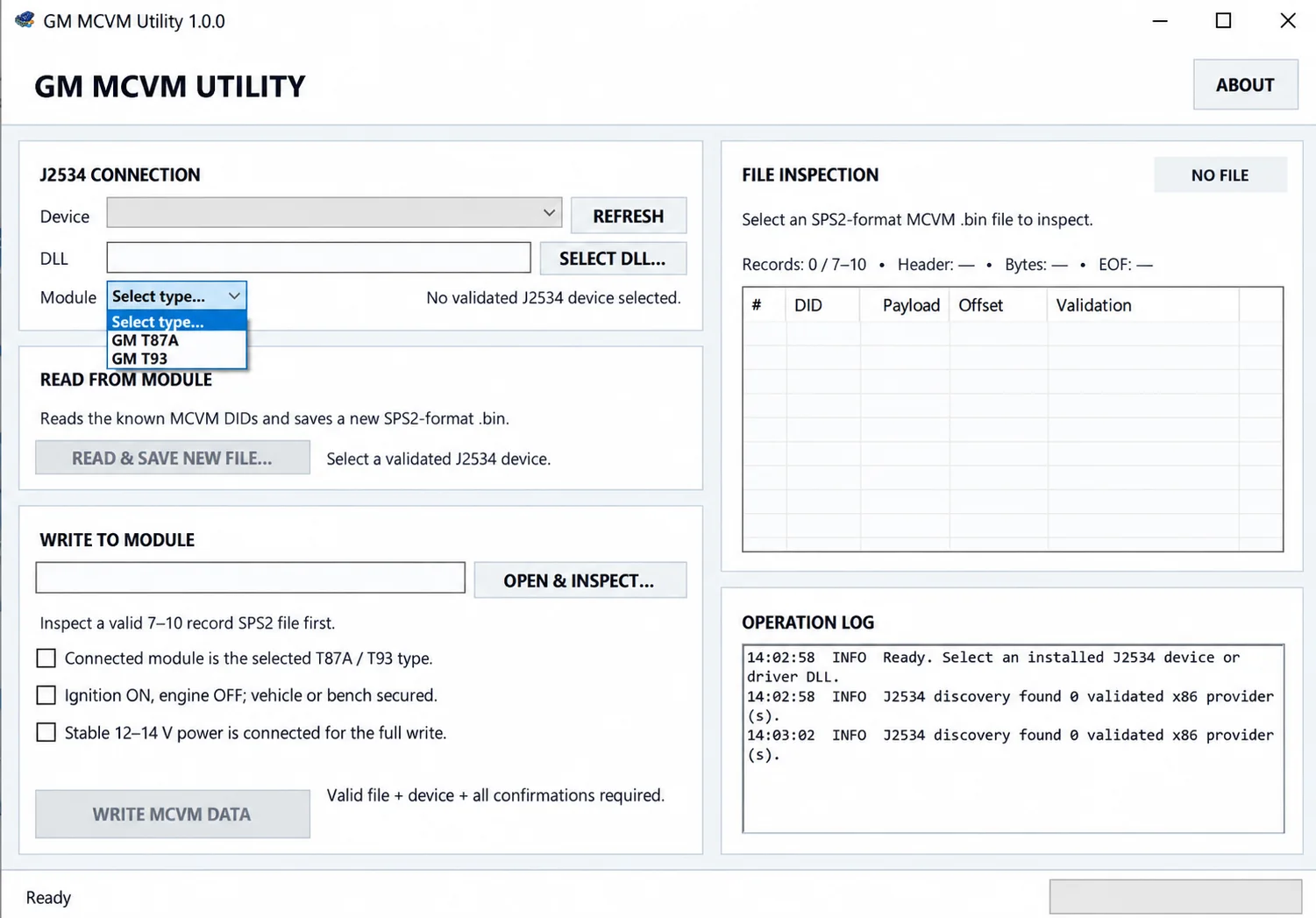
Read, inspect and restore MCVM solenoid characterization data for supported GM T87, T87A and T93 transmission modules using J2534 and SPS2-compatible BIN files.
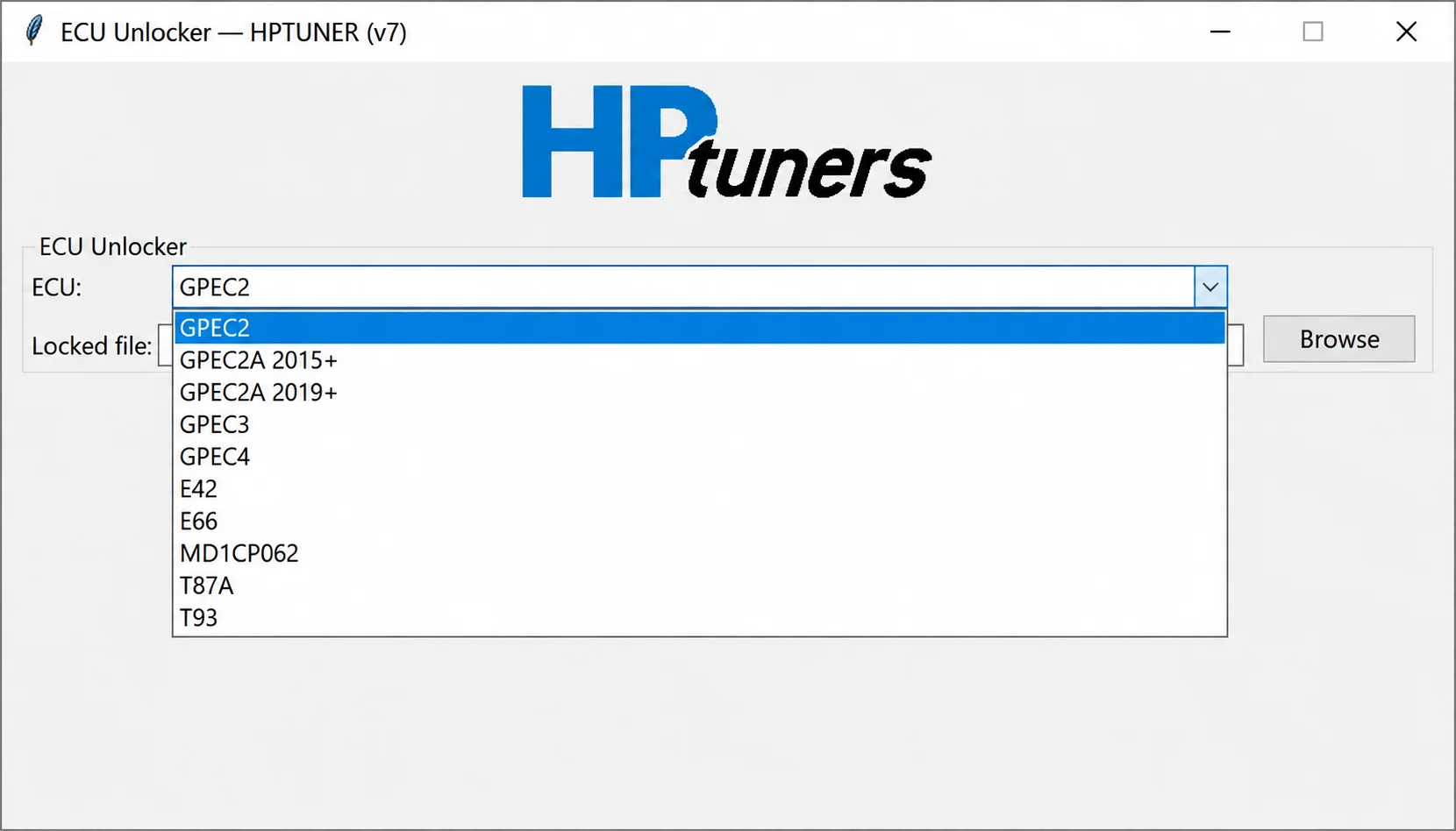
Offline controller-file processing for supported GPEC, E42, E66, MD1CP062, T87A and T93 reads, preparing working files for compatible calibration workflows.
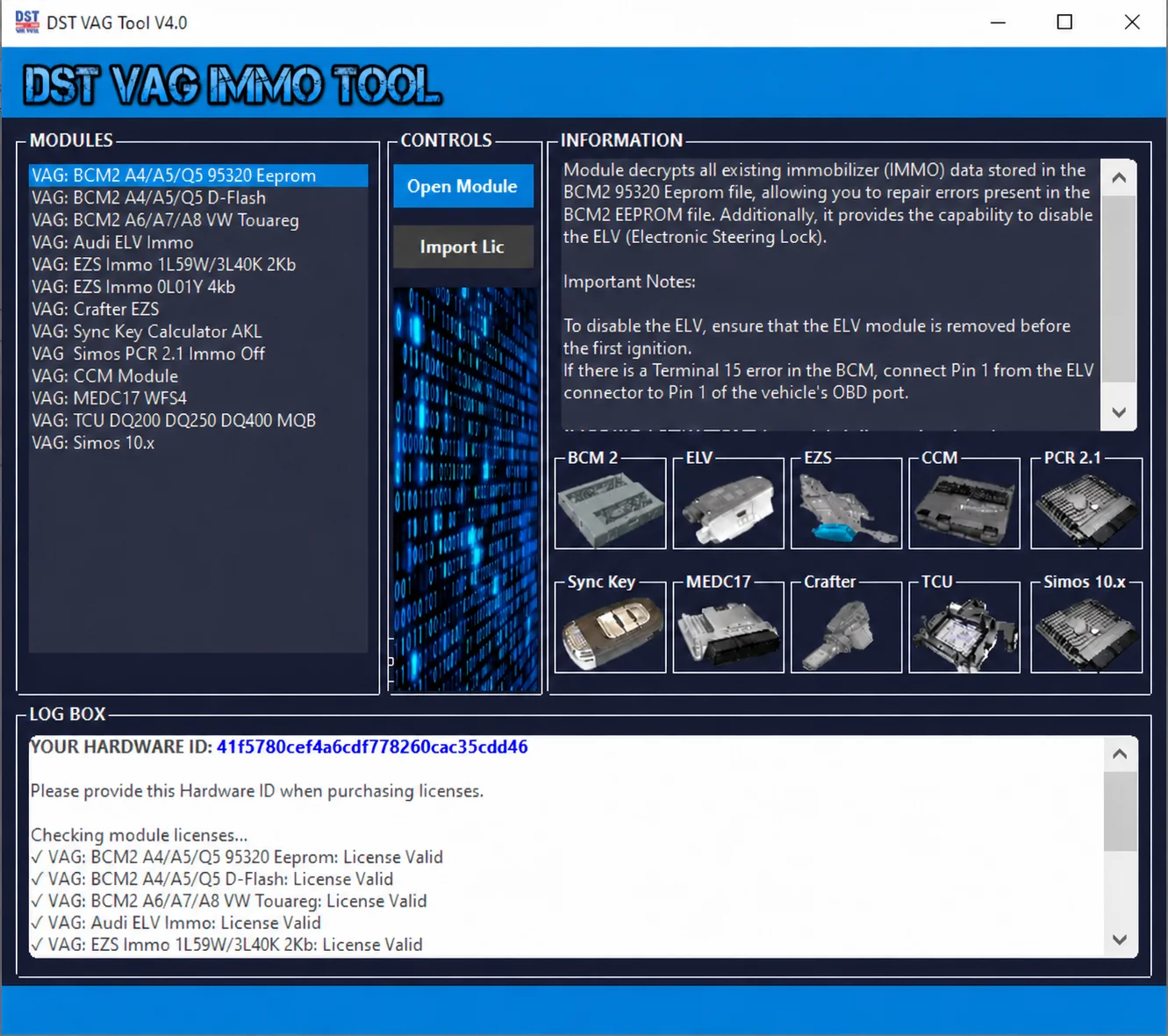
Modular Windows suite for supported VAG EEPROM and flash files, with BCM2, ELV, EZS, CCM, MEDC17, Simos, PCR2.1 and transmission service workspaces.
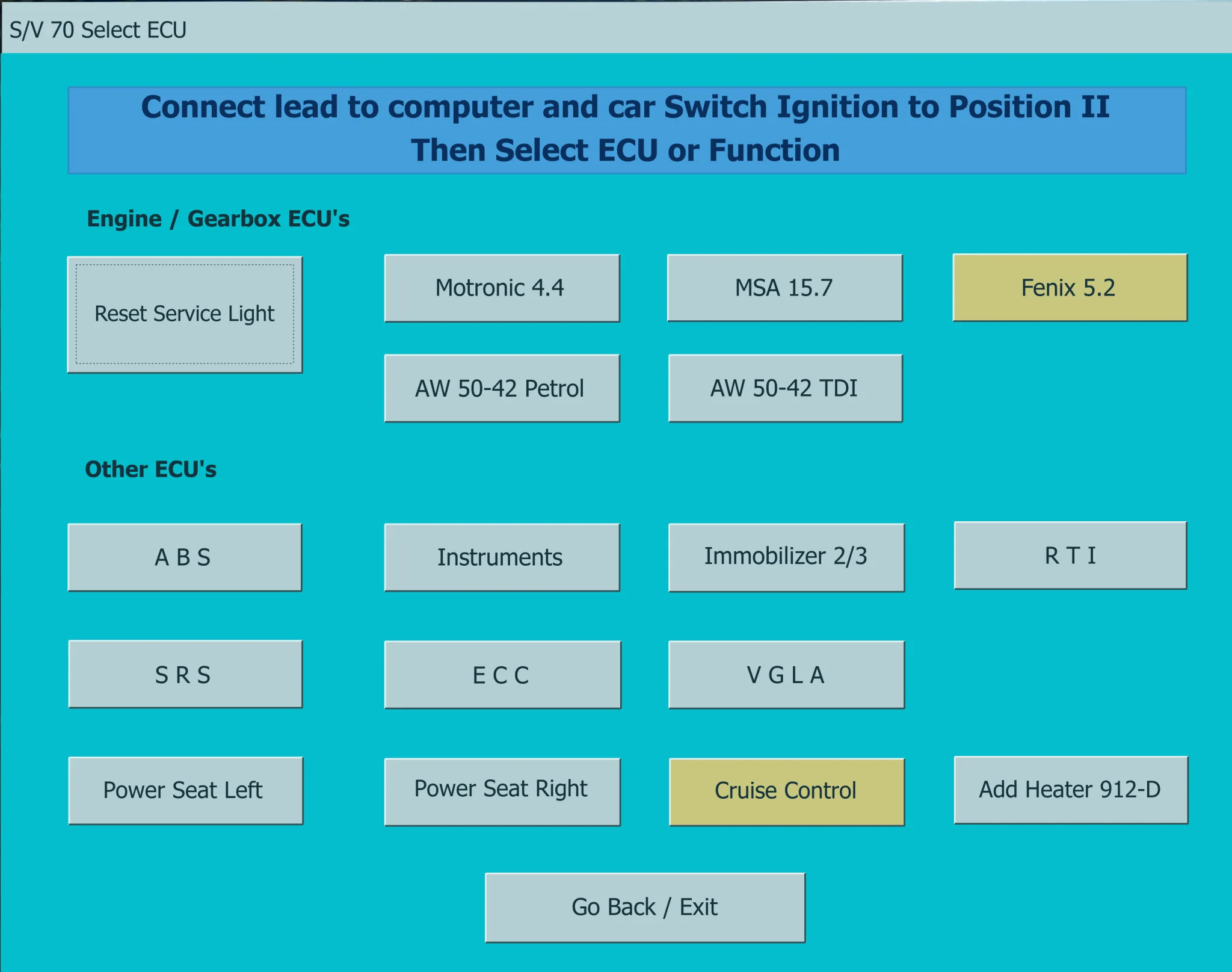
Legacy Windows diagnostics for supported pre-CAN Volvo vehicles, with fault-code reading and clearing, control-unit selection and selected service functions.