
SOFTWARE DATABASE / RELEASE RECORD
VERSION UnspecifiedHP Cars BIN Compare ECU Binary Diff and Patch Editor
Windows ORI/MOD binary comparator with synchronized scrolling, byte-difference navigation, hexadecimal offsets, selection transfer and patch import/export.
Categories
Overview
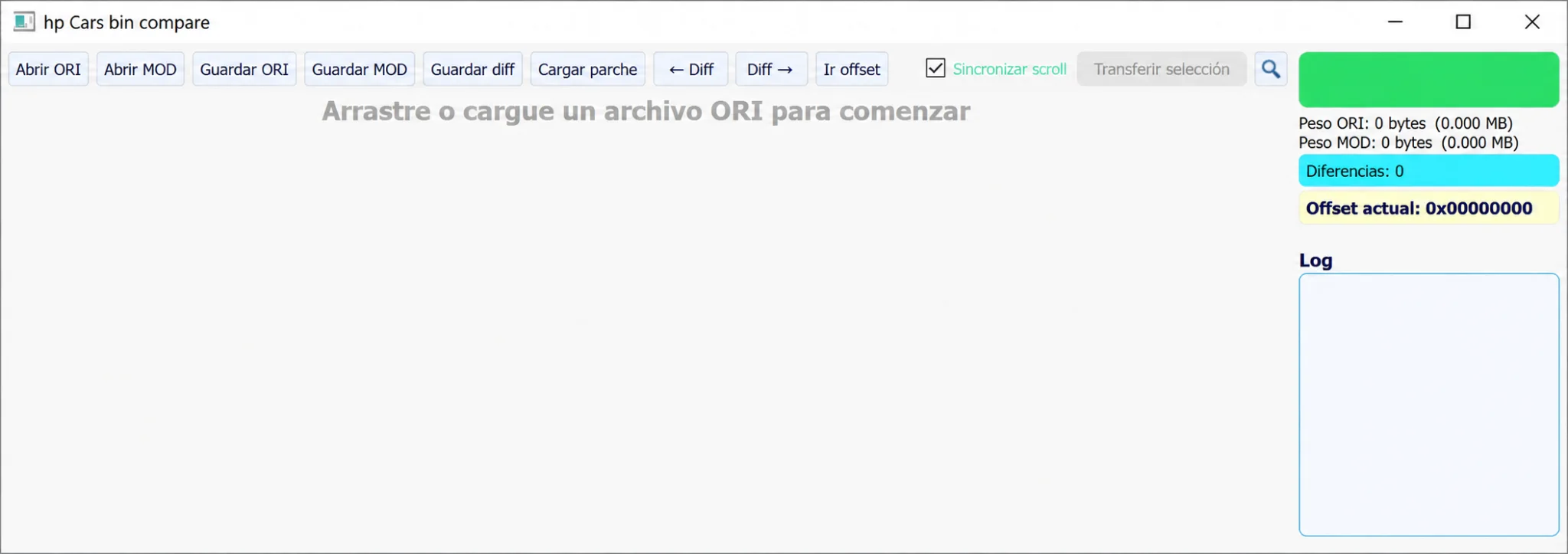
HP Cars BIN Compare is a Windows desktop binary comparison and patch editor for reviewing an original ECU file alongside a modified file. Separate ORI and MOD loaders, synchronized scrolling, difference navigation, direct offset access, selection transfer and patch import/export share one workspace.
It helps review changes made by a tuning or repair tool before programming. It does not automatically identify the ECU or establish that a modification is technically valid; file identity and checksum handling need separate confirmation.
What this resource is for
Use the application to inspect byte-level changes between files with a matching memory layout. Typical tasks include checking a tuned output against its original read, isolating a limited repair patch, confirming that an automated solution affected only the intended areas, and recording offsets for repeatable workshop procedures.
Confirmed functions
- Load original (ORI) and modified (MOD) binaries independently.
- Count changed bytes and move between differences.
- Synchronize both panes when examining the same address.
- Go directly to a hexadecimal offset.
- Export difference information and import a reusable patch.
- Transfer a selected region between working files when their layout is understood.
Supported controllers, files and vehicles
- Raw binary files from ECU, TCU and other automotive modules.
- Meaningful comparisons require compatible file sizes and address layouts.
- The comparator is controller-agnostic; the operator must understand the input data and its origin.
- No OBD, bench or boot communication is provided.
Package contents
- One portable Windows executable.
- No drivers, checksum plug-ins or external databases.
- A screenshot documenting the complete comparison workspace.
- Package documentation reports that the executable contains no embedded version fields and was inspected without being launched. A software version is therefore unspecified; ECUDB has not executed the application.
System and interface requirements
- A Windows computer or an isolated virtual machine.
- A known-good original and its modified counterpart, with their hashes recorded.
- Enough free storage for immutable originals, working copies and exported patches.
- An independent checksum utility or programmer checksum feature where required by the target module.
Recommended workshop workflow
- Read the module twice and confirm that both originals have identical hashes.
- Put working copies of ORI and MOD into a dedicated comparison folder.
- Verify equal file sizes and the known read method before loading both files.
- Inspect every changed region and understand its purpose before exporting notes or a patch.
- Apply edits to a copy, compare the result again, and validate checksum handling before programming.
Compatibility limits and responsible use
- A low difference count does not establish that a file is safe to program.
- Partial, padded or shifted files can produce misleading offset alignment.
- The tool does not decode calibration maps, DTC tables or controller-specific data structures.
- Matching file sizes do not justify transferring data between unrelated software revisions.
Troubleshooting
- Many unexpected differences: confirm that the reads cover the same address range and were obtained in the same mode.
- Shifted differences: look for headers or padding, and distinguish a calibration-only read from a complete flash read.
- A patch does not reproduce the result: verify the base file's hash and the exact destination offsets.
- The programmer rejects a saved output: check its length and required checksum handling.
File integrity and safety notes
Package documentation describes archive testing and extraction, opening nested containers where applicable, and static executable inspection without running the files. These are documented preparation claims, not independently performed ECUDB binary checks.
Keep original ECU, EEPROM and calibration reads immutable and work on copies. Verify output size and checksum requirements, maintain stable power and have a proven recovery method before writing. An unsigned executable is not established as malware-free; use a dedicated analysis environment with current security tools.
Technical Compatibility
Supported Modules
Operating Systems
File Formats
System Requirements
- Windows PC or isolated virtual machine; exact Windows editions and architecture are unspecified.
- Known-good original and modified files with recorded hashes.
- Storage for immutable original files, working copies and exported patches.
- Separate checksum tool or programmer checksum support when required by the target module.
Screenshots
Related Software

Legacy Windows ECU service software for supported VAG EDC15/ME7, PSA EDC15C2 and Opel Delco controllers, with profile-dependent PIN, identity and EEPROM functions through a matching interface.
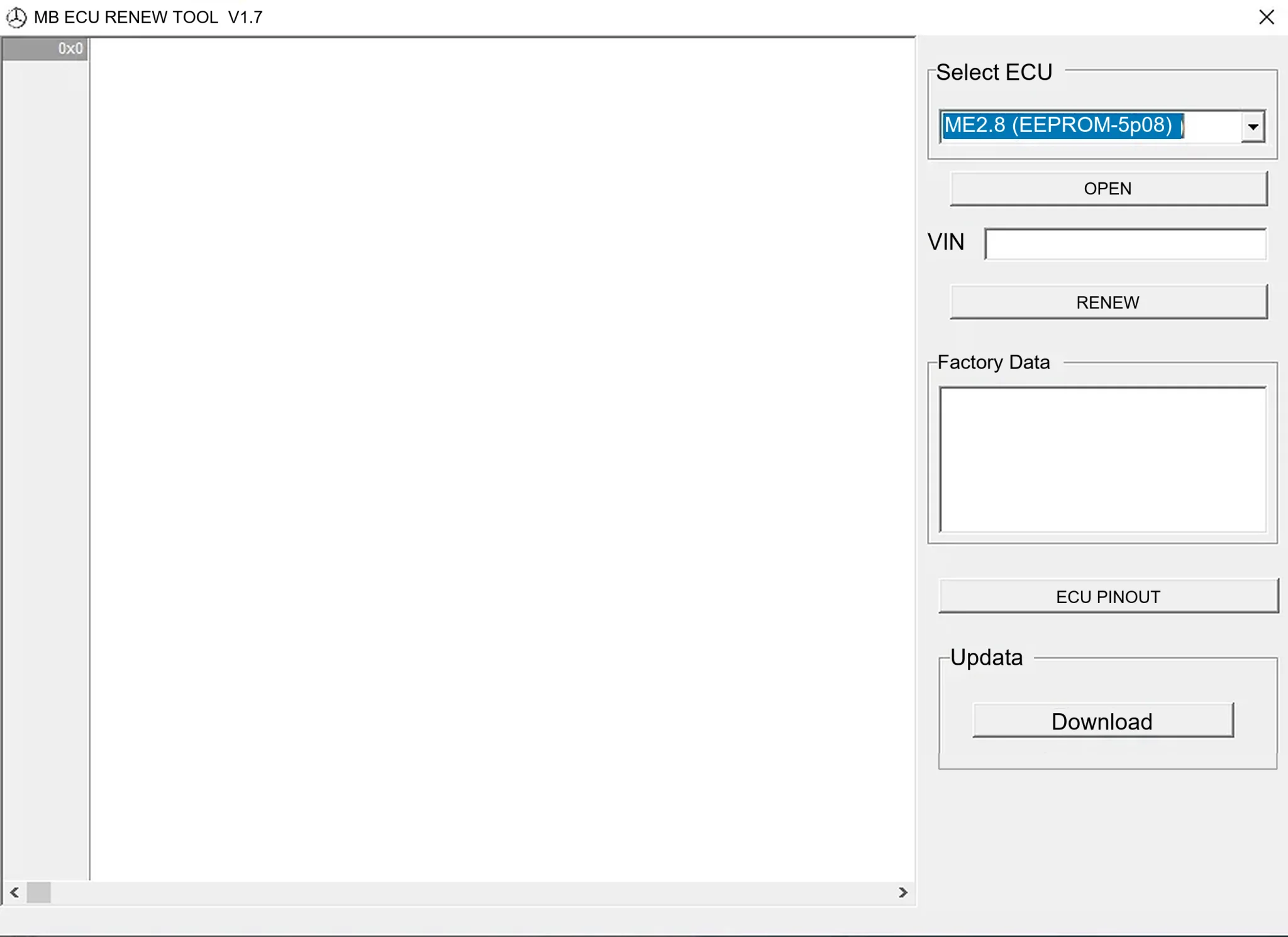
Offline Windows renew and virgin dump editor for selected Mercedes-Benz Bosch ME, EDC15 and Siemens SIM4 ECU profiles, with memory-specific processing and connector diagrams.

Offline Windows reference tool for Bosch ECU part numbers, controller families and OE cross-references, with exact, wildcard, prefix and binary-dump identifier searches.

Windows map and axis detection for supported Siemens PPD/SID full BDM binaries, with table and 3D views, DTC analysis and XDF/A2L definition export.

Offline Windows checksum inspection and correction for recognized Bosch and Sagem petrol ECU binaries, with eight supplied modules and All, Bad and Fixed counters.

Offline Windows command-line decoder and editor for supported Bosch ME7.5 ECU and VAG instrument-cluster EEPROM files, primarily 1.8T Immobilizer III.