
SOFTWARE DATABASE / RELEASE RECORD
VERSION 2.0.0BMW MG1 TC29x Flash Patch, 1CR Repair and FSC Generator 2.0.0
Offline Windows workspace for supported BMW gasoline MG1 / TC29x flash files, combining 8 MiB Flash Patch, post-tuning 1CR Repair and an 11-application FSC Bundle generator.
Categories
Vehicle references
Overview
BMW MG1 Workspace 2.0.0 is an offline Windows utility for processing supported BMW gasoline MG1 / TC29x DME flash files.
It combines three distinct workflows:
- Flash Patch
- 1CR Repair
- FSC Bundle Generator
Both flash workflows require an exact 8 MiB / 8,388,608-byte bench-read image. They recalculate the required MG1 checksum and create a newly verified output while retaining the original input unchanged.
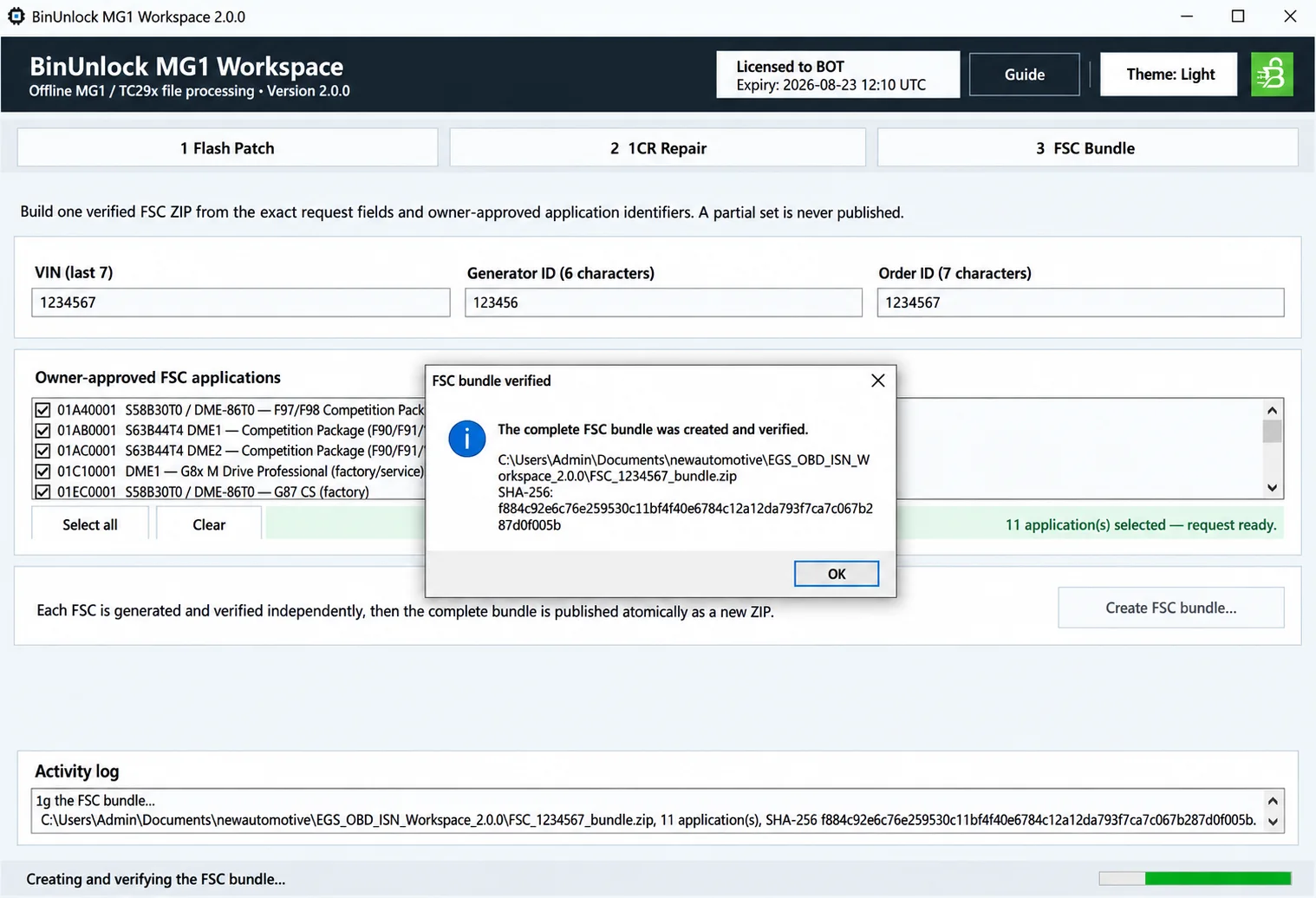
MG1 Workspace FSC Bundle screen with the request fields, application selection and bundle-verification result.
Key Features
- Offline file processing for supported BMW gasoline MG1 / TC29x DME images.
- Inspection of an exact 8 MiB flash image.
- Dedicated BMW MG1 Flash Patch workflow.
- Separate 1CR Repair workflow.
- Support for the documented post-tuning E-Sys SWSigStatus rejected condition.
- Automatic recalculation of the required supported MG1 checksum.
- Source-file SHA-256 inspection.
- Verified output-file SHA-256.
- Original input file is never overwritten.
- Reopening and integrity verification of the finished output.
- Verified BMW FSC Bundle generation.
- 11 supported FSC Application IDs.
- VIN last 7, Generator ID and Order ID request fields.
- Separate verification of each selected FSC.
- Atomic publication of the FSC ZIP bundle.
- Light and Dark interface themes.
- Activity log containing operation details and hash information.
BMW MG1 / TC29x Flash Patch
Flash Patch is intended for a supported raw gasoline MG1 / TC29x bench read with this exact size:
- 8 MiB
- 8,388,608 bytes
Before output creation, the complete input is inspected and the workspace displays:
- File size.
- Source SHA-256.
- Detected variant.
- Current patch state.
- Inspection result.
Processing is available only when the file passes the supported inspection state. File length alone does not establish support. The program creates a new patched copy, recalculates the required checksum and reopens the completed output for verification. The selected original is never overwritten.
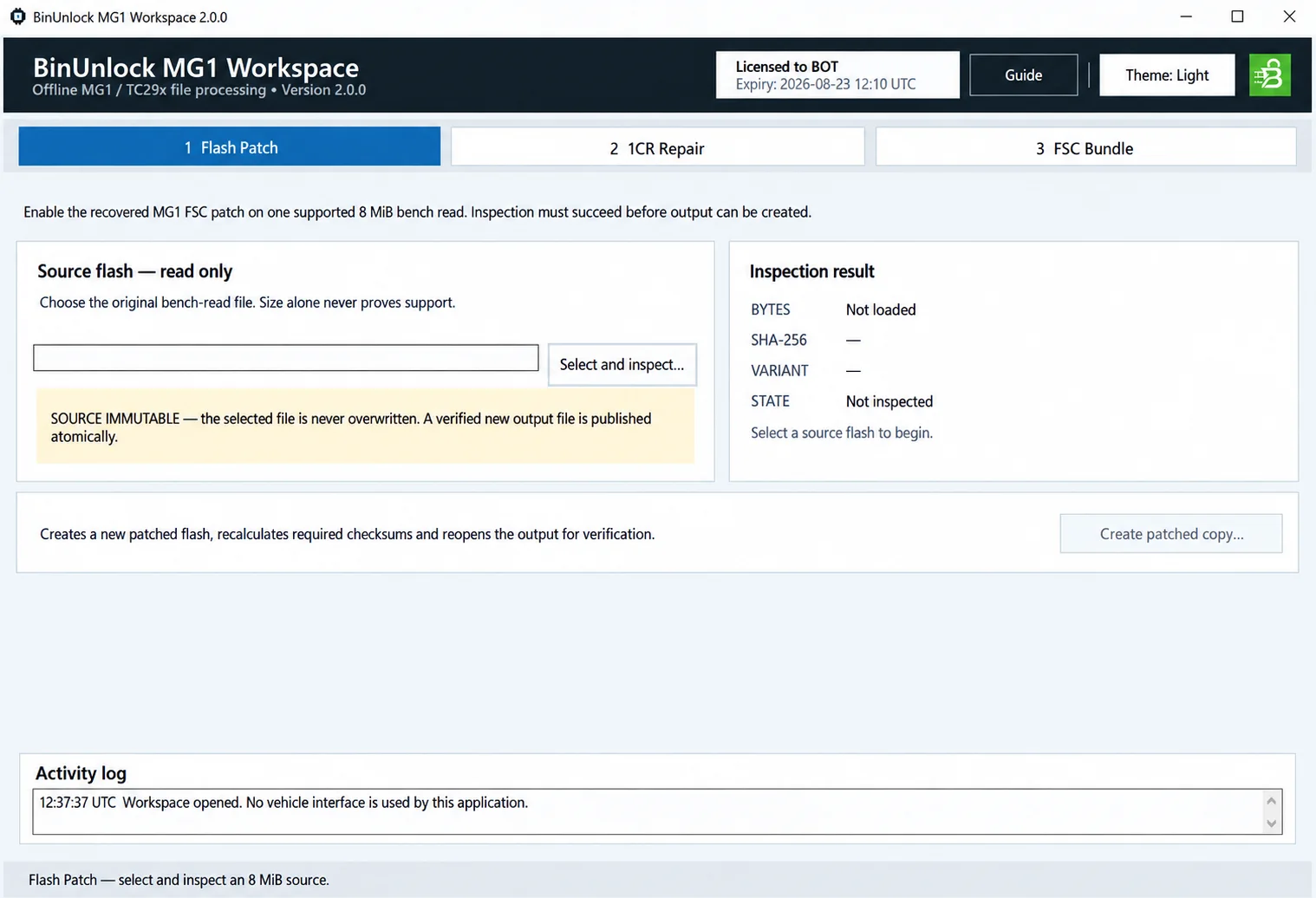
Flash Patch workspace before an input has been loaded or inspected.
1CR Repair After Tuning
The separate 1CR Repair workflow addresses supported tuned MG1 flash files when:
- The DME flash has already been tuned.
- The original 1CR no longer works following tuning.
- E-Sys reports SWSigStatus rejected.
- The exact tuned 8 MiB image passes inspection with the state Ready for 1CR Repair.
The repair produces a new output file and recalculates its required checksum automatically.
Important: 1CR Repair is not a general tuning-repair function. It addresses the supported post-tuning 1CR / SWSigStatus condition specifically. Do not force an unsupported, already repaired or ambiguous image through this workflow.
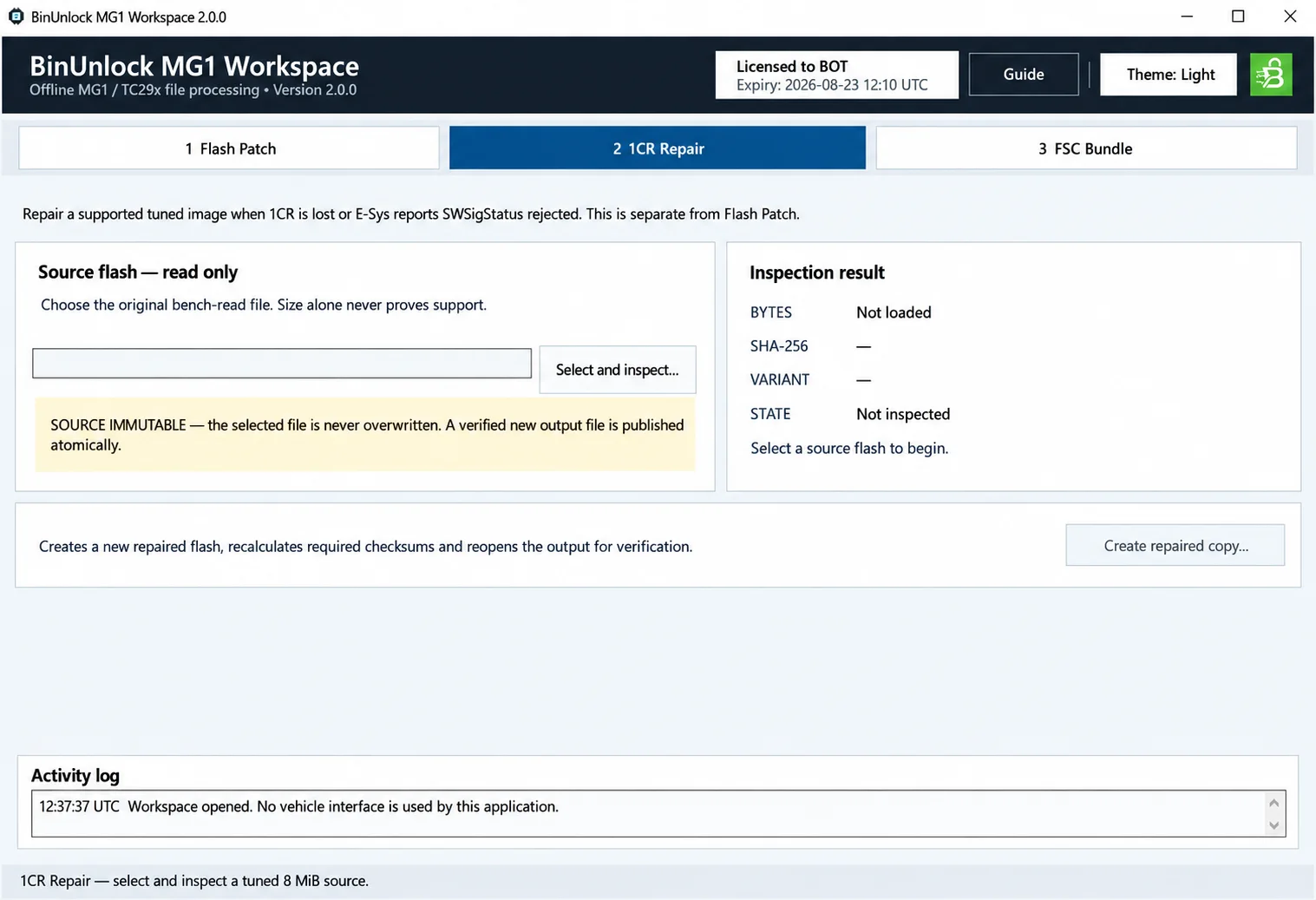
1CR Repair workspace, separate from Flash Patch, with source and inspection fields still empty.
Automatic Checksum and File Verification
Flash Patch and 1CR Repair recalculate the required supported MG1 checksum after modifying the working output. Before reporting success, the application verifies that completed file again.
The verification covers:
- Expected output length.
- Expected changed ranges.
- Checksum processing.
- Reopening the output file.
- Calculation of the final SHA-256.
Keep the resulting hash with the workshop job record and compare it with the exact file subsequently selected in the bench-programming tool.
BMW FSC Bundle Generator
The FSC workflow creates a verified ZIP for supported BMW DME applications. Its request requires:
- VIN: last 7 characters.
- Generator ID: 6 characters.
- Order ID: 7 characters.
- One or more supported FSC Application IDs.
Each selected FSC is generated and checked independently before the final archive is published.
Supported FSC Applications
The documented catalog contains the following 11 Application IDs:
| Application ID | Documented application |
|---|---|
| 01A40001 | S58B30T0 / DME-86T0 — F97/F98 Competition Package |
| 01AB0001 | S63B44T4 DME1 — Competition Package (F90/F91/F92/F95/F96) |
| 01AC0001 | S63B44T4 DME2 — Competition Package (F90/F91/F92/F95/F96) |
| 01C10001 | DME1 — G8x M Drive Professional (factory/service) |
| 01EC0001 | S58B30T0 / DME-86T0 — G87 CS (factory) |
| 017C0001 | DME1 — Remote Engine Start release |
| 01800001 | DME2 — Remote Engine Start release |
| 01880001 | S58B30T0 / DME-86T0 — M Driver's Package |
| 01950001 | DME1 — Vmax, M vehicles |
| 017B0001 | DME2 — Vmax, M vehicles |
| 01E80001 | Competition Package, M vehicles |
DME1 and DME2 IDs are separate. Choose the entry that matches the actual vehicle and DME configuration.
The catalog covers these FSC functions and configurations:
- Competition Package.
- M Drive Professional.
- Remote Engine Start.
- M Driver's Package.
- Vmax.
- G87 CS.
- S58B30T0 / DME-86T0.
- S63B44T4 DME1 / DME2.
FSC ZIP Verification
The bundle workflow creates one new verified ZIP containing:
README.txt
FSC_<VIN7>_<APPID>.fsc
There is one FSC file for each selected Application ID. If generation or verification fails for any requested FSC, the whole bundle is not published as a successful result; a partial set is not accepted.
After successful generation, the workspace displays and records the final ZIP SHA-256.
Offline File Processing
This is a file-only application. It does not:
- Connect directly to a BMW DME.
- Read the DME over OBD or ENET.
- Carry out the physical bench read.
- Write or program the DME.
- Use J2534 or another programming interface.
Read the required 8 MiB image first with suitable professional bench/programming equipment. Program the verified processed output separately, using the correct equipment and established workshop procedure.
Documentation
The complete English operating guide is included as:
How to use.pdfIt covers Flash Patch, 1CR Repair, checksum verification, FSC generation, the supported Application IDs, file inspection, workflow selection and post-write verification.
File Integrity
Release: BinUnlock MG1 Workspace 2.0.0
Important
MG1 Workspace is intended for authorized professional BMW DME service, retrofit and development work.
Preserve the original bench read and check the exact DME, input file, flash size and SHA-256 before processing.
A successful local file transformation does not establish vehicle compatibility or safe programming conditions.
Use only the verified output with the correct bench equipment, stable programming power and an established recovery procedure.
Technical Compatibility
Supported Modules
Operating Systems
System Requirements
- Windows computer; exact Windows editions, architecture and runtime requirements are unspecified.
- Complete supported raw gasoline BMW MG1 / TC29x bench-read image, exactly 8 MiB (8,388,608 bytes), for Flash Patch or 1CR Repair.
- Untouched original read, separate working/output files and sufficient local storage.
- Separate professional bench/programming equipment for reading and writing the DME.
- For FSC Bundle: VIN last 7 characters, Generator ID of 6 characters, Order ID of 7 characters and at least one supported Application ID.
Screenshots
Related Software

Offline Windows reference tool for Bosch ECU part numbers, controller families and OE cross-references, with exact, wildcard, prefix and binary-dump identifier searches.
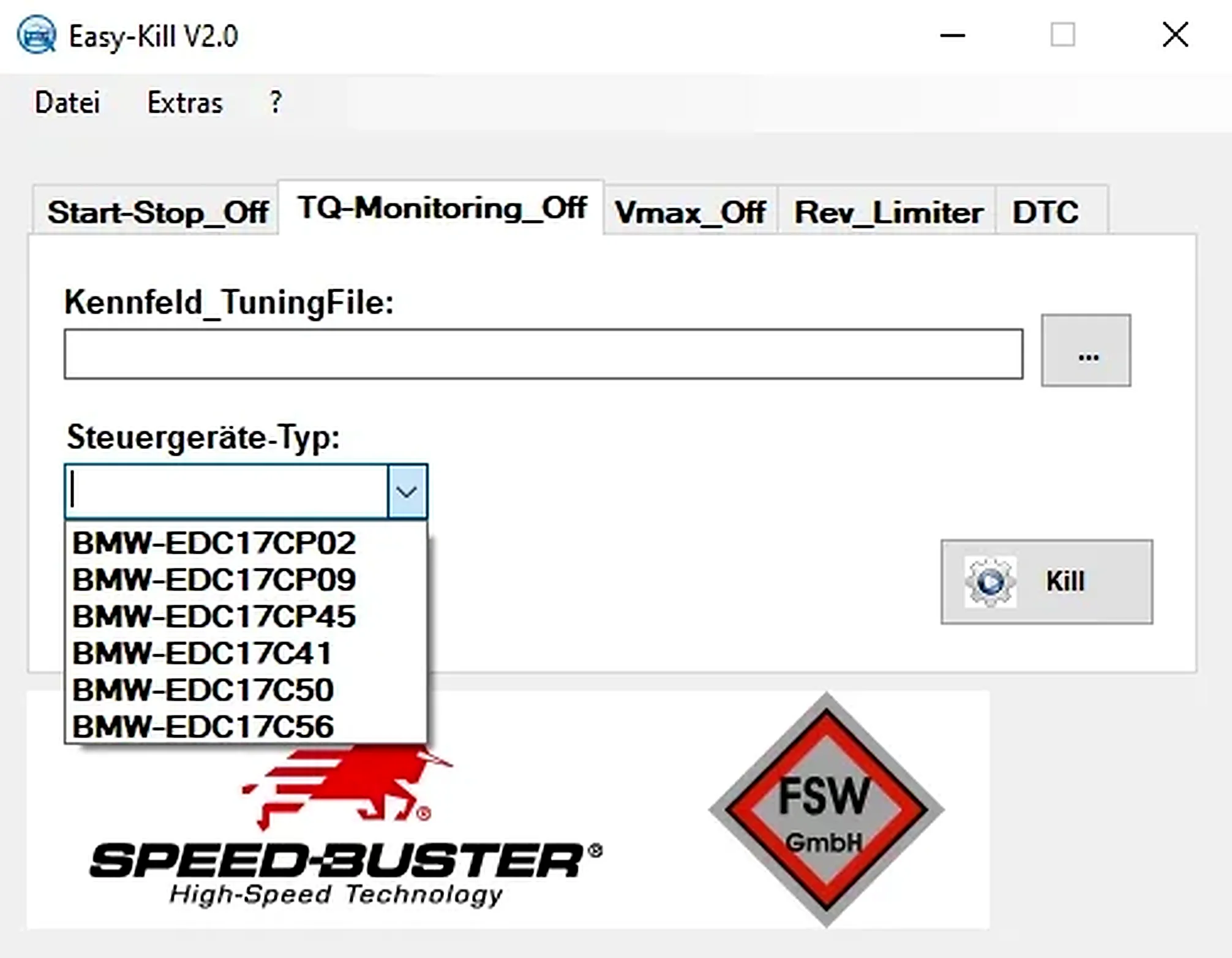
Offline Windows file editor for selected BMW and VAG Bosch ECU profiles, with separate start-stop, torque monitoring, Vmax, rev-limiter and DTC functions.
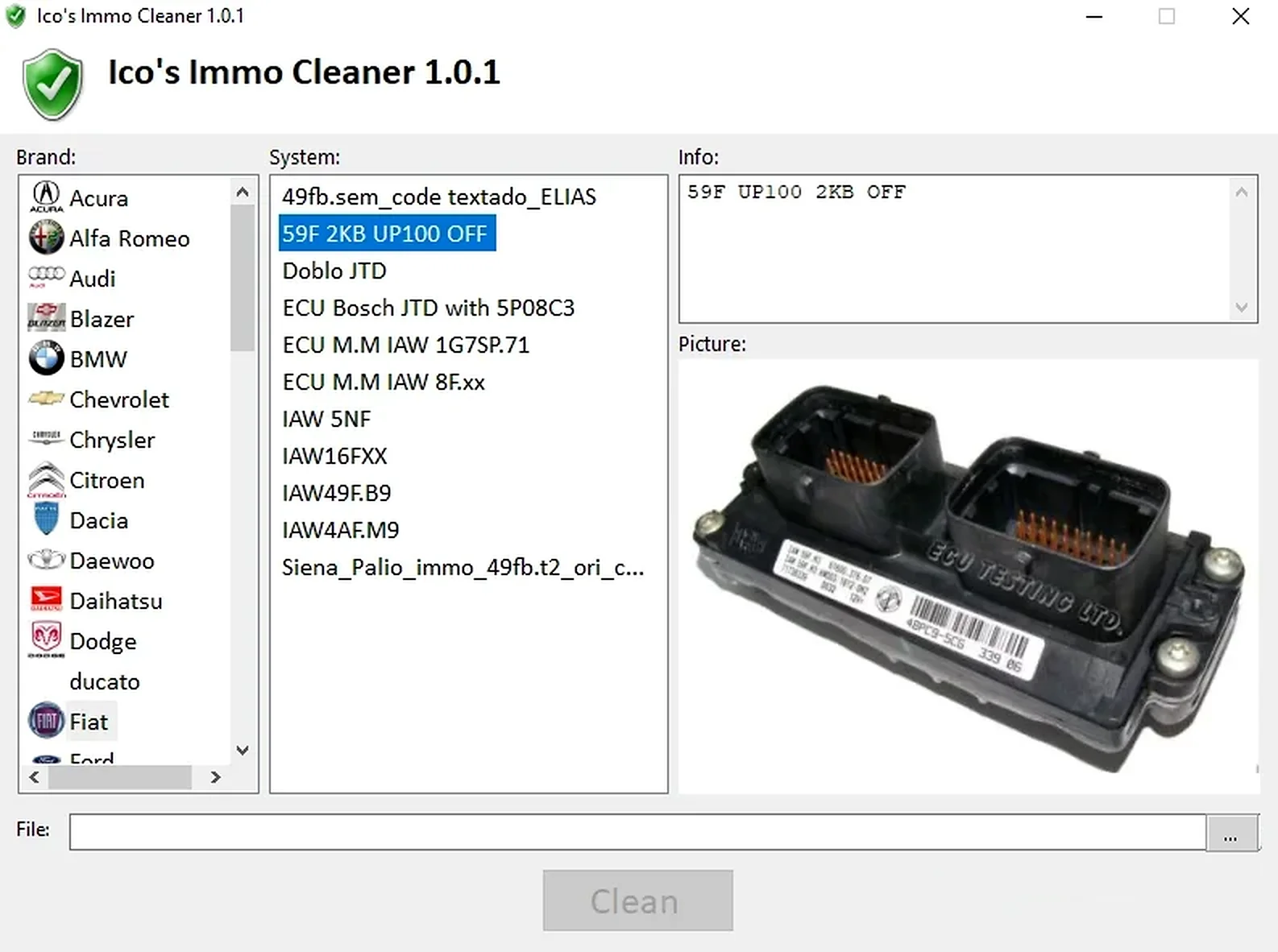
Offline Windows processor for supported ECU EEPROM and flash dumps, with brand/system selection, controller-specific clean, virgin and off templates, and reference images.
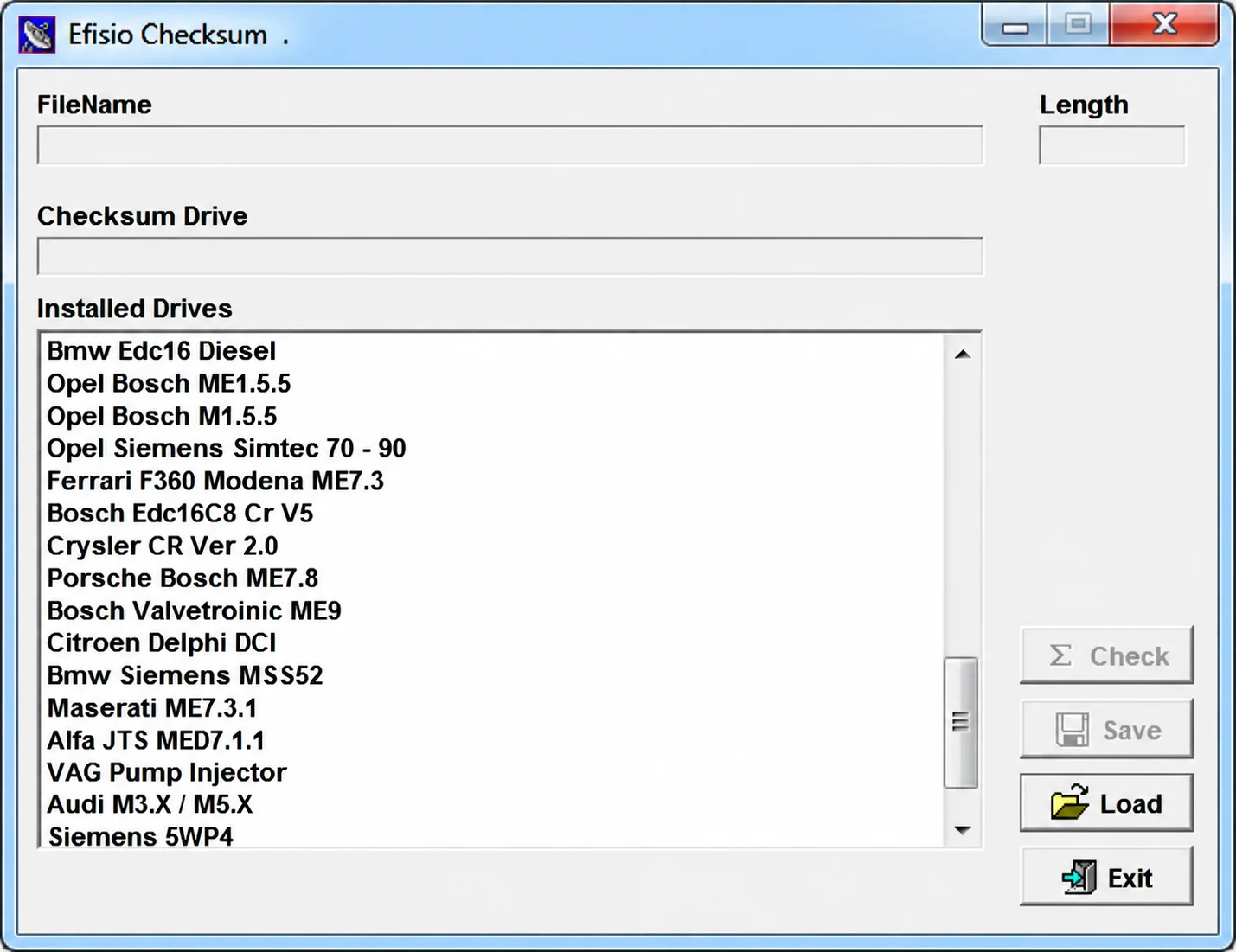
Modular Windows checksum utility for supported ECU binary files, with controller-specific DLL drivers, file-length display, checksum checking and corrected-copy saving.
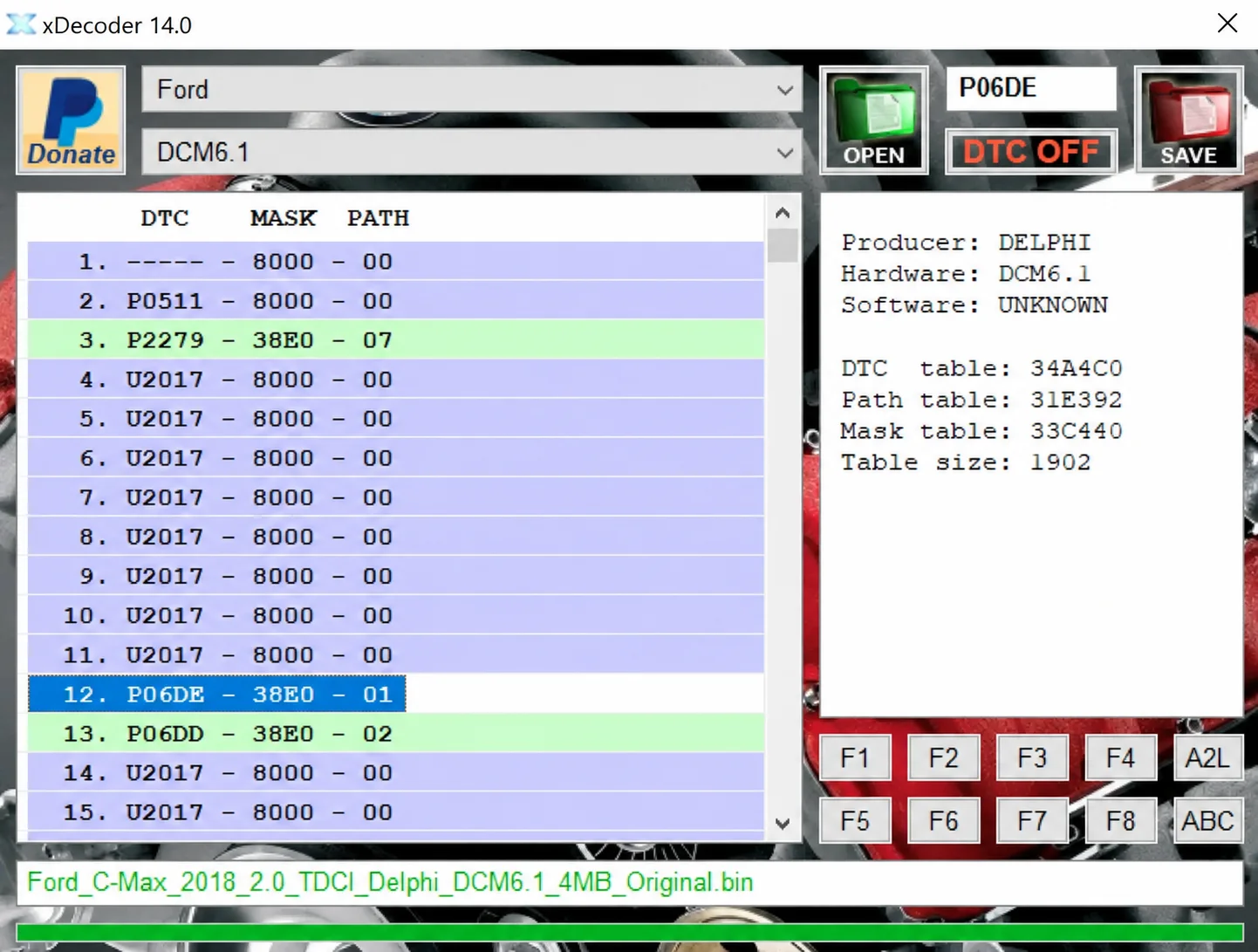
Windows BIN analysis and DTC editing utility for supported Bosch, Delphi, Continental, Siemens, Visteon and other ECU strategies.
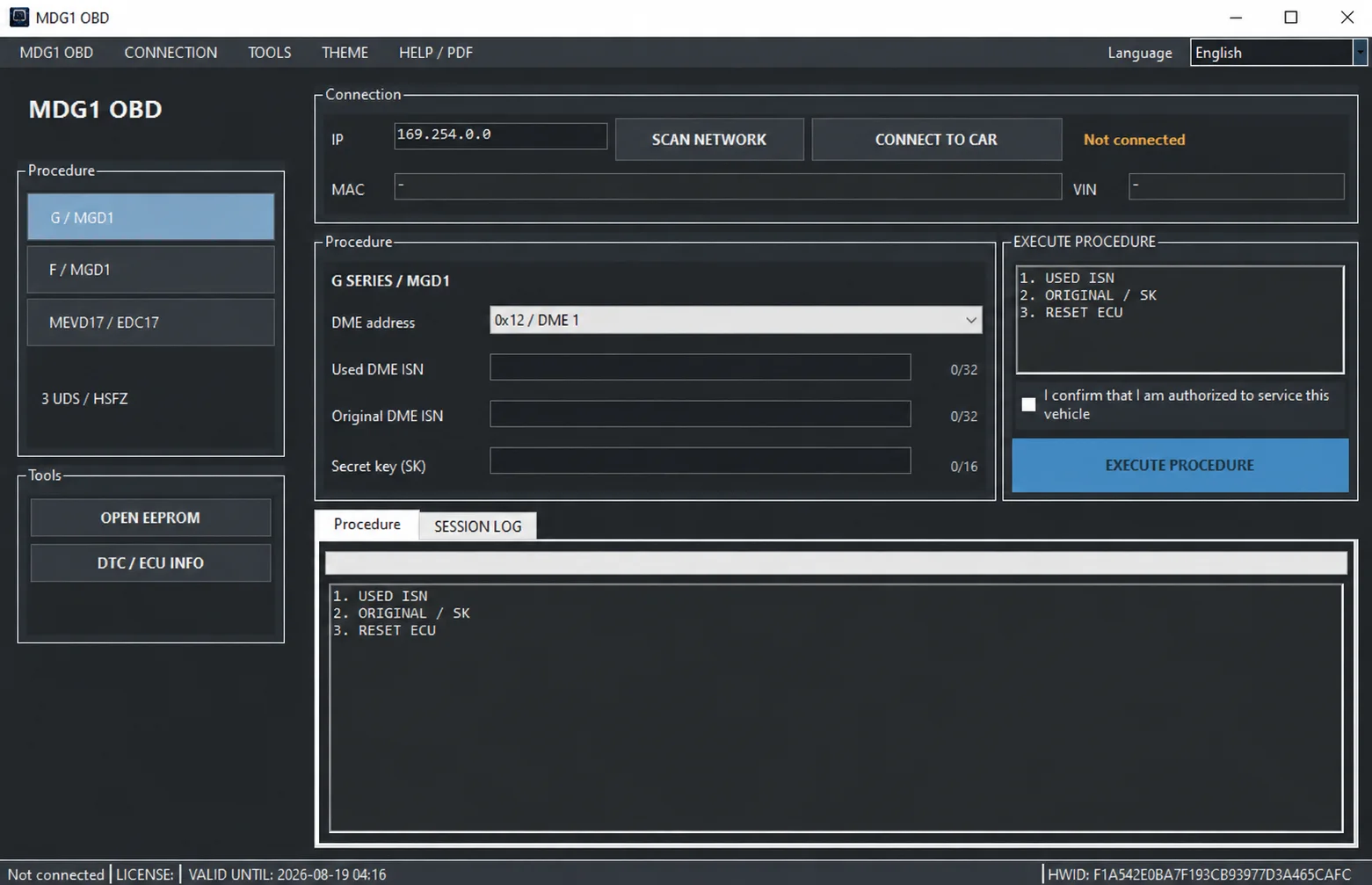
Windows BMW DME service utility with HSFZ/IP connectivity, separate G/F Series MDG1 and MEVD17xx/EDC17 workflows, DTC diagnostics and ECU information.