
SOFTWARE DATABASE / RELEASE RECORD
VERSION 1.1.0.5BMW MDG1 OBD Tool for DME ISN, SK, DTC and ECU Service on G/F Series 1.1.0.5
Windows BMW DME service utility with HSFZ/IP connectivity, separate G/F Series MDG1 and MEVD17xx/EDC17 workflows, DTC diagnostics and ECU information.
Categories
Vehicle references
Overview
BMW MDG1 OBD DME service workspace
BMW MDG1 OBD 1.1.0.5 is a Windows application for authorized BMW DME diagnostics, replacement and ECU service using an HSFZ/IP vehicle connection. It combines separate G Series/MDG1, F Series/MDG1 and MEVD17xx/EDC17 procedure workspaces with fault-memory tools, ECU identification, EEPROM access and detailed session logging.
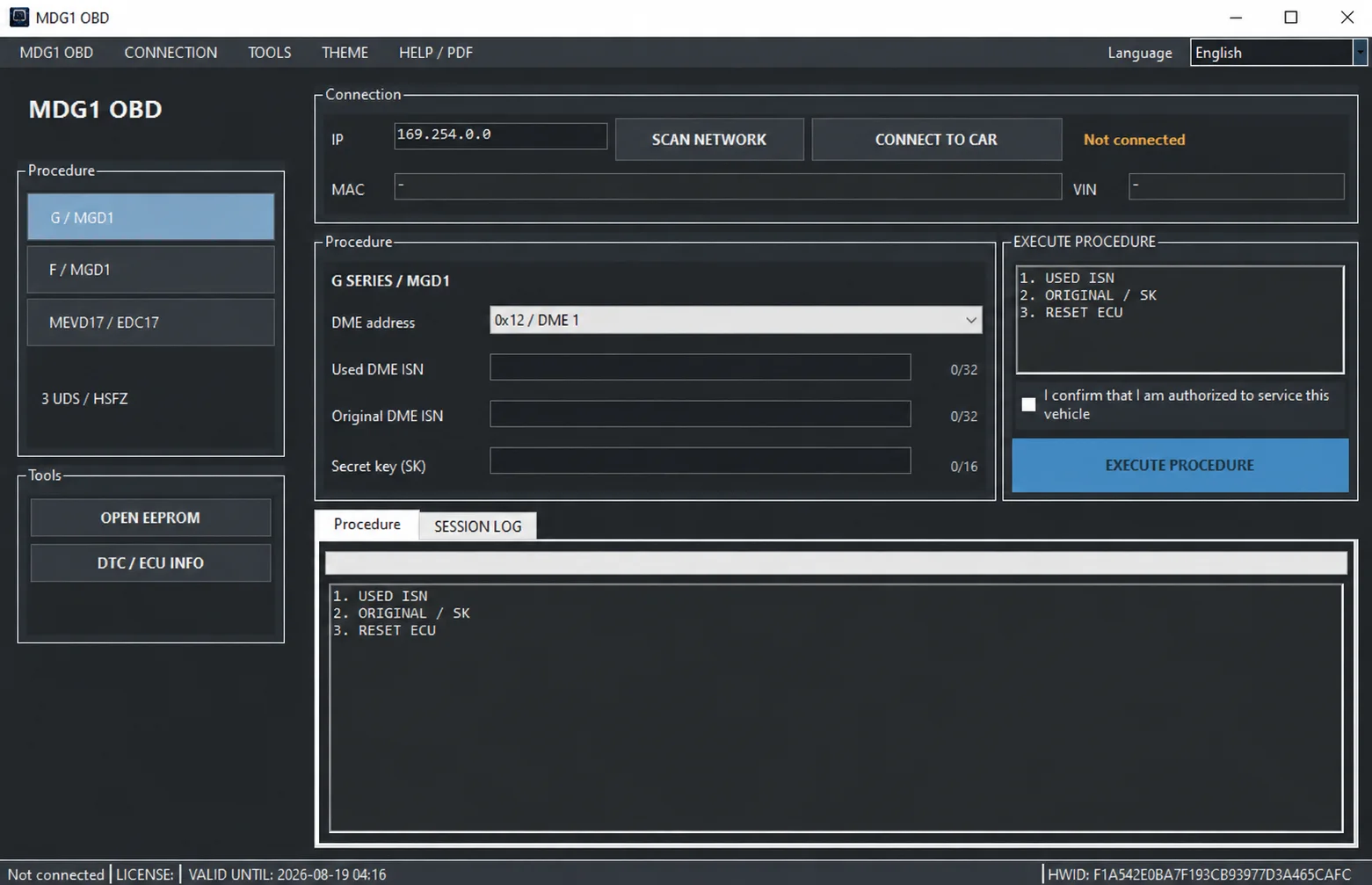
G Series / MDG1 workspace and displayed input-length counters.
Interface languages
The interface offers 34 languages: English, Arabic, Bulgarian, Czech, Danish, German, Greek, Spanish, Estonian, Finnish, French, Croatian, Hungarian, Indonesian, Italian, Japanese, Korean, Lithuanian, Latvian, Norwegian, Dutch, Polish, Portuguese, Romanian, Russian, Slovak, Slovenian, Serbian, Swedish, Thai, Turkish, Ukrainian, Simplified Chinese, Traditional Chinese.
Main features
- HSFZ/IP connection, network scanning and connection to the vehicle.
- IP, MAC and VIN information, connection-status display and selectable DME address.
- Three dedicated procedure groups: G Series/MDG1, F Series/MDG1 and MEVD17xx/EDC17.
- Used and original DME ISN fields, with Secret Key (SK) input where the selected procedure requires it.
- Guided execution, procedure output and detailed Session Log.
- Normal and shadow DTC reading and clearing.
- Diagnostic result export to TXT.
- ECU identification, software and programming information.
- Transport mode ON/OFF and ECU reset.
- OPEN EEPROM utility and a separate DTC / ECU INFO window.
- License-status and HWID display.
BMW G Series / MDG1
The G Series workspace provides DME-address selection and fields for the used DME ISN, original DME ISN and Secret Key. The displayed procedure groups used-ISN handling, original ISN/SK handling and ECU reset. The pictured interface shows 32-character counters for the ISN fields and 16 for SK, together with progress output and an operator authorization checkbox.
The pictured 0x12 / DME 1 address is an interface example. Select the actual target DME and applicable service procedure for the vehicle; the example does not establish a universal ECU address or supported configuration.
BMW F Series / MDG1
The F Series section has its own guided workspace and used/original ISN fields. Its displayed stage labels are USED ISN, ORIGINAL C001/03, ORIGINAL C001/02, REPEAT, CLEAR C001/01 and RESET ECU. Progress and ECU replies appear in the integrated log. These labels describe the application's workflow rather than a standalone manual procedure.
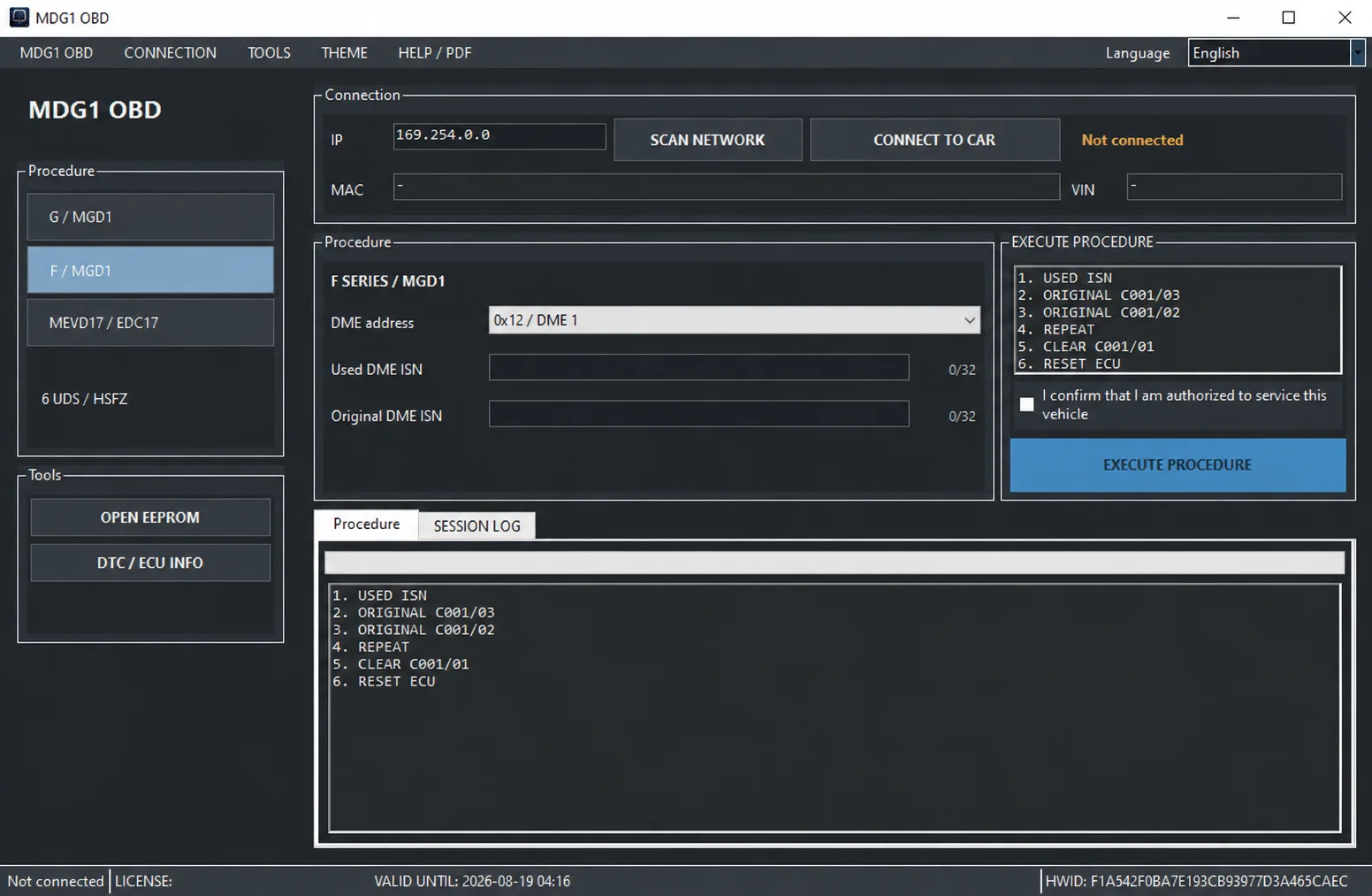
Separate F Series / MDG1 service workspace.
MEVD17xx / EDC17
Supported MEVD17xx/EDC17 controllers use a separate workspace. The displayed stage labels are USED ISN, READ C000, ORIGINAL ISN, CLEAR C001/01, READ C000 and RESET ECU. The selected controller, address and procedure must match the actual service case.
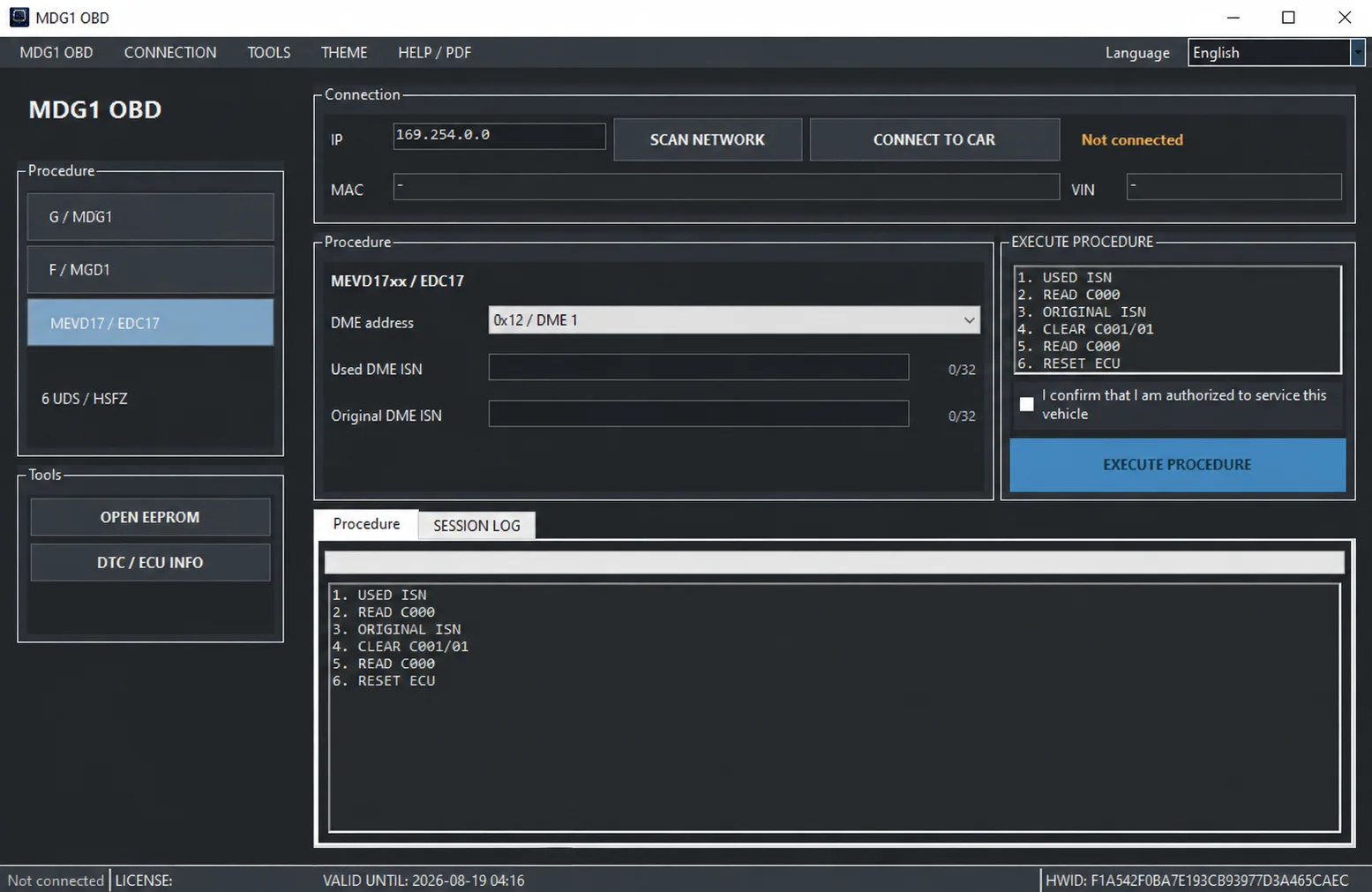
Dedicated MEVD17xx / EDC17 service workspace.
DTC diagnostics
The DTC / ECU INFO window keeps diagnostics within the same application. Its DTC tab offers READ DTC, READ SHADOW, Save DTC to TXT and CLEAR DTC. Results and ECU responses are written to the Session Log; a separate Clear output control is visible for the displayed log.
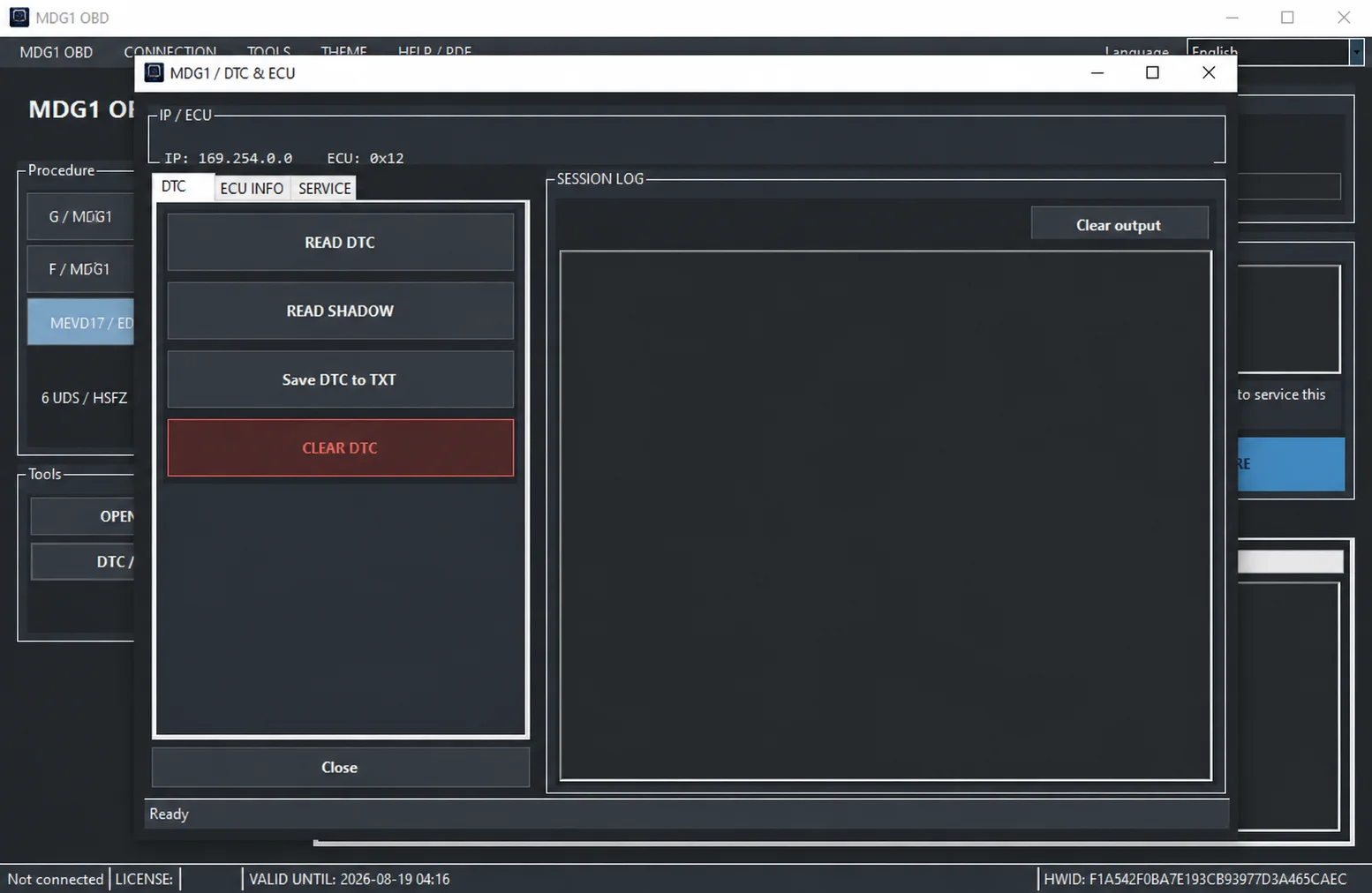
DTC diagnostics and Session Log.
ECU information
The ECU INFO tab exposes the following identification and data requests:
| Information | Displayed identifier |
|---|---|
| Ident / SGBD | F150 |
| Serial number | F18C |
| Production date | F18A / F18B |
| BTLD / SWFL | F101 |
| Programming counter | 2502 / 2503 |
| CPS / Short VIN | 37FE |
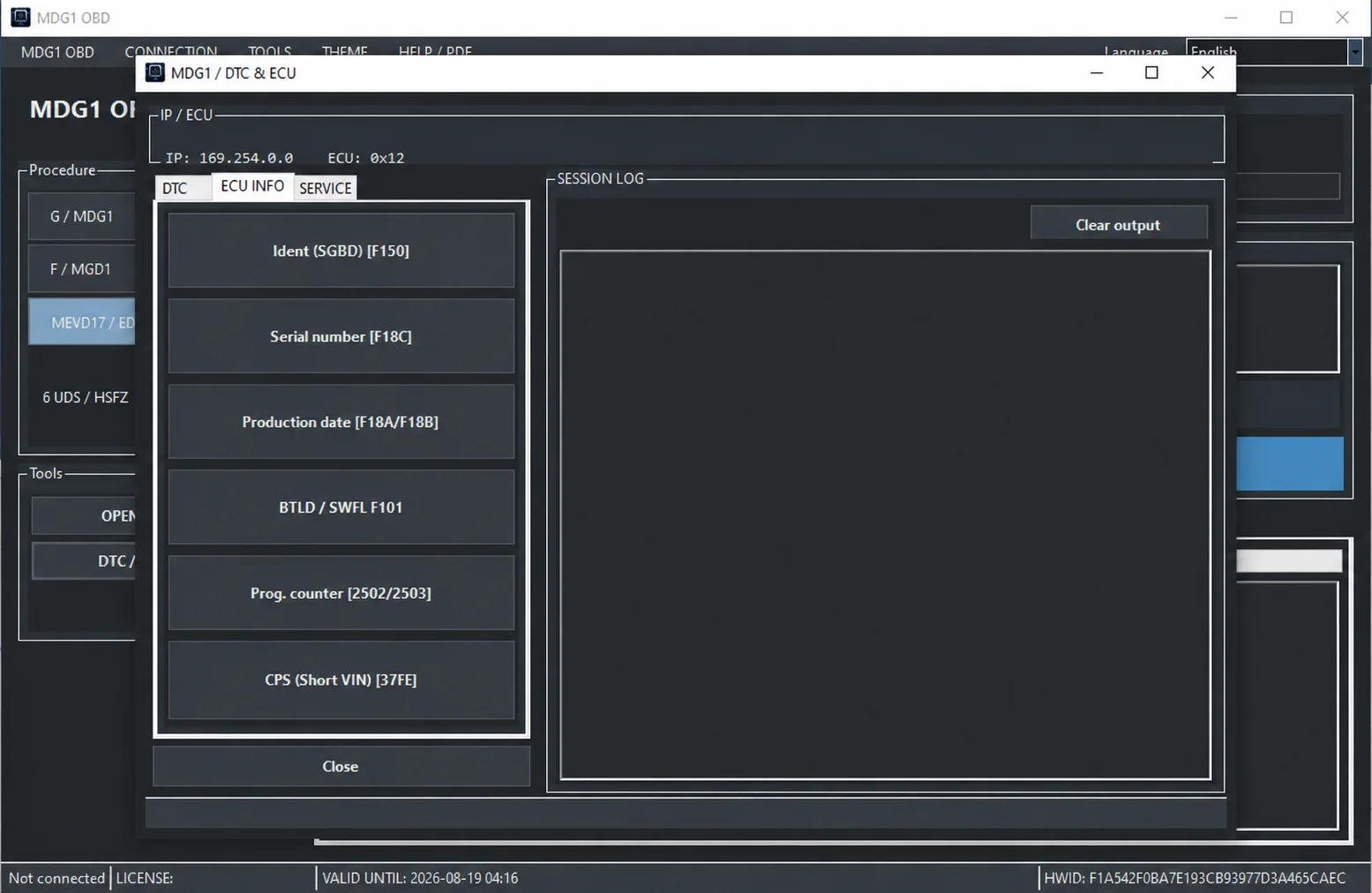
ECU Info identification and software-information controls.
ECU service functions
The SERVICE tab provides CLEAR SHADOW, TRANSPORT ON, TRANSPORT OFF and RESET ECU, with responses shown in the Session Log. These operations have different purposes from reading identification or exporting a diagnostic report.
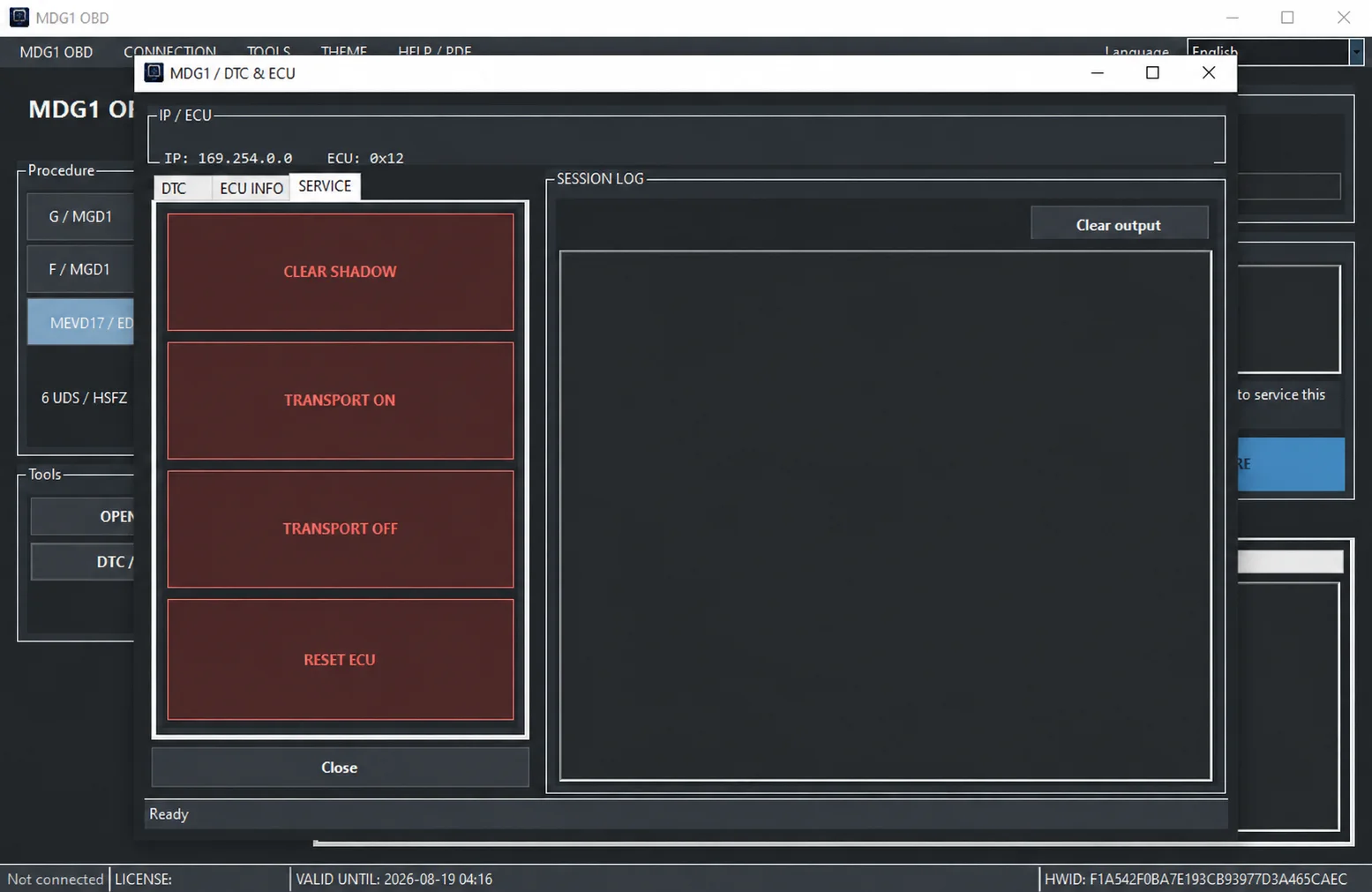
ECU Service controls and Session Log.
Additional tools and interface
The main workspace includes OPEN EEPROM, DTC / ECU INFO, procedure output, Session Log, connection state, VIN, license state and HWID. Menus for connection, tools, theme and HELP/PDF are visible alongside the interface-language selector. The available description does not establish detailed EEPROM formats, read/write limits or a universal controller-coverage list.
Package contents and user guide
MDG1OBD.exe— application.MDG1OBD-User-Guide-EN-DE-PL-RU.pdf— documented user guide.
The application interface has 34 languages; the PDF guide is documented in English, German, Polish and Russian. The guide's four languages should not be confused with the interface-language count.
Test version and HWID activation
The documented distribution is in testing and uses HWID-based activation. The hardware identifier is displayed in the application's status bar and is used for an activation request through the authorized distribution channel. Activation is separate from this ECUDB catalog entry; no activation service, license file or license duration is supplied here.
Version 1.1.0.5 changes
The update addresses ECU communication timeouts and empty MEVD responses. Error reporting now identifies the exact procedure step, ECU address and reason execution stopped. The documented earlier listing is version 1.1.0.3; exact software build dates are not independently established.
Platform and compatibility
The platform is Windows, with BMW vehicle communication over HSFZ/IP. G/F Series MDG1 and MEVD17xx/EDC17 identify the documented procedure groups; they do not establish support for every engine, DME hardware revision, firmware version or vehicle in those series. Confirm the selected ECU, DME address and procedure before execution.
A specific Windows version, processor/RAM requirement, runtime dependency, supported-adapter list, archive size and general license category are not documented. No additional compatibility should be inferred from the software name.
Executable integrity
The documented SHA-256 reference for MDG1OBD.exe is:
4a333a91bdd47cb35804e30e9a0c96e7d1f5fd09ca0a68a71375c10689c3b499Compare the exact executable's checksum before treating it as the referenced file. ECUDB's editorial review does not mean the binary was executed or independently scanned.
Technical Compatibility
Supported Modules
Operating Systems
System Requirements
- Windows; specific versions and runtime dependencies are not documented
- Compatible BMW HSFZ / IP vehicle connection
- Supported G/F Series MDG1 or MEVD17xx / EDC17 DME and matching procedure
- Required used/original DME ISN and SK inputs where applicable
- HWID activation for the documented test distribution
Screenshots
Related Software

Offline Windows reference tool for Bosch ECU part numbers, controller families and OE cross-references, with exact, wildcard, prefix and binary-dump identifier searches.
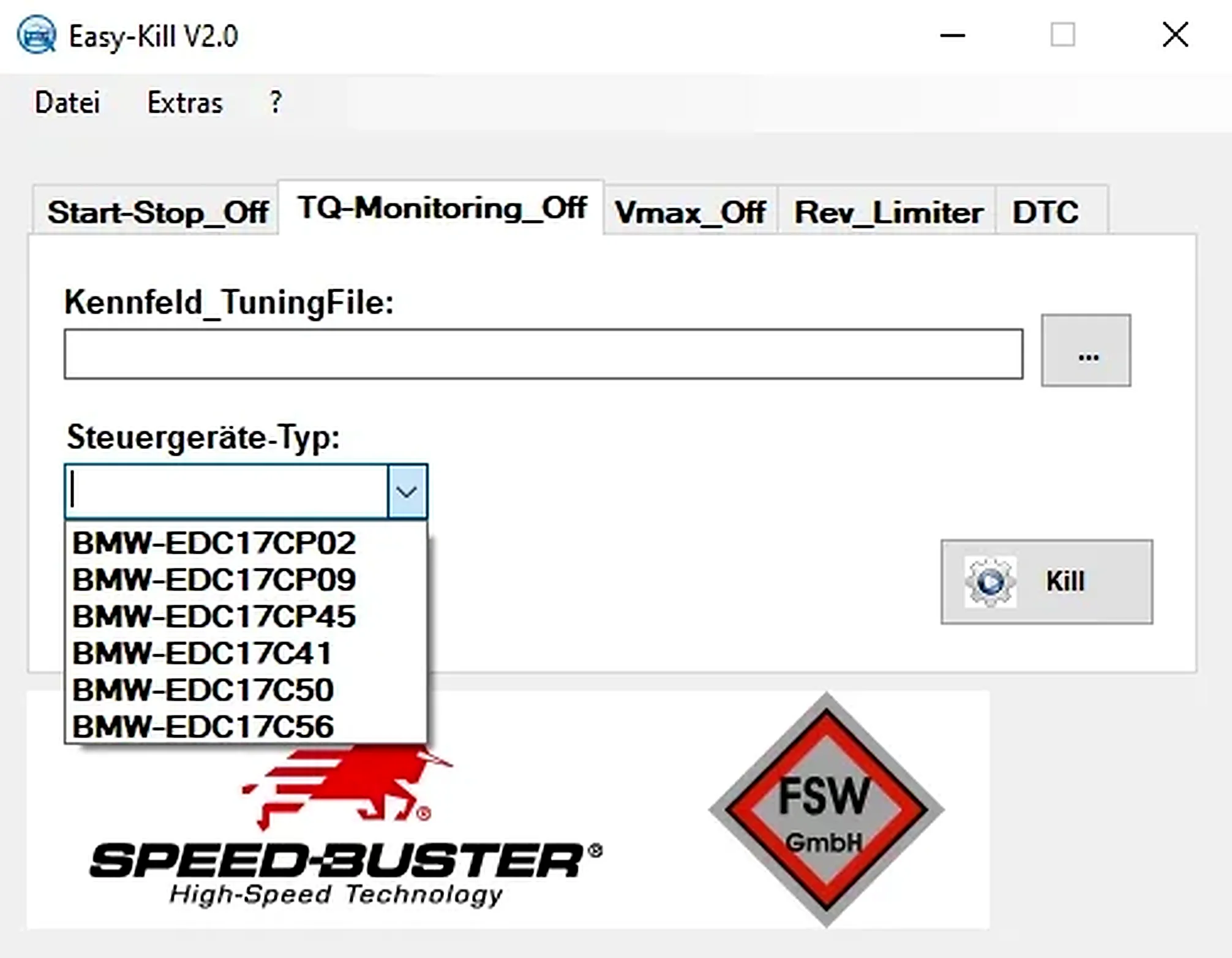
Offline Windows file editor for selected BMW and VAG Bosch ECU profiles, with separate start-stop, torque monitoring, Vmax, rev-limiter and DTC functions.
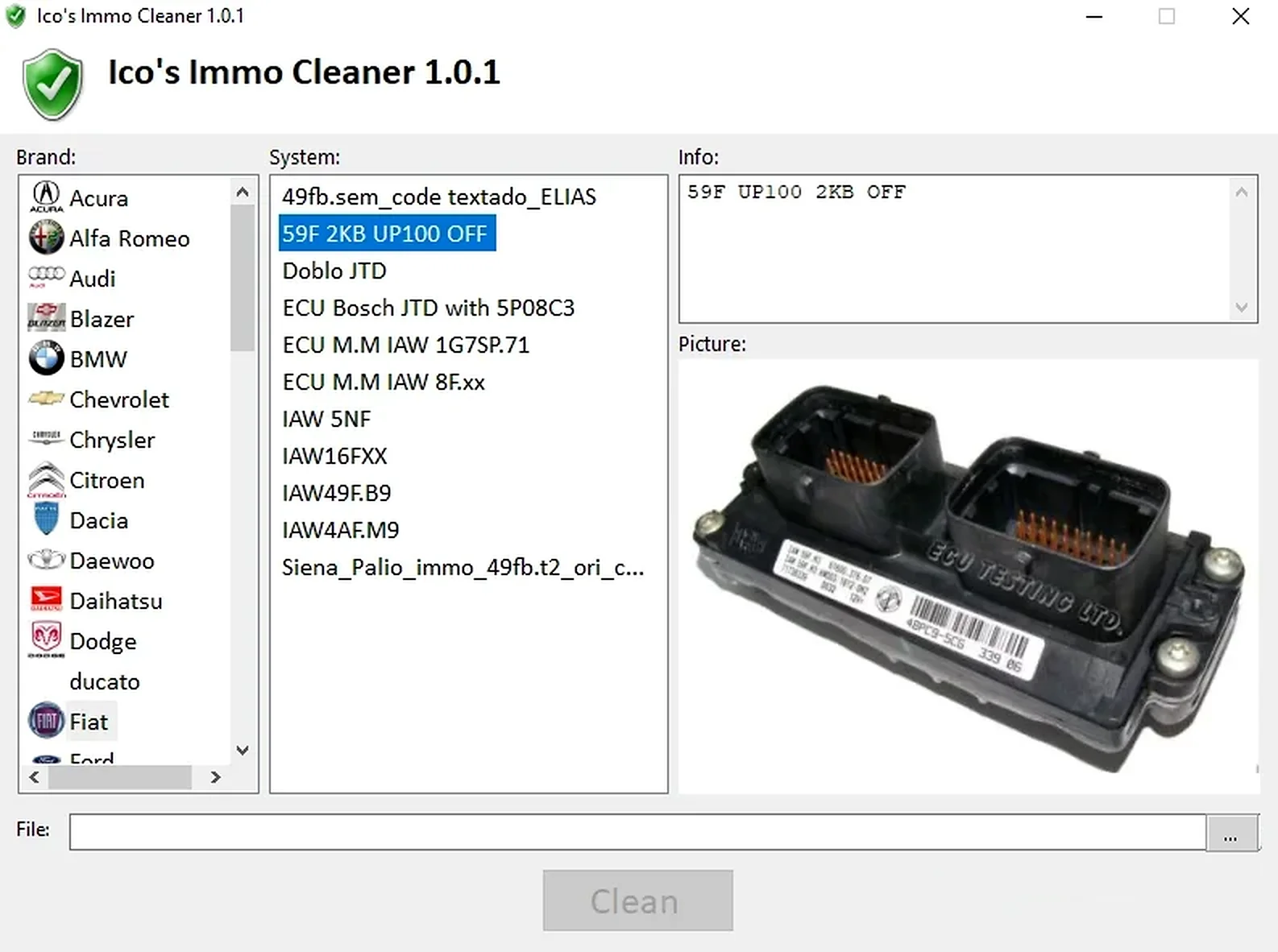
Offline Windows processor for supported ECU EEPROM and flash dumps, with brand/system selection, controller-specific clean, virgin and off templates, and reference images.
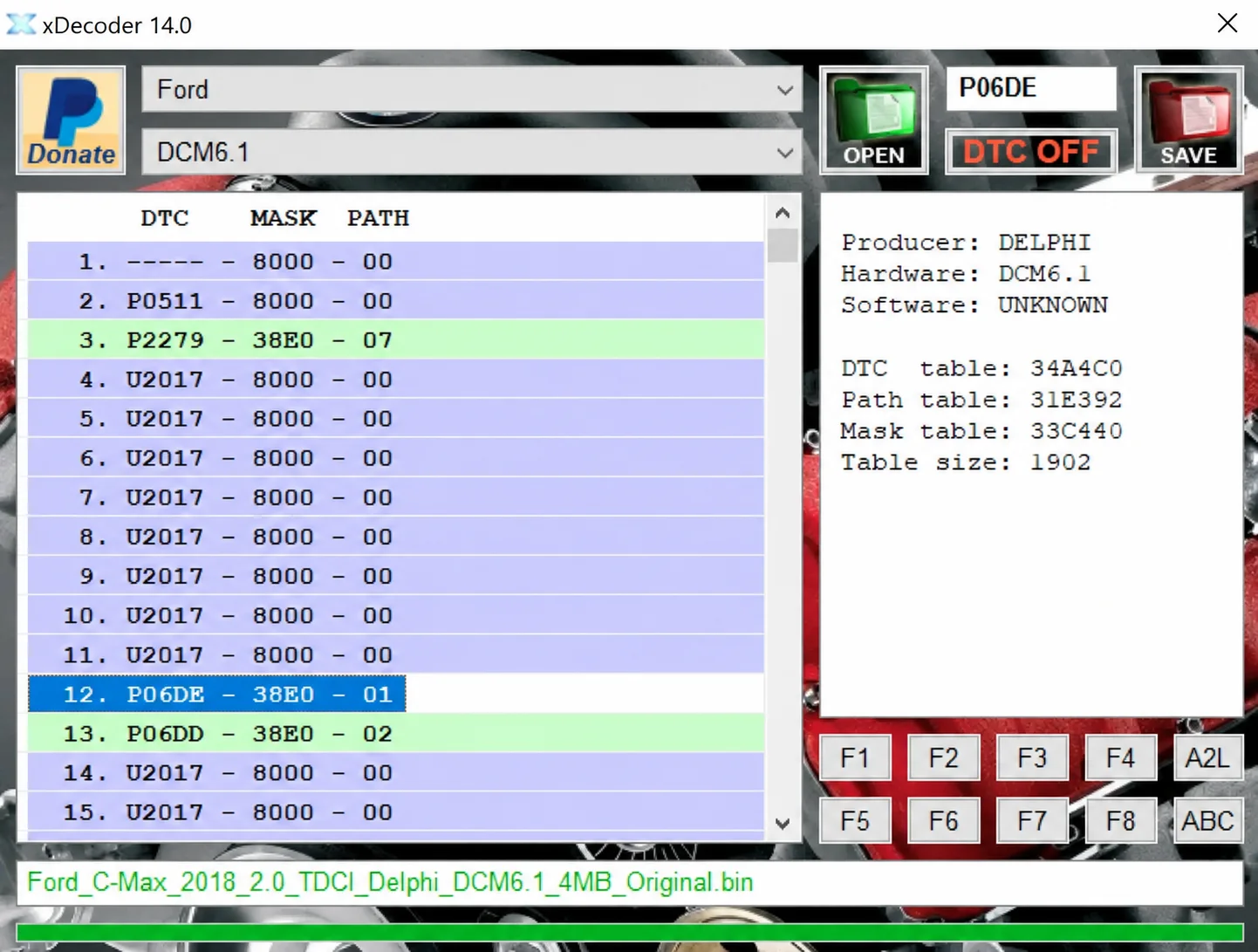
Windows BIN analysis and DTC editing utility for supported Bosch, Delphi, Continental, Siemens, Visteon and other ECU strategies.
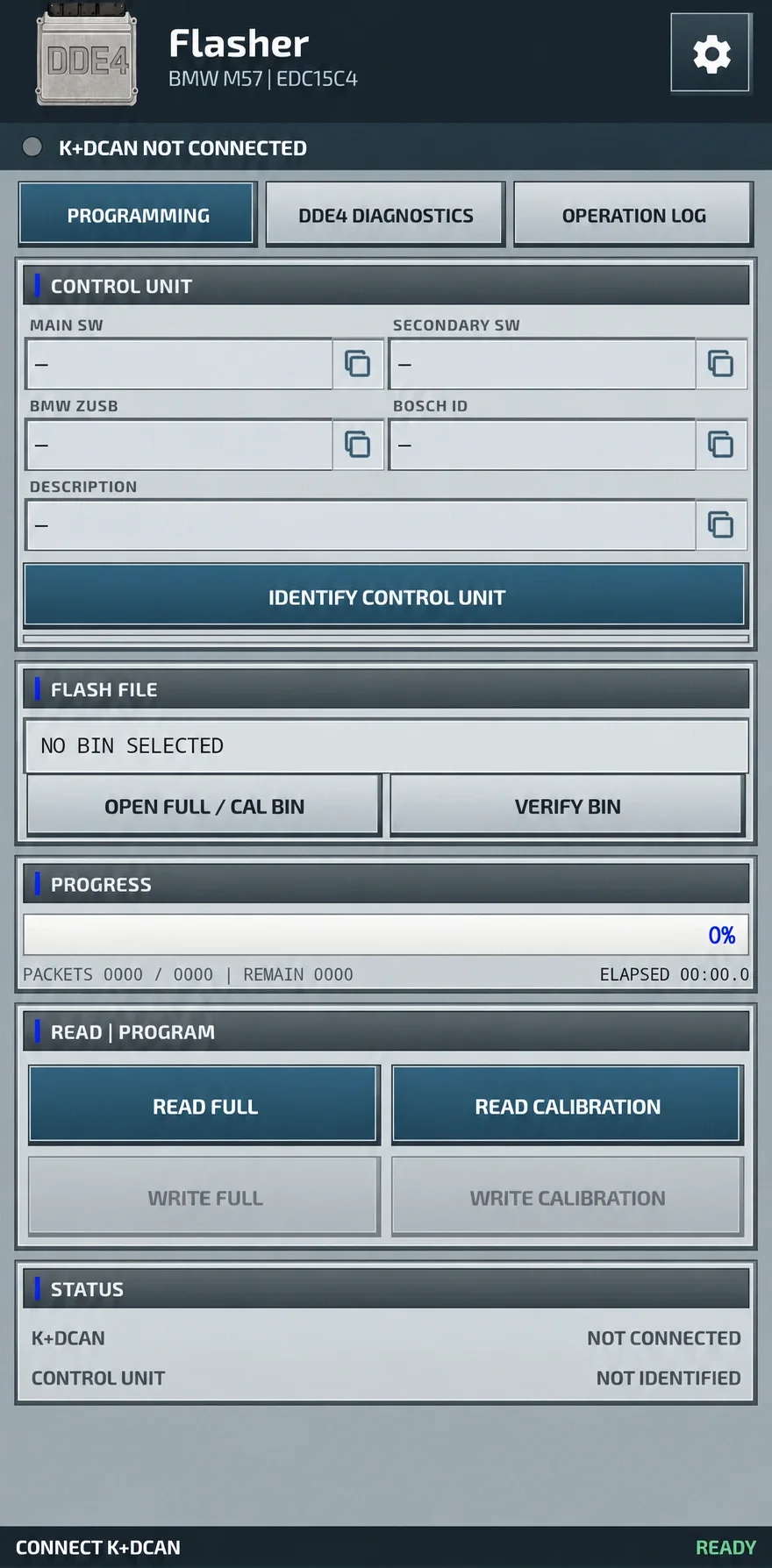
Android ECU programming and diagnostics for compatible BMW M57 DDE4 / Bosch EDC15C4 controllers, using wired FTDI K+DCAN for FULL and calibration files.
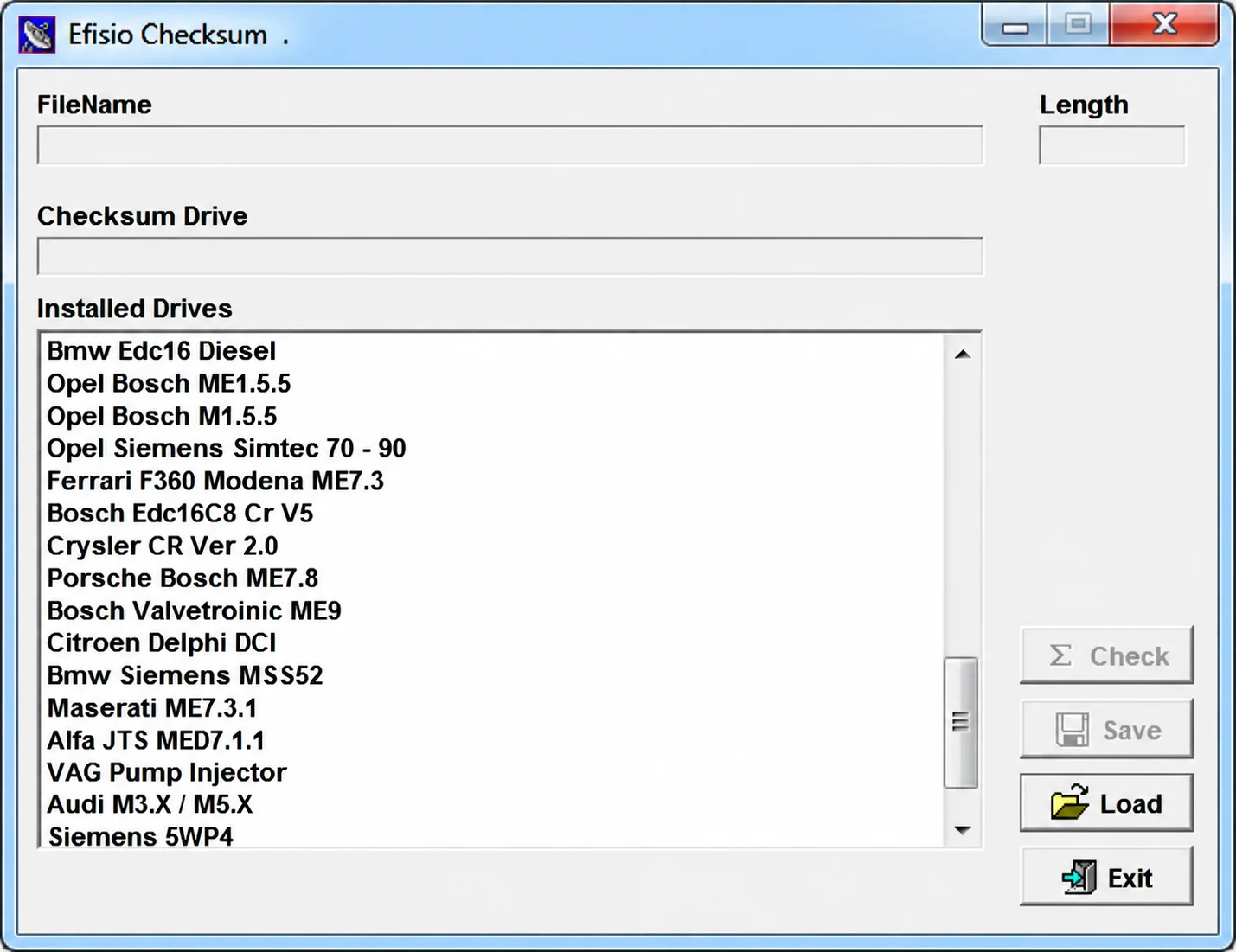
Modular Windows checksum utility for supported ECU binary files, with controller-specific DLL drivers, file-length display, checksum checking and corrected-copy saving.