
SOFTWARE DATABASE / RELEASE RECORD
VERSION 1.0BMW M57 DDE4 Android Flasher for EDC15C4 K+DCAN FULL and CAL Read / Write 1.0
Android ECU programming and diagnostics for compatible BMW M57 DDE4 / Bosch EDC15C4 controllers, using wired FTDI K+DCAN for FULL and calibration files.
Categories
Vehicle references
Overview
BMW M57 DDE4 Android Flasher 1.0
DDE4 Flasher is an Android programming and diagnostic utility for compatible first-generation BMW M57 diesel engines using DDE4 / Bosch EDC15C4 controllers in the DDE40 family. A wired FTDI K+DCAN interface connects the phone or tablet to the ECU over K-Line. The documented service functions operate without a Windows computer or an Internet connection during vehicle work.
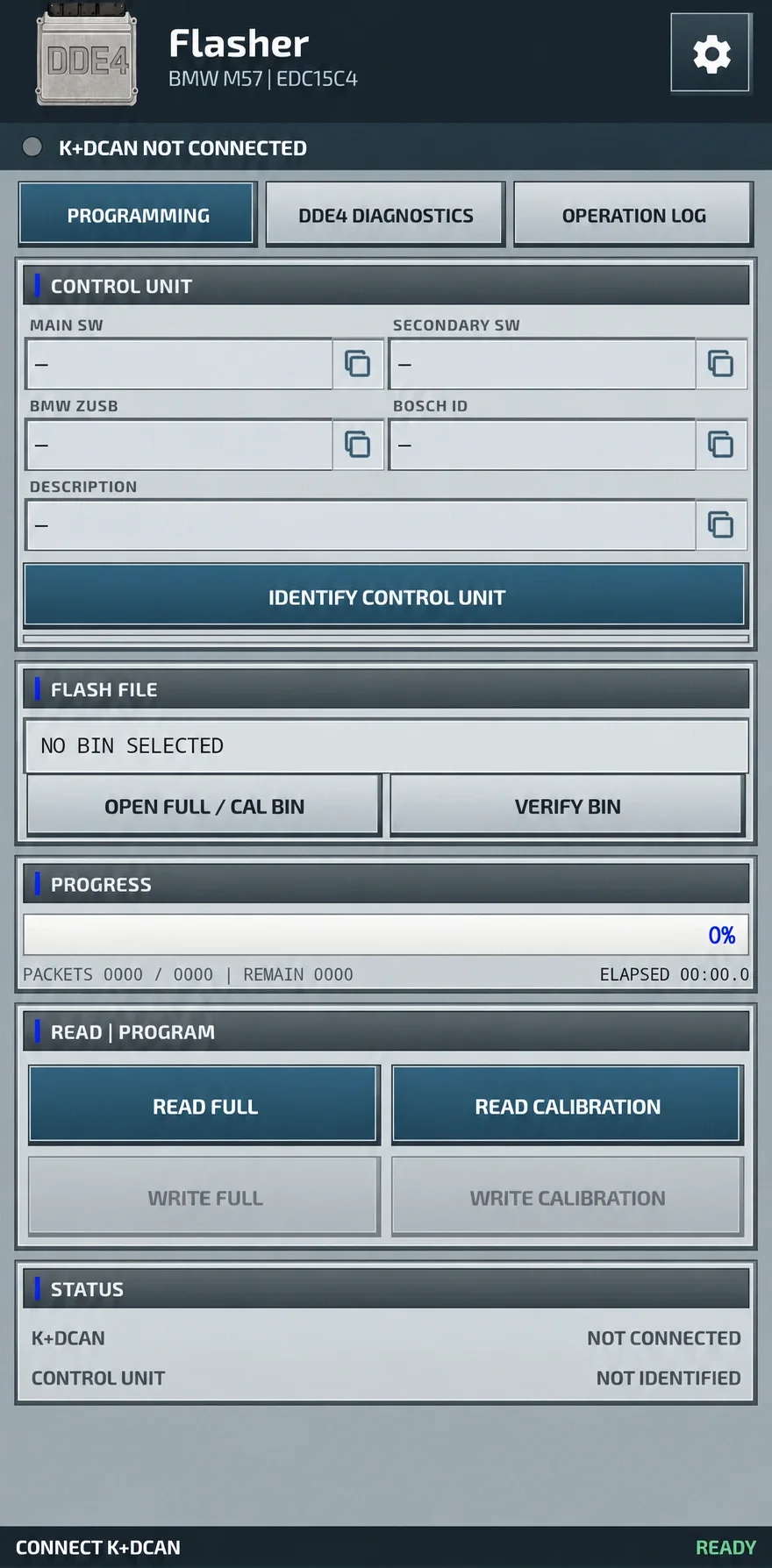
Programming screen with ECU identification, BIN verification and separate FULL / calibration controls.
Supported BMW applications
- BMW E38 730d
- BMW E39 525d
- BMW E39 530d
- BMW E46 330d
- BMW E46 330xd
- BMW E53 X5 3.0d
- Conversions or swaps retaining a compatible DDE40 / DDE4 ECU
Support depends on the installed ECU and its identification. A chassis name or model year alone does not establish compatibility. The application checks the connected controller and the selected binary structure before enabling programming.
Main features
- Native Android programming interface for first-generation BMW M57 DDE4 / Bosch EDC15C4 ECUs
- Wired K-Line transport with automatic detection of an FTDI K+DCAN interface
- Identification of Main SW, Secondary SW, BMW ZUSB, Bosch ID and the ECU description
- Separate FULL and calibration reads and writes
- Bosch CR2 checksum checking and correction, plus normalization of supported dump layouts
- Post-write readback to compare programmed data
- Backup and comparison of the protected 16 KiB region
- Recovery after an interrupted write using the same previously verified BIN
- Normal and Shadow DDE4 fault-memory access
- ZIP backup creation, local flash history and timestamped operation logging
FULL and calibration read/write
The programming panel separates READ FULL, READ CALIBRATION, WRITE FULL and WRITE CALIBRATION. Supported data sizes are listed below; these describe ECU files, not the application package.
| Data type | Supported size |
|---|---|
| FULL BIN | 524,288 bytes / 512 KiB |
| FULL with over-read | 524,290 bytes |
| Calibration BIN | 49,152 bytes / 48 KiB |
Supported inputs can have .bin, .ori, .mod or no extension. Validation uses the binary structure rather than the filename. Supported dump variants can be normalized automatically. Checksum preparation operates on an internal copy and leaves the file stored on the Android device untouched. Writing is enabled only after ECU identification and BIN verification succeed.
Video demonstration
Watch the Android interface, wired K+DCAN connection and DDE4 programming workflow in the demonstration.
Bosch CR2 checksum handling
- Check both supported Bosch CR2 checksum areas
- Prepare checksum correction before a write
- Reconstruct the calibration checksum using necessary program-region data from the connected ECU
- Validate the prepared working data before programming
- Read the written data back to check the result
Checksum preparation does not overwrite the original BIN on the phone or tablet.
Protected area and interrupted-write recovery
A protected 16 KiB ECU region can be included in the backup and compared before and after programming. Recovery from an interrupted write uses the same verified BIN. Retain that file, the cable, the Android device and the programming supply until writing and readback have finished.
DDE4 diagnostics
- READ FULL DDE4 DTC and CLEAR DDE4 DTC controls
- Reading both normal and Shadow fault memories
- Localized descriptions and active, inactive, historical or sporadic fault states
- Occurrence counters and available fault-environment information
- Individual DTC cards and options to copy or share reports
- A fresh verification read after clearing faults
Fault-environment details vary with the information retained by the ECU. Available values can include:
- Engine speed
- Coolant temperature
- Rail pressure
- Injection quantity
- Boost pressure
- Vehicle speed
- Mileage
- Other operating conditions retained by the ECU
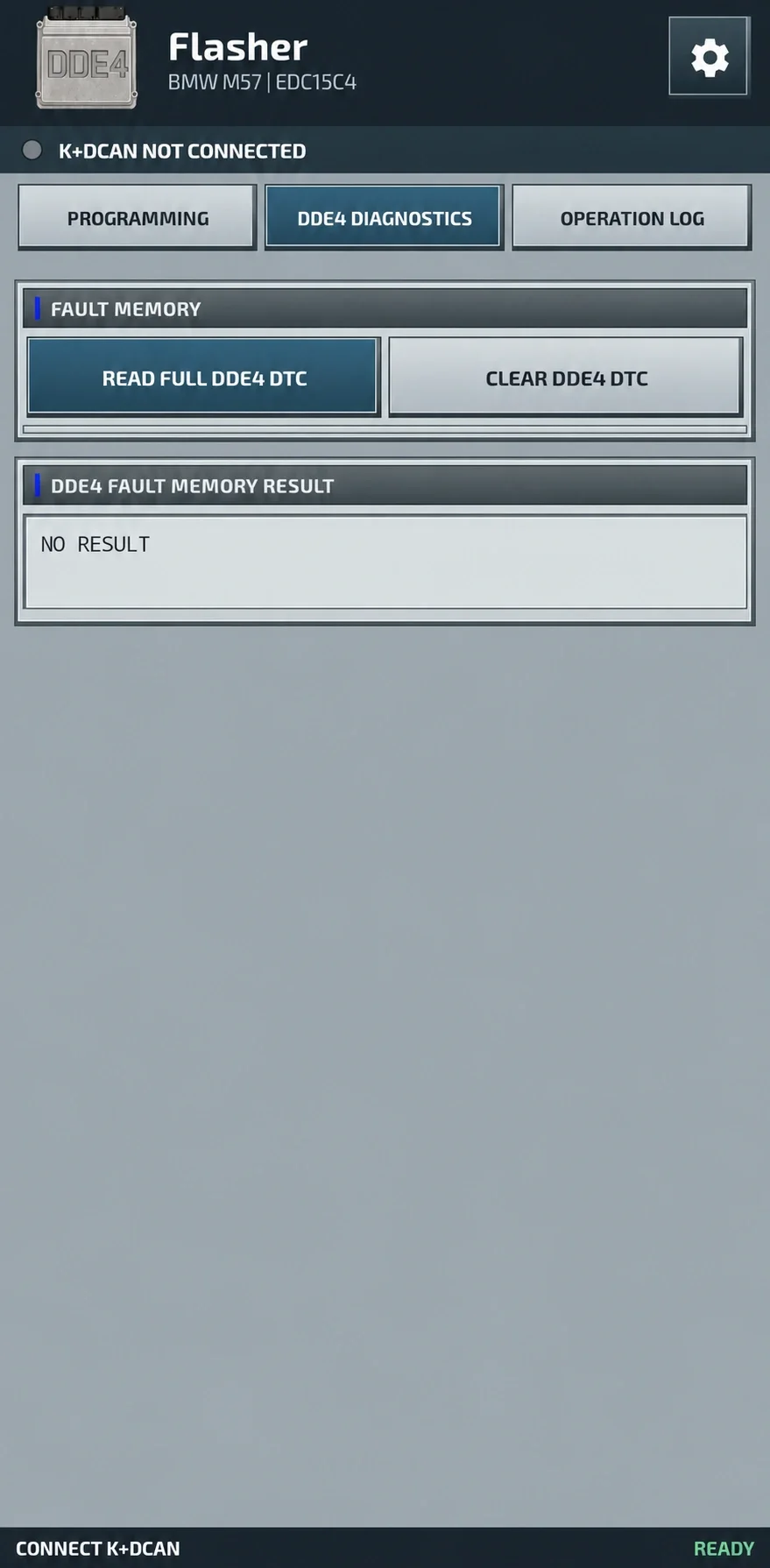
DDE4 Diagnostics screen with normal / Shadow fault-memory access and clearing controls; the pictured screen contains no diagnostic results.
Complete Backup Package
The backup function collects available ECU and diagnostic information into a ZIP archive. Its contents can include:
- Original complete FULL BIN
- Calibration extracted as a separate file
- Protected 16 KiB ECU region
- Full DDE4 identification
- Normal fault memory
- Shadow fault memory
- Programming history
- Operation log
Create this package before the first write and retain the original files separately.
K+DCAN connection and programming speeds
Use a wired FTDI FT232 K+DCAN interface with USB identification 0403:6001. The standard programming profile runs at 125000 baud. If normal writing does not start, Settings offers SLOW WRITE 38400. This option is intended for that situation only and does not change reading.
Settings and local history
The settings screen exposes interface language selection, the slow-write profile, Complete Backup Package creation, the last DTC cards and local flash history. English is visible in the supplied capture; a complete language list is not established.
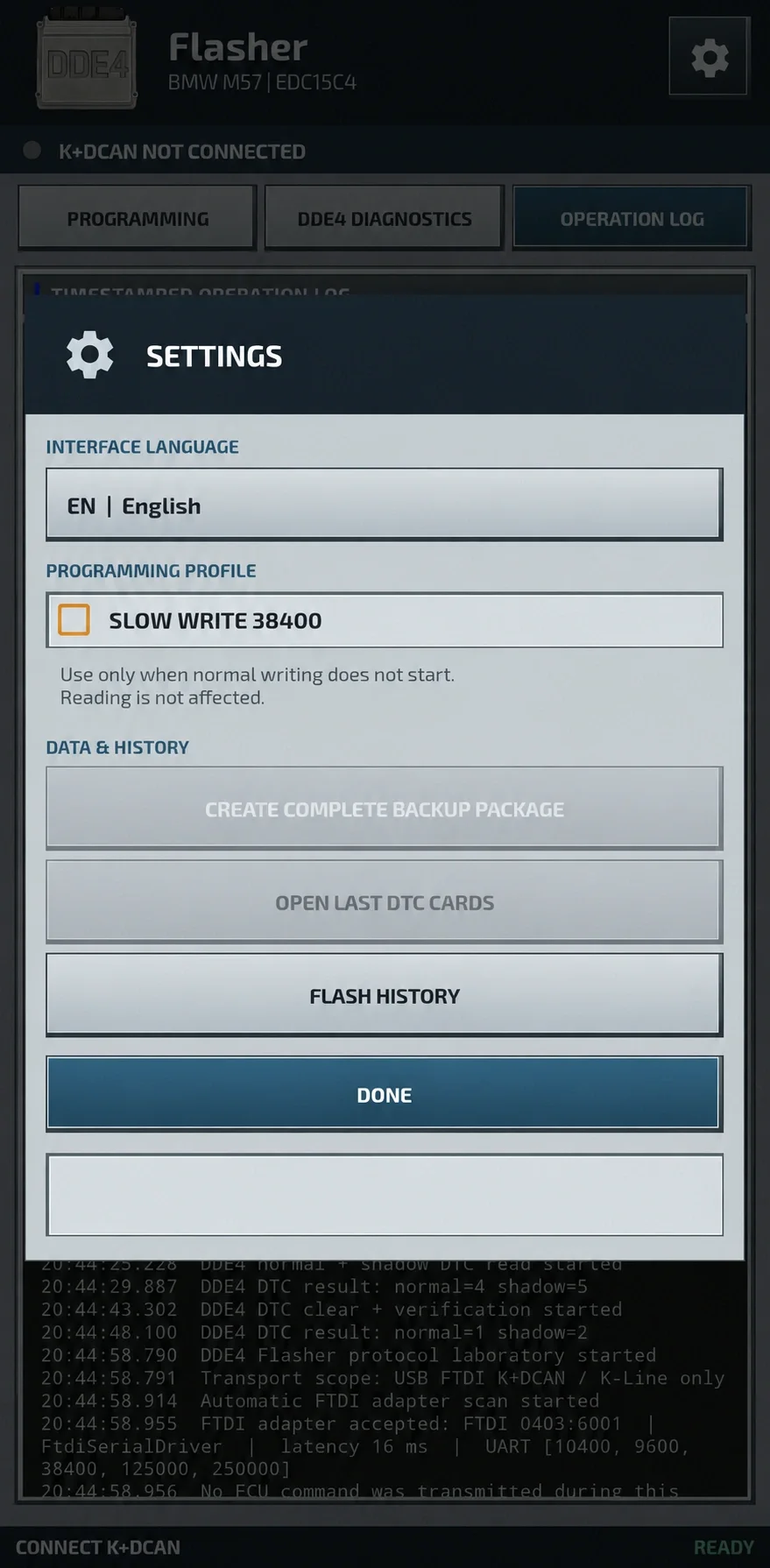
Settings panel with programming profile, backup, DTC cards and history controls.
Requirements
- Android 6.0 or later
- Phone or tablet with USB Host / OTG support
- Wired FTDI FT232 K+DCAN cable, VID:PID 0403:6001
- Stable regulated vehicle programming supply
- Adequately charged Android device
- A reliable BMW 20-pin to OBD adapter where an early vehicle uses the round under-hood diagnostic socket
A wireless adapter cannot replace the specified wired FTDI connection. Exact application download size, RAM/storage requirements, distribution license, publisher identity and genuine software release/update dates remain unspecified.
Recommended workflow
- Provide a stable regulated programming supply.
- Attach the wired FTDI K+DCAN interface to the Android device through USB OTG.
- Identify the connected DDE4 ECU.
- Check Main SW, Secondary SW, BMW ZUSB and Bosch ID.
- Create and preserve the Complete Backup Package.
- Read the original FULL BIN and retain an untouched copy.
- Open the exact intended programming file and verify it.
- Choose FULL or calibration writing to suit the authorized repair.
- Keep the connection, application and ignition undisturbed throughout erase and write.
- After successful completion, turn ignition OFF for about five seconds.
- Turn ignition ON and identify the ECU again.
- Read faults and confirm normal engine operation.
Important operating rules
Use DDE4 Flasher for authorized professional ECU programming and diagnosis. Check the physical controller, identification, binary file, checksum status, cable and power supply before writing.
During an active erase or write, do not disconnect K+DCAN, remove USB power, turn ignition OFF or close the application. A success message must be followed by ECU identification, fault reading and functional checks.
Technical Compatibility
Supported Modules
Operating Systems
File Formats
System Requirements
- Android 6.0 or newer
- USB Host / OTG phone or tablet
- FTDI FT232 wired K+DCAN, VID:PID 0403:6001
- Stable regulated vehicle programming supply
- Charged Android device
- BMW 20-pin to OBD adapter where required
Screenshots
Related Software
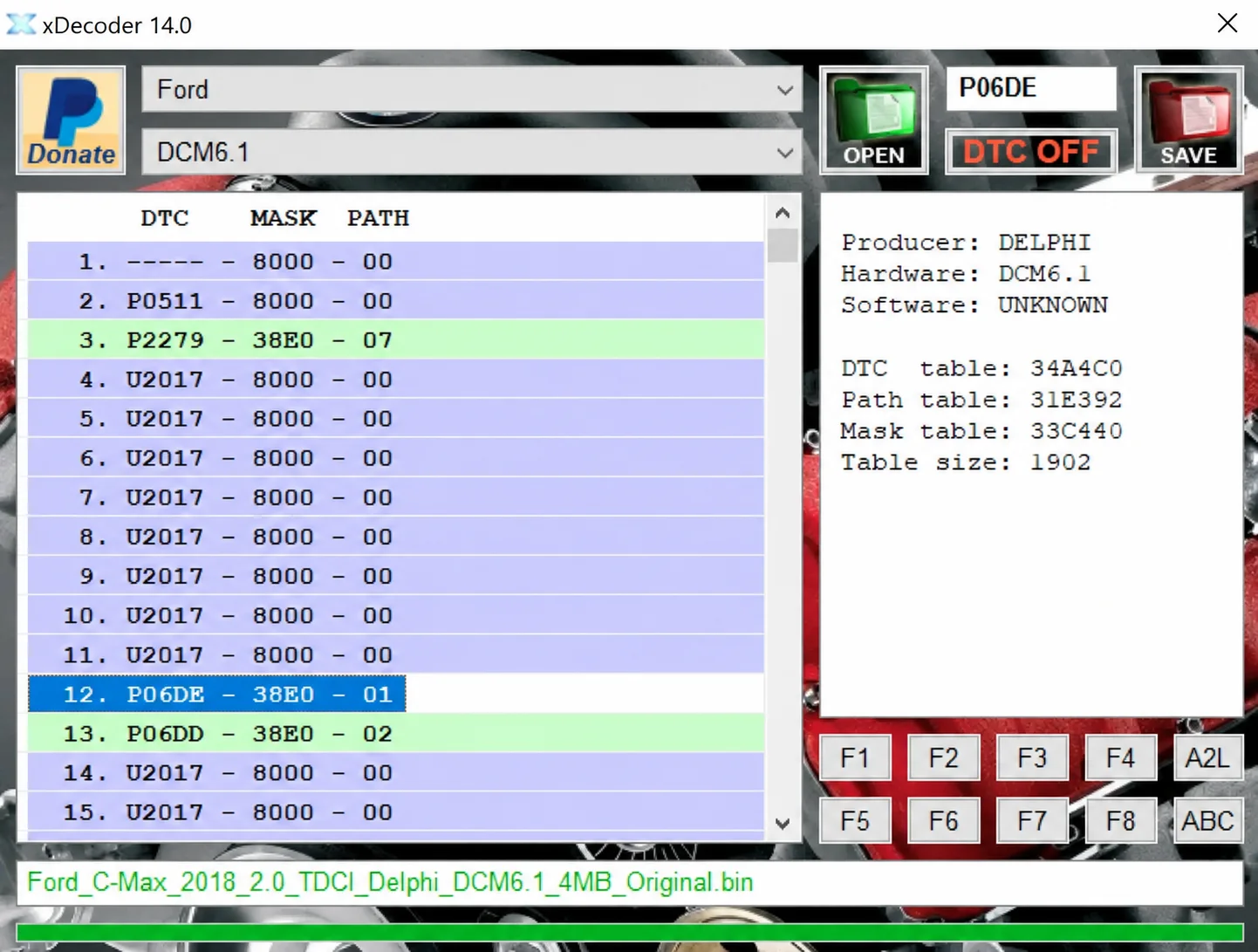
Windows BIN analysis and DTC editing utility for supported Bosch, Delphi, Continental, Siemens, Visteon and other ECU strategies.
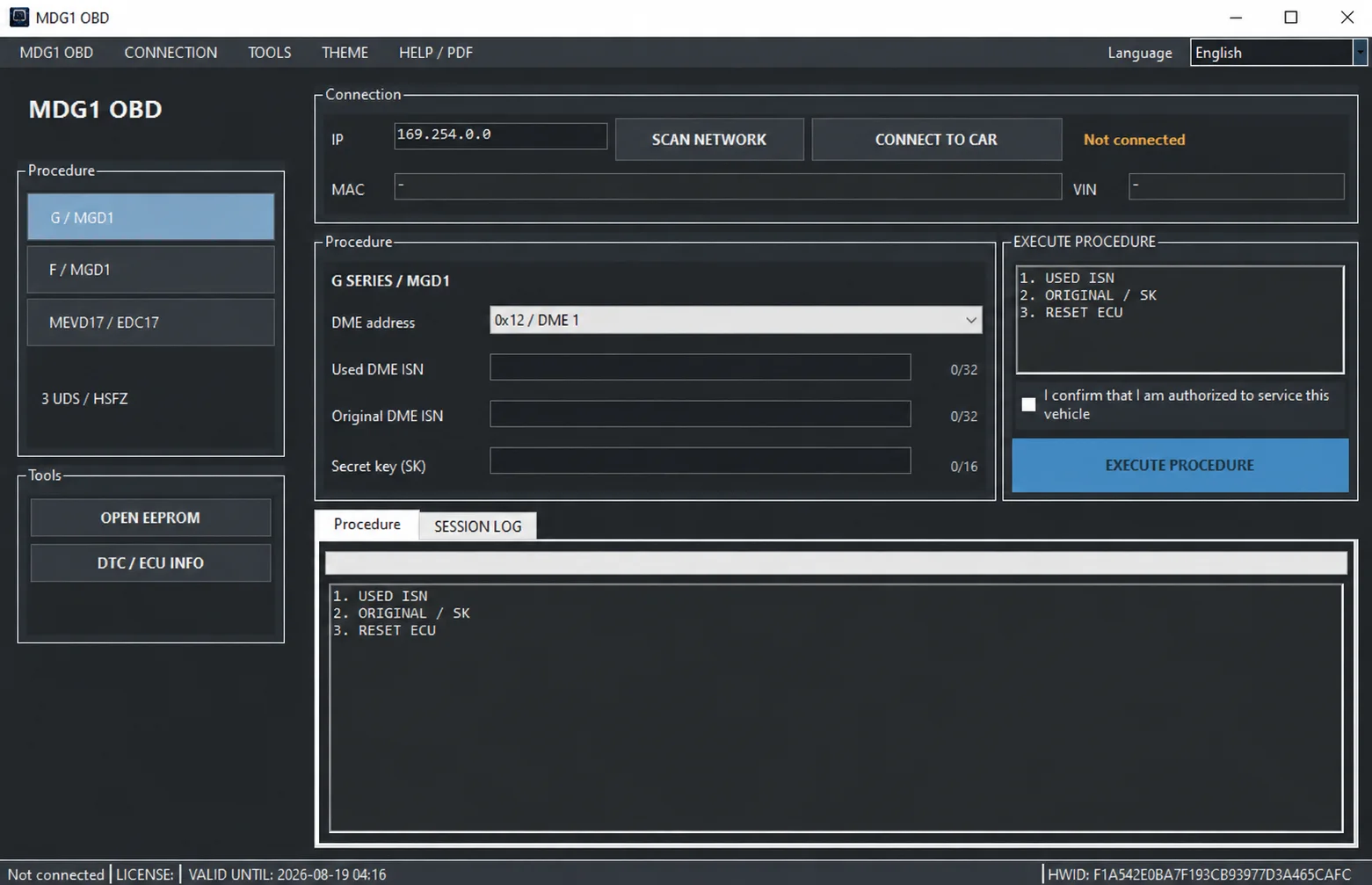
Windows BMW DME service utility with HSFZ/IP connectivity, separate G/F Series MDG1 and MEVD17xx/EDC17 workflows, DTC diagnostics and ECU information.

Offline Windows reference tool for Bosch ECU part numbers, controller families and OE cross-references, with exact, wildcard, prefix and binary-dump identifier searches.
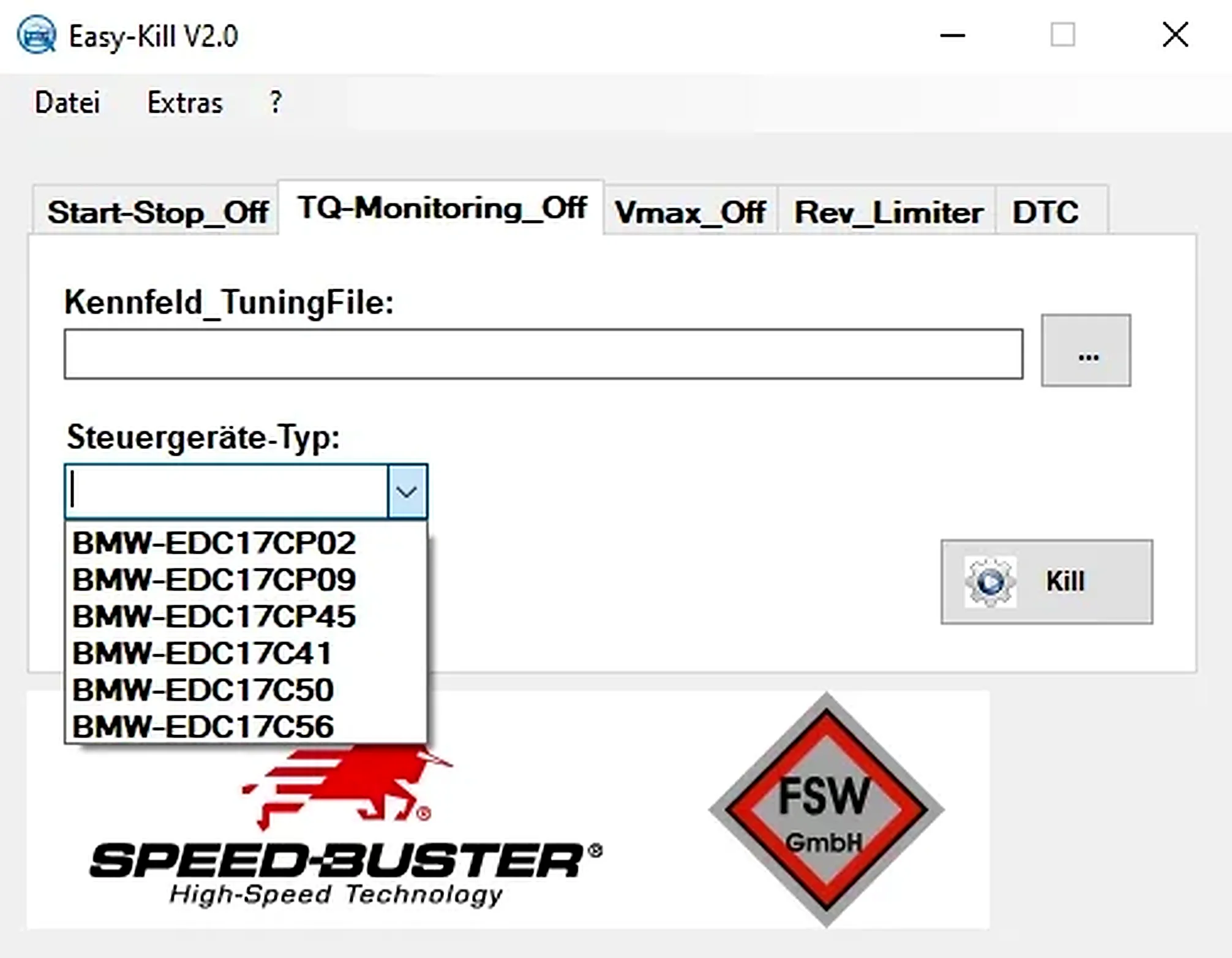
Offline Windows file editor for selected BMW and VAG Bosch ECU profiles, with separate start-stop, torque monitoring, Vmax, rev-limiter and DTC functions.
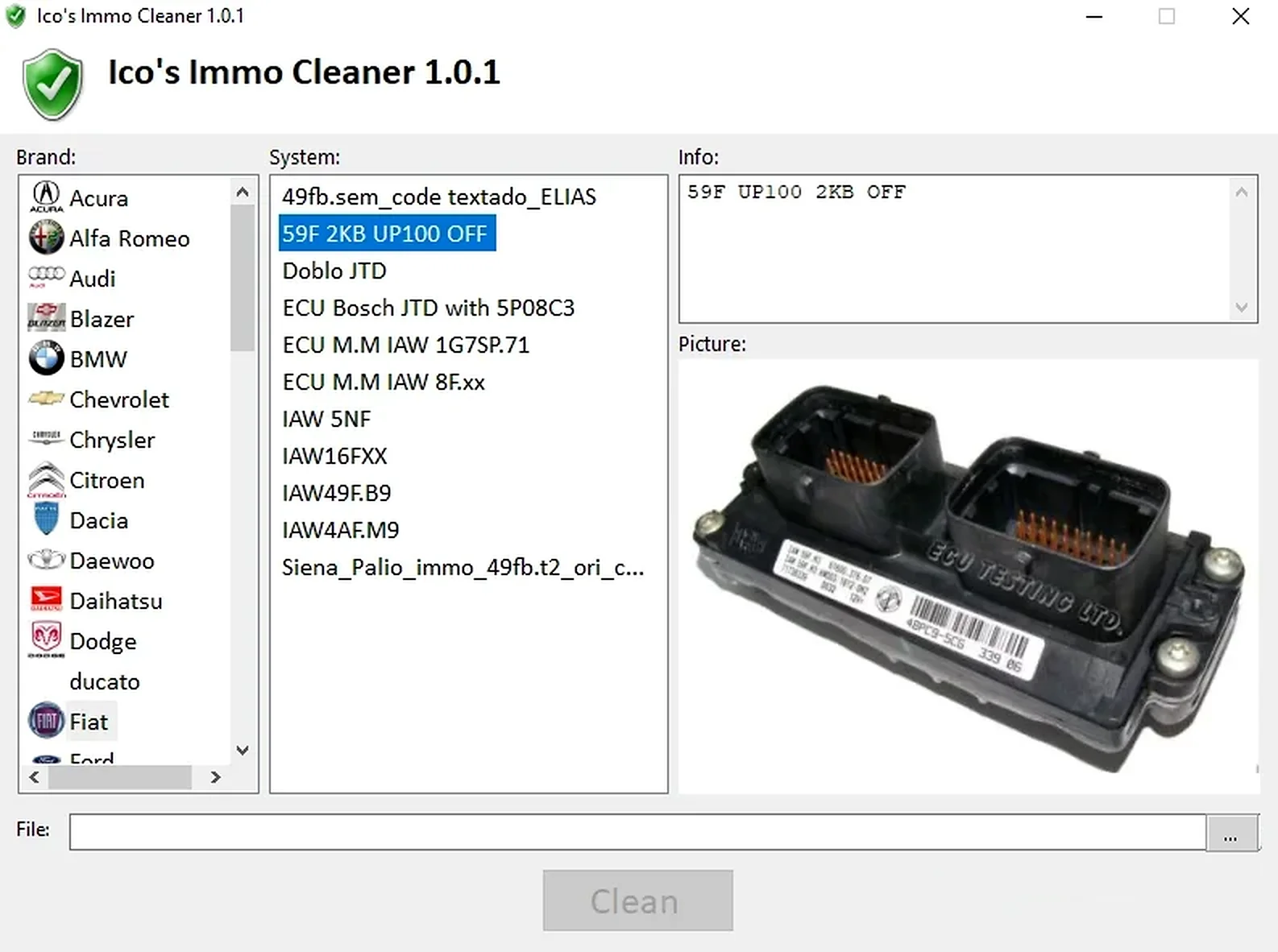
Offline Windows processor for supported ECU EEPROM and flash dumps, with brand/system selection, controller-specific clean, virgin and off templates, and reference images.
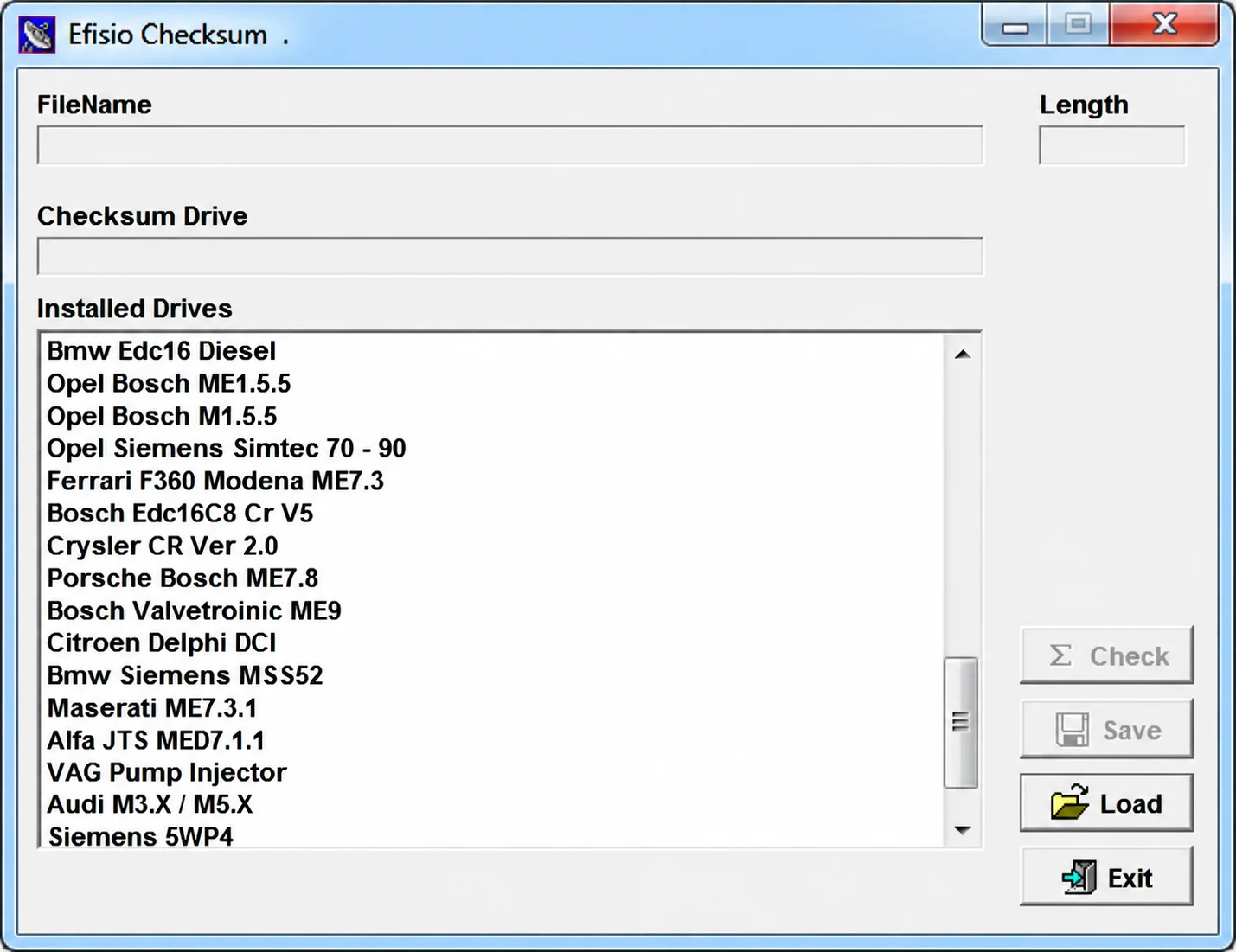
Modular Windows checksum utility for supported ECU binary files, with controller-specific DLL drivers, file-length display, checksum checking and corrected-copy saving.