
SOFTWARE DATABASE / RELEASE RECORD
VERSION 0.3.3.1UniDiag KWP2000 - K-Line Diagnostics for Alfa Romeo, Fiat & Lancia 0.3.3.1
Portable Windows diagnostics for selected Alfa Romeo, Fiat and Lancia K-Line controllers, with ECU identification, fault codes, live data and controller definitions.
Categories
Vehicle references
Overview
UniDiag KWP2000 0.3.3.1 is a portable Windows diagnostic tool for selected legacy Alfa Romeo, Fiat and Lancia controllers. It uses a serial K-Line interface and controller definitions to read ECU identification, work with diagnostic trouble codes and display or graph live data.
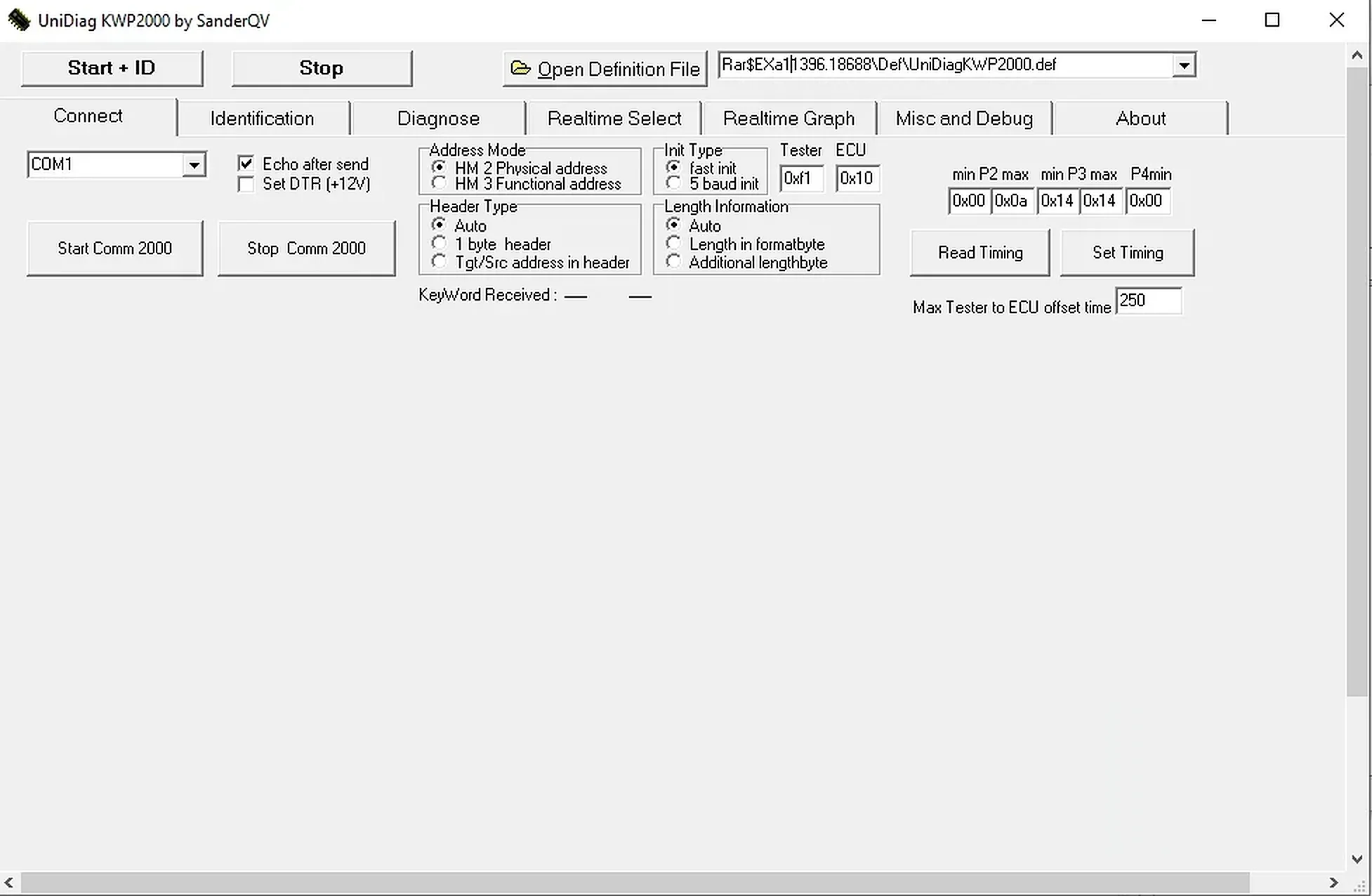
Diagnostic functions
Select a .def profile and COM port before opening a session. The definition supplies service requests, parameter scaling and ECU-specific interpretation. Identification, DTC commands and live-data channels depend on the profile and the actual module. Generic KWP2000 and DTC definitions are available for appropriate controllers.
Alfa Romeo definitions
- Bosch MED7.1.1 — 2.0 JTS.
- Bosch ME3.1 — 156 Selespeed.
- Bosch M1.5.5 — 156 Twin Spark, including the alternate N profile, and Twin Spark 16V.
- Bosch ME2.1 — 156 V6 and 166 2.0 V6 Turbo.
- Example profiles cover 166 JTD, Twin Spark M1.5.5 and EDC15 testing.
Fiat, Lancia and shared definitions
- Bosch EDC15 — shared 1.9 and 2.4 JTD profiles and a Fiat Punto 1.9 JTD profile.
- Bosch EDC15C7 — 1.9 and 2.4 JTD.
- Bosch ME7.3.1 — Alfa Romeo/Lancia 1.6, 1.8 and 2.0 16V and turbo applications.
- Bosch ME2.1 — Alfa Romeo/Lancia 2.5 and 3.0 V6.
- Magneti Marelli IAW 5NF — Fiat 1.2 8V and 16V.
- Bosch M1.5.5 — Fiat 1.2 16V.
- Magneti Marelli IAW 49F — Fiat/Lancia 1.6.
- Magneti Marelli CFC208F — Selespeed.
Match the profile to the ECU hardware and software references. Treat the Bosch ABS 5.7 ASR/TC definition as experimental. Generic body and network code dictionaries aid interpretation and do not establish coverage for those modules.
Interface and connection settings
Use a KKL interface with a physical or USB serial COM port. KWP2000 (ISO 14230) uses K-Line here. Some legacy wiring needs L-Line, a powered three-pin adapter or module-specific pin routing. ELM327, CAN-only and UDS setups require different tooling. KWP71 is a separate protocol and has its own UniDiag application.
Use the ECU profile's initialization, tester and ECU addresses, baud rate, headers and timings. Fast and slow (5-baud) initialization are controller-dependent. Check battery voltage and ignition state, and use vehicle-specific wiring information for the diagnostic pins.
Workshop diagnosis
- Record symptoms, model, engine code and ECU identity. Use battery support for extended sessions.
- Check the cable driver and COM assignment in Device Manager. Try a lower virtual port number if the program cannot list the assigned port.
- Confirm the diagnostic pin and definition, then read identification before changing fault status.
- Save exact DTCs, status bytes and relevant freeze-frame or live-data evidence. Verify parameter units and scaling against plausible engine speed, temperature, pressure or airflow.
- After repair, clear faults when appropriate and repeat the same checks to see whether the faults recur.
System requirements
32-bit or 64-bit Windows capable of running a legacy x86 executable. XP and Windows 7 are period-appropriate environments. Later systems depend on working serial drivers and application compatibility. Allow around 10 MB for the program and working files, plus space for logs. A 1024 × 768 display is recommended. The application works offline.
Troubleshooting
- Missing or busy COM port. Check the driver, reconnect the adapter and close other serial tools.
- ECU does not answer. Check power, ground, ignition, pin routing and profile settings.
- Engine only. Confirm the other module's wiring and protocol before trying another adapter.
- Live data drops. Reduce active channels and check cable quality, USB power management and profile timing.
- Values look wrong. Recheck the definition and scaling even if identification works.
- Generic DTC description. Save the raw code and status for controller-specific diagnosis.
Package contents
The documented package has 35 functional files, including the unsigned native x86 executable, Def library and combined Fiat/Lancia/Alfa DTC file. The old Iso9141.log timeout log was excluded from the package. Package inspection was reported as static. Use diagnostic requests only on vehicles you are authorized to service.
Technical Compatibility
Supported Modules
Operating Systems
ECU Families
System Requirements
- 32-bit or 64-bit Windows capable of running a legacy x86 application.
- Windows XP or 7 as period-appropriate environments, with a compatible serial driver.
- KKL interface, available COM port and the correct vehicle adapter.
- Approximately 10 MB for working files plus log storage.
- 1024 × 768 display recommended.
- Offline operation.
Screenshots
Related Software

Windows calibration-file utility with manufacturer and ECU selection menus for EGR, flap, Hotstart, DTC and related service functions.
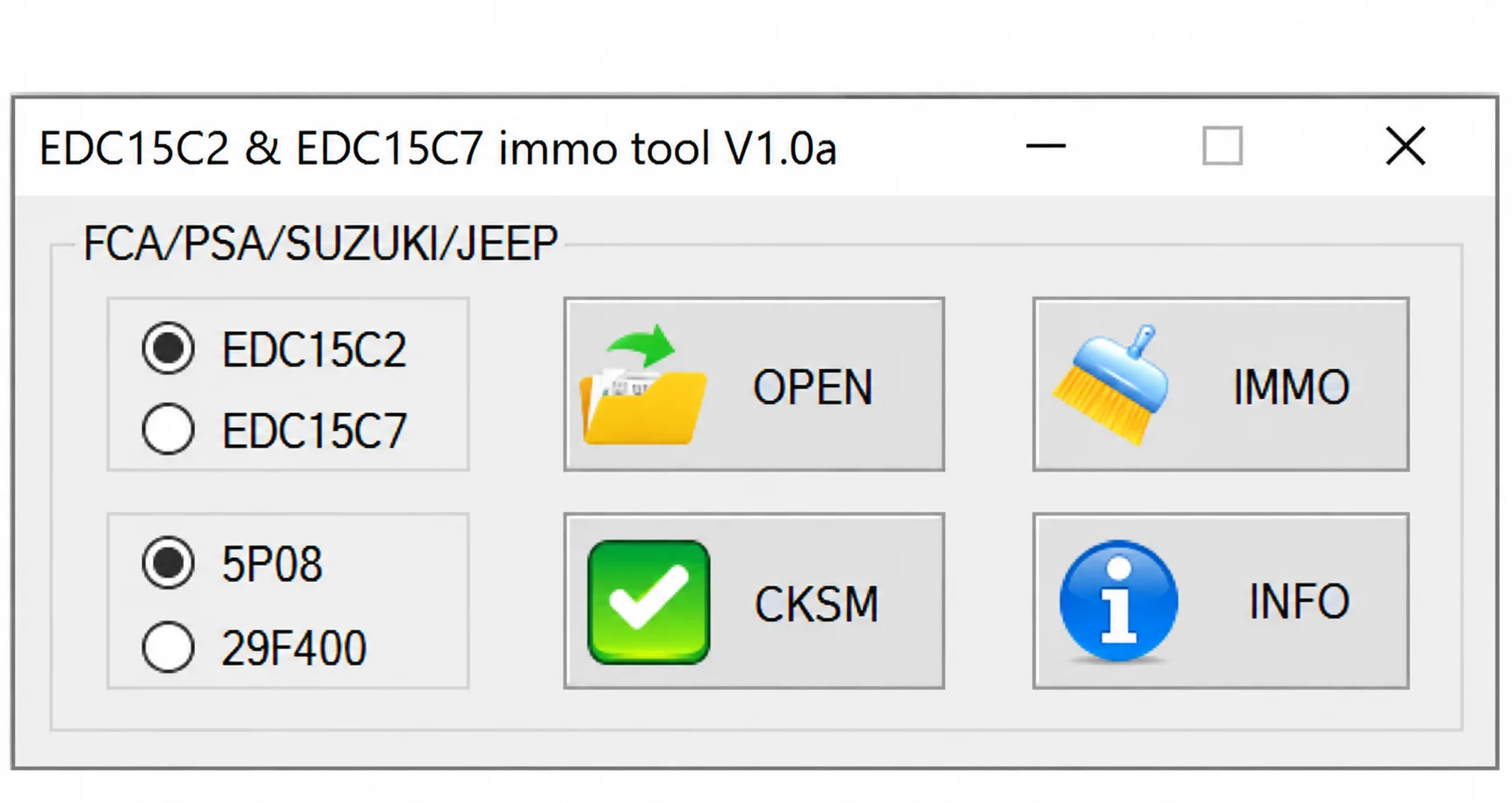
Offline Windows utility for IMMO Off and checksum processing of supported Bosch EDC15C2 and EDC15C7 memory files for selected FCA, PSA, Suzuki and Jeep applications.
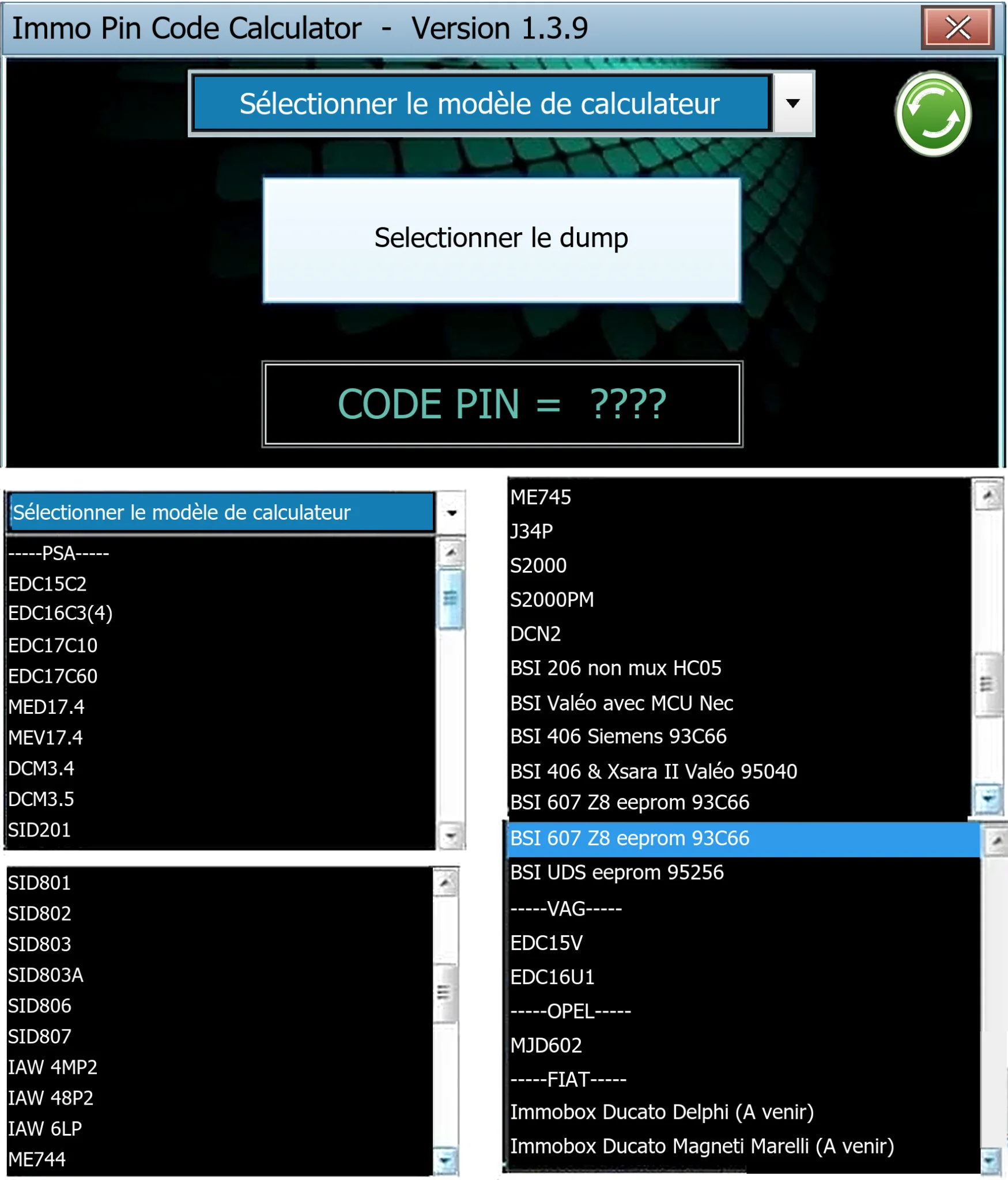
Offline Windows PIN decoder for supported Peugeot/Citroën ECU and BSI dumps, with additional Volkswagen EDC15V/EDC16U1 and Opel MJD602 profiles.
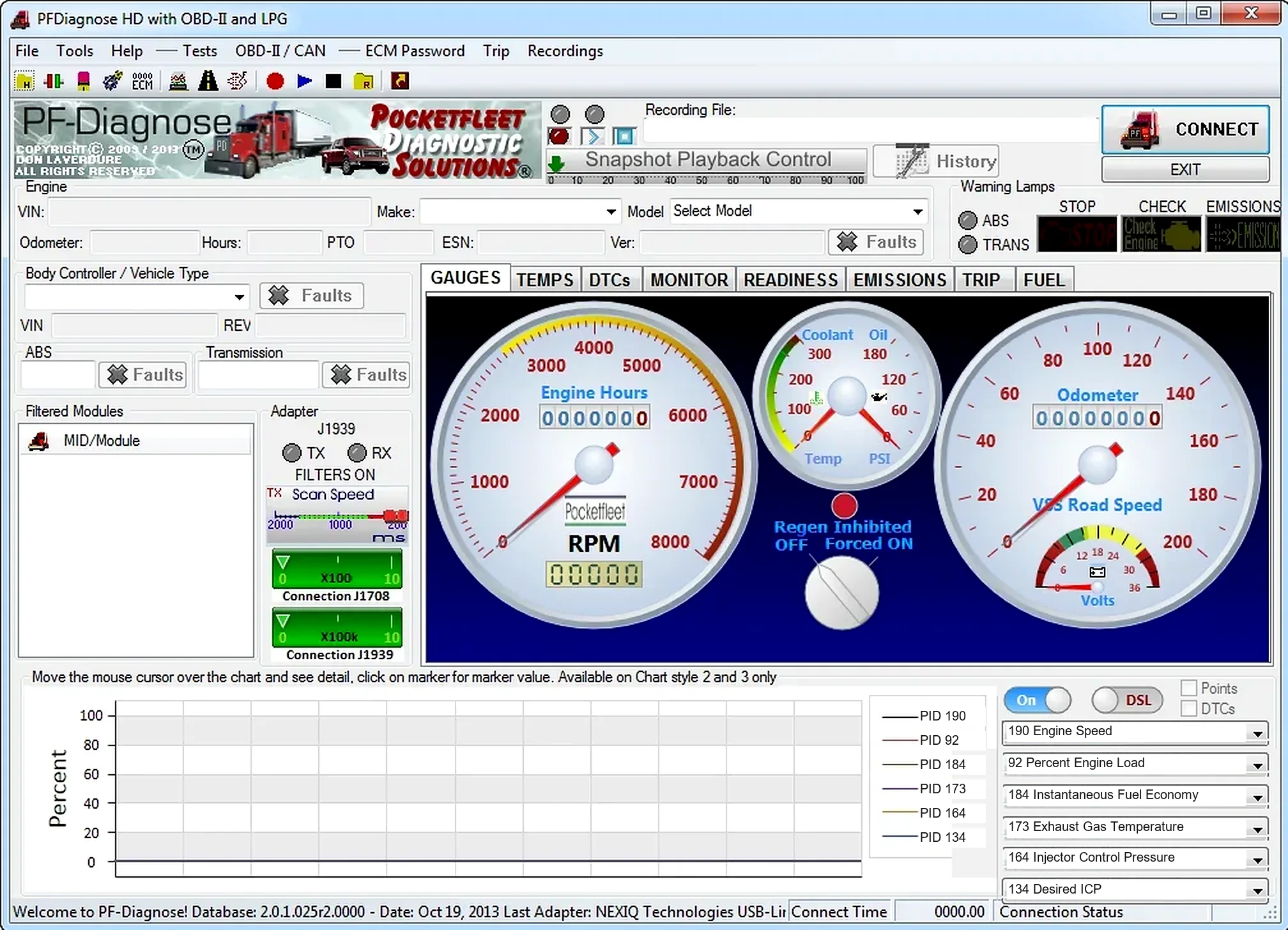
Windows heavy-duty and light-duty diagnostics through compatible RP1210/J2534 interfaces, with DTCs, live data, gauges, emissions monitors, trip information and session recording.
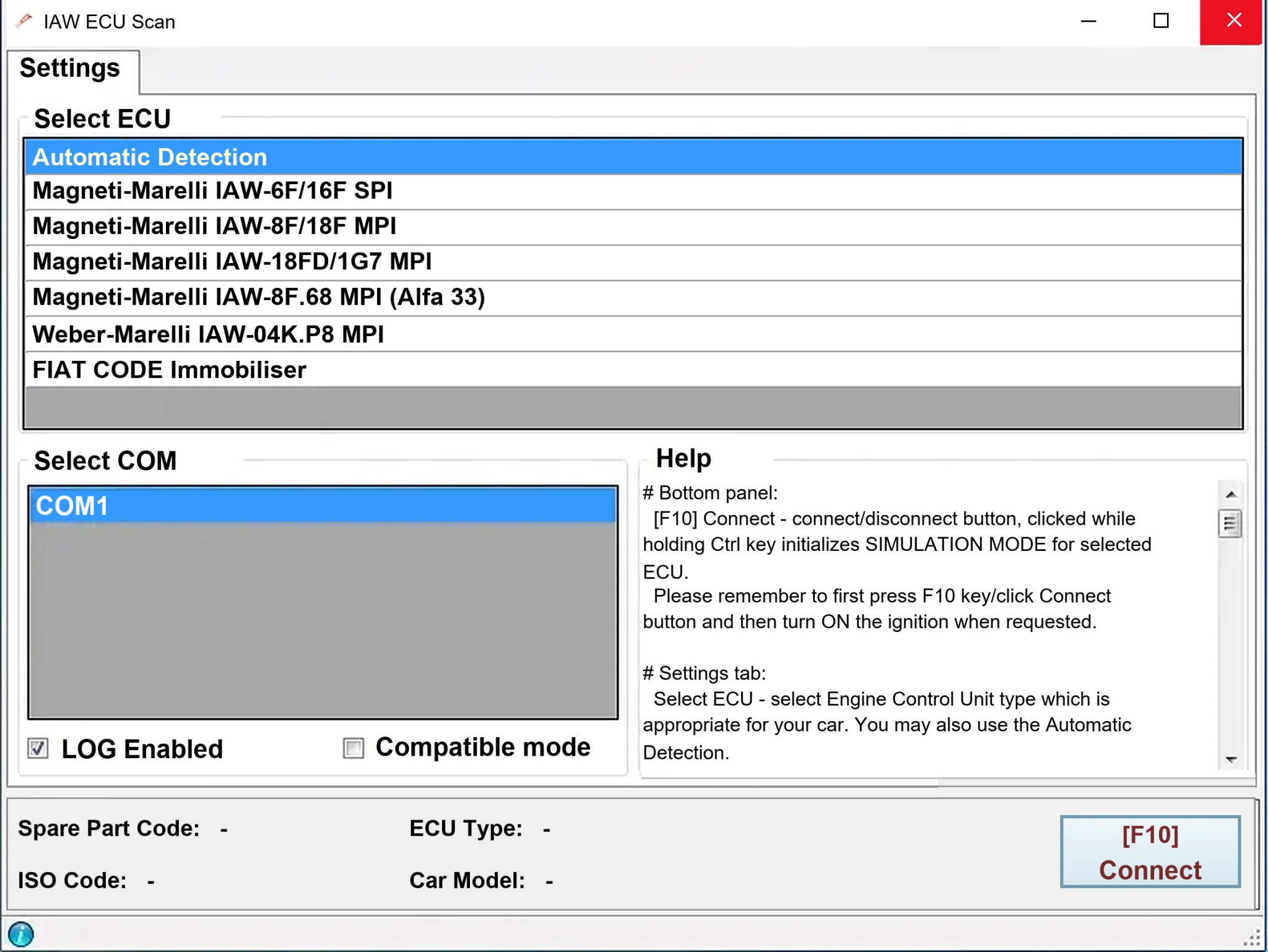
Windows diagnostics for selected legacy Magneti Marelli IAW ECUs in Fiat, Lancia and Alfa Romeo vehicles, using a KKL K-line interface for identification, faults and live data.
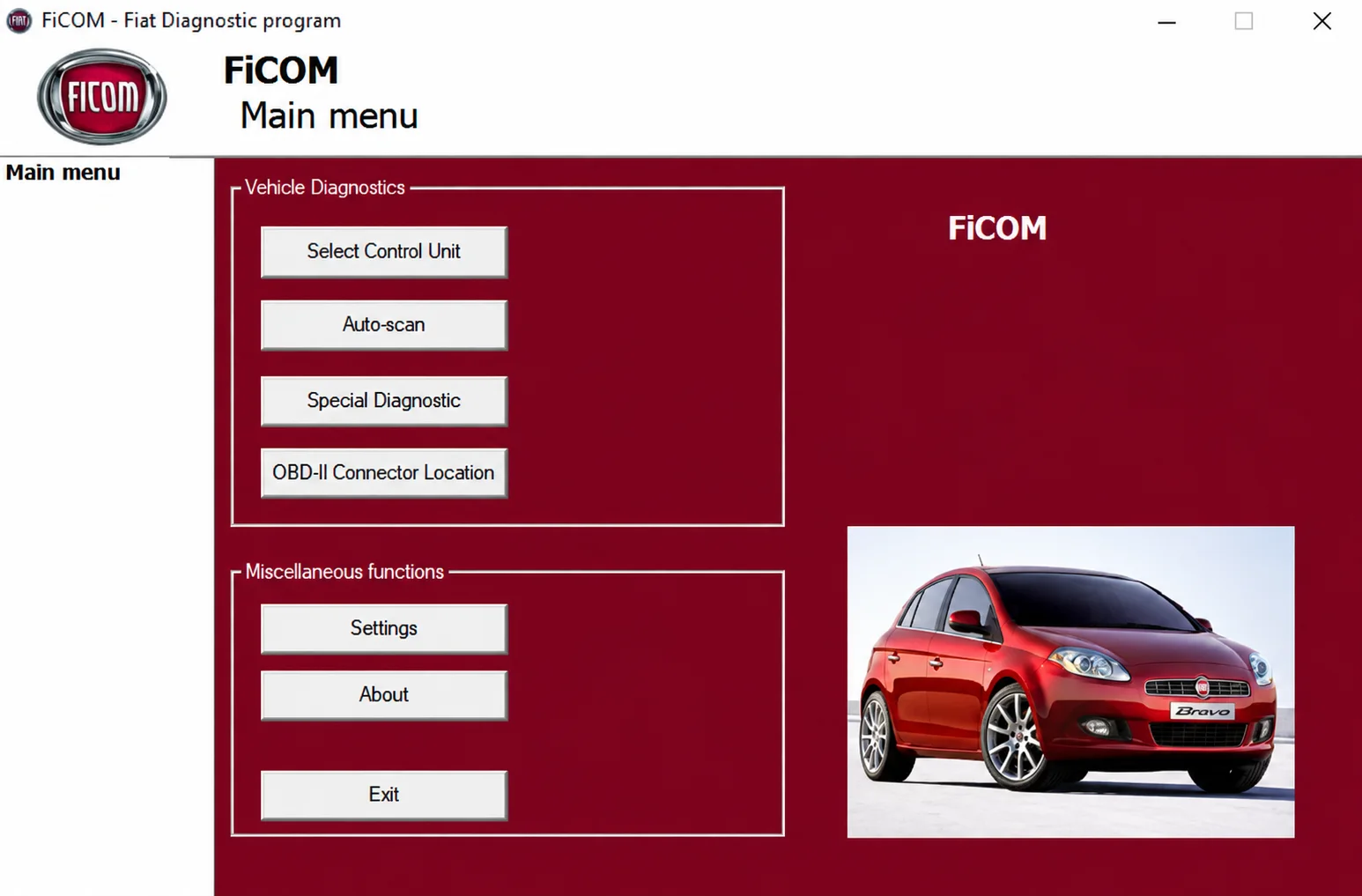
Windows diagnostics for supported Fiat-group vehicles, with ECU selection, auto-scan, fault codes, live parameters and module-specific service functions.