
SOFTWARE DATABASE / RELEASE RECORD
VERSION 2.01.23PF-Diagnose HD - OBD-II and J1939 Diagnostic Software 2.01.23
Windows heavy-duty and light-duty diagnostics through compatible RP1210/J2534 interfaces, with DTCs, live data, gauges, emissions monitors, trip information and session recording.
Categories
Vehicle references
Overview
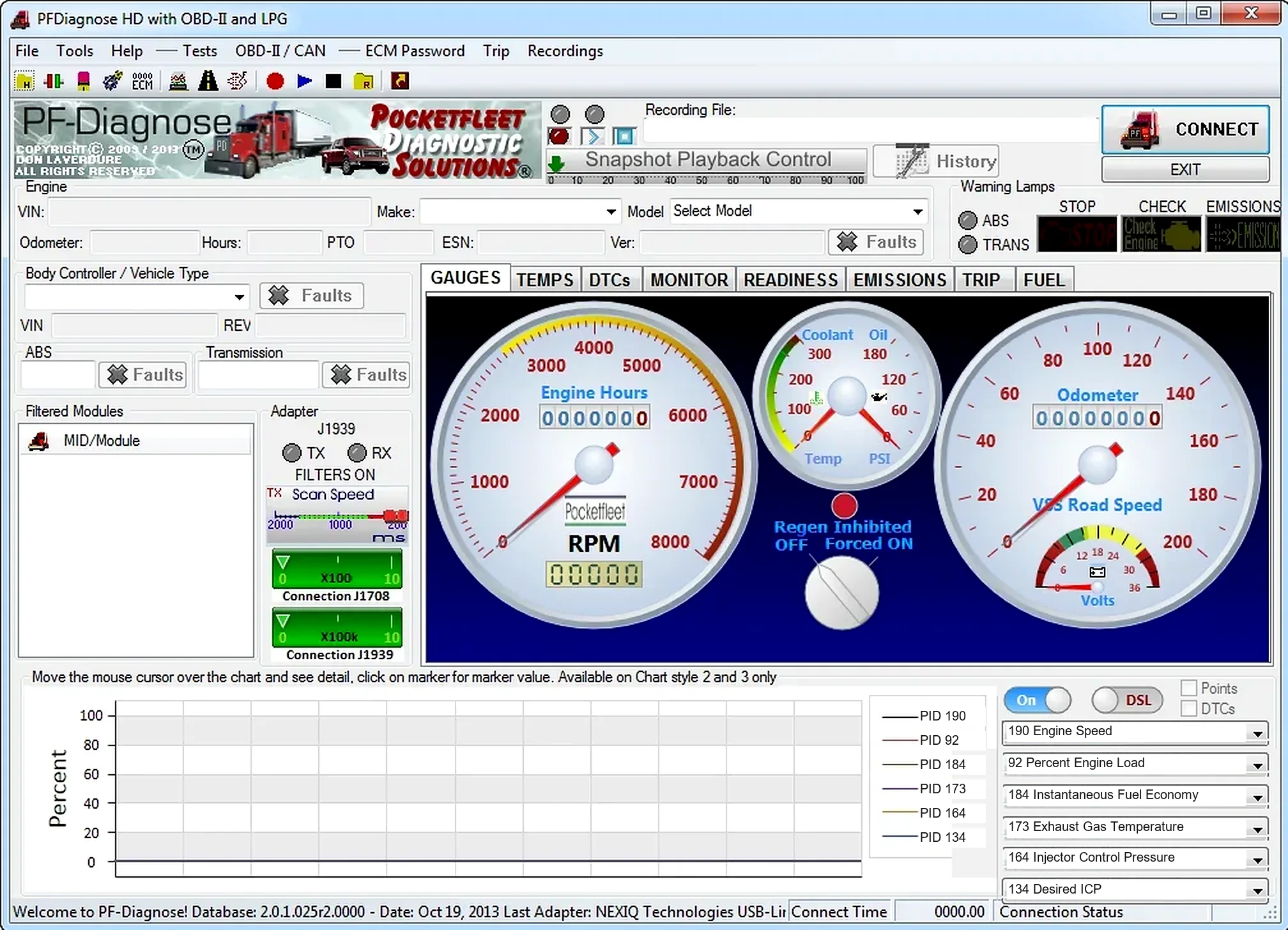
PF-Diagnose HD is a Windows diagnostic application for heavy-duty and light-duty vehicles that communicate using SAE J1587/J1708, J1939, UDS or OBD-II through a compatible RP1210 or J2534 interface. It combines fault-code information, live data, graphical gauges, emissions-monitor information, trip details and recording tools in one service workspace.
Supported vehicles, ECUs and files
The documented focus is North American heavy-duty diesel systems. Listed diagnostic applications also include John Deere, Isuzu after model year 2007, Hino live data, GMC Duramax, Ford, Chrysler, Toyota and Nissan where the vehicle and communication protocol are supported. Actual access depends on the individual protocol and module, and special tests are not available on every ECU.
- Commercial-vehicle networks using SAE J1587/J1708 or J1939.
- OBD-II and UDS modules made accessible by a supported adapter and its driver.
- Documented, tested adapter families including Dearborn DPA, NEXIQ USB-Link, Cummins INLINE and Drew Technologies interfaces.
- Other compliant RP1210/J2534 devices only when their drivers correctly provide the protocol needed for the intended connection.
Functions
- Fault-code work: read, describe and clear diagnostic trouble codes when the connected module allows those operations.
- Live-data monitoring: display parameters in lists, gauges or graphs and filter the modules included in the session.
- Readiness and emissions: review the relevant monitor and emissions information on applicable OBD-II vehicles.
- Recording and replay: capture snapshots or diagnostic sessions and replay the data when investigating intermittent faults.
- Vehicle and trip information: inspect the details reported by connected control units.
System and hardware requirements
- Windows 7, 8 or 10, as described in the application FAQ. Administrator privileges may be needed to install the adapter driver.
- A compatible RP1210/J2534 adapter, the correct hardware-manufacturer driver and firmware supported for that interface.
- The appropriate diagnostic cable for the vehicle's data link and a stable vehicle electrical system.
- Internet connectivity or access for activation where required by the installed application's licensing state.
Recommended workflow
- Install the communication-adapter driver first, and check the adapter with its manufacturer's utility before starting PF-Diagnose.
- Select the correct adapter and protocol, connect with the ignition on, then begin with module discovery and read-only diagnostic data.
- Save the DTC information and supporting live-data evidence before clearing faults or starting an active test.
- Use control functions only while following the appropriate service procedure and maintaining safe vehicle and workshop conditions.
Package contents
The package provides the PF-Diagnose executable and its MSI installer. Communication-adapter drivers are not included; obtain the driver package appropriate to the hardware from its manufacturer. The documented preparation used static inspection of the files without executing them.
Important limits
Support for a communication protocol does not guarantee access to every manufacturer-specific function. Confirm the combination of adapter, vehicle, module and requested operation before relying on the diagnostic result. Do not perform an actuator test until both the vehicle and the surrounding area are safe for that operation.
Technical Compatibility
Supported Modules
Operating Systems
System Requirements
- Windows 7, 8 or 10; administrator rights when required for driver installation
- Compatible RP1210/J2534 adapter with correct vendor driver and supported firmware
- Correct diagnostic cable and stable vehicle electrical system
- Internet or activation access where required by the installed license
Screenshots
Related Software

Windows calibration-file utility with manufacturer and ECU selection menus for EGR, flap, Hotstart, DTC and related service functions.
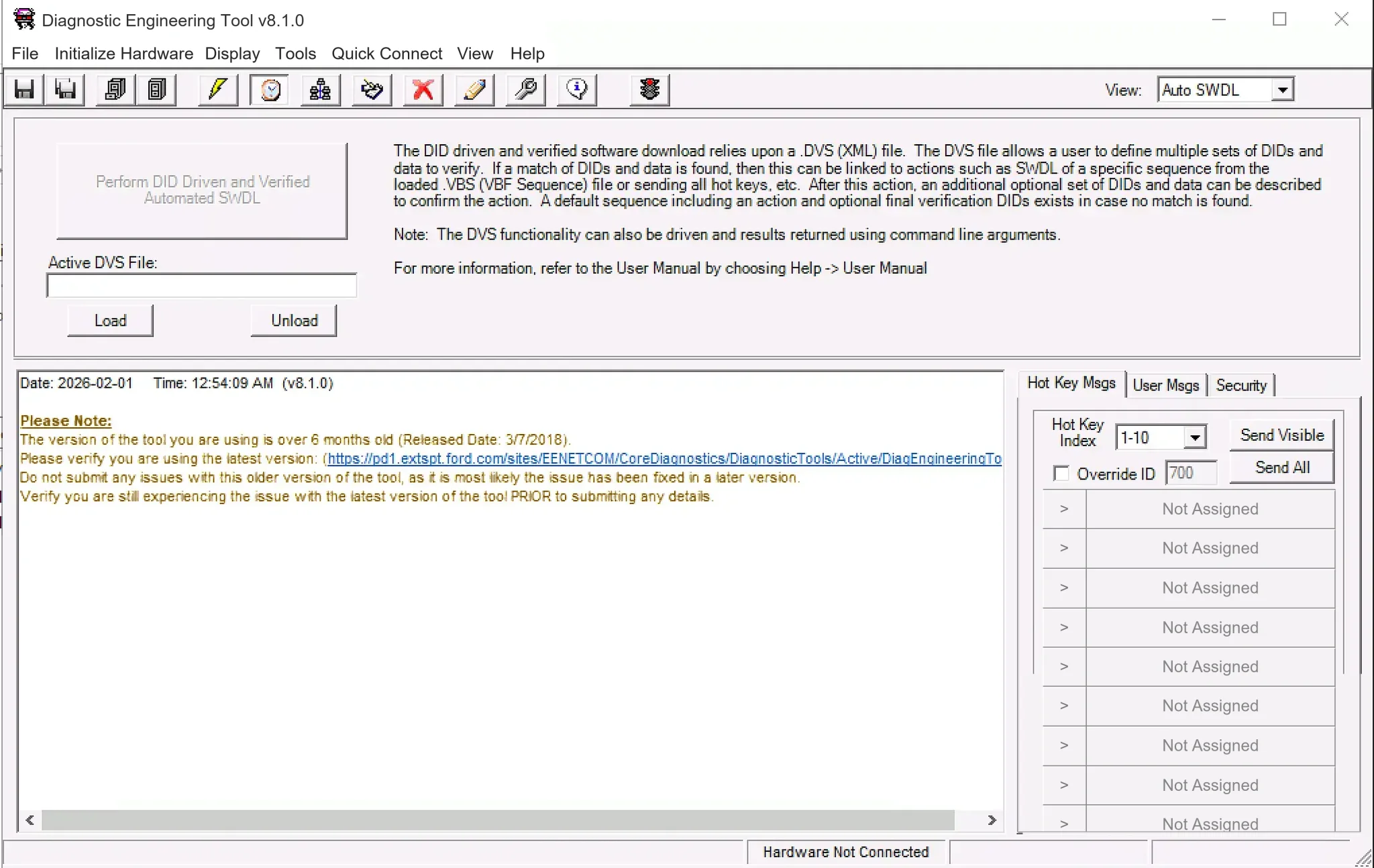
Ford ISO 14229 UDS engineering diagnostics with raw requests, DIDs, ECU configuration, software download sequences and module-focused service routines.
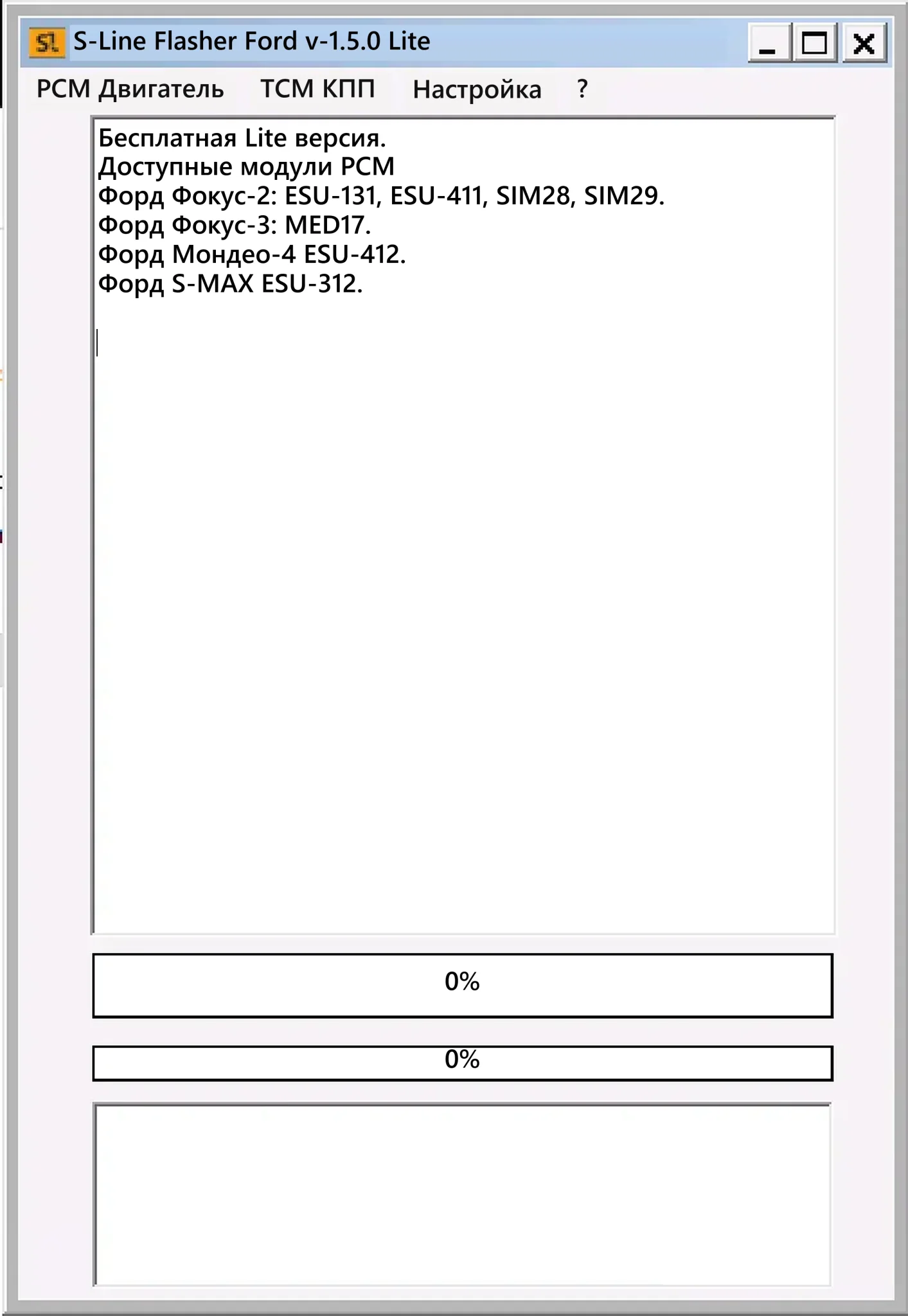
Ford PCM and TCM service utility using J2534 passthru hardware, with reprogramming, identification, DTC clearing, module reset and offline help.

Windows workshop utility for calculating PIN and key-related service data from supported ECU, dashboard and body-module dumps, with a searchable coverage database.
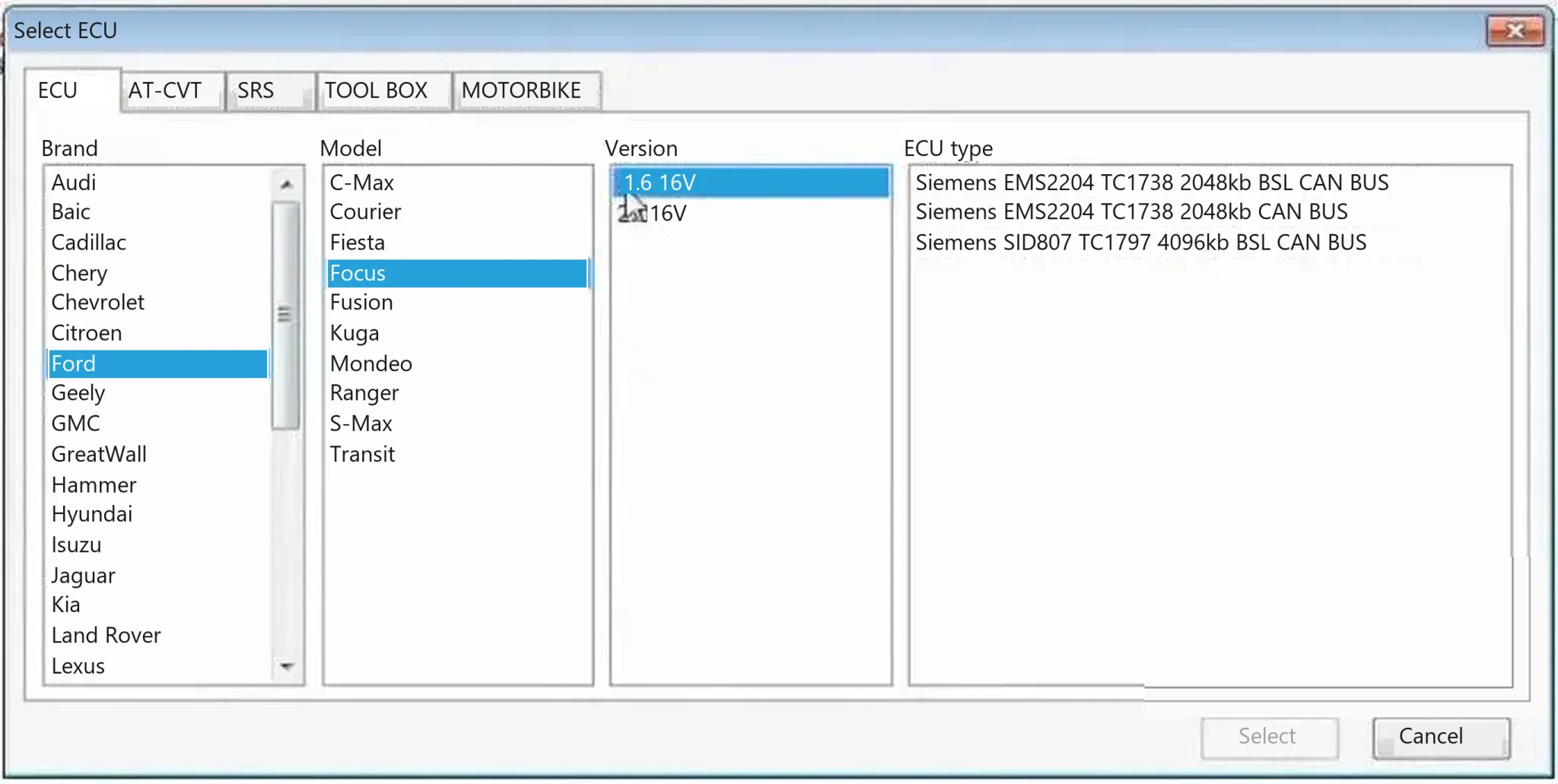
Multi-brand Windows ECU service utility with a Brand/Model/Version selector, ECU protocol hints, backup/restore workflows and ECU, AT-CVT and SRS tabs.

Collection of 1,350+ UPA-USB scripts for EEPROM and MCU work, covering odometer, IMMO, airbag reset, radio codes, PIN extraction and ECU virginization.