
SOFTWARE DATABASE / RELEASE RECORD
VERSION 1.5.0S-Line Flasher Ford PCM and TCM Reprogramming Utility 1.5.0
Ford PCM and TCM service utility using J2534 passthru hardware, with reprogramming, identification, DTC clearing, module reset and offline help.
Categories
Vehicle references
Overview
S-Line Flasher Ford Lite is a compact Ford ECU service utility that communicates through a J2534 passthru interface. The Lite build concentrates on essential functions for the engine PCM and transmission TCM, including reprogramming, module identification, DTC handling and basic control-unit operations. The package also contains folders for calibration-related data and a local help file that can be consulted offline.
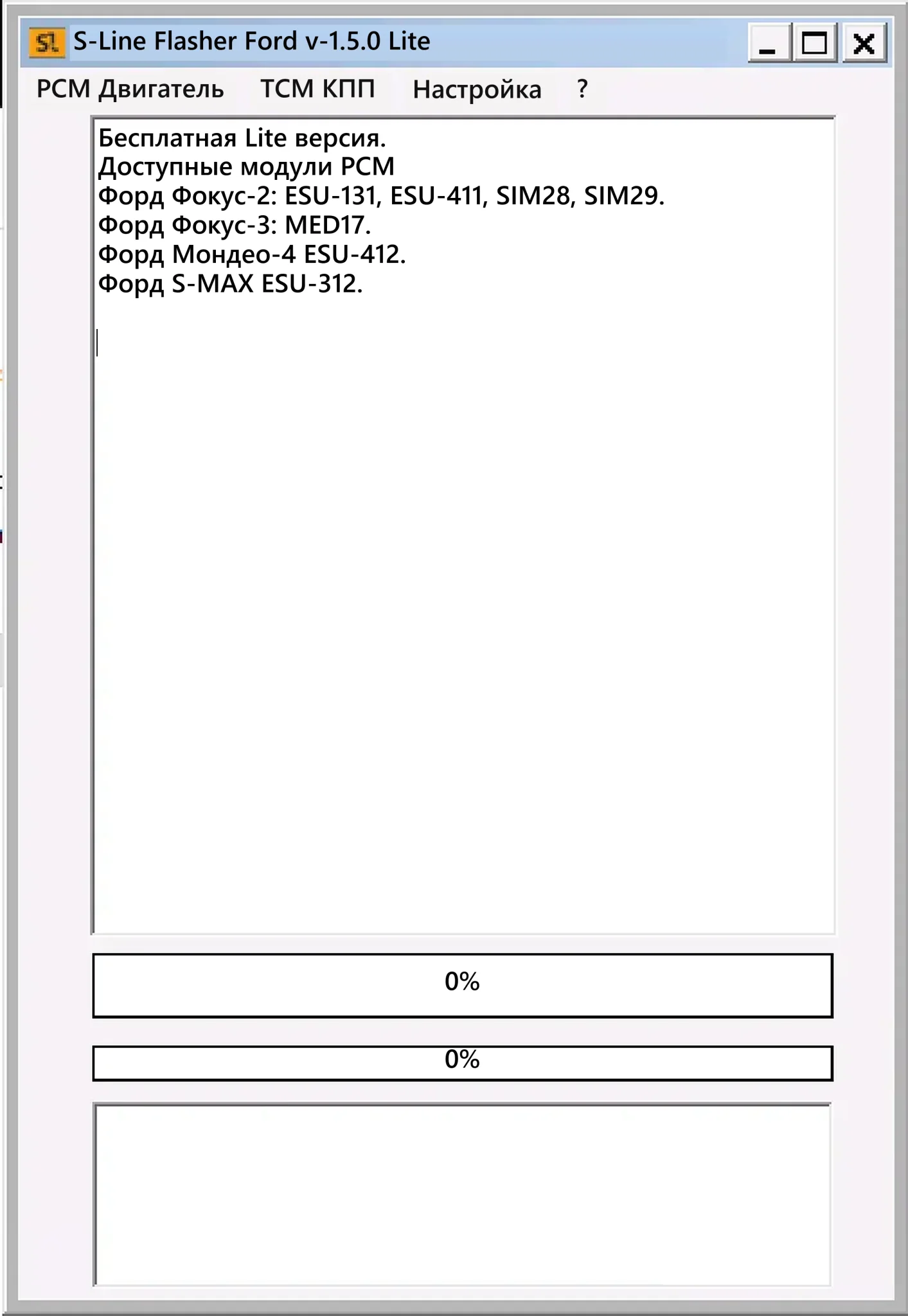
Supported vehicles and ECU families shown in the Lite build
- Ford Focus 2 (C307): PCM profiles for ESU-131, ESU-411, SIM28 and SIM29.
- Ford Focus 3 (C346): A MED17 PCM profile.
- Ford Mondeo 4 (CD345): An ESU-412 PCM profile.
- Ford S-MAX: An ESU-312 PCM profile.
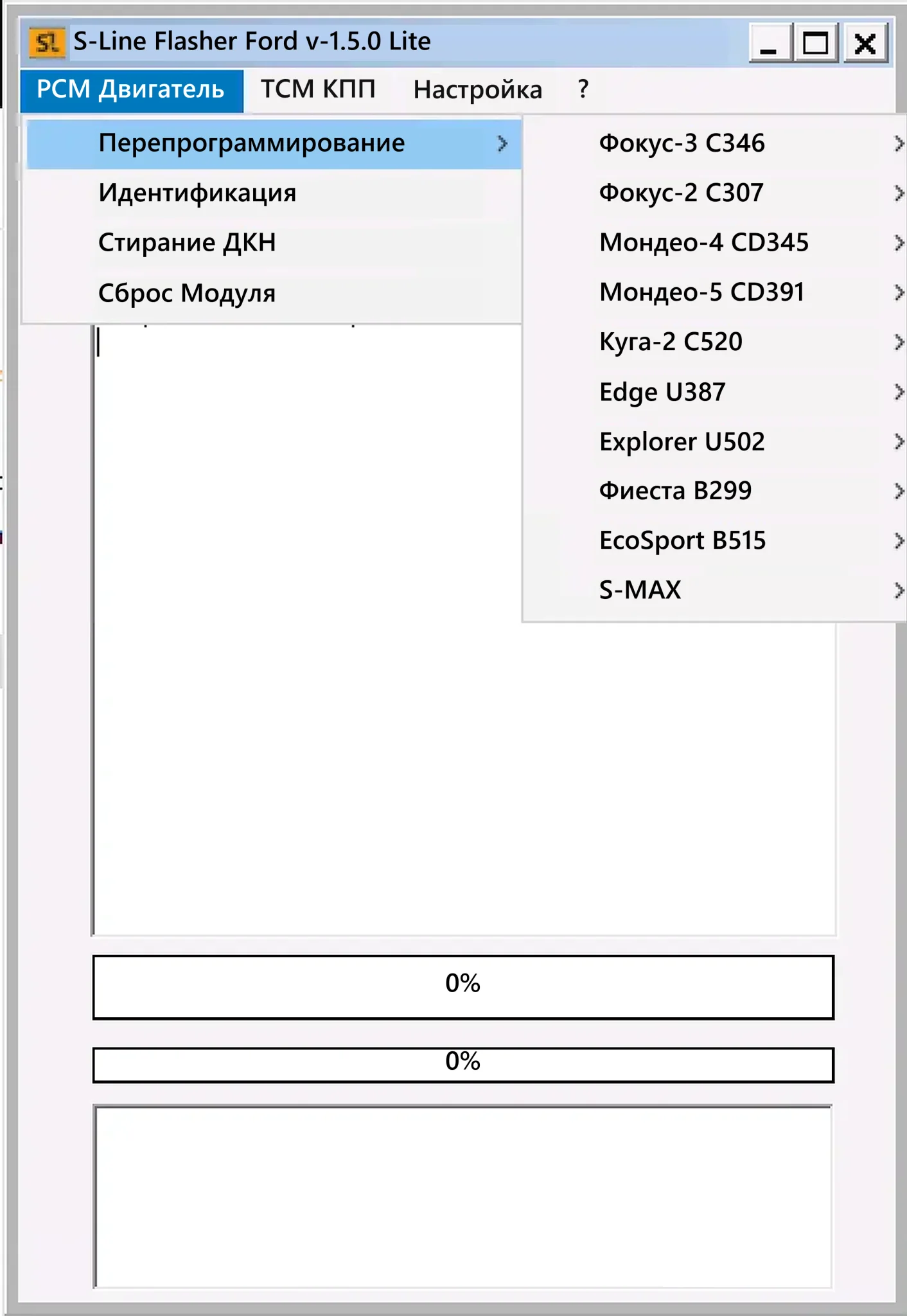
- Ford Mondeo 5 (CD391): Listed in the PCM reprogramming menu.
- Ford Kuga 2 (C520): Listed in the PCM reprogramming menu.
- Ford Edge (U387): Listed in the PCM reprogramming menu.
- Ford Explorer (U502): Listed in the PCM reprogramming menu.
- Ford Fiesta (B299): Listed in the PCM reprogramming menu.
- Ford EcoSport (B515): Listed in the PCM reprogramming menu.
Highlights
- PCM functions: Reprogramming, identification, DTC clearing and module reset.
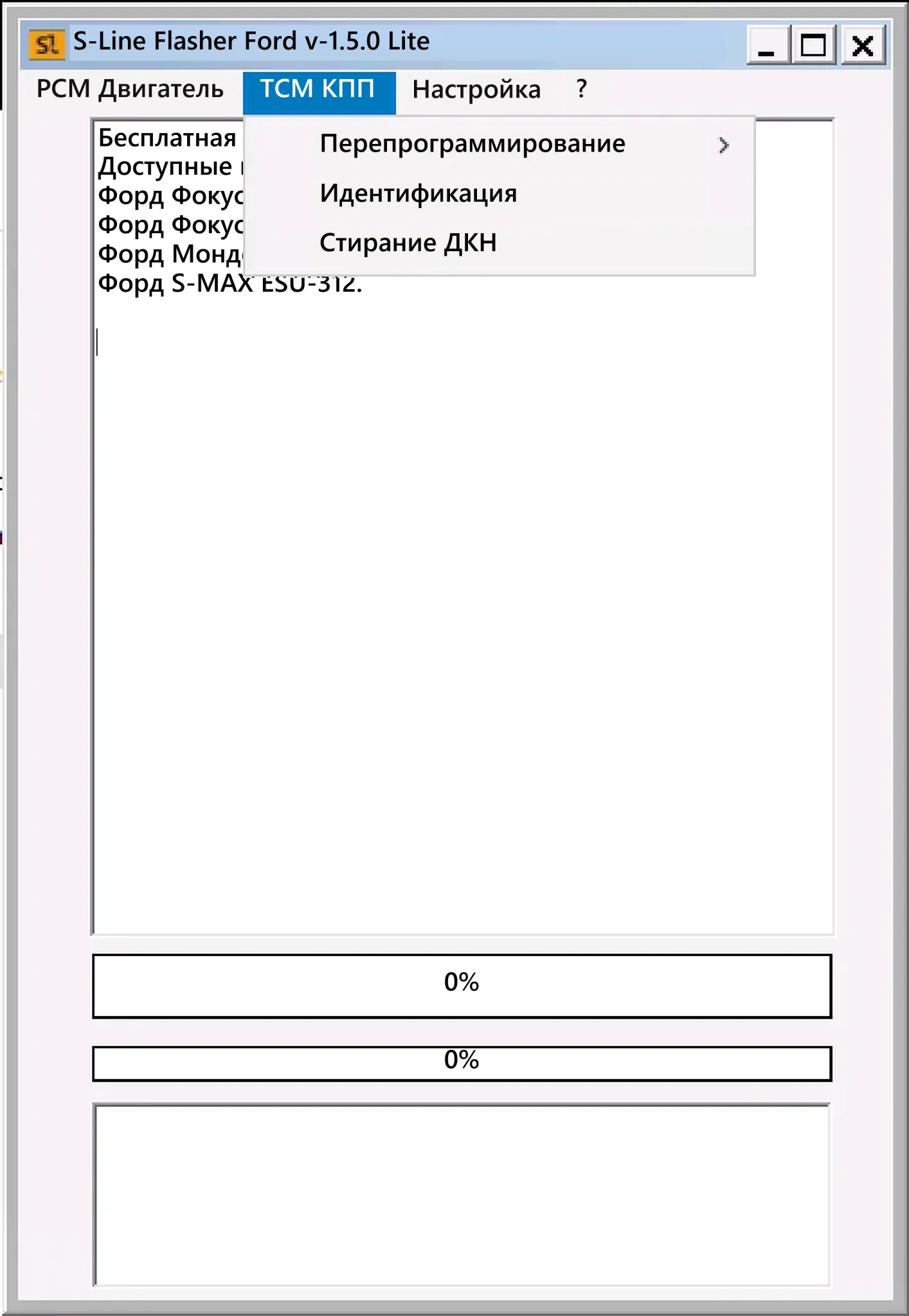
- TCM functions: Reprogramming, identification and DTC clearing.
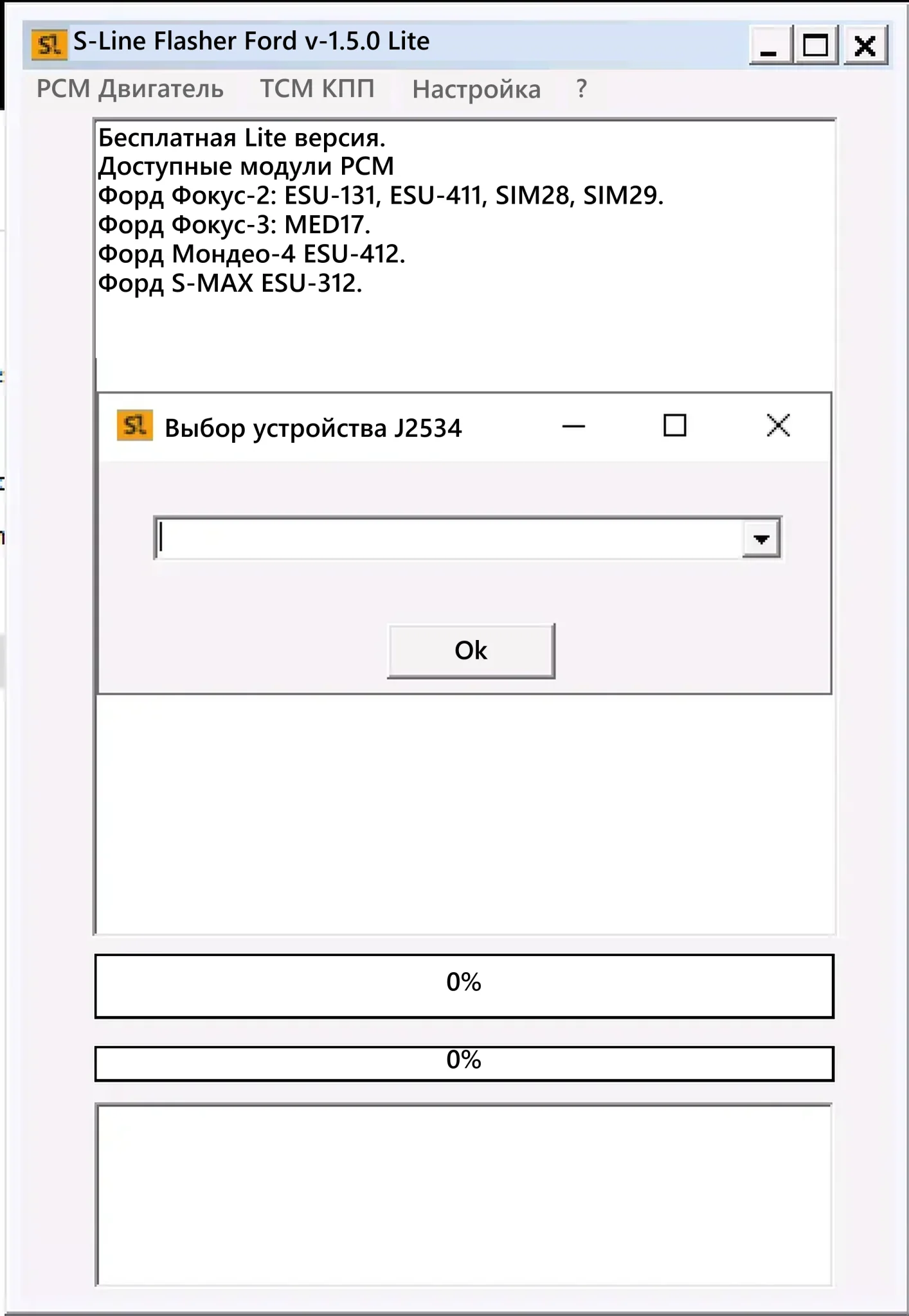
- A J2534 device-selection prompt provides the starting point for the passthru workflow.
- Dedicated data folders keep calibration-related material organized.
- A local help file provides readily available guidance.
Package contents
S-Line Flasher Ford Lite-1.5.0.exe.help.chm.pld— folder.VID— folder.Калибровочные файлы— folder for calibration files.bcb5mp60.bpl.borlndmm.dll.cc3260.dll.cc3260mt.dll.crypt.dll.msvcr100d.dll.rtl60.bpl.stlpmt45.dll.vcl60.bpl.vclx60.bpl.
Compatibility notes
- Available functions depend on the chosen vehicle platform and control-unit family.
- Communication requires a compatible J2534 passthru interface with the correct drivers installed.
- Keep a stable battery-support supply connected during programming and observe OEM service precautions to reduce the risk of ECU or TCM damage.
- Support can differ with the vehicle configuration, calibration level and module firmware.
Basic usage
- Connect a supported J2534 interface and check that its drivers are installed.
- Start the application and choose the J2534 device when the selection prompt appears.
- Open the PCM or TCM menu and select the appropriate vehicle-platform entry.
- Perform identification before continuing with the required service operation, such as DTC clearing or reprogramming.
- Save the logs and retain backups of original data wherever the chosen workflow supports this.
Operating systems
- Windows 7, Windows 10 or Windows 11, in 32-bit or 64-bit environments according to the support provided by the J2534 drivers.
Minimum system requirements
- CPU: A dual-core processor at 2.0 GHz or faster.
- RAM: At least 4 GB; 8 GB is recommended.
- Storage: 500 MB of available disk space.
- Network: An internet connection is not required.
- Admin rights: Administrator privileges are recommended for driver installation and interface configuration.
Disclaimer
- Editorial index only: The description, screenshots, tags and file inventory are reference material intended to help identify legitimate software.
- No endorsement or affiliation: Product names, logos and trademarks remain the property of their respective owners.
- Licensing and EULAs: Users must comply with vendor license agreements and local laws. No keys, patches or protection-bypass methods are provided here.
- Safety and compliance: Incorrect ECU or TCM programming can damage modules or affect emissions and safety systems. Use the utility only for lawful servicing and repairs performed by qualified personnel.
Technical Compatibility
Supported Modules
Operating Systems
System Requirements
- Windows 7, Windows 10 or Windows 11; 32-bit or 64-bit subject to J2534 driver support
- Compatible J2534 passthru interface with correct drivers
- CPU: Dual-core 2.0 GHz or better
- RAM: 4 GB minimum; 8 GB recommended
- Storage: 500 MB free
- Network: Not required
- Administrator rights: Recommended for driver installation and interface setup
Screenshots
Related Software

Windows calibration-file utility with manufacturer and ECU selection menus for EGR, flap, Hotstart, DTC and related service functions.
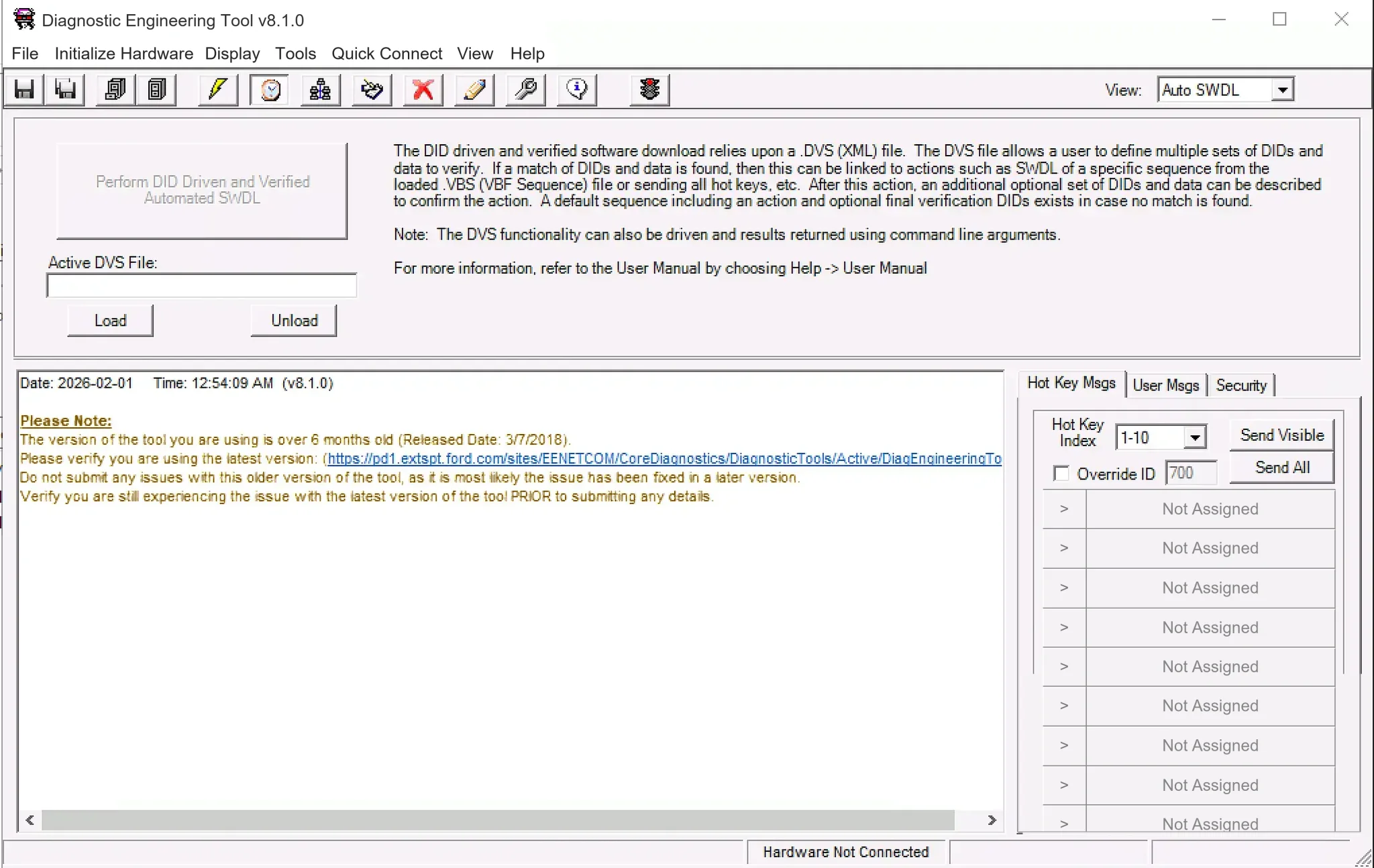
Ford ISO 14229 UDS engineering diagnostics with raw requests, DIDs, ECU configuration, software download sequences and module-focused service routines.

Windows workshop utility for calculating PIN and key-related service data from supported ECU, dashboard and body-module dumps, with a searchable coverage database.
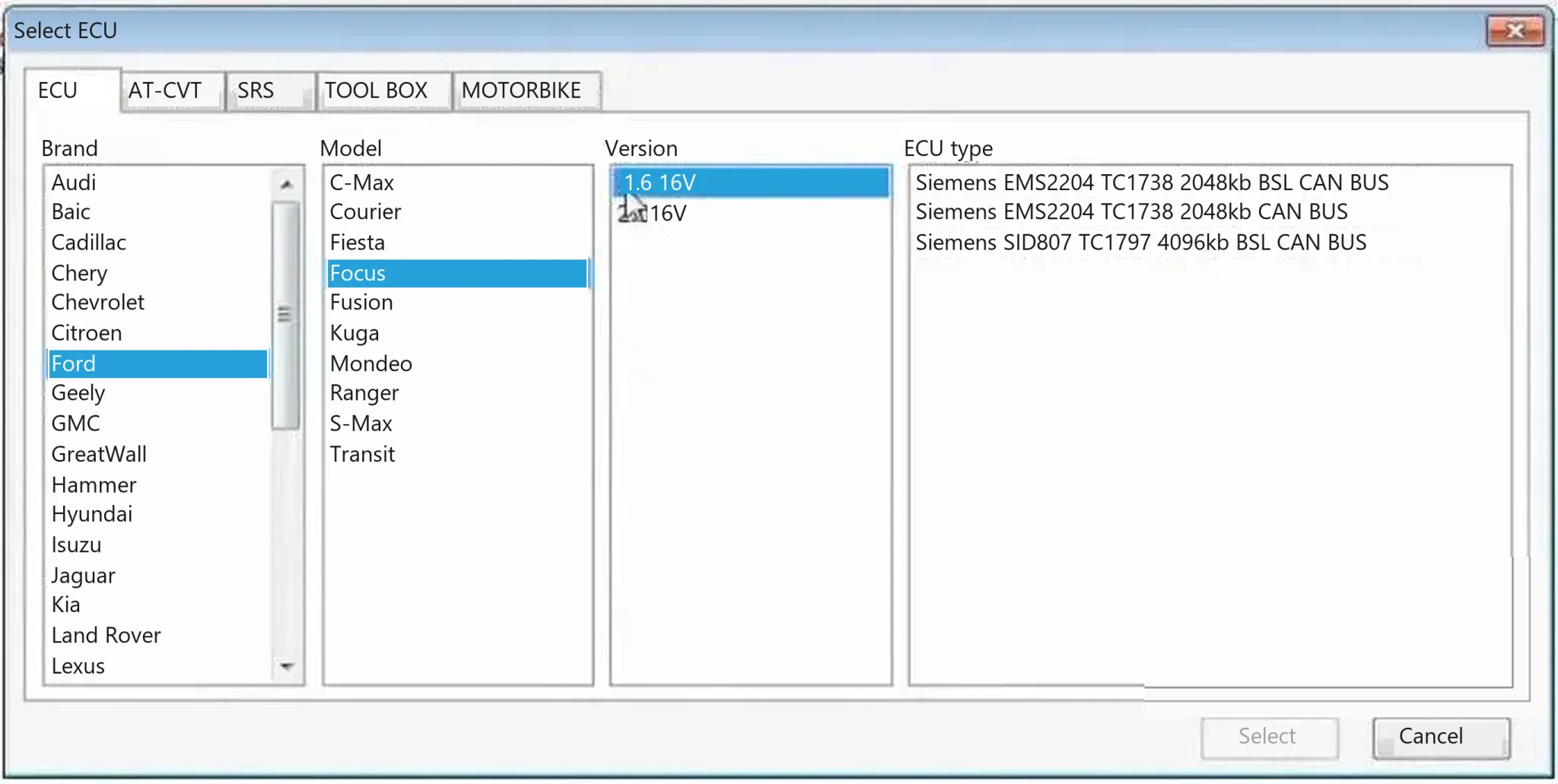
Multi-brand Windows ECU service utility with a Brand/Model/Version selector, ECU protocol hints, backup/restore workflows and ECU, AT-CVT and SRS tabs.

Collection of 1,350+ UPA-USB scripts for EEPROM and MCU work, covering odometer, IMMO, airbag reset, radio codes, PIN extraction and ECU virginization.

Windows EEPROM and flash-dump toolkit for supported IMMO PIN, IMMO OFF, virgin, radio PIN, MEDC17 checksum and special repair workflows, including BMW EDC15 ISN in 1.0.4.