
SOFTWARE DATABASE / RELEASE RECORD
VERSION 3.0.0ASC Professional EGR Remover ECU Calibration Utility 3.0.0
Windows calibration-file utility with manufacturer and ECU selection menus for EGR, flap, Hotstart, DTC and related service functions.
Categories
Vehicle references
Overview
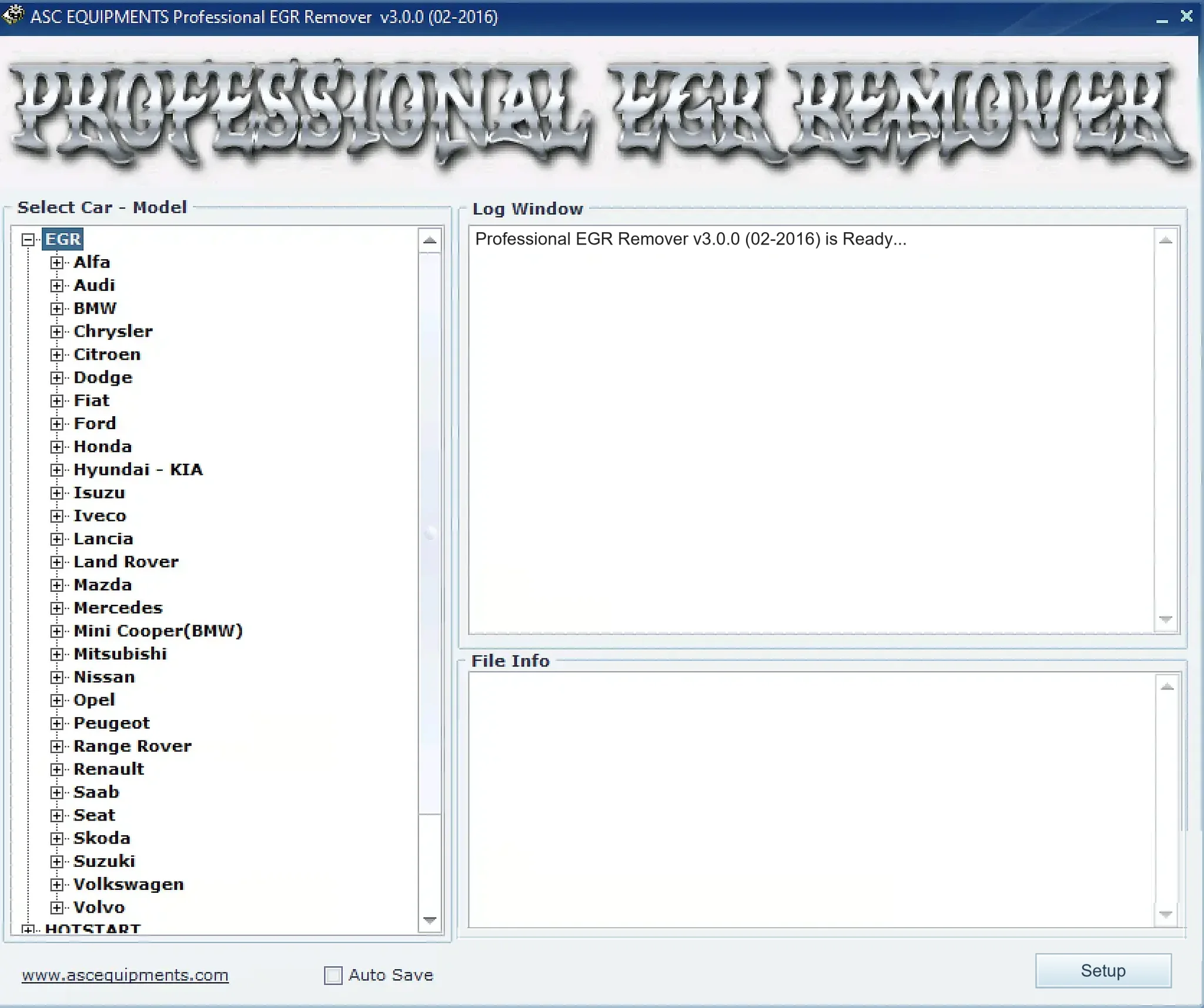
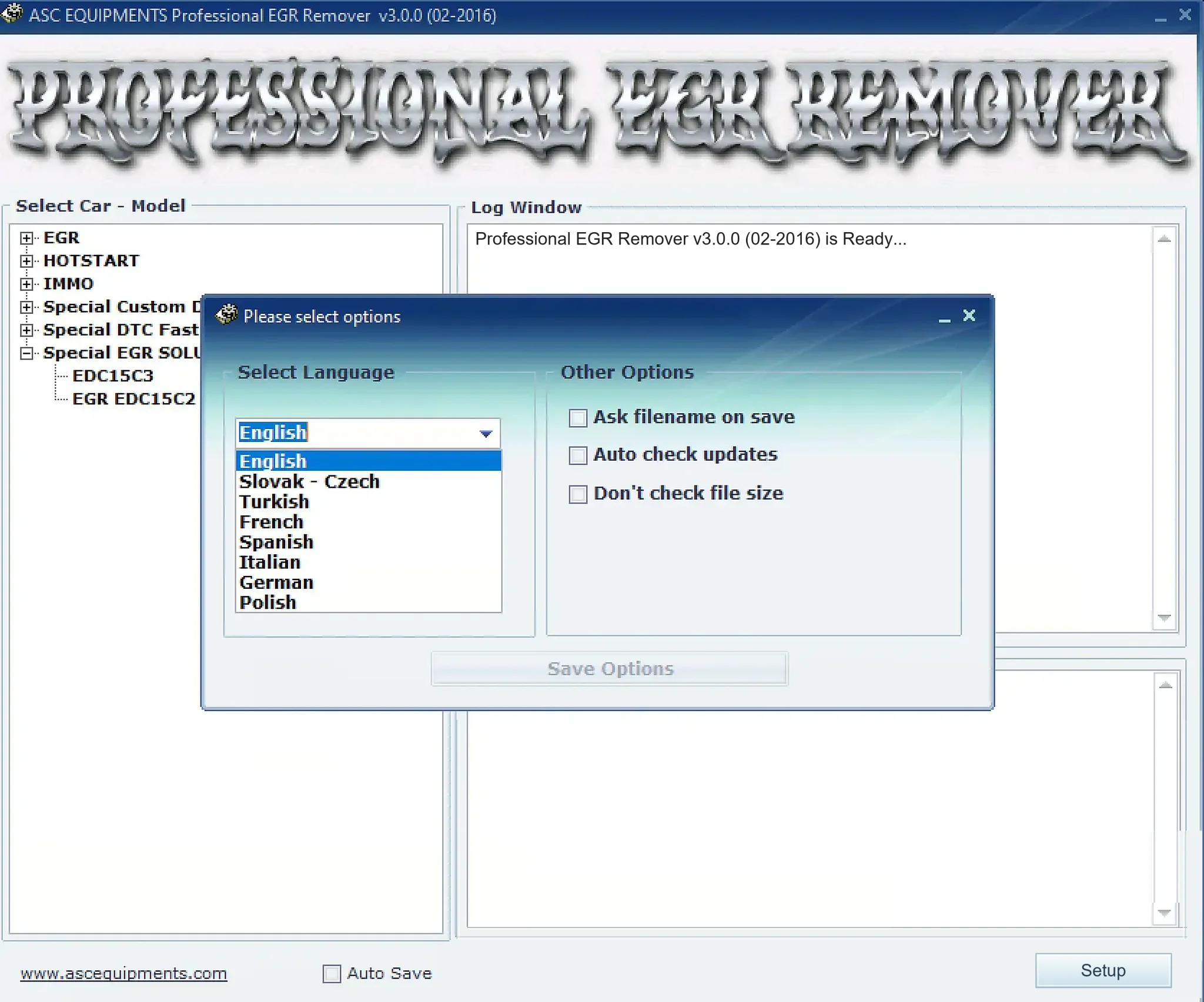
ASC EQUIPMENTS Professional EGR Remover v3.0.0 (02-2016) is a Windows calibration-file utility that arranges brand- and ECU-specific service solutions for common diesel and petrol engine-management systems. Its manufacturer and ECU-family selection structure helps workshops find the appropriate template for documentation, file inspection and lawful service work.
The interface organizes entries for EGR, Lambda, Hotstart, O2, DTC and IMMO functions, with navigation by vehicle brand and ECU type.
Highlights

- A manufacturer-based selection tree covers numerous European and Asian platforms.
- Separate modules organize DPF-related entries, EGR-related entries, flap solutions and DTC utilities.
- ECU-family targeting includes Bosch EDC15, EDC16 and EDC17, Siemens PPD1.x, PCR2.1 and PSA SID series.
- Dedicated DTC menus separate custom workflows from automatic DTC-related functions.
- The setup dialog provides language selection and basic application options.
- An included ECU-list document supports searching and internal indexing.
Supported coverage summary (from ECU list v3.x, last update 02-2016)
Flap support list v3.0.0
- Audi A4 and A6: EDC16CP34
- VW Touareg: EDC16CP34-4
- Jeep: EDC16CP31
- Audi EDC16C34 alternate
- Audi V6 TDI 3.0
- Opel Vectra C: EDC family entry
- EDC15VM P0098 entry listed in the tool menus
- EDC16U1 flap solution entry
- EDC17CP04
- EDC17CP14
EGR module coverage v3.0.0 (EGR + Hotstart + DTC)
- Alfa: EDC16C39, EDC15C7, EDC16C8, EDC16C39 Generic
- Audi: EDC16U1, EDC16U31 Type 1 and Type 2, EDC15VM+, EDC17CP14, PCR2.1, EDC16CP34, EDC17C46
- BMW: EDC16C31 Type 1 and Type 2, EDC16CP35, EDC17CP02
- Chrysler: EDC16CP31
- Citroen: EDC16C39, EDC16C34, SID803A, EDC15C3, SID803, EDC17C10, EDC16CP39
- Dodge: EDC16U31-4 Type 1 and Type 2
- Fiat: EDC15C7, EDC16C39 Type 1 and Type 2, EDC16C8, Marelli MJ 70-75-90CV, SID803A, Simos, Doblo type entries
- Ford: EDC16C3-9, EDC16C34, Visteon, EDC16C9 Cmax type, SID206, SID804
- Honda: EDC16C31
- Hyundai: EDC15C7
- Lancia: EDC15C7, EDC16C39, EDC16C8, Marelli MJ 70-75-90CV, SID803A
- Land Rover: EDC16CP39, SID204
- Iveco: EDC16C39
- Isuzu: Transtron DMax type
- Nissan: EDC16CP33, EDC16C3
- Mazda: EDC16C34-2
- Mercedes: EDC16C31 1MB and 2MB types, EDC15C6 switch and remap entry, EDC16C31 Type 2, EDC16CP31, EDC17CP10, EDC16CP36
- Mini Cooper: EDC16C35
- Mitsubishi: EDC16U31
- Opel and Vauxhall: EDC16C3, EDC16C39, EDC16C36, Marelli MJ 70-75-90CV, Z19DTH, Denso, EDC17C18, EDC17C46, Delco entry
- Peugeot: EDC16C34, EDC15C2, SID803A, EDC15C3, SID803, EDC16CP33, EDC16CP39
- Range Rover: EDC17CP11
- Renault: EDC16C3, EDC15C2, EDC16C3 Type 2, EDC16CP36, Delphi DDCR
- Saab: EDC16C9
- Seat: EDC16U1, EDC17CP14, PCR2.1, PPD1.x
- Skoda: EDC15VM+, EDC16U1, PCR2.1, PPD1.x, EDC17C46
- Suzuki: Marelli MJ 70-75-90CV, EDC16C3
- Volvo: EDC16, SID803, EDC17CP22
- VW: EDC16U1, EDC17CP14, EDC17CP20, EDC16, PCR2.1, EDC16U34, EDC16CP34-4, PPD1.x, EDC17CP04
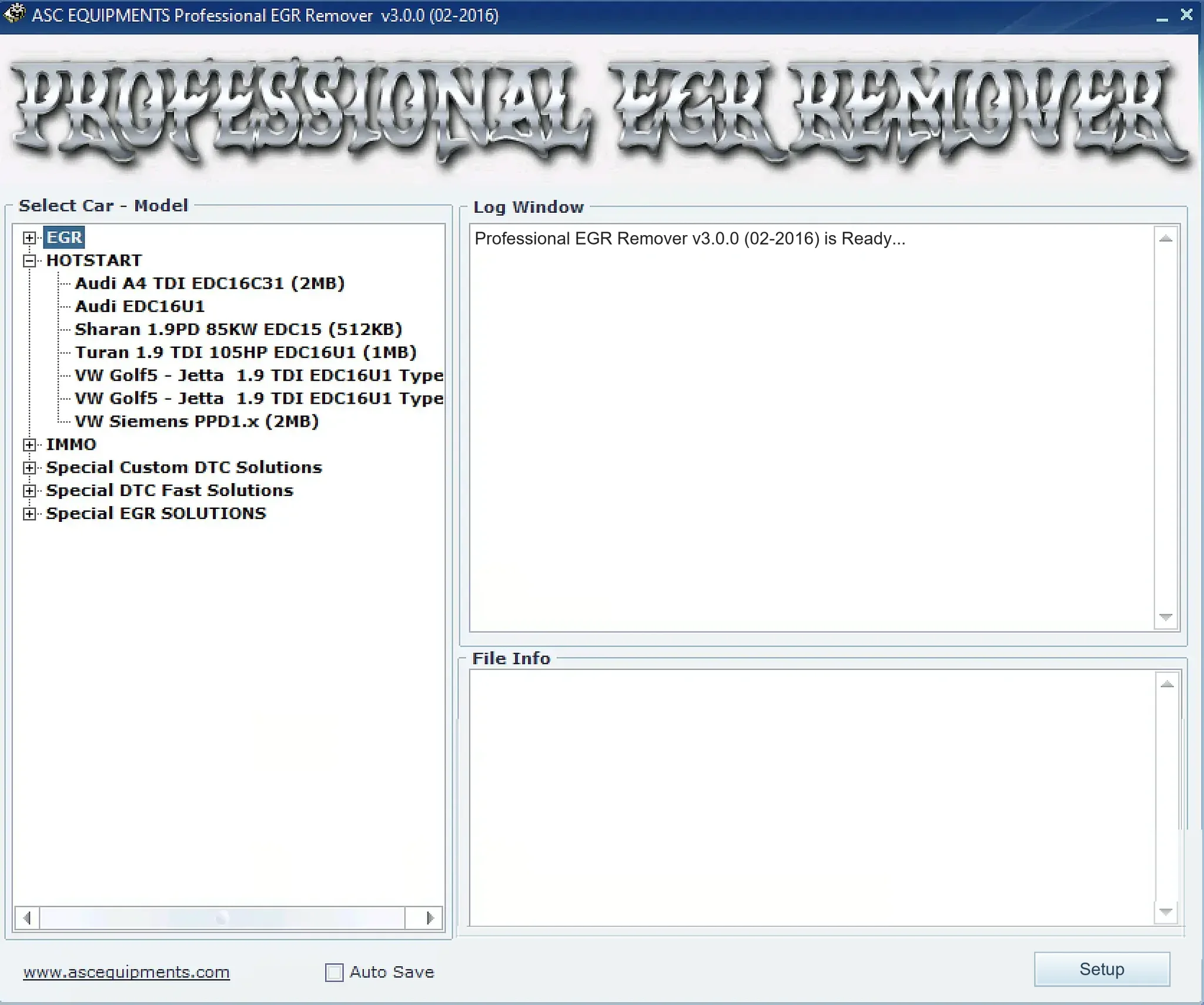
Hotstart coverage
- EDC16C31
- EDC16U1
- EDC15
- Siemens PPD v1.1 to v1.2
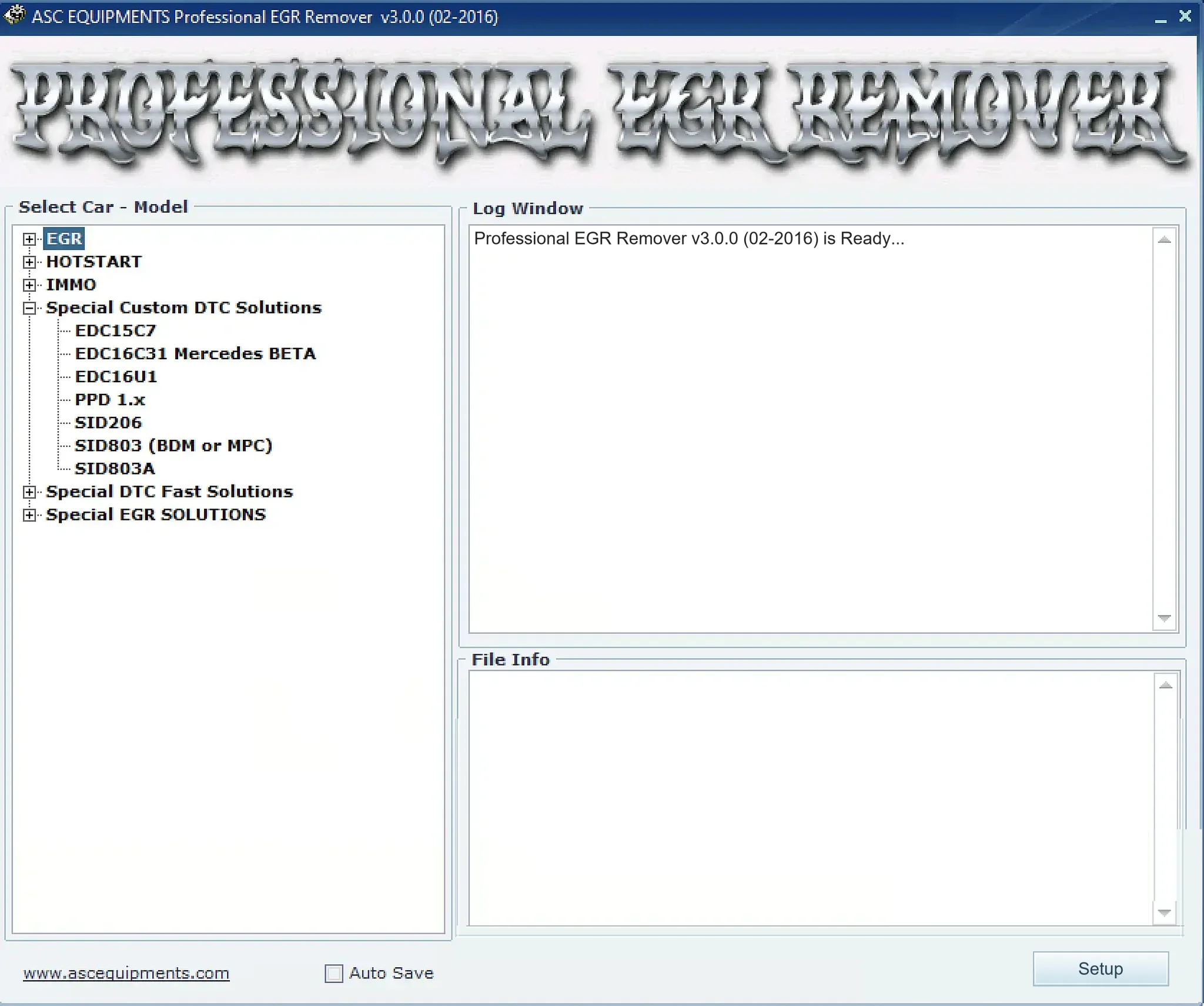
Custom DTC removers (menu based)
- Fiat, Alfa, Chevrolet: EDC15C7
- PSA group: SID803A
- Ford: SID803, SID803A, SID206
- Siemens: PPD v1.x
- Mercedes: EDC16C31
- VW: EDC16U1 series
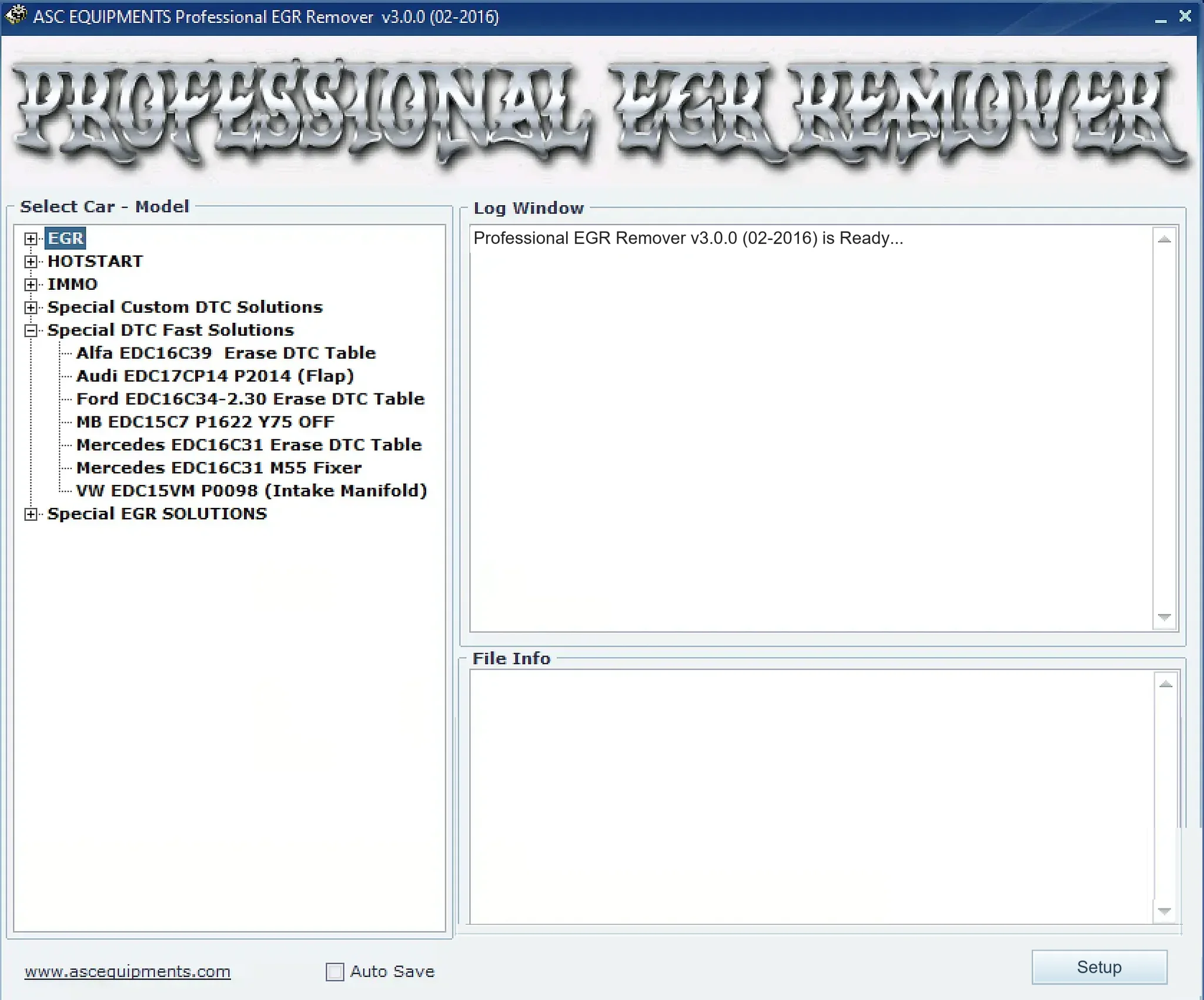
Automatic DTC removers
- Ford EDC16C34.2.30 total DTC
- Alfa EDC16C39 total DTC
- Audi EDC17C14 P2014 entry
- EDC15VM P0098 entry
- Mercedes EDC16C31 full table erase entry
Package contents
VIDEO.mp4Professional EGR Remover_Setup.exeINSTRUCTIONS.txtECU list.txt- An additional folder contains licensing-related components.
Compatibility notes
- Supported ECU entries depend on the vehicle, ECU hardware, calibration version and market configuration.
- The supplied ECU-list notes identify some entries as beta or still in development.
- Restrict use to lawful service and repair. Emissions-related changes may be prohibited by the regulations applicable to your jurisdiction.
- Preserve backups of the original data and validate the results against OEM service information before applying a change.
Basic usage
- Install the application with the supplied setup program on a dedicated service laptop.
- Open the appropriate module category and choose the brand and ECU family relevant to the job.
- Consult the ECU list and confirm the exact ECU identification before processing a file.
- Maintain a structured job folder containing the date, VIN reference and notes from before and after the work.
- Follow OEM procedures and local regulations throughout diagnostic and calibration tasks.
Operating systems
- Windows 7, Windows 8.1, Windows 10 and Windows 11.
Minimum system requirements
- CPU: Dual-core processor or better.
- RAM: 4 GB is recommended.
- Storage: 1 GB of free space for installation, logs and job files.
- Network: Optional, for update checks and reference searches.
- Admin rights: Required for installation; interface-driver setup may also require administrator privileges.
Disclaimer
Site-wide Disclaimer & Legal Notice
- Editorial index only: Descriptions and images provide educational and reference information to help identify legitimate vendor resources.
- No endorsement or affiliation: Product names and trademarks remain with their respective owners and are used only for identification.
- Licensing and EULAs: Users must comply with vendor license conditions and local legislation. License keys and protection-bypass methods are not supplied and should not be requested.
- Compliance and emissions: Diagnostic and calibration information is intended for lawful service and repair by qualified personnel. Do not disable emissions controls where prohibited.
- Safety and warranty risk: Incorrect ECU operations can damage equipment or affect warranties. Accept the risks involved and keep verified backups.
- Security and integrity: Verify hashes and scan downloads. The availability and integrity of external files are not guaranteed.
- Export and sanctions: Users are responsible for observing applicable export-control and sanctions regulations.
- Privacy: Do not upload or share data unless you have the legal right to do so.
Technical Compatibility
Supported Modules
Operating Systems
ECU Families
System Requirements
- Windows 7, 8.1, 10 or 11; dual-core processor or better; 4 GB RAM recommended; 1 GB free space for installation, logs and job files. Network optional for update checks and reference searches. Administrator rights required for installation and potentially for interface-driver setup.
Screenshots
Related Software
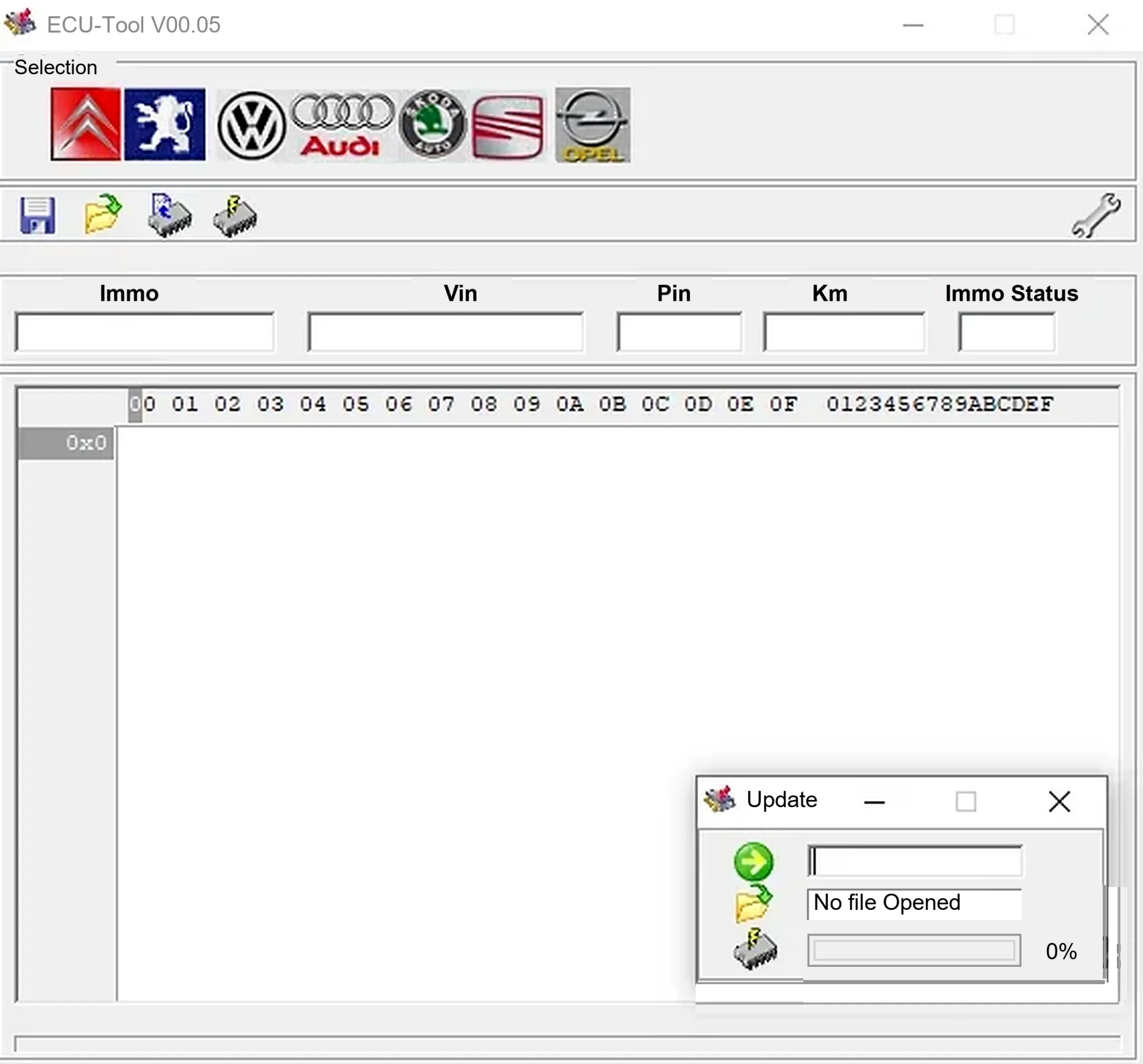
Legacy Windows ECU service software for supported VAG EDC15/ME7, PSA EDC15C2 and Opel Delco controllers, with profile-dependent PIN, identity and EEPROM functions through a matching interface.
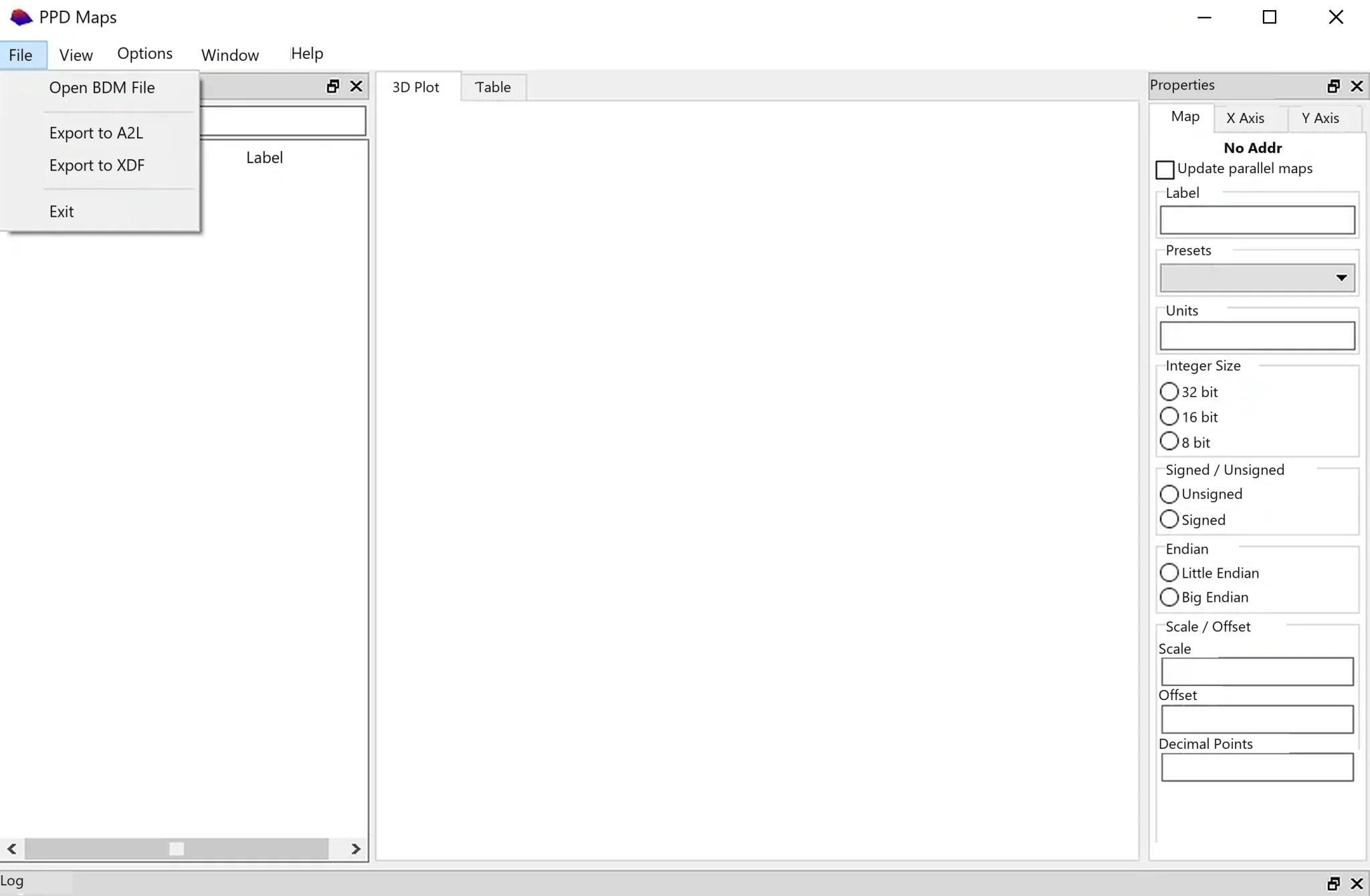
Windows map and axis detection for supported Siemens PPD/SID full BDM binaries, with table and 3D views, DTC analysis and XDF/A2L definition export.
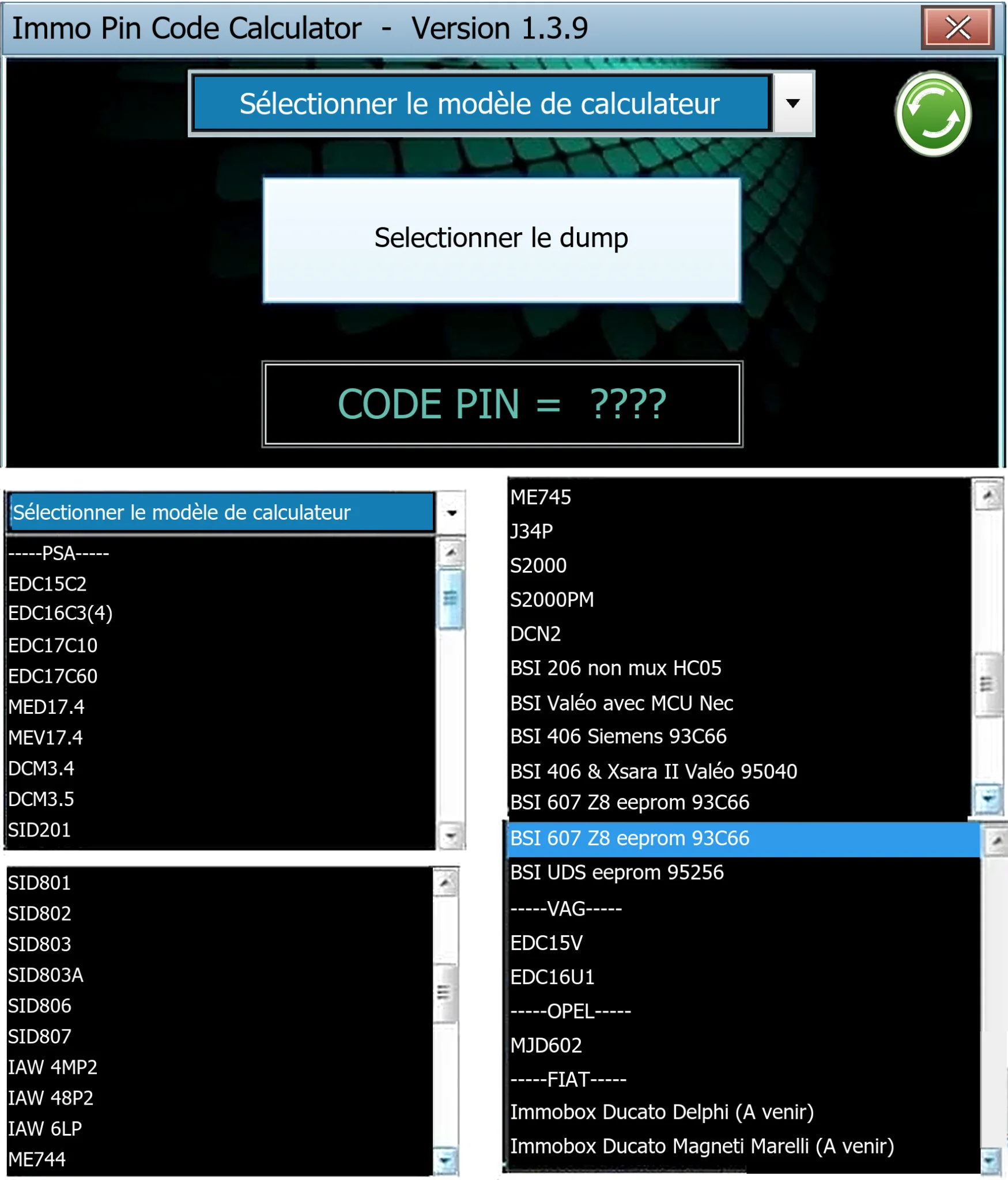
Offline Windows PIN decoder for supported Peugeot/Citroën ECU and BSI dumps, with additional Volkswagen EDC15V/EDC16U1 and Opel MJD602 profiles.
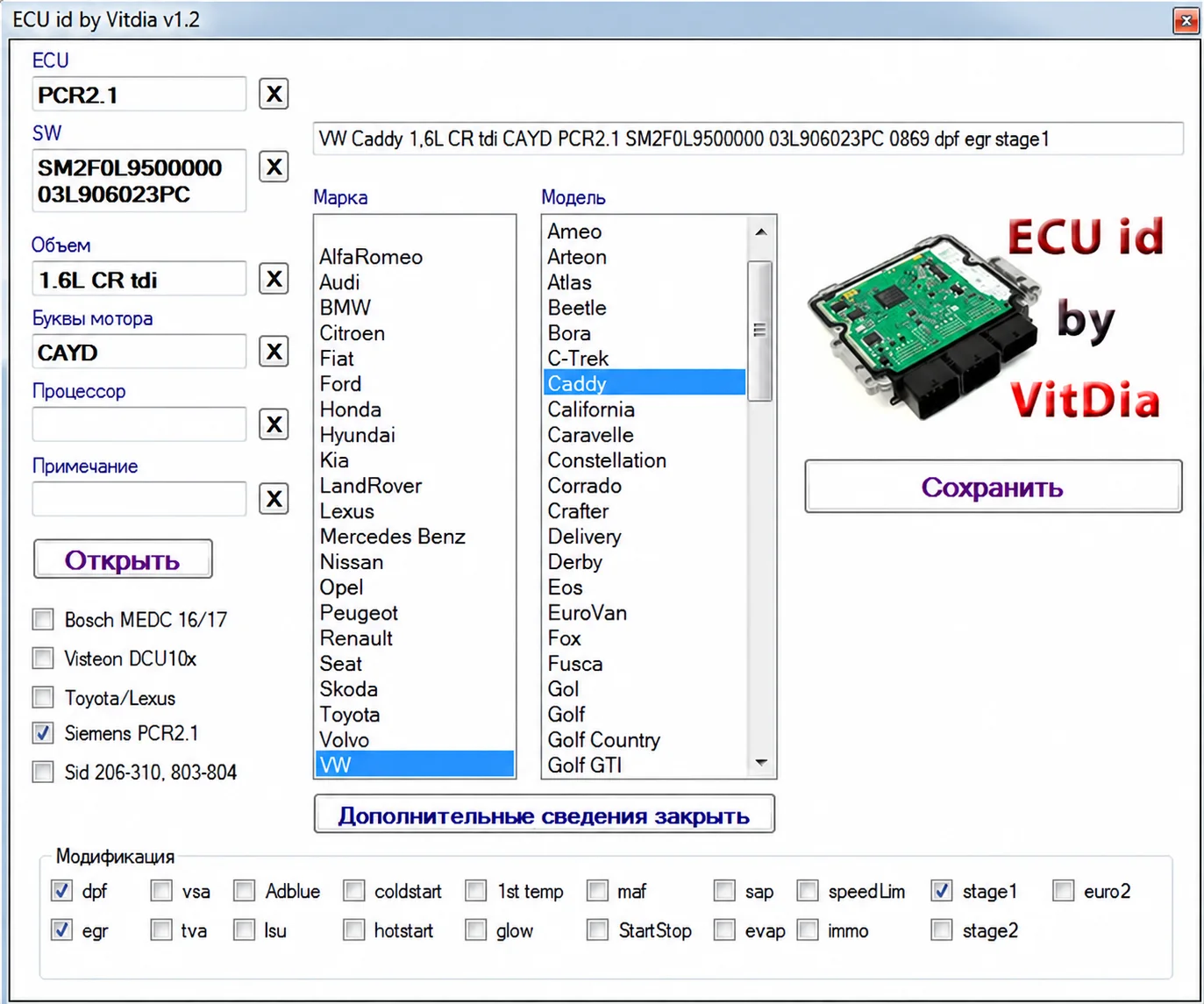
Offline firmware identification suite with five portable utilities, ECU and engine identifiers, vehicle candidates and detected feature flags for supported binaries.
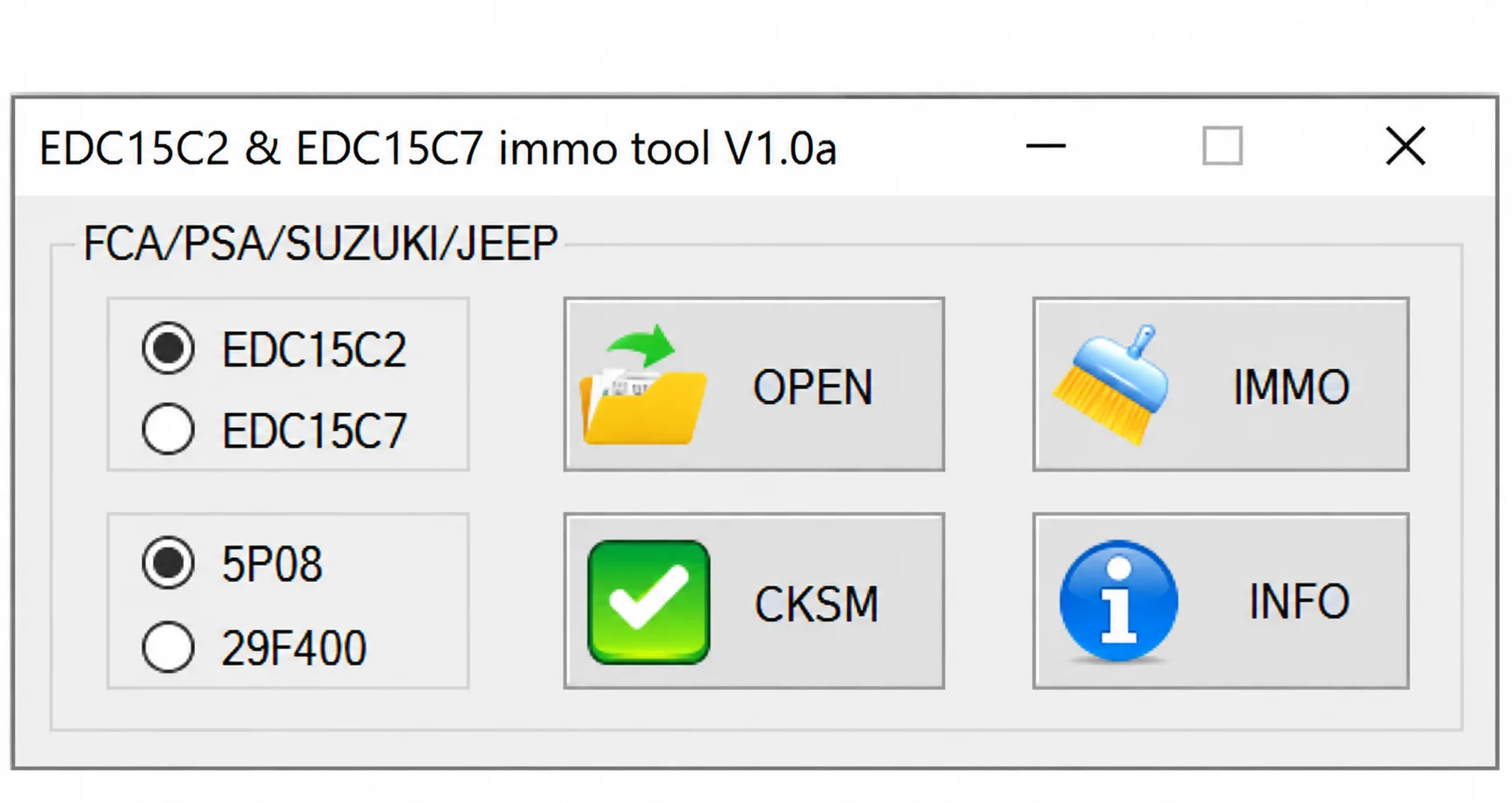
Offline Windows utility for IMMO Off and checksum processing of supported Bosch EDC15C2 and EDC15C7 memory files for selected FCA, PSA, Suzuki and Jeep applications.
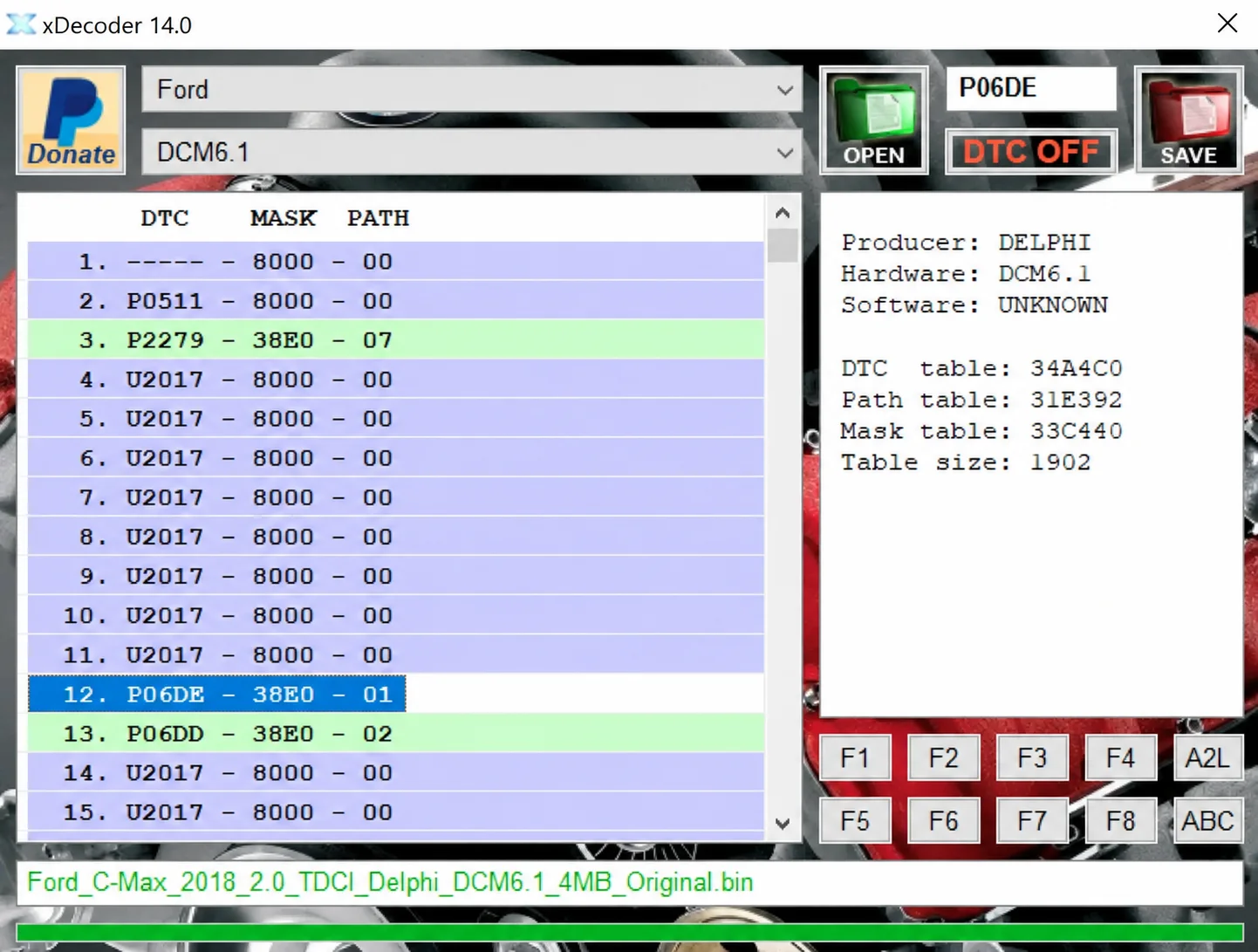
Windows BIN analysis and DTC editing utility for supported Bosch, Delphi, Continental, Siemens, Visteon and other ECU strategies.