
SOFTWARE DATABASE / RELEASE RECORD
VERSION 1.0.4ECUMaster IMMO and ECU Service Toolkit 1.0.4
Windows EEPROM and flash-dump toolkit for supported IMMO PIN, IMMO OFF, virgin, radio PIN, MEDC17 checksum and special repair workflows, including BMW EDC15 ISN in 1.0.4.
Categories
Vehicle references
Overview
ECUMaster IMMO and ECU Service Toolkit is a multi-brand Windows application for automotive workshops, ECU repair laboratories and locksmiths. It processes previously read EEPROM and flash dumps for IMMO PIN extraction, IMMO OFF preparation, ECU virgin-file creation, selected radio PIN functions, checksum correction and specialised repairs.
The multilingual interface organises repeatable service workflows for supported Bosch, Delphi, Siemens and Magneti Marelli controllers. The current resource version is 1.0.4; the interface illustrations below show the earlier 1.0.0 build.

Highlights
- IMMO and PIN: functions for supported Bosch EDC15, EDC16, EDC17, ME7.X and MED9 controllers, together with multiple Delphi and Siemens families.
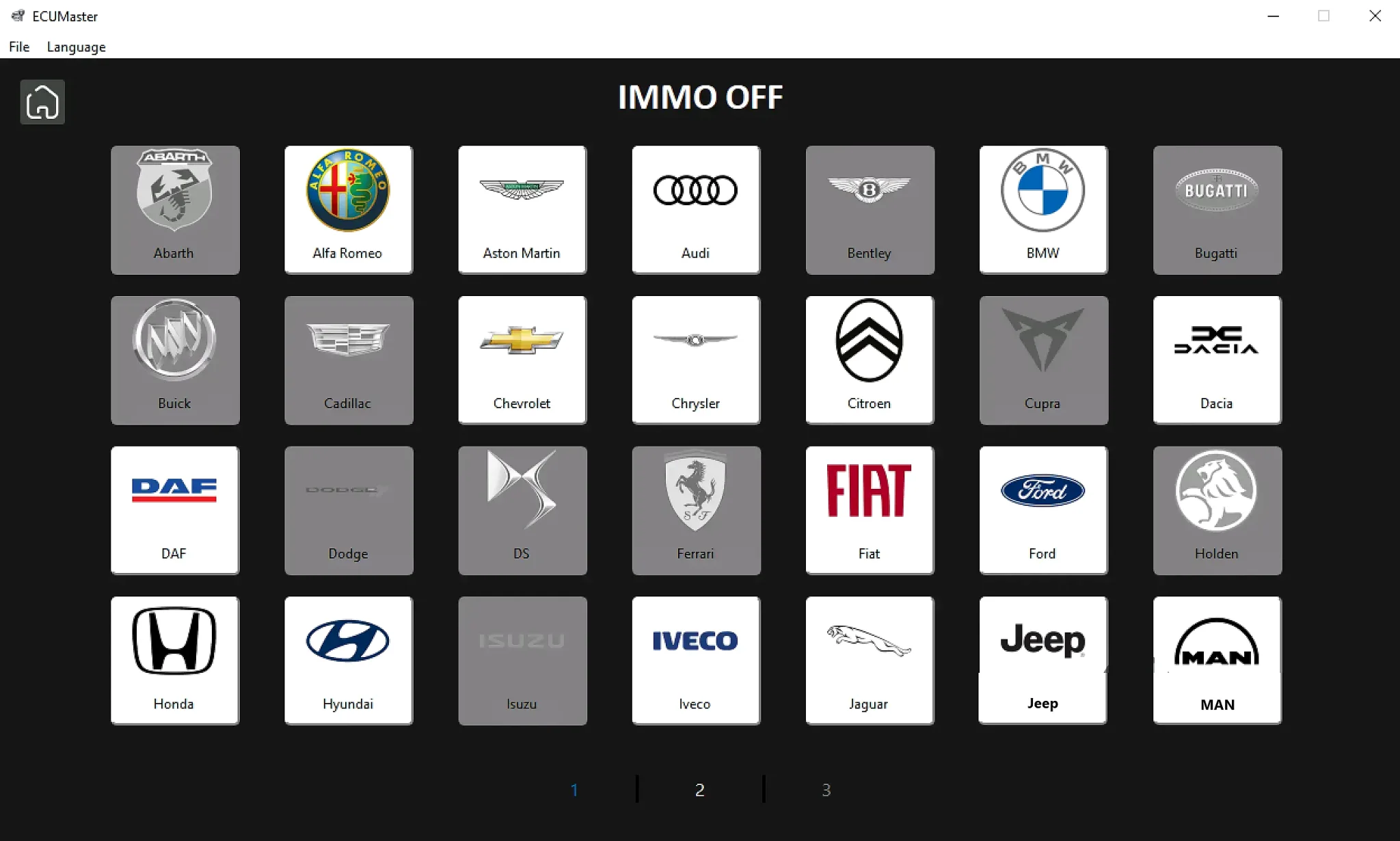
- IMMO OFF and virgin files: preparation for ECU replacement and retrofit work on supported Alfa Romeo, VAG, PSA, Fiat, Opel, Renault and other applications.
- Radio PIN: support for selected Fiat, Škoda and Volkswagen head units.
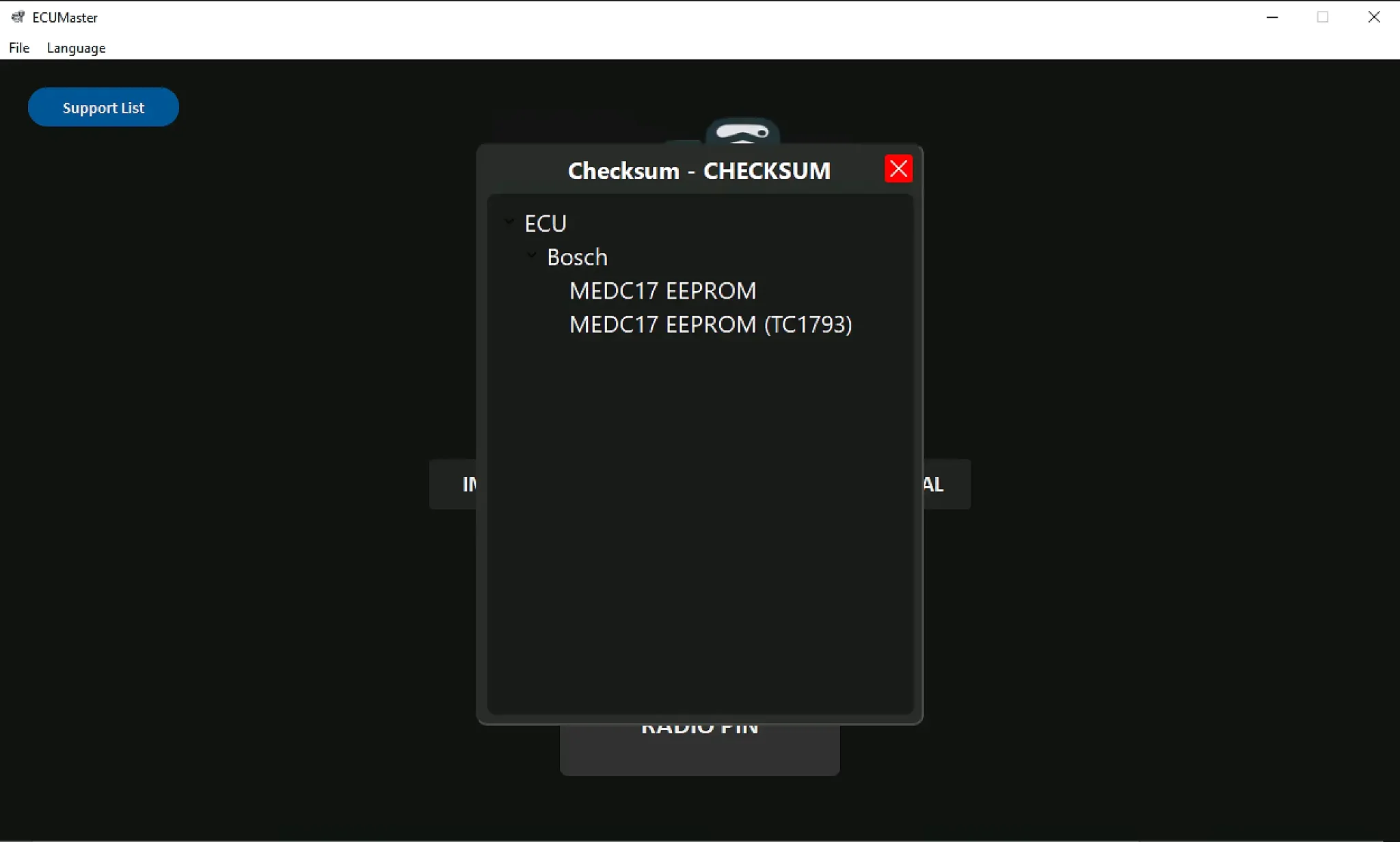
- Checksum correction: Bosch MEDC17 EEPROM processing, including applicable TC1793-based controllers.
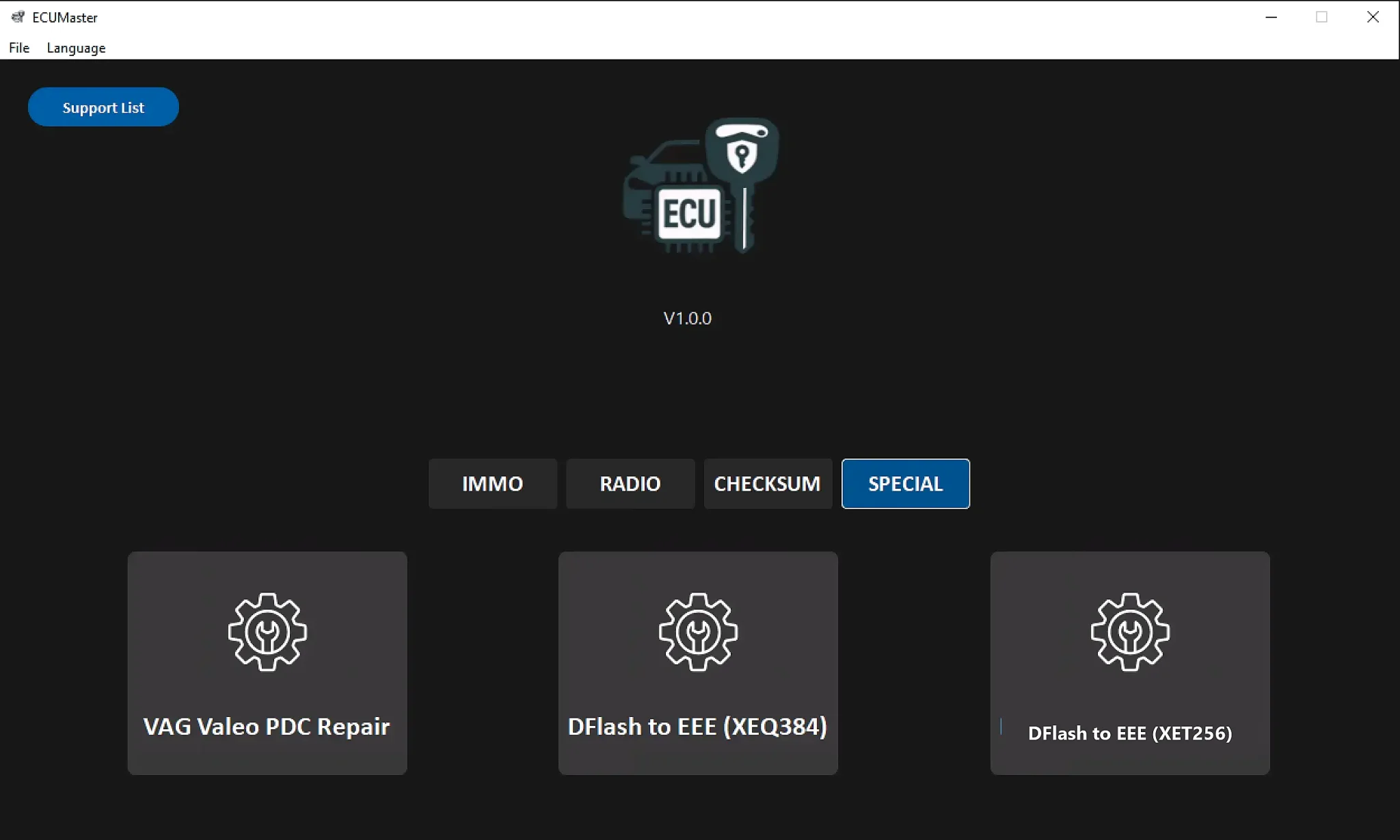
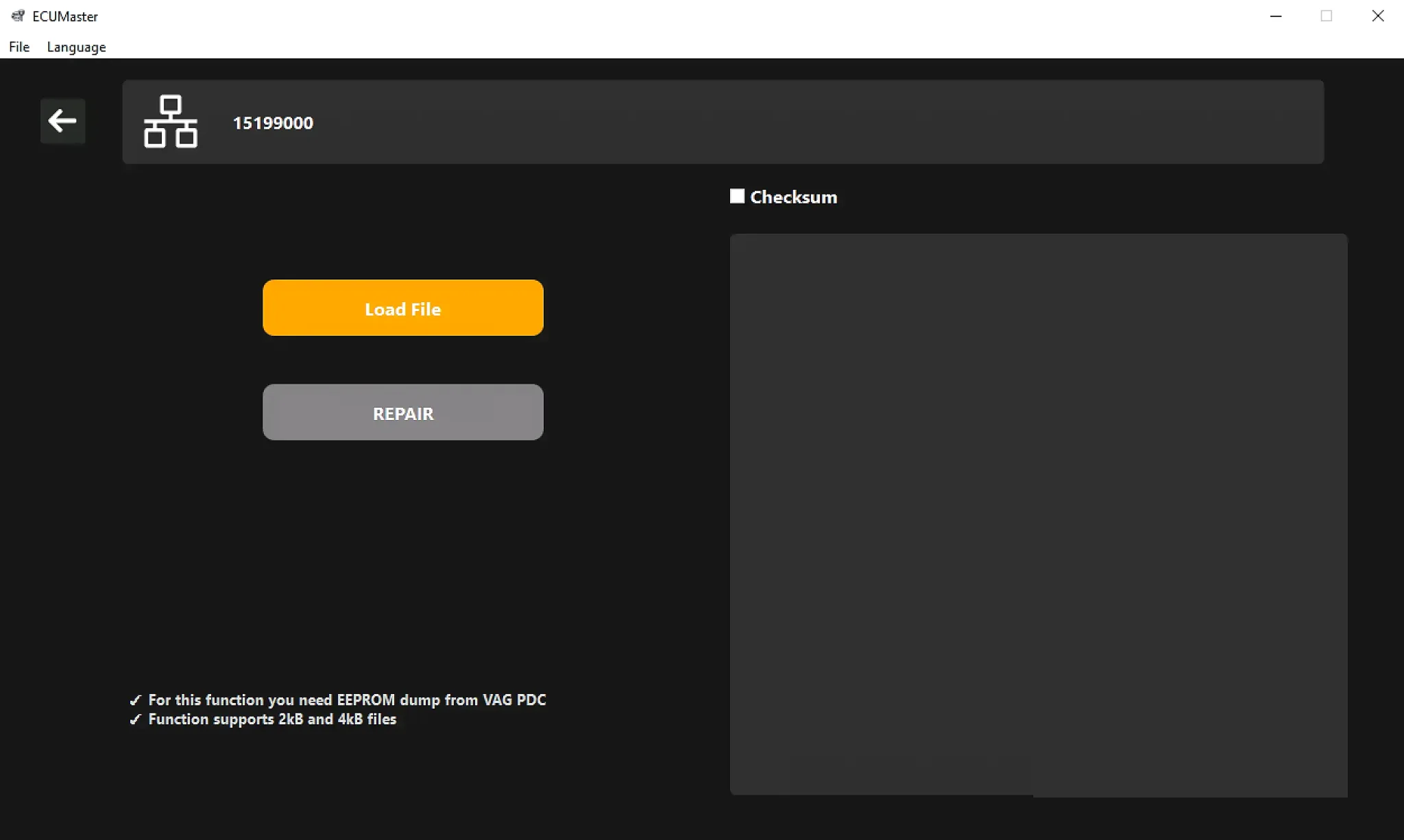
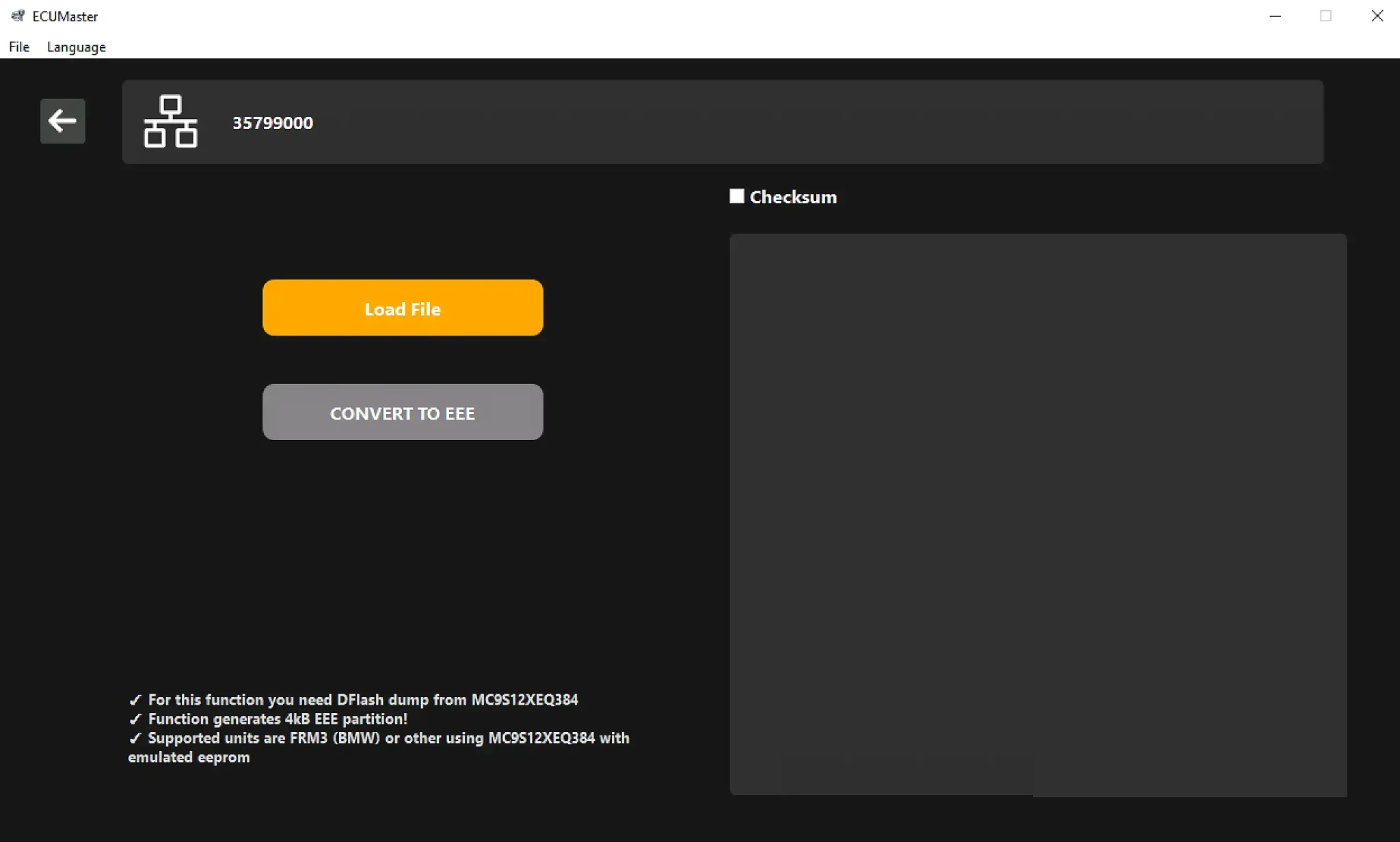
- Special repairs: VAG Valeo PDC repair and DFlash-to-EEE conversion for MC9S12XEQ384 and MC9S12XET256 devices used in FRM3 and similar modules.
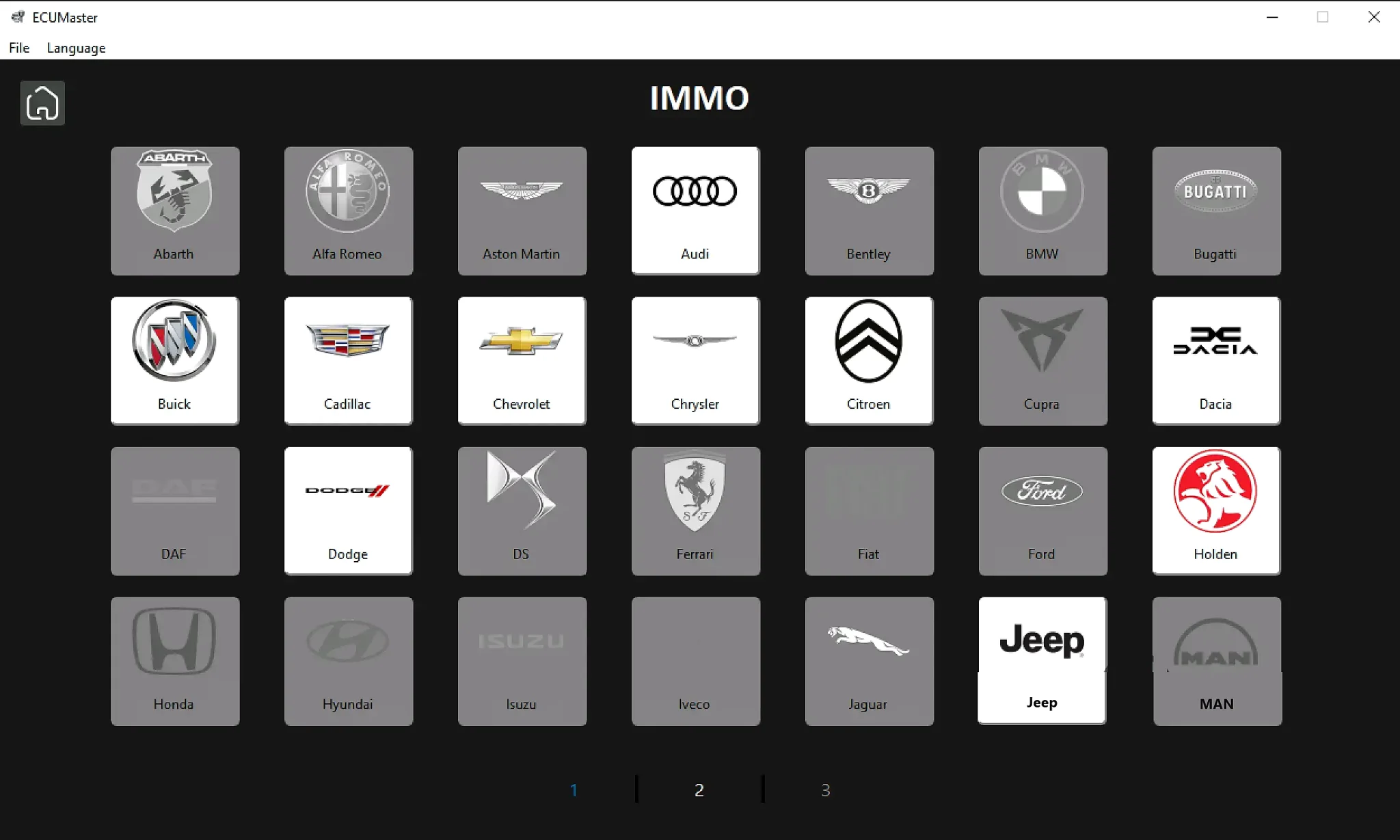
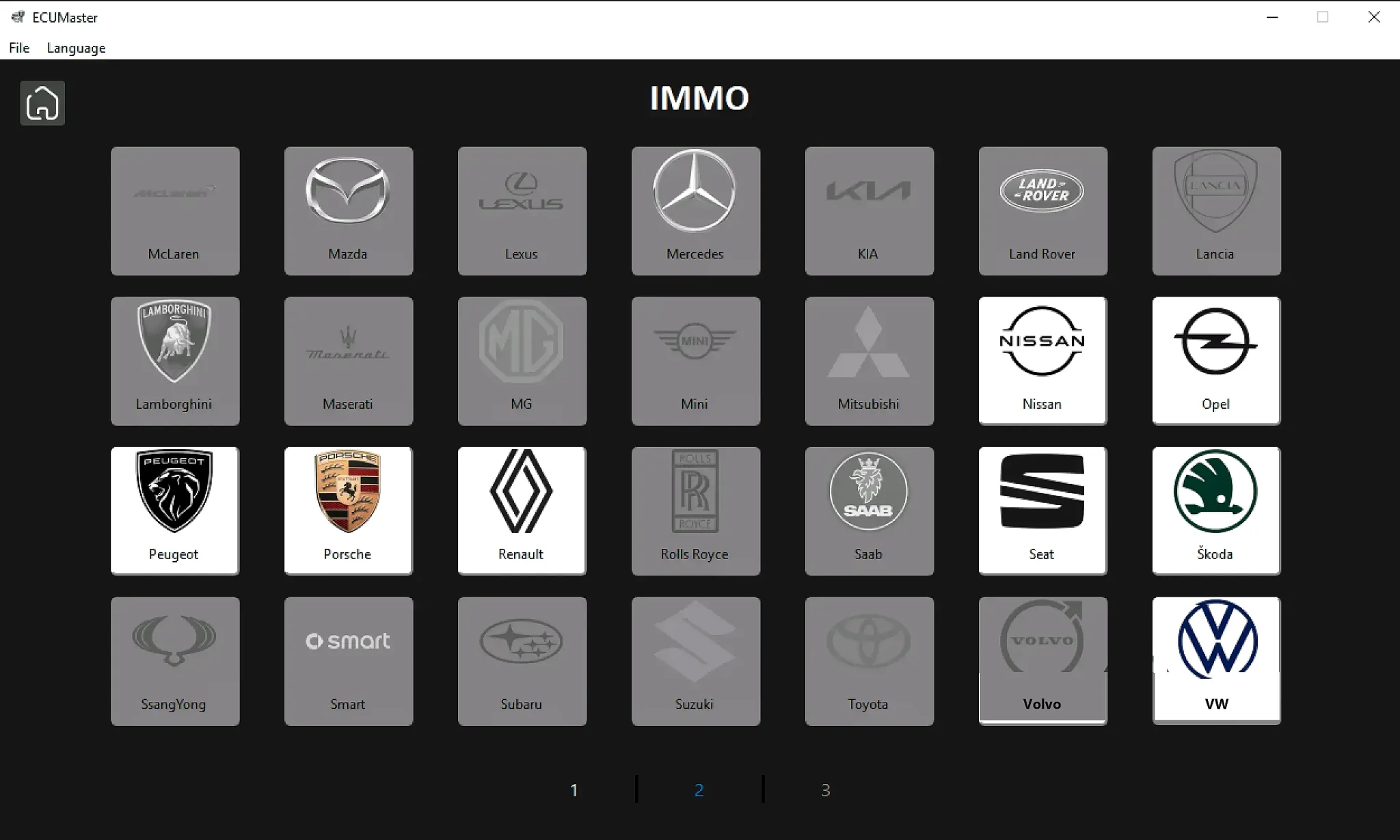
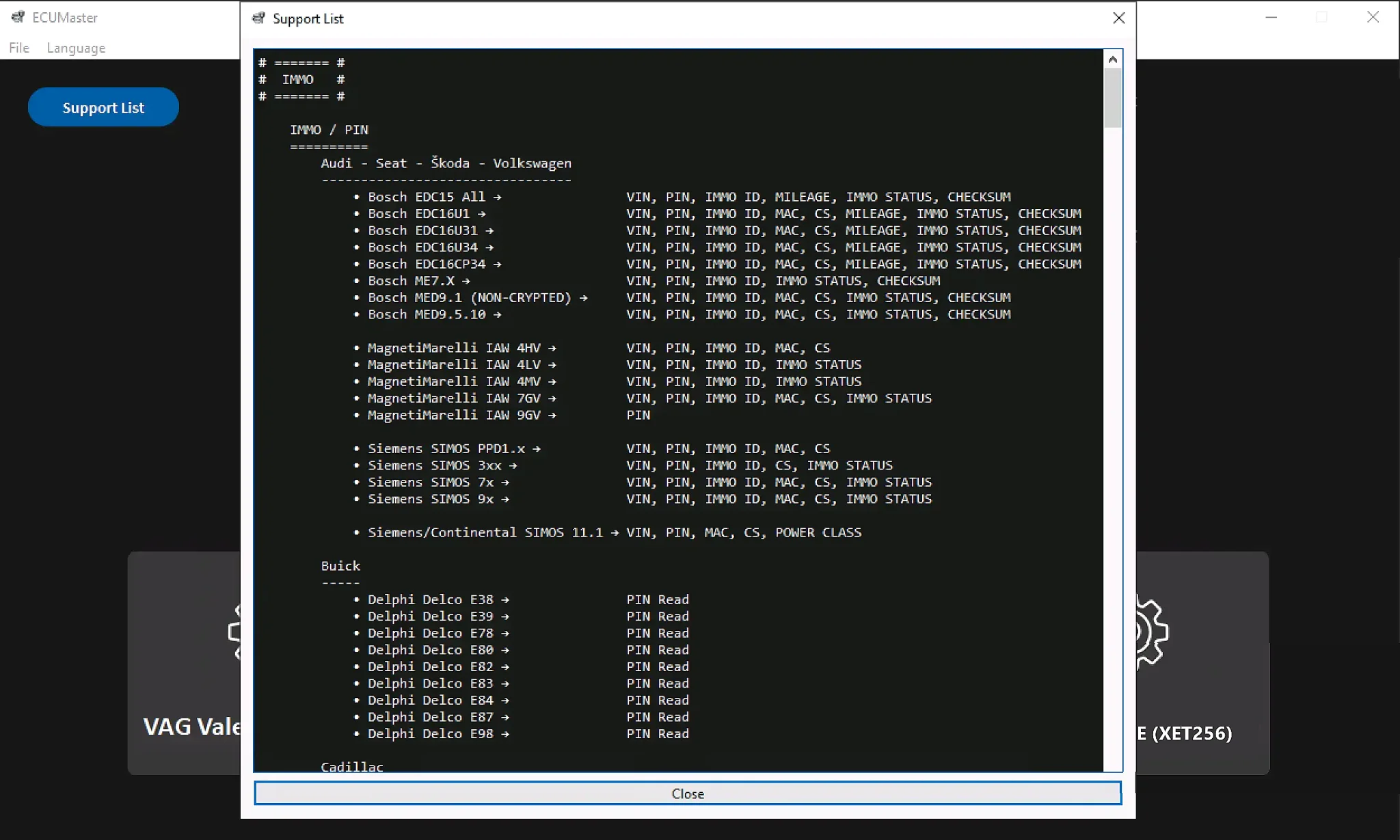
- Coverage lookup: brand-based navigation and a detailed built-in support list for checking the exact operation before a job.
Package contents
The original 1.0.0 package documentation lists the following files. Version 1.0.4 uses the fresh-install procedure described in its update notes below.
ECUMaster_v1.0.0.exe: the main Windows application in the original package.support list.txt: detailed coverage for IMMO, IMMO OFF, VIRGIN, radio, checksum and special functions.readme.txt: introductory usage notes and contact information.
Compatibility notes
Coverage spans selected ECUs in passenger cars, light commercial vehicles and some trucks. VAG IMMO/PIN functions include supported Bosch EDC15, EDC16, EDC17, ME7.X and MED9 units, plus particular Magneti Marelli and Siemens SIMOS controllers.
Other listed applications include Buick, Cadillac, Chevrolet, Opel, PSA, Fiat, Alfa Romeo, Lancia, Dacia, Renault, Nissan, Jeep, Dodge, Honda, Hyundai, Kia, Ford, Jaguar, Land Rover, Volvo, MAN, DAF, Iveco, BMW, Mercedes, Maserati, Porsche, Smart, Suzuki and Toyota, among others.
Radio PIN, checksum and special repairs apply only to specific controller families and part numbers. Availability can differ with the vehicle model, engine variant, ECU hardware revision and firmware. Check the support list before committing to a procedure.
Basic usage
- Install the appropriate ECUMaster version on a compatible Windows computer and open the application.
- Choose the interface language and required function group, such as IMMO, RADIO, CHECKSUM or SPECIAL.
- Select the brand and exact controller family or module type from the support list.
- Load the corresponding EEPROM or flash dump already obtained with a suitable programmer or diagnostic tool.
- Perform the required operation, such as PIN extraction, IMMO OFF preparation, virgin-file creation, checksum correction or DFlash-to-EEE conversion, then save the output.
- Use your normal hardware to write the processed data to the controller or module, and verify operation on the vehicle or test bench.
Operating systems
- Microsoft Windows desktop platforms.
- Documented commonly used environments include Windows 7, Windows 8/8.1, Windows 10 and Windows 11.
- The application is intended for 64-bit systems; compatibility with 32-bit builds can vary.
Minimum system requirements
- A processor running at least 2 GHz, or an equivalent dual-core CPU.
- 4 GB RAM or more is recommended for stable operation.
- 500 MB of available storage for the program and working dump files.
- A display resolution of at least 1366 × 768.
- An internet connection is recommended for updates and documentation.
- Local administrator privileges for installation and the initial run.
ECUMaster 1.0.4 Update
IMPORTANT - DO NOT UPDATE OVER VERSION 1.0.3
Install 1.0.4 as a fresh installation. Completely uninstall the previous ECUMaster version, obtain the current installer and install 1.0.4 from scratch. Do not apply it over an existing 1.0.3 installation. If activation is requested, use the activation key already issued for your installation.
Previously issued activation keys remain valid for 1.0.4, so reinstalling does not require a new activation. If the key has been lost, it can be requested again using the same HWID to retrieve the previously issued key. Do not publish an existing activation key in a public discussion.
New
- IMMO / PIN: BMW EDC15 ISN reading.
Improvements & Fixes
- Corrected PSA BSI errors affecting some versions.
- Resolved several activation and HWID issues.
- Refactored multiple core modules.
- Fixed other known bugs and improved overall stability.
ECUMaster v1.0.3 Update
The preceding 1.0.3 release updated the toolkit and required downloading and installing the current installer.
Activation
Activation requests for 1.0.3 used the computer's HWID. Previously issued activation remains applicable when following the 1.0.4 clean-install instructions above.
Disclaimer
This material is intended for educational and evaluation purposes. Use is at the operator's own risk, and responsibility for any resulting damage remains with the user.
Technical Compatibility
Supported Modules
Operating Systems
File Formats
System Requirements
- Windows 7, 8/8.1, 10 or 11 as documented; designed for 64-bit systems, with variable 32-bit compatibility.
- At least 2 GHz CPU or equivalent dual-core processor.
- 4 GB RAM or more recommended.
- 500 MB available storage for application and working dumps.
- 1366 x 768 display resolution or higher.
- Internet recommended for updates and documentation; local administrator rights for installation and first run.
- Version 1.0.4 requires a fresh installation, not an in-place update over 1.0.3.
Screenshots
Related Software

Collection of 1,350+ UPA-USB scripts for EEPROM and MCU work, covering odometer, IMMO, airbag reset, radio codes, PIN extraction and ECU virginization.
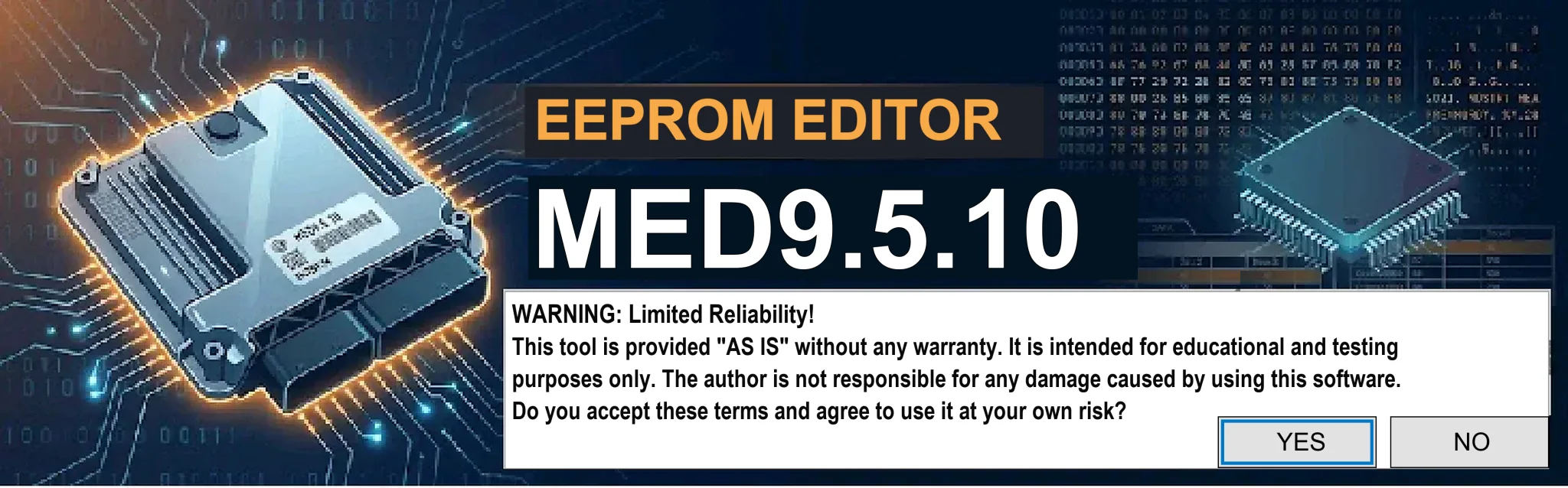
Windows EEPROM-file utility for Bosch MED9.5.10 petrol ECUs, with CRC/P0601 checksum repair, 95080/95320 dump editing, ECU identifiers and backup/restore.
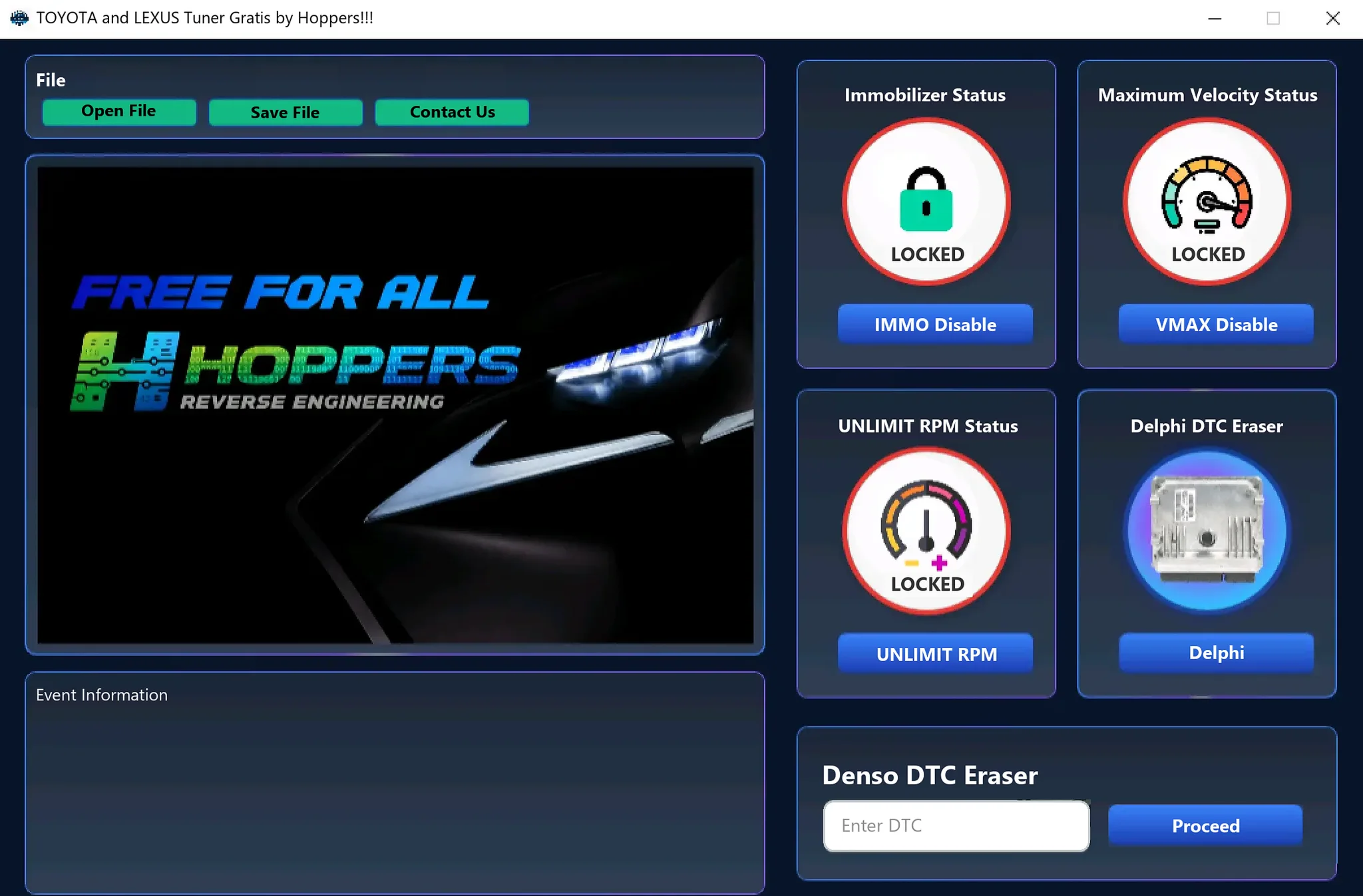
Offline Toyota and Lexus ECU binary editor with IMMO, VMAX and RPM modules, plus dedicated Denso and Delphi DTC Eraser functions for supported firmware.
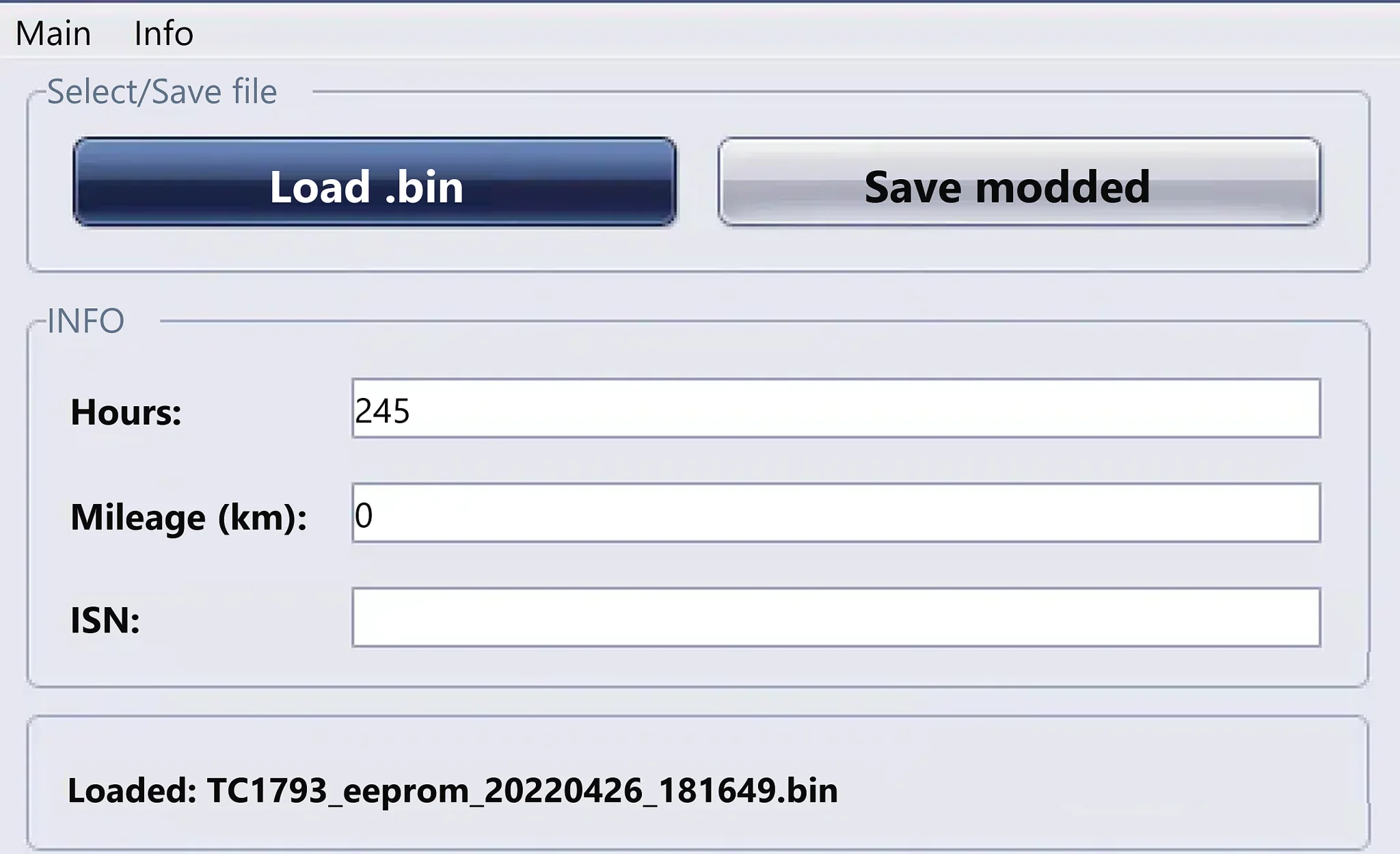
Offline BMW MEVD1723 TC1793 EEPROM editor for working hours, mileage and ISN display, with automatic checksum correction when saving modified BIN files.
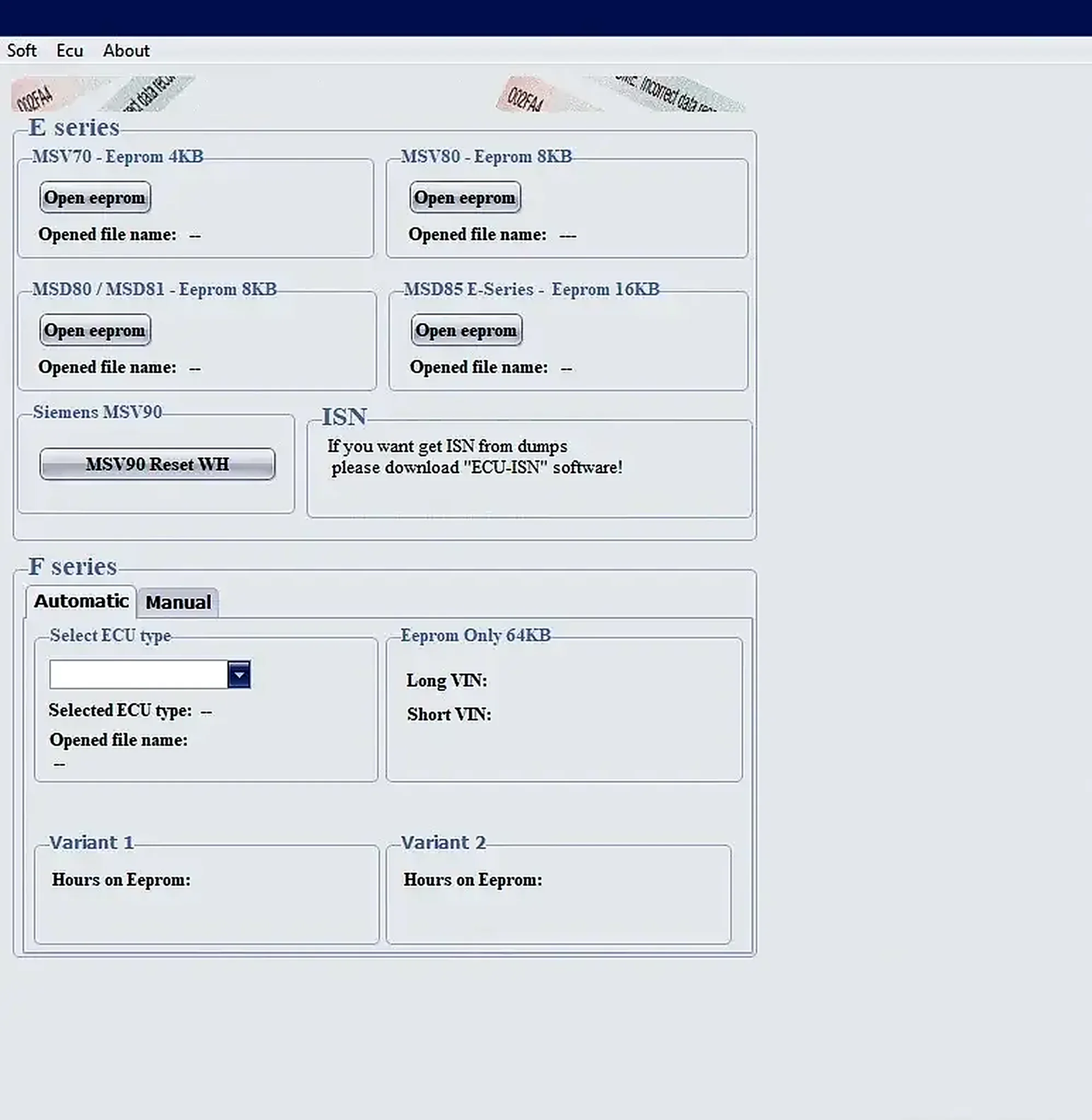
Offline BMW EEPROM utility for resetting supported DME working-hours data, addressing the documented 2FA4 replacement scenario and editing supported VIN fields.
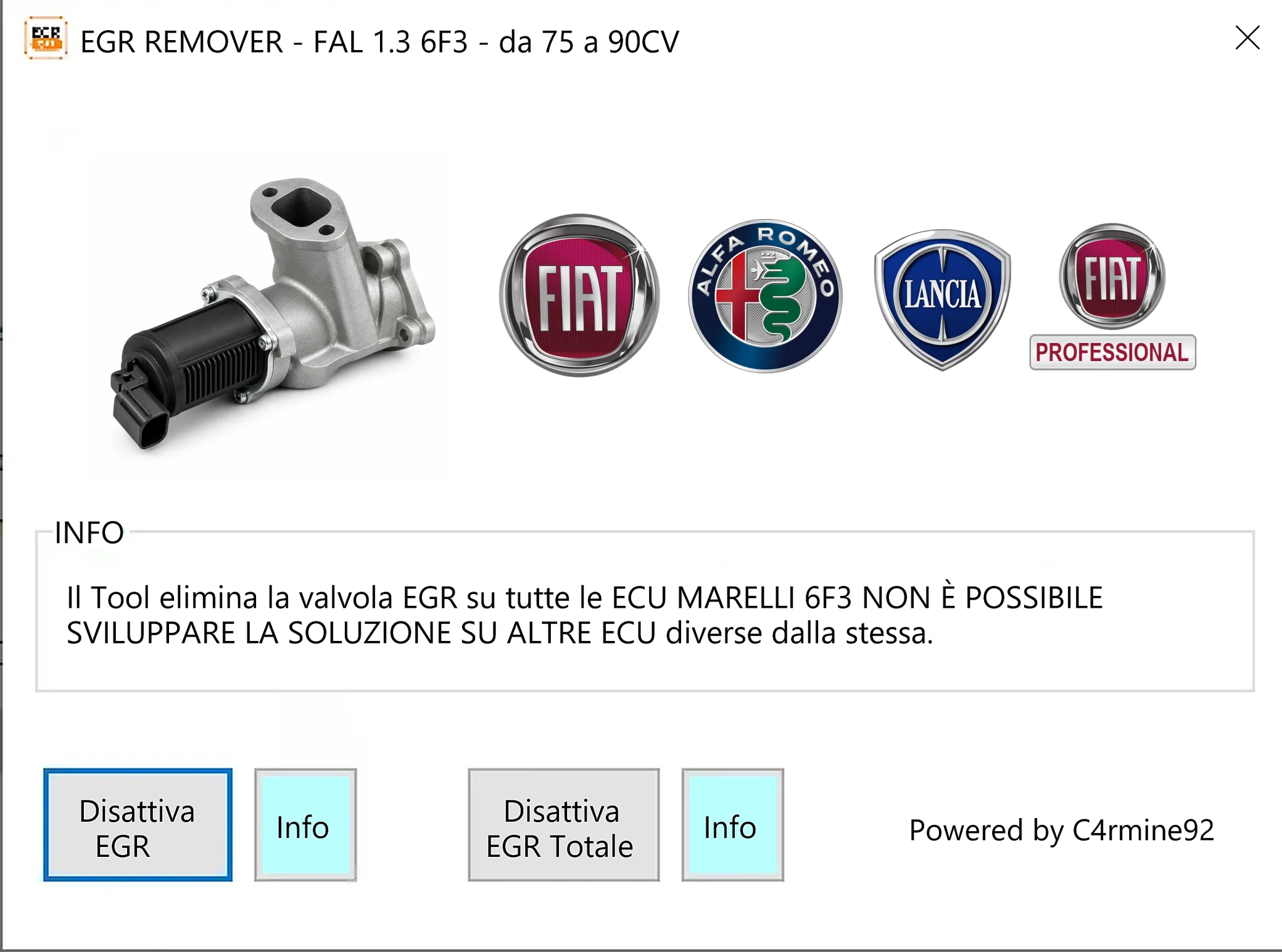
Offline binary-file EGR utility for FCA 1.3 Multijet Marelli 6F3 engines rated 75–90 CV, with standard and total-disable modes.