
SOFTWARE DATABASE / RELEASE RECORD
VERSION 1.0Bosch MED EEPROM Tool - Checksum Repair 1.0
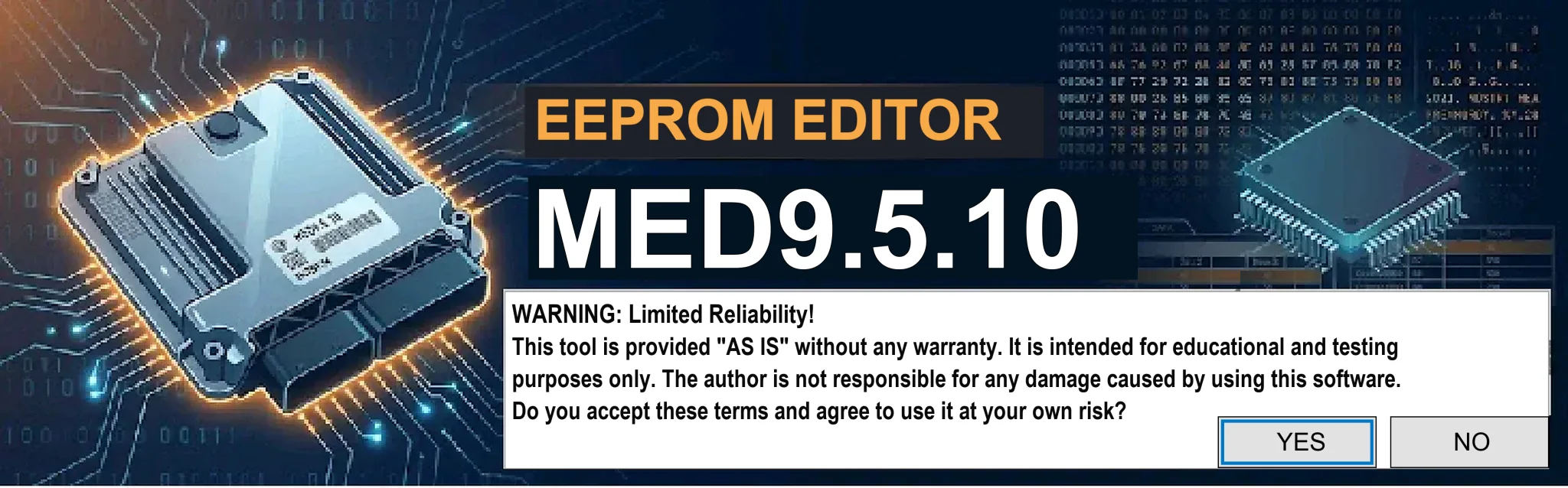
Windows EEPROM-file utility for Bosch MED9.5.10 petrol ECUs, with CRC/P0601 checksum repair, 95080/95320 dump editing, ECU identifiers and backup/restore.
Categories
Vehicle references
Overview
Highlights
- Automatically repairs EEPROM CRC errors associated with P0601.
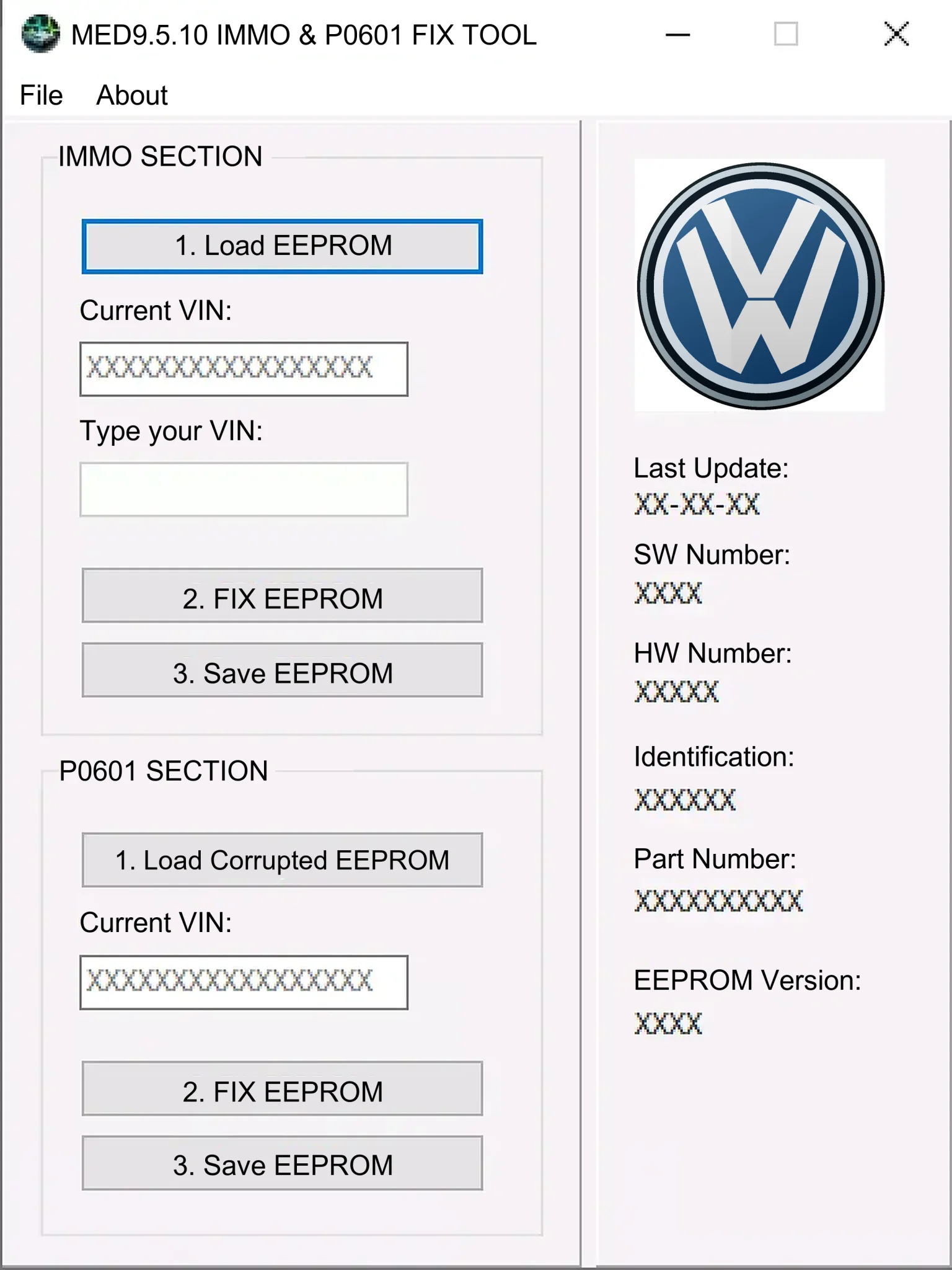
- Reads, edits and rewrites supported 95080 / 95320 dump files within seconds.
- Shows ECU hardware, software and part numbers, together with the VIN, for service documentation.
- Includes backup and restore functions to preserve the original data.
- Runs as a standalone Windows utility without internet activation.
Package contents
MED9510_EEPROM_Editor.execonfig.inireadme_en.txtlicense_notice.txt
Compatibility notes
The tool targets Bosch MED 9.5.10 petrol ECUs fitted to VW Group 1.6 FSI / 2.0 FSI engines. The availability of individual features, including identifier decoding, depends on the firmware build.
Basic usage
- Connect the ECU on the bench or through a verified boot-pin harness.
- Select Load EEPROM and open the binary dump.
- Choose FIX EEPROM to perform the checksum repair.
- Check the displayed identifiers and save the repaired file.
- Write the file back using your chosen programmer.
Operating systems
Windows 7 SP1, 8, 8.1, 10 and 11, in both 32-bit and 64-bit editions.
Minimum system requirements
- CPU: Dual-core processor at 2 GHz.
- RAM: 2 GB.
- Storage: 100 MB of free disk space.
- A USB interface for the programmer.
- Administrator privileges.
Disclaimer
The software is supplied “as is” for legitimate diagnostic and data-repair work by qualified personnel. Its stated scope does not include altering security systems, providing licence keys or bypassing vendor protections.
Users must comply with applicable licence agreements, emissions requirements and safety regulations. This article does not host executable files; any download destinations are third-party servers controlled by their respective owners.
Use is at your own risk. Always retain a backup of the original data before writing to an ECU.
Technical Compatibility
Supported Modules
Operating Systems
File Formats
System Requirements
- Windows 7 SP1 / 8 / 8.1 / 10 / 11 (32-bit and 64-bit)
- 2 GHz dual-core CPU
- 2 GB RAM
- 100 MB free disk space
- USB interface for the programmer
- Administrator rights
Screenshots
Related Software

Collection of 1,350+ UPA-USB scripts for EEPROM and MCU work, covering odometer, IMMO, airbag reset, radio codes, PIN extraction and ECU virginization.
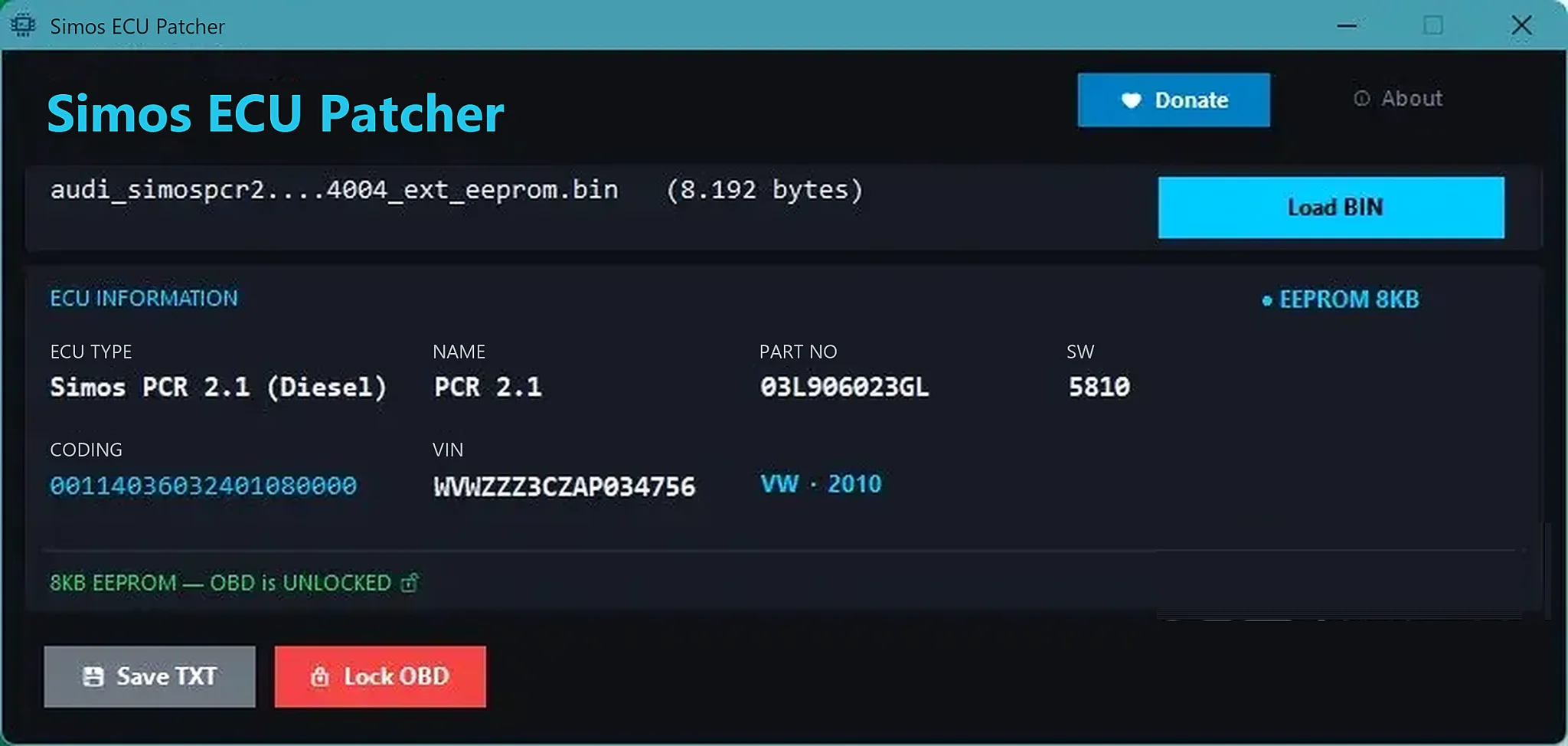
Windows file utility for compatible Simos PCR2.1, Simos 10 and Simos 11 full bench reads, with IMMO OFF patching, ECU identification and OBD/Virtual Read detection.
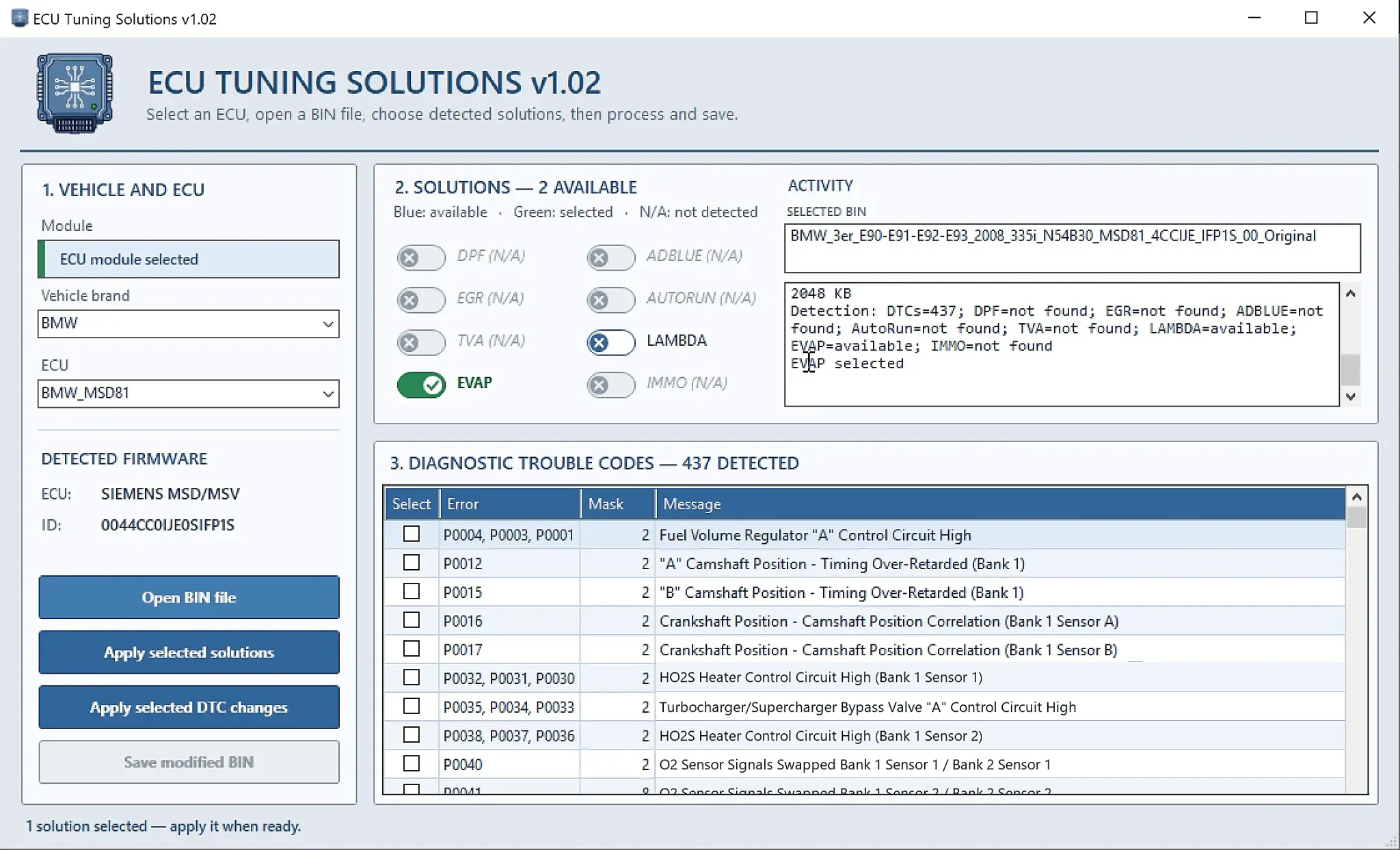
Offline Windows ECU-file processing and DTC handling for supported multi-brand controllers, with eight solution types and HWID-based activation in version 1.02.
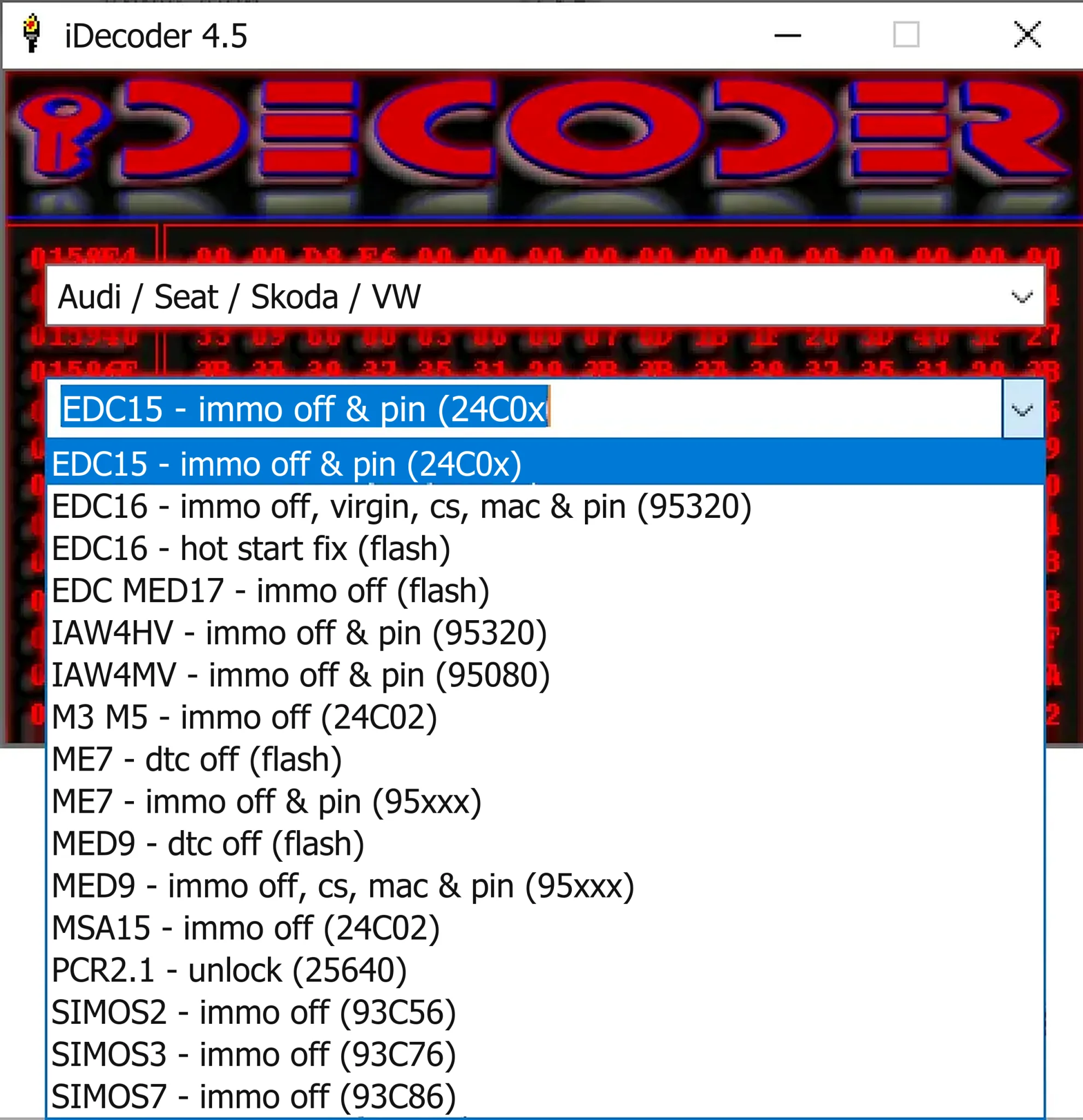
Offline Windows dump-processing utility for supported ECU, immobilizer, dashboard and body modules, with IMMO, PIN/VIN, virgin, ISN and DPF/EGR/DTC functions.
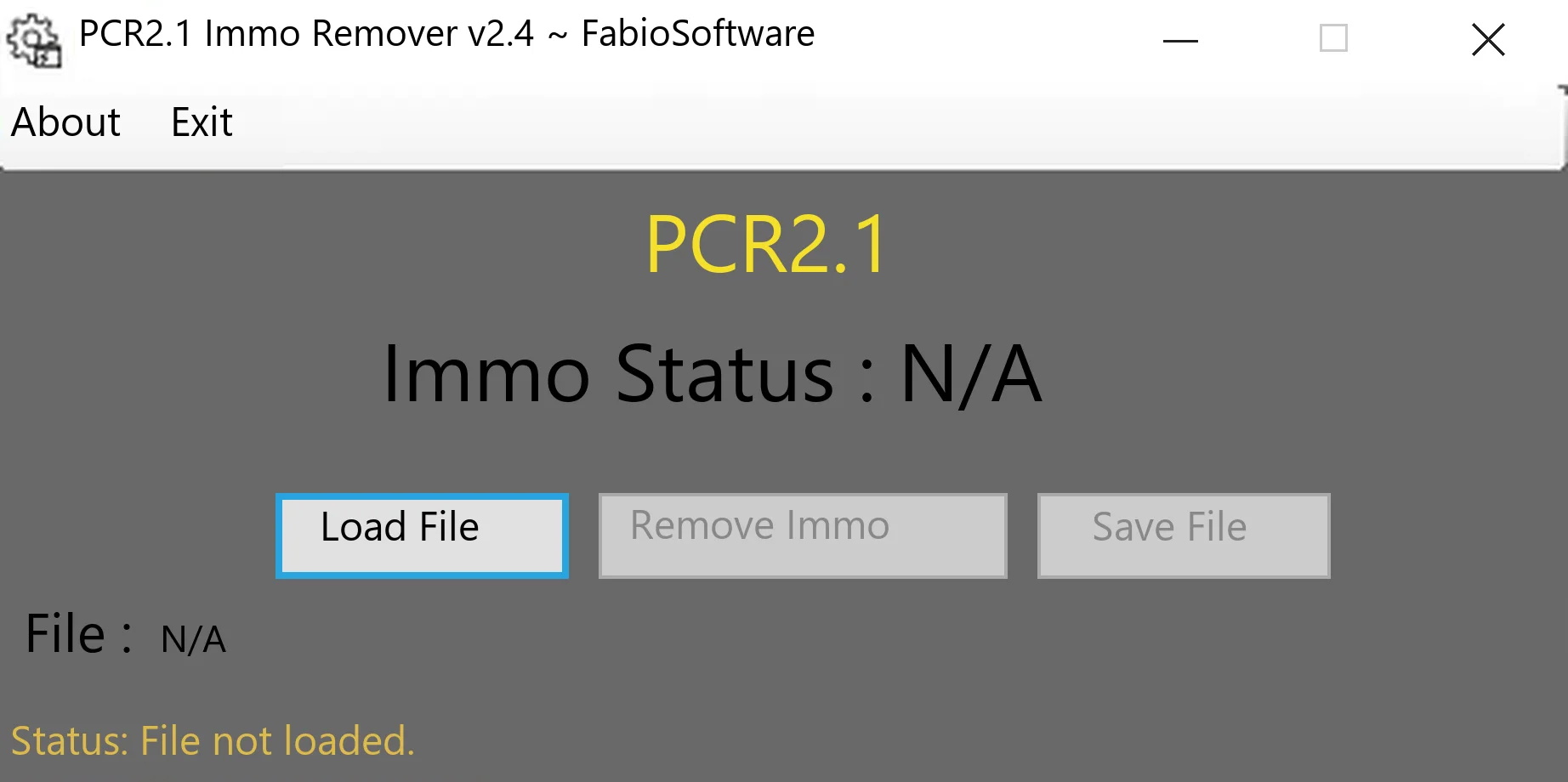
Offline Windows flash-file utility for supported Continental SIMOS PCR2.1 immobilizer-off workflows, requiring a separate ECU programmer and checksum tool.

Windows EEPROM and flash-dump toolkit for supported IMMO PIN, IMMO OFF, virgin, radio PIN, MEDC17 checksum and special repair workflows, including BMW EDC15 ISN in 1.0.4.