
SOFTWARE DATABASE / RELEASE RECORD
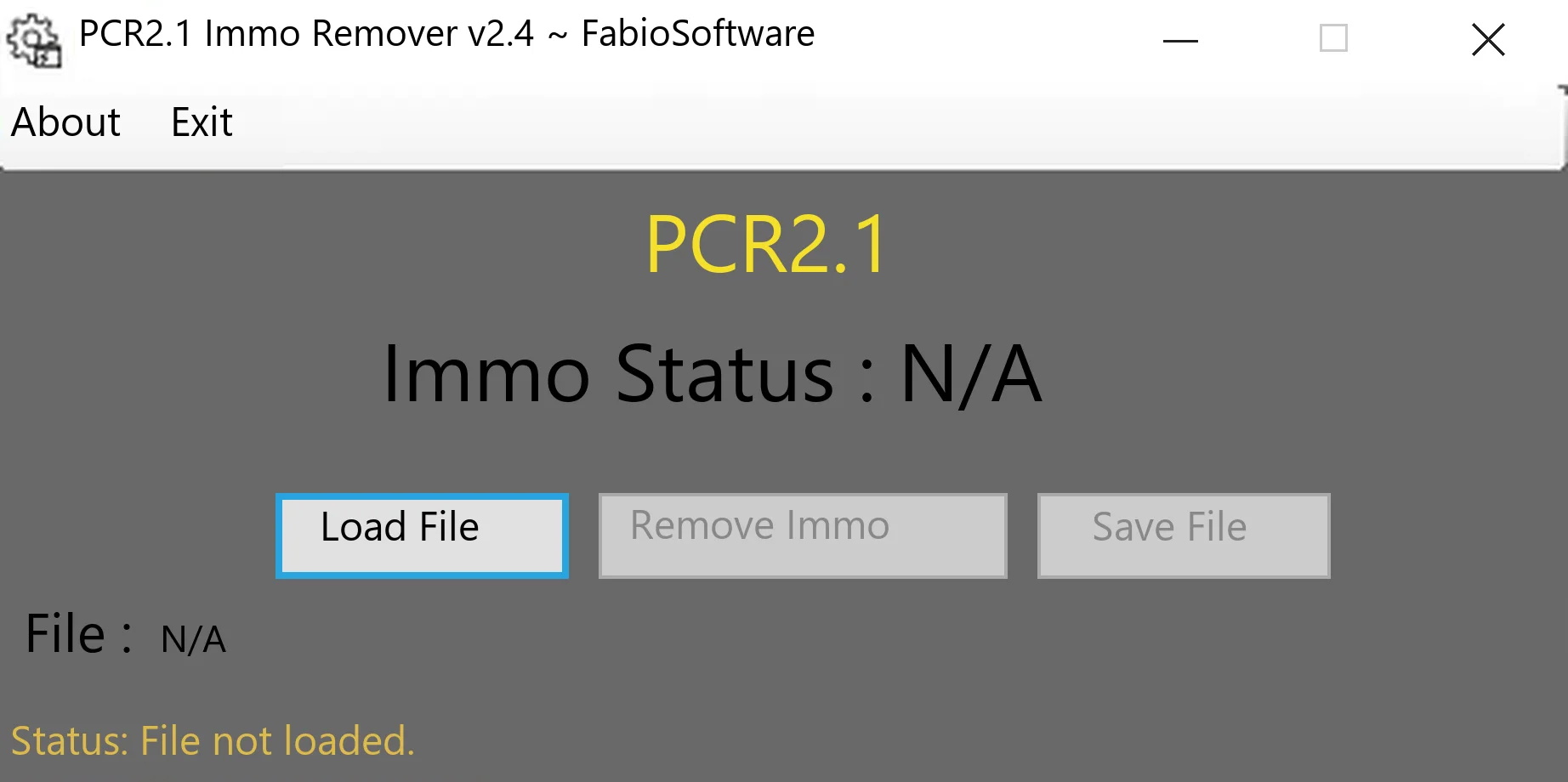
VERSION 2.4PCR2.1 Immo Remover - SIMOS PCR2.1 IMMO OFF Tool 2.4
Offline Windows flash-file utility for supported Continental SIMOS PCR2.1 immobilizer-off workflows, requiring a separate ECU programmer and checksum tool.
Categories
Vehicle references
Overview
PCR2.1 Immo Remover is a compact Windows application that works offline to prepare an immobilizer-off modification in a supported Continental SIMOS PCR2.1 ECU flash file. It is designed for controlled file processing once the controller and reading method have been identified, rather than providing universal immobilizer coverage for VAG vehicles.
Supported vehicles, ECUs and files
The intended controller is Continental SIMOS PCR2.1, principally fitted to Volkswagen Group 1.6 TDI applications from Volkswagen, Audi, SEAT and Skoda. Establish compatibility using the ECU label, hardware and software identifiers, and the flash file's actual layout. The vehicle brand or engine capacity alone does not establish support. Processing takes place on a saved ECU dump; the application does not connect to the vehicle.
- Supported VAG diesel flash files belonging to the Continental SIMOS PCR2.1 family.
- A file-based procedure using reads supplied by an appropriate bench, boot or ECU-programming tool.
- A complete flash read of the correct size, with the controller's identity confirmed before processing.
Functions
- Load a compatible PCR2.1 binary and produce a modified output for an authorized immobilizer repair or testing procedure.
- Maintain the untouched read separately so that the output can be checked against it byte for byte before programming.
- Operate from a single portable executable. Vehicle drivers, flashing software and a checksum module are not supplied.
System and hardware requirements
- Windows with Microsoft .NET Framework 4.6 or later.
- An independent ECU programmer that can read and write the correct PCR2.1 memory area.
- A checksum application compatible with the exact ECU and software family: this utility does not provide checksum correction.
- A stable power supply on the bench or vehicle, together with a tested recovery procedure for the writing stage.
Recommended workflow
- Obtain and archive a complete, unmodified backup, and note the ECU hardware and software identifiers.
- Use a working copy in the application. Check that it accepts the input without truncating it or changing its size.
- Compare the original and processed binaries, then correct and verify their checksums with a suitable tool. Program the resulting file using the appropriate bench or boot procedure.
- Run a diagnostic scan after writing and retain the original read as a recovery backup.
Package contents
The documented package consists of one unsigned, portable application. The preparation notes describe static inspection without running the program. ECU drivers, USB-interface software, checksum plug-ins and vehicle-specific wiring instructions are not included.
Important limits
The PCR2.1 designation by itself does not guarantee compatibility. Different software revisions and read formats may need different treatment. Immobilizer modifications can affect theft protection and may be subject to regulation. Use the application only for a vehicle or ECU you own or have explicit authorization to service.
Technical Compatibility
Supported Modules
Operating Systems
File Formats
System Requirements
- Windows with Microsoft .NET Framework 4.6 or later.
- Separate programmer capable of reading and writing the correct SIMOS PCR2.1 memory area.
- Complete, correctly sized flash read with verified ECU hardware and software identity.
- Compatible external checksum software; checksum correction is not included.
- Stable bench or vehicle power and a tested recovery procedure for programming.
Screenshots
Related Software

Collection of 1,350+ UPA-USB scripts for EEPROM and MCU work, covering odometer, IMMO, airbag reset, radio codes, PIN extraction and ECU virginization.
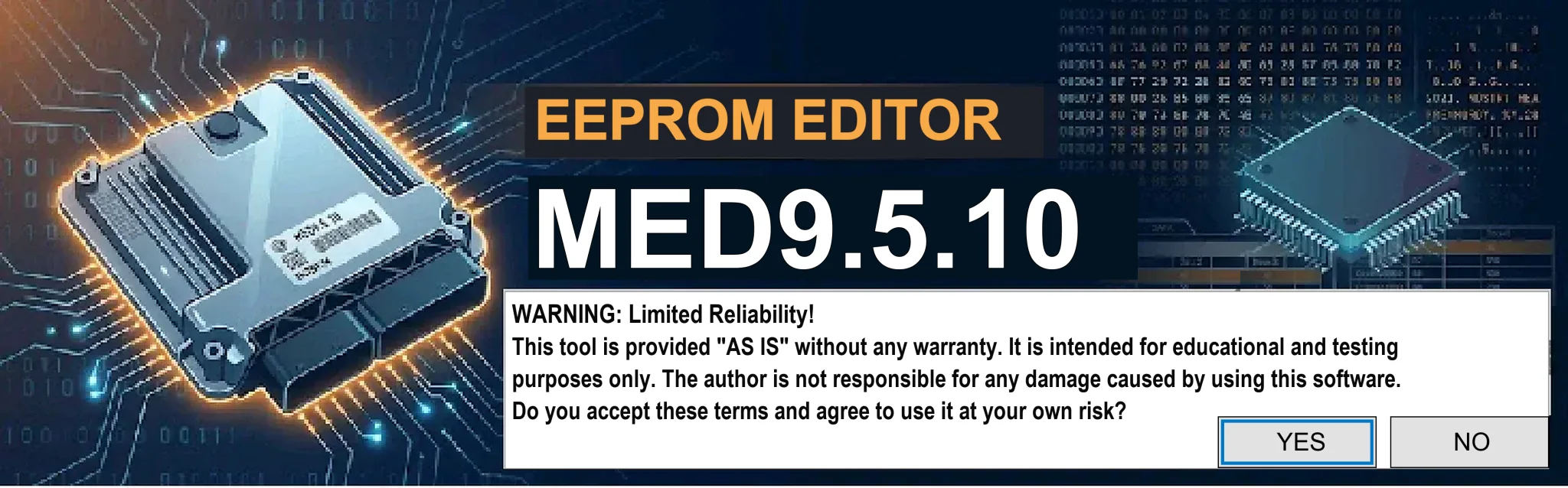
Windows EEPROM-file utility for Bosch MED9.5.10 petrol ECUs, with CRC/P0601 checksum repair, 95080/95320 dump editing, ECU identifiers and backup/restore.
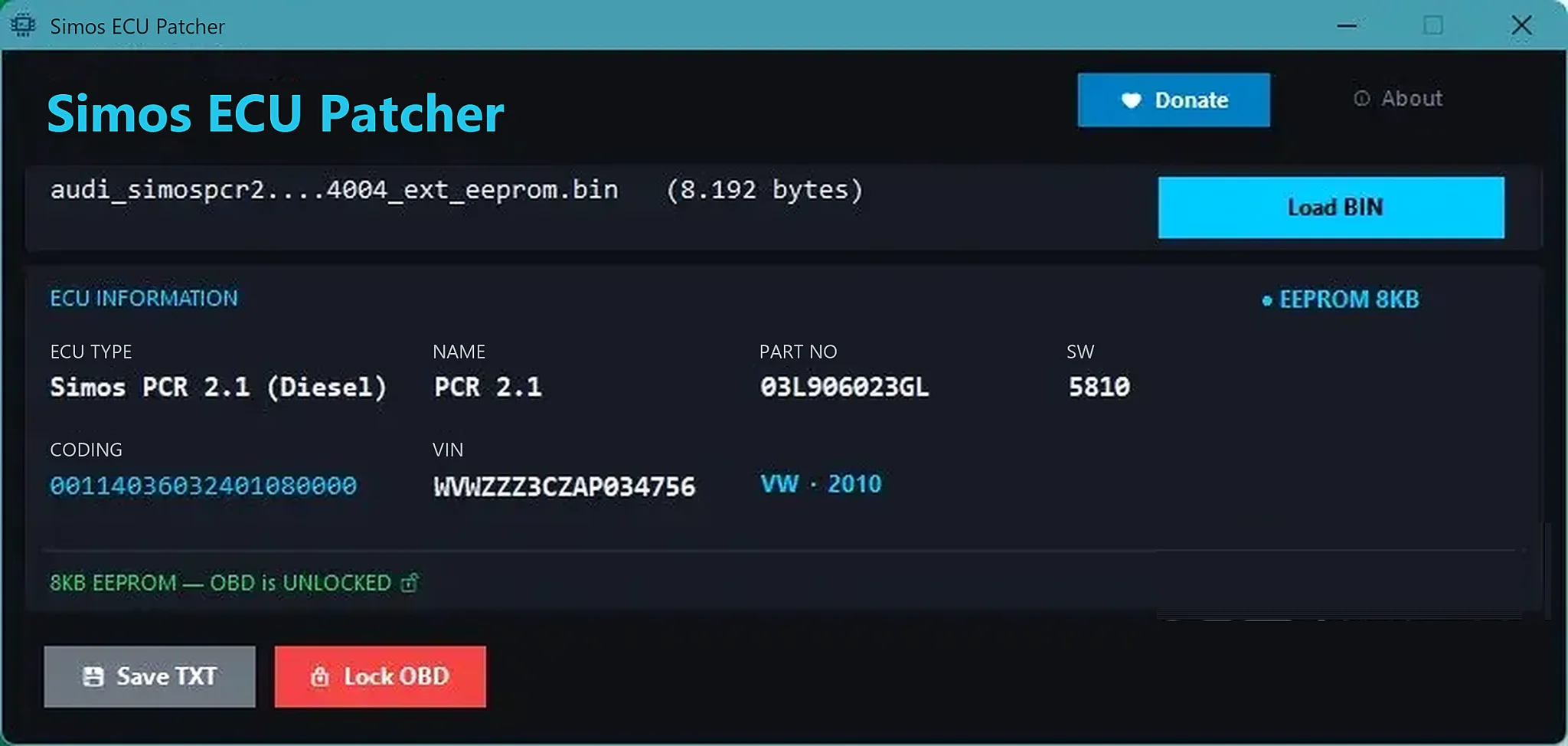
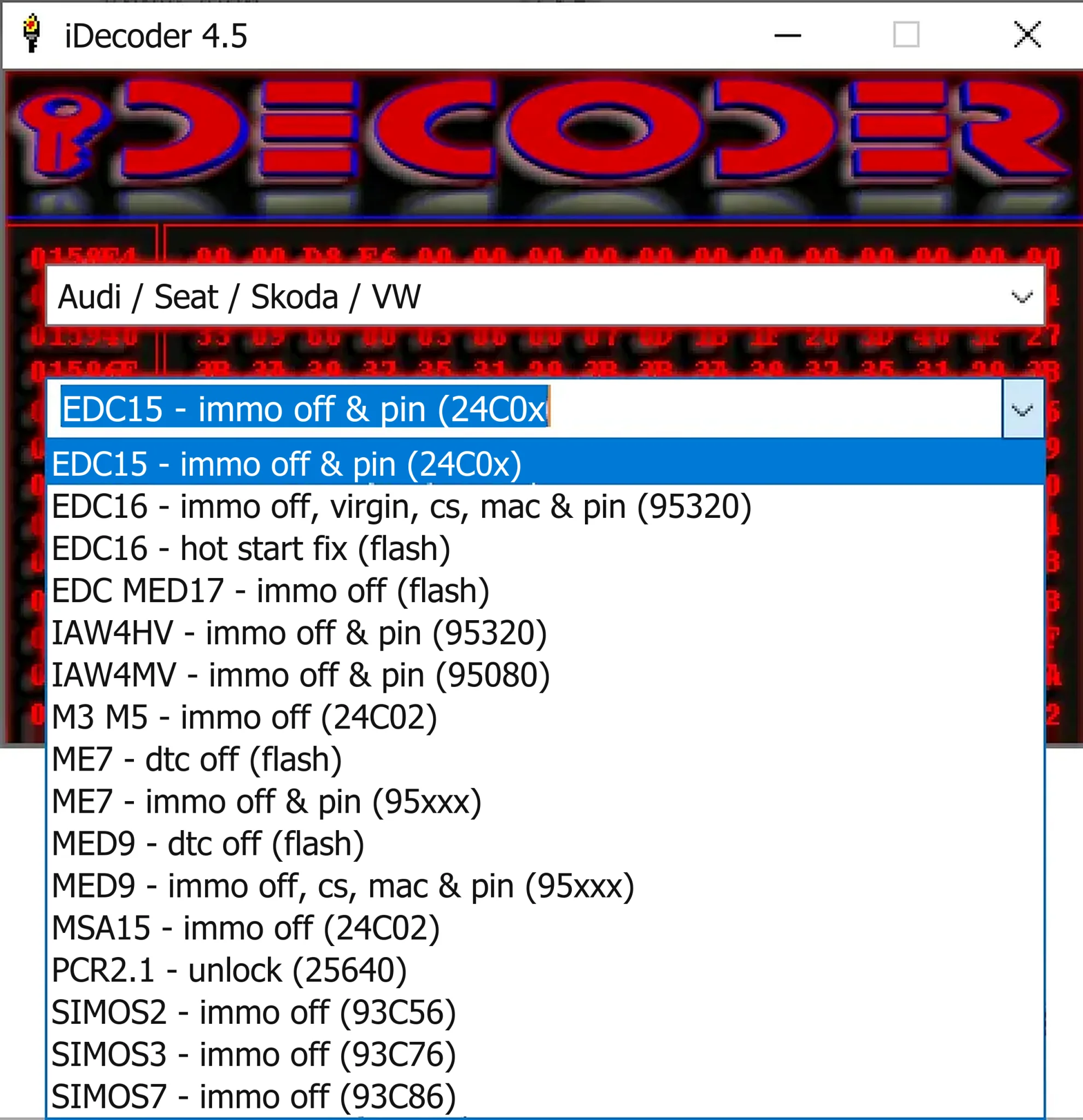
Windows file utility for compatible Simos PCR2.1, Simos 10 and Simos 11 full bench reads, with IMMO OFF patching, ECU identification and OBD/Virtual Read detection.
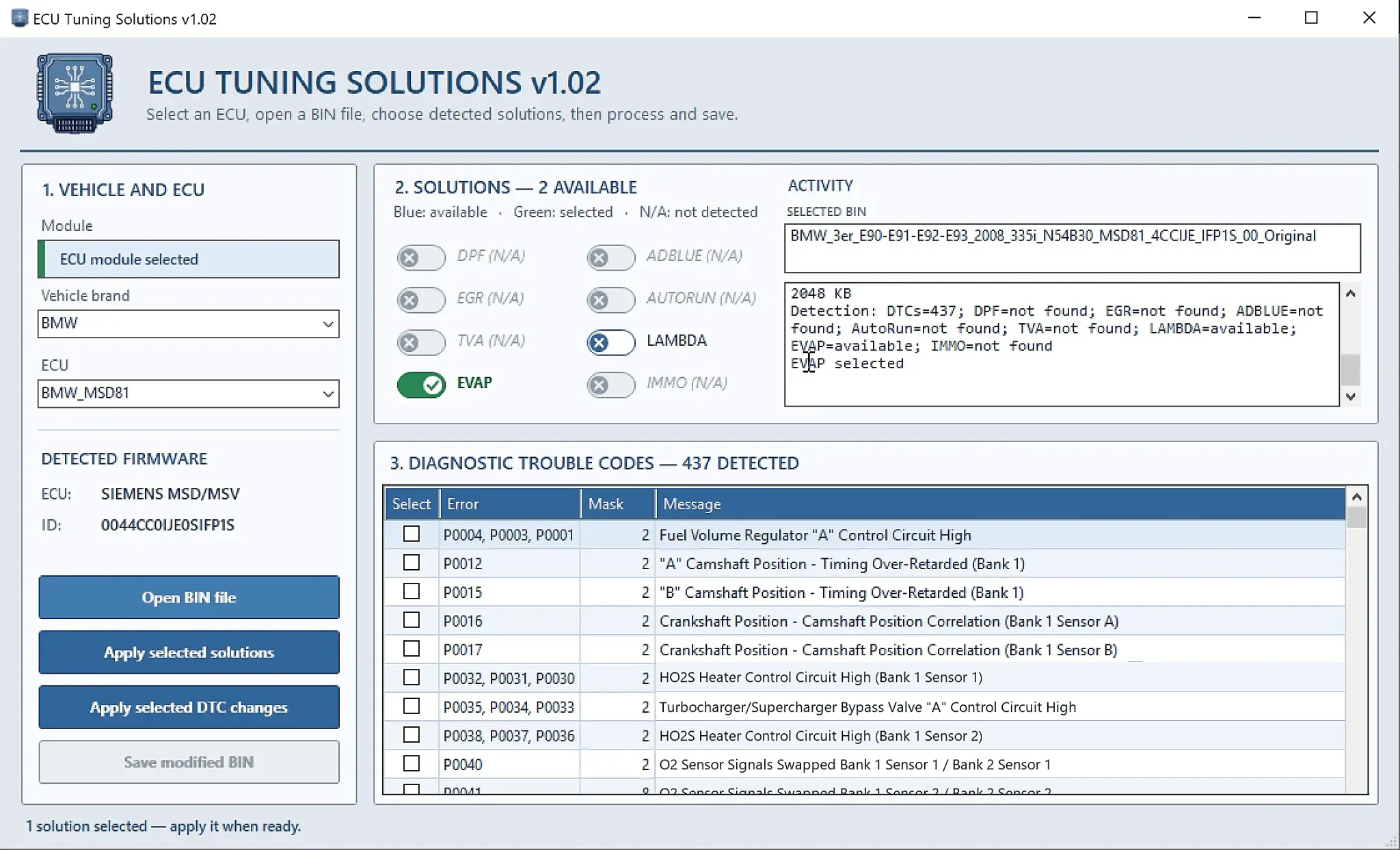
Offline Windows ECU-file processing and DTC handling for supported multi-brand controllers, with eight solution types and HWID-based activation in version 1.02.
Offline Windows dump-processing utility for supported ECU, immobilizer, dashboard and body modules, with IMMO, PIN/VIN, virgin, ISN and DPF/EGR/DTC functions.

Windows EEPROM and flash-dump toolkit for supported IMMO PIN, IMMO OFF, virgin, radio PIN, MEDC17 checksum and special repair workflows, including BMW EDC15 ISN in 1.0.4.