
SOFTWARE DATABASE / RELEASE RECORD
VERSION 4.5iDecoder ECU IMMO OFF, PIN Code, Virgin, DPF, EGR and DTC Tool 4.5
Offline Windows dump-processing utility for supported ECU, immobilizer, dashboard and body modules, with IMMO, PIN/VIN, virgin, ISN and DPF/EGR/DTC functions.
Categories
Vehicle references
Overview
iDecoder 4.5
iDecoder is an offline Windows application for processing supported memory dumps from automotive ECUs, immobilizers, instrument clusters and body modules. The available operation depends on the selected vehicle group and control-unit family.
Its functions include IMMO OFF, virgin reset, PIN and VIN extraction, CS/MAC recovery, ISN processing, PCR2.1 unlock, DPF/EGR/DTC removal, TVA disabling and hot-start correction where the corresponding file layout is supported.
The application works with compatible EEPROM, internal Flash and external Flash files. It does not read or write a physical ECU directly: obtain the required dump separately using compatible professional equipment.
Main Functions
- IMMO OFF processing for supported engine control units.
- Virgin reset for compatible ECU dumps.
- PIN and VIN extraction from ECU, CIM, BCM, IPC, radio and display files.
- CS and MAC extraction for supported VAG ECUs.
- BMW EWS OFF and ISN processing.
- DPF, EGR and individual DTC processing for supported inputs.
- TVA Off for compatible Opel/Vauxhall ECUs.
- Hot-start correction for supported VAG EDC16 Flash files.
- Continental PCR2.1 unlock.
- Handling of multiple EEPROM and Flash memory layouts.
- Saving processed files beside the selected input file.
Complete Supported Applications
Alfa Romeo / Fiat / Lancia
- DCU102: Virgin reset using flash.
- EDC15C7: IMMO and U1600 Off using flash.
- EDC15C7: Virgin reset using
95P08. - EDC16C39: IMMO Off using flash.
- EDC16C8: Virgin reset using
95160. - EDC MED17: IMMO Off using flash.
- IAW4AF: IMMO Off using
95160. - MJD6F3: IMMO Off using flash.
- MJD8Fx: IMMO Off using flash.
Audi / Seat / Škoda / Volkswagen
- EDC15: IMMO Off and PIN extraction using
24C04. - EDC16: IMMO Off, CS, MAC and PIN extraction using
95320. - EDC16: Hot-start correction using flash.
- EDC MED17: IMMO Off using flash.
- IAW4MV: IMMO Off using
95080. - M3 / M5: IMMO Off using
24C02. - ME7: DTC Off using flash; coverage is not available for every variant.
- ME7: IMMO Off and PIN extraction using
95xxx. - MED9: DTC Off using flash.
- MED9: IMMO Off, CS, MAC and PIN extraction using
95xxx. - MSA15: IMMO Off using
24C02. - PCR2.1: Unlock using
25640. - SIMOS2: IMMO Off using
93C56. - SIMOS3: IMMO Off using
93C76. - SIMOS7: IMMO Off using
93C86.
BMW
- MS42: EWS Off and ISN processing using flash.
- MS43: EWS Off and ISN processing using flash.
Citroën / Peugeot
- EDC15C2, three-plug ECU: IMMO Off stage 1 using
95P08. - EDC15C2, three-plug ECU: IMMO Off stage 2 using flash.
- EDC15C7, two-plug ECU: IMMO and U1600 Off using flash.
- EDC16C34: IMMO Off and PIN extraction using
95160.
Ford / Mazda
- Denso RF7G: EGR Off using flash.
- Denso RFx 32-bit: DPF Off using flash.
- Denso RFx 32-bit: DTC Off using flash.
- Denso RFx 32-bit: EGR Off using flash.
- EDC16C34: DPF Off using flash.
- EDC16C34: DTC Off using flash.
- EDC16C34: EGR Off using flash.
Hyundai / Kia
- EDC16C39: IMMO Off and PIN extraction using
95320. - M7.9.8 / MG7.9.8: IMMO Off stage 1 using
95160; test solution. - M7.9.8 / MG7.9.8: IMMO Off stage 2 using
10F275; test solution.
Iveco
- EDC16C39: IMMO Off using flash.
- EDC16C8: IMMO Off using
95320or95640. - EDC16C8: IMMO Off using flash.
Land Rover
- MEMS MKC, one-plug ECU: IMMO Off using
93C46. - MSB / NNN, two-plug ECU: IMMO Off using
93C46or93C66.
Opel / Vauxhall
- ACDelco E83: PIN and VIN extraction using
MPC5565. - BCM: PIN extraction using
24C16or93C66. - CD30 MP3: PIN extraction using
24C32or95640. - CD40 USB: PIN extraction using
24C32. - CDC40: PIN extraction using
24C32or95640. - CIM: PIN and VIN extraction using
93C76,95160,HC08orHC12. - Denso ECU: PIN and VIN extraction using
93C66. - Denso ECU: PIN and VIN extraction using
93C86/IC502. - Denso ECU: DTC Off for
SH7058andSH7059. - Denso ECU: EGR Off for
SH7058andSH7059. - Display: PIN extraction using
25080,93C56or93C66. - EDC15M / EDC15C7: PIN and VIN extraction using
24C04or95080. - EDC16C9 / EDC16C39: PIN and VIN extraction using
95160or95640. - EDC16C9 / EDC16C39: TVA Off using flash.
- EDC17: PIN and VIN extraction using virtual EEPROM.
- GMPT: PIN extraction using
29BL802. - Immobilizer module: PIN extraction using
93C46,HC05,HC08orTMS. - IPC: PIN extraction using
35080or93C66. - MJD602: PIN and VIN extraction using
95320. - MJD603: PIN and VIN extraction using
95320. - MJD6J0: PIN and VIN extraction using
95320. - PSG16: PIN and VIN extraction using EEPROM file.
- REC / UEC: PIN and VIN extraction using
950xx.
Renault
- EDC15: Virgin reset using
24C04or95P08. - MSA15: Virgin reset using
24C02.
Saab
- CIM: PIN and VIN extraction using
93C66. - EDC16: PIN and VIN extraction using
95xxx.
SsangYong
- Delphi ECU: IMMO Off using
95160or95320.
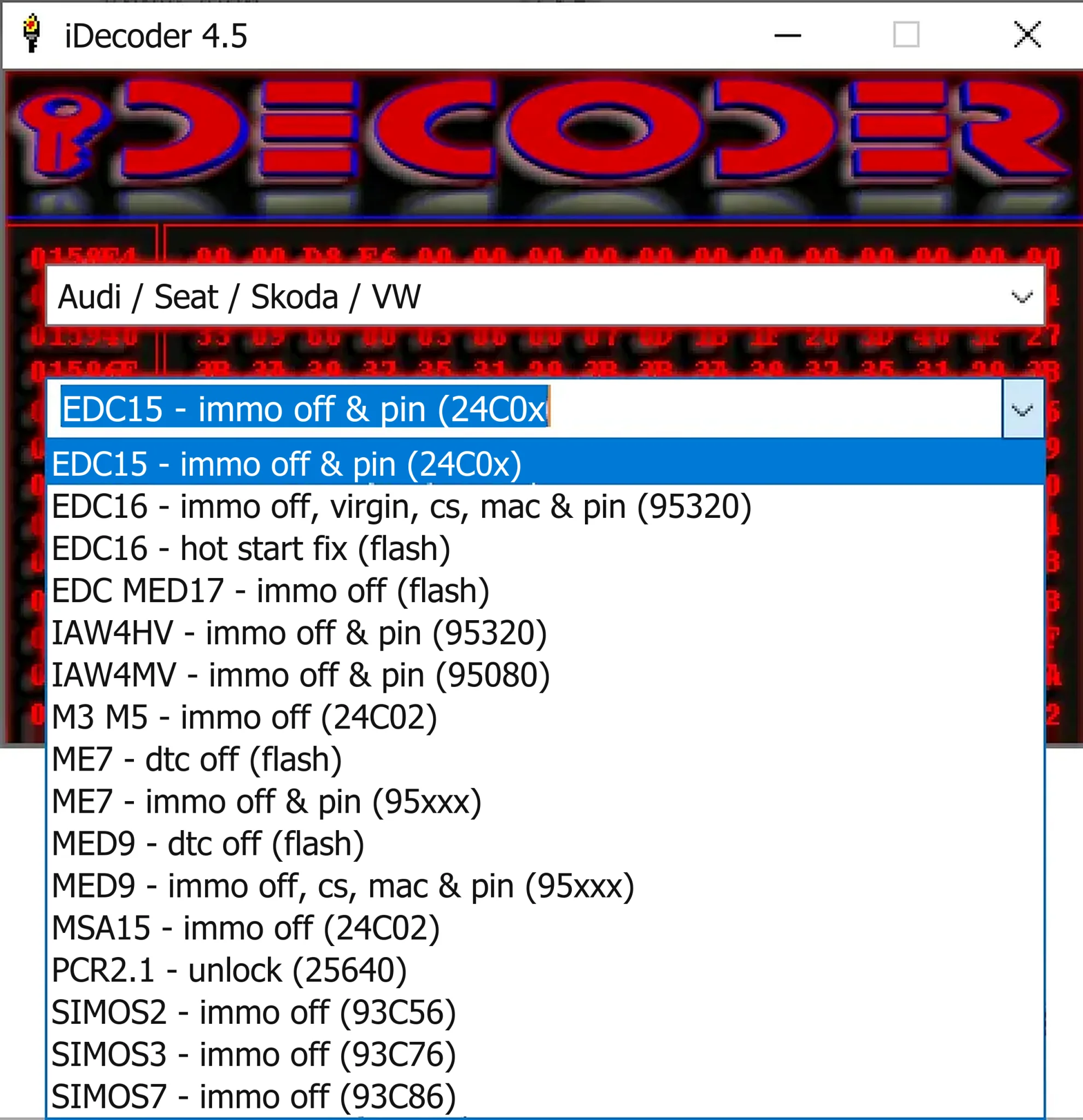
The illustrated VAG menu additionally displays IAW4HV IMMO Off and PIN using 95320, and a virgin option for EDC16. These menu entries still require a matching supported file.
Compatibility note: Support is determined by the exact ECU type, software version, dump size and memory layout. A listed memory type alone does not establish that a file is compatible.
Package Contents
The package contains:
START-iDecoder.exe— the required application launcher.Runtime— the main application files and required runtime components.
Keep the launcher together with the entire Runtime directory. Do not rename, relocate or delete its contents.
Installation and Activation
- Create a separate installation directory, such as
C:\iDecoder\. - Extract the complete ZIP archive into that directory. Do not start the application from inside the archive.
- If extraction produces an additional internal directory, preserve its complete structure.
- Start the application only through
START-iDecoder.exe. - At first launch, note the personal 16-character HWID displayed by the application.
- Copy the complete HWID exactly and submit it through the software's license-request process.
- The personal license is supplied as a Windows Registry file, with a filename similar to
CC22203D07654137.reg. - Close iDecoder before installing that license.
- Double-click the received
.regfile and confirm the prompt to add its information to the Windows Registry. - Launch
START-iDecoder.exeagain.
The registry filename above is an example. Each user receives an individual file generated for the submitted HWID.
Do not start Runtime\iDecoder.exe directly. The internal executable relies on the supplied launcher and runtime layout, so files must remain inside the Runtime directory.
Recommended File Workflow
- Store the untouched ECU, EEPROM or Flash dump in a secure backup location.
- Create a separate copy for processing.
- Use a simple working directory, such as
C:\BIN\. - Open that working copy in iDecoder.
- Select the correct vehicle group and ECU function.
- Check that the ECU, memory type and intended operation match the loaded file.
- Save or locate the processed output beside the original working copy.
- Never overwrite the only untouched dump available.
- Verify the processed output and every required checksum before writing it back to a control unit.
Important: iDecoder processes files only. Physical reading and writing of an ECU, EEPROM, immobilizer or dashboard require separate compatible professional equipment.
Do not disable the entire antivirus or Windows security system. If a component is blocked, stop and report its exact filename and detection message through the software's support process.
This software is intended solely for authorized ECU replacement, immobilizer repair, module adaptation, diagnostics and professional vehicle service.
Technical Compatibility
Supported Modules
Operating Systems
File Formats
System Requirements
- Windows; exact supported versions are not specified
- Complete package with START-iDecoder.exe and the full Runtime directory
- Personal license matched to the displayed 16-character HWID
- Supported EEPROM, internal Flash or external Flash dump with the correct layout
- Separate compatible professional equipment for physical module reading and programming
Screenshots
Related Software

Collection of 1,350+ UPA-USB scripts for EEPROM and MCU work, covering odometer, IMMO, airbag reset, radio codes, PIN extraction and ECU virginization.
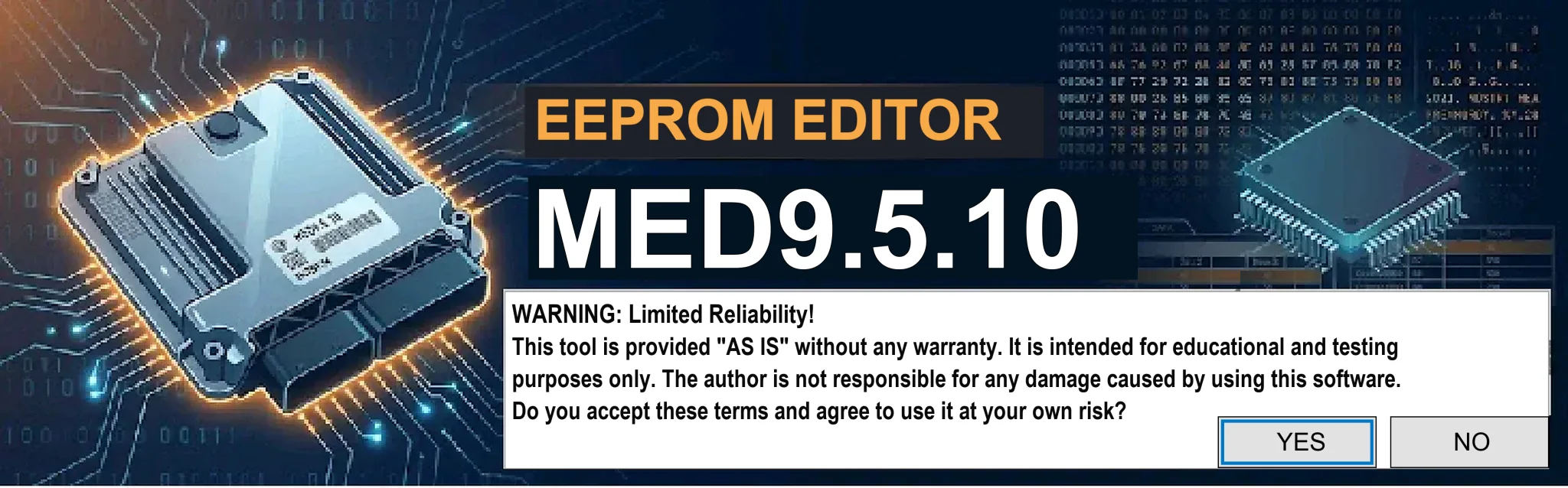
Windows EEPROM-file utility for Bosch MED9.5.10 petrol ECUs, with CRC/P0601 checksum repair, 95080/95320 dump editing, ECU identifiers and backup/restore.
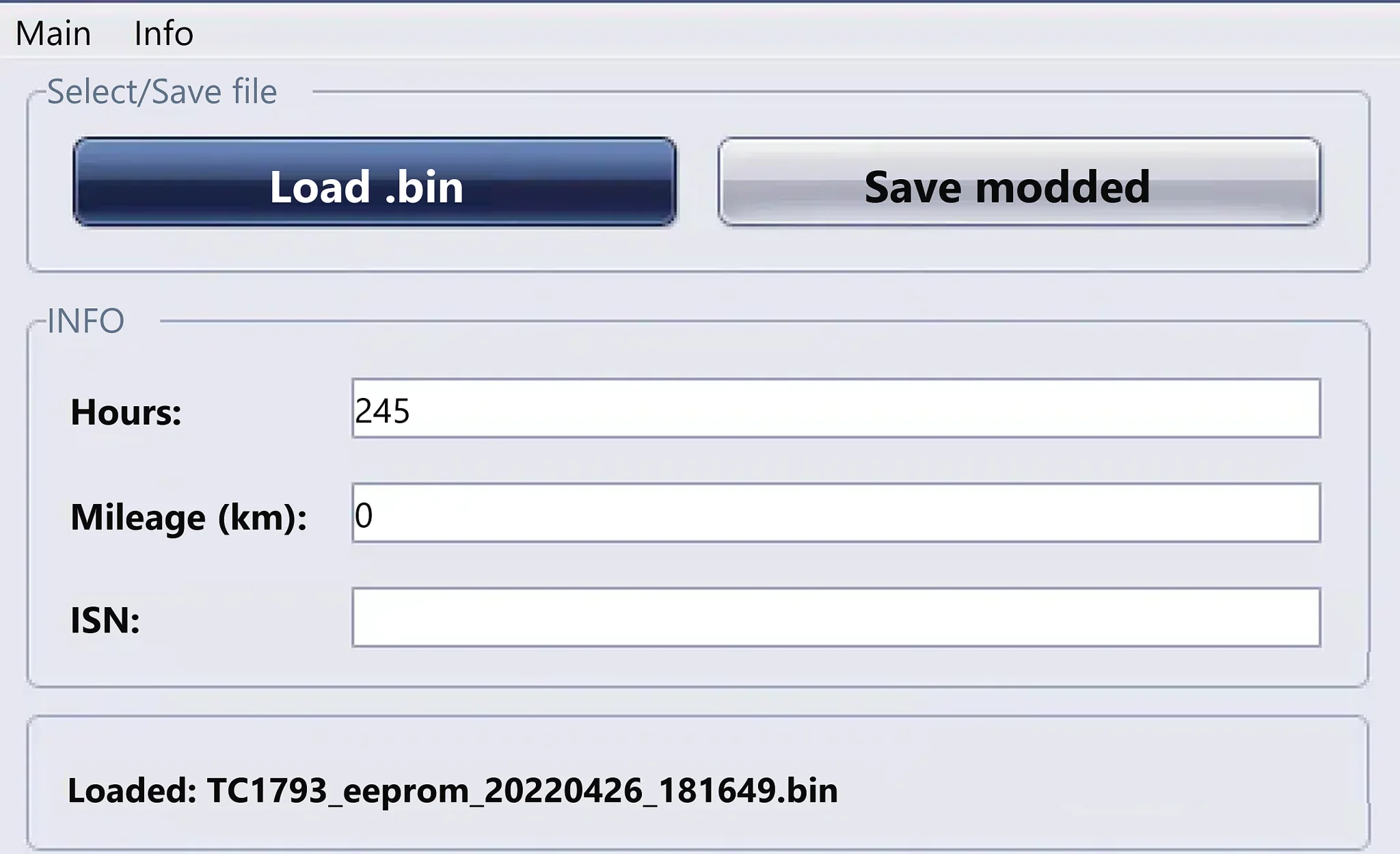
Offline BMW MEVD1723 TC1793 EEPROM editor for working hours, mileage and ISN display, with automatic checksum correction when saving modified BIN files.
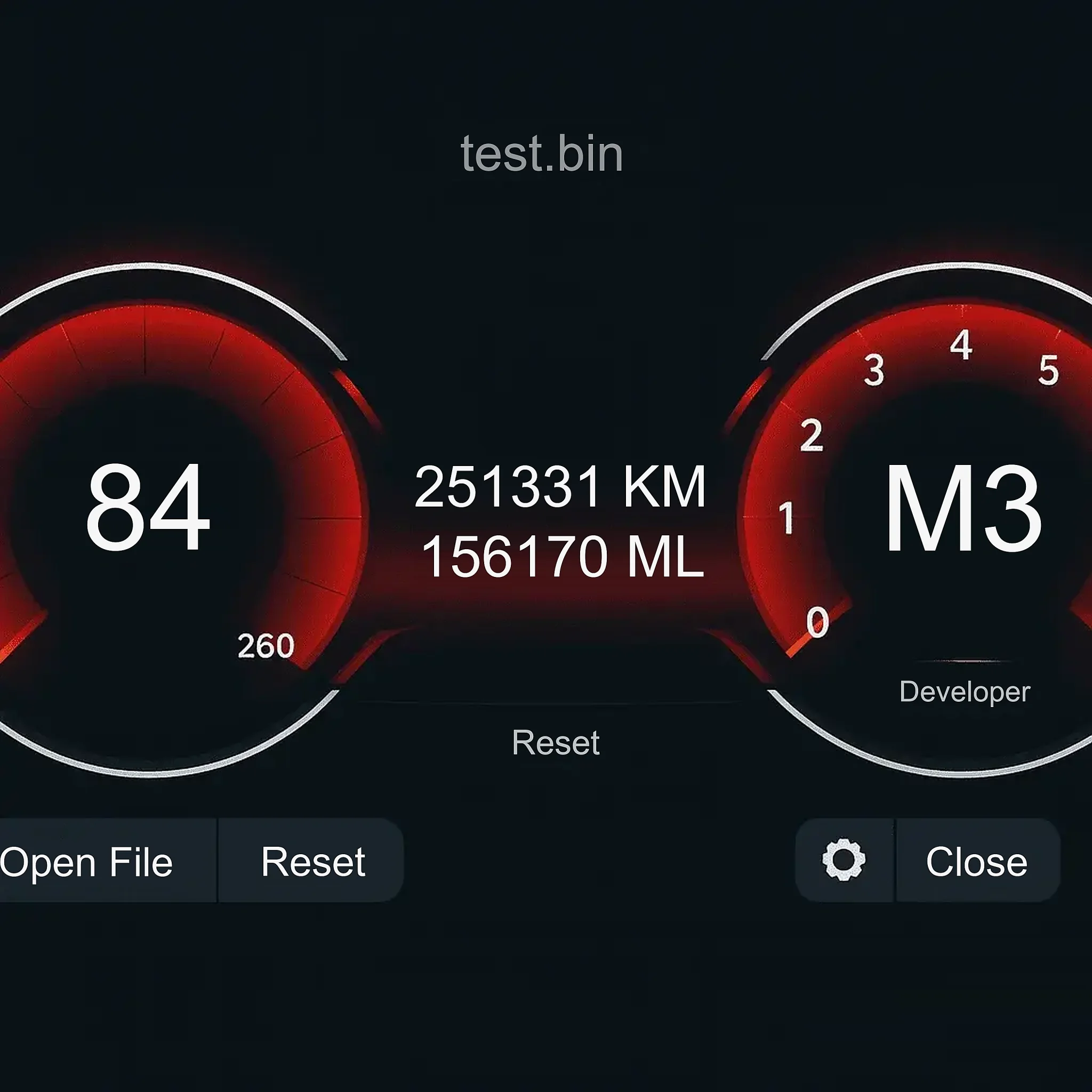
BMW KOMBI EEPROM utility for mileage reading and authorized cluster replacement, with E/F/G-Series editing, VIN changes and F-Series virginization in version 1.1.
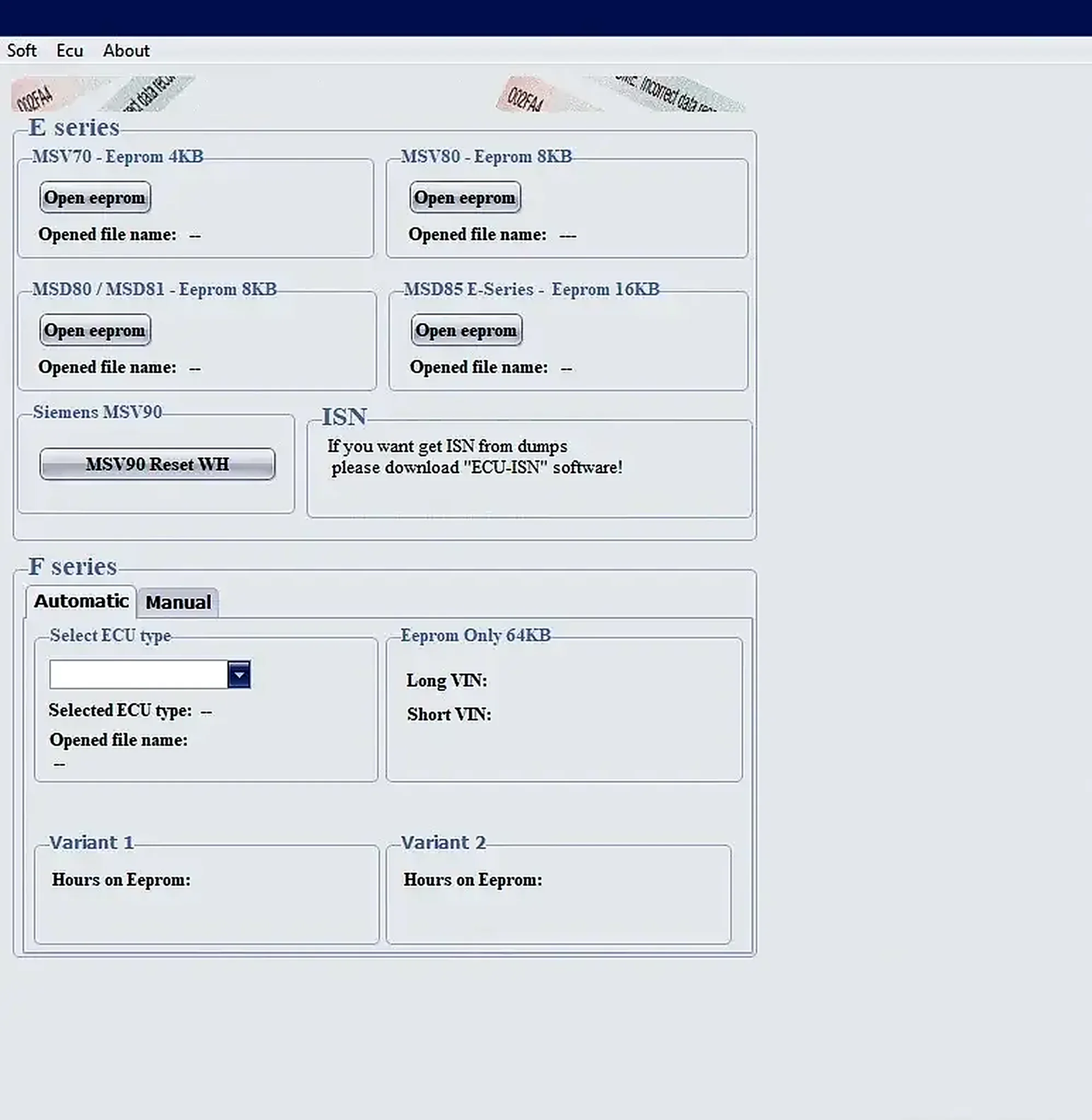
Offline BMW EEPROM utility for resetting supported DME working-hours data, addressing the documented 2FA4 replacement scenario and editing supported VIN fields.
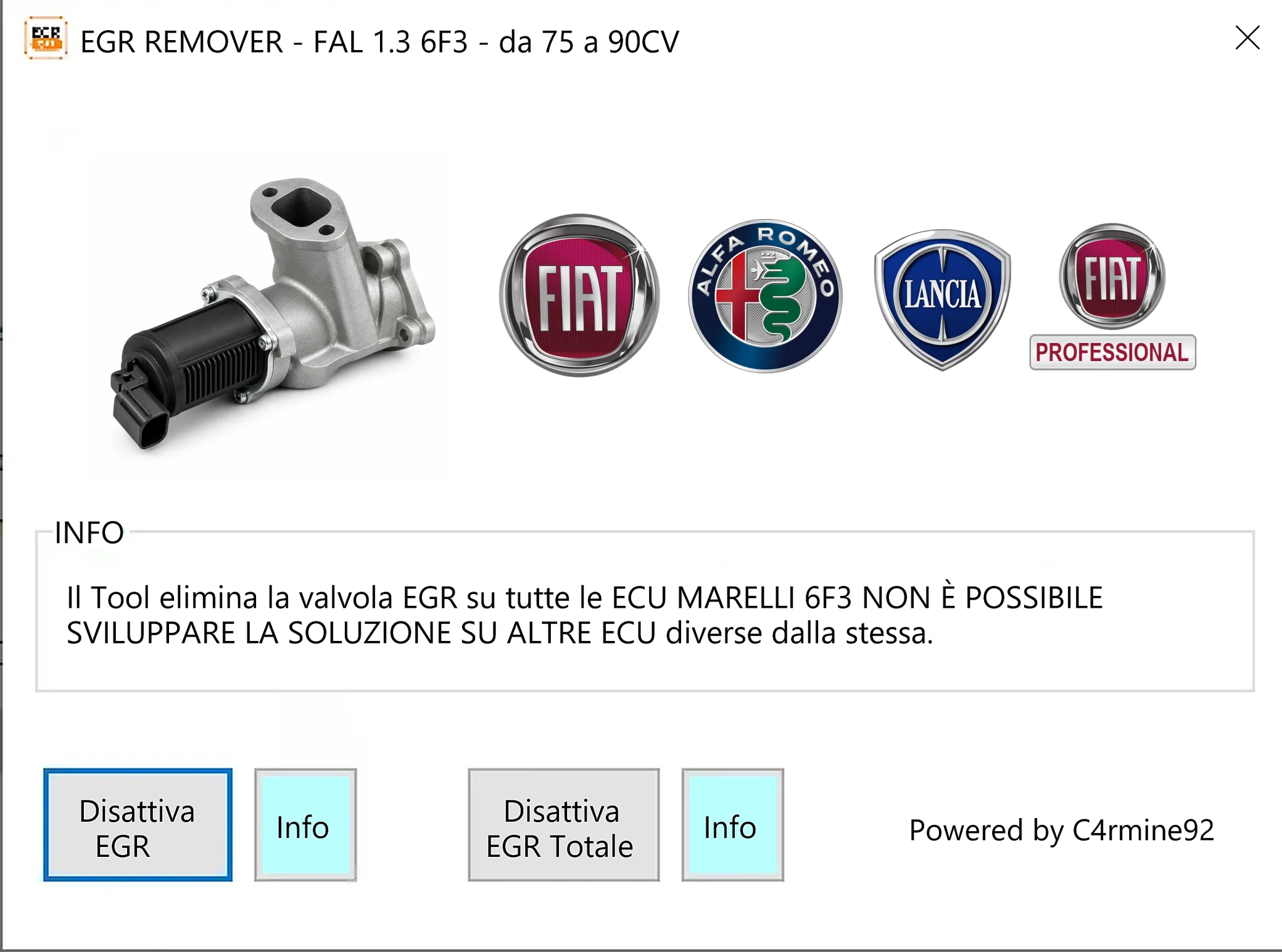
Offline binary-file EGR utility for FCA 1.3 Multijet Marelli 6F3 engines rated 75–90 CV, with standard and total-disable modes.