
SOFTWARE DATABASE / RELEASE RECORD
VERSION 2.4BMW Working Hours Resetter - 2FA4 Error Fix 2.4
Offline BMW EEPROM utility for resetting supported DME working-hours data, addressing the documented 2FA4 replacement scenario and editing supported VIN fields.
Categories
Vehicle references
Overview
Description
BMW Working Hours Resetter is a Windows EEPROM-file utility for preparing supported used BMW engine control units for replacement work and addressing the 2FA4 — incorrect data record fault associated with the documented working-hours mismatch scenario. It allows a technician to reset the stored operating-hours counter and, on supported layouts, review or edit VIN information before saving a processed dump for a separate programming procedure. The current release is 2.4.
What This Tool Does (In Simple Terms)
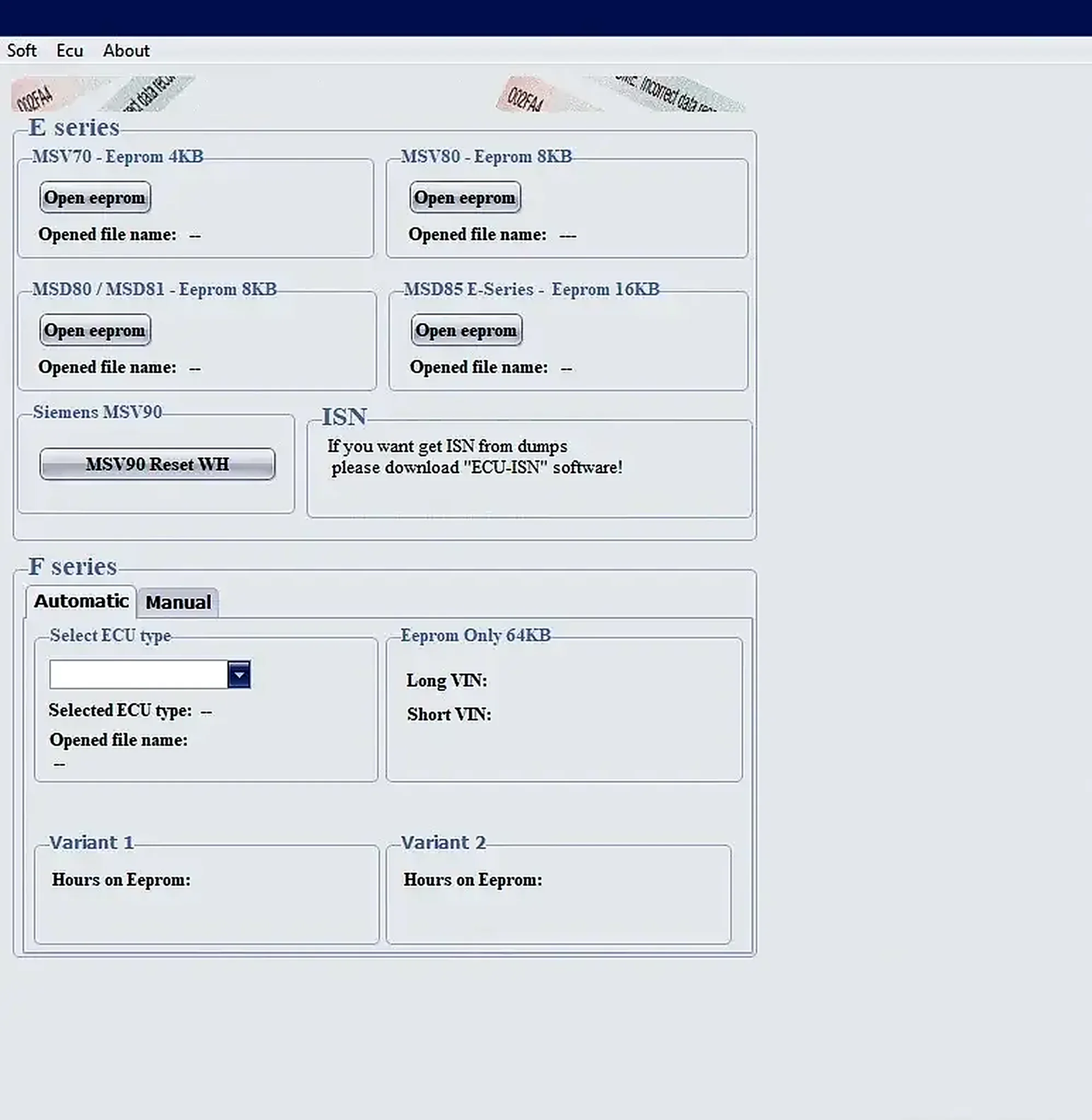
A previously used DME can retain operating-hour information that does not correspond to the vehicle into which it is being installed. In the repair scenario described for this utility, that mismatch can leave the control unit reporting 2FA4 and prevent the replacement process from being completed normally.
The program resets the supported working-hours data to 0, preparing the used unit for the subsequent programming and coding steps normally required during replacement. It works with an EEPROM dump already obtained from the module; reading the ECU, writing the result back and completing vehicle adaptation remain separate workshop operations.
Detailed Purpose & Benefits
Replacement-DME preparation: the principal purpose is to address the stored-data condition linked to 2FA4 — incorrect data record. After processing the correct EEPROM, the technician can carry out the appropriate default coding and matching to CAS, FEM or BDC, depending on the vehicle and module. Clearing the fault depends on completing the applicable repair procedure and resolving the actual cause.
Further coding and software work: resetting the hours can also form part of a controlled workflow involving a power_class change after an engine replacement or software patching that requires additional coding. The utility does not replace compatibility checks or the other programming steps needed by that conversion.
VIN and working-hours editing: the documented editor workflow loads the saved dump, displays supported VIN and operating-hour fields, allows the relevant changes and saves a new output file. The 2.3 documentation also describes key/slot information on supported layouts. Available fields depend on the exact ECU hardware, MCU and firmware; some variants store VIN or hours differently and require another procedure.
Offline bench workflow: saved EEPROM reads from common programmers can be processed without an online connection. Keep the original read unchanged and save the modified file under a different name. The package is documented as containing the application and basic help/manual material, with a compact interface intended for quick bench-file operations.
- Read the correct EEPROM with suitable external equipment and retain a verified, untouched backup.
- Open the dump, select the matching ECU type and review the fields the program recognizes.
- Adjust or reset the supported working-hours and VIN data as required by the authorized repair, then save a separate output file.
- Write the result using the appropriate workshop equipment and procedure, complete any required coding or adaptation, and verify vehicle operation.
What's New in Version 2.2?
The following notes describe the earlier 2.2 release:
- Stability repair: corrected an error that could cause the application to close unexpectedly.
- F-series checksum handling: corrected calculation of the EEPROM CS1 and CS2 checksums.
- Operational reliability: improved consistency across the supported processing operations.
- ECU testing reported in the release notes: the release documentation states that the supported ECUs were checked individually for the reset operation.
- Additional maintenance: included urgent minor bug fixes and performance improvements.
Current version 2.4: the release notes describe a complete rewrite of the codebase for better stability and processing speed, together with fixes to EEPROM parsing and file saving. The E-series workflow covers the sizes listed below. The F-series MEVD17xx workflow for N20, N26 and N55 supports opening EEPROM data, editing VIN information, modifying or resetting working hours and saving the result. Siemens MSV90 support includes EEPROM opening, a direct working-hours reset and a built-in help manual.
Supported ECUs List
E-Series:
- Siemens MSV70 — 4 KB EEPROM.
- Siemens MSV80 — 8 KB EEPROM.
- Siemens MSD80 — 8 KB EEPROM.
- Siemens MSD81 — 8 KB EEPROM.
- Siemens MSD85 — E-series 16 KB EEPROM.
F-Series:
- Bosch MEVD17.2.4
- Bosch MEVD17.2.5
- Bosch MEVD17.2.6
- Bosch MEVD17.2.8
- Bosch MEVD17.2.9
- Bosch MEVD17.2.G
- Bosch MEVD17.2.H
- Bosch MEVD17.2.K
- Bosch MEVD17.2.P
- Bosch MEVD17.2.Y
The illustrated F-series editor specifies 64 KB EEPROM only and provides automatic/manual selection, long and short VIN fields, and two working-hours variants. Use the layout appropriate to the actual file rather than assuming that a family name alone establishes support.
Siemens MSV90: additionally documented in the later releases, with a dedicated working-hours reset path. The interface's ISN panel refers to a separate ECU-ISN application; this resetter should not be treated as an included ISN extraction tool.
System Requirements & Testing
- Operating system: Windows 7, 8, 10 or 11, in 32-bit or 64-bit environments.
- Runtime: Microsoft .NET Framework 4.5 or later may be required.
- Documented 2.3 minimum configuration: dual-core processor, 2 GB RAM, 50 MB free storage and a standard display.
- Access and equipment: local administrator access as required; a USB connection and a suitable external EEPROM programmer when needed for reading or writing the module.
- Connection: file processing is offline; no online connection is required for the documented editing workflow.
The release documentation reports testing across multiple Windows configurations and supported ECU types, with stability and reliability improvements over successive builds. These are documented release claims; the catalog review does not constitute independent execution of the program or a hardware reset test.
Disclaimer
This utility is intended for professional and educational work on vehicles and modules for which the operator has authorization. Use it at your own risk and always preserve an untouched backup of the original EEPROM before making changes. Confirm the exact ECU, file layout, vehicle configuration and final programming procedure before using a modified dump.
⚠ Warning
This catalog entry provides software information. No application files are hosted or distributed through this article, and download access remains unavailable until a download is provided through the catalog's internal access flow.
Technical Compatibility
Supported Modules
Operating Systems
File Formats
System Requirements
- Windows 7 / 8 / 10 / 11, 32-bit or 64-bit
- .NET Framework 4.5 or later may be required
- Documented 2.3 baseline: dual-core CPU, 2 GB RAM, 50 MB free storage
- Suitable external EEPROM reader/writer and local administrator access as required
- Offline file processing
Screenshots
Related Software
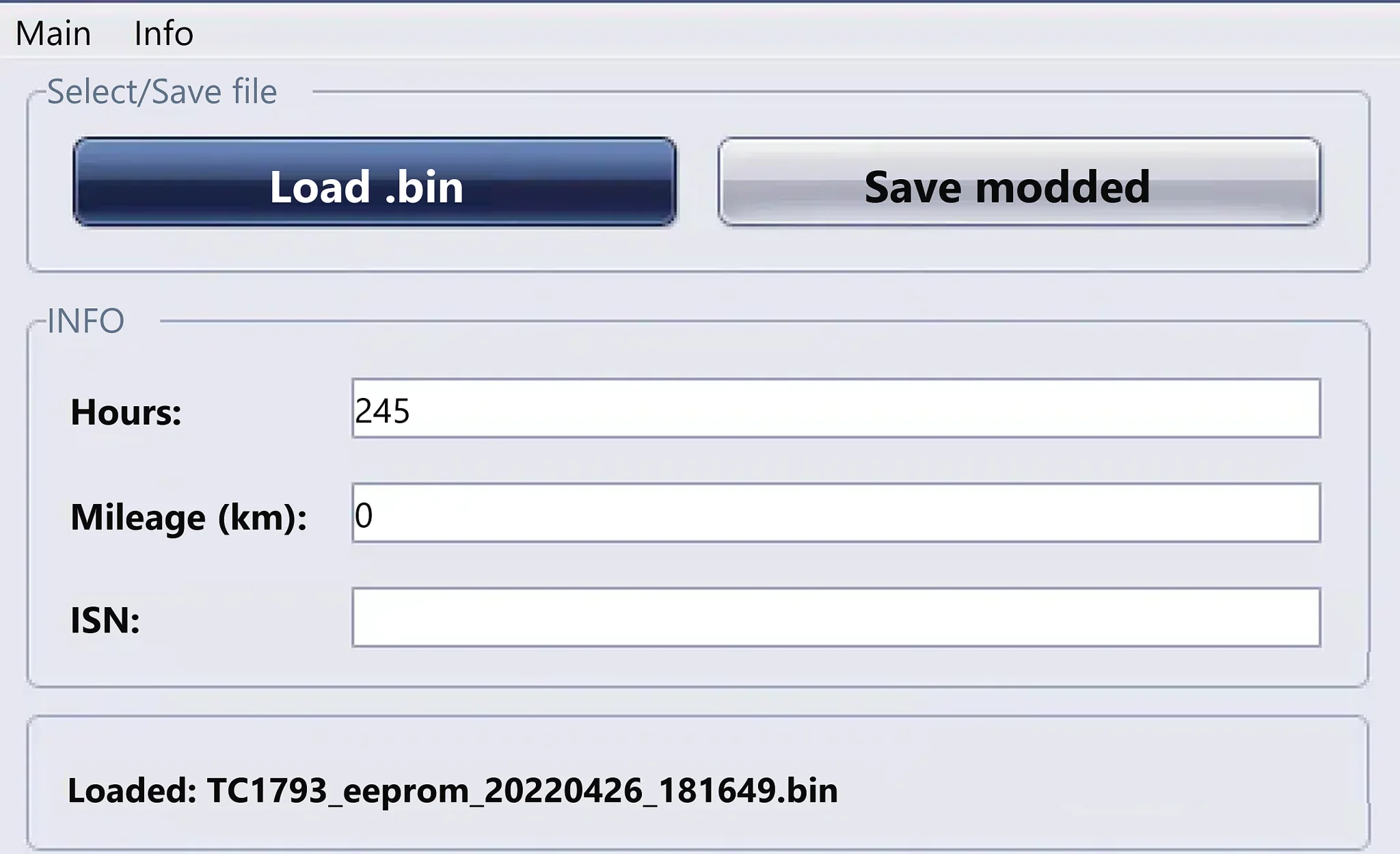
Offline BMW MEVD1723 TC1793 EEPROM editor for working hours, mileage and ISN display, with automatic checksum correction when saving modified BIN files.
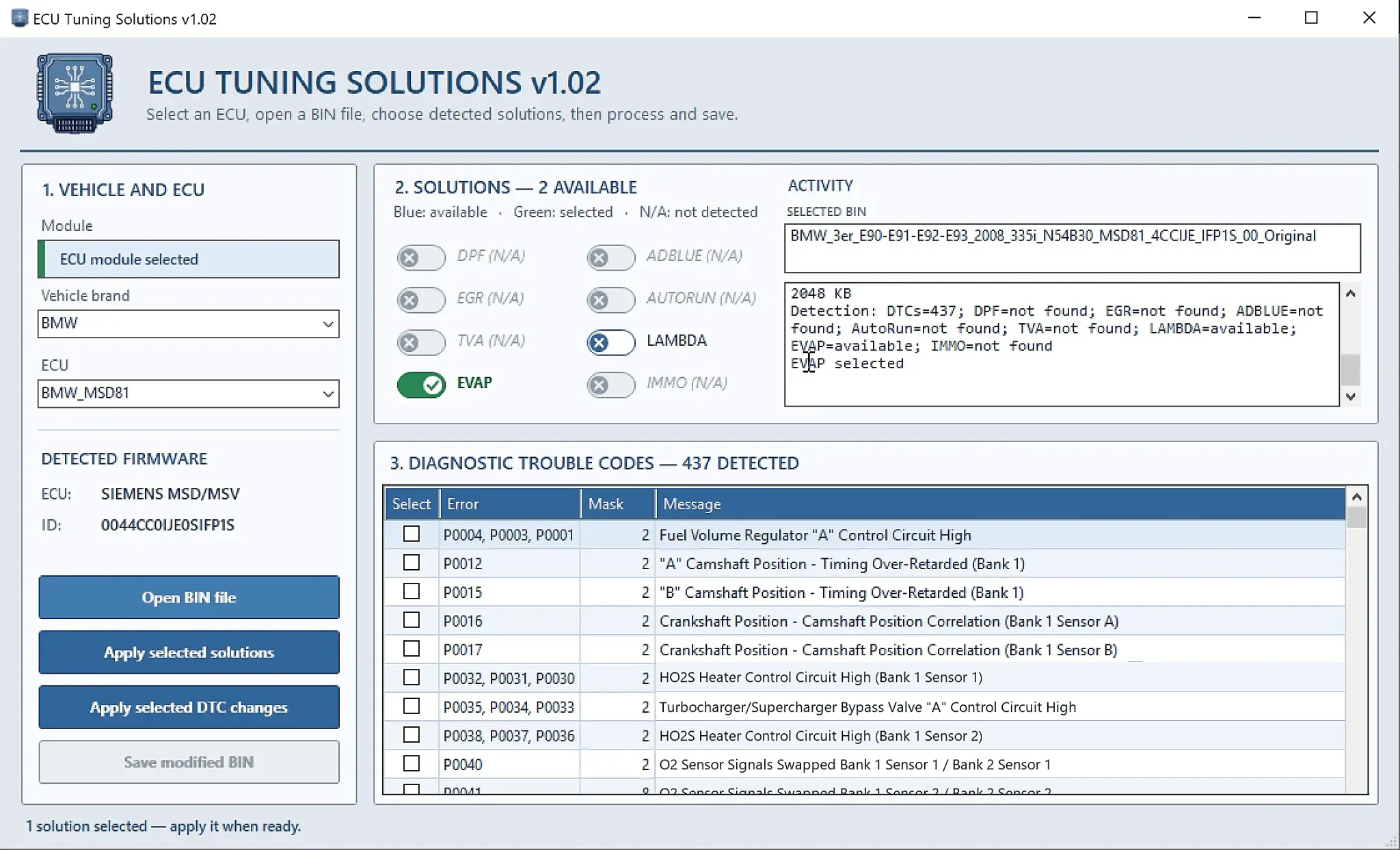
Offline Windows ECU-file processing and DTC handling for supported multi-brand controllers, with eight solution types and HWID-based activation in version 1.02.
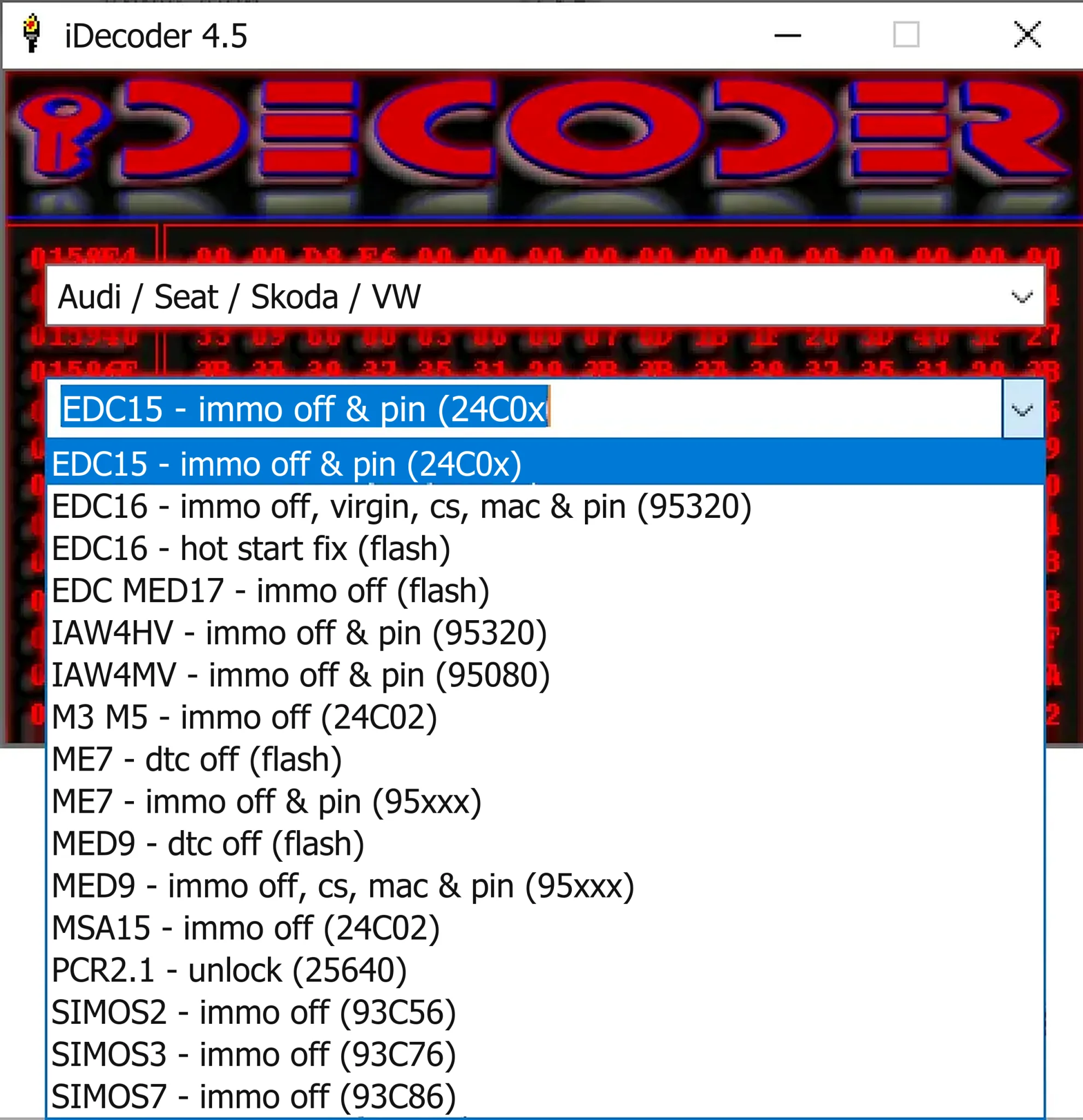
Offline Windows dump-processing utility for supported ECU, immobilizer, dashboard and body modules, with IMMO, PIN/VIN, virgin, ISN and DPF/EGR/DTC functions.
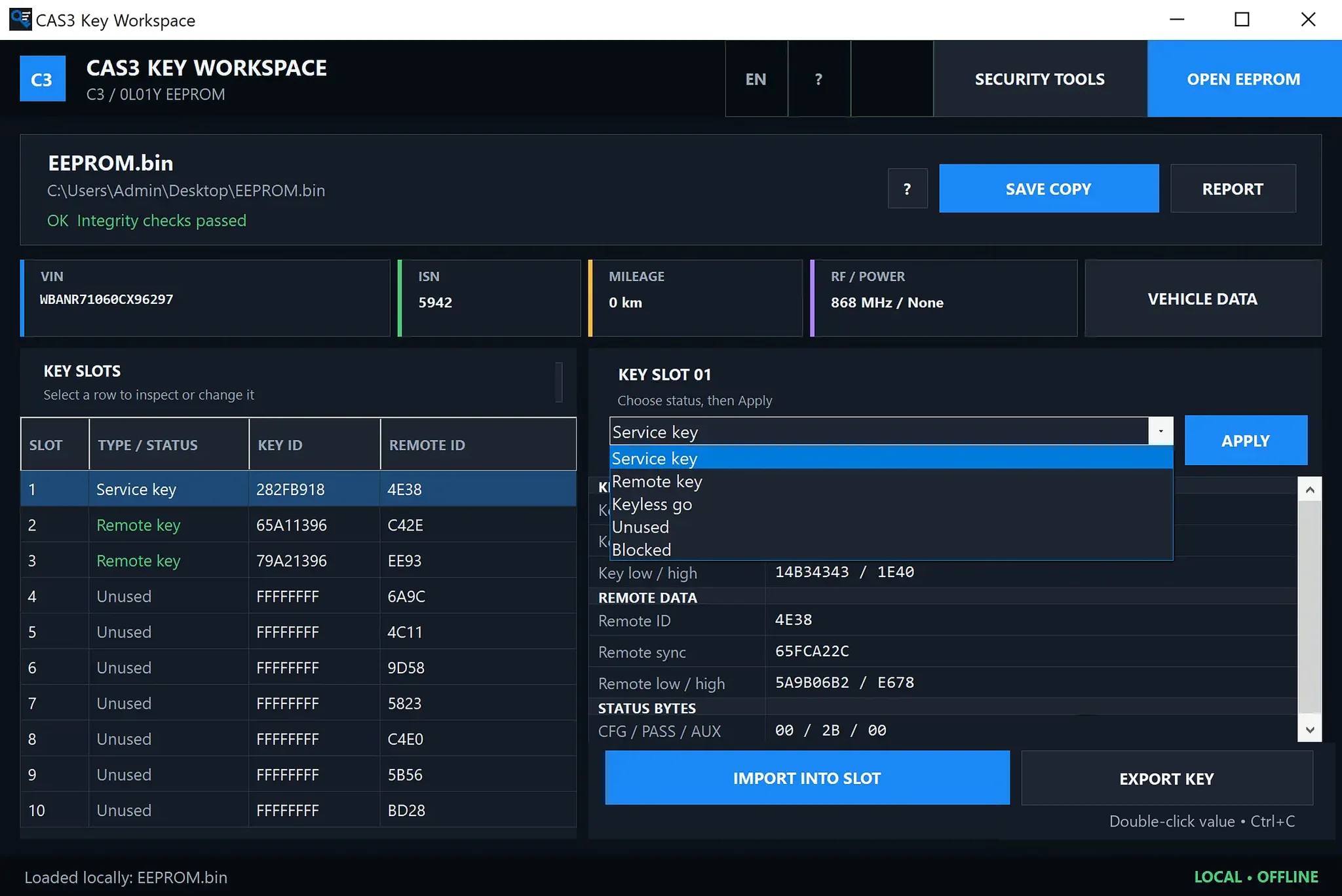
Offline Windows workspace for BMW CAS3 C3 / 0L01Y EEPROM files, with key-slot editing, vehicle data, short and long ISN tools and ELV-disabled Flash export.

Windows EEPROM and flash-dump toolkit for supported IMMO PIN, IMMO OFF, virgin, radio PIN, MEDC17 checksum and special repair workflows, including BMW EDC15 ISN in 1.0.4.
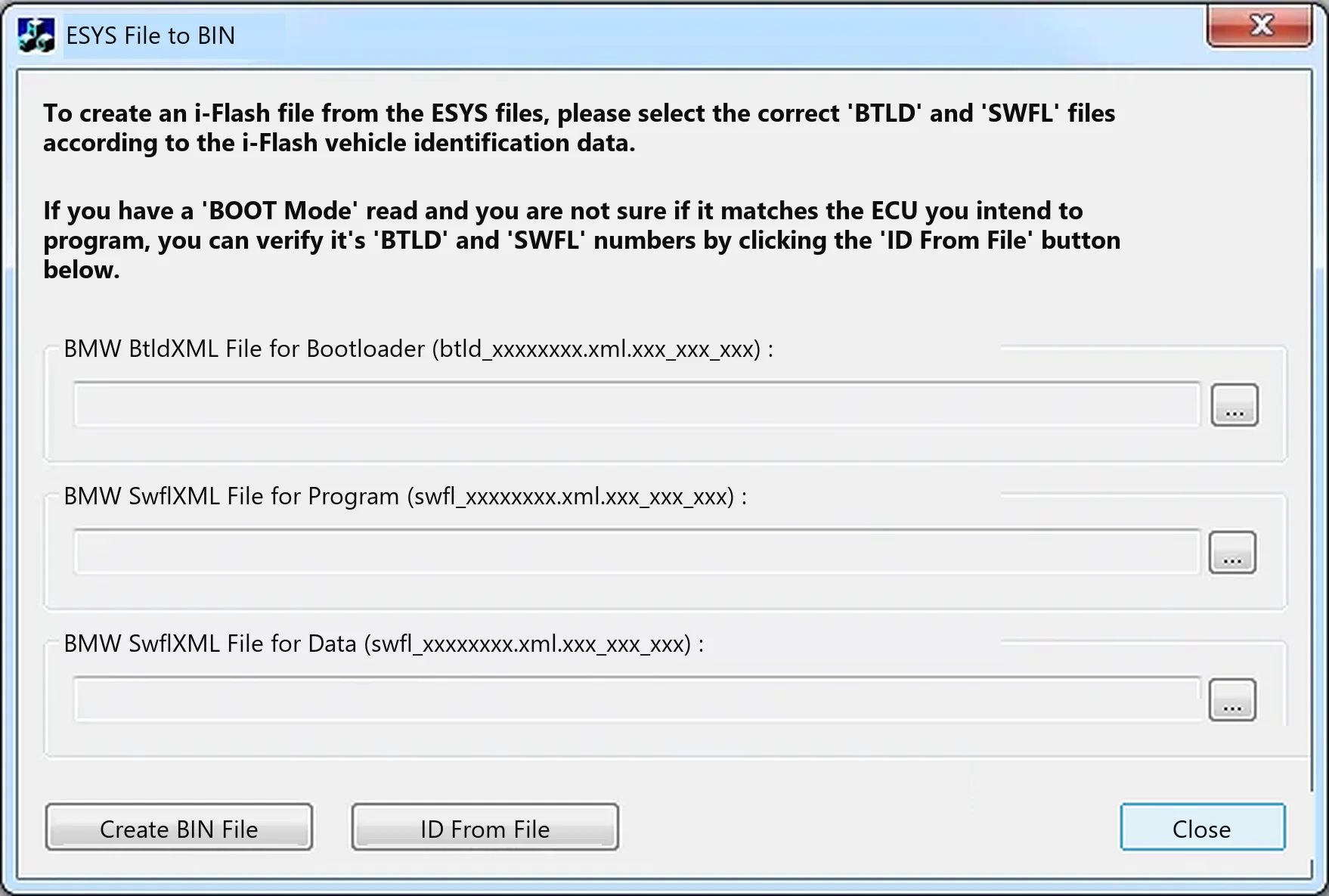
Offline Windows converter for compatible BMW BTLD and SWFL components, with separate bootloader, program and data XML inputs and reference-file identification.