
SOFTWARE DATABASE / RELEASE RECORD
VERSION 1.0.0.1E-SYS File to BIN for BMW - ECU Binary Extraction Utility 1.0.0.1
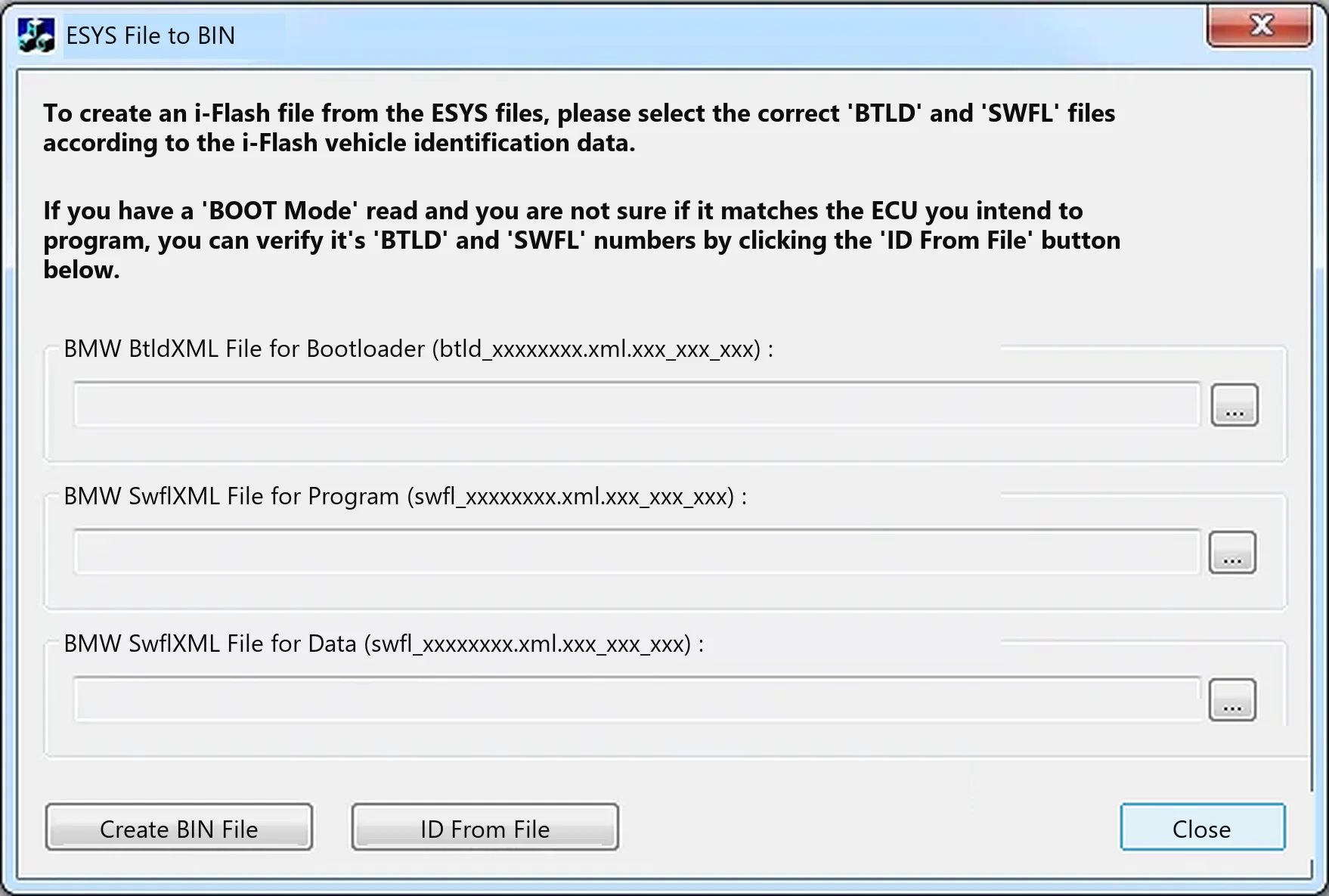
Offline Windows converter for compatible BMW BTLD and SWFL components, with separate bootloader, program and data XML inputs and reference-file identification.
Categories
Vehicle references
Overview
E-SYS File to BIN for BMW 1.0.0.1 is an offline Windows utility for assembling a binary from compatible BMW E-Sys bootloader and software-description components. It is intended for advanced ECU-file analysis and recovery preparation, with the correct BTLD and SWFL data for a single control unit available before conversion begins.
The interface keeps bootloader, software program and software data selection separate. This gives the operator a clear view of which components are being used and provides an identification function for an existing reference file when one is available.
Supported vehicles, ECUs and files
BMW flash data separates the BTLD bootloader from one or more SWFL software components. XML headers describe segments and associated metadata. The converter exposes selectors for the bootloader XML, SWFL program XML and SWFL data XML, and uses compatible component layouts to construct the output.
Identify the intended ECU and integration level before choosing the inputs. The components must belong to the same ECU and I-step context. Check their identifiers and metadata as a set, rather than treating similar filenames as sufficient evidence that they belong together.
- Compatible BMW E-Sys data. Supply the required BTLD and SWFL XML files together with the related binary components expected by the utility.
- Supported segment layouts. Use an ECU family whose arrangement can be assembled by this converter.
- Offline preparation. Construction and reference-file identification take place locally, with vehicle-side operations handled through separate equipment.
Functions
- Select the components. Choose bootloader XML and the separate SWFL program and data XML inputs through their corresponding file fields.
- Read reference identification. Use ID From File when a reference binary is available and review the identification information it exposes.
- Create a binary. Assemble compatible segments for file comparison, analysis or preparation of a supported recovery workflow.
- Perform local conversion. The file-selection and output process can be used without a complete E-Sys installation for the conversion step itself.
System and hardware requirements
- Windows workstation. Use a PC capable of running the portable application and accessing the source and output files.
- Consistent source data. Prepare a complete BTLD/SWFL set from trusted BMW data, including XML descriptions and their associated binary components.
- ECU and integration context. Know the target controller, shipment/I-step information, intended segment addresses and expected final file size.
- External vehicle tools. Have separate E-Sys, ISTA or suitable programming equipment available if the resulting file will be compared with vehicle data or used during service.
Recommended workflow
- Record the target. Document the ECU and source data-set identifiers, and preserve the original source directory.
- Match the components. Select only bootloader and software inputs confirmed for the same controller and software integration context.
- Build and inspect the output. Create the BIN, calculate its hash and check the identifiers, segment boundaries, fill areas and exact byte count.
- Verify against a reference. Compare the result with a known-good read or trusted metadata before considering any programming operation.
Package contents
The documented archive contains one portable utility. E-Sys, PSdZData, vehicle coding data, interface drivers and a programming license are obtained separately. The converter supplies the local file-processing step within that broader workflow.
Preparation involved static inspection of the executable without launching it. The package description records that inspection and the components supplied for conversion.
Important limits
The converter expects its supported BMW component formats and cannot reconcile mismatched or incomplete software sets. Confirm the relationship between each XML description, its binary data and the intended ECU before assembling them.
Successful file creation confirms that an output was produced. Suitability for the controller still requires segment-level checks against the expected addresses, layout, identifiers and total size. Complete those checks before using the binary in any recovery or programming procedure.
Technical Compatibility
Supported Modules
Operating Systems
File Formats
System Requirements
- Windows PC capable of running the portable application.
- Complete, consistent BTLD/SWFL XML and binary components from trusted BMW data.
- Known target ECU, shipment/I-step context, segment addresses and final size.
- Separate E-Sys, ISTA or programming equipment for vehicle-related use.
Screenshots
Related Software
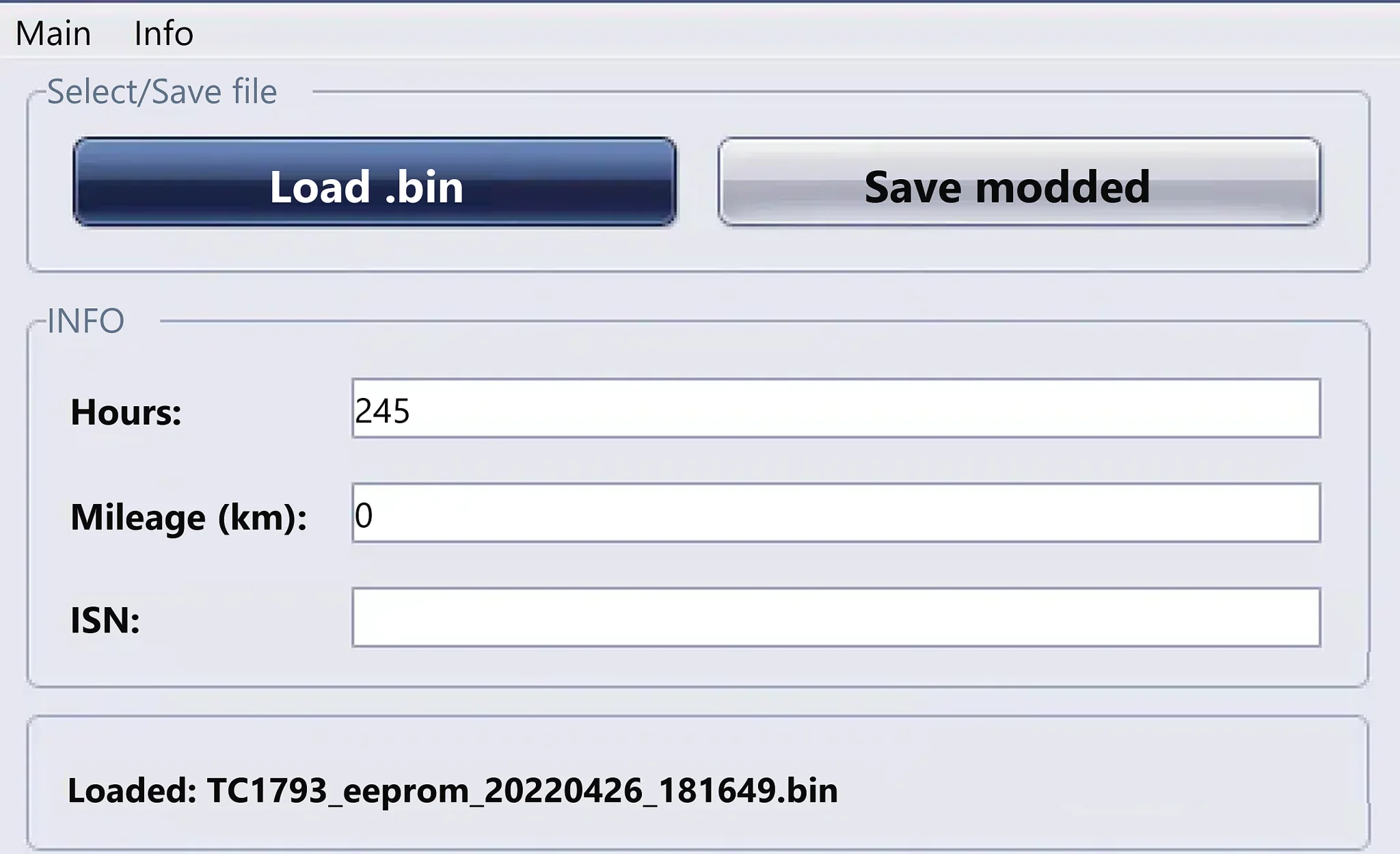
Offline BMW MEVD1723 TC1793 EEPROM editor for working hours, mileage and ISN display, with automatic checksum correction when saving modified BIN files.
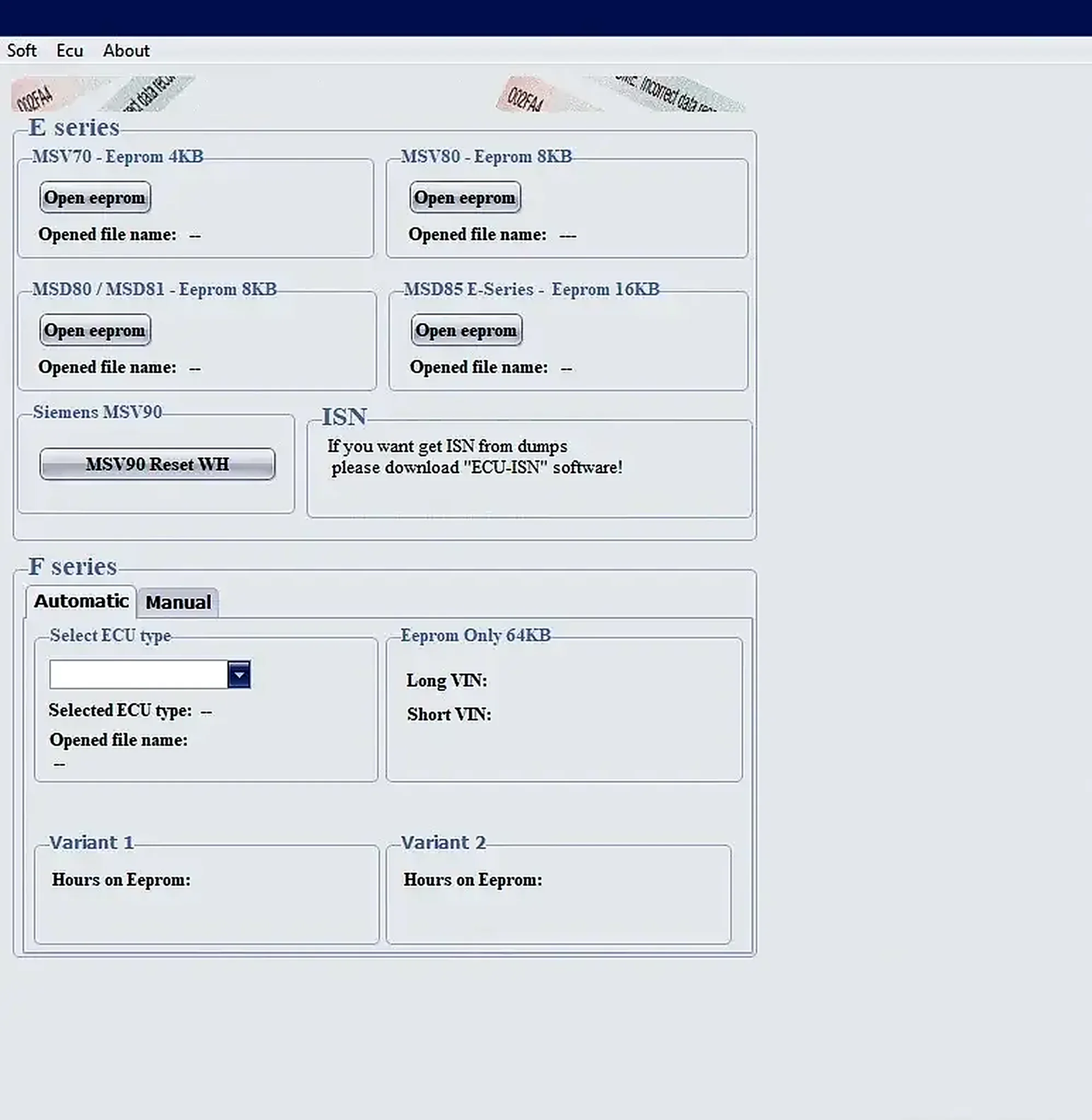
Offline BMW EEPROM utility for resetting supported DME working-hours data, addressing the documented 2FA4 replacement scenario and editing supported VIN fields.
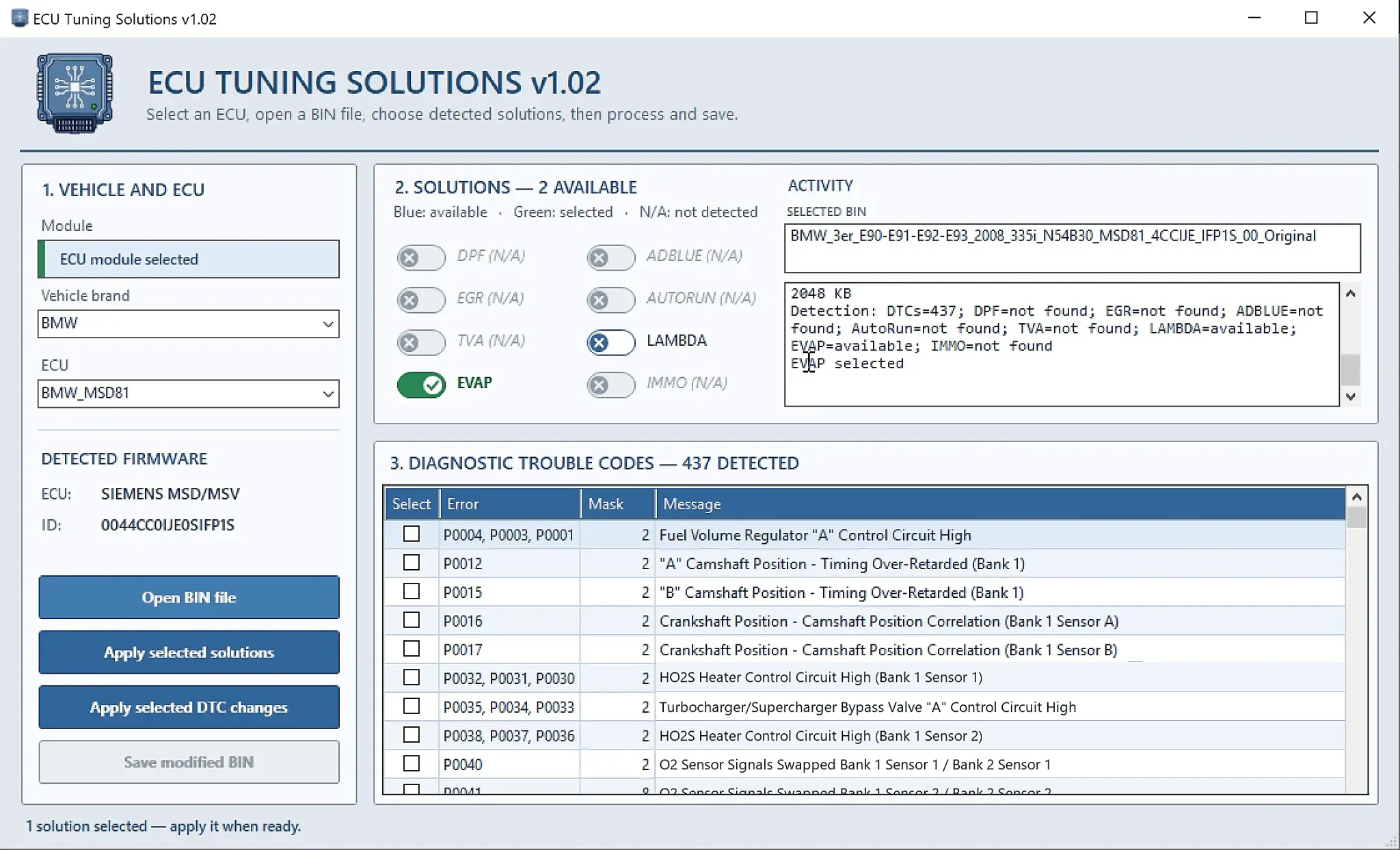
Offline Windows ECU-file processing and DTC handling for supported multi-brand controllers, with eight solution types and HWID-based activation in version 1.02.
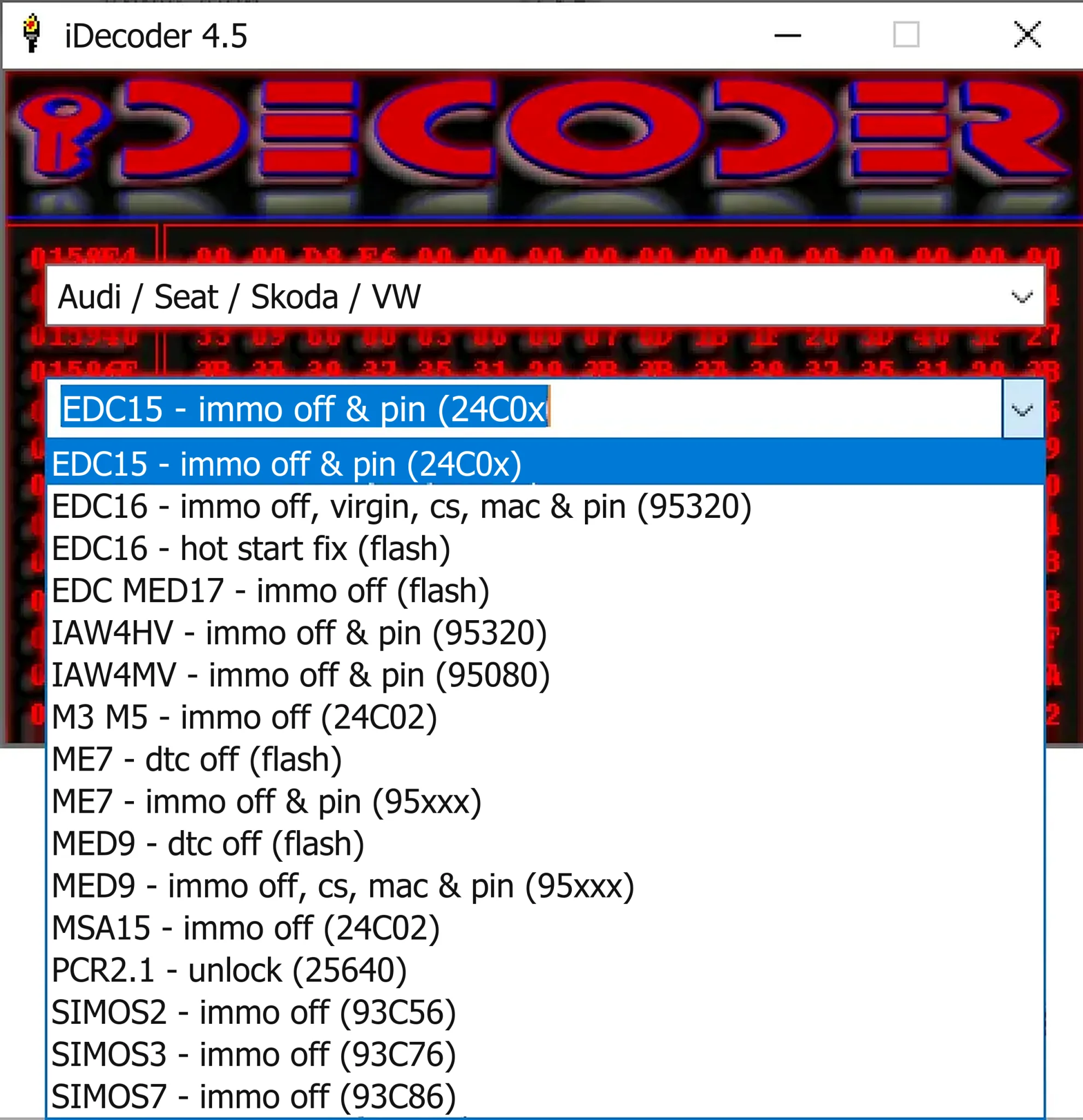
Offline Windows dump-processing utility for supported ECU, immobilizer, dashboard and body modules, with IMMO, PIN/VIN, virgin, ISN and DPF/EGR/DTC functions.
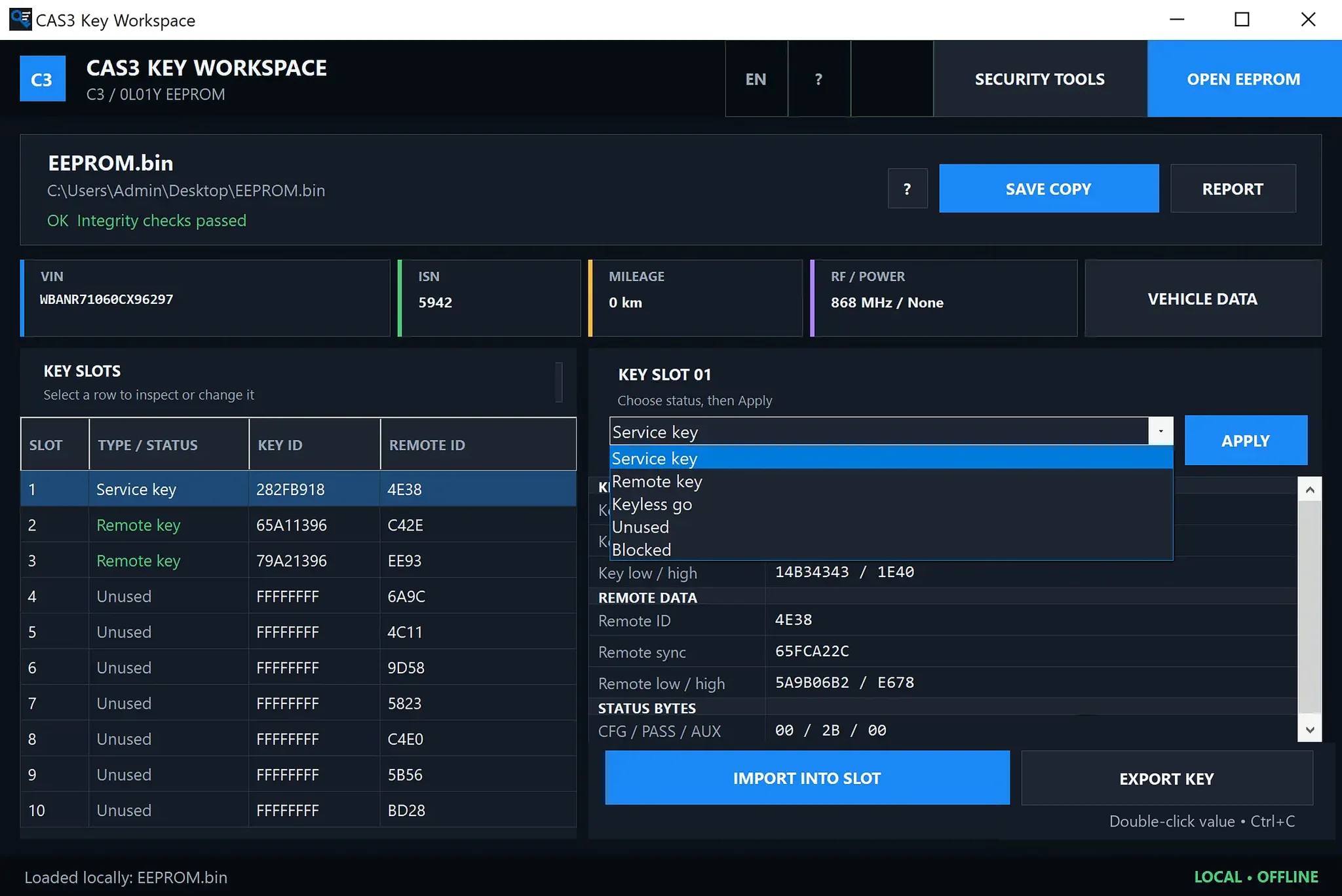
Offline Windows workspace for BMW CAS3 C3 / 0L01Y EEPROM files, with key-slot editing, vehicle data, short and long ISN tools and ELV-disabled Flash export.

Windows EEPROM and flash-dump toolkit for supported IMMO PIN, IMMO OFF, virgin, radio PIN, MEDC17 checksum and special repair workflows, including BMW EDC15 ISN in 1.0.4.