
SOFTWARE DATABASE / RELEASE RECORD
VERSION 1.0MEVD1723 EEPROM Editor - Working Hours and ISN Tool 1.0
Offline BMW MEVD1723 TC1793 EEPROM editor for working hours, mileage and ISN display, with automatic checksum correction when saving modified BIN files.
Categories
Vehicle references
Overview
Description
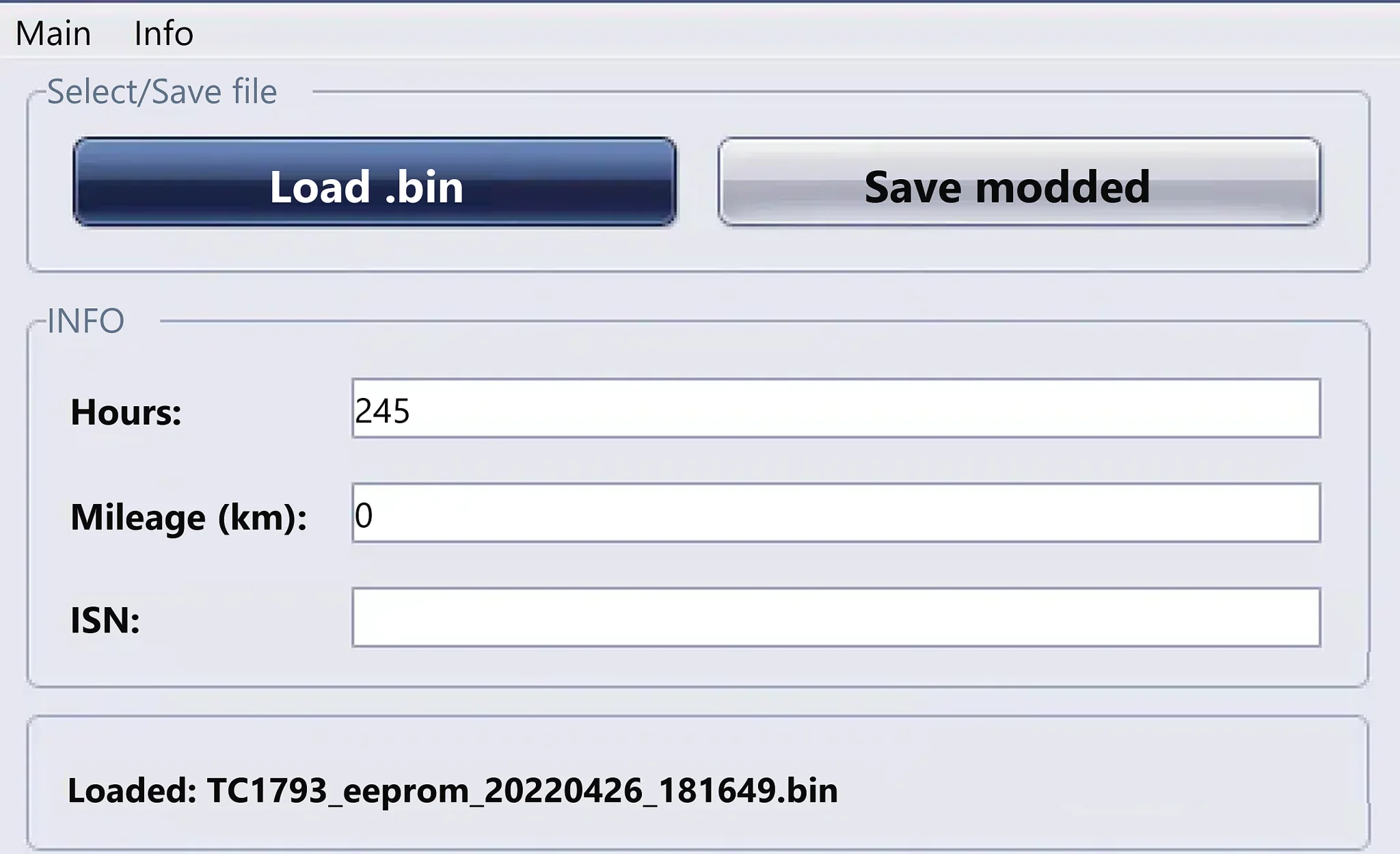
MEVD1723 EEPROM Editor is a specialized Windows dump-file utility for BMW vehicles fitted with Bosch MEVD1723 engine control units. It processes EEPROM binary data read from the ECU's TC1793 processor, allowing technicians to reset engine working hours, adjust the stored mileage and extract the ISN (Individual Serial Number). The editor also calculates and corrects the EEPROM checksums when saving the modified file, preparing the output for a separate programming operation.
Highlights
- Working hours and mileage: directly resets the engine operating-hours data and modifies the stored mileage in supported EEPROM files.
- Automatic checksum handling: calculates and corrects the EEPROM checksums as part of the file-processing workflow.
- ISN extraction: extracts and displays the ECU's Individual Serial Number for reference.
- TC1793 dump support: works with the supported processor's EEPROM binary dumps in
.binformat.
Supported Hardware
The application processes binary dumps offline and does not require a direct connection to the vehicle. It is intended to work with suitable EEPROM files obtained using standard bench or boot-mode programming tools. Documented examples include PCMflash, KTAG, Autohex II and TGFlash; the external equipment performs the actual reading and writing of the ECU.
Supported Languages
English.
Package contents
BMW MEVD1723 Working Hours Resetter.exe— the application executable.
Compatibility notes
The editor is specifically targeted at BMW Bosch MEVD1723 control units. Before changing any values, confirm that the input is a valid EEPROM read from the correct TC1793 hardware architecture. A file should be selected according to its actual ECU and memory origin.
Basic usage
- Read the original EEPROM: obtain the MEVD1723 dump using a compatible programmer.
- Load the file: start the application and click Load .bin to open the original binary.
- Review and edit: change the engine-hours and mileage fields as required by the repair. The ISN is displayed automatically for reference.
- Save the output: click Save modded to generate the modified file with automatically corrected checksums.
- Write the result: use the programming equipment to write the modified
.binback to the control unit.
Operating systems
Windows 10 and Windows 11.
Minimum system requirements
- CPU: Intel Core i3 or an equivalent processor.
- RAM: 2 GB.
- Storage: 20 MB of available space.
- Network: offline operation is supported.
- Admin rights: required for saving local files.
Disclaimer
This entry is provided for educational and reference purposes. No application files are hosted or distributed through this article; download access remains unavailable until it is supplied through the catalog's internal access flow. ECUDB does not provide license keys, patches or protection-bypass procedures. The user is responsible for compliance, vehicle safety and any damage to the vehicle or workshop equipment. Proceed at your own risk.
Technical Compatibility
Supported Modules
Operating Systems
File Formats
System Requirements
- Windows 10 or Windows 11
- Intel Core i3 or equivalent
- 2 GB RAM
- 20 MB available storage
- Offline operation supported
- Administrator rights for saving local files
- Suitable external bench or boot-mode programmer and a valid TC1793 EEPROM dump
Screenshots
Related Software
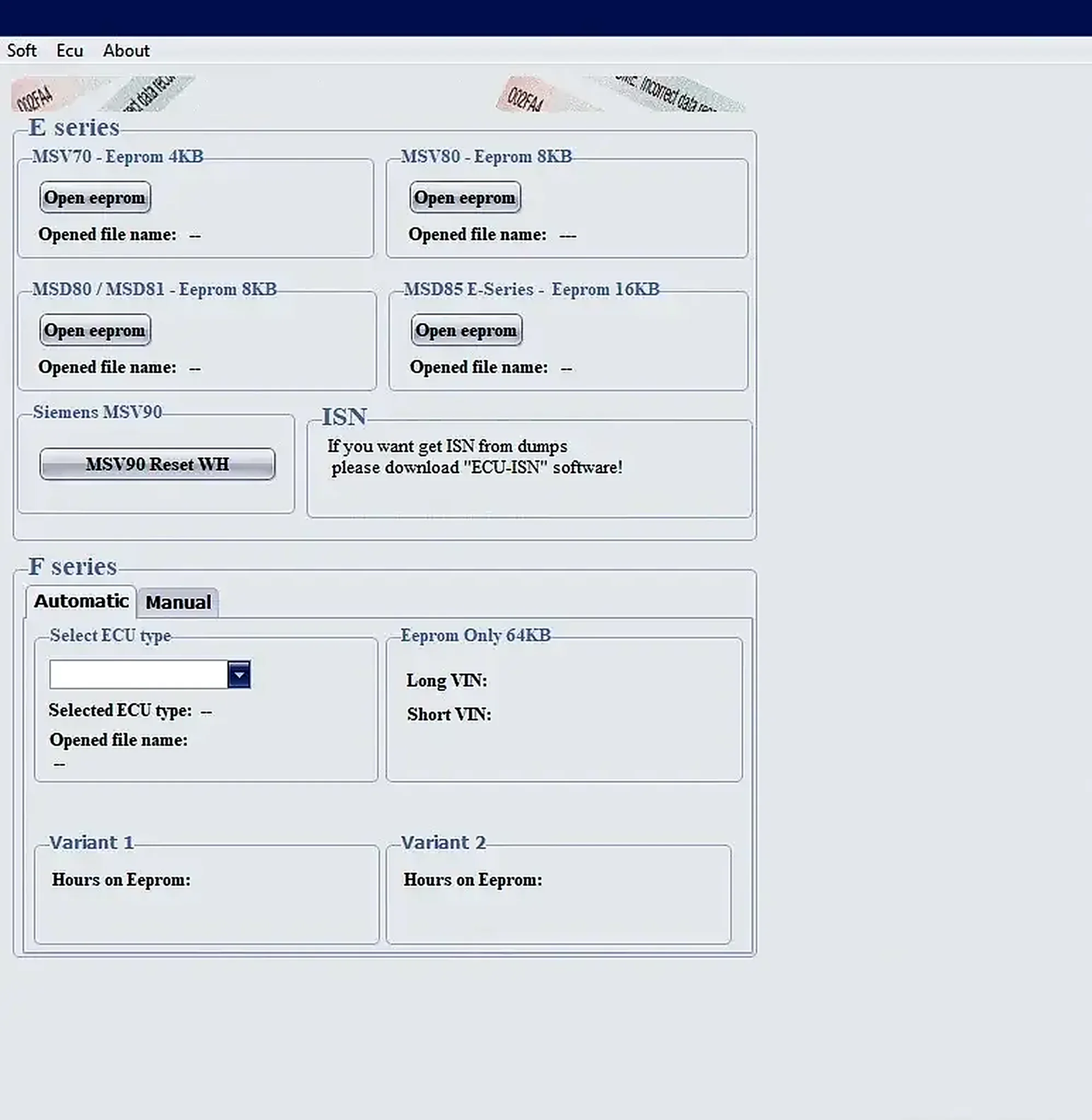
Offline BMW EEPROM utility for resetting supported DME working-hours data, addressing the documented 2FA4 replacement scenario and editing supported VIN fields.
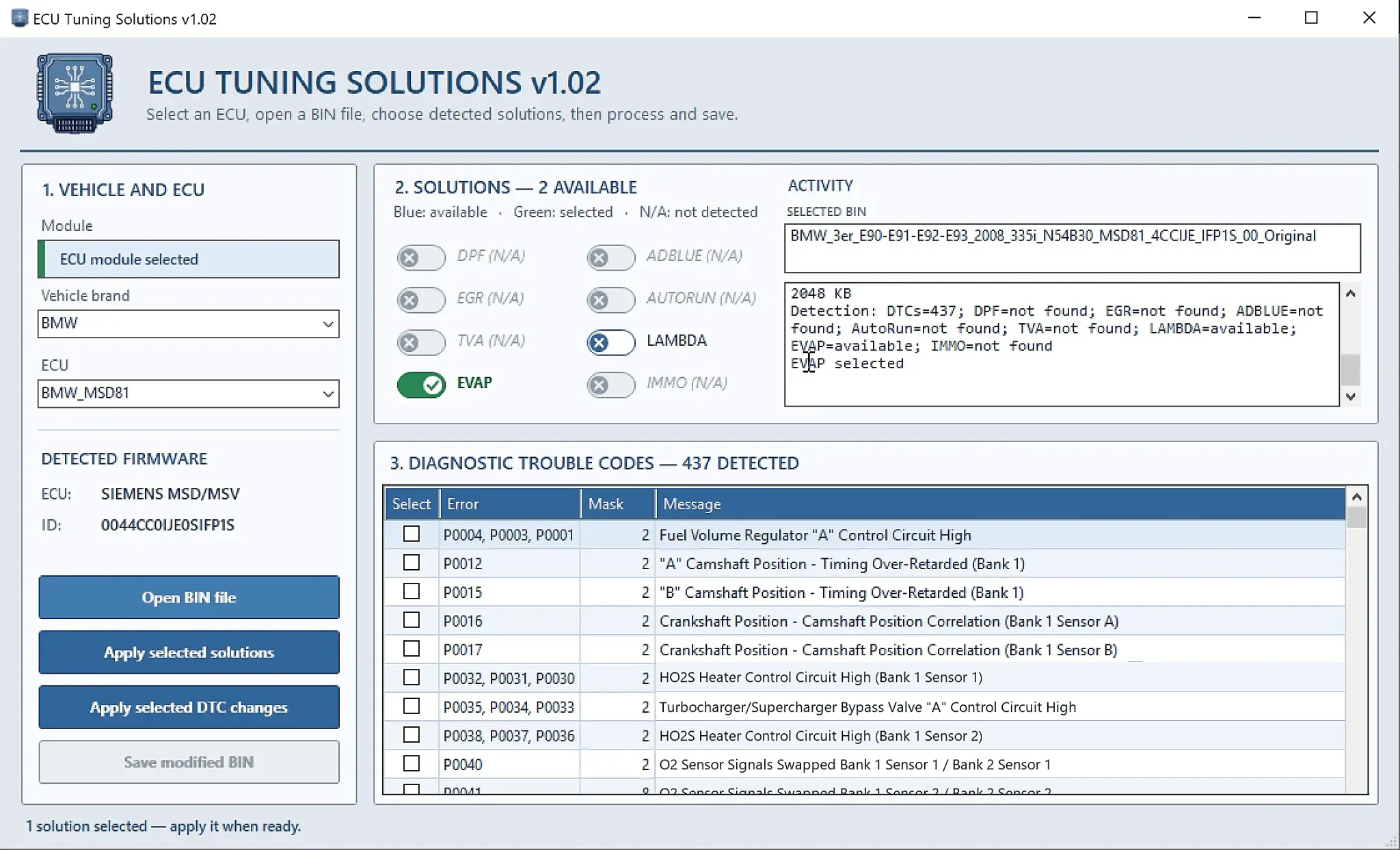
Offline Windows ECU-file processing and DTC handling for supported multi-brand controllers, with eight solution types and HWID-based activation in version 1.02.
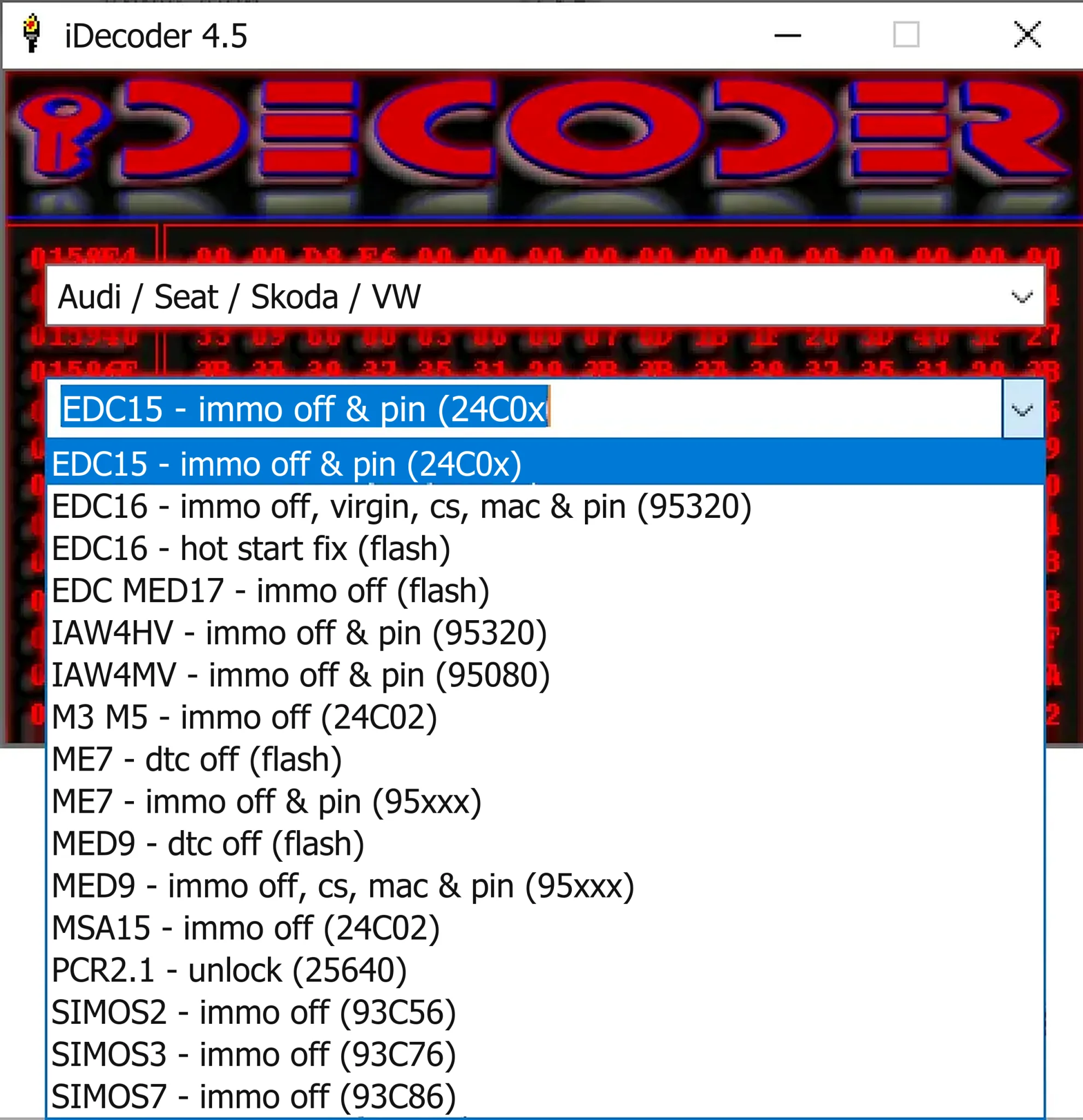
Offline Windows dump-processing utility for supported ECU, immobilizer, dashboard and body modules, with IMMO, PIN/VIN, virgin, ISN and DPF/EGR/DTC functions.
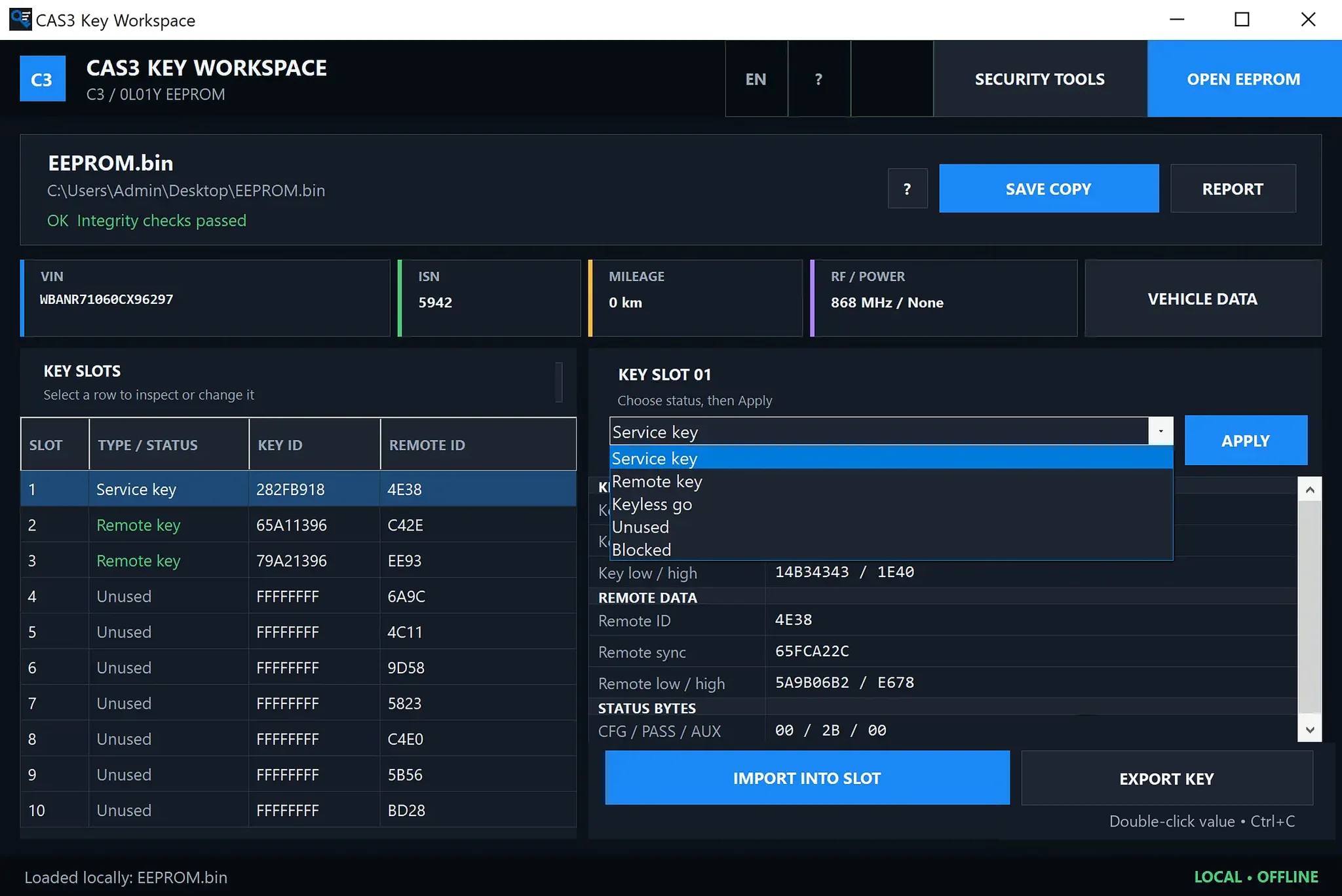
Offline Windows workspace for BMW CAS3 C3 / 0L01Y EEPROM files, with key-slot editing, vehicle data, short and long ISN tools and ELV-disabled Flash export.

Windows EEPROM and flash-dump toolkit for supported IMMO PIN, IMMO OFF, virgin, radio PIN, MEDC17 checksum and special repair workflows, including BMW EDC15 ISN in 1.0.4.
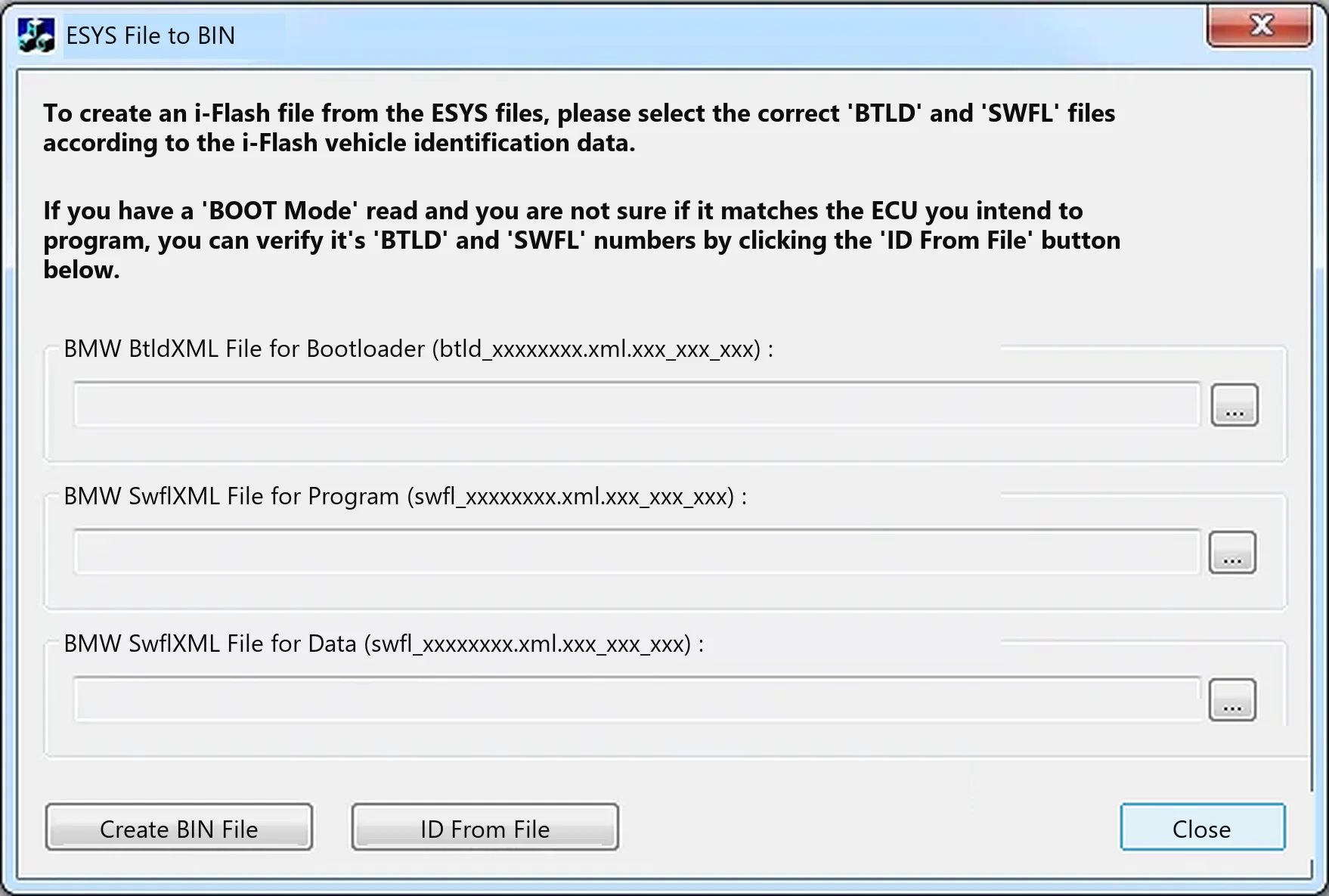
Offline Windows converter for compatible BMW BTLD and SWFL components, with separate bootloader, program and data XML inputs and reference-file identification.