
SOFTWARE DATABASE / RELEASE RECORD
VERSION 2Toyota and Lexus Tuner - ECU Dump Editor and DTC Removal Tool v2
Offline Toyota and Lexus ECU binary editor with IMMO, VMAX and RPM modules, plus dedicated Denso and Delphi DTC Eraser functions for supported firmware.
Categories
Vehicle references
Overview
Description
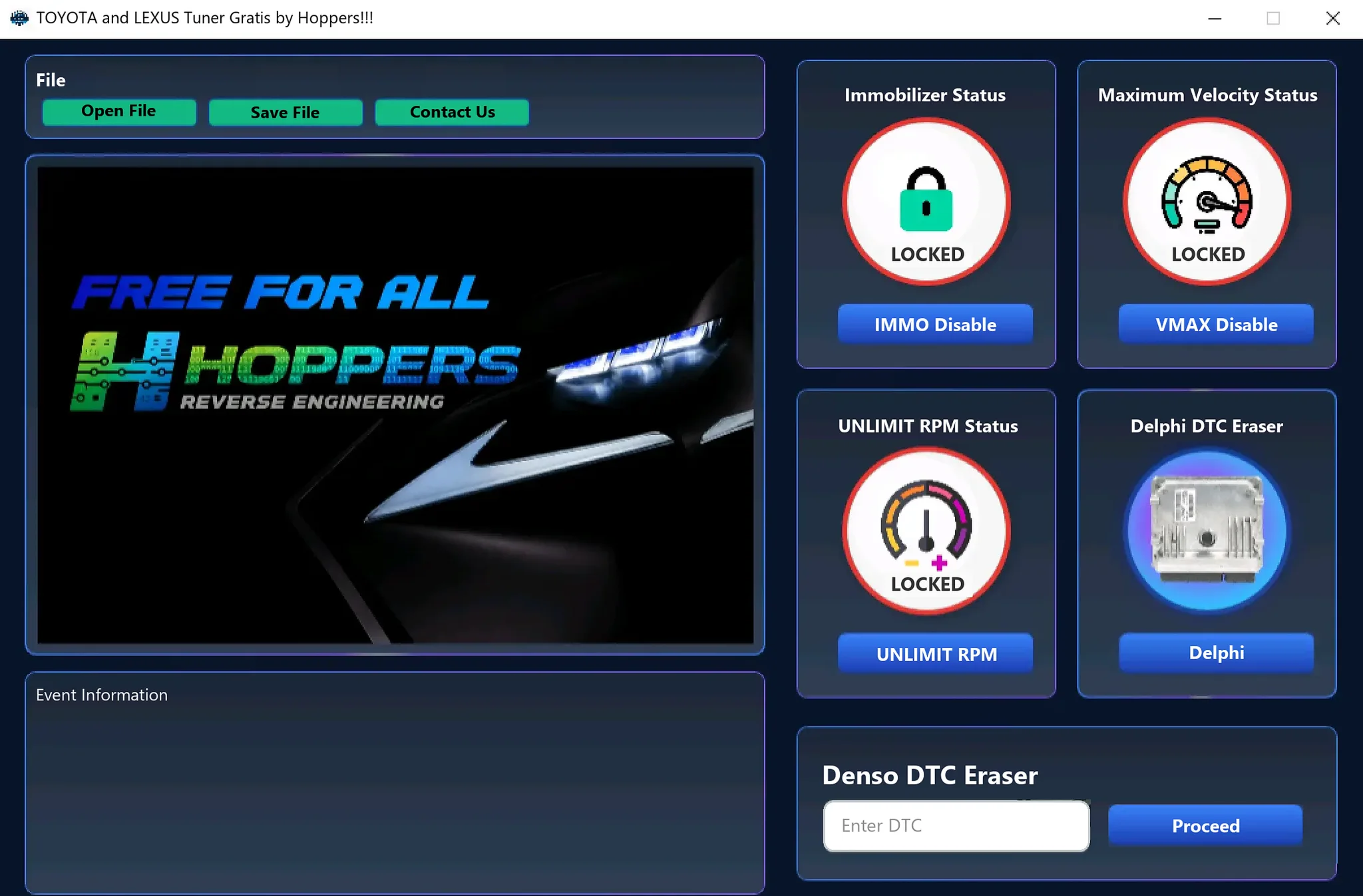
Toyota and Lexus Tuner is a specialized ECU-dump editor for modifying supported Toyota and Lexus engine-control-unit binary files. It works with data already extracted from the vehicle and provides modules for permanent immobilizer deactivation (IMMO OFF), removal of the maximum-speed restriction (VMAX) and adjustment or removal of RPM limiters. Dedicated Denso and Delphi DTC Eraser modules handle supported Diagnostic Trouble Code entries, including specific P-code targeting in the Delphi workspace. These functions are provided for offline ECU-file processing and calibration work on compatible firmware.
Highlights
- A one-click IMMO-disable algorithm for supported immobilizer data.
- VMAX and RPM limiter removal functions.
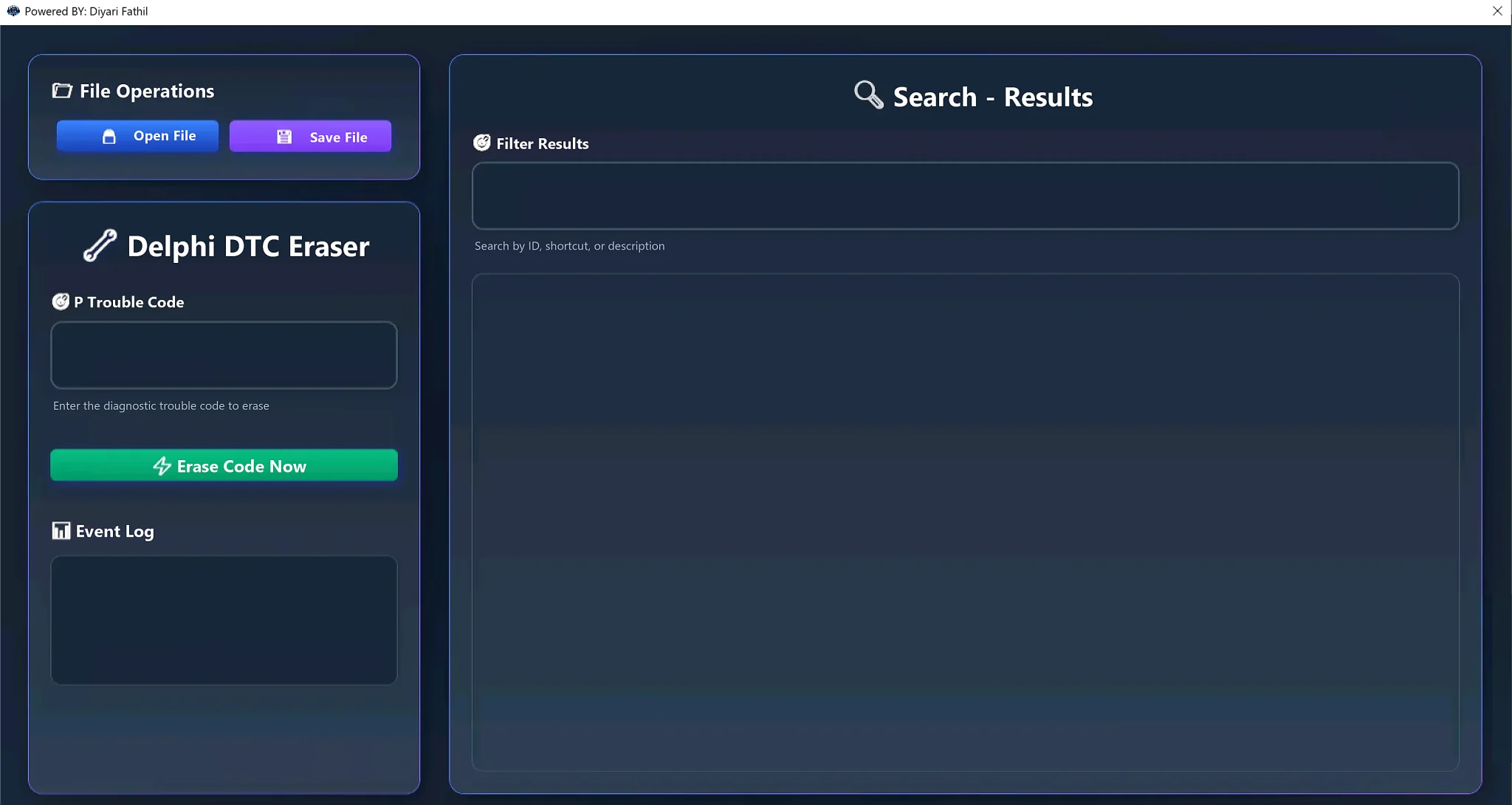
- An integrated Delphi ECU DTC Eraser with individual P-code targeting.
- A separate Denso ECU DTC Eraser function.
- Offline binary-file processing without dependence on a server.
Supported Hardware
The application edits dump files and does not need a direct connection to a vehicle interface. The binary must first be read using a suitable ECU programmer; documented examples include PCMflash, BitBox, KESS, KTAG and Autotuner. The editing stage works with that saved file, while ECU reading and writing are performed separately with the compatible programmer.
Supported Languages
English.
Package contents
TOYOTA and LEXUS Tuner.exeTOYOTA and LEXUS Tuner Work.exe
Compatibility notes
The patching functions target supported binary dumps from Toyota and Lexus Denso and Delphi engine ECUs. Whether a modification can be applied successfully depends on the ECU's exact firmware generation and processor architecture. Compatibility must therefore be checked for the particular dump being processed. Always verify the file's checksums after editing.
Basic usage
- Use a compatible programmer to obtain a full flash-memory dump from the engine ECU.
- Start the tuner and load the original binary file.
- Choose the required module — IMMO, VMAX, RPM or DTC removal — and apply the selected modification.
- Save the edited binary to a local drive.
- Correct the checksum if the flashing tool does not handle it automatically, then write the file back to the ECU with the appropriate programmer.
Operating systems
Windows 10 and Windows 11. The application requires .NET Framework components; a specific Framework version is not stated.
Minimum system requirements
- CPU: Intel Core i3 or an equivalent processor.
- RAM: 4 GB.
- Storage: 50 MB of available space.
- Network: offline operation is supported.
- Admin rights: documented as required for saving local files.
Disclaimer
This article is provided for educational and reference purposes and does not host the software or its files. The referenced package is described through public third-party storage listings; no license keys, protection-bypass patches or bypass instructions are supplied here. You remain responsible for compliance, vehicle safety and any damage that may result to the ECU or other equipment. Proceed at your own risk.
Technical Compatibility
Supported Modules
Operating Systems
File Formats
System Requirements
- Windows 10 or Windows 11
- .NET Framework components; exact version not specified
- Intel Core i3 or equivalent processor
- 4 GB RAM
- 50 MB available storage
- Offline operation supported
- Administrator rights documented for saving local files
- Compatible ECU programmer for separate full-flash reading and writing
Screenshots
Related Software

Collection of 1,350+ UPA-USB scripts for EEPROM and MCU work, covering odometer, IMMO, airbag reset, radio codes, PIN extraction and ECU virginization.
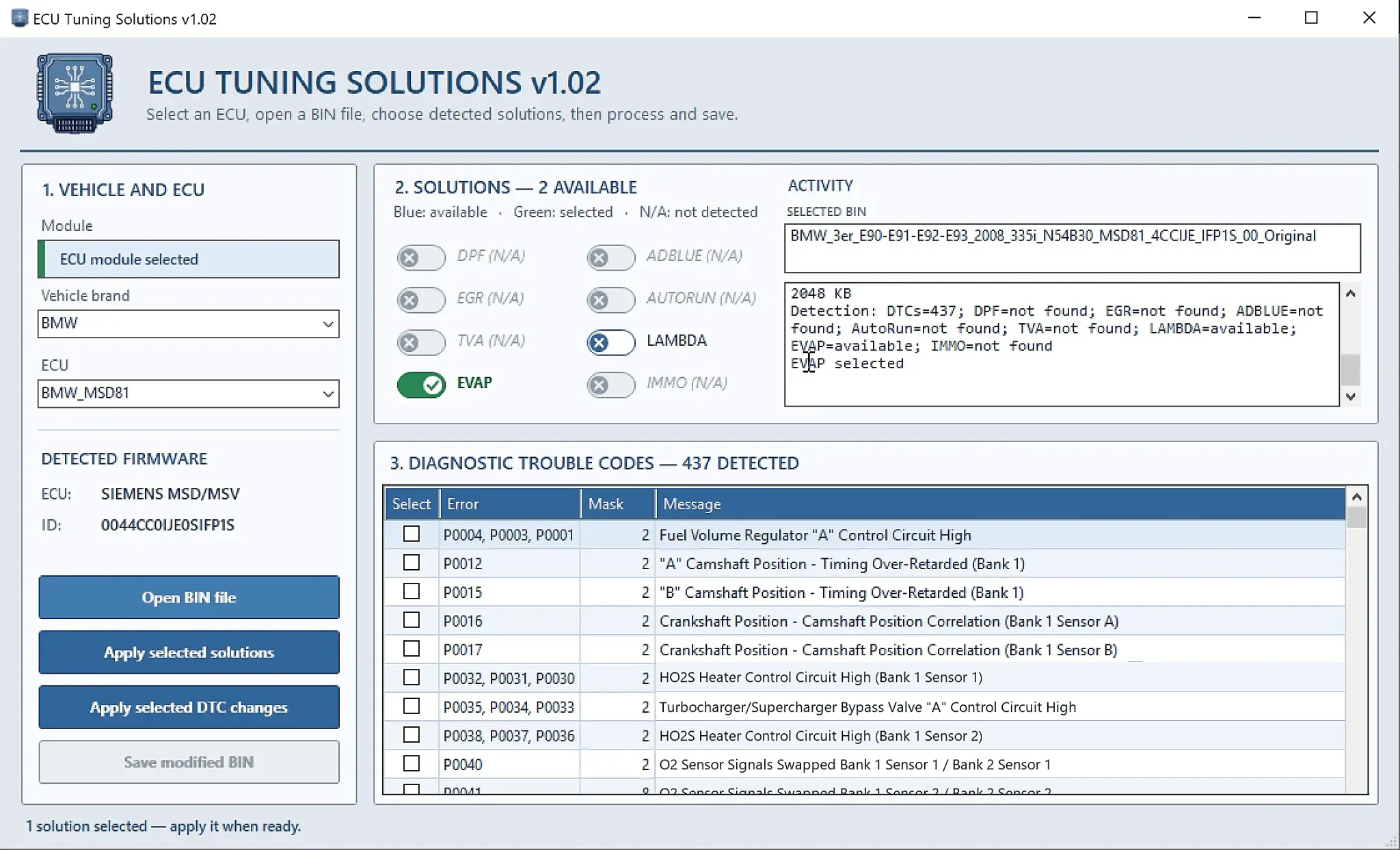
Offline Windows ECU-file processing and DTC handling for supported multi-brand controllers, with eight solution types and HWID-based activation in version 1.02.

Windows EEPROM and flash-dump toolkit for supported IMMO PIN, IMMO OFF, virgin, radio PIN, MEDC17 checksum and special repair workflows, including BMW EDC15 ISN in 1.0.4.
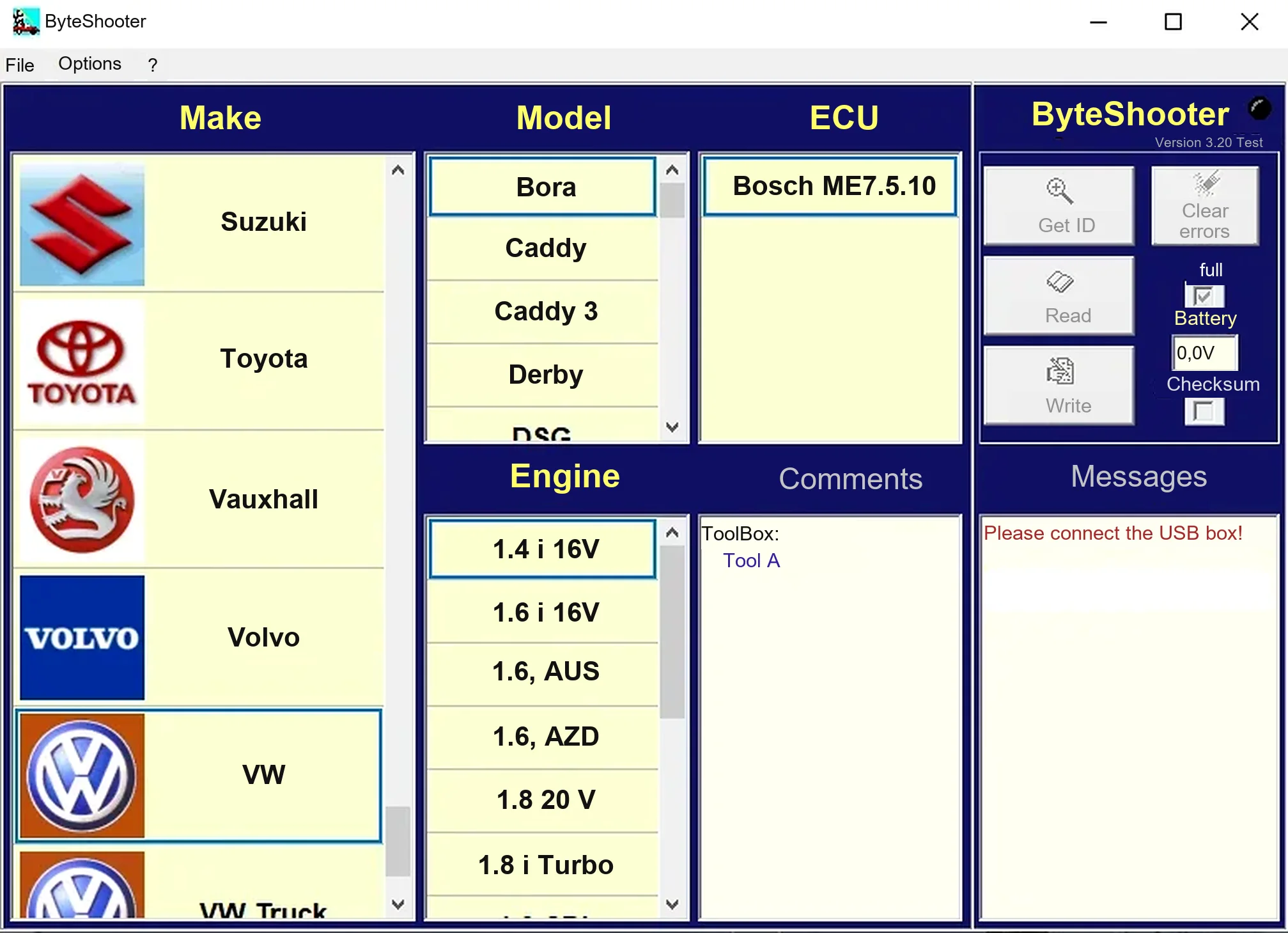
Legacy Windows ECU-programming suite for compatible ByteShooter hardware, with car and truck loaders, master binary workflows and module-dependent read, write and checksum functions.
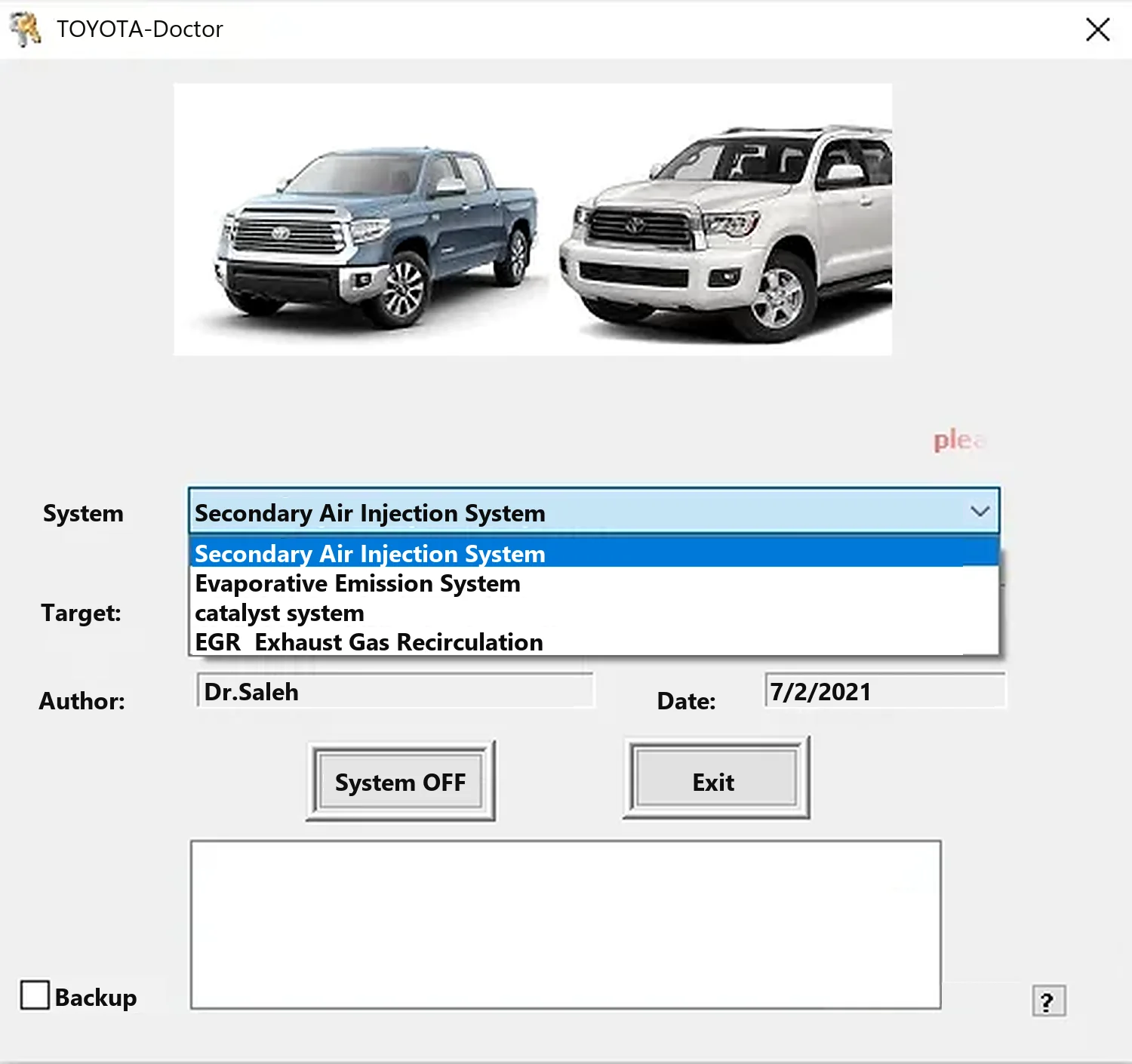
Offline Windows utility for recognized Toyota and Lexus petrol ECU files, with secondary air injection, EVAP, catalyst and EGR selections and optional backups.
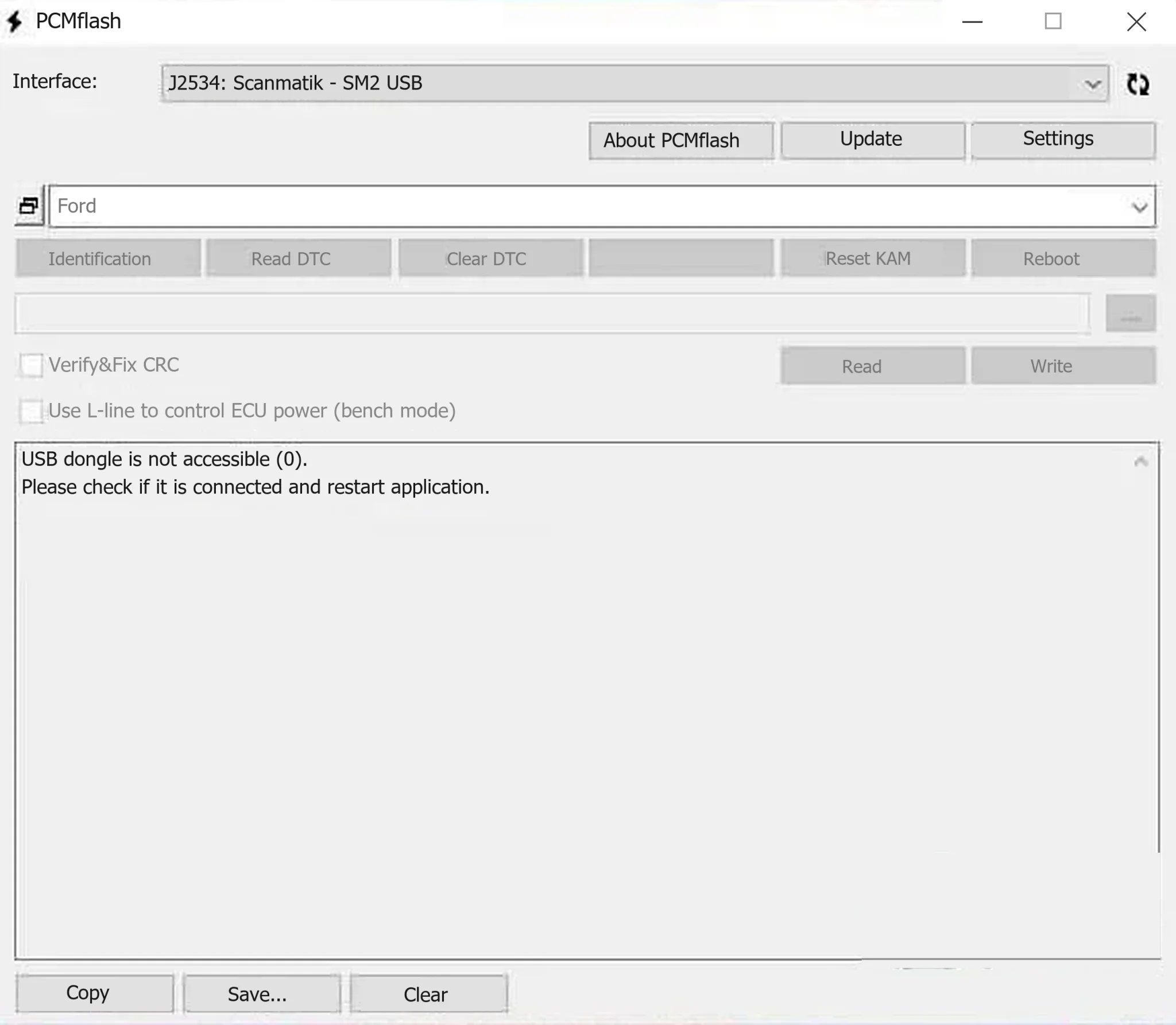
Modular Windows ECU and TCU programming through J2534 interfaces, with licensed protocol-dependent identification, diagnostics, flash/EEPROM access and OBD, bench or boot workflows.