
SOFTWARE DATABASE / RELEASE RECORD
VERSION 1.5Toyota Doctor - Petrol Engine Emissions Calibration Utility 1.5
Offline Windows utility for recognized Toyota and Lexus petrol ECU files, with secondary air injection, EVAP, catalyst and EGR selections and optional backups.
Categories
Vehicle references
Overview
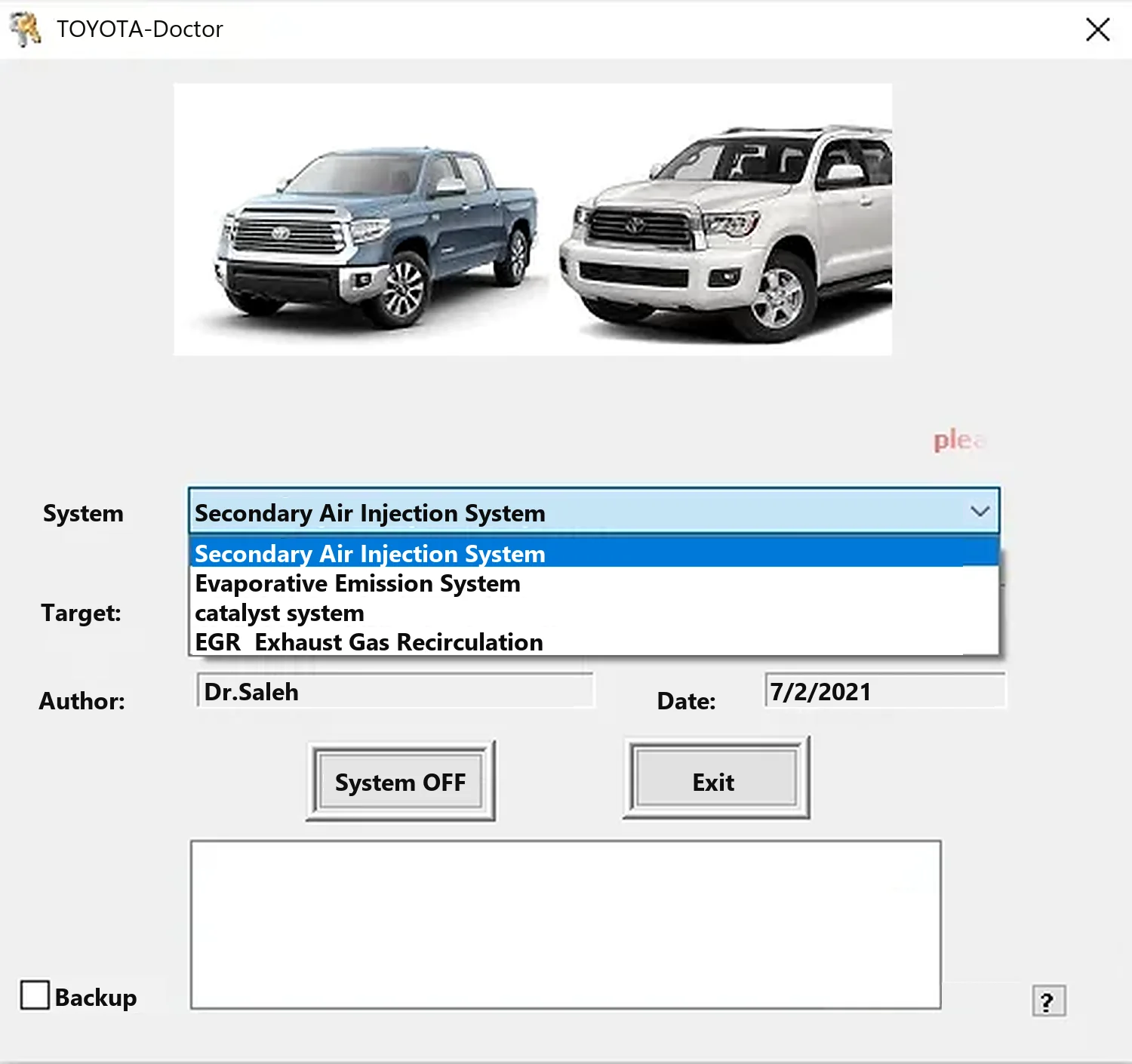
Toyota Doctor is an offline Windows application for processing supported Toyota and Lexus petrol-engine ECU calibration files. The interface provides separate selections for secondary air injection, EVAP, catalyst and EGR functions. An optional backup can be created before processing, giving the technician an original reference for reviewing the resulting changes.
The work starts with an ECU file obtained using suitable reading equipment. After identifying the exact calibration, the operator selects the required function and processes a working copy. For a recognized file family, this provides a defined processing routine and reduces the need to locate and edit individual offsets manually.
Supported vehicles, ECUs and files
The documented scope covers Toyota and Lexus petrol ECU binaries whose internal calibration structure is recognized by the application. Public product information identifies the four emissions-related selections visible in the interface, but the package provides no authoritative list of supported models, production years or ECU part numbers. Compatibility must therefore be assessed for the actual file being processed.
Related Toyota/Lexus tools distinguish Denso flash files with sizes such as 384 KB, 736 KB, 992 KB, 1536 KB and 4 MB. These sizes can help describe a read when checking its identity. Acceptance still depends on the internal layout and calibration revision, so a matching size needs to be considered alongside the ECU identifiers.
- Toyota and Lexus petrol ECU files. Use a complete binary with a layout implemented by the application.
- Four separate function selections. The interface lists secondary air injection, evaporative emissions, catalyst and exhaust gas recirculation.
- Offline file processing. A separate programmer is required to acquire the read and write the verified output. Vehicle identification and the appropriate communication driver belong to that external workflow.
Functions
- Load and select. Open the candidate ECU binary and choose the required emissions-system operation for the identified file.
- Create a backup. Enable the application's backup option before processing when an additional saved copy is required.
- Process and save. Apply the selected routine to recognized calibration data, then save the output for comparison and validation.
- Use the implemented file routine. When the exact family is supported, the application handles the relevant processing through its interface instead of requiring manual offset selection.
System and hardware requirements
- Windows workstation. The PC must be capable of running the portable x86 application.
- Verified source data. Obtain a complete original read and record the exact Toyota/Lexus ECU hardware number, software identity and calibration identifiers.
- Suitable programming equipment. Use a separate tool that supports the controller, the correct bench, boot or OBD access method, and a stable power supply.
- Independent validation equipment. Have checksum verification tools and diagnostic equipment available for checking the output and the vehicle after programming.
Recommended workflow
- Investigate the fault. Diagnose the mechanical and electrical causes of the emissions complaint before deciding whether any calibration work is appropriate.
- Preserve and identify the original. Archive the untouched ECU read and verify its length against the recorded hardware, software and calibration details.
- Process a working copy. Select the intended function, inspect the output against the original and account for the changed regions. Reject an output when file recognition or compatibility is unclear.
- Validate before and after writing. Check the checksum, prepare a recovery route and program with suitable equipment and stable power. Afterwards, review fault codes, readiness status and engine operation.
Package contents
The documented package contains a single unsigned executable. Running the utility requires the Windows environment described above, while ECU reading, writing and vehicle checks require equipment obtained separately. The package supplies no installer, communication driver, ECU coverage database or programming hardware.
Preparation involved static inspection of the executable without launching it. That describes the inspection method, and leaves application behavior on the workshop PC to be checked separately.
Important limits
Confirm support using the actual controller and calibration data. A Toyota model image in the interface and a familiar binary size provide context, while the exact hardware, software revision and recognized file structure determine whether a processing path is applicable.
Changes to emissions monitoring can hide a mechanical or electrical defect and may be prohibited for road use. Use Toyota Doctor only where the intended work is legally permitted, including appropriate diagnostic, off-road or authorized repair situations. Keep the original file available throughout the job and review the final result against the purpose of the documented work.
Technical Compatibility
Supported Modules
Operating Systems
File Formats
System Requirements
- Windows PC capable of running the portable x86 application.
- Complete original read with exact ECU hardware, software and calibration identifiers.
- Compatible external programmer, correct access method and stable power.
- Independent checksum verification and post-write diagnostic equipment.
Screenshots
Related Software

Collection of 1,350+ UPA-USB scripts for EEPROM and MCU work, covering odometer, IMMO, airbag reset, radio codes, PIN extraction and ECU virginization.
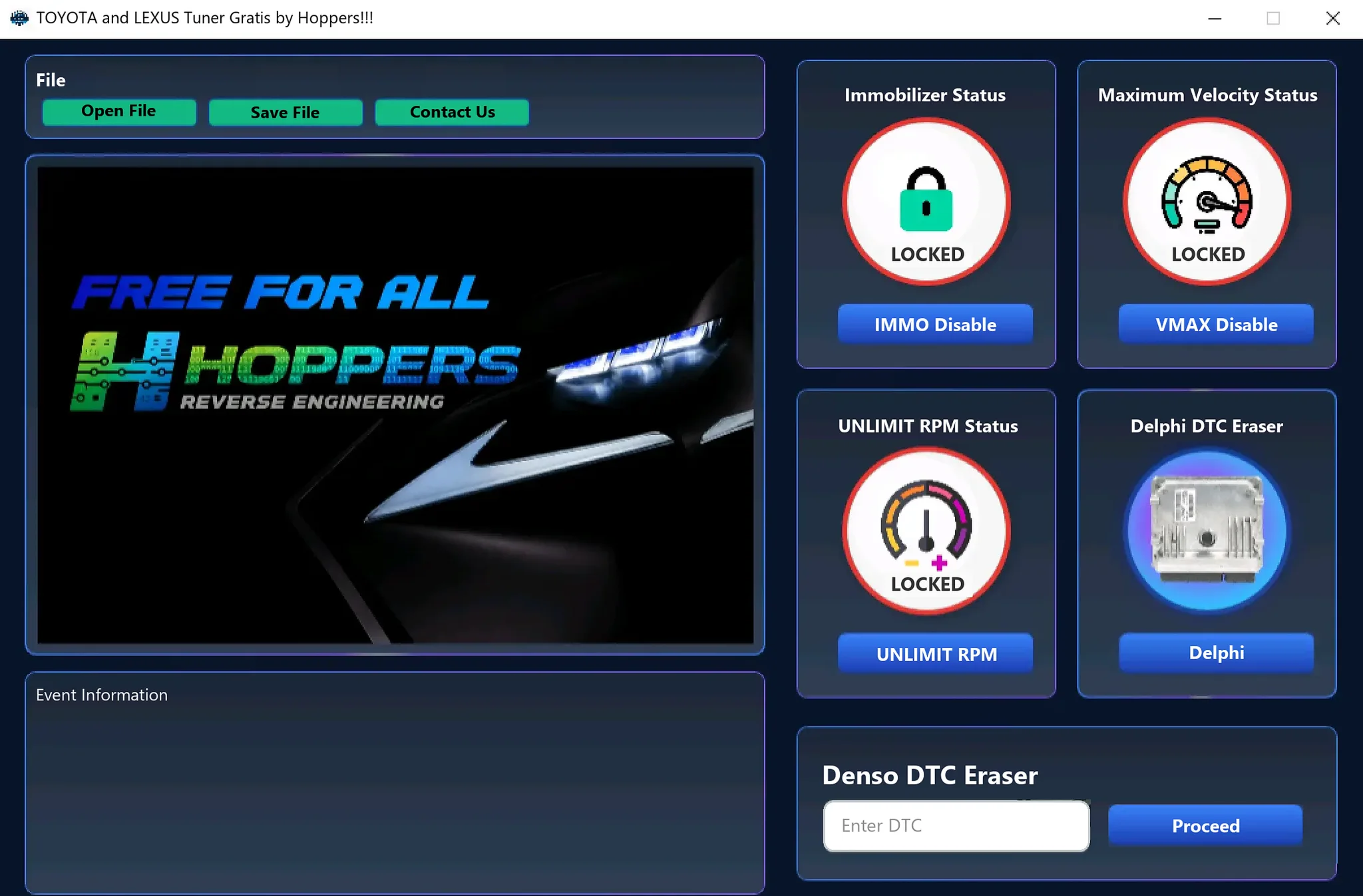
Offline Toyota and Lexus ECU binary editor with IMMO, VMAX and RPM modules, plus dedicated Denso and Delphi DTC Eraser functions for supported firmware.
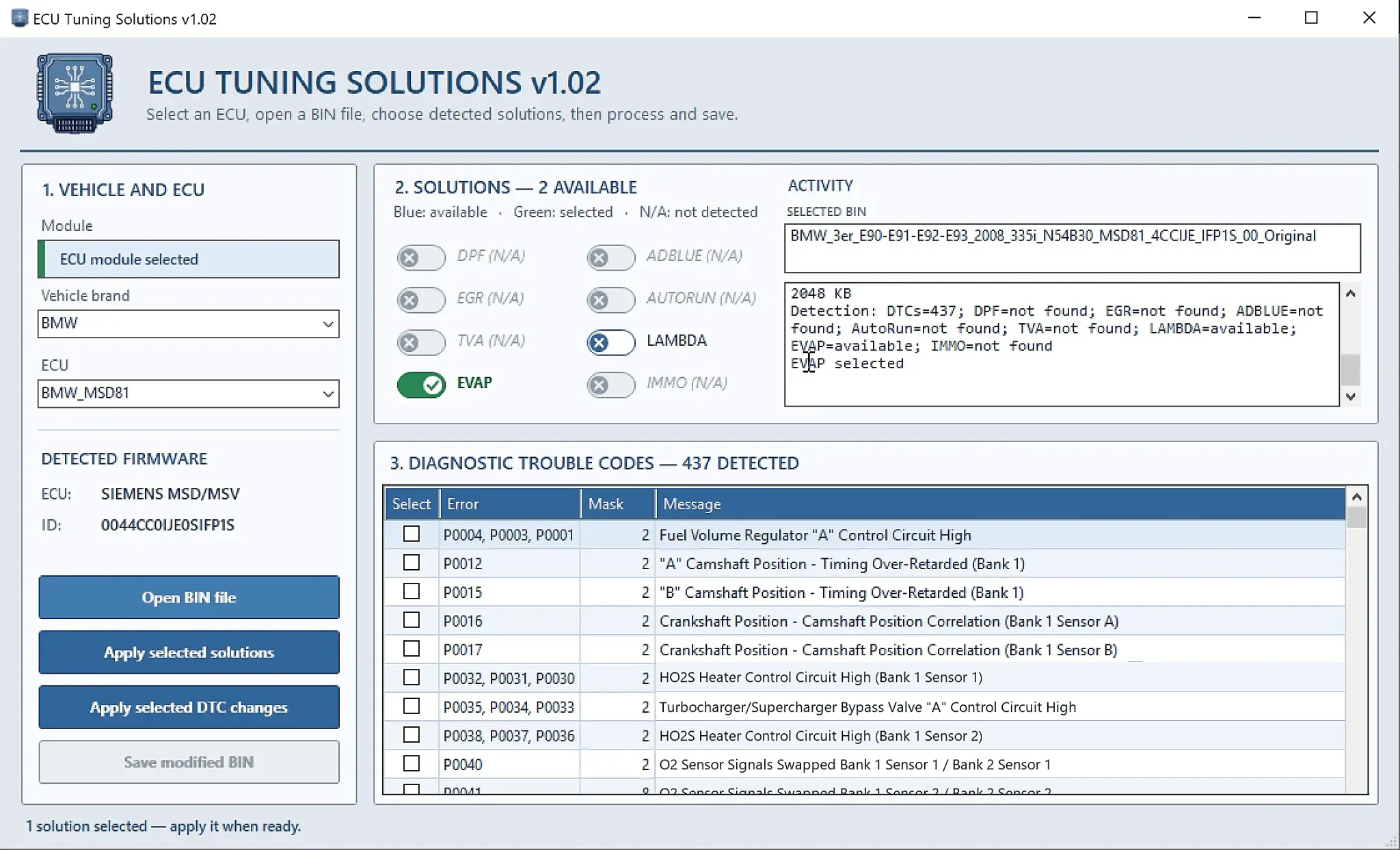
Offline Windows ECU-file processing and DTC handling for supported multi-brand controllers, with eight solution types and HWID-based activation in version 1.02.

Windows EEPROM and flash-dump toolkit for supported IMMO PIN, IMMO OFF, virgin, radio PIN, MEDC17 checksum and special repair workflows, including BMW EDC15 ISN in 1.0.4.
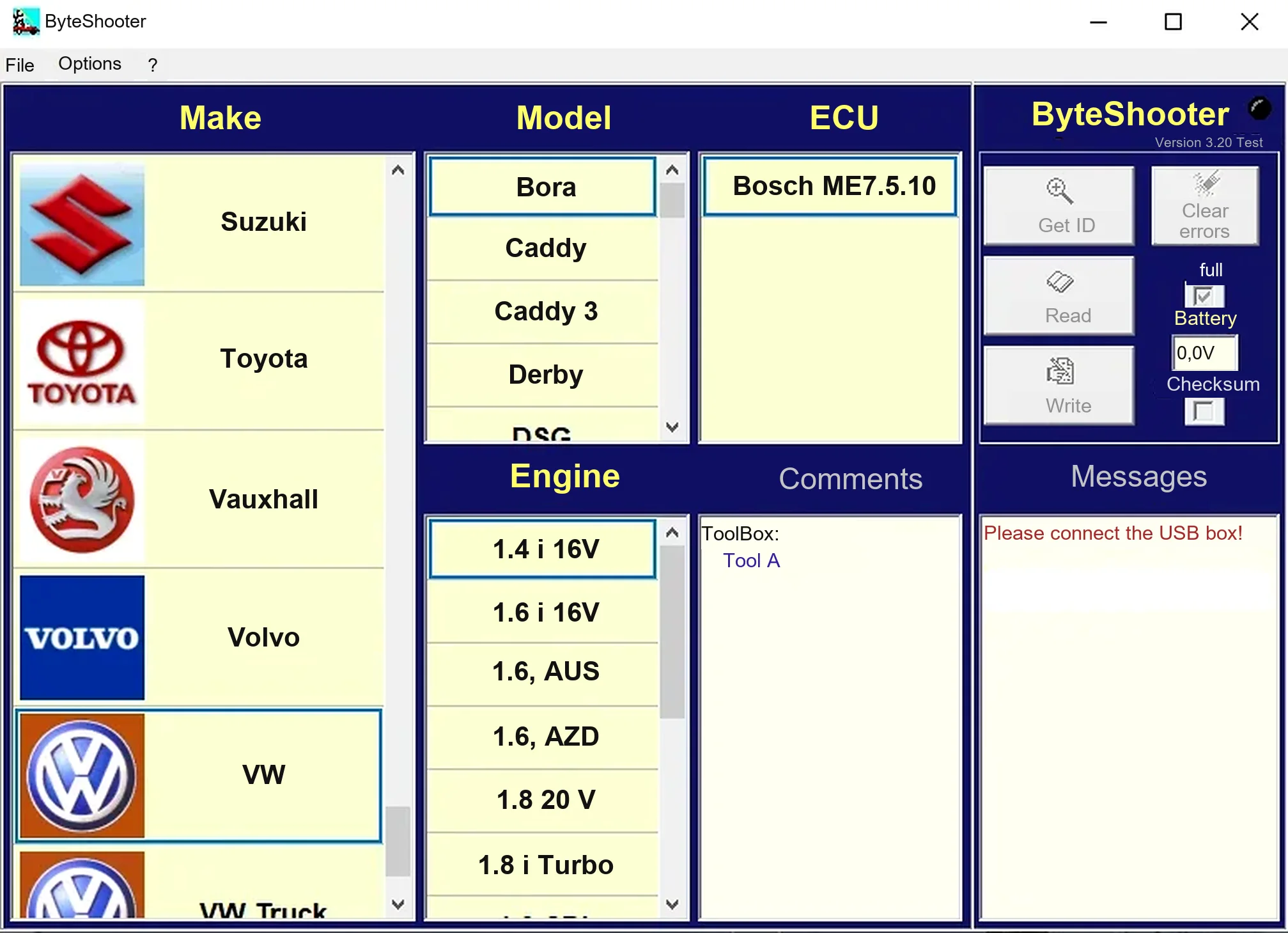
Legacy Windows ECU-programming suite for compatible ByteShooter hardware, with car and truck loaders, master binary workflows and module-dependent read, write and checksum functions.
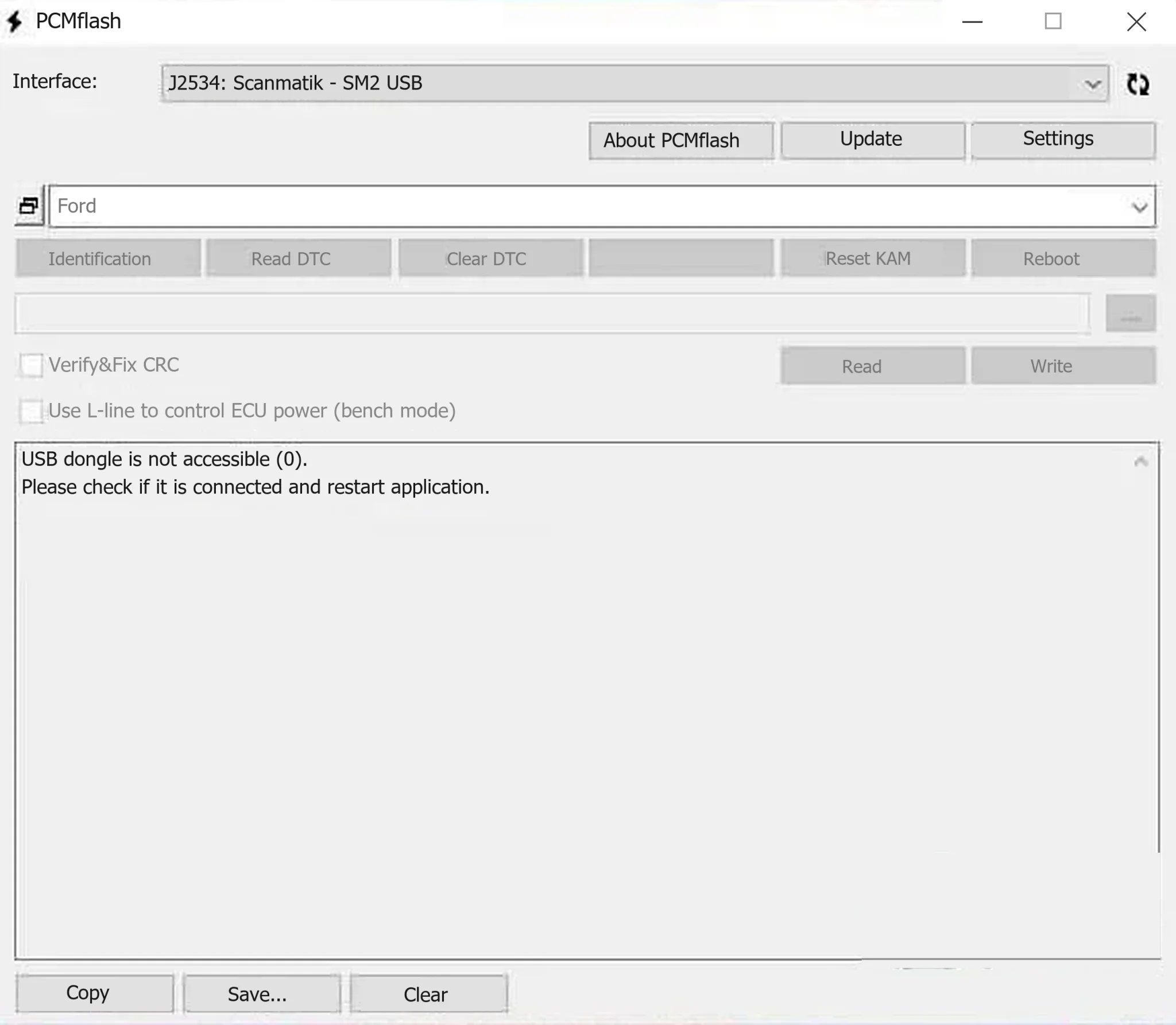
Modular Windows ECU and TCU programming through J2534 interfaces, with licensed protocol-dependent identification, diagnostics, flash/EEPROM access and OBD, bench or boot workflows.