
SOFTWARE DATABASE / RELEASE RECORD
VERSION 2017TestO ECU Job Runner and Data Logger for BMW Engine Control Units 2017
BMW ECU job runner and configurable data logger with custom job sets, CSV-style export, event markers and multichannel graphs for repeatable diagnostic testing.
Categories
Vehicle references
Overview
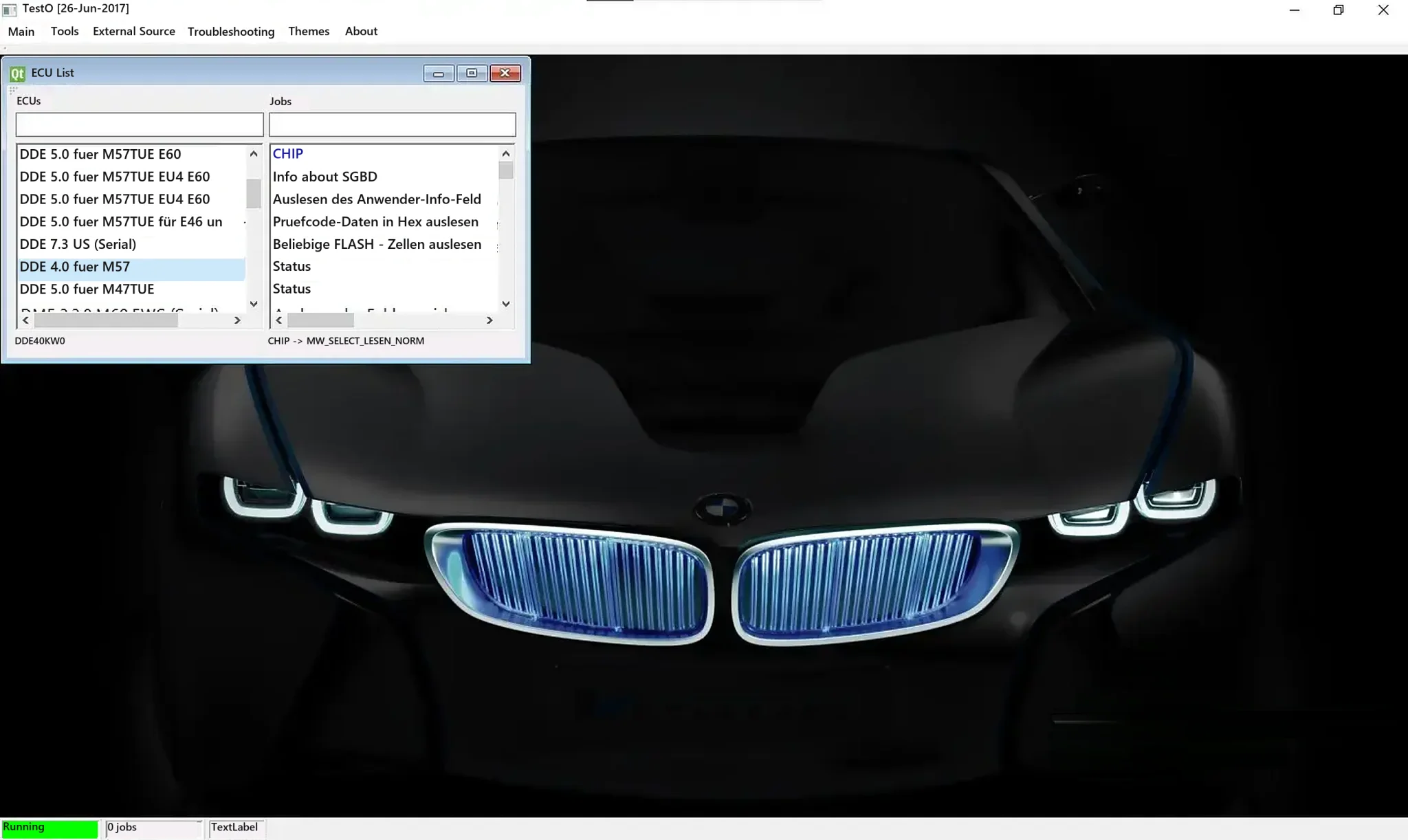
TestO is a lightweight workshop application for executing predefined ECU jobs and recording live measurements from supported BMW engine control units. An ECU and job selector works alongside a configurable data logger, providing a practical way to verify diagnostics, check driveability and repeat service tests with consistent logs and charts.
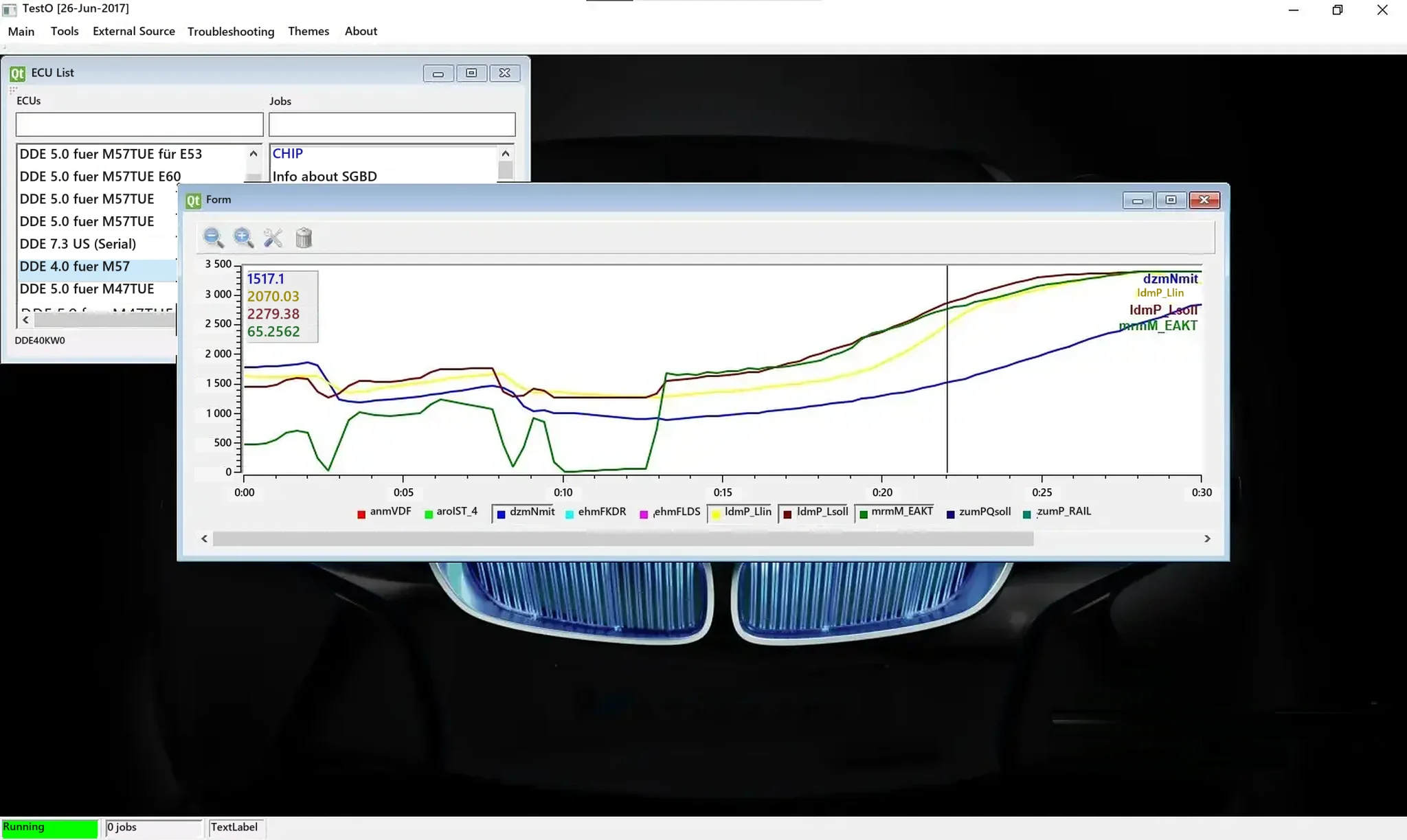
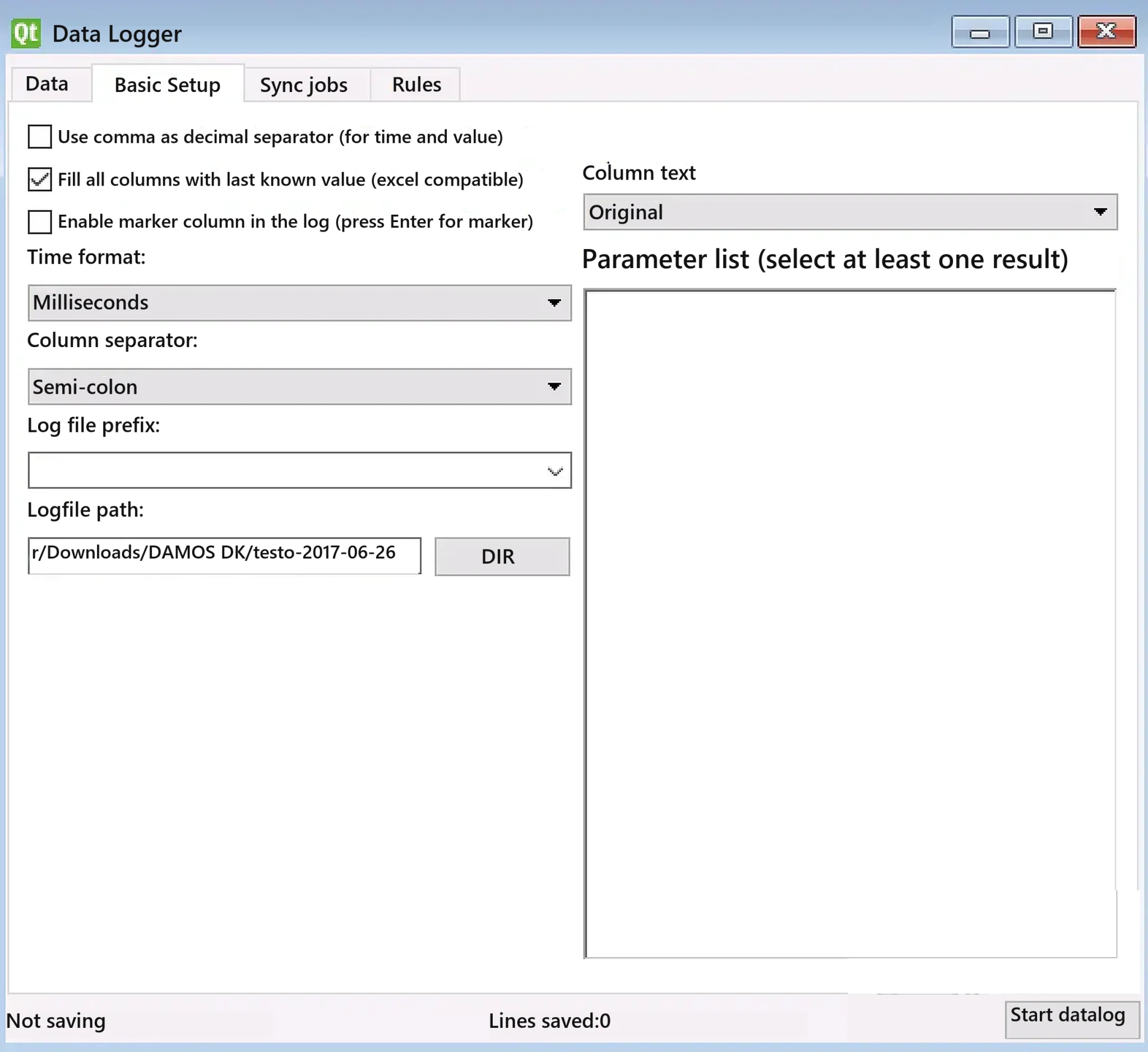
The interface provides an ECU list, a job list and a Data Logger module with export settings suited to spreadsheet analysis. Users can choose the time format and delimiter, fill missing entries with the last known value for Excel compatibility, and add optional markers to identify events during a test. A graph window plots several measurement channels against time.
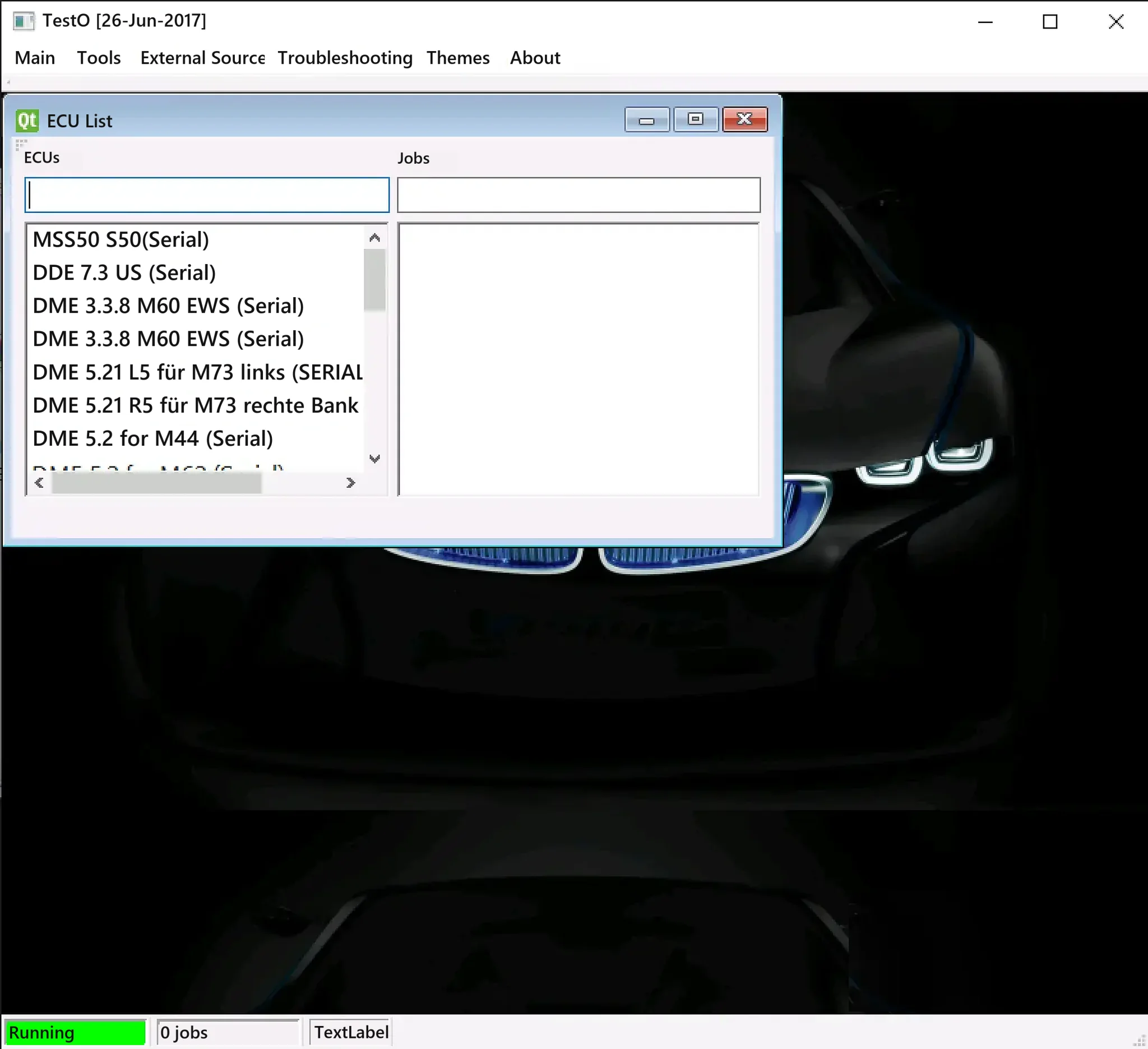
Supported ECUs and variants (as shown in the included lists)
- MSS50 S50 (Serial)
- MSS52 DS0 (Serial)
- MSS52 DS1 (Serial)
- MSS54 (Serial)
- MS 41.0 DS1 (Serial)
- MS 41.0 DS2 (Serial)
- MS 41.0 DS3 (Serial)
- MS 41.2 (Serial)
- MS42 (Serial)
- MS43 (Serial)
- Motronic MA2.4 (Serial)
- DME 3.3.8 M60 EWS (Serial)
- DME 5.2 for M44 (Serial)
- DME 5.2 for M62 (Serial)
- DME 5.21 for M62 (Serial)
- ME 7.2 M62 (Serial)
- ME9.2 for N42 (Serial)
- DME 5.21 L5 for M73 left bank (Serial)
- DME 5.21 R5 for M73 right bank (Serial)
- DDE 7.3 US (Serial)
- DDE 4.0 for M57
- DDE 5.0 for M57TUE for E53
- DDE 5.0 for M57TUE for E46
- DDE 5.0 for M57TUE for E60
- DDE 5.0 for M57TUE EU4 for E60
- DDE40KW0 — listed as an ECU selection entry.
What it does in practice
- Executes ECU jobs on the selected control unit and displays their output.
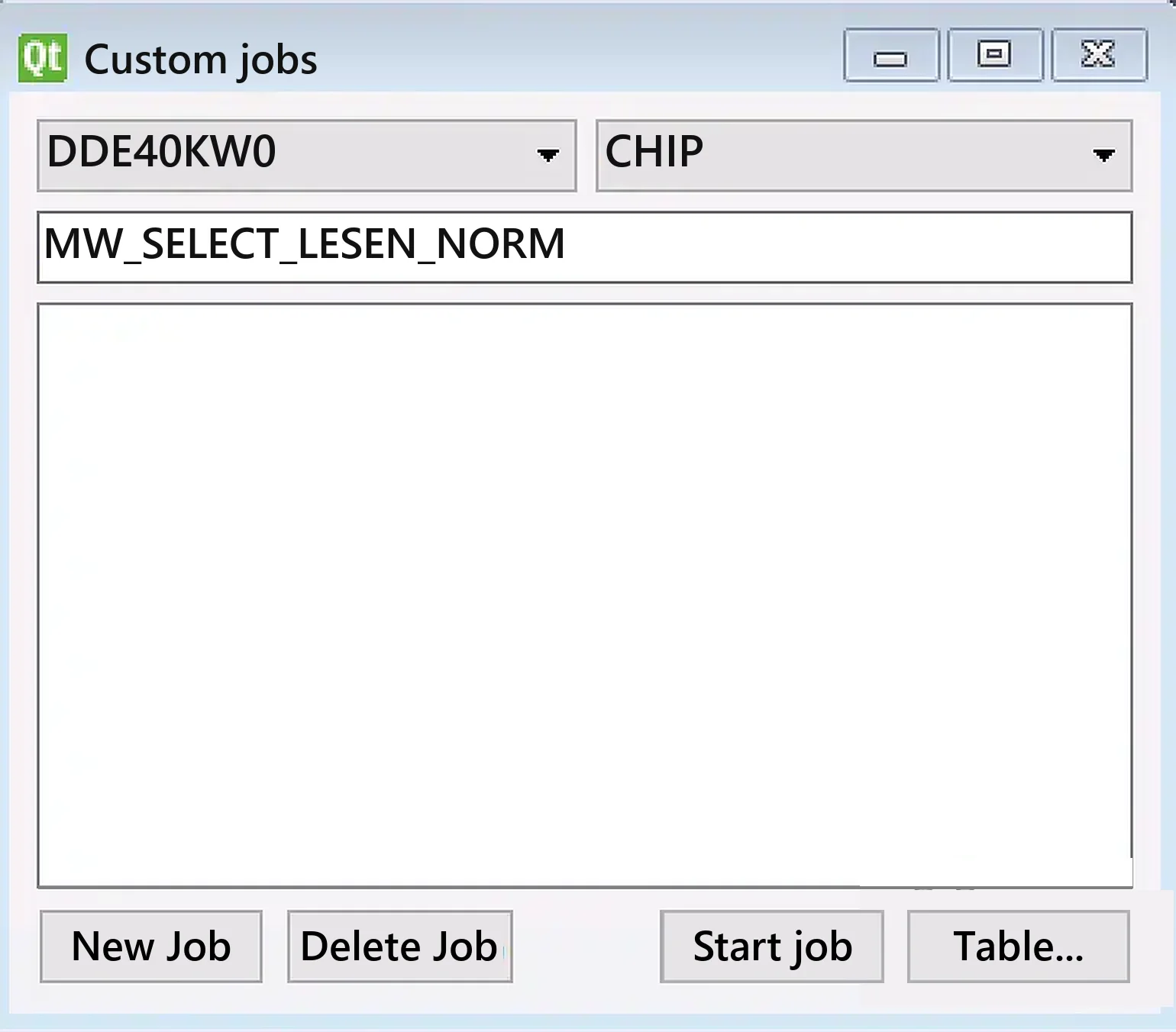
- Uses the Custom jobs window to assemble job sets for repeatable testing.
- Records chosen parameters to a CSV-style log for subsequent review.
- Shows several channels on a shared time axis for quick visual comparison.
- Supports diesel-logging scenarios involving rail pressure, airflow, injection and related measurements. The actual channels available depend on the ECU and selected job set.
Highlights
- Separate ECU and job lists make selecting a target and operation straightforward.
- A Custom jobs editor groups and launches repeatable sequences.
- The Data Logger offers timebase selection and spreadsheet-friendly export settings.
- Markers can tag events while live data is being recorded.
- A graph window provides multichannel plotting and trend review.
Package contents
testo-2017-06-26— folder.
Compatibility notes
- Supported functions depend on the ECU family and job definitions supplied with the package.
- Some profiles are marked Serial. The communication method and required adapter depend on the workshop setup.
- Adding further ECU definitions or job files may extend the selection lists. Correct results still require a matching ECU type and job set.
- Try the setup on non-production systems first, and back up any configuration files before editing them.
Basic usage
- Start TestO and choose the appropriate ECU family from the ECU list.
- Select an available job, or create a custom job set for repeatable tests.
- Open Data Logger, set the delimiter and time format, and select at least one parameter to record.
- Start the job and the logger. Add markers when event timestamps are needed.
- Examine the graph and export the recorded log for spreadsheet analysis.
Operating systems
- Windows 7, Windows 10 or Windows 11. Operation can be affected by driver support and the availability of the required communication stack.
Minimum system requirements
- CPU: A dual-core processor at 2.0 GHz or faster.
- RAM: At least 4 GB; 8 GB is recommended.
- Storage: 500 MB of available space.
- Network: An internet connection is not required.
- Admin rights: Administrator privileges are recommended for interface drivers and system configuration.
Disclaimer
- Editorial index only: The descriptions, filenames and screenshots serve reference and identification purposes.
- No endorsement or affiliation: Trademarks and product names remain the property of their respective owners.
- Licensing and EULAs: Users must comply with vendor terms and local laws. No bypass methods or license-circumvention guidance are provided.
- Safety and warranty risk: Incorrect ECU operations can damage modules or affect vehicle operation. Users assume the associated risk and should retain backups.
Technical Compatibility
Supported Modules
Operating Systems
System Requirements
- Windows 7, Windows 10 or Windows 11; driver and communication-stack support required
- CPU: Dual-core 2.0 GHz or better
- RAM: 4 GB minimum; 8 GB recommended
- Storage: 500 MB free
- Network: Not required
- Administrator rights: Recommended for interface drivers and system configuration
Screenshots
Related Software

Windows calibration-file utility with manufacturer and ECU selection menus for EGR, flap, Hotstart, DTC and related service functions.

Windows workshop utility for calculating PIN and key-related service data from supported ECU, dashboard and body-module dumps, with a searchable coverage database.
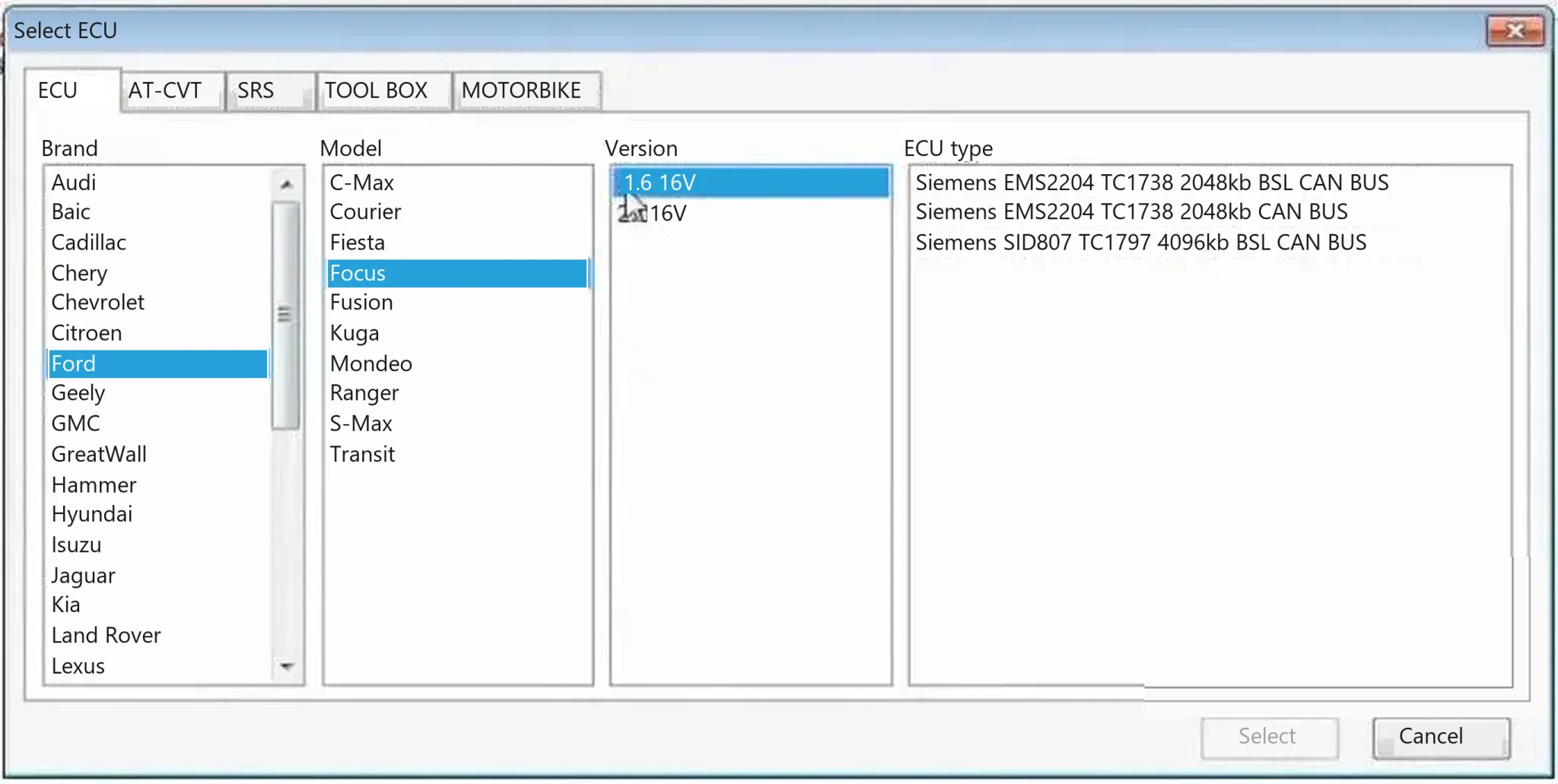
Multi-brand Windows ECU service utility with a Brand/Model/Version selector, ECU protocol hints, backup/restore workflows and ECU, AT-CVT and SRS tabs.
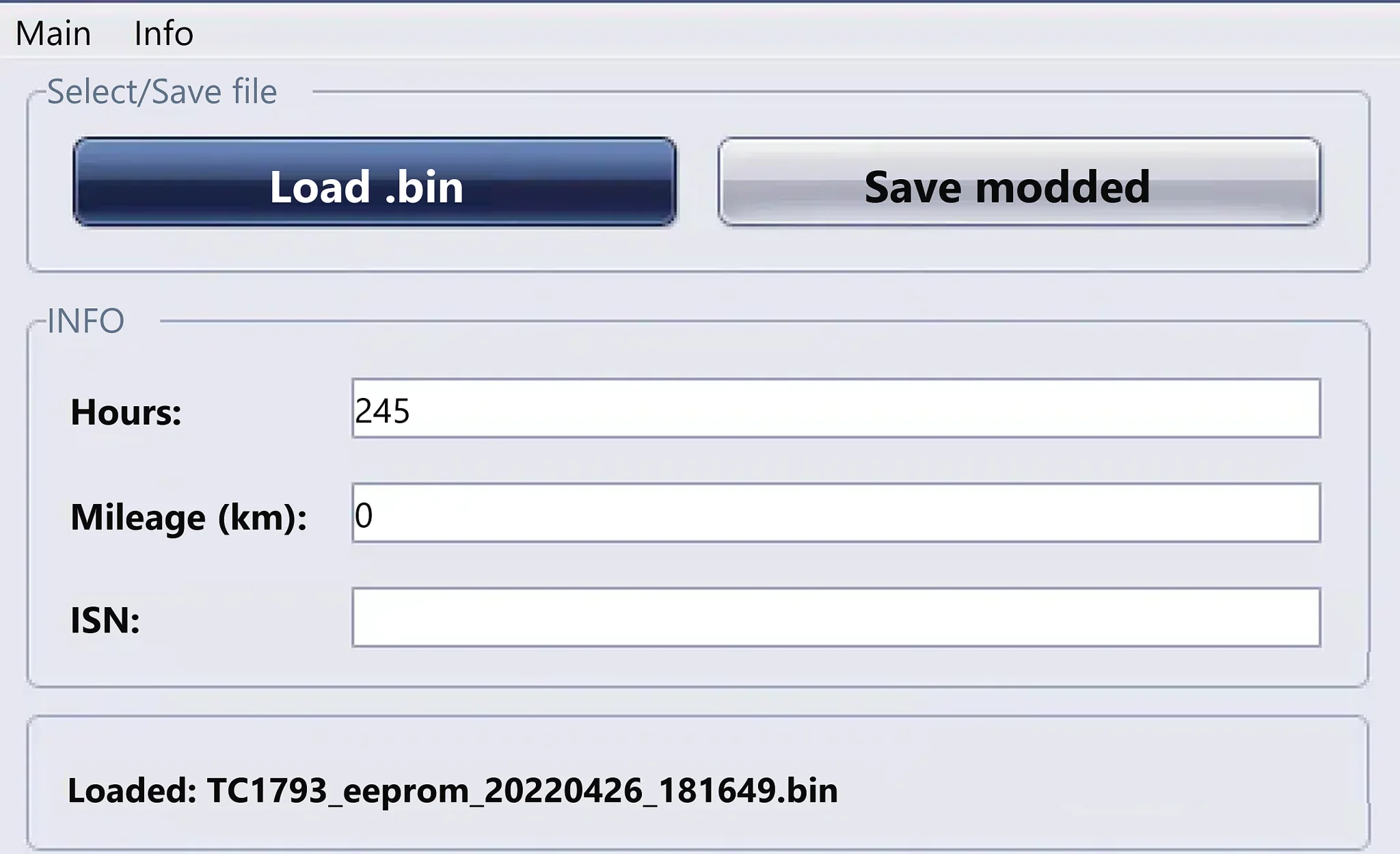
Offline BMW MEVD1723 TC1793 EEPROM editor for working hours, mileage and ISN display, with automatic checksum correction when saving modified BIN files.
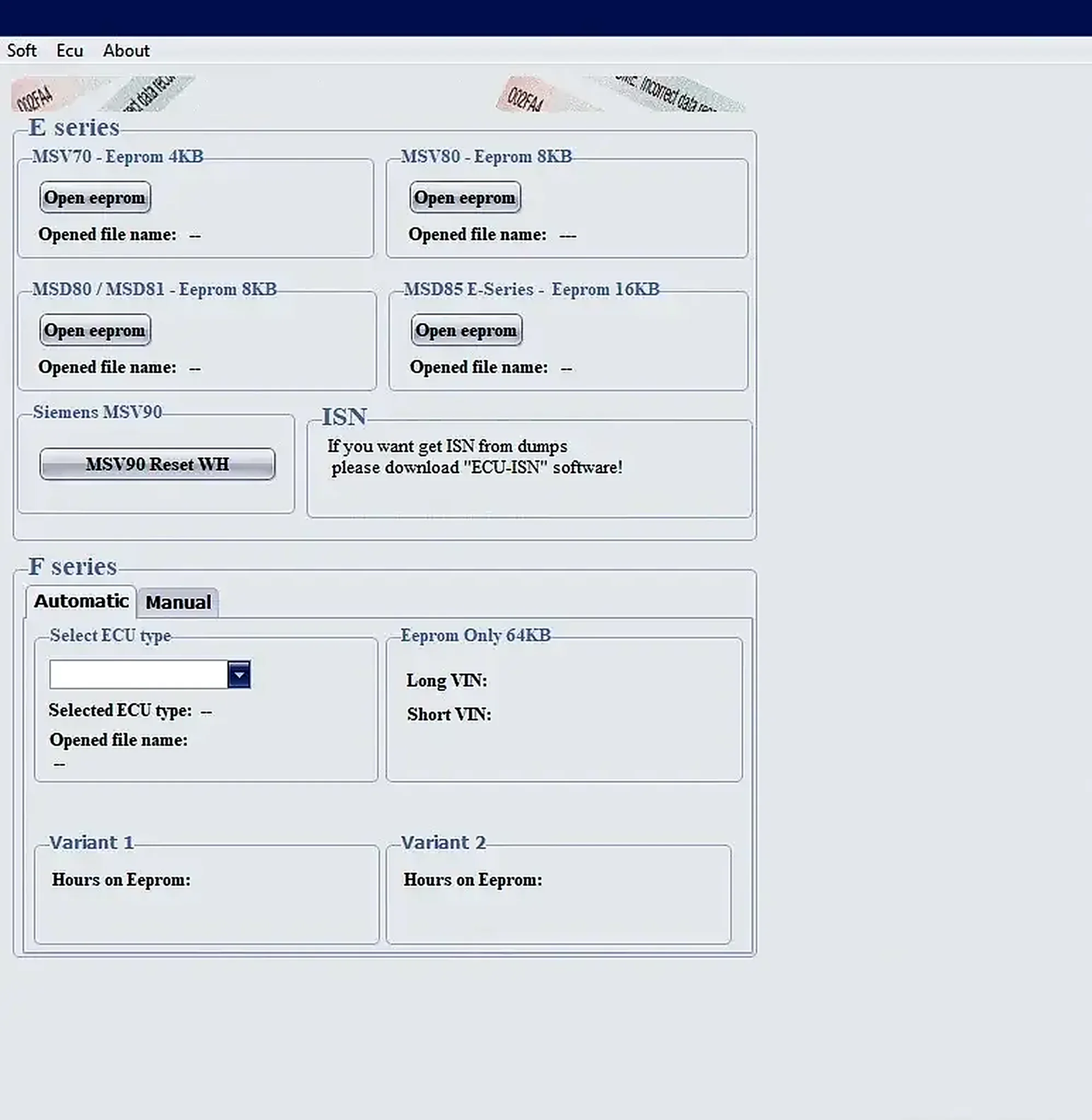
Offline BMW EEPROM utility for resetting supported DME working-hours data, addressing the documented 2FA4 replacement scenario and editing supported VIN fields.
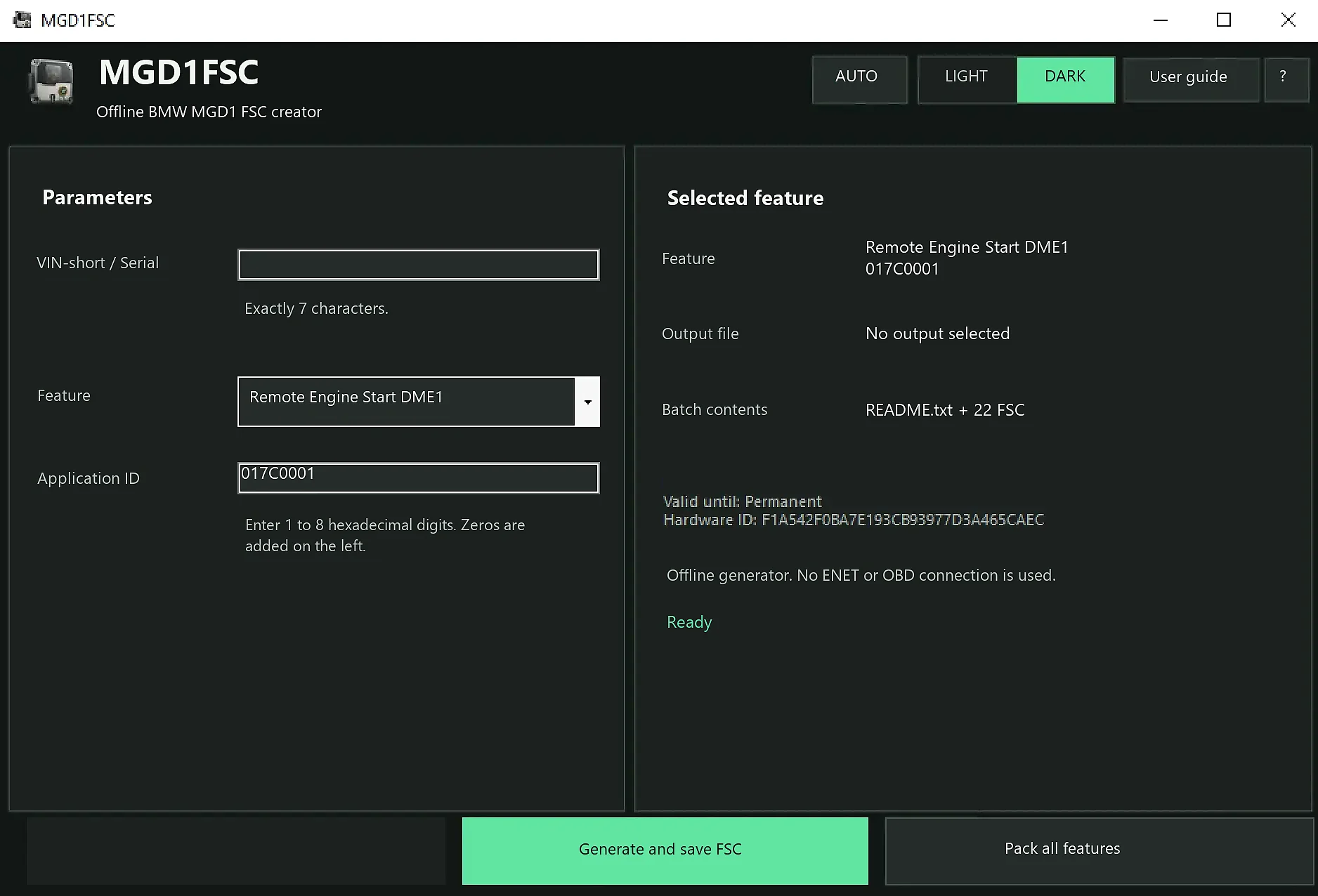
Offline Windows FSC generator for BMW MG1/MD1: individual 188-byte files, 22-feature ZIP packages, Custom App IDs, 34 languages and HWID-based licensing.