
SOFTWARE DATABASE / RELEASE RECORD
VERSION 1.0.5BMW MGD1 FSC Creator - FSC Generator for DME1 & 22 Features 1.0.5
Offline Windows FSC generator for BMW MG1/MD1: individual 188-byte files, 22-feature ZIP packages, Custom App IDs, 34 languages and HWID-based licensing.
Categories
Vehicle references
Overview
BMW MGD1 FSC Creator - Offline FSC Generator for MG1/MD1 Engine ECUs
MGD1FSC is a Windows application for creating FSC files offline for BMW MG1/MD1 engine controllers, including applications from model year 2020 onward. Generation takes place entirely on the computer: reading the DME, establishing an ENET/OBD session or connecting to a vehicle is not required.
The application can save one 188-byte FSC file for a selected feature or produce a ZIP archive containing 22 predefined FSC files and a README.
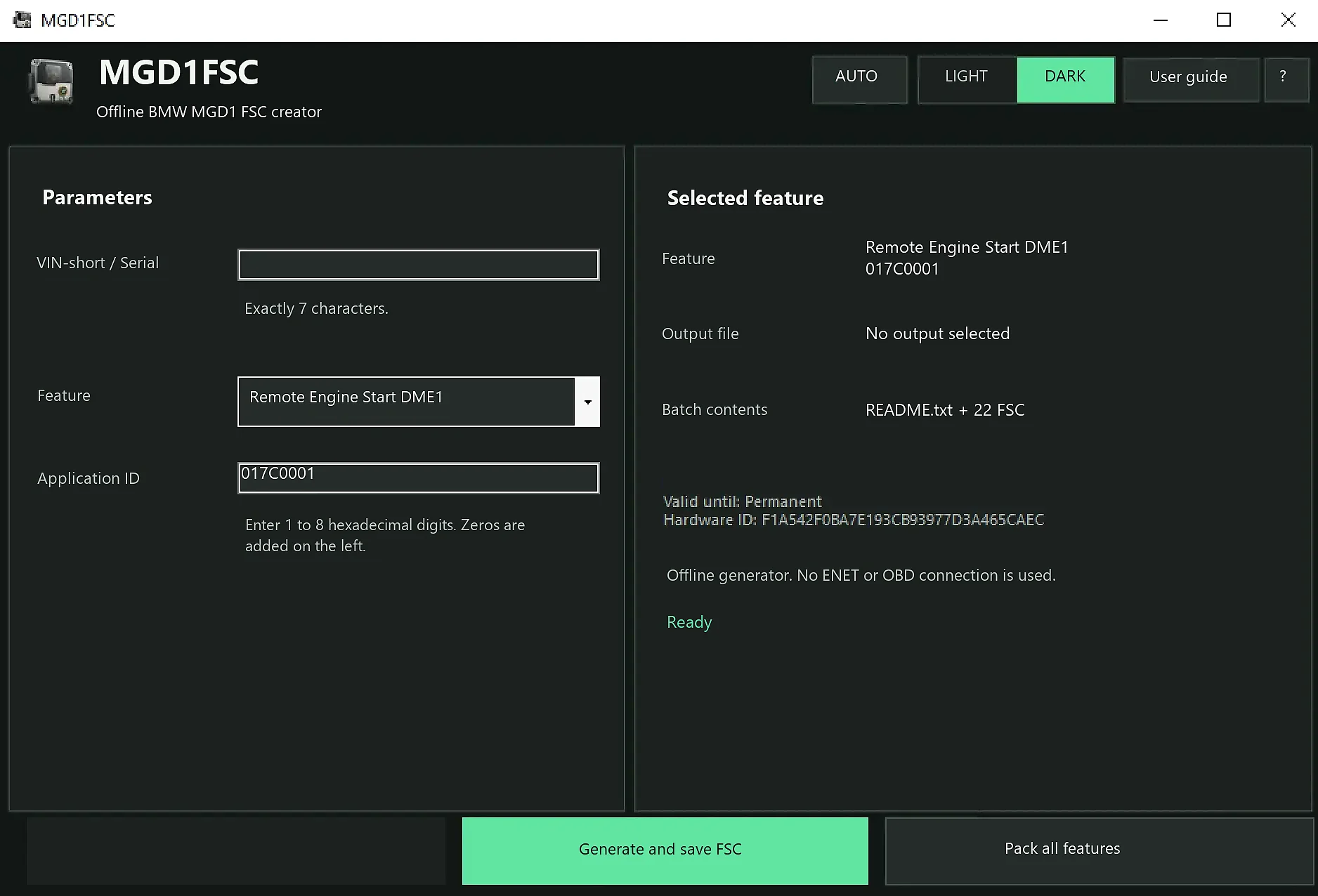
Main Features
- Offline FSC generation for BMW MG1/MD1 engine ECUs.
- Engine-controller applications including model years 2020 and later.
- No DME read needed to generate the files.
- No ENET connection needed during generation.
- No OBD connection needed during generation.
- Creation of individual FSC files.
- Exactly 188 bytes for each individual FSC.
- Batch creation of the complete set of 22 predefined FSC files.
- A README supplied inside the complete package.
- VIN-short / Serial entry.
- A selectable list of predefined FSC features.
- Custom Application IDs.
- Automatic normalization to an eight-digit App ID.
- Remote Engine Start FSC entries.
- Vmax FSC entries.
- M Driver's Package FSC entries.
- M Drive Professional FSC entries.
- Competition Package FSC entries.
- A dedicated S58B30T0 feature group.
- A dedicated S63B44T4 feature group.
- An interface with 34 selectable languages.
- Automatic detection of the system language.
- AUTO, LIGHT and DARK appearance settings.
- Licensing tied to the computer's HWID.
- Access to the User Guide from the application.
Offline FSC Generation
FSC generation runs locally. It does not require an existing DME read, an ENET or OBD diagnostic session, or an active vehicle connection. The application completes its task when the resulting .fsc file or package has been saved. Communication with the vehicle and storage of FSC data are separate operations performed with E-Sys.
Generation is not installation.
MGD1FSC creates files; it does not transfer FSC data to an ECU over OBD or ENET. A generated file does not guarantee acceptance by a particular controller. Acceptance is confirmed only by the status returned by the target ECU after storage.
VIN-Short / Serial
Enter exactly the last seven VIN characters in the VIN-short / Serial field, using uppercase letters. Do not enter the full VIN.
Example format:
AB12345Predefined Feature Selection
The predefined menu combines General / Cross-Platform entries with separate groups for S58B30T0 and S63B44T4. Before generation, the interface displays the chosen feature and its associated Application ID.
Example:
Remote Engine Start DME1
Support ID: 0x17C
Application ID: 017C0001
Custom Application ID
Select Custom to enter an Application ID beyond the predefined list. The input supports:
- Between one and eight hexadecimal digits.
- The characters
0-9andA-F. - Automatic conversion of letters to uppercase.
- Leading zeros added automatically until the ID contains exactly eight hexadecimal digits.
Example:
Input: 1
Normalized App ID: 00000001
Custom IDs are handled through individual FSC generation. They are excluded from the Pack all features archive.
Generate a Single FSC
Choose Generate and save FSC to save a file for the selected predefined feature or the entered Custom Application ID.
Filename pattern:
FSC_<SERIAL>_<APPID>.fscA correctly generated individual file is exactly:
188 bytesGenerate Complete FSC Package
Pack all features creates one archive containing every one of the 22 predefined FSC entries.
Archive filename:
FSC_pack_<SERIAL>.zipContents:
README
22 predefined FSC files
Custom App IDs are not added to this archive. Generate any Custom ID separately with the single-file function.
Supported FSC / App ID Reference
The predefined reference comprises 22 entries, arranged by platform and engine family.
General / Cross-Platform
| Support ID | Feature | Application ID |
|---|---|---|
0x17C | DME1: Release Remote Engine Start | 017C0001 |
0x180 | DME2: Release Remote Engine Start | 01800001 |
0x095 | Vmax - DME1 M cars | 00950001 |
0x07B | Vmax - DME2 M cars | 007B0001 |
S58B30T0 - M2 / M3 / M4 / X3M / X4M (DME-86TO)
| Support ID | Feature | Application ID |
|---|---|---|
0x188 | M Driver's Package (DME-86TO) | 01880001 |
0x1A4 | 8.6.S (F97/F98 + G80/G82/G83) Competition Package (Werk) | 01A40001 |
0x1AF | 8.6.S (F97/F98 + G80/G82/G83) Basismodell (Werk) | 01AF0001 |
0x1C1 | 8.6.S (G8x) M Drive Professional (Werk/Service) | 01C10001 |
0x1DE | 8.6.S G80 CS / G82 CSL - Pmax/Vmax (Werk) | 01DE0001 |
0x1E2 | G82 GT4 Rennsport (Werk) | 01E20001 |
0x1E3 | G87 M2 Club Rennsport (Werk) | 01E30001 |
0x1E4 | G87 M2 Cup Rennsport (Werk) | 01E40001 |
0x1E8 | 8.6.S (G8x AWD LCI) Competition Package (Werk) | 01E80001 |
0x1EB | 8.6.S G87 NM (new model) (Werk) | 01EB0001 |
0x1EC | 8.6.S G87 CS (Werk) | 01EC0001 |
0x1EE | 8.6.S G87 CS Brasilien (Werk) | 01EE0001 |
0x1EF | 8.6.M (G8x RWD) 375 kW (Werk) | 01EF0001 |
0x1F0 | 8.6.M (G8x) M Drive Professional (Werk/Service) | 01F00001 |
0x1F1 | 8.6.M (G8x) M Driver's Package (Werk/Service) | 01F10001 |
0x1F2 | 8.6.M (G8x AWD) 390 kW (Werk) | 01F20001 |
S63B44T4 - M5 / M8 / X5M / X6M (F90, F91, F92, F95, F96)
| Support ID | Feature | Application ID |
|---|---|---|
0x1AB | DME1 Competition Package | 01AB0001 |
0x1AC | DME2 Competition Package | 01AC0001 |
Each FSC filename contains the complete eight-digit Application ID.
Interface Languages
The interface detects the system language automatically and offers 34 languages for manual selection:
English, العربية, Български, Čeština, Dansk, Deutsch, Ελληνικά, Español, Eesti, Suomi, Français, Hrvatski, Magyar, Bahasa Indonesia, Italiano, 日本語, 한국어, Lietuvių, Latviešu, Norsk, Nederlands, Polski, Português, Română, Русский, Slovenčina, Slovenščina, Srpski, Svenska, ไทย, Türkçe, Українська, 简体中文, 繁體中文.
Choose Auto / System to follow the operating-system language automatically where supported.
Interface Themes
Three appearance modes are available:
- AUTO
- LIGHT
- DARK
Language and theme preferences affect only the interface; they do not alter the generated FSC data.
HWID Activation & Licensing
The license is tied to the computer's Hardware ID / HWID. When a valid license is missing, the activation window displays that identifier.
Activation sequence:
- Launch
MGD1FSC.exe. - Copy the displayed HWID without changing it.
- Submit that HWID through the authorized licensing channel.
- Load the license issued for that specific identifier.
- Restart the application if prompted.
The license and HWID must match.
A license issued for a different computer's HWID will not validate. Leave the issued license file's contents unchanged.
Using the Generated FSC with E-Sys
MGD1FSC stops at file creation. E-Sys is used separately to store the file in the intended ECU.
A typical authorized procedure is:
- Create and save the required FSC in MGD1FSC.
- Connect to the authorized vehicle with the correct E-Sys target and a supported ENET / ICOM interface.
- Provide a stable external vehicle power supply.
- Open Expert Mode > FSC Extended.
- Select and identify the intended DME.
- Check the Support ID and Application ID.
- Use the corresponding Store FSC function.
- Select the generated FSC file.
- Read the FSC status returned by the ECU after writing.
Successful acceptance is established only when the target ECU reports an accepted status.
No acceptance guarantee.
The ECU software level, vehicle configuration and authorization state govern whether the file is accepted. Generating a file successfully does not establish that the target controller will accept it.
Safe Workflow Checks
Before creating or deploying an FSC:
- Check the last seven VIN characters.
- Confirm the intended DME.
- Verify the Support ID.
- Verify all eight digits of the Application ID.
- For Custom entries, use between one and eight hexadecimal digits only.
- Confirm that an individual FSC is exactly 188 bytes.
- Retain an untouched copy of the generated data before deployment.
- Use E-Sys only on a vehicle you are authorized to service.
- Select the correct vehicle target and a supported interface.
- Keep external vehicle power stable throughout ECU operations.
- Check the ECU-reported FSC status after writing.
Package Contents
The documented package includes:
MGD1FSC.exe
MGD1FSC-User-Guide-EN-DE-PL-RU.pdf
User Guide
A multilingual PDF manual accompanies the application. Its current languages are:
- English
- German
- Polish
- Russian
The manual covers:
- Product scope and limitations.
- HWID licensing and activation.
- Interface controls, languages and themes.
- Individual FSC creation.
- FSC storage through E-Sys.
- Creation of the full 22-FSC package.
- The supported FSC / App ID reference.
- Safe operation and acceptance checks.
- Troubleshooting.
The User Guide is also accessible directly inside MGD1FSC.
File Integrity
File: MGD1FSC.exe
Documented SHA-256 reference:
3d353e7528f5ff4c5e85a70b6ea48e9fd26a65990cb7a182f7cf20c91f6cc4ceImportant
MGD1FSC generates FSC files offline. It does not connect to a vehicle, read a DME, write FSC data over OBD / ENET or validate controller compatibility.
Store the FSC separately with E-Sys, then use the target ECU's response to confirm whether it has been accepted.
Use the generated data only within an authorized BMW configuration or service procedure, and verify compatibility independently before deployment.
Technical Compatibility
Supported Modules
Operating Systems
System Requirements
- Windows computer.
- A valid license issued for the computer’s HWID.
- Exactly the last 7 VIN characters in uppercase.
- Predefined feature or Custom Application ID of 1 to 8 hexadecimal digits.
- No DME read or vehicle connection is needed for file generation.
- For separate vehicle storage: compatible E-Sys target, supported ENET / ICOM interface and stable external power.
- ECU compatibility and FSC acceptance must be checked independently.
Screenshots
Related Software

Windows calibration-file utility with manufacturer and ECU selection menus for EGR, flap, Hotstart, DTC and related service functions.
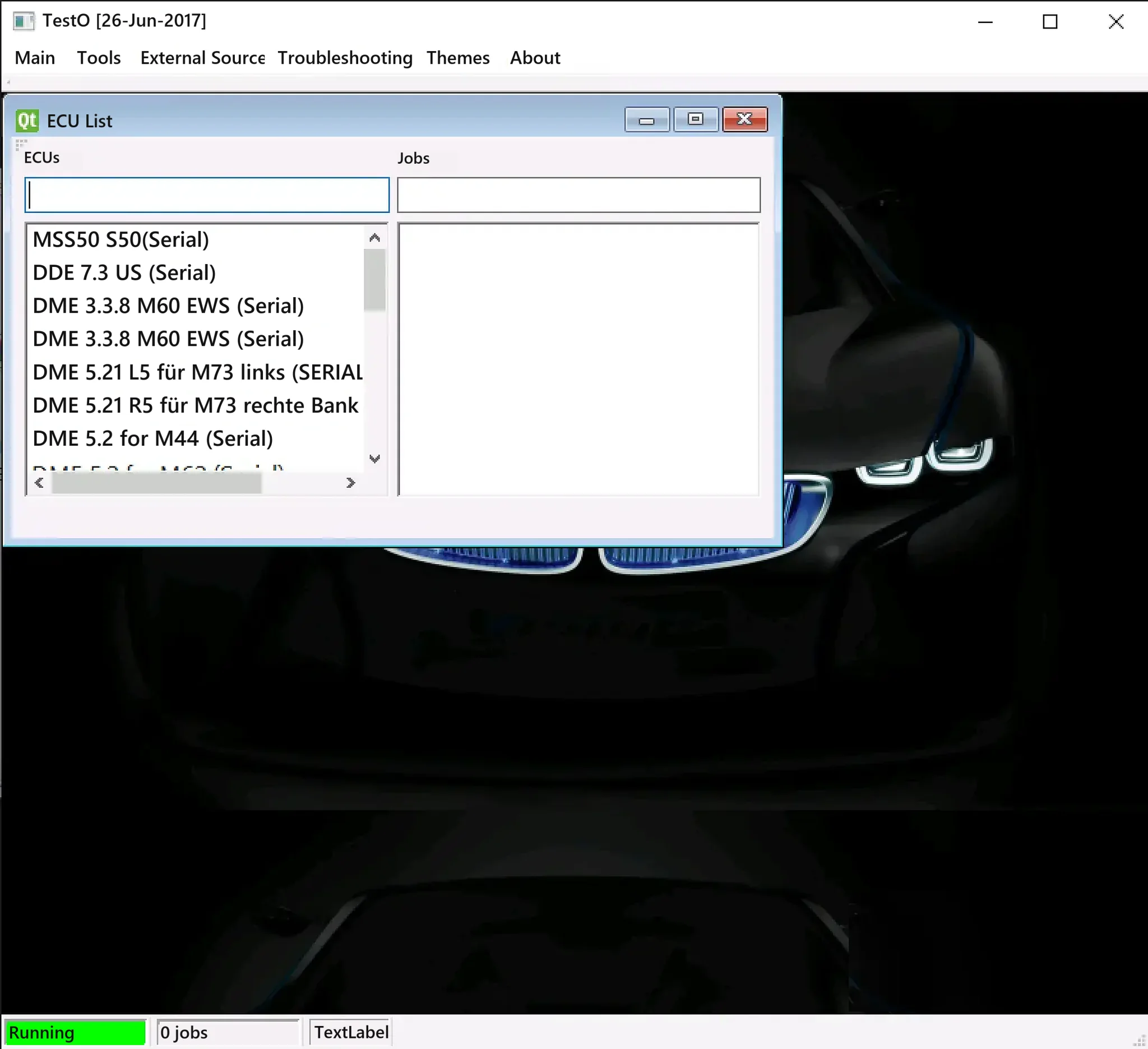
BMW ECU job runner and configurable data logger with custom job sets, CSV-style export, event markers and multichannel graphs for repeatable diagnostic testing.

Windows workshop utility for calculating PIN and key-related service data from supported ECU, dashboard and body-module dumps, with a searchable coverage database.
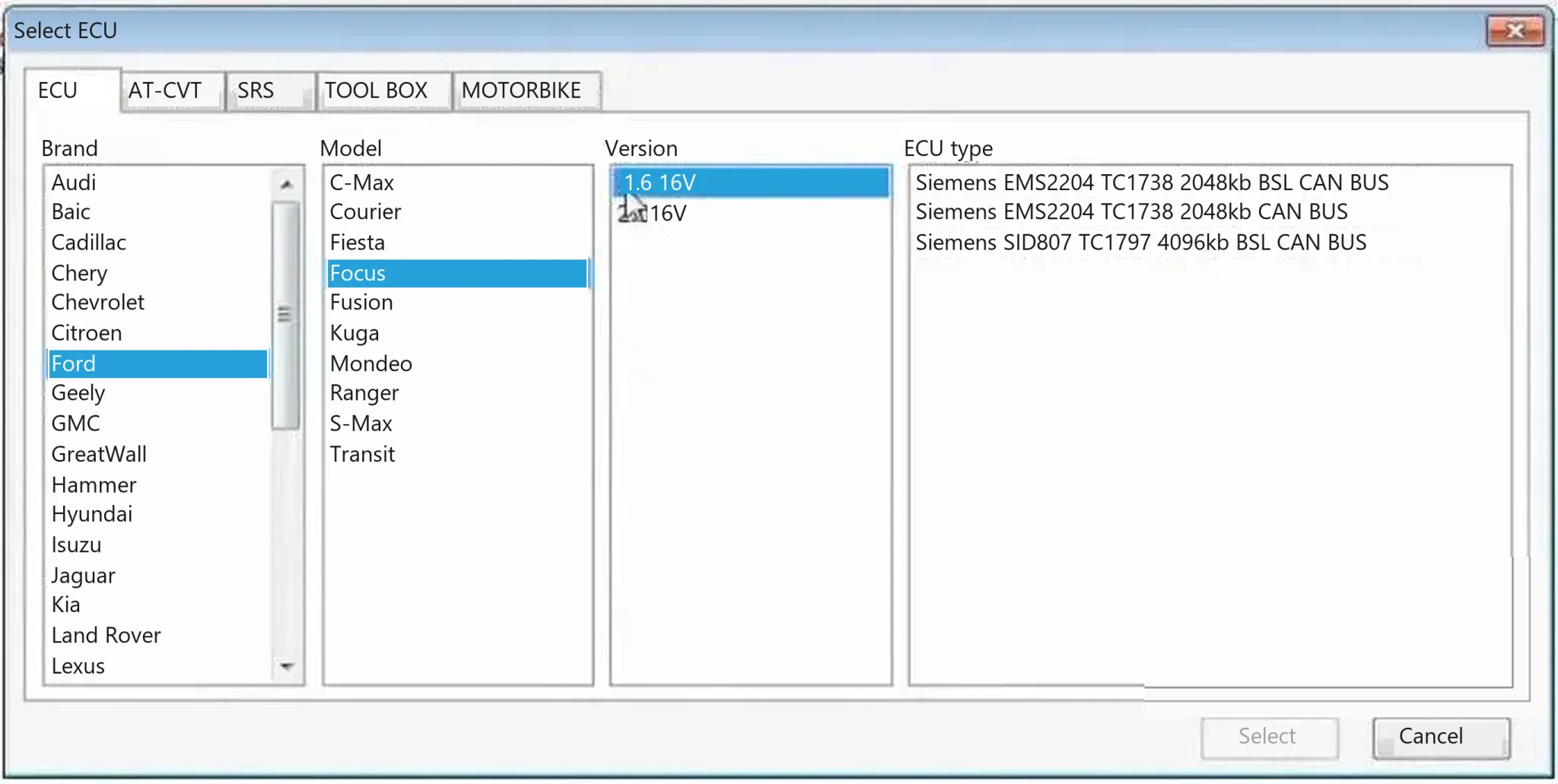
Multi-brand Windows ECU service utility with a Brand/Model/Version selector, ECU protocol hints, backup/restore workflows and ECU, AT-CVT and SRS tabs.
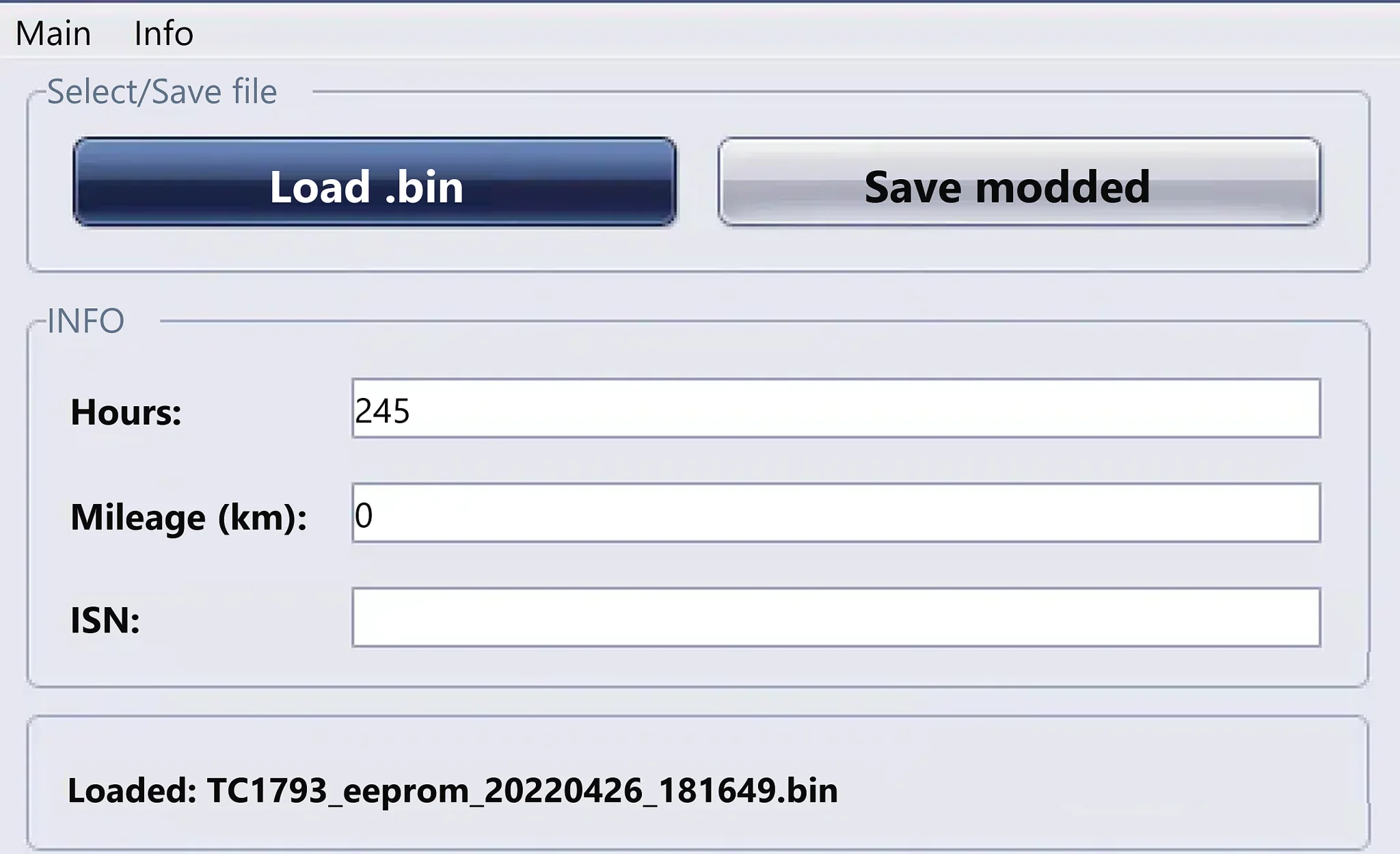
Offline BMW MEVD1723 TC1793 EEPROM editor for working hours, mileage and ISN display, with automatic checksum correction when saving modified BIN files.
Offline BMW EEPROM utility for resetting supported DME working-hours data, addressing the documented 2FA4 replacement scenario and editing supported VIN fields.