
SOFTWARE DATABASE / RELEASE RECORD
VERSION 1.0.0.0Nissan Glove Box PIN Calculator - Immobilizer Label Decoder 1.0.0.0
Portable Windows calculator for supported 12-character Nissan and Infiniti glove-box labels, with offline immobilizer PIN calculation for authorized service.
Categories
Vehicle references
Overview
Nissan Glove Box PIN Calculator 1.0.0.0 is a portable Windows application for deriving immobilizer PIN data from a supported glove-box label. The calculation runs offline and is intended for authorized key and immobilizer service on vehicles using the specific 12-character format accepted by the program.
The operator enters a label already obtained from the vehicle and reviews the displayed result before using separate diagnostic equipment. Compatibility starts with identifying the security procedure for the vehicle concerned, since different immobilizer generations can request different types of codes.
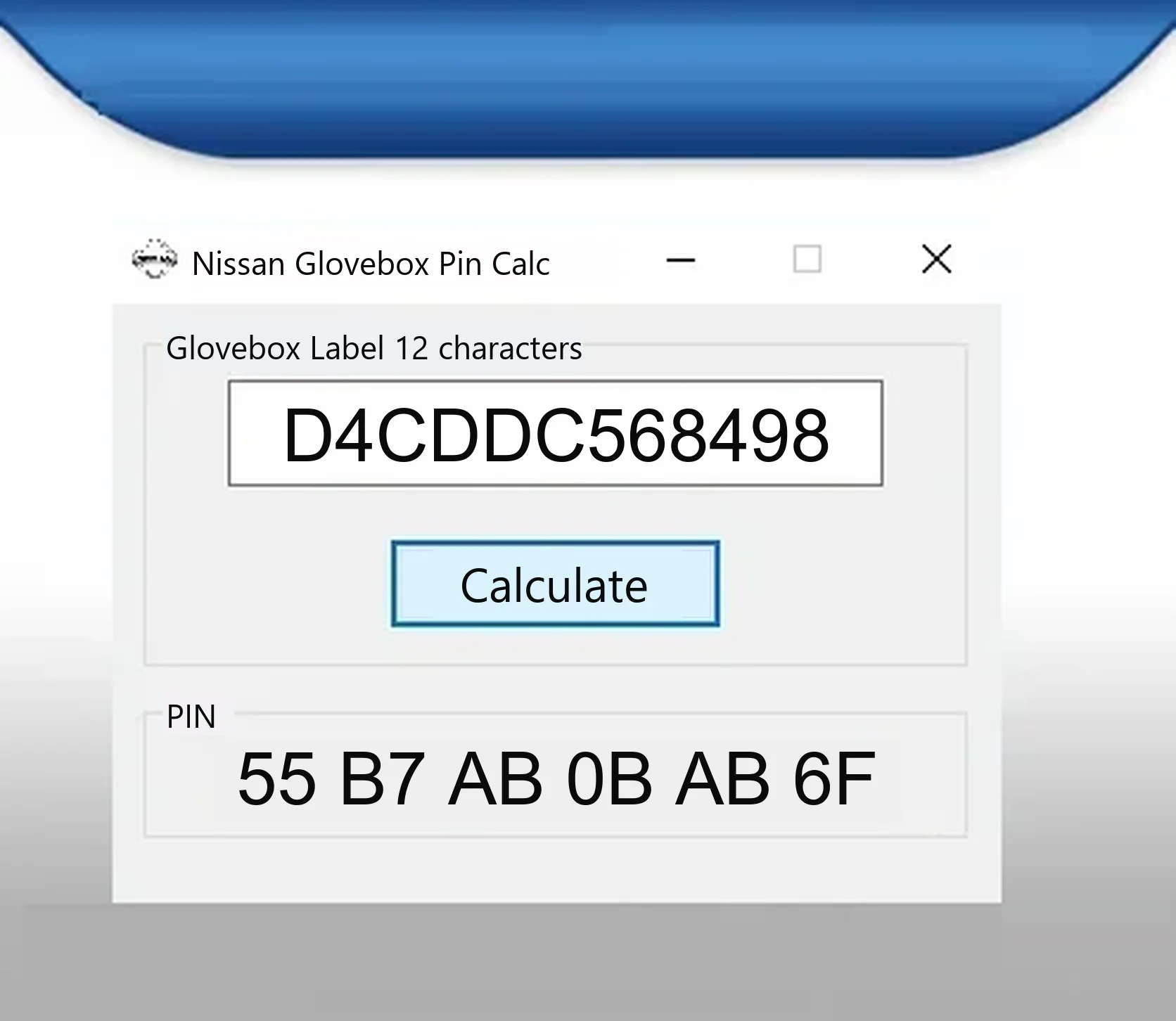
Supported vehicles, ECUs and files
Nissan security systems use several input schemes, including older ICU/SEC labels, glove-box identifiers, BCM pre-PIN codes and later server or AES procedures. This calculator handles the 12-character glove-box label shown in its interface and displays a result in six-byte hexadecimal-style format. The expected input and output must agree with the service tool and procedure for the vehicle generation.
- Nissan and Infiniti applications. Support applies where the documented immobilizer procedure explicitly uses this glove-box label algorithm.
- Label-based calculation. The input comes from an existing label on a vehicle the technician is authorized to service.
- Separate vehicle operations. BCM reading, OBD communication, key registration and online security-server access require the appropriate external tools and procedures.
Functions
- Enter the complete identifier. Copy all 12 characters exactly as printed so the input can be checked against the label.
- Calculate the corresponding result. The application displays the output for use in a compatible service workflow.
- Work offline. The local calculation runs without an internet connection or a connected vehicle interface.
- Review before registration. Check transcription and the required output format before transferring the result to the diagnostic tool.
System and hardware requirements
- Windows workstation. Use a PC with a compatible .NET Framework environment for the managed Windows Forms application.
- Verified label and authorization. Physical access to the correct glove-box label is required, together with authorization for immobilizer service.
- Registration equipment. Use a separate Nissan-capable diagnostic or key-programming interface for the actual vehicle procedure.
- Programming preparation. Maintain stable battery power and have all keys required by the applicable procedure available.
Recommended workflow
- Capture and transcribe the label. Photograph it and enter all 12 characters, retaining zeros and letter case as shown.
- Repeat the calculation. Calculate twice and check that the output matches the format expected by the selected service tool.
- Use the documented procedure. Apply the result only within the immobilizer workflow specified for that vehicle generation.
- Resolve any mismatch first. If label length, format or the diagnostic prompt differs, identify the correct PIN scheme before continuing.
Package contents
The documented archive contains one unsigned portable .NET executable. The required cable, diagnostic software and key programmer are obtained separately, and a vehicle coverage database is outside the package. Preparation consisted of static inspection without launching the executable.
Important limits
The supported label scheme excludes 5-digit BCM codes and 20-digit pre-PIN/AES systems. Confirm the procedure for the actual vehicle instead of assuming coverage from the Nissan name alone.
Repeated incorrect security entries can lock a diagnostic session. Verify the algorithm, input transcription and expected result format before entering the calculated value into the service tool.
Technical Compatibility
Operating Systems
System Requirements
- Windows PC with a compatible .NET Framework environment.
- Physical access to the supported 12-character glove-box label and service authorization.
- Separate Nissan-capable diagnostic or key-programming interface.
- Stable battery supply and all keys required by the registration procedure.
Screenshots
Related Software

Windows calibration-file utility with manufacturer and ECU selection menus for EGR, flap, Hotstart, DTC and related service functions.
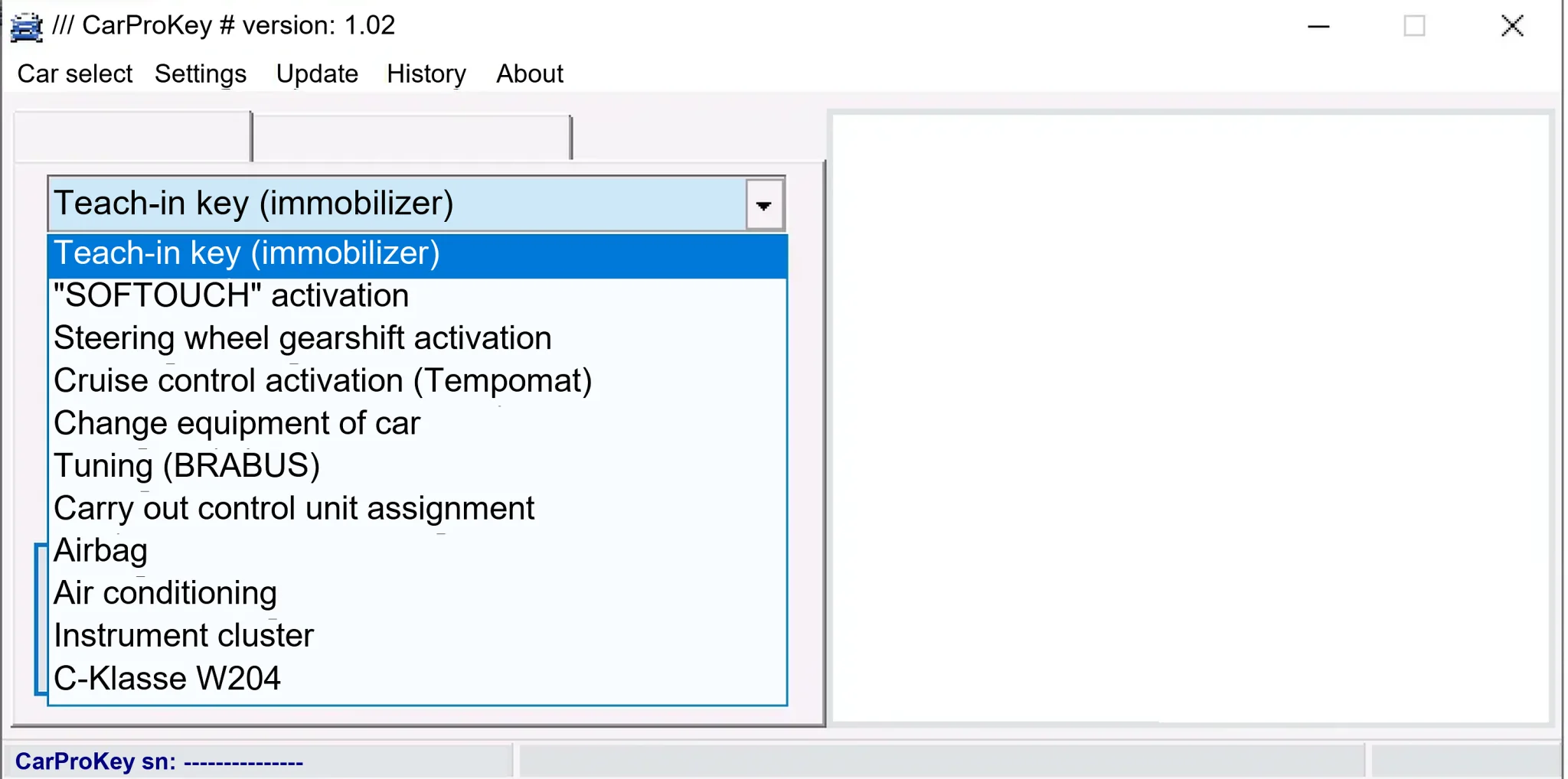
Windows service helper for selected Mercedes, Smart and Nissan Infiniti workflows, including authorized key teach-in, option coding and control-unit assignment.
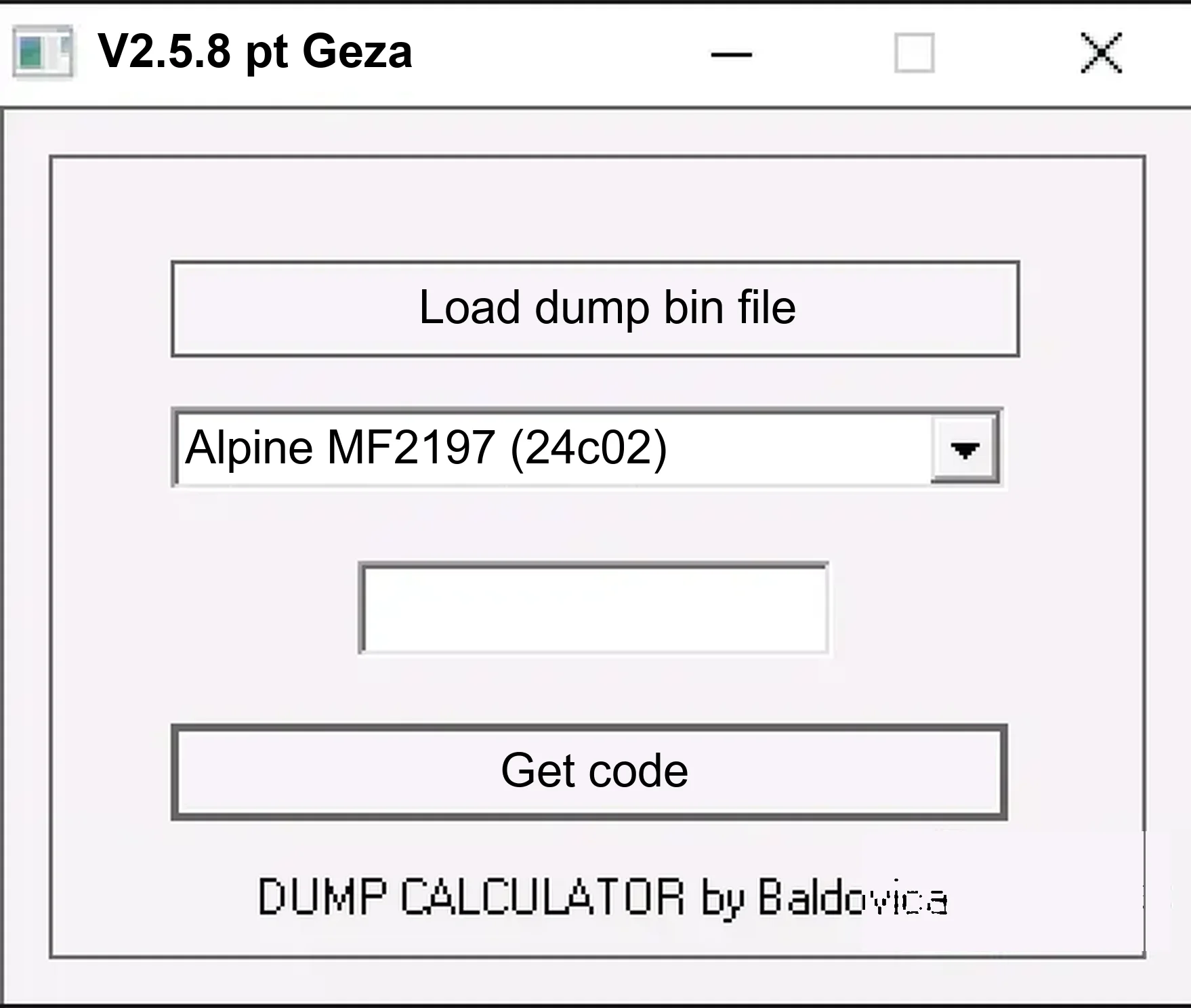
Windows EEPROM BIN dump calculators for supported car-audio head units, including V2.5.8 pt Geza presets and the V2.8.3 calculator build.

Windows workshop utility for calculating PIN and key-related service data from supported ECU, dashboard and body-module dumps, with a searchable coverage database.

Windows EEPROM and flash-dump toolkit for supported IMMO PIN, IMMO OFF, virgin, radio PIN, MEDC17 checksum and special repair workflows, including BMW EDC15 ISN in 1.0.4.
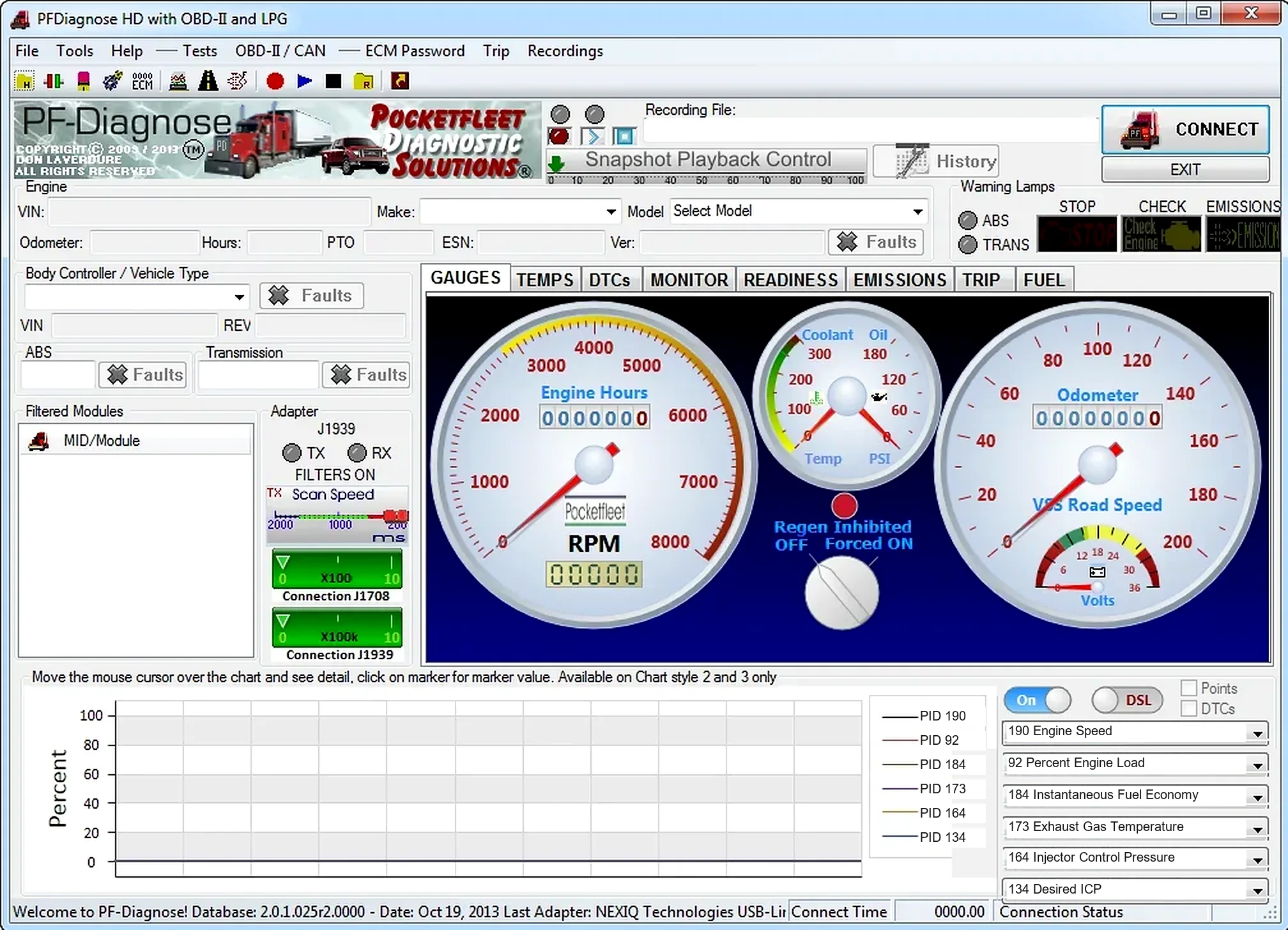
Windows heavy-duty and light-duty diagnostics through compatible RP1210/J2534 interfaces, with DTCs, live data, gauges, emissions monitors, trip information and session recording.