
SOFTWARE DATABASE / RELEASE RECORD
VERSION 1.02CarProKey Service Utility for Mercedes Smart Option Coding 1.02
Windows service helper for selected Mercedes, Smart and Nissan Infiniti workflows, including authorized key teach-in, option coding and control-unit assignment.
Categories
Vehicle references
Overview
CarProKey is a Windows desktop utility that supports selected Mercedes, Smart and Nissan Infiniti service workflows in workshop settings. Its interface organizes guided tasks such as authorized key teach-in, retrofit option enablement and control-unit assignment according to the supported vehicle families and module identifiers.
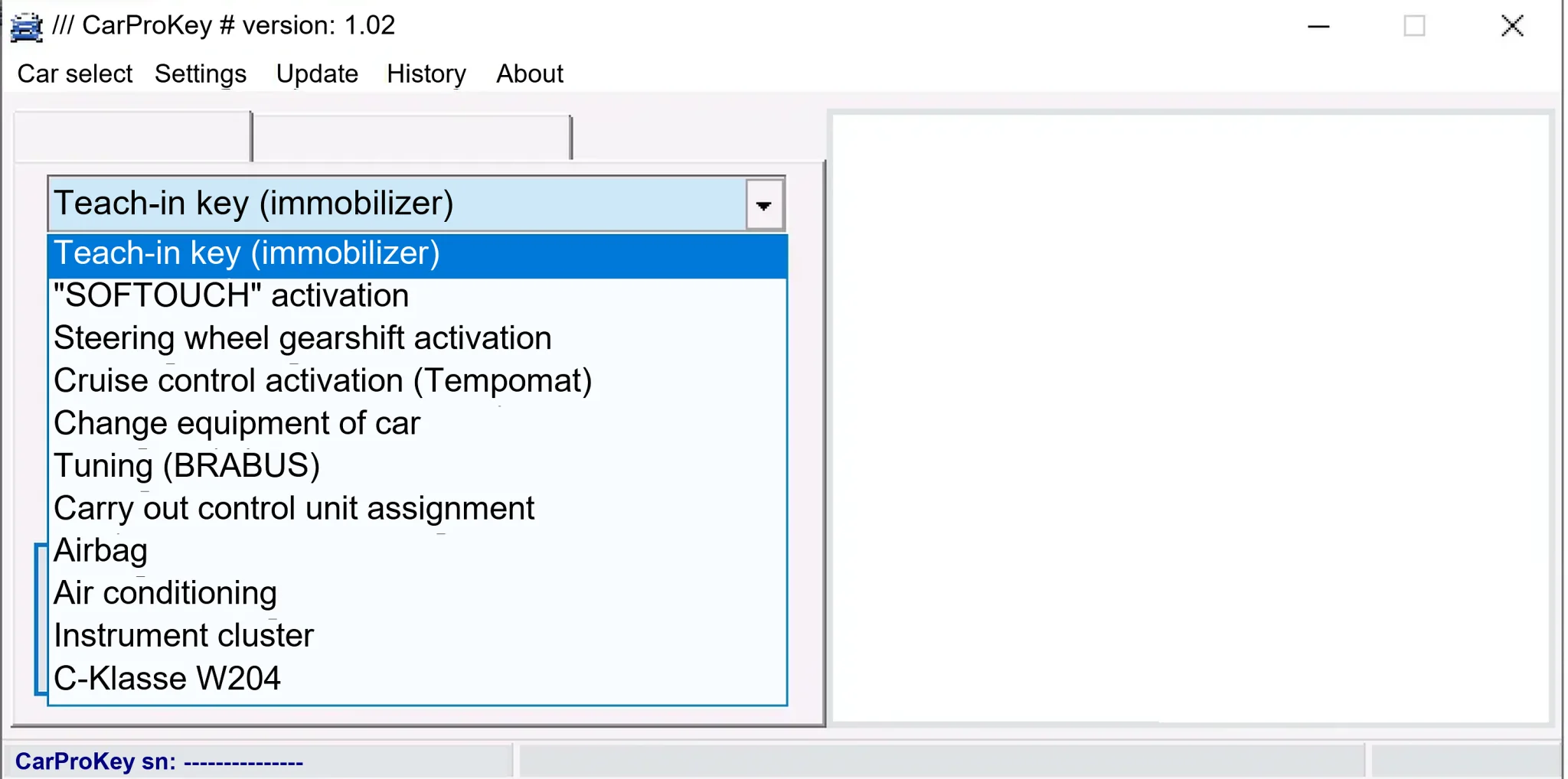
This build generally serves as a companion to OEM diagnostic workflows. It gives technicians a quick way to review available functions, prepare service inputs or check configuration variants before proceeding with official tools and prescribed service procedures.
Highlights
- Supports authorized key teach-in as part of immobilizer-related service procedures on compatible Mercedes and Smart vehicles.
- Provides factory-option workflows for functions such as Softouch mode, steering-wheel gearshift and Tempomat when the required hardware is fitted.
- Offers a control-unit assignment helper for selected configuration tasks after module replacement.
- Supports vehicle-option variants and equipment changes, including Brabus-related profiles where applicable.
- Organizes module-specific sections for airbag, air conditioning and instrument-cluster work.
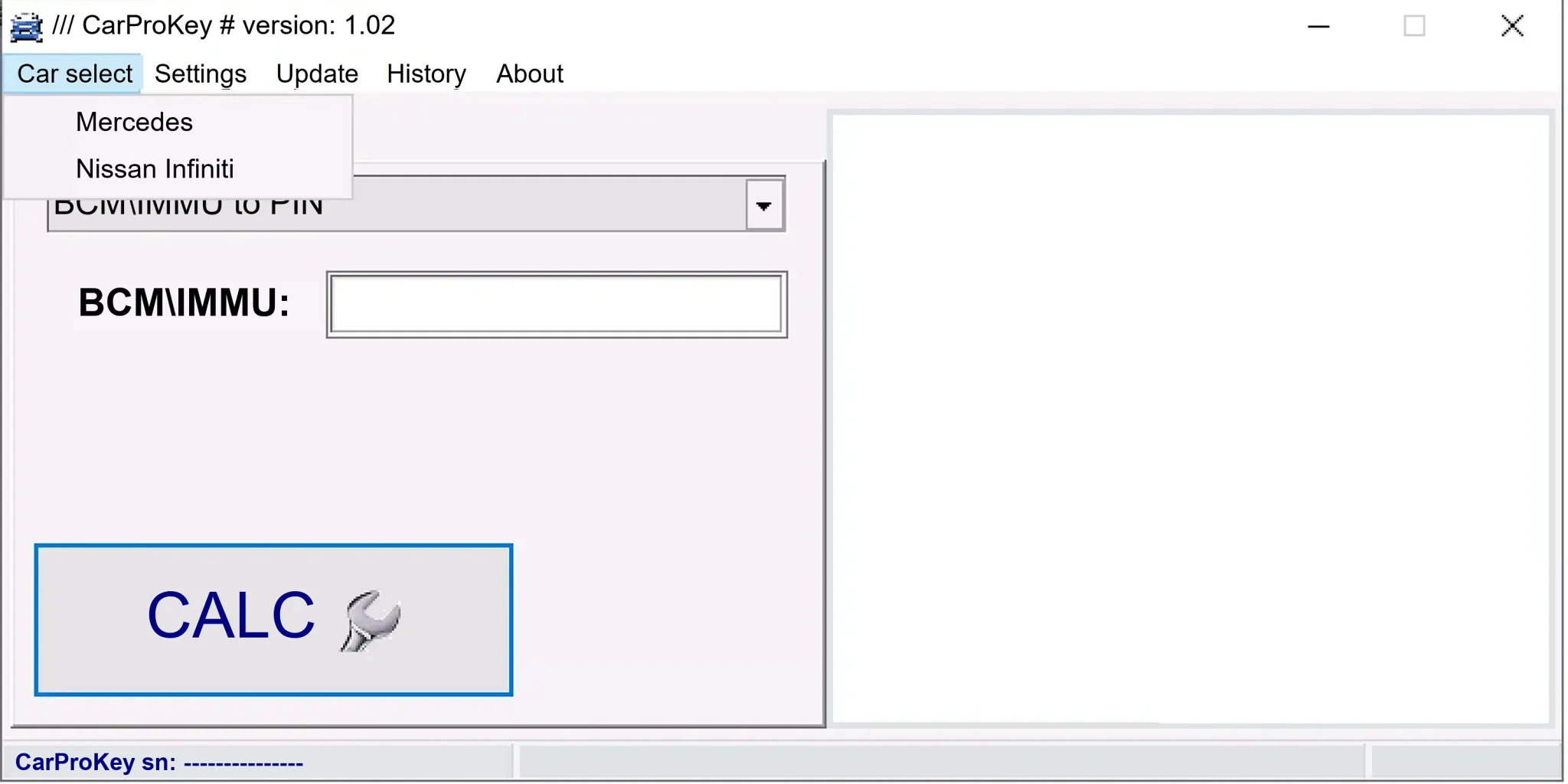
- Provides brand-selection shortcuts for the Mercedes, Smart and Nissan Infiniti families referenced by the application menu.
Package contents
CarProKey_setup.exe
Compatibility notes
Support depends on the vehicle family, module generation and the precise data and algorithms included in this build. Availability differs between vehicles and firmware versions.
The functions visible in the interface reference the following areas:
- Service workflows associated with the Mercedes-Benz C-Class W204.
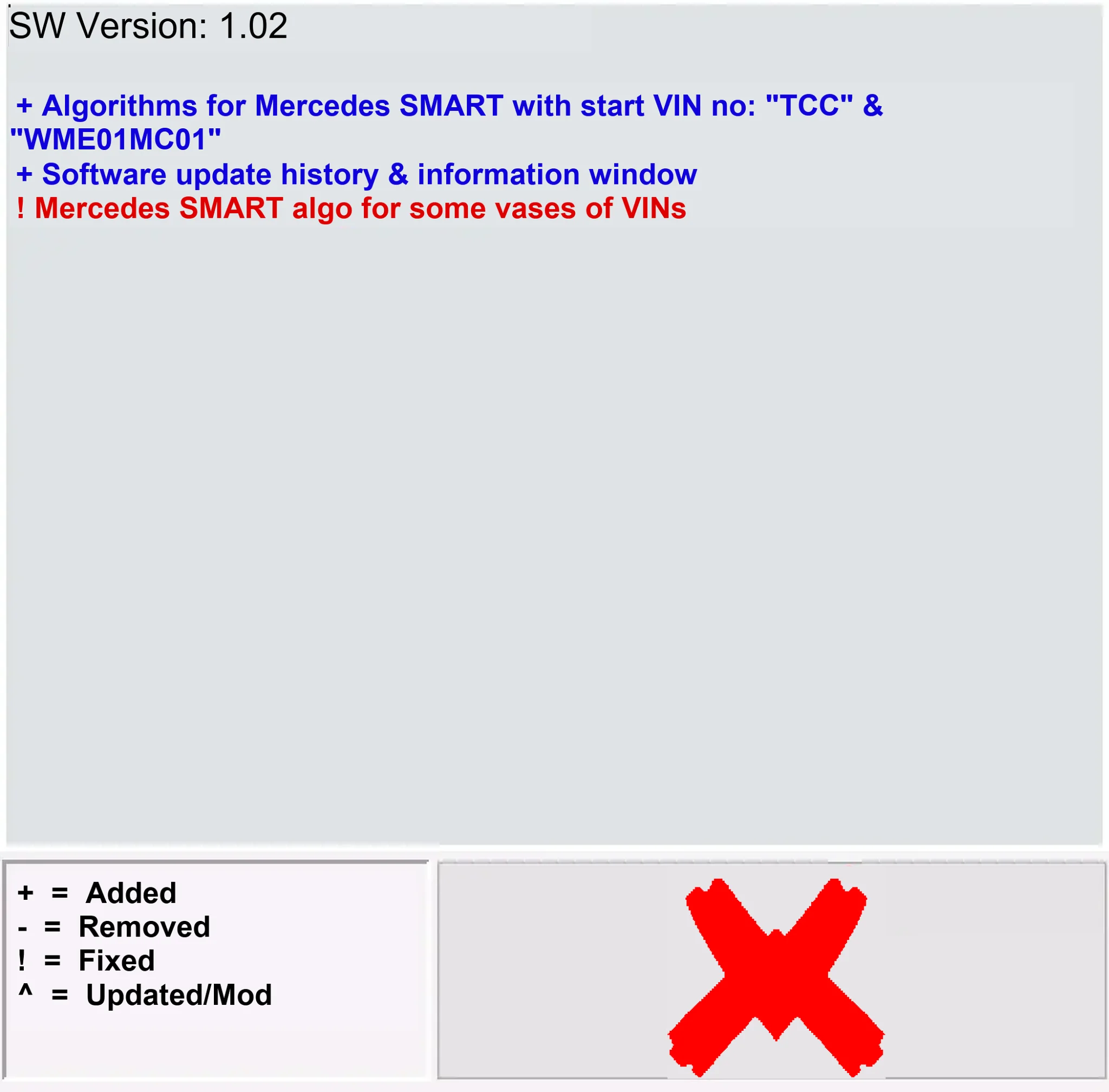
- Smart coverage references VIN prefixes including
TCCandWME01MC01in the version 1.02 change log. - Nissan Infiniti utilities organized around the BCM, IMMU, ICU and SEC module categories referenced in the menu.
Confirm compatibility using the vehicle VIN, control-unit part number and the official service information applicable to the market concerned.
Basic usage
- Install the application on a Windows PC with administrator privileges.
- Open the utility and choose the brand and vehicle family corresponding to the job card.
- Select the required service task and follow the official OEM procedure for its inputs and prerequisites.
- Record any generated service references or confirmations in the job documentation.
- Complete the work only with valid authorization, verified ownership and approved workshop processes.
Operating systems
CarProKey 1.02 is a Windows application, commonly installed as a 32-bit desktop program under Program Files (x86).
Minimum system requirements
- CPU: x86 or x64 processor running at 1 GHz or faster.
- RAM: At least 2 GB; 4 GB recommended.
- Storage: 200 MB for program files, plus additional space for logs and reports.
- Network: Not needed for basic operation; optional for accessing documentation.
- Admin rights: Required for installation.
Disclaimer
- Editorial reference only: The information is supplied for identification and educational purposes.
- No endorsement: Product names and trademarks remain the property of their respective owners.
- Licensing and authorization: Use requires valid vendor authorization and proof of ownership. No methods for bypassing security or licensing controls are provided.
- Safety: Incorrect configuration can cause faults or unsafe operation. Follow official service information and proceed at your own risk.
Technical Compatibility
Supported Modules
Operating Systems
System Requirements
- Windows desktop application, commonly installed as 32-bit under Program Files (x86)
- CPU: 1 GHz or faster x86 or x64 processor
- RAM: 2 GB minimum, 4 GB recommended
- Storage: 200 MB for program files, plus space for logs and reports
- Network: Not required for basic use; optional for documentation
- Administrator rights: Required for installation
Screenshots
Related Software

Windows workshop utility for calculating PIN and key-related service data from supported ECU, dashboard and body-module dumps, with a searchable coverage database.
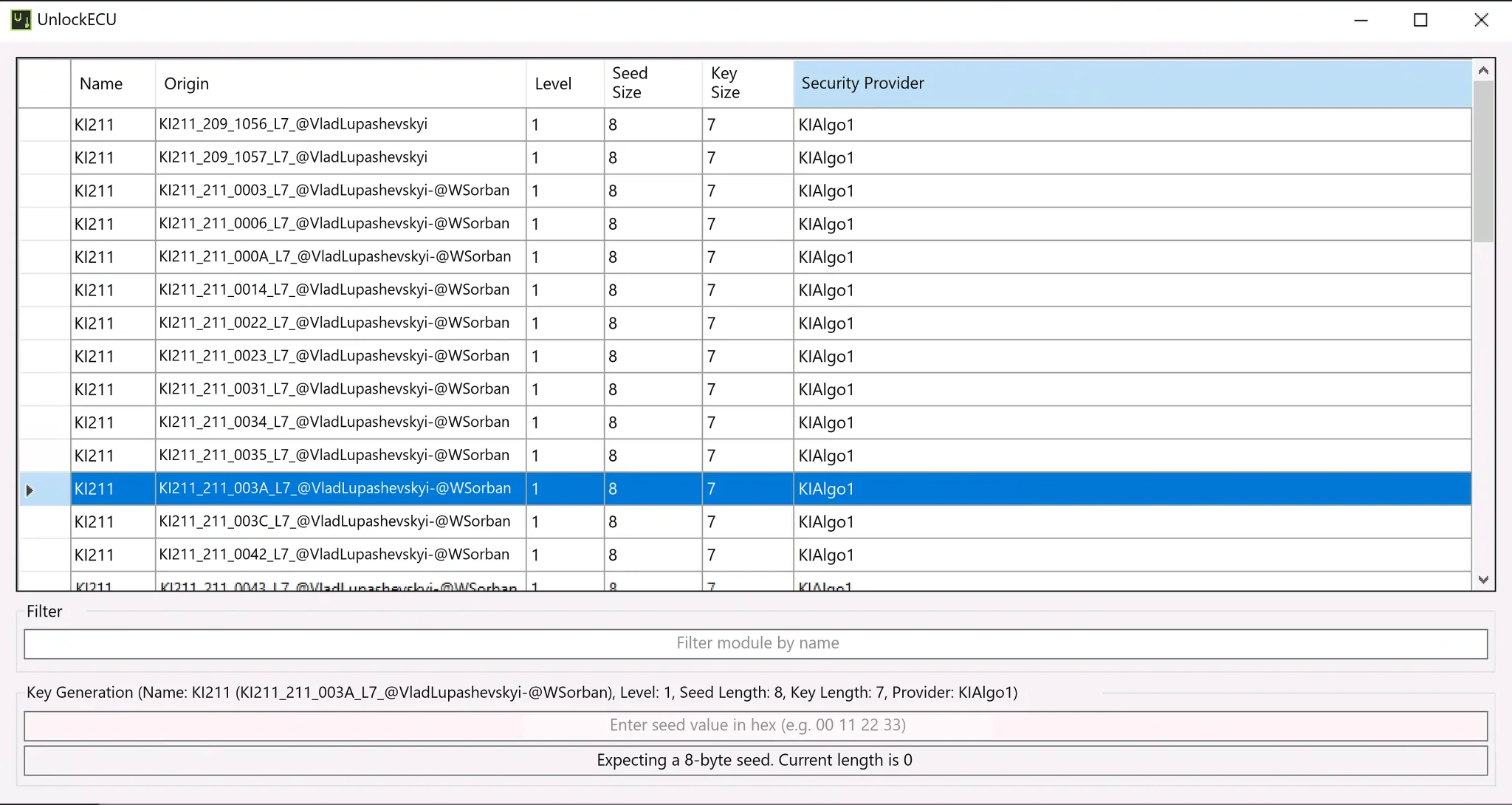
KI211 Security Level 1 seed/key calculator resource for Mercedes-Benz W211/W219 instrument-cluster coding, with hexadecimal input and dedicated VND configurations.
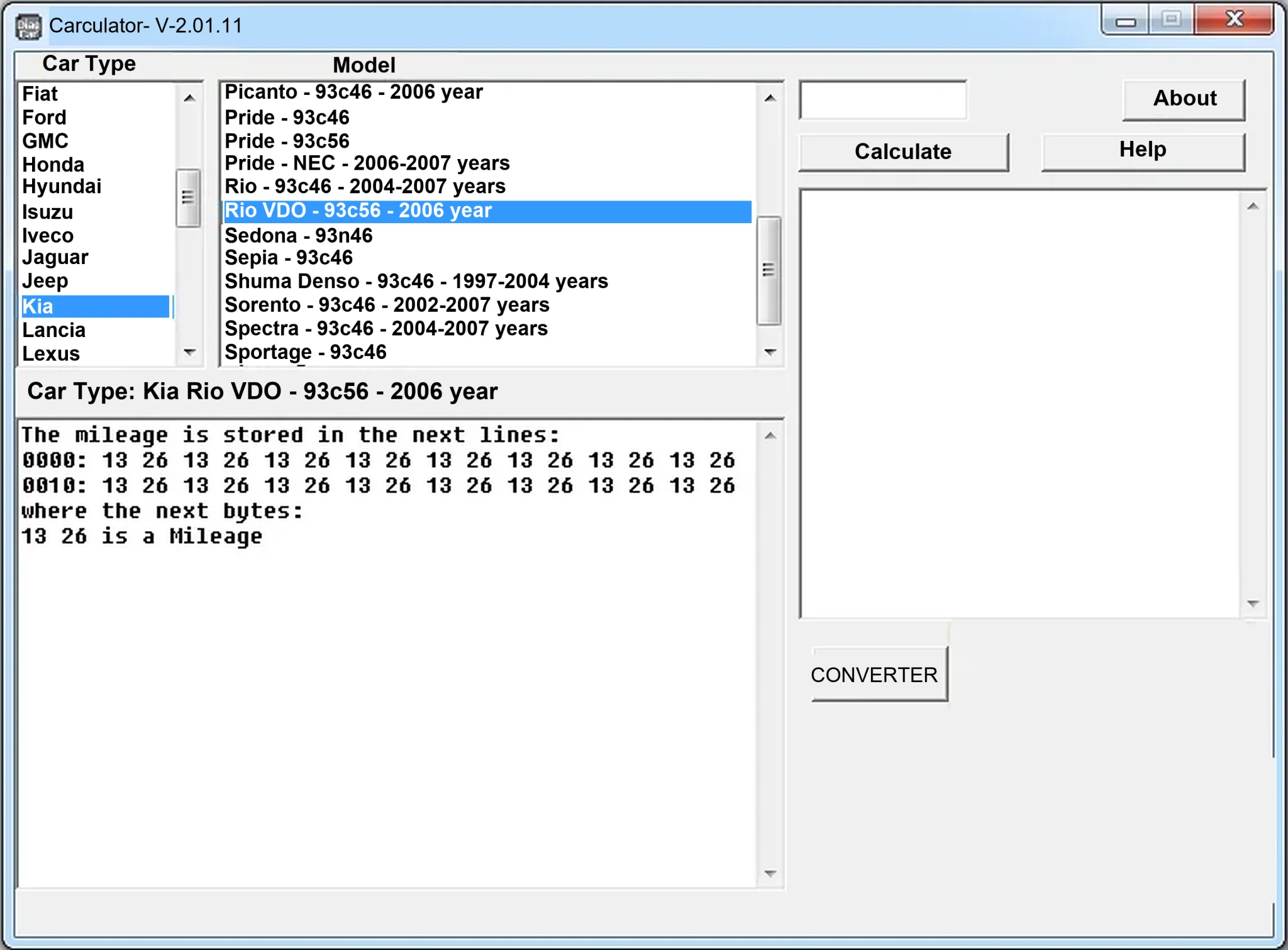
Offline Windows reference and calculation tool for supported dashboard, body-module and EEPROM/MCU mileage profiles, with memory information, byte locations and repair calculations.
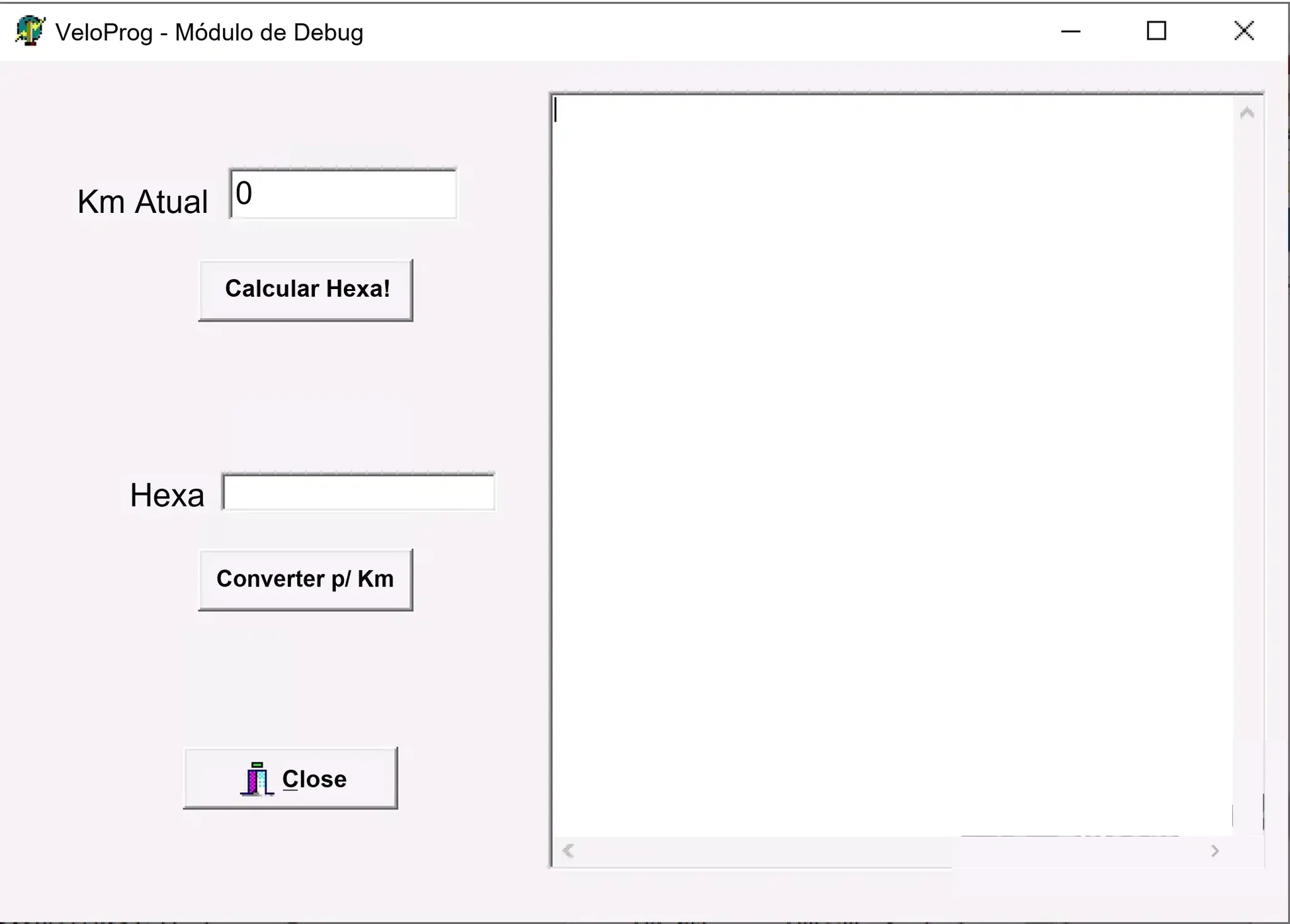
Lightweight Windows KM-to-HEX and HEX-to-KM calculator for checking distance encoding in instrument-cluster and ECU EEPROM service data.

Collection of 1,350+ UPA-USB scripts for EEPROM and MCU work, covering odometer, IMMO, airbag reset, radio codes, PIN extraction and ECU virginization.
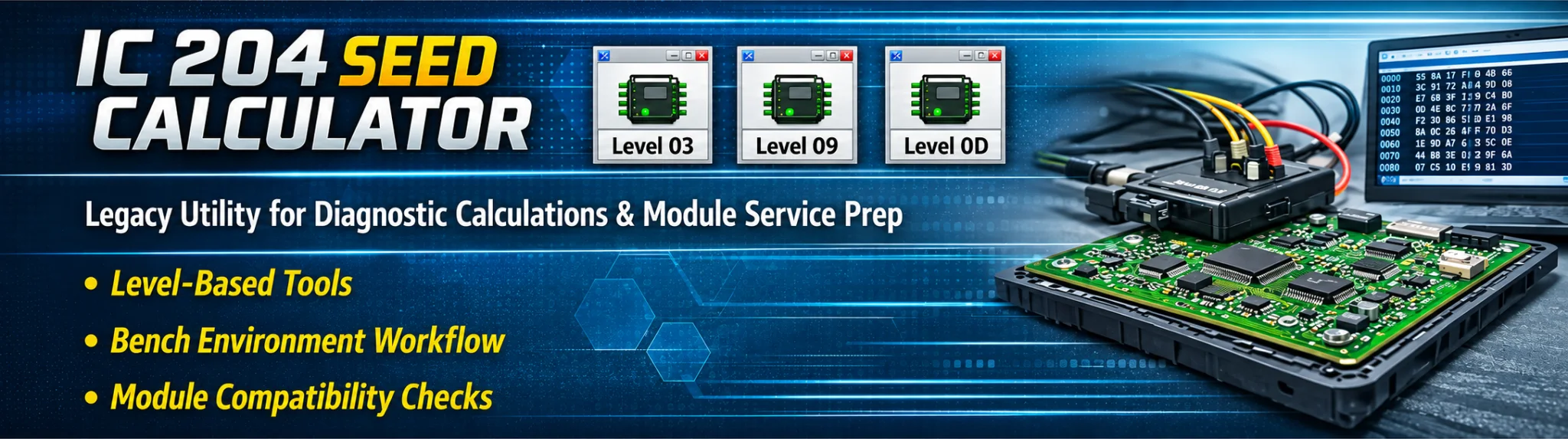
Legacy Windows utility bundle with separate IC_204 Level 03, Level 09 and Level 0D executables for diagnostic calculations and controlled module-service preparation.