
SOFTWARE DATABASE / RELEASE RECORD
VERSION 1.0Mercedes KI211 Seed Key Calculator - Cluster Security Access 1.0
KI211 Security Level 1 seed/key calculator resource for Mercedes-Benz W211/W219 instrument-cluster coding, with hexadecimal input and dedicated VND configurations.
Categories
Vehicle references
Overview
Description
Mercedes KI211 Seed Key Calculator provides an engineering seed/key calculation workflow for supported Mercedes-Benz KI211 instrument clusters. It calculates security-access responses from a module's seed so that technicians can authorize advanced coding procedures and make supported configuration changes through engineering diagnostic software such as Vediamo or DTS Monaco.
Highlights
- Direct seed-to-key calculation for KI211 modules.
- Support for Security Level 1 access algorithms.
- Hexadecimal seed input for prompt key generation.
- Dedicated
.vndfiles supplied for particular instrument-cluster configurations.
Supported Hardware
The documented engineering setup supports standard Mercedes-Benz interfaces, including SD Connect C4/C5, eCOM and J2534 Pass-Thru devices. These interfaces provide the module connection through the engineering diagnostic software used alongside the calculator.
Package contents
KI211-amg+speed.vndKI211-odo.vndSeedKeyCalcKI211.rar
Compatibility notes
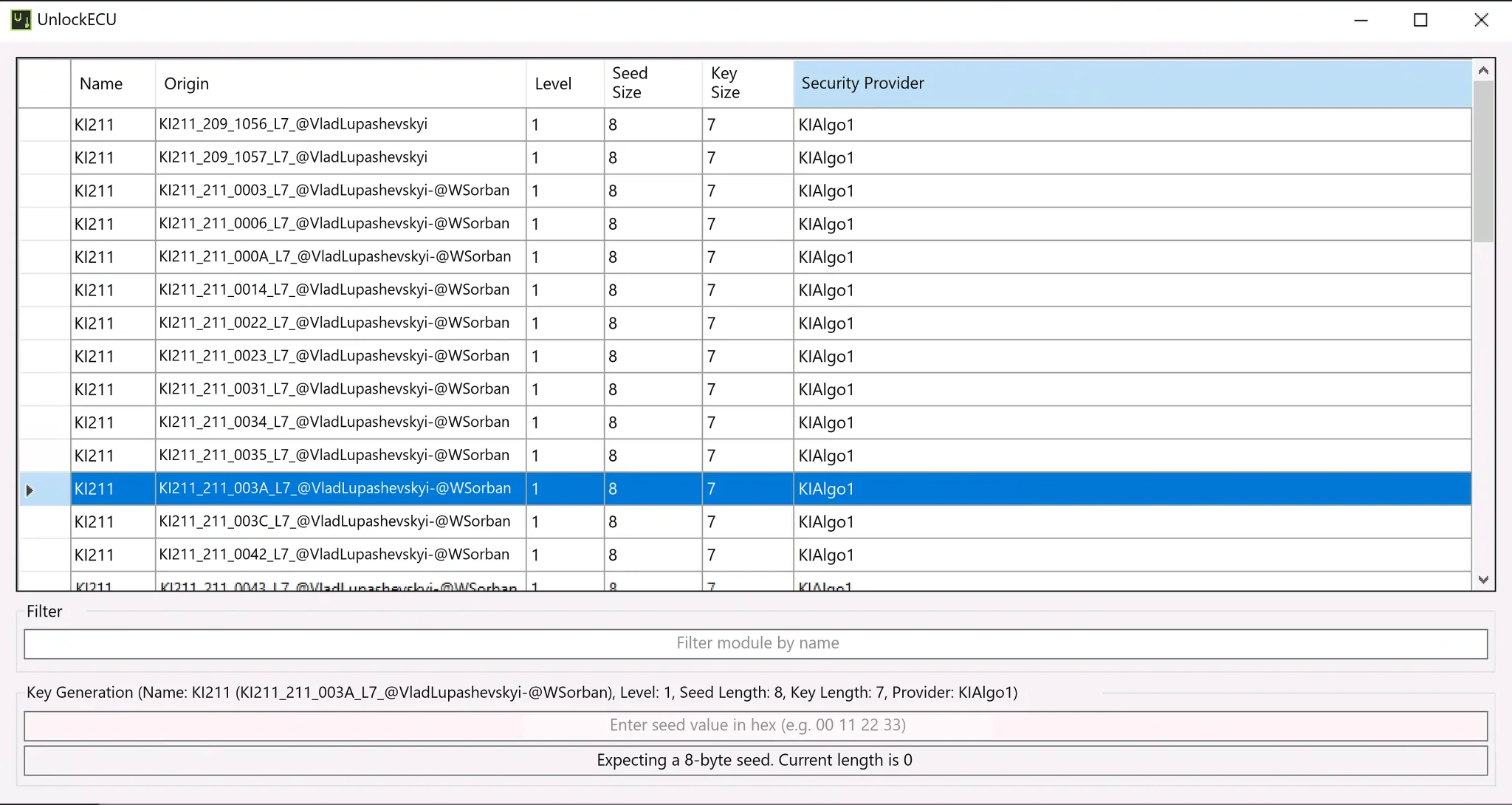
The intended targets are the W211 and W219 instrument clusters (Kombiinstrument). Whether a requested feature can be activated depends on the particular cluster's hardware revision and installed firmware. The supplied image shows the KI211 profile list within UnlockECU, including the selected profile's level and seed/key lengths.
Basic usage
- Connect to the instrument cluster using the appropriate engineering diagnostic software.
- Request the KI211 module's security-access seed.
- Enter the 8-byte hexadecimal seed in the calculator's Key Generation field.
- Copy the calculated 7-byte security key and return it to the module through the diagnostic session to authorize the coding functions.
- Use the supplied
.vndfiles for the required supported configuration changes.
Operating systems
Windows 10 and Windows 11. The calculator is documented for x86 and x64 architectures; select the appropriate application environment for the installed Windows system.
Minimum system requirements
- CPU: Intel Core i3 or an equivalent processor at 2.0 GHz.
- RAM: 4 GB.
- Storage: 100 MB of available space.
- Network: offline calculator operation is supported.
- Admin rights: required for running the software, according to the documentation.
Site-wide Disclaimer & Legal Notice
This article is intended for educational and reference use and does not host software or package files. Referenced files are described through public third-party storage listings; no license keys, protection-bypass patches or bypass methods are supplied here. You remain responsible for legal compliance, vehicle safety and any damage to your equipment. Proceed at your own risk.
Technical Compatibility
Supported Modules
Operating Systems
System Requirements
- Windows 10 or Windows 11; calculator documented for x86/x64 environments
- Intel Core i3 or equivalent CPU at 2.0 GHz
- 4 GB RAM
- 100 MB available storage
- Offline calculator operation supported
- Administrator rights documented for software execution
- Compatible engineering diagnostic software and SD Connect C4/C5, eCOM or J2534 Pass-Thru setup for module communication
Screenshots
Related Software
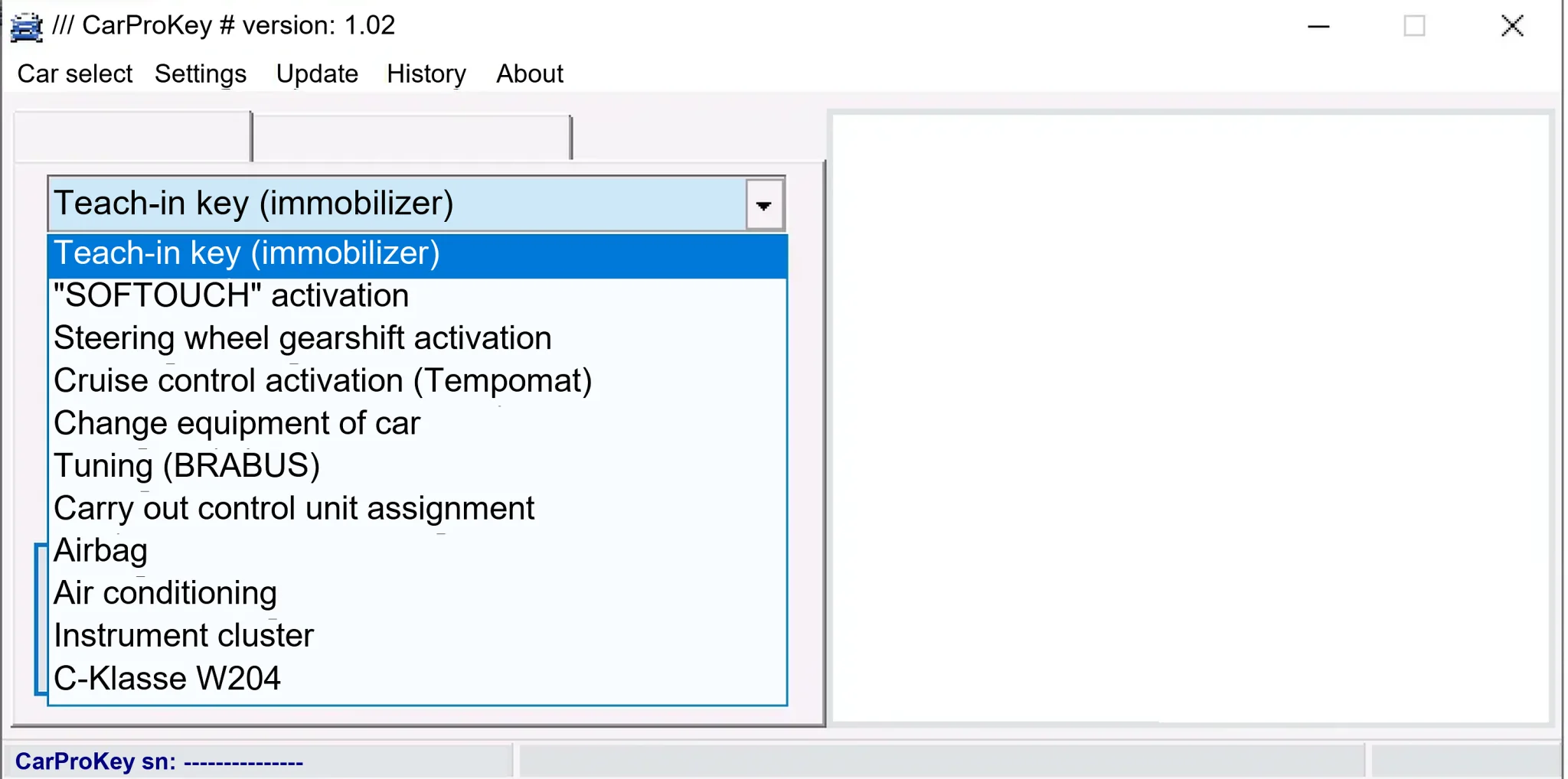
Windows service helper for selected Mercedes, Smart and Nissan Infiniti workflows, including authorized key teach-in, option coding and control-unit assignment.

Windows workshop utility for calculating PIN and key-related service data from supported ECU, dashboard and body-module dumps, with a searchable coverage database.
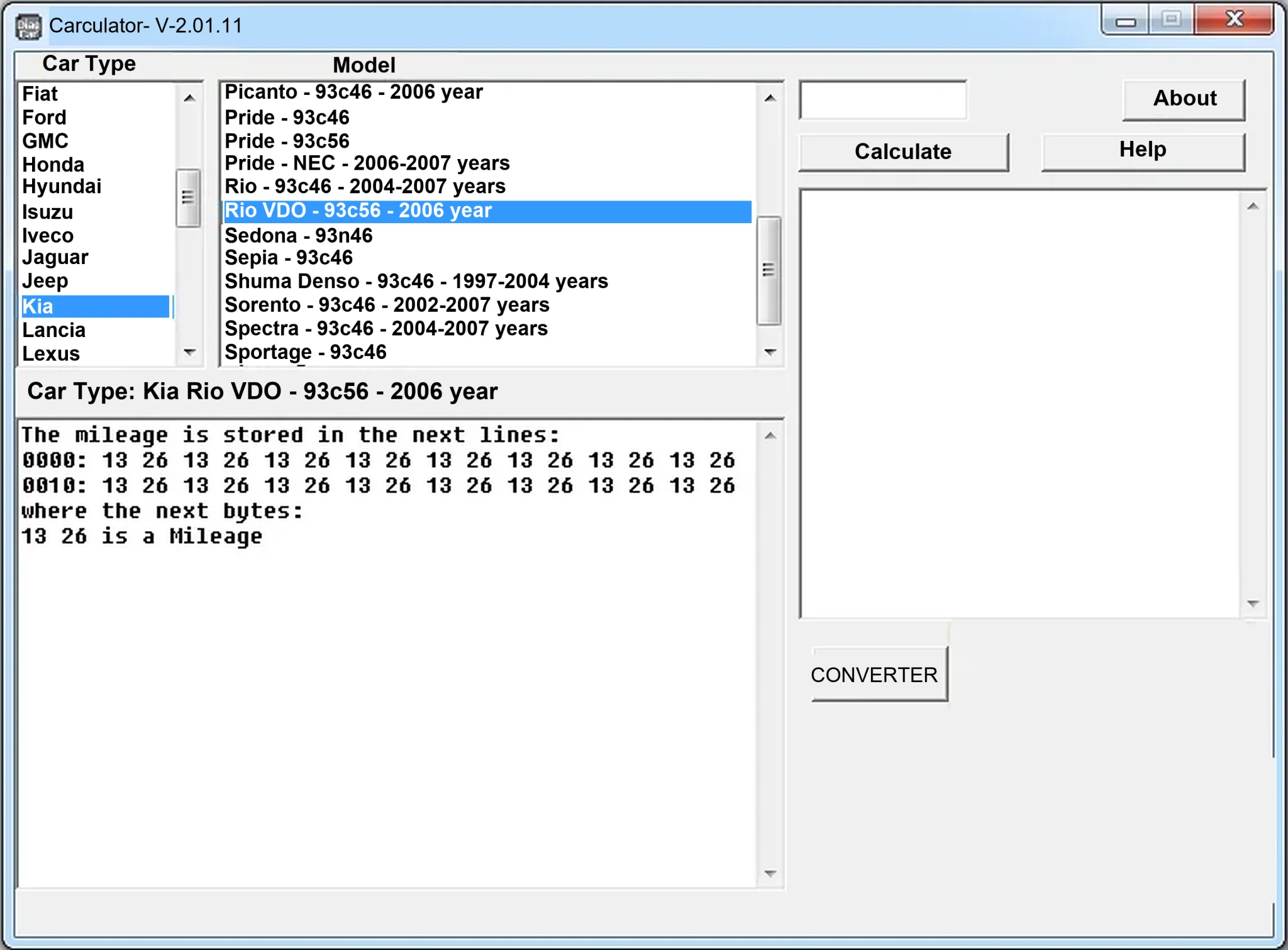
Offline Windows reference and calculation tool for supported dashboard, body-module and EEPROM/MCU mileage profiles, with memory information, byte locations and repair calculations.
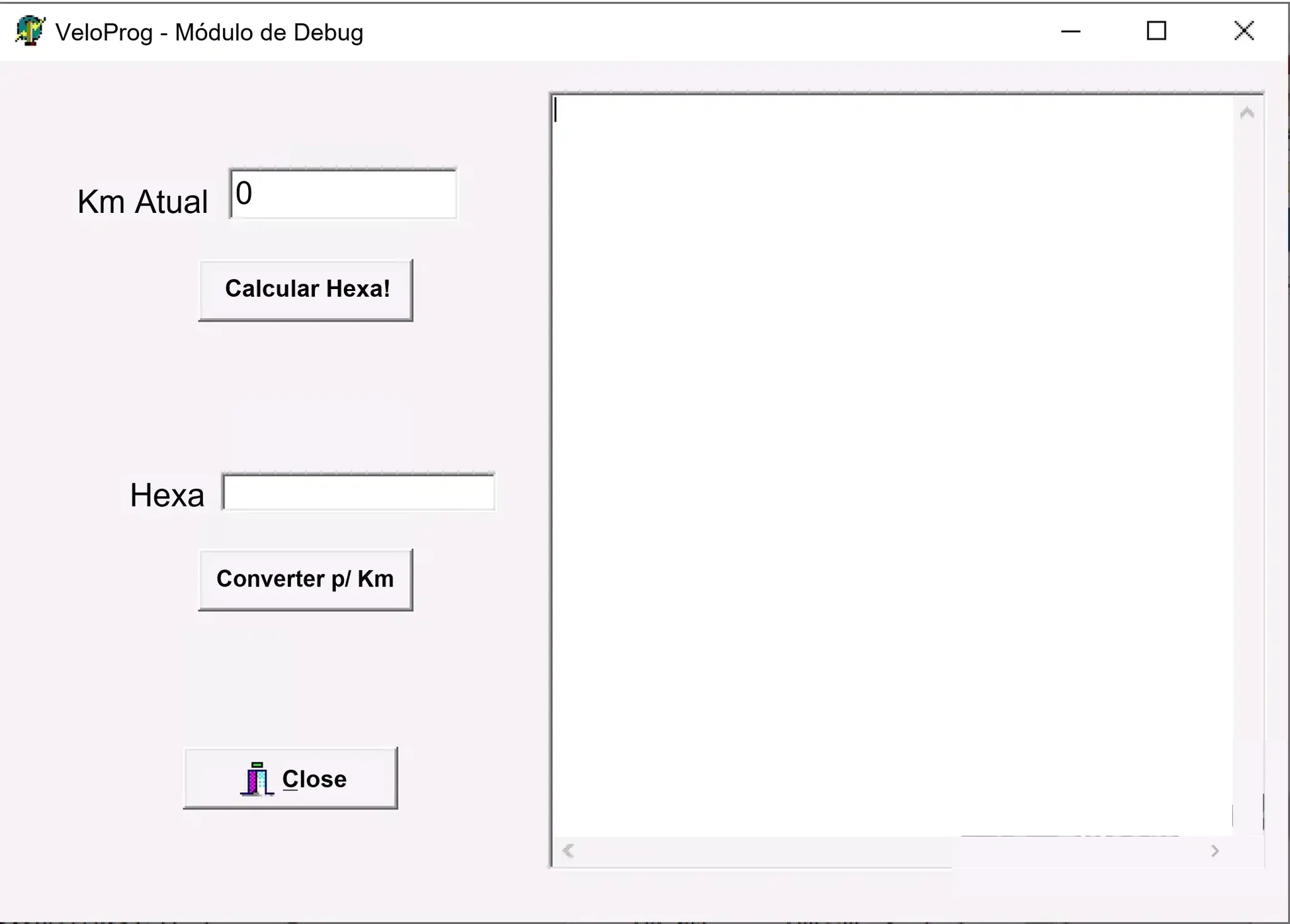
Lightweight Windows KM-to-HEX and HEX-to-KM calculator for checking distance encoding in instrument-cluster and ECU EEPROM service data.

Collection of 1,350+ UPA-USB scripts for EEPROM and MCU work, covering odometer, IMMO, airbag reset, radio codes, PIN extraction and ECU virginization.
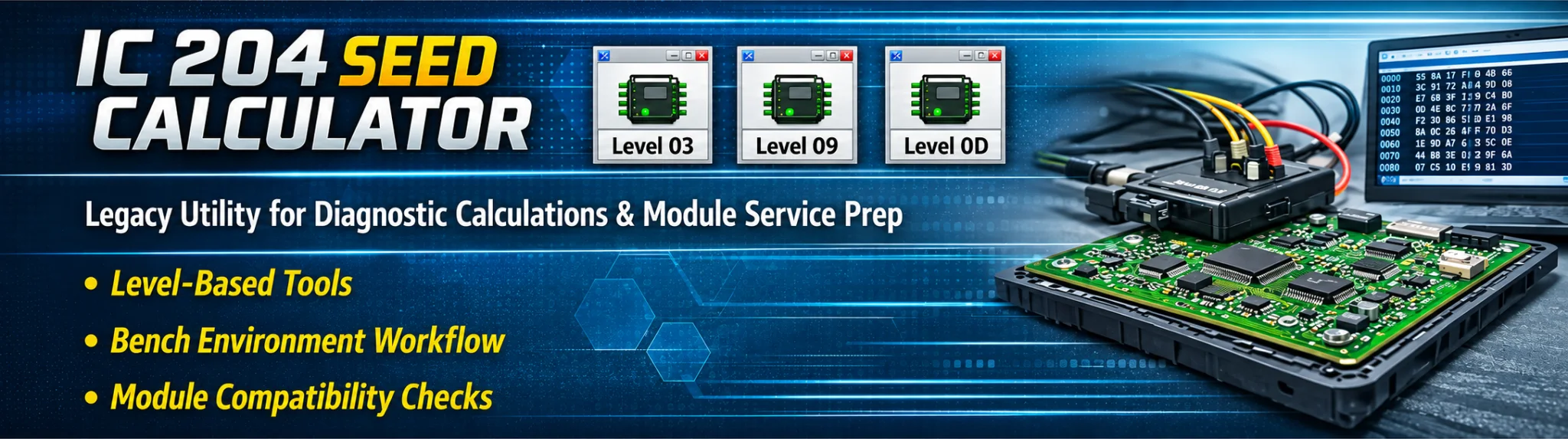
Legacy Windows utility bundle with separate IC_204 Level 03, Level 09 and Level 0D executables for diagnostic calculations and controlled module-service preparation.