
SOFTWARE DATABASE / RELEASE RECORD
VERSION 1.0KMProg KM↔HEX Converter for Odometer and Cluster EEPROM Data 1.0
Lightweight Windows KM-to-HEX and HEX-to-KM calculator for checking distance encoding in instrument-cluster and ECU EEPROM service data.
Categories
Overview
KMProg is a compact Windows utility for converting kilometres to hexadecimal values in automotive electronics work. Technicians use it to examine or validate the way mileage and distance are represented in instrument-cluster or ECU EEPROM data during lawful repair, replacement and documentation tasks.
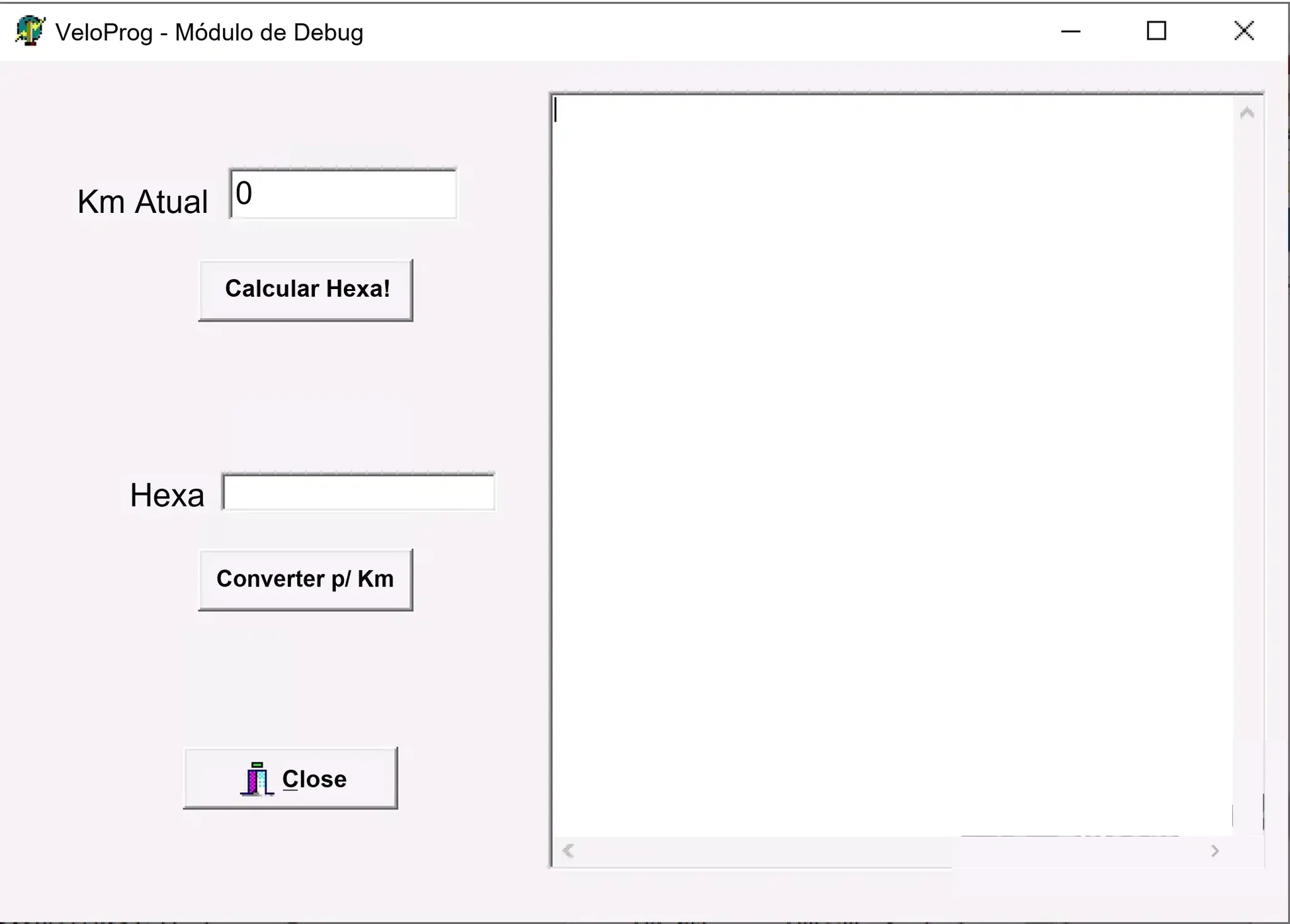
The interface concentrates on two straightforward operations: enter a kilometre value to calculate its hexadecimal representation, or supply a hexadecimal value to convert it back to kilometres for checking and reporting.
Highlights
- Converts kilometre values into hexadecimal representations of encoded mileage.
- Converts HEX values back to KM for quick verification.
- Provides a minimal, lightweight interface for fast manual entry.
- Works as a supporting calculator alongside EEPROM readers and diagnostic workflows.
- Includes a status-log panel for viewing basic output.
Package contents
KMPROG.EXE
Compatibility notes
- The application performs conversions only. Applicability to a vehicle depends on the target module and its particular EEPROM layout.
- Encoding differs between brands, instrument-cluster generations and firmware versions. Verify the results against known-good data.
- When an output is unexpected, check the byte order, scaling and required data format for the module concerned.
Basic usage
- Start KMProg and enter the kilometre value in the KM field.
- Use the calculation button to obtain a HEX value for documentation or comparison.
- Enter a HEX value and select the reverse-conversion function to display the corresponding kilometre value.
- Compare the results with service records and known reference files before making decisions within the repair workflow.
Operating systems
- Windows PC environments capable of running a standard EXE utility.
Minimum system requirements
- CPU: Any modern dual-core processor or better.
- RAM: At least 2 GB.
- Storage: 50 MB of free space.
- Network: Not needed.
- Admin rights: Not needed for conversion; related driver tools may require administrator access.
Disclaimer
- Editorial reference: Descriptions, screenshots and filenames are supplied for identification and reference.
- No endorsement or affiliation: Product names and trademarks remain the property of their respective owners.
- Licensing and laws: Follow applicable legislation and vendor terms. No methods for bypassing protections or enabling unlawful vehicle modifications are provided.
- Safety and compliance: Qualified personnel should handle odometer and control-module data exclusively for lawful repair and documentation. Always preserve backups and verify data integrity.
Technical Compatibility
Supported Modules
Operating Systems
System Requirements
- Windows PC capable of running a standard EXE utility
- CPU: Any modern dual-core processor or better
- RAM: 2 GB minimum
- Storage: 50 MB free
- Network: Not required
- Administrator rights: Not required for conversion; related driver tools may require administrator access
Screenshots
Related Software

Windows calibration-file utility with manufacturer and ECU selection menus for EGR, flap, Hotstart, DTC and related service functions.

Volvo VIDA 2015A workshop environment for vehicle identification, guided fault tracing, wiring diagrams, service documentation and parts reference.
Detroit Diesel Diagnostic Link (DDDL) Full Suite 6.5 / 8.19 / DRS 6.31
v6.5 / 8.19 / DRS 6.31Detroit Diesel and Mercedes-Benz MBE workshop suite combining DDDL legacy and modern diagnostics, DRS reprogramming, live data, service tests and parameter functions.
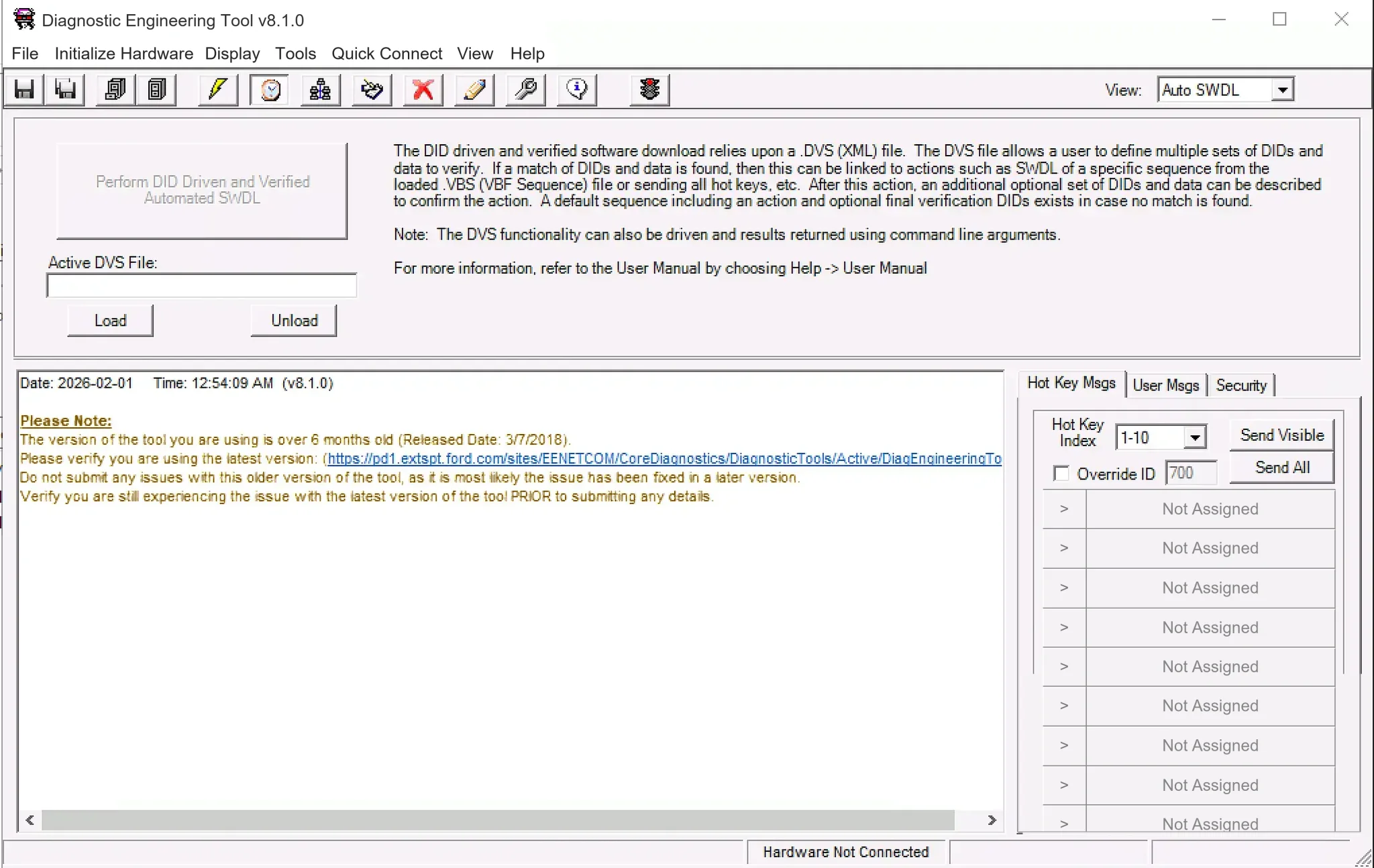
Ford ISO 14229 UDS engineering diagnostics with raw requests, DIDs, ECU configuration, software download sequences and module-focused service routines.
CAN SmartCraft diagnostics and delivery configuration for supported Mercury Marine and MerCruiser systems, with module identification, eBOM selection, fault review and supported service tests.
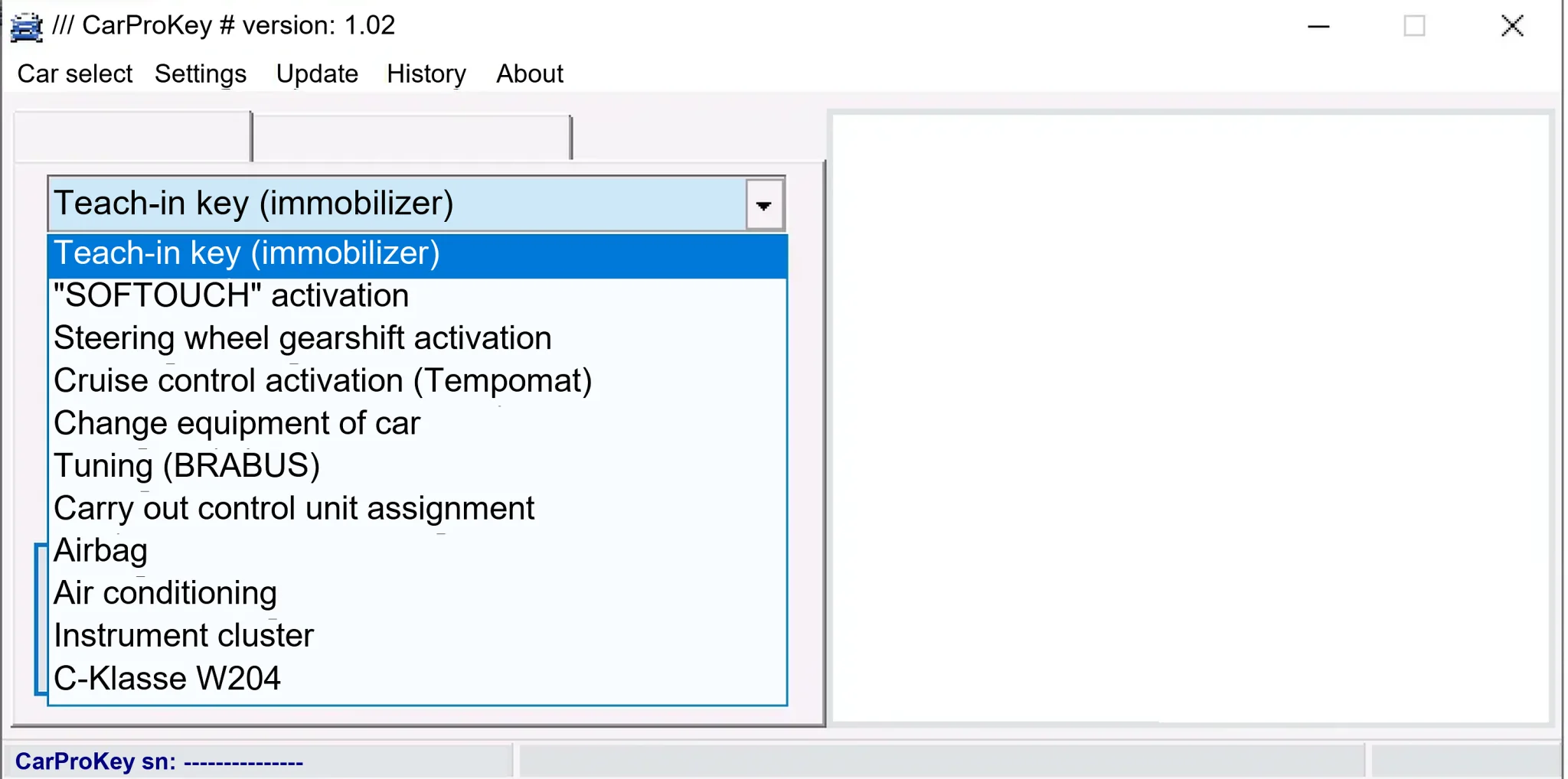
Windows service helper for selected Mercedes, Smart and Nissan Infiniti workflows, including authorized key teach-in, option coding and control-unit assignment.