
SOFTWARE DATABASE / RELEASE RECORD
VERSION 2015AVolvo VIDA Vehicle Diagnostics and Service Information Suite 2015A
Volvo VIDA 2015A workshop environment for vehicle identification, guided fault tracing, wiring diagrams, service documentation and parts reference.
Categories
Vehicle references
Overview
Volvo VIDA 2015A is an aftersales vehicle-information and diagnostic environment used by workshops for troubleshooting, service documentation and parts reference. It brings vehicle identification, guided fault tracing and organized repair information into one workspace, helping technicians document incoming jobs consistently and follow repeatable service procedures.

VIDA is commonly paired with a compatible Volvo communication interface to retrieve vehicle data, consult wiring information and component locations, and maintain clear job records. Vehicle model year, market configuration and access permissions determine the coverage and functions available in a particular session.
Highlights
- Vehicle profiles and system overviews help maintain accurate workshop job documentation.
- DTC reading and fault-tracing workflows provide structured diagnostic context.
- Wiring diagrams and connector information support electrical fault investigation.
- Component-location information and service instructions assist with repair planning.
- A parts-catalog-style reference helps identify components during service work.
- Separate application, database and installer folders provide an organized workshop-oriented layout.
Package contents
3PP(folder)Application(folder)DB(folder)eswdl(folder)Install(folder)VDash(folder)Autorun.infinstall.rootInstruction.txt- An additional folder contains deployment components; its name is not specified in the package description.
Compatibility notes
- Coverage generally concerns Volvo platforms available up to the software's release period. Availability still depends on the vehicle and firmware.
- Depending on the market and function, authorized access, valid user credentials or licensed feature activation may be necessary.
- The communication interface and installed drivers determine hardware support and the functions available.
- For stable operation, use a dedicated workshop PC and avoid changing the database or application paths after installation.
Basic usage
- Extract or mount the installation media on a local drive with enough free space.
- Start the installer from the
Installfolder and use the suppliedInstruction.txtto configure the environment. - Install the prerequisites, restart the PC if requested, and open VIDA using its installed shortcut.
- Install the interface drivers before connecting the vehicle communication hardware, then identify the vehicle and begin the diagnostic session.
- Store reports and notes in a job-specific folder so the work remains traceable and available for later reference.
Operating systems
- Windows 7 x64 is a commonly used environment for this generation of VIDA.
- Windows 8.1 or Windows 10 x64 may operate in some setups; compatibility settings and additional prerequisites may be required.
Minimum system requirements
- CPU: Intel Core i3 class or better.
- RAM: 8 GB is recommended.
- Storage: 60 GB of free space is recommended for the database and working files.
- Network: Optional for general use; required for vendor services and authorized online functions.
- Admin rights: Required for installation and prerequisites.
Disclaimer
Site-wide Disclaimer & Legal Notice
- Editorial index only: Descriptions, images, tags and documented hashes are provided for news, educational and reference purposes to help identify legitimate manufacturer resources. Third-party binaries are not modified, repackaged or monetized.
- No endorsement or affiliation: Product names, logos and trademarks belong to their respective owners. Their use identifies the products and does not imply sponsorship or affiliation.
- Licensing and EULAs: Users must comply with vendor license terms and local legislation. License keys, patches and protection-bypass methods are not supplied and should not be requested.
- Compliance and emissions: Diagnostic and calibration information is for lawful service and repair by qualified personnel. Do not disable safety or emissions systems where prohibited. Off-road and competition use must also comply with the relevant jurisdiction.
- Safety and warranty risk: Incorrect vehicle or ECU operations may damage equipment or affect warranties. Accept the risks involved, preserve original-file backups and test on non-production systems first.
- Security and integrity: Verify hashes, scan downloads and obtain installers from official sources. The availability, cleanliness and integrity of external files are not guaranteed, and responsibility for loss or damage resulting from their use is not assumed.
- Export and sanctions: Users are responsible for complying with applicable export-control, dual-use and sanctions regulations when accessing or using vendor software and data.
- Privacy: Do not upload or share dumps containing personal or proprietary information unless you have the legal right to do so.
Technical Compatibility
Supported Modules
Operating Systems
System Requirements
- Intel Core i3 class processor or better
- 8 GB RAM recommended
- 60 GB free storage recommended for the database and working files
- Network optional; required for vendor services and authorized online functions
- Administrator rights for installation and prerequisites
- Windows 7 x64 commonly used; Windows 8.1 or Windows 10 x64 conditional on environment and prerequisites
Screenshots
Related Software

Windows calibration-file utility with manufacturer and ECU selection menus for EGR, flap, Hotstart, DTC and related service functions.

Windows workshop utility for calculating PIN and key-related service data from supported ECU, dashboard and body-module dumps, with a searchable coverage database.
Offline Volvo Group diagnostic package with Tech Tool, APCI data, control-unit programming, parameter editing and a two-part installation tutorial.
Volvo Penta marine and industrial service diagnostics with ECU identification, live parameters, supported tests, session history and log-test templates.

Windows EEPROM and flash-dump toolkit for supported IMMO PIN, IMMO OFF, virgin, radio PIN, MEDC17 checksum and special repair workflows, including BMW EDC15 ISN in 1.0.4.
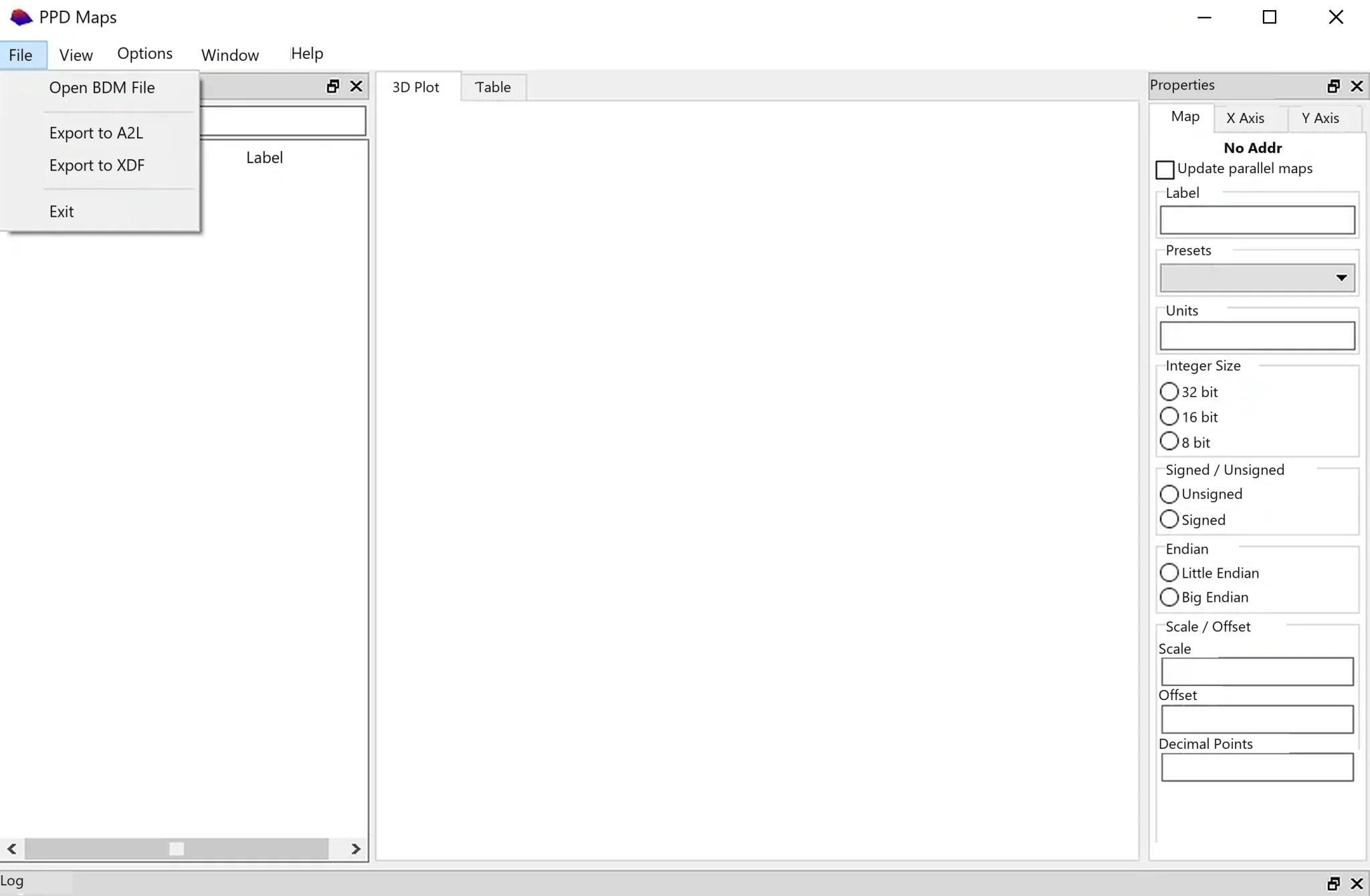
Windows map and axis detection for supported Siemens PPD/SID full BDM binaries, with table and 3D views, DTC analysis and XDF/A2L definition export.