
SOFTWARE DATABASE / RELEASE RECORD
VERSION 5.2.5Volvo Penta VODIA for Marine and Industrial Diagnostics 5.2.5
Volvo Penta marine and industrial service diagnostics with ECU identification, live parameters, supported tests, session history and log-test templates.
Categories
Vehicle references
Overview
Volvo Penta VODIA is a service diagnostics application for professional maintenance and repair of Volvo Penta marine and industrial products. Its usual tasks include identifying connected systems, retrieving ECU information, observing live parameters and carrying out supported tests. Logs and reports provide a record of the work performed. Volvo Penta positions VODIA as a diagnostic tool for professional service operations.
The package is presented as an installer bundle containing common prerequisites and communication-interface components. It is intended for lawful servicing and repair. The functions available depend on the product generation, the installed database set and the authorization level of the service environment; coverage also varies with the product and its firmware.
Highlights
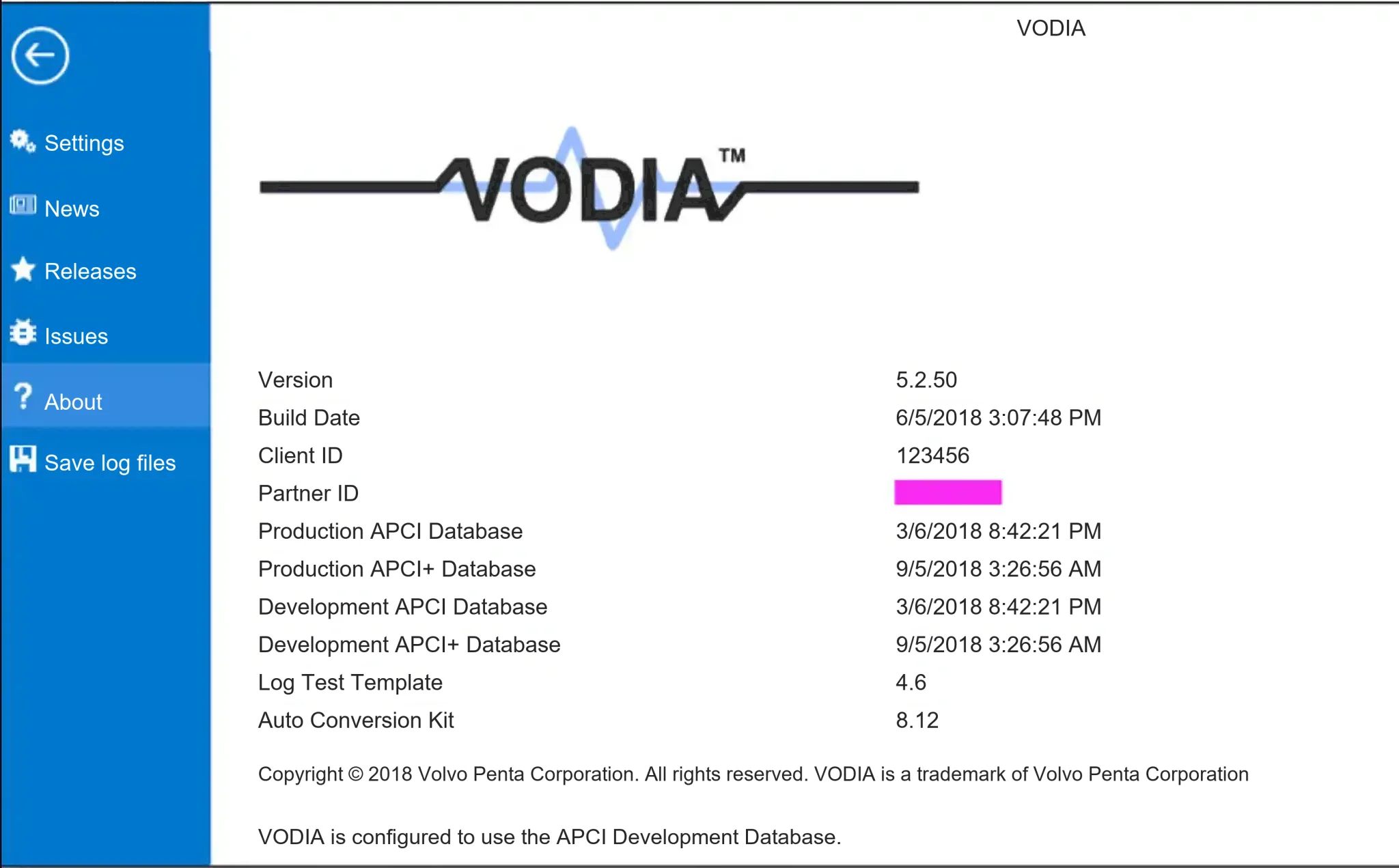
- An application overview displays the software version, database timestamps and environment identifiers.
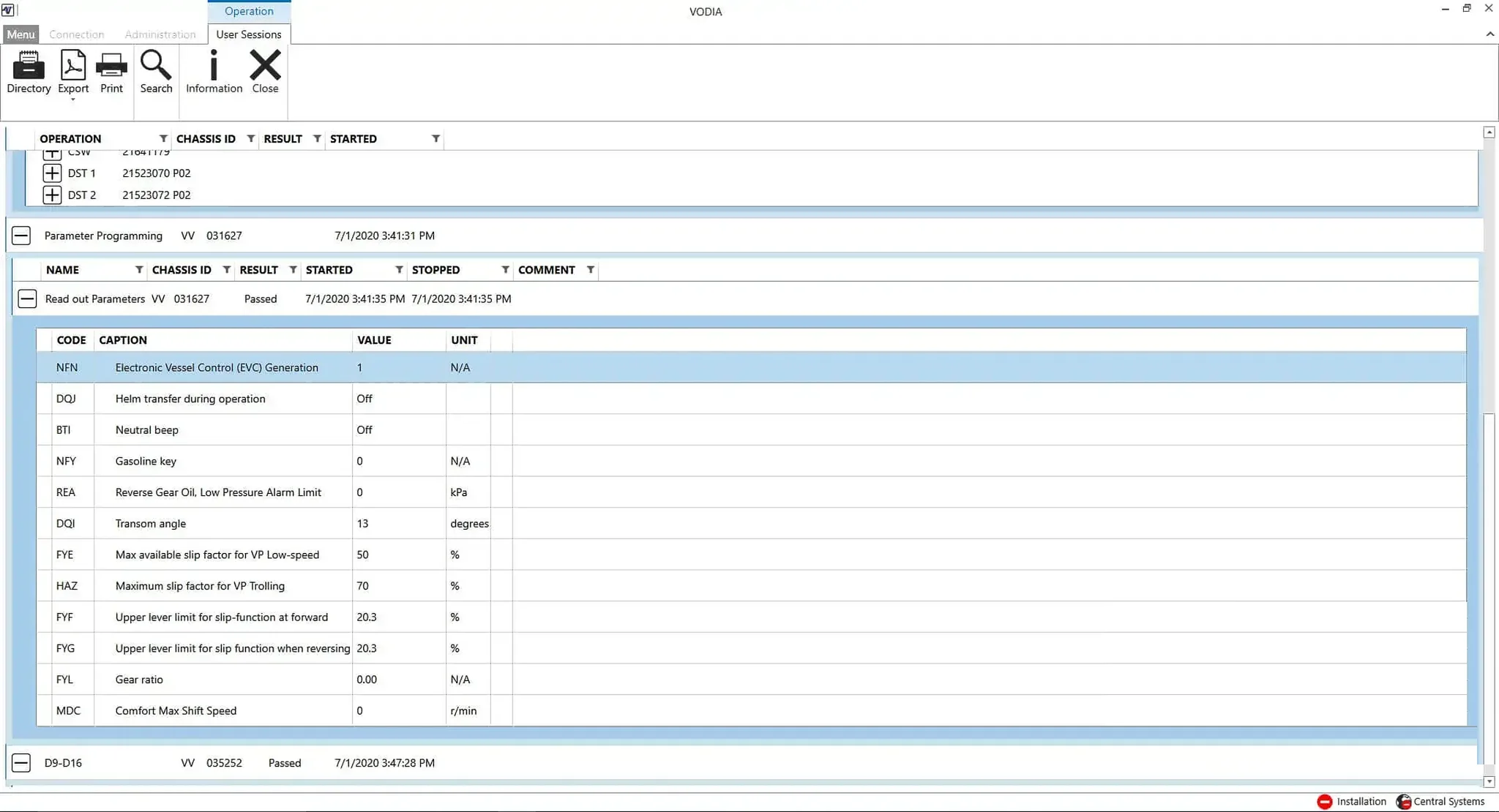
- Operation history and session logs help maintain a traceable record of service work.
- Parameter-monitoring and readout views are available for supported products and systems.
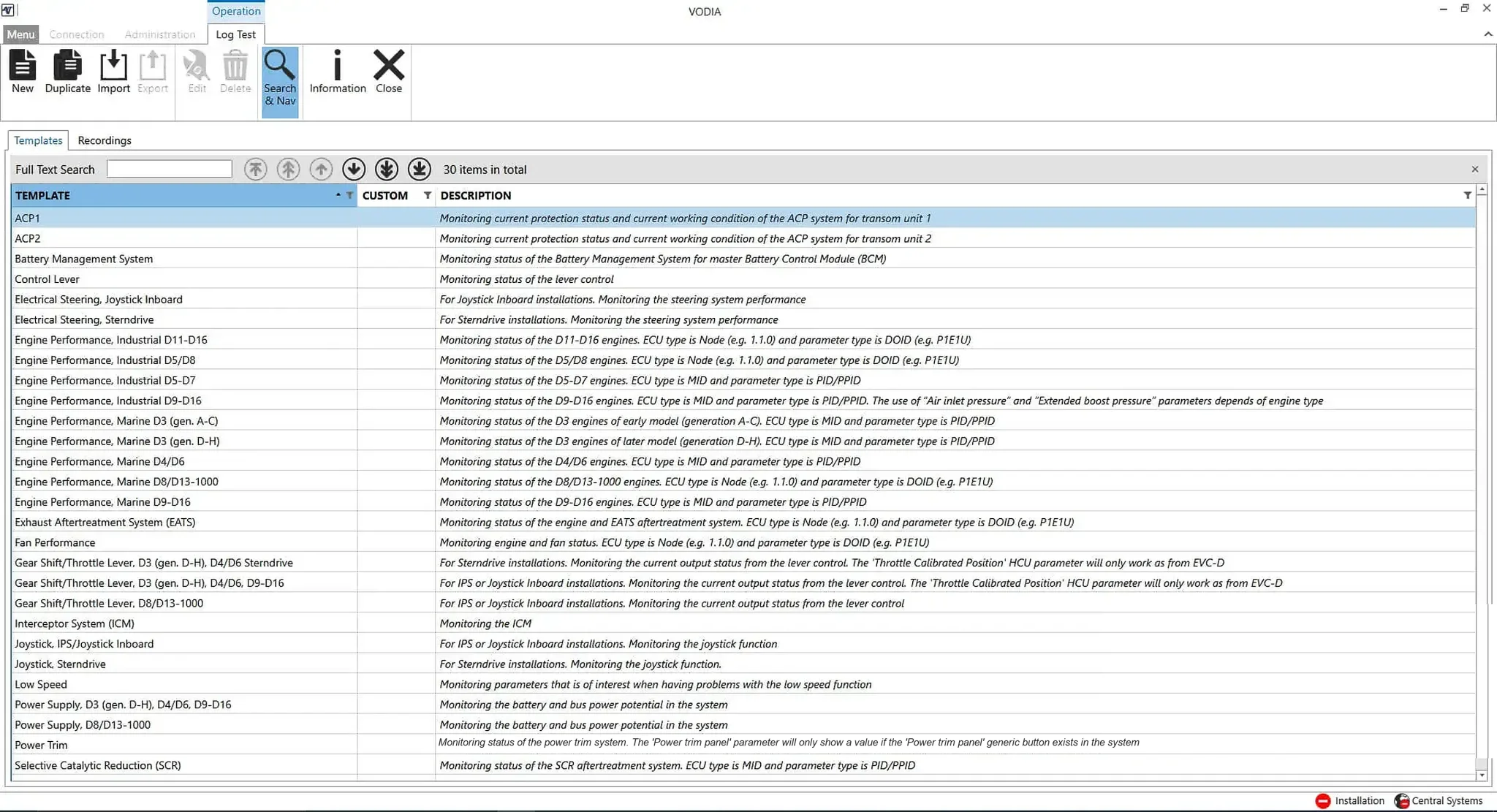
- A library of log-test templates supports repeatable measurements and troubleshooting.
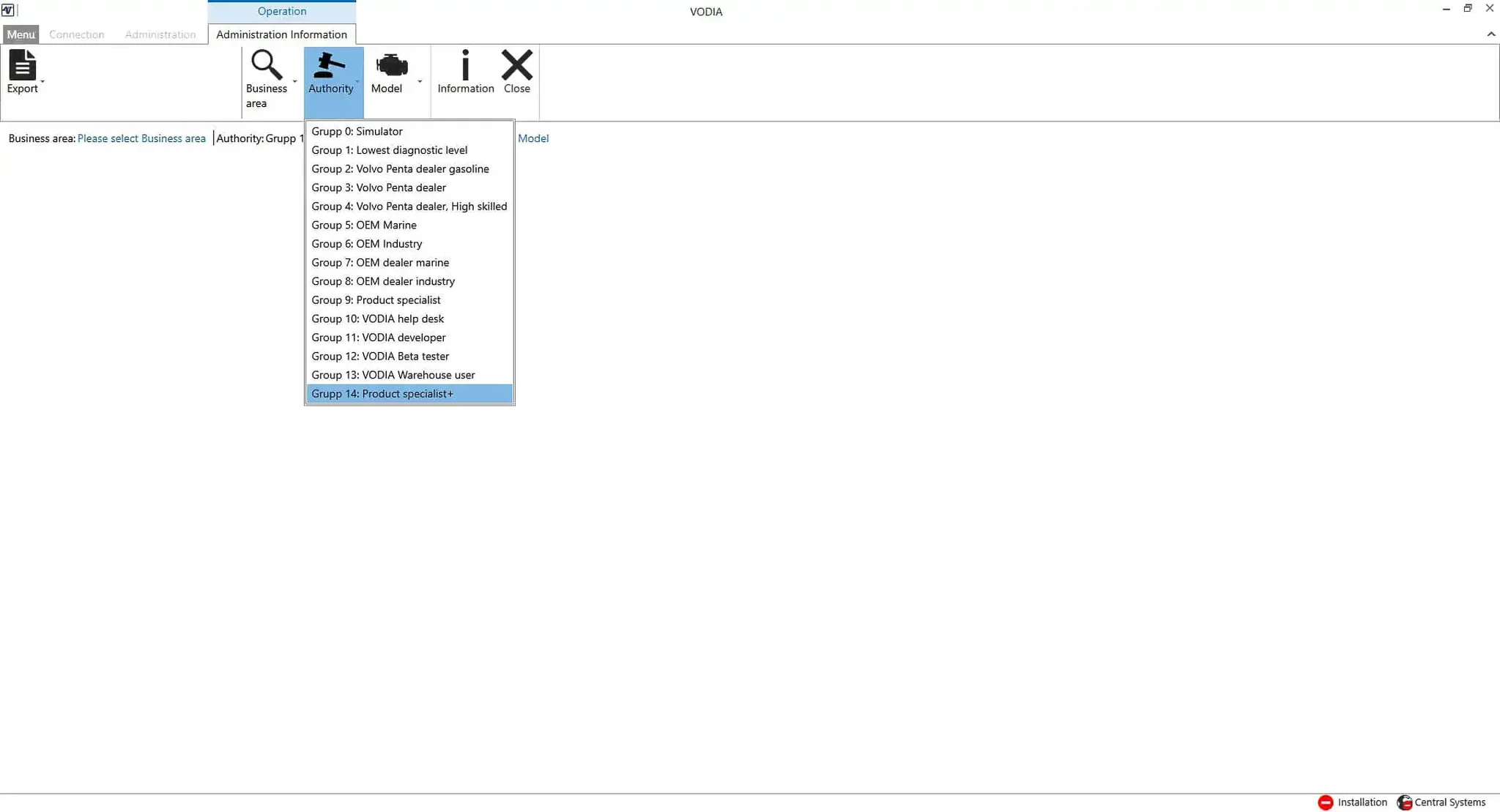
- Administration views provide information on authority levels and user-session handling.
- Communication components are commonly used with VOCOM and related units, according to the workshop's hardware configuration.
Package contents
Instruction.wmvPrograms.rarSetup Vodia v520.msivcredist_x86.exeVODIA.rarVolvo.rarCLUPSetup.exeCommunicationUnitInstaller.msiCommunication-Unit-VOCOM-II.msiEGSZipPackage.msiFIDOSetup.exeNDP461-KB3102436-x86-x64-AllOS-ENU.exeSetup Vodia_3.msiSQLServerCE31-EN.msiSSCERuntime_x64-ENU.msiSSCERuntime_x86-ENU.msivcredist_x86_10.exe
Compatibility notes
Support is determined by the Volvo Penta product family, ECU generation and installed APCI database set. Certain functions may need approved workshop hardware and valid authorization. Communication relies on the model of communication unit and its driver stack, while availability differs between products and firmware versions.
Basic usage
- Install the supplied prerequisites, including runtime components and database engines where they apply.
- Install the communication-unit software, then connect the interface hardware to the computer.
- Install VODIA and check that it launches correctly and recognizes the interface.
- Connect a supported product, identify it, read its parameters and carry out the guided operations available for that system.
- Export the resulting logs and reports to document the job and retain a troubleshooting history.
Operating systems
- A Windows workstation is required. Workshop installations commonly refer to Windows 7, Windows 8.1 and Windows 10, with suitability depending on the drivers and interface in use. Choose the most stable operating system supported by both your interface drivers and the authorized Volvo Penta service environment.
Minimum system requirements
- CPU: A dual-core x86-compatible processor or better.
- RAM: 4 GB or more is recommended.
- Storage: 15 GB of free space is recommended.
- Network: Optional for local work; required for applicable official online services and updates.
- Admin rights: Required to install drivers and configure prerequisites.
Disclaimer
This entry is an editorial reference for identifying the software. Vendor files, firmware, keys, accounts and instructions for bypassing licensing or protections are not hosted here. Trademarks remain the property of their respective owners. Users are responsible for observing Volvo Penta licensing conditions, local laws and safe workshop procedures. Incorrect diagnostic or programming operations may damage components or invalidate warranties. Check compatibility before use and proceed at your own risk.
Technical Compatibility
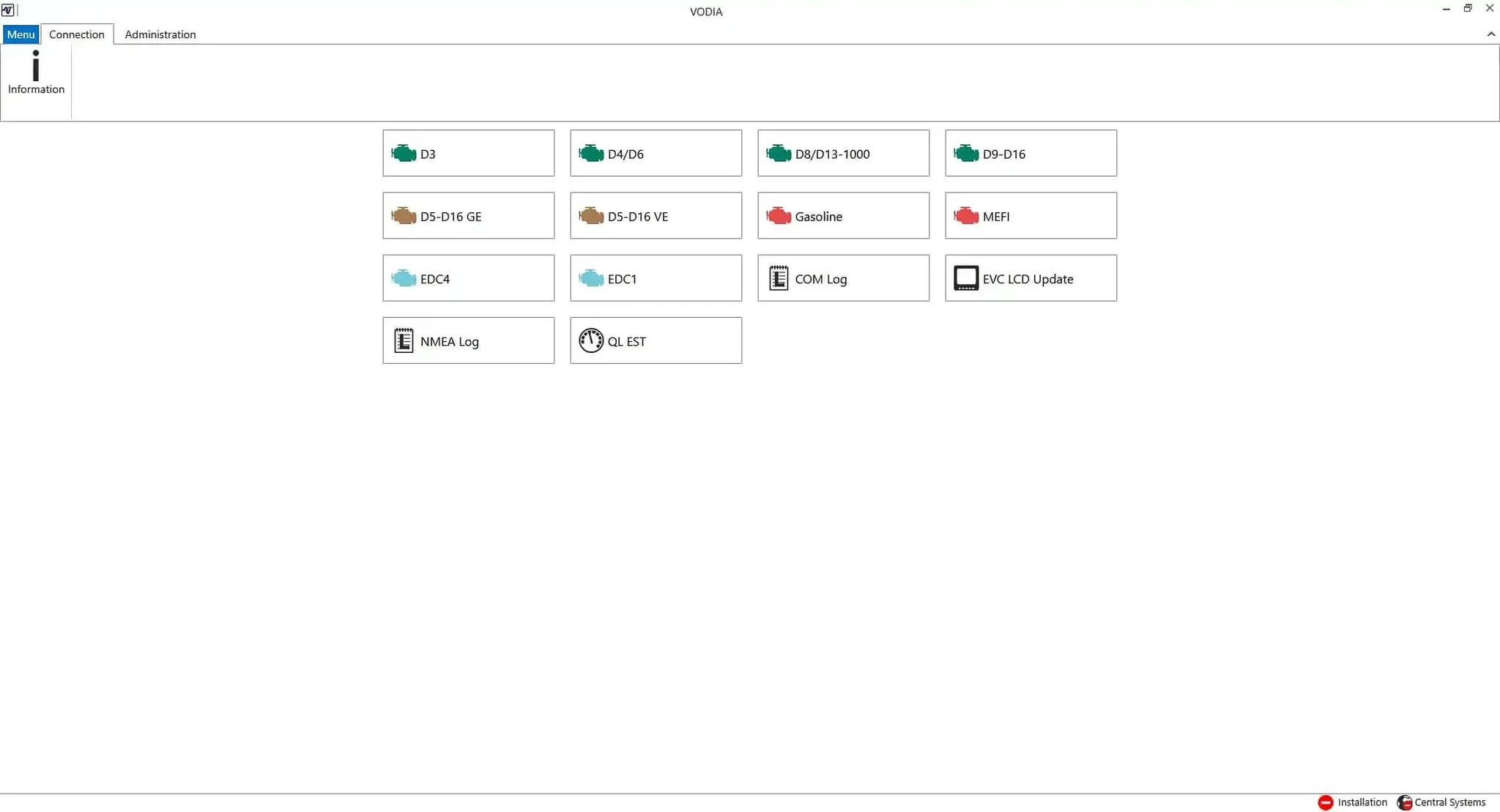
Supported Modules
Operating Systems
System Requirements
- Windows workstation; Windows 7, 8.1 or 10 depending on interface drivers and authorized service-environment support
- CPU: Dual-core x86-compatible processor or better
- RAM: 4 GB or more recommended
- Free storage: 15 GB recommended
- Network: Optional locally; required for applicable official online services and updates
- Administrator rights: Required for drivers and prerequisite setup
Screenshots
Related Software

Windows calibration-file utility with manufacturer and ECU selection menus for EGR, flap, Hotstart, DTC and related service functions.

Volvo VIDA 2015A workshop environment for vehicle identification, guided fault tracing, wiring diagrams, service documentation and parts reference.

Windows workshop utility for calculating PIN and key-related service data from supported ECU, dashboard and body-module dumps, with a searchable coverage database.
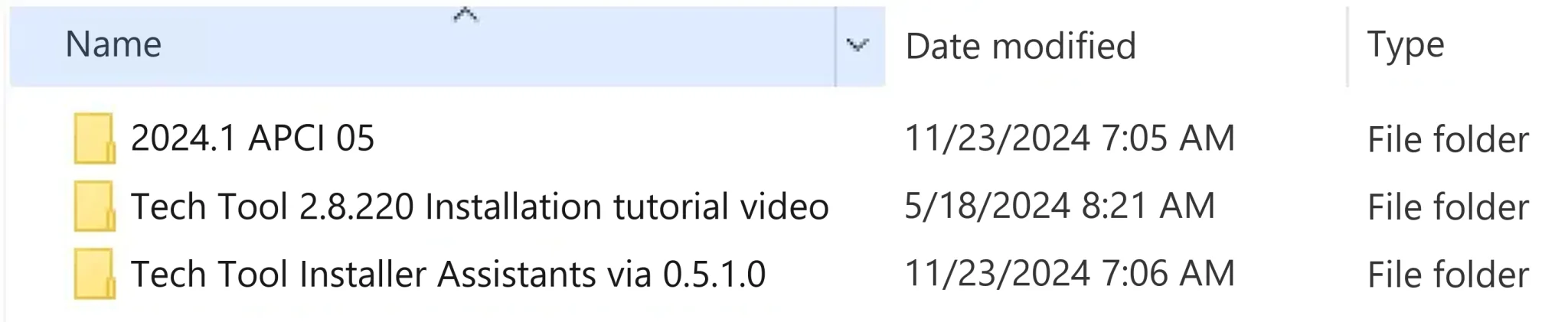
Offline Volvo Group diagnostic package with Tech Tool, APCI data, control-unit programming, parameter editing and a two-part installation tutorial.

Windows EEPROM and flash-dump toolkit for supported IMMO PIN, IMMO OFF, virgin, radio PIN, MEDC17 checksum and special repair workflows, including BMW EDC15 ISN in 1.0.4.
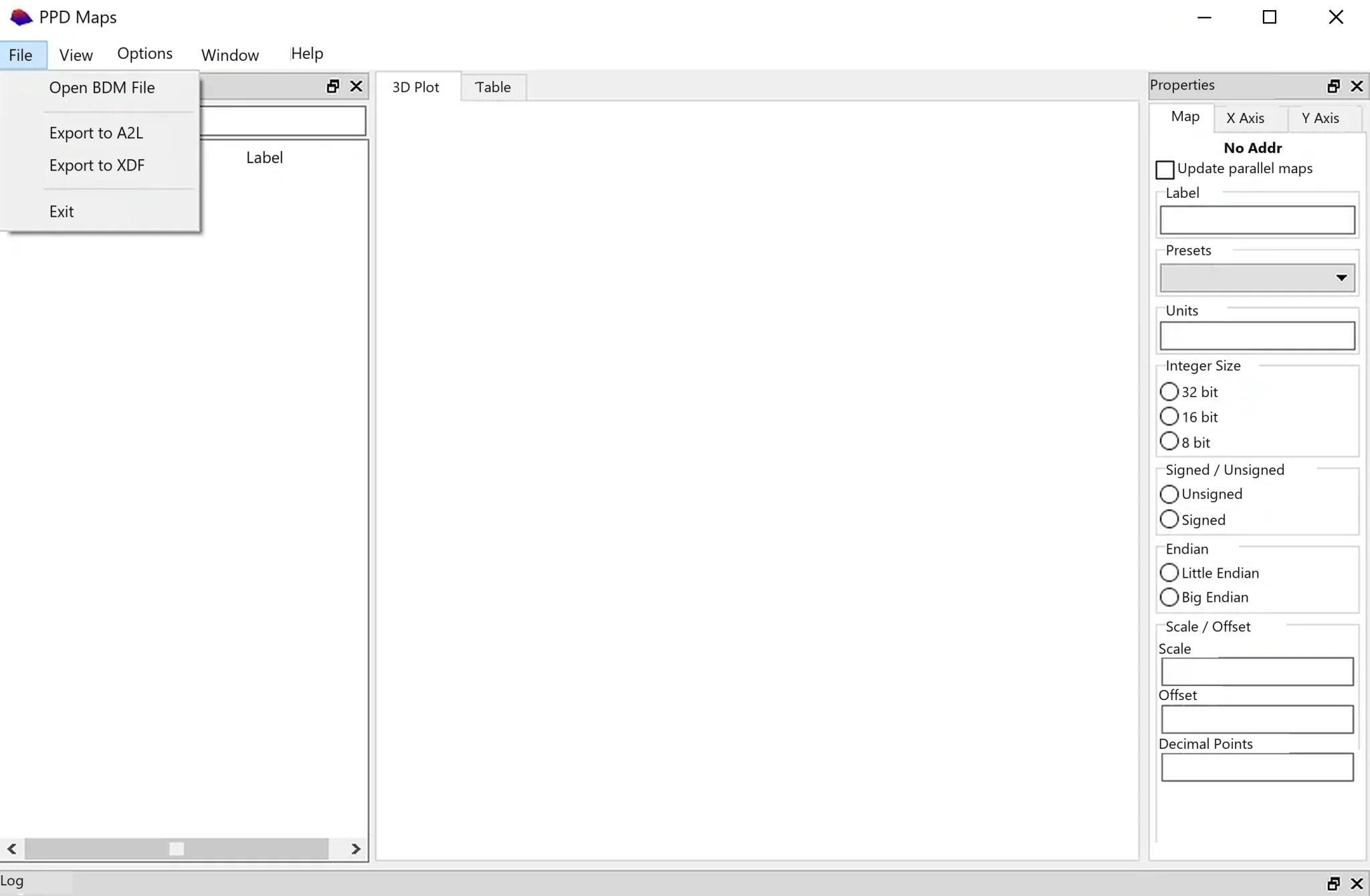
Windows map and axis detection for supported Siemens PPD/SID full BDM binaries, with table and 3D views, DTC analysis and XDF/A2L definition export.