
SOFTWARE DATABASE / RELEASE RECORD
VERSION 1.2Mercury CDS G3 Diagnostic and Configuration Toolkit 1.2
CAN SmartCraft diagnostics and delivery configuration for supported Mercury Marine and MerCruiser systems, with module identification, eBOM selection, fault review and supported service tests.
Categories
Vehicle references
Overview
Mercury Computer Diagnostic System G3 (CDS G3) is a Windows service application for CAN SmartCraft diagnostics and delivery configuration on compatible Mercury and MerCruiser installations. It allows a technician to identify connected modules, examine operating information and access supported service functions when the engine control hardware, model year and installed software content match the system being serviced.
Coverage developed across successive CDS G3 releases and product ranges. The functions available therefore depend on the installed version, connected module family and vessel wiring. When no modules are detected or a suitable eBOM is missing, check the SmartCraft network termination, adapter harness connections and whether the target system falls within the supported coverage.
Highlights
- Module identification pages show key identifiers and the system views available for the connected equipment.
- Supported releases provide fault inspection together with freeze-frame information and run-history reporting.
- Live operating data can be monitored; recording and export capabilities were added during the early v1.x updates.
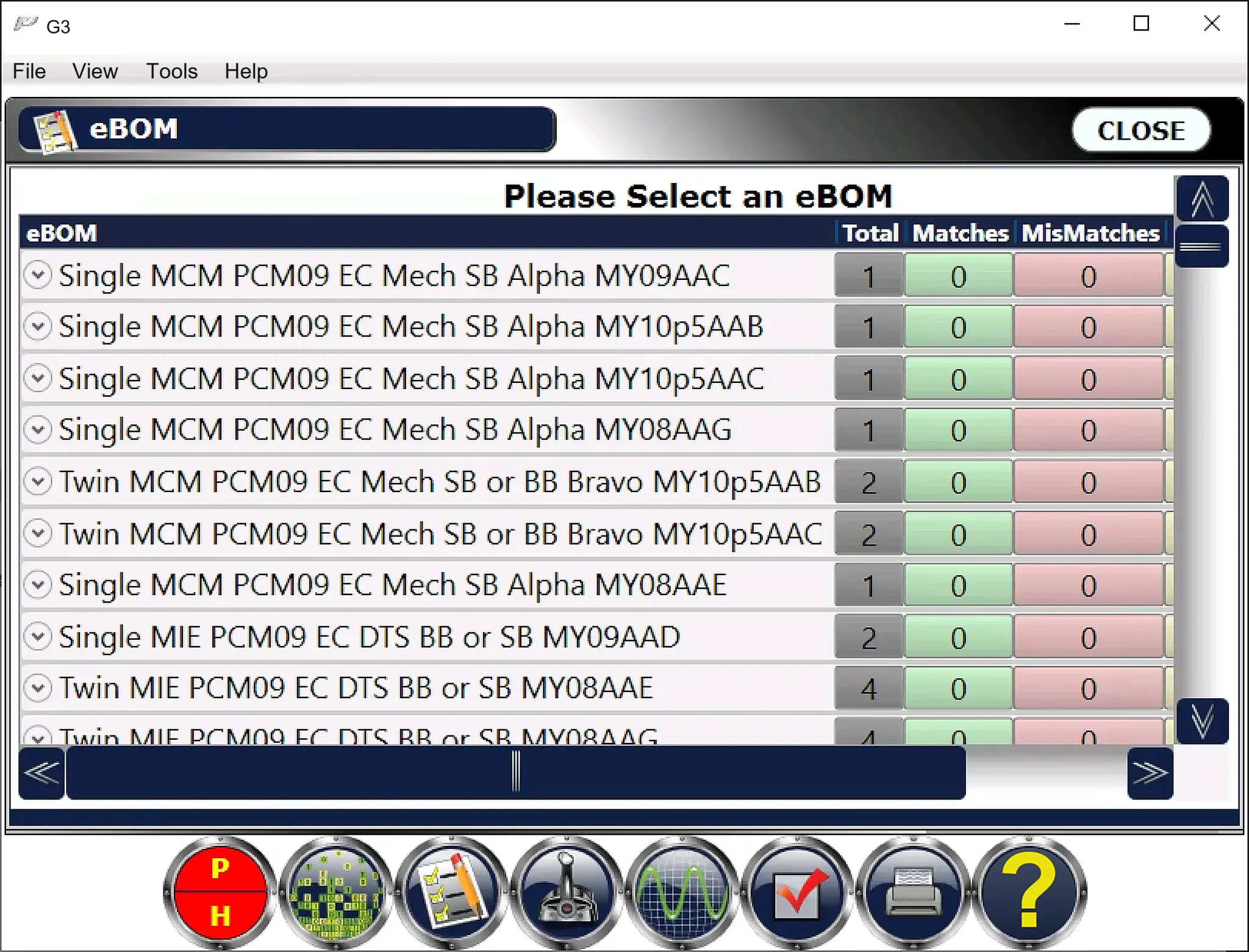
- The eBOM workflow selects the appropriate PCM package and configured variant.
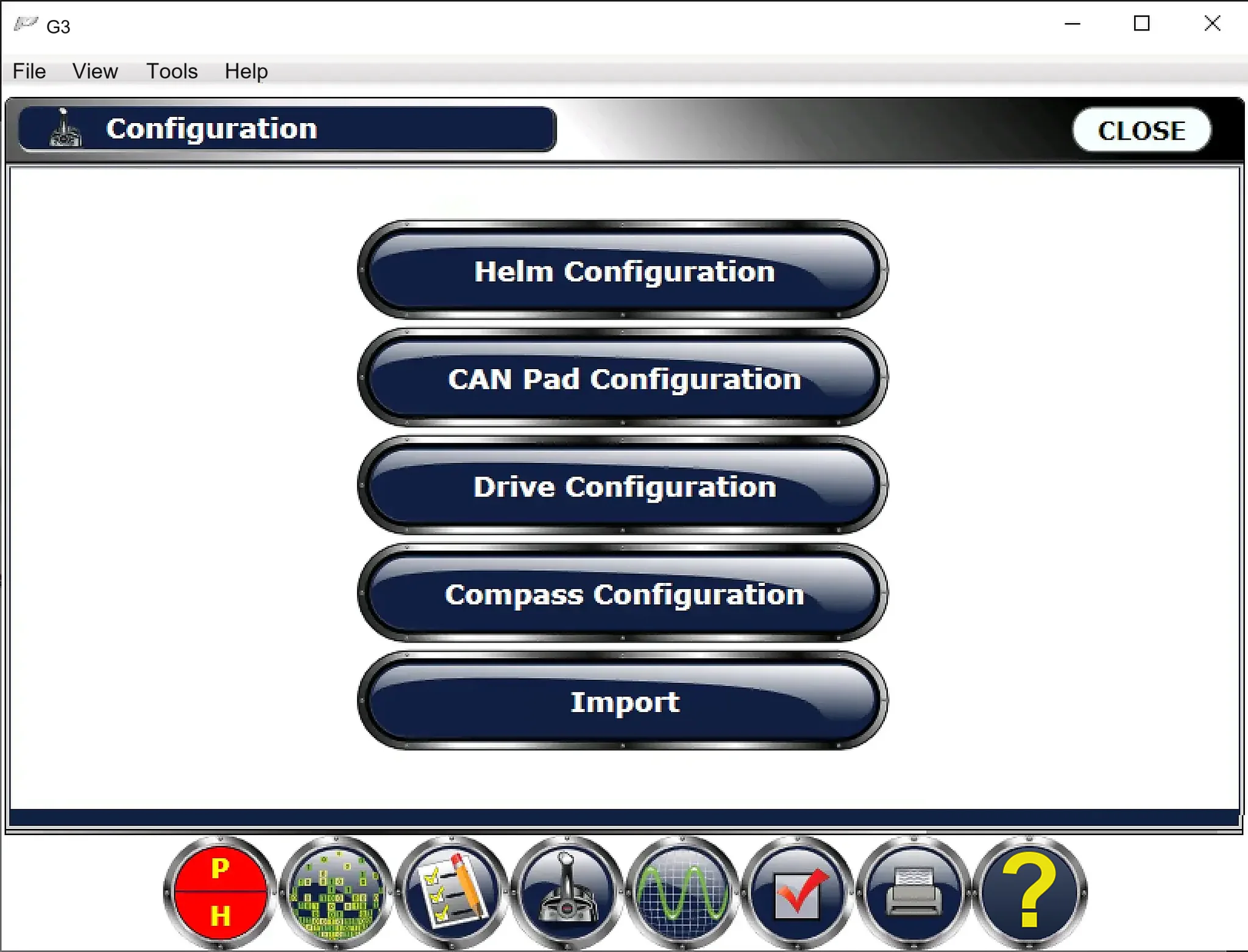
- Compatible installations offer configuration pages for the helm, CAN pad, drive and compass.
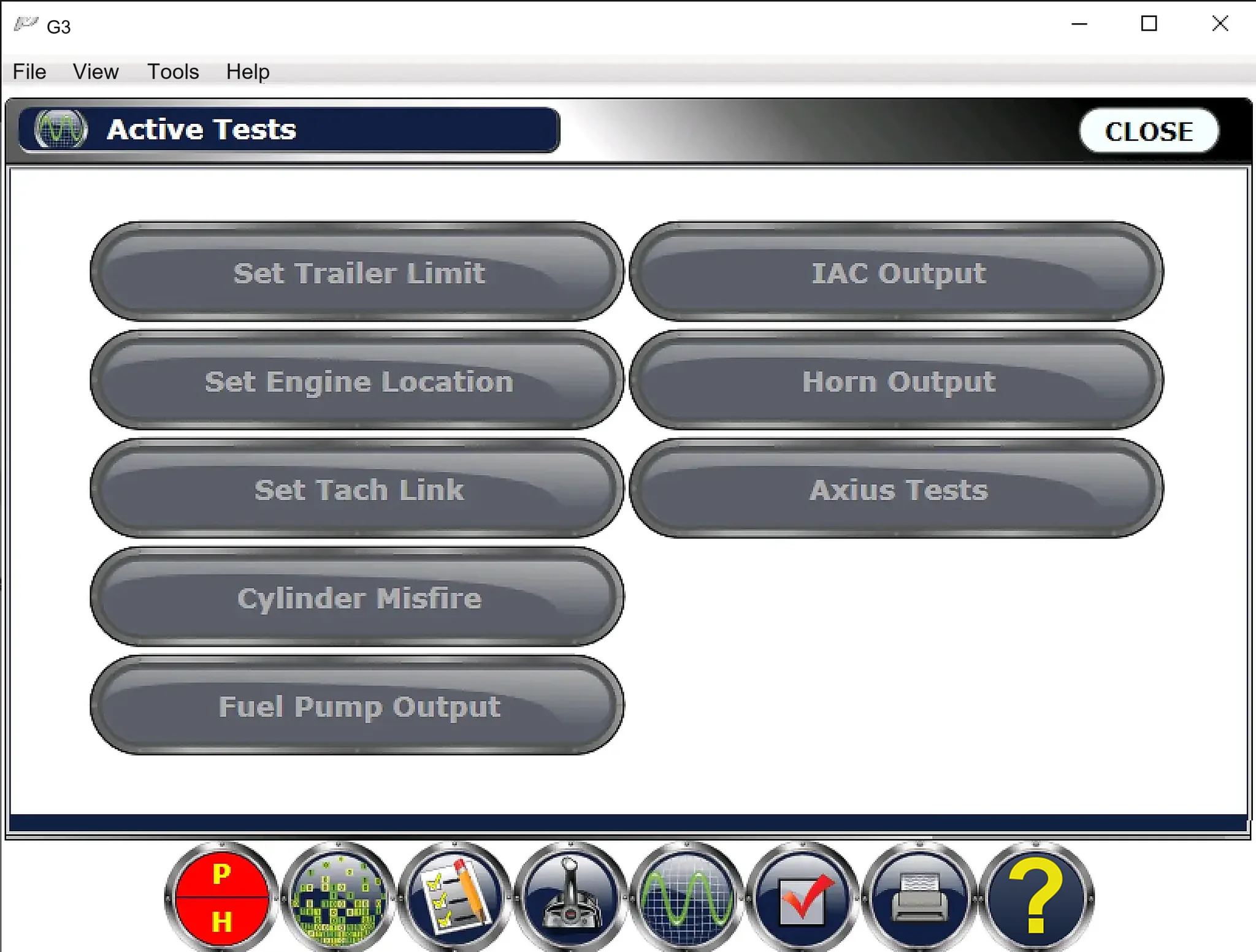
- The Active Tests page provides supported output and actuator checks where these are available.
Package contents
|
|---|
Compatibility notes
- General scope: Mercury service documentation presents CDS G3 as a standalone diagnostic application for selected engines and Mercury joystick piloting systems. Availability depends on the product family, control module generation and firmware.
- Early v1.x example coverage: The Mercury Marine service bulletin for CDS G3 v1.3 identifies Mercury Racing Sterndrive 1100 and 1350 as supported within that release.
- Expanded v1.5 coverage example: The CDS G3 v1.5 bulletin includes MerCruiser Axius Systems, MerCruiser ECT Engines, 30–60 HP FourStroke EFI (serial 1C104424 and later), 150 EFI FourStroke, Mercury Racing Sterndrive 520, 565, 1100 and 1350, Joystick Piloting for Outboard and Mercury Zeus Pod Systems.
- Broad 2018 update coverage example: The CDS G3 2018 bulletin covers Outboard Joystick Piloting, Verado, several FourStroke EFI ranges, Two Stroke EFI and OptiMax ranges, MerCruiser Axius and Joystick Piloting systems, MerCruiser ECT and multiple Non-ECT and MPI engine groups, Mercury Diesel DTS and Zeus Pod Systems, and Mercury Racing DSI OptiMax together with Sterndrive 520, 540, 565, 1100, 1350 and 1650.
Important: Confirm the practical match using the detected-module list and eBOM menu inside the application. For a particular engine family, check its model year, ECM type and SmartCraft port style. The release-specific examples above should be read in their respective version contexts.
Basic usage
- Run the CDS G3 installer with administrator privileges and install its required prerequisites.
- Attach the SmartCraft diagnostic interface using the CAN adapter harness appropriate to the vessel's layout.
- Power the system and check the CAN communication indicators before beginning diagnostic work.
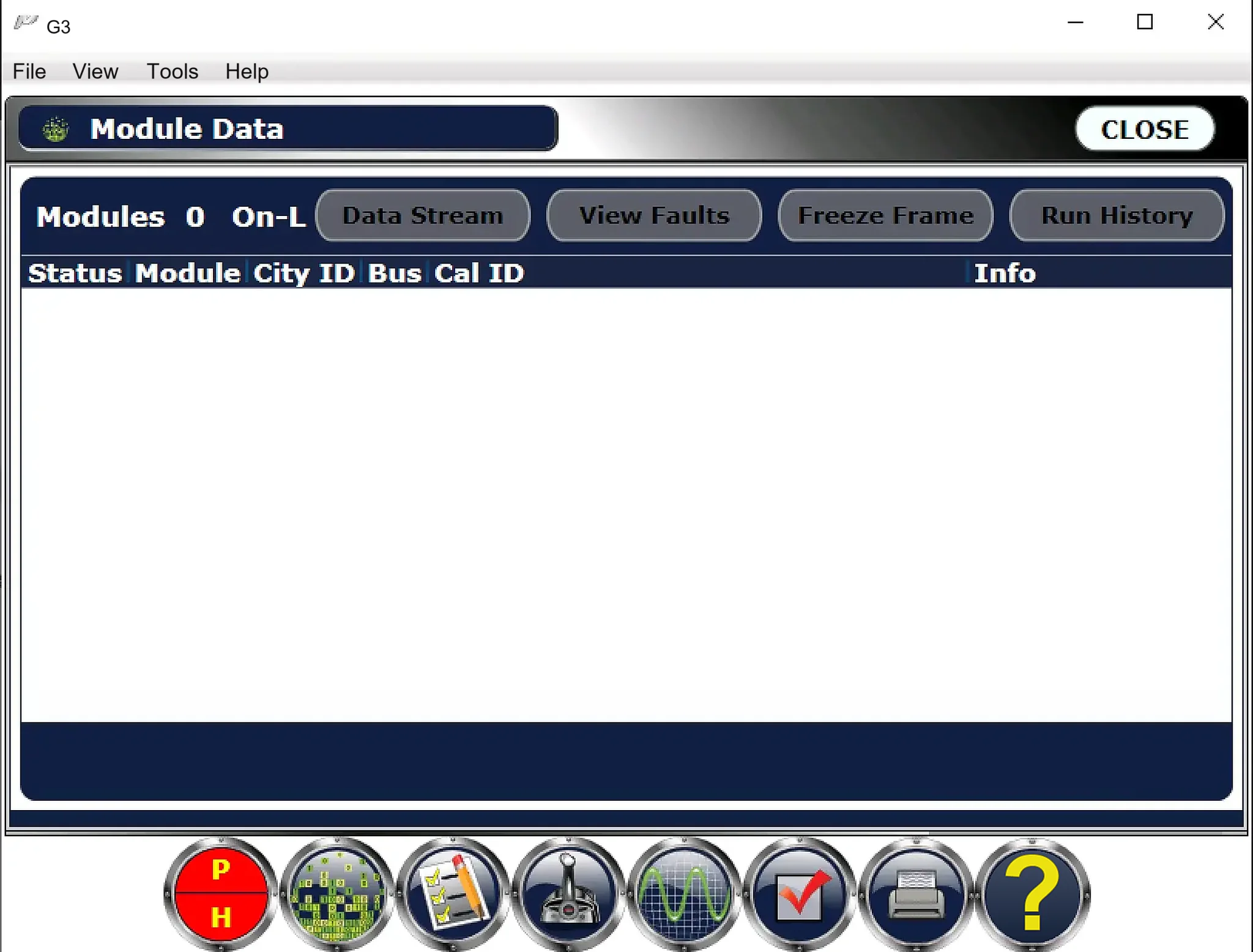
- Choose the correct eBOM when requested, then use Module Data or Live Data to confirm that the system has been detected.
- Once communication is stable, use View Faults, Freeze Frame, Run History and any supported Active Tests.
Operating systems
- The CDS G3 v1.3 bulletin specifies Windows XP Professional SP3 and recommends Windows 7 Professional.
- The CDS G3 v1.5 bulletin lists Windows 7 Professional or Windows 8 Professional.
- The CDS G3 2018 bulletin supports Windows 7 SP1, Windows 8.1 and Windows 10. It expressly excludes Windows XP, Windows Vista and Windows 8.0.
Minimum system requirements
- CPU: Pentium-class processor running at 1.2 GHz or faster.
- RAM: At least 2 GB; 4 GB or more is recommended.
- Storage: 120 GB of available disk space is recommended.
- Network: Wi-Fi or Ethernet for registration and updates when applicable.
- Ports: USB 2.0 connections for the diagnostic interface; a hub may be used where the setup permits it.
- Admin rights: Administrator privileges are required for installation and updates.
Disclaimer
- No bypass guidance: No procedures for circumventing licensing, authentication or protective mechanisms are provided.
- Licensing: Operate the software with valid vendor authorization and follow the applicable EULA and local legislation.
- Safety: Incorrect diagnostic or configuration work may damage components or compromise safe operation. The operator accepts the risks involved.
- Trademarks: Product names and trademarks remain the property of their respective owners.
Technical Compatibility
Supported Modules
Operating Systems
System Requirements
- Pentium-class CPU, 1.2 GHz or faster
- 2 GB RAM minimum; 4 GB or more recommended
- 120 GB available disk space recommended
- USB 2.0 diagnostic interface connection; hub depending on setup
- Wi-Fi or Ethernet for registration and updates where applicable
- Administrator rights for installation and updates
- Windows support varies by CDS G3 release; see Operating systems
Screenshots
Related Software

Windows calibration-file utility with manufacturer and ECU selection menus for EGR, flap, Hotstart, DTC and related service functions.

Volvo VIDA 2015A workshop environment for vehicle identification, guided fault tracing, wiring diagrams, service documentation and parts reference.
Detroit Diesel Diagnostic Link (DDDL) Full Suite 6.5 / 8.19 / DRS 6.31
v6.5 / 8.19 / DRS 6.31Detroit Diesel and Mercedes-Benz MBE workshop suite combining DDDL legacy and modern diagnostics, DRS reprogramming, live data, service tests and parameter functions.
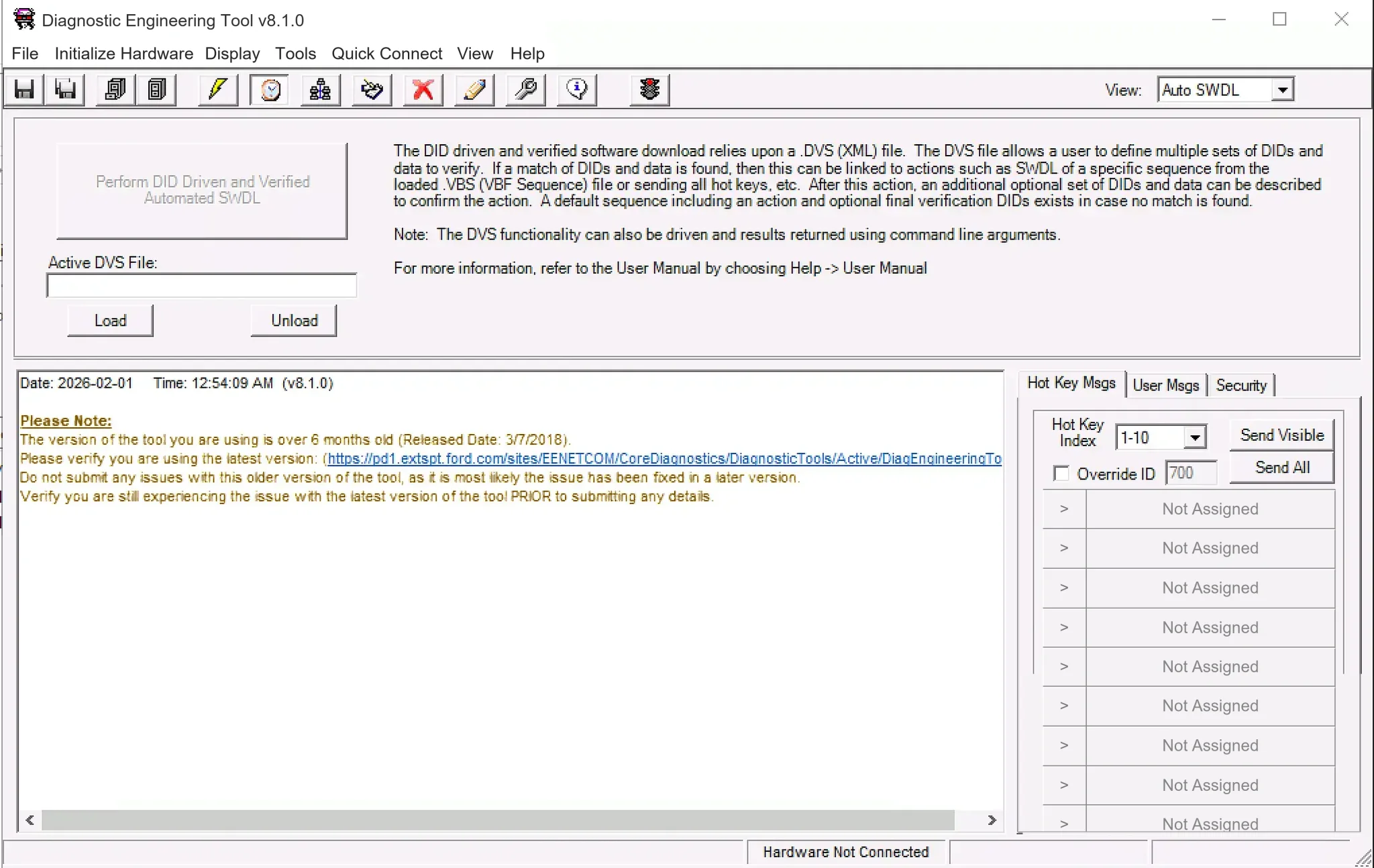
Ford ISO 14229 UDS engineering diagnostics with raw requests, DIDs, ECU configuration, software download sequences and module-focused service routines.
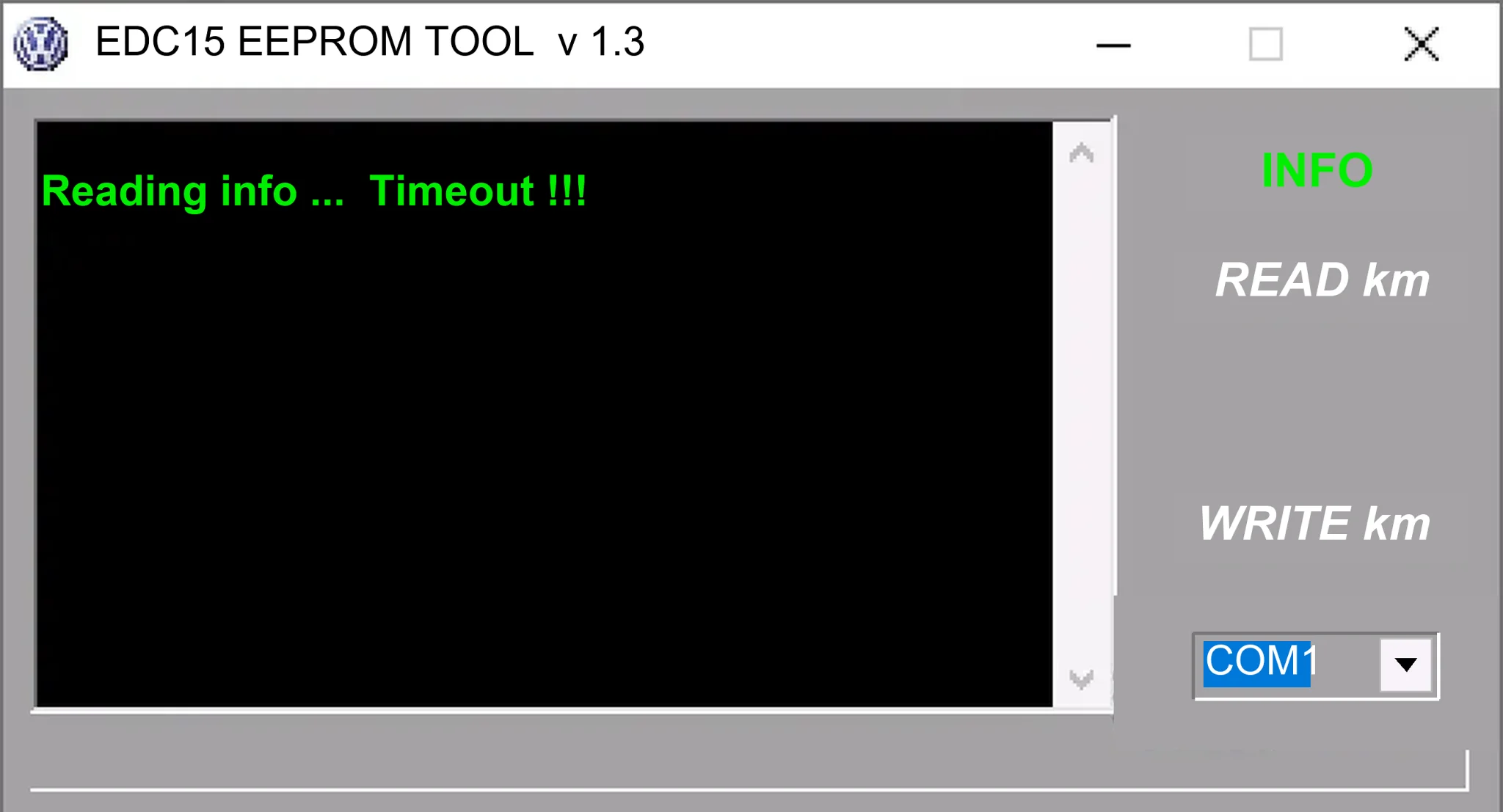
Windows utility for supported Bosch EDC15 diesel ECU information, EEPROM access and authorized KM data service operations through a compatible interface.
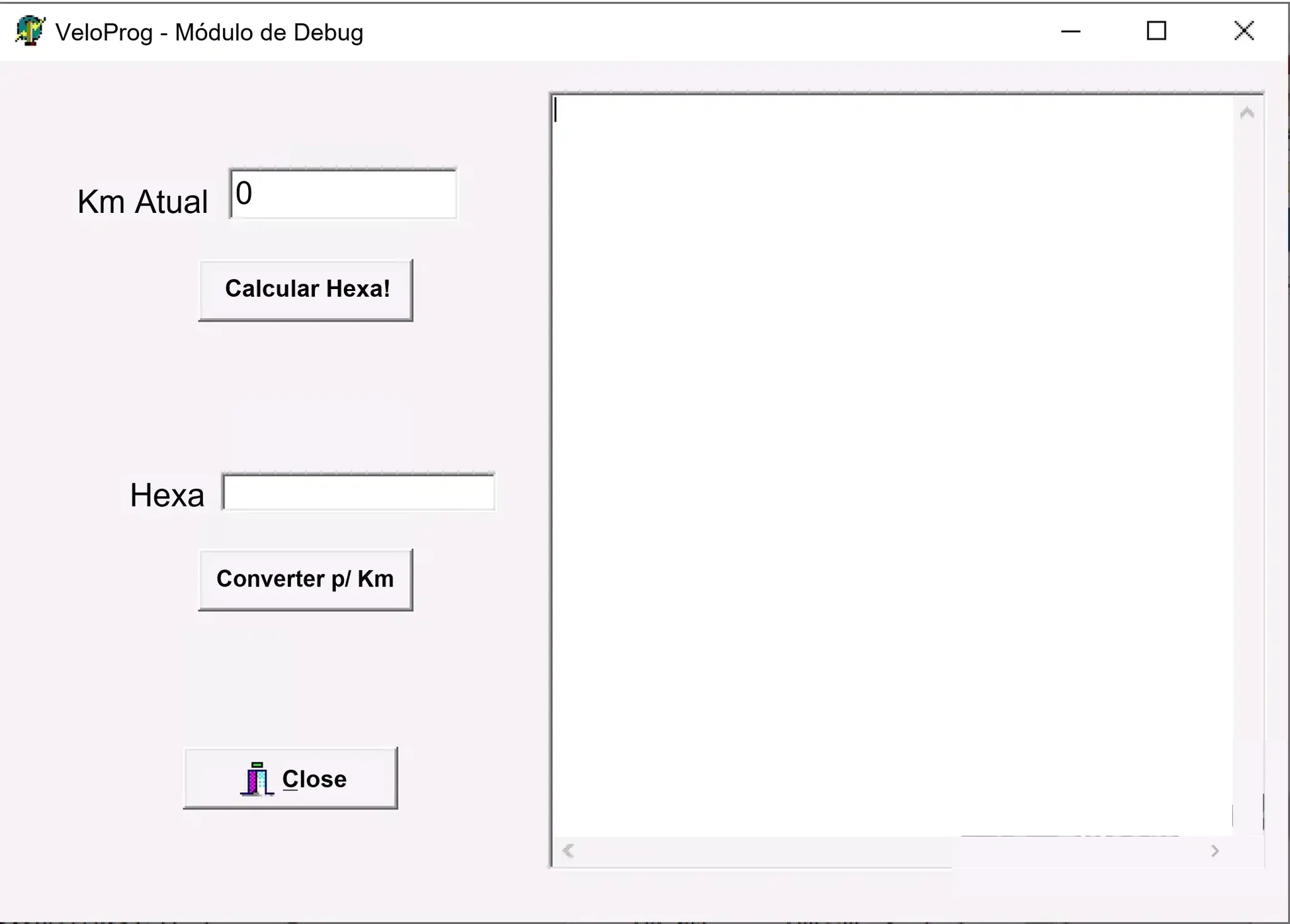
Lightweight Windows KM-to-HEX and HEX-to-KM calculator for checking distance encoding in instrument-cluster and ECU EEPROM service data.