
SOFTWARE DATABASE / RELEASE RECORD
VERSION 1.3EDC15 EEPROM Tool for ECU Data Read and Service Programming 1.3
Windows utility for supported Bosch EDC15 diesel ECU information, EEPROM access and authorized KM data service operations through a compatible interface.
Categories
Overview
EDC15 EEPROM Tool is a compact Windows application for service-level access to EEPROM data in Bosch EDC15 diesel ECUs. It is used in diagnostic or bench workflows where a technician needs to retrieve ECU information, preserve EEPROM backups and carry out authorized servicing of stored data.
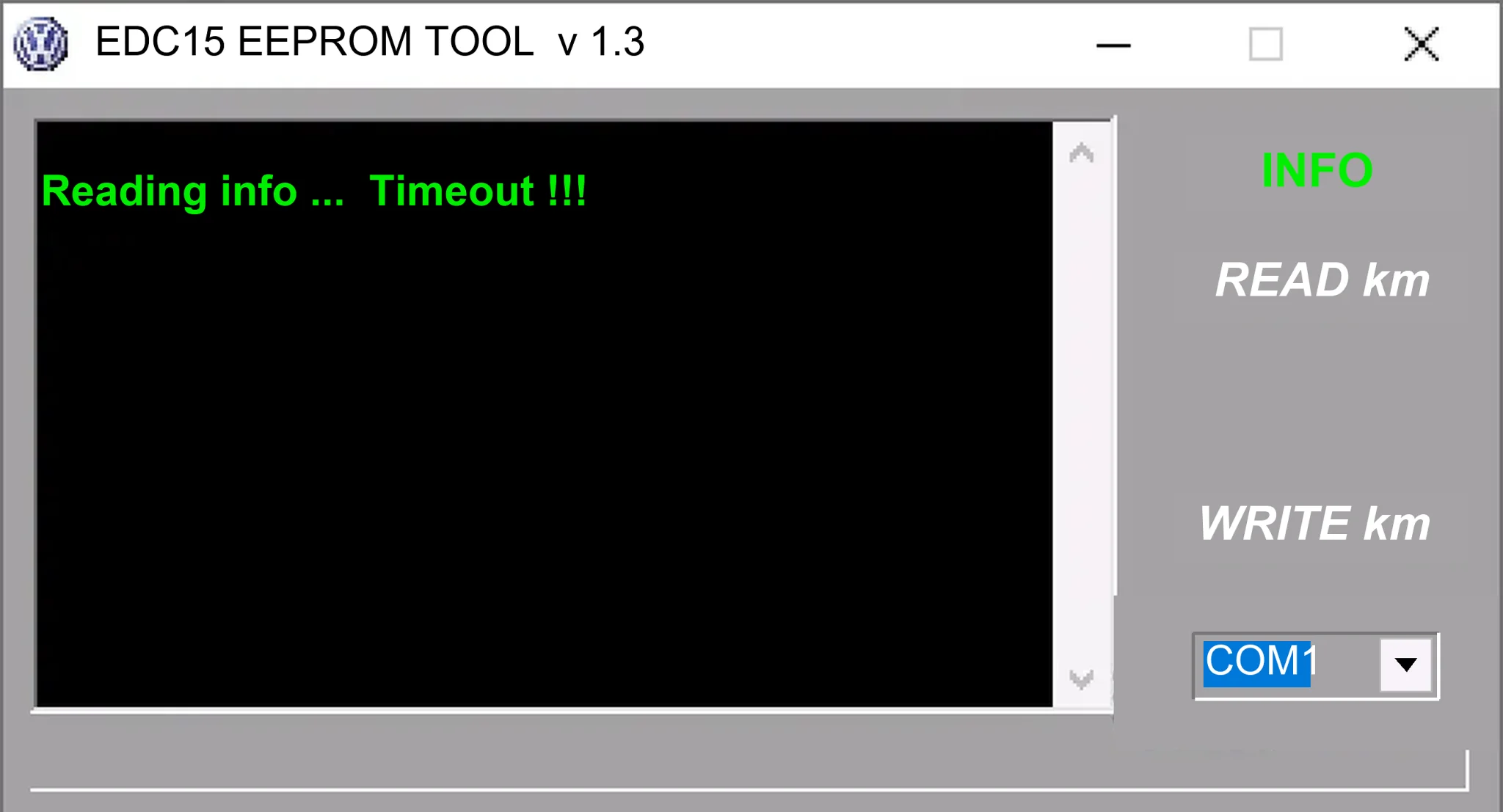
The interface keeps the available tasks straightforward, with controls for reading ECU information and reading or writing kilometre-related data. Whether these operations are available depends on ECU support and a stable connection. Coverage varies with the vehicle, ECU hardware, EEPROM type and firmware.
Highlights
- Retrieves basic ECU information from supported EDC15 units.
- Provides EEPROM data access for backup and service work.
- Offers kilometre-data readout for verification and documentation.
- Includes a KM write function intended exclusively for authorized service situations.
- Uses a simple interface with immediate status messages and timeout reporting.
Package contents
EDC15 EEPROM TOOL 1.3.exe
Compatibility notes
- Intended for Bosch EDC15 diesel ECUs; support depends on the specific ECU variant and firmware.
- The selected diagnostic or bench workflow requires a compatible interface and the correct wiring.
- Connection reliability varies, and an unsupported or incorrectly configured setup may produce timeouts.
- KM functions rely on the ECU data layout and are not necessarily available across every EDC15 family.
Basic usage
- Establish a stable diagnostic or bench connection with a compatible interface.
- Start the application and select INFO to check basic communication.
- Use the read functions to capture data and preserve backups before making any changes.
- Use write operations only with documented authorization and a verified recovery plan.
Operating systems
- Windows 7, Windows 10 or Windows 11, in 32-bit or 64-bit environments, subject to driver support for the chosen interface.
Minimum system requirements
- CPU: Dual-core processor at 2.0 GHz or faster.
- RAM: At least 2 GB; 4 GB recommended.
- Storage: 100 MB of free space.
- Network: Not needed.
- Admin rights: Recommended for interface-driver installation and COM access.
Disclaimer
- Editorial reference: Names, screenshots and file inventories are supplied for identification and reference.
- No endorsement or affiliation: Trademarks remain the property of their respective owners.
- Licensing and laws: Follow vendor terms and local legislation. Do not request bypass procedures or unauthorized modifications.
- Safety and liability: Incorrect ECU operations can damage modules or vehicles. Work at your own risk and preserve the original data in backups before proceeding.
Technical Compatibility
Supported Modules
Operating Systems
System Requirements
- Windows 7, Windows 10 or Windows 11, 32-bit or 64-bit, depending on interface driver support
- CPU: Dual-core 2.0 GHz or better
- RAM: 2 GB minimum, 4 GB recommended
- Storage: 100 MB free
- Network: Not required
- Administrator rights: Recommended for interface drivers and COM access
Screenshots
Related Software

Windows calibration-file utility with manufacturer and ECU selection menus for EGR, flap, Hotstart, DTC and related service functions.

Volvo VIDA 2015A workshop environment for vehicle identification, guided fault tracing, wiring diagrams, service documentation and parts reference.
Detroit Diesel Diagnostic Link (DDDL) Full Suite 6.5 / 8.19 / DRS 6.31
v6.5 / 8.19 / DRS 6.31Detroit Diesel and Mercedes-Benz MBE workshop suite combining DDDL legacy and modern diagnostics, DRS reprogramming, live data, service tests and parameter functions.
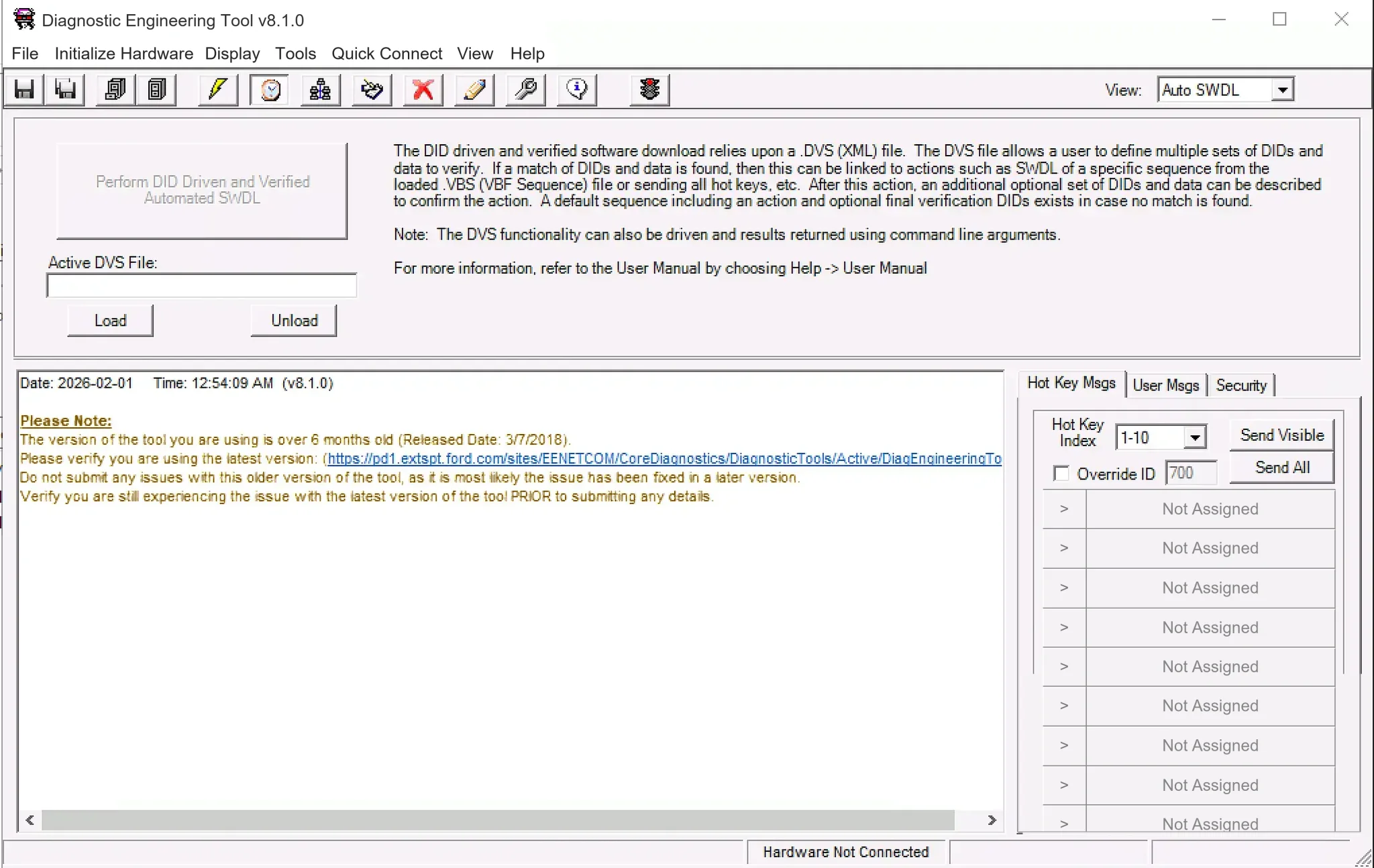
Ford ISO 14229 UDS engineering diagnostics with raw requests, DIDs, ECU configuration, software download sequences and module-focused service routines.
CAN SmartCraft diagnostics and delivery configuration for supported Mercury Marine and MerCruiser systems, with module identification, eBOM selection, fault review and supported service tests.
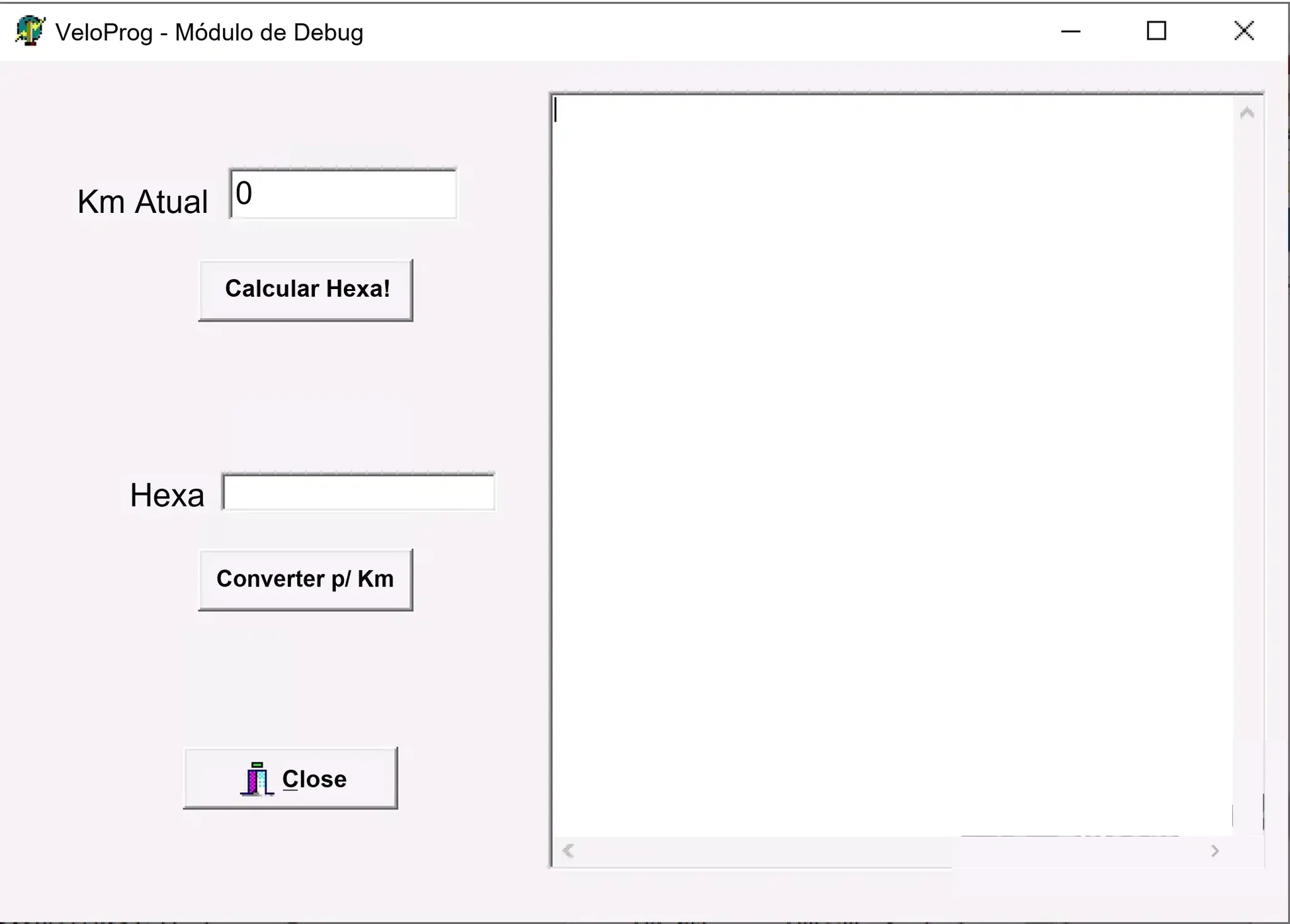
Lightweight Windows KM-to-HEX and HEX-to-KM calculator for checking distance encoding in instrument-cluster and ECU EEPROM service data.