
SOFTWARE DATABASE / RELEASE RECORD
VERSION 44.24Navistar ServiceMaxx - J1939 Engine Diagnostic Software 44.24
Windows diagnostics and service functions for supported International and MaxxForce J1939 engine controllers, with DTC analysis, live signals, snapshots, tests and parameters.
Categories
Vehicle references
Overview
Navistar ServiceMaxx is a Windows diagnostic and service application for supported International and MaxxForce engine-control systems over J1939. Its Navistar-focused workspace combines vehicle and engine identification, fault analysis, live signal groups, data-link traffic inspection, snapshots, service tests and programmable parameters.
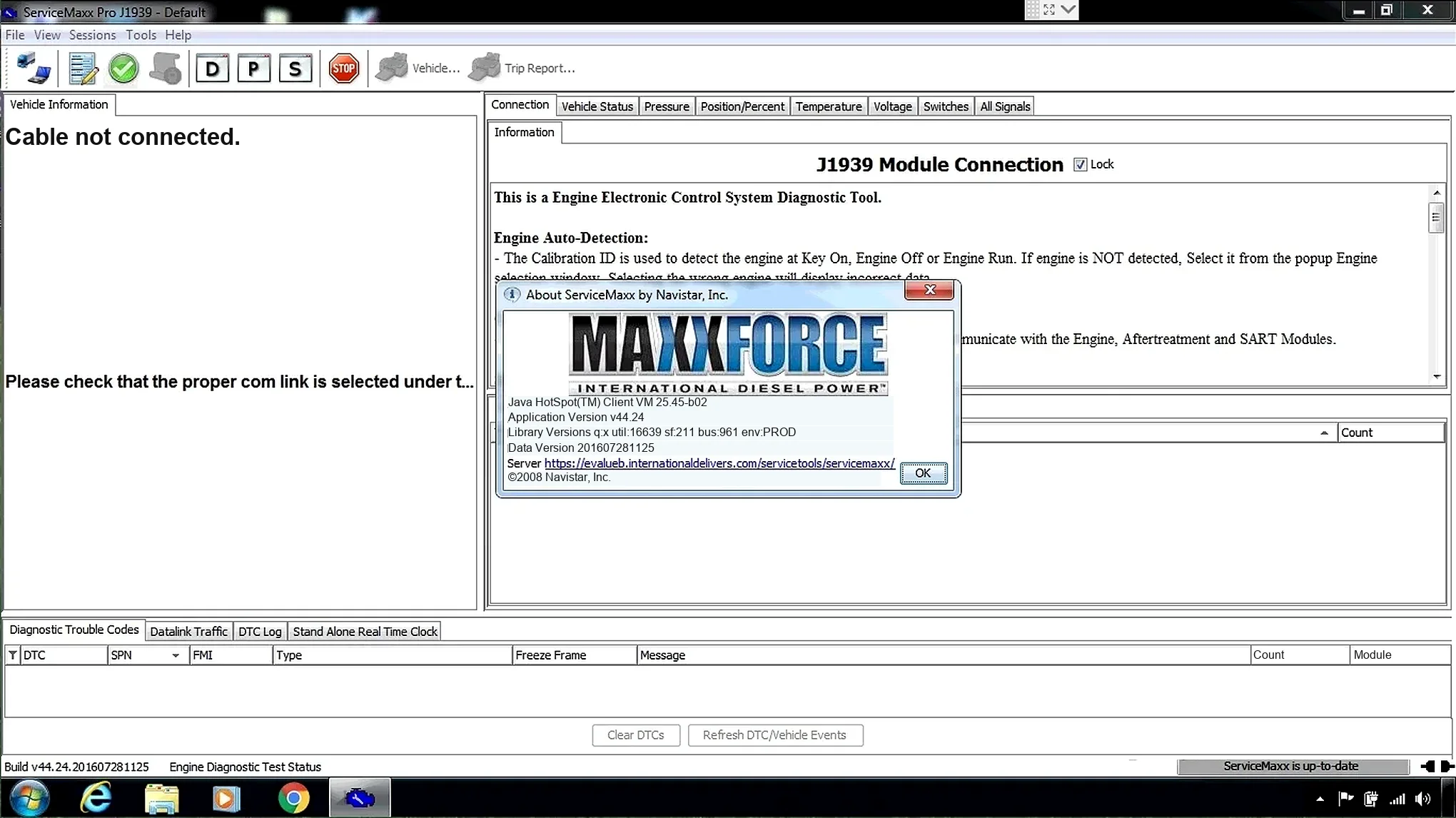
Supported vehicles, ECUs and files
The intended coverage is Navistar-built engine electronics in supported International vehicles. It does not extend automatically to every engine fitted to an International chassis. A vehicle using an engine from another manufacturer may need that manufacturer's own diagnostic application. The documented ServiceMaxx workflow includes Navistar engine identification, calibration details, diagnostic sessions and programming procedures through a compatible communication adapter.
- Supported International/MaxxForce engine controllers communicating over J1939.
- Vehicle identity, engine serial number and calibration information supplied by the connected ECM.
- Navistar service tests, procedures and parameters that are enabled for the particular engine family.
- Access to the J1939 data link using a compatible RP1210-style workshop interface.
Functions
- Fault-code analysis: read active and previously active DTCs together with their descriptions and freeze-frame information.
- Live engine signals: monitor temperatures, pressures, voltages, switch states, actuator positions and calculated values.
- Signal groups and snapshots: build groups of readings, capture snapshots and set trigger conditions to investigate intermittent faults.
- Data-link inspection: examine traffic with the available message and sniffer tools.
- Service operations: carry out supported tests, procedures and parameter programming after confirming the engine identity.
System and hardware requirements
- A compatible Windows workshop computer. Documentation for this supplied generation refers to a Windows 7 environment.
- The Java runtime appropriate to the installed ServiceMaxx generation. The legacy troubleshooting guide specifies Java 6 Update 27; runtime requirements differ between releases, so verify the supplied application/runtime pairing rather than substituting an arbitrary newer Java installation.
- A supported J1939 communication adapter, its manufacturer's driver and the correct vehicle cable.
- Administrator privileges for installation, stable vehicle power and the Navistar licensing or access required for the intended operation.
Recommended workflow
- Install the communication-adapter driver and the required Java runtime, then confirm that the adapter communicates correctly independently of the diagnostic session.
- Connect to the vehicle and verify its VIN, engine serial number and calibration identity. Save a complete initial health report.
- Investigate the fault using signal groups and snapshots before clearing DTCs or modifying service parameters.
- Follow the exact service procedure and maintain stable voltage throughout any operation that programs parameters.
Package contents
The documented package includes the ServiceMaxx installer, a bundled Java installer, an activation utility and a key file. The installer and its nested components were examined without executing them during the documented preparation. The vehicle communication interface and its driver are not included.
Important limits
This package does not establish compatibility with Cummins or other non-Navistar engines. Programming capabilities depend on the engine family, permitted access level and calibration service. Begin a new connection with read-only diagnosis before considering any programmable service operation.
Technical Compatibility
Supported Modules
Operating Systems
System Requirements
- Compatible Windows workshop PC; this generation is documented around Windows 7
- Java runtime matching the supplied generation; legacy troubleshooting specifies Java 6 Update 27
- Supported J1939/RP1210-style adapter, vendor driver and correct vehicle cable
- Administrator installation rights, stable vehicle power and required Navistar access/licensing
Screenshots
Related Software

Windows calibration-file utility with manufacturer and ECU selection menus for EGR, flap, Hotstart, DTC and related service functions.

Volvo VIDA 2015A workshop environment for vehicle identification, guided fault tracing, wiring diagrams, service documentation and parts reference.
Detroit Diesel Diagnostic Link (DDDL) Full Suite 6.5 / 8.19 / DRS 6.31
v6.5 / 8.19 / DRS 6.31Detroit Diesel and Mercedes-Benz MBE workshop suite combining DDDL legacy and modern diagnostics, DRS reprogramming, live data, service tests and parameter functions.
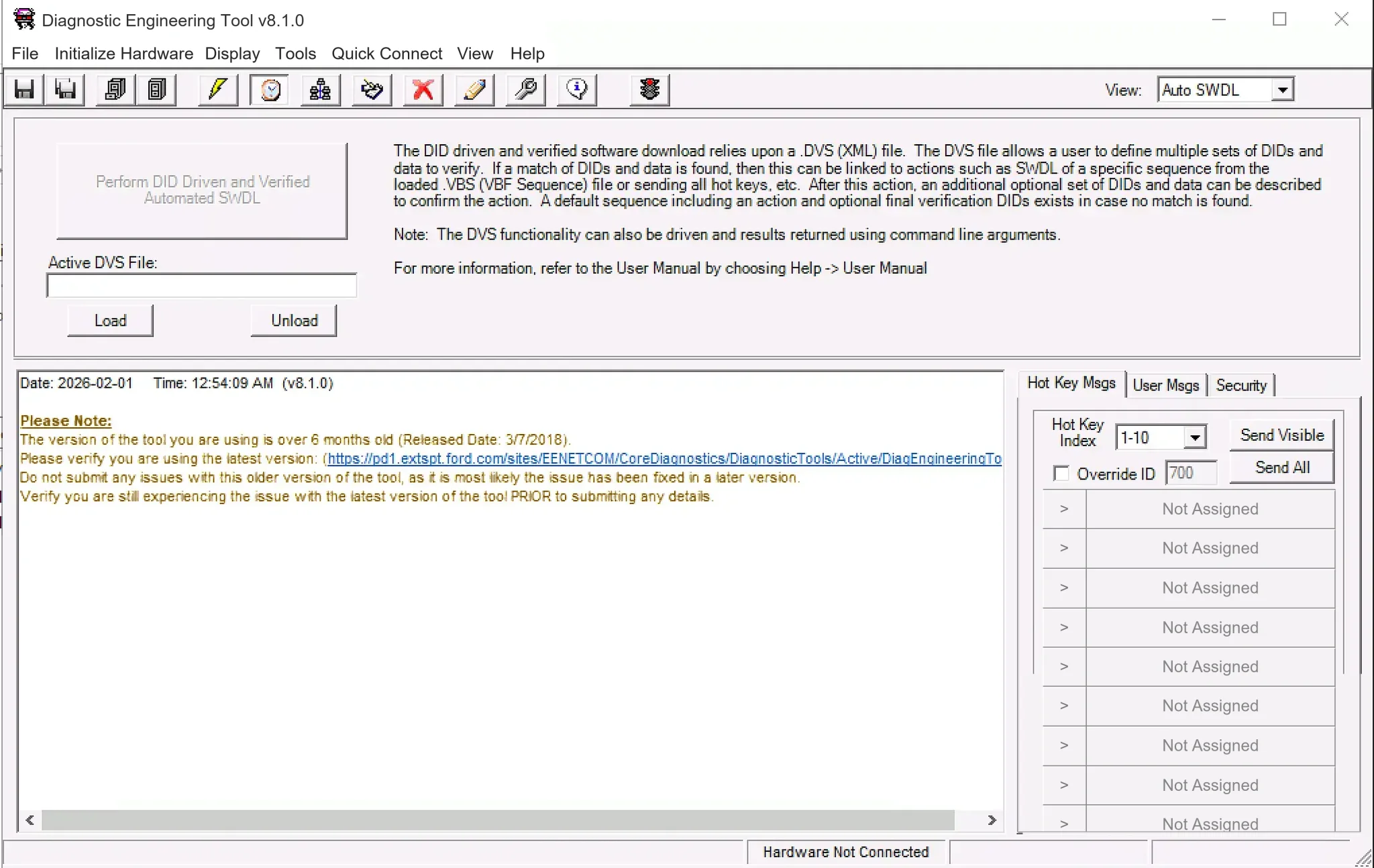
Ford ISO 14229 UDS engineering diagnostics with raw requests, DIDs, ECU configuration, software download sequences and module-focused service routines.
CAN SmartCraft diagnostics and delivery configuration for supported Mercury Marine and MerCruiser systems, with module identification, eBOM selection, fault review and supported service tests.
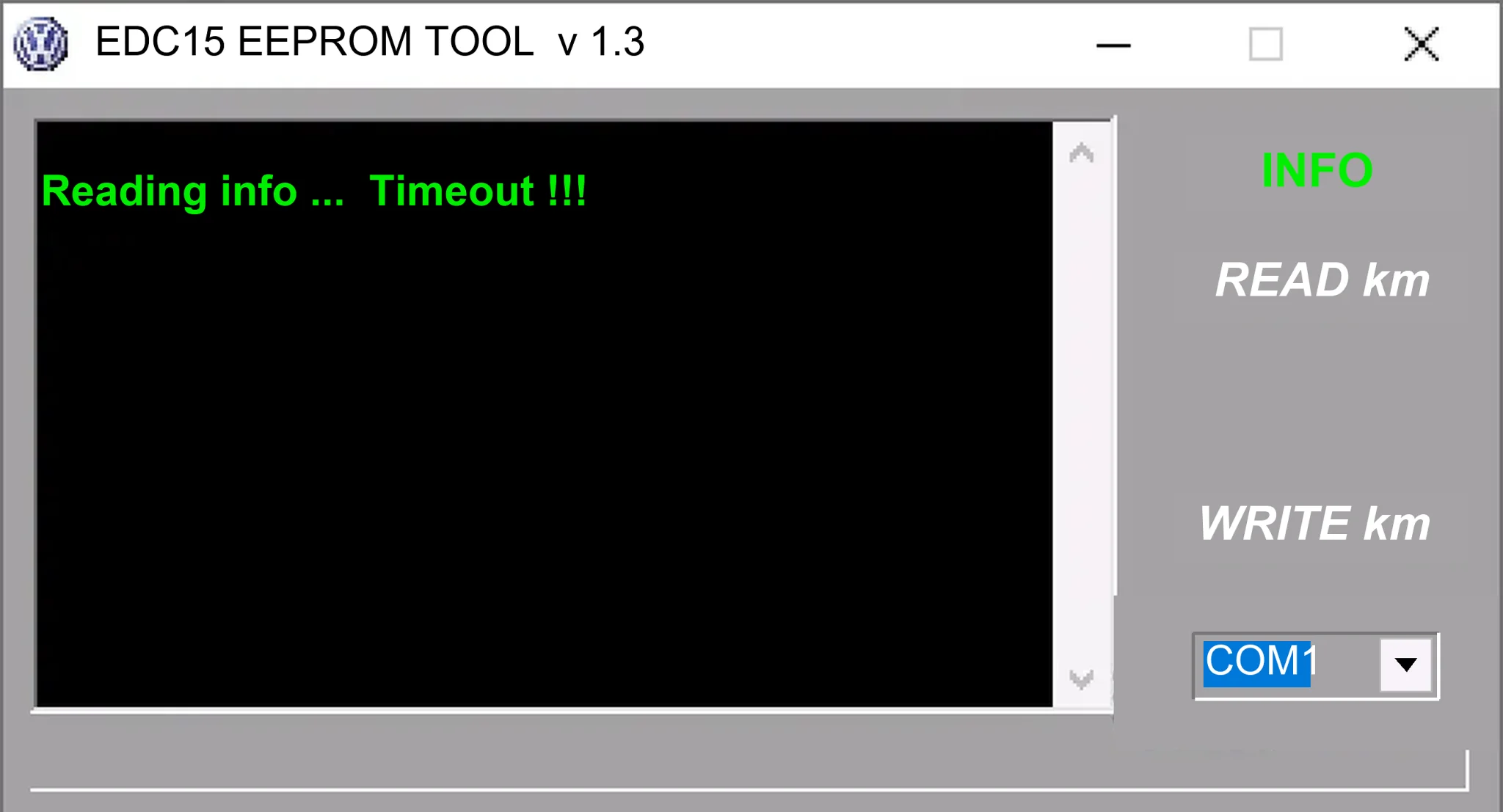
Windows utility for supported Bosch EDC15 diesel ECU information, EEPROM access and authorized KM data service operations through a compatible interface.