
SOFTWARE DATABASE / RELEASE RECORD
VERSION 1.0.0.0MS45 Flasher - BMW ECU Read and Write Utility 1.0.0.0
Windows EDIABAS utility for supported BMW Siemens MS45 and MS45.1 DMEs, with identification, reading and separate program, tune, MPC and full-binary operations.
Categories
Vehicle references
Overview
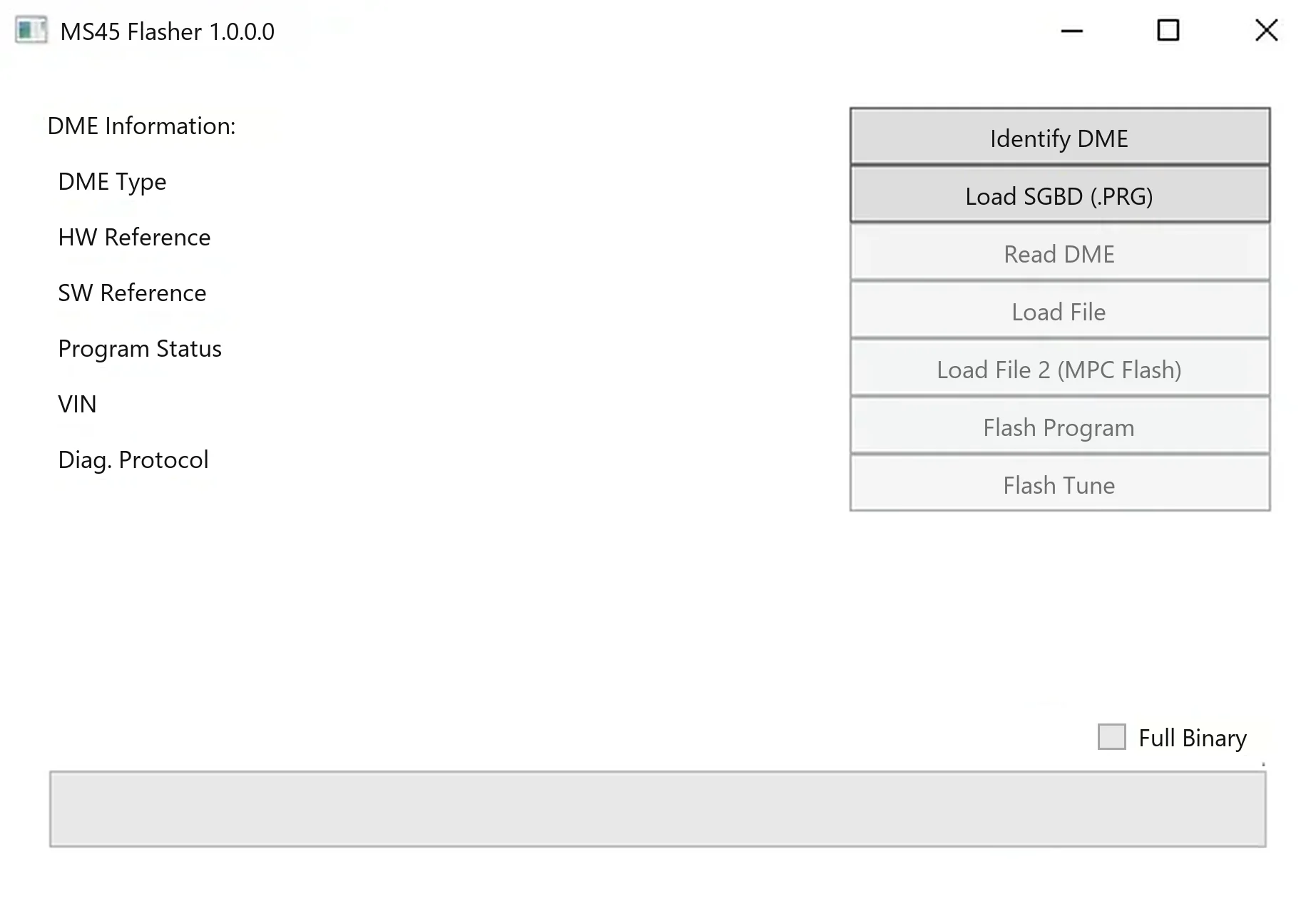
MS45 Flasher 1.0.0.0 is a Windows utility for identifying, reading and programming supported BMW Siemens MS45 and MS45.1 engine controllers through EDIABAS. The interface separates program, calibration or tune, MPC and full-binary operations so the technician can select the memory area that corresponds to the task and the source file.
Begin with the identity of the connected DME and the type of data being handled. The available controls distinguish loading a saved file from reading the controller, and distinguish program flashing from tune flashing. Keeping those choices tied to the actual memory region is essential throughout the job.
Supported vehicles, ECUs and files
The MS45 family is associated with BMW M54 and M56 applications, including E46, E60, E83 X3 and E85 Z4. The fitted version can be MS45.0 or MS45.1 according to chassis, engine and transmission. Establish compatibility from the controller identification returned by the application and check the hardware, software, VIN and communication protocol.
- Siemens MS45 and MS45.1. Use a supported variant accessible through a working BMW EDIABAS installation.
- M54/M56-era BMW applications. E46, E60, E83 and E85 provide vehicle context. The actual DME identification determines the applicable operation.
- Separate memory operations. The application exposes program, tune or calibration, MPC and full-binary paths. Match the file to the intended region before loading or writing it.
Functions
- Identify the DME. Review the connected controller’s hardware and software references, VIN and diagnostic communication information.
- Load the EDIABAS definition. Select the matching SGBD/PRG data needed for communication with the identified controller.
- Read or load data. Read ECU data through the supported connection or open an existing binary for review and comparison.
- Select the appropriate write operation. Program the supported program or tune area. Use full-binary or MPC operations only within the corresponding recovery procedure and with the correct source data.
System and hardware requirements
- Windows and EDIABAS. Prepare a correctly installed BMW EDIABAS/INPA data environment before attempting communication.
- Suitable interface and definitions. Use a compatible BMW K-line, DCAN or bench setup with the correct MS45 PRG/SGBD files for the operation.
- Reliable power and connection. Maintain battery support and a stable USB link. Configure the workstation to remain awake throughout a write, including preventing sleep and hibernation.
- Backup and recovery. Keep a complete verified original and establish a bench/boot recovery route before undertaking full-binary or MPC operations.
Recommended workflow
- Confirm communication first. Establish normal diagnostics and identify the DME before choosing a read, load or write operation.
- Preserve the available data. Read the relevant areas, calculate hashes and archive the original files alongside the returned VIN, software information and controller identification.
- Validate the intended file. Confirm that the edited data belongs to the selected program or tune region. Carry out independent checksum verification or correction where the controller and operation require it.
- Write and verify. Program under stable voltage and maintain the session without interruption. Afterwards, reconnect diagnostics, scan the controller and confirm engine operation and coding.
Package contents
The documented package includes the flasher executable, an EDIABAS .NET communication library, a configuration file and a debugging-symbol file. Prepare the EDIABAS data, interface drivers and vehicle cable separately, since those components are outside the supplied package.
The files were examined statically during preparation without executing the program. The package description records the included components, while the workshop setup still needs to be checked against the connected controller and the chosen communication hardware.
Important limits
Writing to the wrong memory area can leave the DME inoperative. MS45 and MS45.1 data, as well as program, tune and full images, must be matched to the correct controller and operation.
Confirm the source file, selected memory region and tested recovery route before starting a write. Preserve the verified original throughout the process so the recovery procedure has the required data available.
Technical Compatibility
Supported Modules
Operating Systems
File Formats
System Requirements
- Windows with a correctly configured EDIABAS/INPA data environment.
- Compatible BMW interface and correct MS45 PRG/SGBD definitions.
- Stable battery support and reliable USB connection.
- Sleep and hibernation prevented during writing.
- Verified original backup and a tested bench/boot recovery route.
Screenshots
Related Software
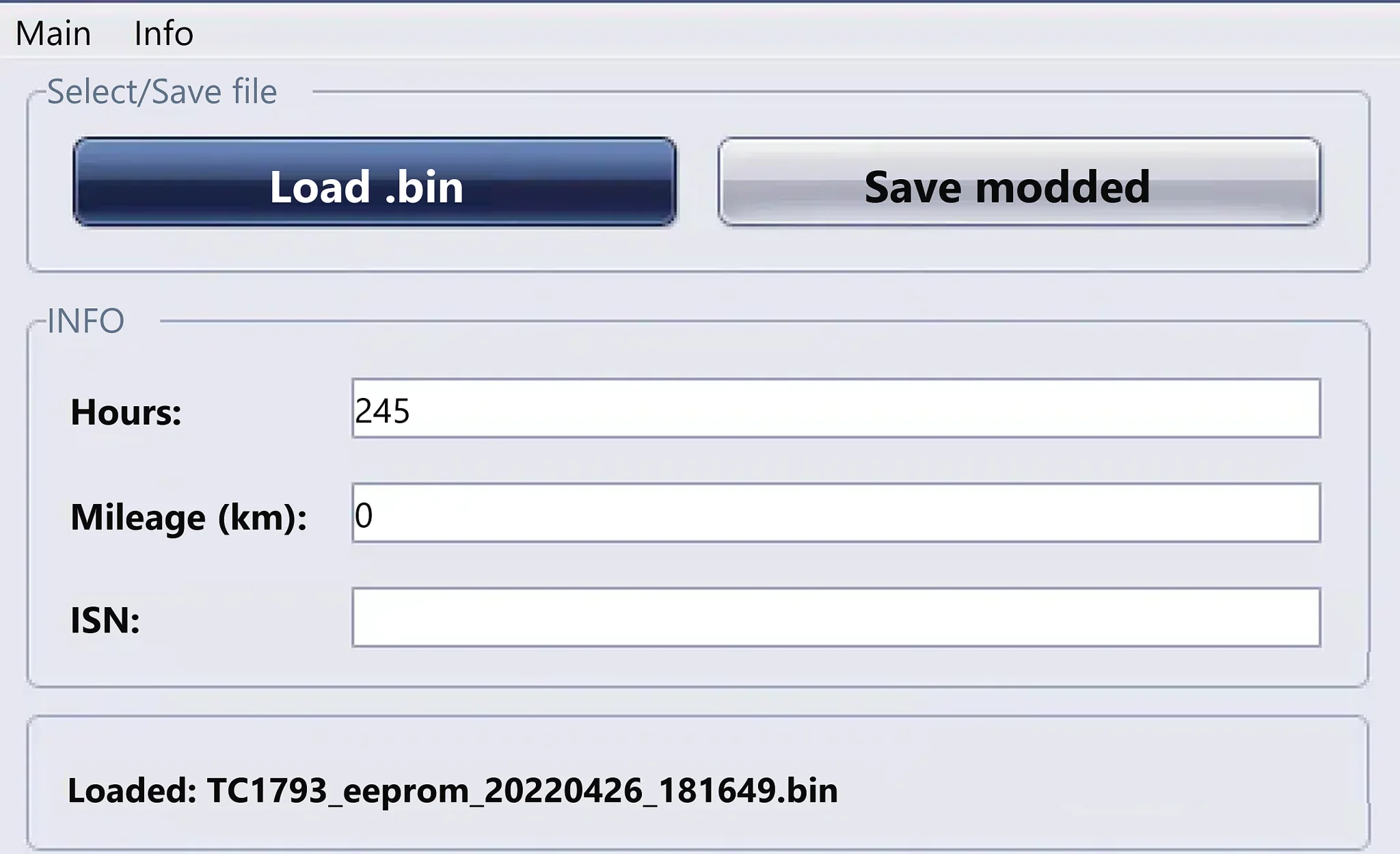
Offline BMW MEVD1723 TC1793 EEPROM editor for working hours, mileage and ISN display, with automatic checksum correction when saving modified BIN files.
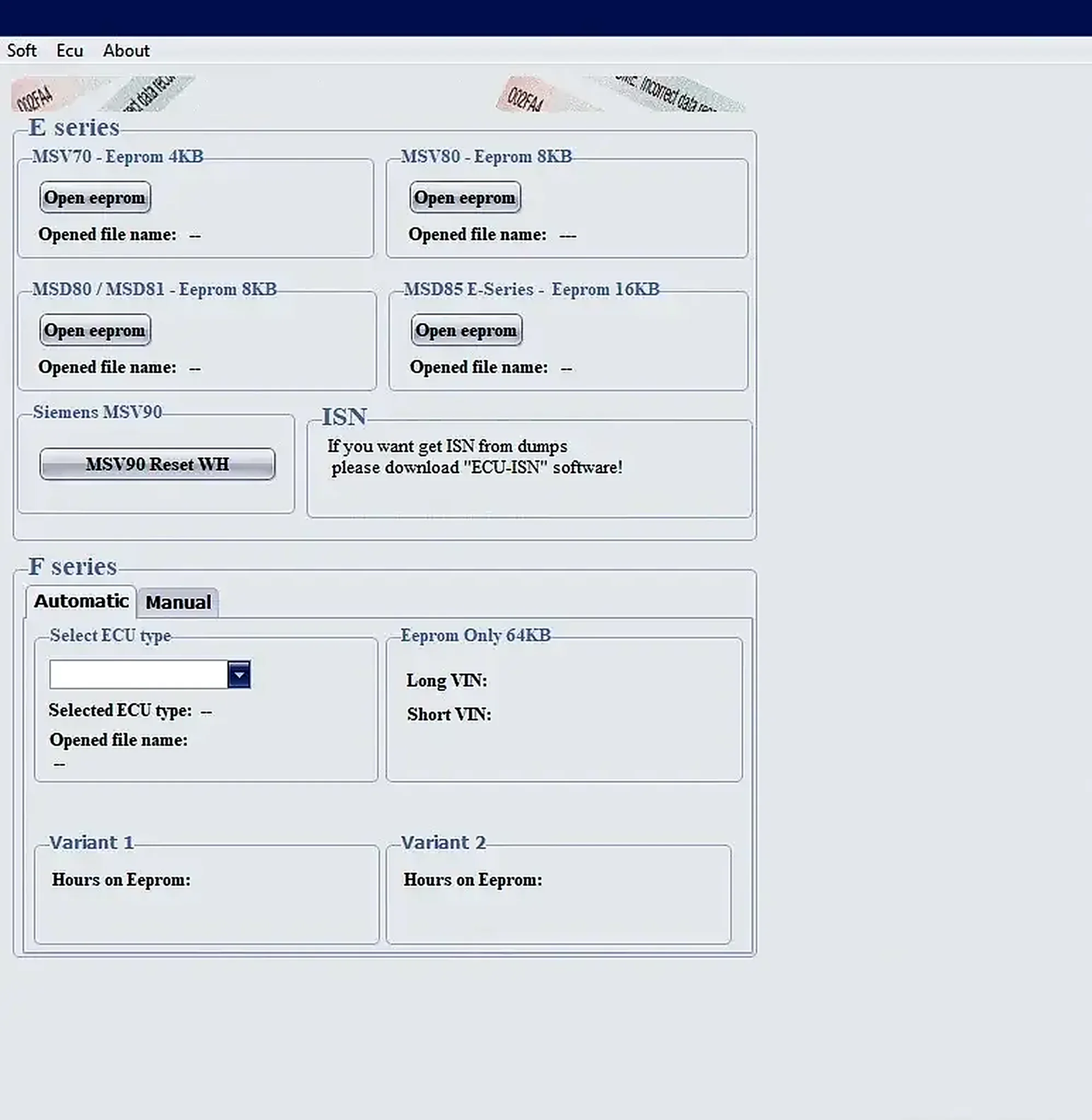
Offline BMW EEPROM utility for resetting supported DME working-hours data, addressing the documented 2FA4 replacement scenario and editing supported VIN fields.
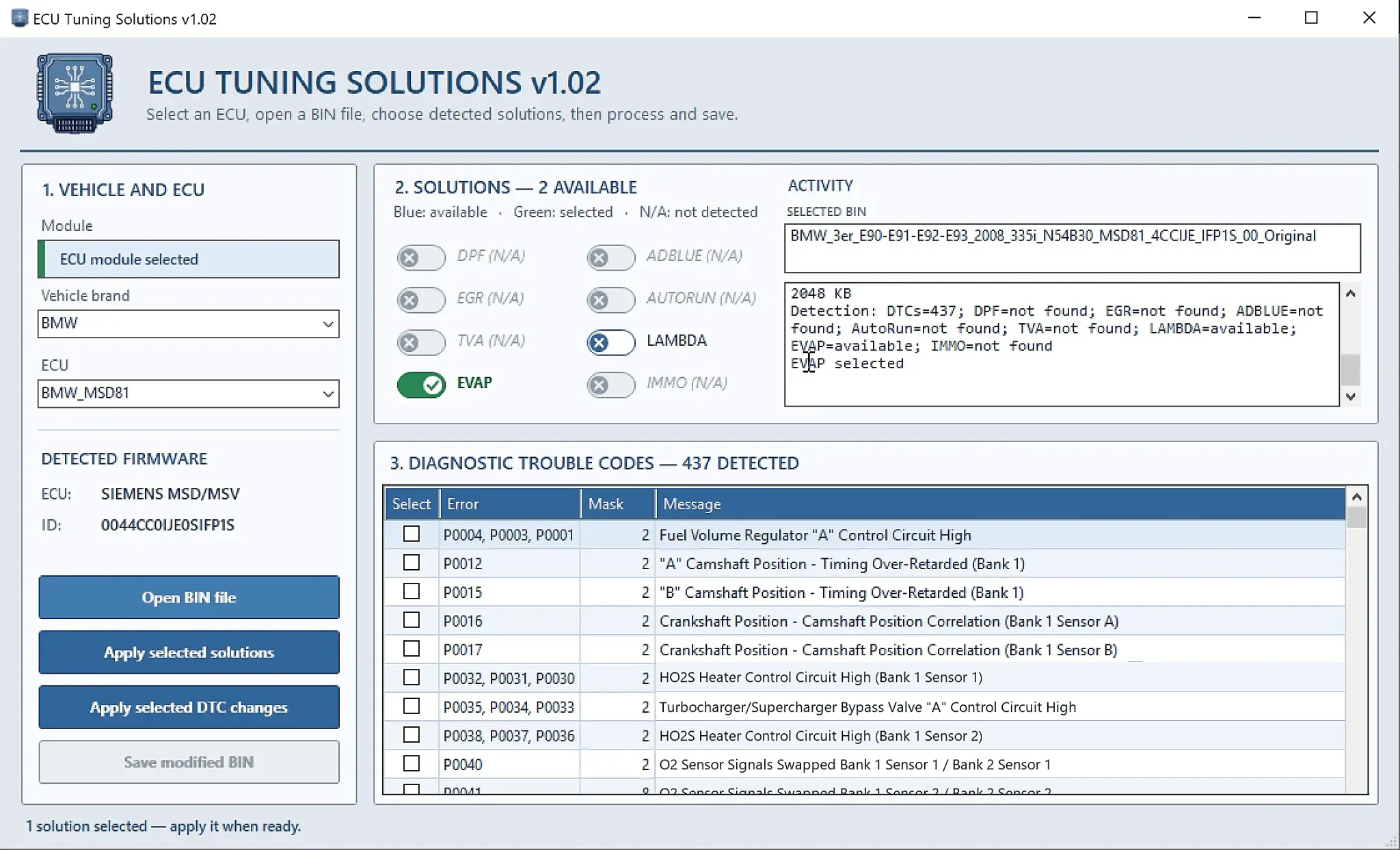
Offline Windows ECU-file processing and DTC handling for supported multi-brand controllers, with eight solution types and HWID-based activation in version 1.02.
Offline Windows dump-processing utility for supported ECU, immobilizer, dashboard and body modules, with IMMO, PIN/VIN, virgin, ISN and DPF/EGR/DTC functions.
Offline Windows workspace for BMW CAS3 C3 / 0L01Y EEPROM files, with key-slot editing, vehicle data, short and long ISN tools and ELV-disabled Flash export.

Windows EEPROM and flash-dump toolkit for supported IMMO PIN, IMMO OFF, virgin, radio PIN, MEDC17 checksum and special repair workflows, including BMW EDC15 ISN in 1.0.4.