
SOFTWARE DATABASE / RELEASE RECORD
VERSION 2016Mercedes Telematics Disc Image for COMAND Updates 2016
Mercedes-Benz telematics service disc image 2218270100.nrg for supported COMAND update workflows, with vehicle and head-unit applicability confirmed by VIN and the diagnostic prompt.
Categories
Vehicle references
Overview
This Mercedes-Benz telematics update disc image is identified by the filename 2218270100.nrg. It serves as workshop media for COMAND and infotainment update procedures in which the diagnostic workflow asks for a dedicated telematics CD. Its part-number format points toward a W221-era application, but the correct match still depends on the vehicle, head-unit generation and installed software level.

Highlights
- Telematics service media identified by the Mercedes-style part number
2218270100. - An NRG disc image that can be retained in an archive and used in a controlled workshop environment.
- Service media for COMAND update procedures that specifically request a telematics disc.
- Part-number-based naming makes legacy infotainment media easier to organize and find.
- A consistently named, single-file package for inventory management and integrity checks.
Package contents
2218270100.nrg
Compatibility notes
- Intended use: Mercedes-Benz telematics update media for COMAND infotainment service procedures.
- The part-number prefix suggests a connection with the W221 platform. Related models with comparable head units may also be relevant, but that association alone does not establish fitment.
- Applicability depends on the vehicle, head-unit generation and firmware. Confirm the VIN and the exact disc request shown during the diagnostic session.
- If the imaging tools in your workflow accept ISO rather than NRG, the image may need conversion using suitable disc-imaging software.
Basic usage
- Retain the original filename and keep the NRG image in an archive folder with a clear label.
- After downloading, check the file size to confirm that the image is complete.
- Where the procedure requires it, use a trusted disc-imaging utility to mount the NRG or write it to the appropriate optical media.
- Carry out the telematics step only when the COMAND or diagnostic procedure explicitly asks for this disc.
- Record the vehicle VIN, head-unit type and outcome in the workshop notes for traceability.
Operating systems
- Windows 7, Windows 8.1, Windows 10 and Windows 11.
- macOS 10.13 or later, with compatible disc-imaging utilities.
- Linux distributions with optical-media tools capable of handling the image.
Minimum system requirements
- CPU: Dual-core processor or better.
- RAM: 4 GB is recommended.
- Storage: 5 GB of free space is recommended for processing the image and temporary files.
- Network: Optional, for downloading and checking integrity.
- Admin rights: Required to install imaging utilities and write optical media.
Disclaimer
Site-wide Disclaimer & Legal Notice
- Editorial index only: Descriptions and images provide educational and reference information to help identify legitimate manufacturer resources. Third-party binaries are not altered or repackaged.
- No endorsement or affiliation: Product names and trademarks remain with their respective owners and are mentioned only for identification.
- Licensing and EULAs: Users must observe vendor license conditions and local law. No keys or protection-bypass methods are supplied.
- Safety and warranty risk: Incorrect infotainment or control-unit operations may damage equipment or affect warranty coverage. Follow OEM procedures and accept the risks involved.
- Security and integrity: Check file integrity, scan downloads and use official sources when available. Responsibility for loss or damage arising from external files is not assumed.
- Compliance: Restrict use to lawful service and repair by qualified personnel, following the applicable regional regulations.
Technical Compatibility
Operating Systems
System Requirements
- Dual-core processor or better
- 4 GB RAM recommended
- 5 GB free storage recommended for image handling and temporary files
- Network optional for download and integrity verification
- Administrator rights for installing imaging tools and writing optical media
- Windows 7 / 8.1 / 10 / 11; compatible imaging utilities required
Screenshots
Related Software

Windows calibration-file utility with manufacturer and ECU selection menus for EGR, flap, Hotstart, DTC and related service functions.
Detroit Diesel Diagnostic Link (DDDL) Full Suite 6.5 / 8.19 / DRS 6.31
v6.5 / 8.19 / DRS 6.31Detroit Diesel and Mercedes-Benz MBE workshop suite combining DDDL legacy and modern diagnostics, DRS reprogramming, live data, service tests and parameter functions.
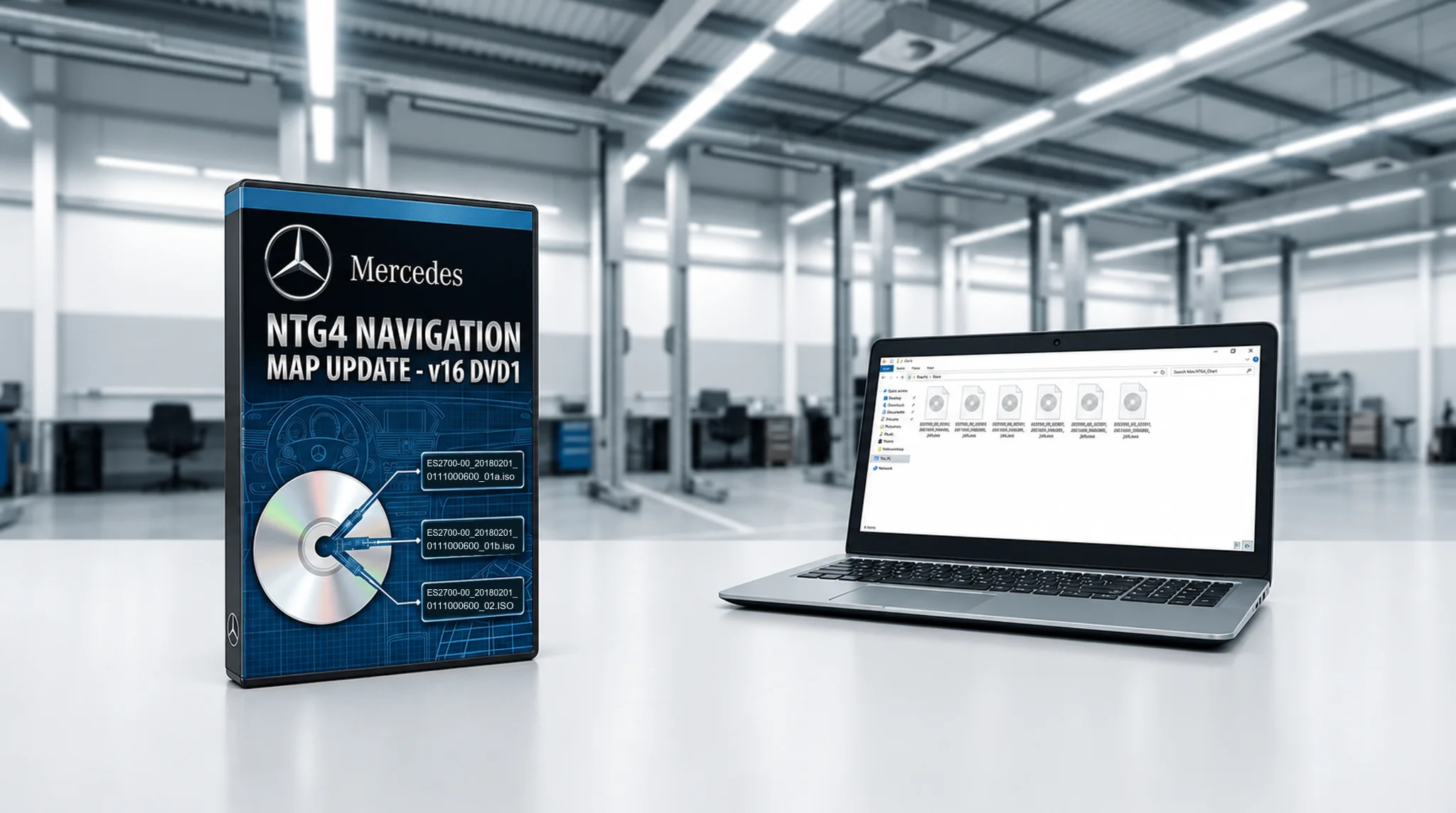
NTG4 v16 DVD1 split ISO package for preparing navigation map media for compatible Mercedes-Benz infotainment systems, with three original image filenames and media-handling guidance.
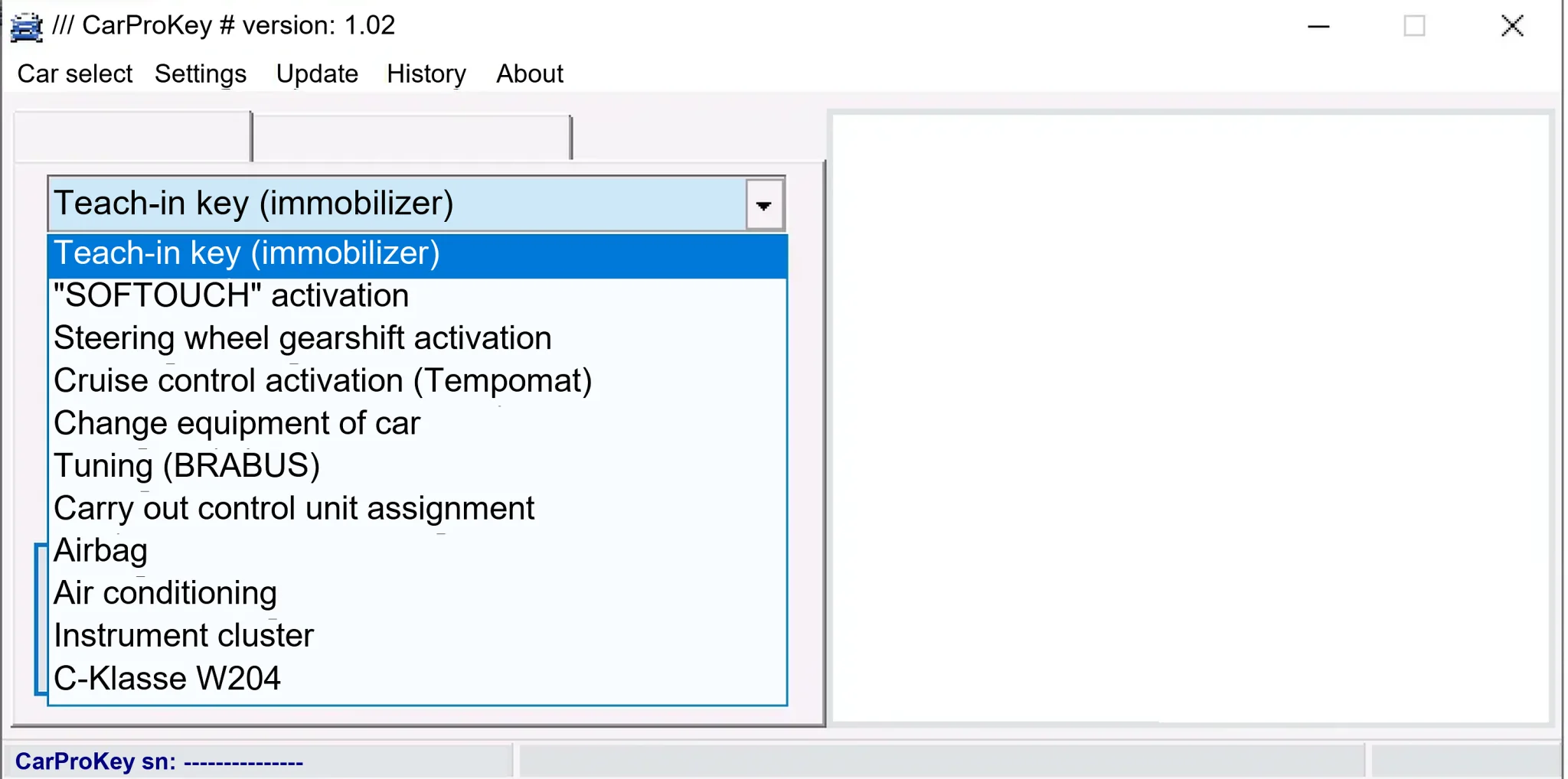
Windows service helper for selected Mercedes, Smart and Nissan Infiniti workflows, including authorized key teach-in, option coding and control-unit assignment.
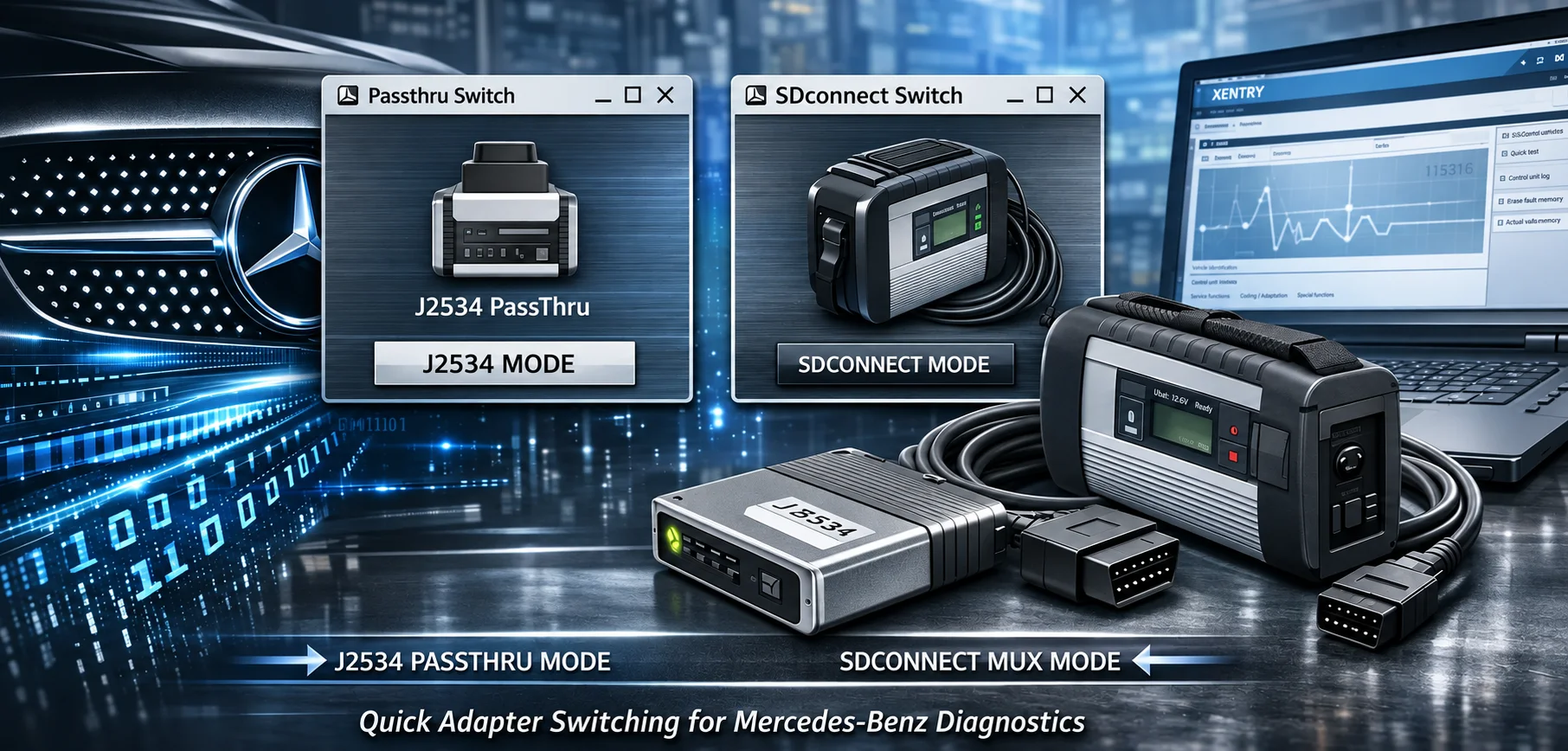
Lightweight Windows helpers for switching Xentry and DAS workstations between J2534 PassThru and SDconnect MUX communication profiles.
Restores SDconnect equipment selection in XDOS OpenShell Xentry environments from 03.2024 onward, with wireless integration paths for Vediamo and DAS standalone.