
SOFTWARE DATABASE / RELEASE RECORD
VERSION 1.8.0.0MazdaMeter - Mazda Instrument Cluster EEPROM & Odometer Tool 1.8.0.0
Windows instrument-cluster service software for selected Mazda 3, Mazda 6, CX-5 and CX-7 platforms, with odometer and EEPROM read/write functions through a dedicated MazdaMeter adapter.
Categories
Vehicle references
Overview
MazdaMeter 1.8.0.0 is Windows workshop software for supported Mazda instrument-cluster service. With its dedicated adapter connected through the vehicle diagnostic connector, it provides model-specific odometer and EEPROM reading/writing functions. Replacement distance values are intended for authorized, documented cluster repair or replacement.
The software needs compatible MazdaMeter hardware; a generic ELM327 application or USB cable cannot replace it. Before writing, establish the exact vehicle generation, instrument part number and software variant, and use a verified service procedure with a stable workshop computer.
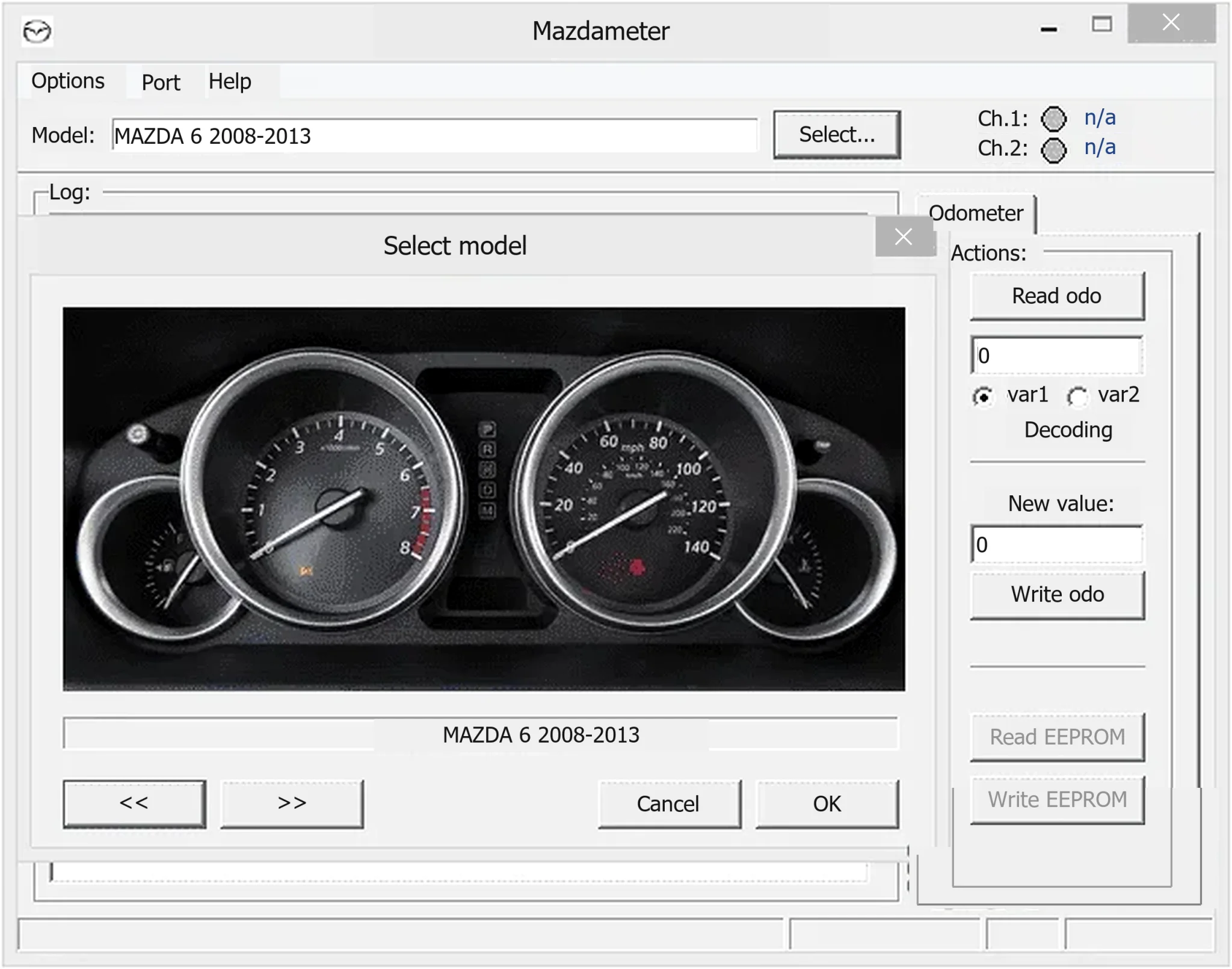
Main instrument-cluster functions
The interface separates Read odo, Write odo, Read EEPROM and Write EEPROM. The model dialog selects a platform routine, and the Port menu selects the adapter's virtual COM connection.
- Read the distance stored in a supported instrument cluster.
- Enter an authorized replacement value for legitimate service work.
- Back up the cluster EEPROM before making changes.
- Restore a verified backup to the same electronically compatible cluster.
- Choose an appropriate built-in variant when one model-year group uses different instrument electronics.
MazdaMeter does not automatically identify an unknown cluster. An incorrect model or variant can give a misleading reading or direct a write to the wrong data location. Similar-looking vehicles are not sufficient evidence of compatibility.
Supported Mazda models and years
The documented application identifiers include:
- Mazda 3, 2010–2013: two variants.
- Mazda 3, 2014: two variants.
- Mazda 6, 2008–2013.
- Mazda 6 / CX-5 family: routines for 2014-era Mazda 6 and 2013-era CX-5, with two variants.
- Mazda CX-7, 2010–2013.
These groups align with published Mazda 3, Mazda 6, CX-5 and CX-7 coverage, but the year alone does not prove support. Mazda3/Axela and Mazda6/Atenza regional names, facelifts, market-specific instruments and replacement clusters can correspond to different electronics. Check instrument manufacturer and part number, original EEPROM length and the actual routine available in this release.
Required MazdaMeter adapter and connection
The dedicated MazdaMeter interface communicates through the diagnostic link connector. Its USB serial connection uses a Virtual COM Port driver; the bundled STMicroelectronics VCP software is a driver component, not a replacement for the physical adapter.
- Install the appropriate VCP package for the workshop operating system.
- Attach the MazdaMeter device and verify a stable COM port in Device Manager without a warning icon.
- Select that COM number from the application's Port menu.
- Connect to the diagnostic connector with ignition and battery conditions set by the vehicle service procedure.
- Choose the precise model, year group and variant, and complete a read before considering a write.
A generic USB-to-serial lead or ELM327 creating a COM port does not establish compatibility. Dedicated hardware identification, pin routing and protocol timing still matter.
Package contents
The package documentation describes extracting the actual contents of three nested wrappers and retaining:
- The primary MazdaMeter x86 application.
- An older MazdaMeter application for compatible legacy adapters or workstations.
- The matching older adapter firmware file supplied with that application.
- The STMicroelectronics Virtual COM Port installer.
- The original VCP readme and operating-system selection notes.
Keep the primary and older versions separate to avoid confusion and preserve a rollback option. Do not rename or flash the firmware file unless the precise adapter procedure calls for it.
System requirements
- A Windows PC capable of running legacy 32-bit applications.
- Driver notes covering Windows 98 SE, 2000, XP, Vista, 7 and 8.x, with x86/x64 installation paths where provided.
- A physical USB connection and a compatible MazdaMeter device exposing a virtual COM port.
- Administrator permission for VCP installation.
- Approximately 20 MB free for the unpacked software, driver and service evidence; this is not a confirmed download size.
- A stable 12-volt vehicle supply or approved battery support during writing.
- Offline storage for original dumps, service notes and before/after evidence.
Windows 10 and 11 are not listed in the bundled notes, so their compatibility must be checked separately. A dedicated Windows 7/8-era workstation is the conservative legacy choice. ST's current VCP guidance also distinguishes the old STSW-STM32102 package from Windows 10's native driver path; driver guidance alone does not certify MazdaMeter application or adapter compatibility. Do not disable driver-signature or endpoint protections globally to force an old driver to load.
Safe EEPROM and odometer service workflow
- Privately record VIN, cluster part number, existing distance, customer authorization and repair reason.
- Stabilize vehicle voltage and prevent workstation sleep, USB power saving and unexpected restarts.
- Select the verified model/variant and read the current value without writing.
- Read EEPROM at least twice and compare the saved dumps byte-for-byte.
- Keep a protected, untouched original and record its SHA-256 in the private service record.
- For replacement work, record donor identification and confirm electronic compatibility before transferring data.
- Write only the verified value or dump required for the documented repair; retain the original independently.
- Cycle ignition only as the procedure allows, then reread and verify the resulting distance and warning lamps.
- Retain the original dump and service documentation with the vehicle history.
Use distance-writing functions only for lawful replacement, restoration or other documented repair. Preserve both previous and resulting readings, observe applicable disclosure requirements and never use the tool to conceal actual vehicle history.
Cluster replacement and EEPROM recovery notes
A cluster EEPROM may hold configuration, identifiers, service information and checksums as well as distance. A dump from another vehicle is not a universal template, even when the instrument housings look identical.
Compare original and donor hardware/label identifiers and keep backups of both. Stop before writing if repeated reads have inconsistent sizes, unexpected blank contents, unstable data or a single repeated byte pattern. Resolve power, connection and model-selection issues first. A completed progress indicator does not prove the output is logically valid.
Troubleshooting
- No COM port appears: check Device Manager, matching driver architecture and direct USB operation; avoid unpowered hubs.
- Port opens but the tool does not communicate: close other serial applications and verify the dedicated adapter, diagnostic connection, ignition and COM selection.
- Read value is implausible: do not write; recheck year group, variant and instrument part number.
- EEPROM reads differ: correct voltage or communication instability and obtain two identical reads.
- Write controls remain unavailable: confirm a successful read and support for that operation in the selected routine.
- Application will not start on a modern PC: use a compatible isolated Windows installation instead of weakening system-wide protections.
- Adapter firmware is requested: establish the hardware revision and preserve existing firmware before considering the supplied legacy
FWUfile.
Package verification and security notes
The package notes report successful testing and extraction of the outer and nested archives, six retained files, and a repeated extraction of the final encrypted 7z to compare its file tree. They distinguish the file versions of the primary and older applications and identify 1.8.0.0 as the current resource version.
The same notes describe three unsigned legacy x86 executables and static inspection without execution during preparation, using an existing genuine interface capture. These are reported package observations, not independent ECUDB executable or archive tests. Static inspection does not certify malware-free software. Inspect uncertain files with current tools, use an isolated workshop environment and keep the vehicle disconnected until the workstation and adapter have been verified.
Technical Compatibility
Supported Modules
Operating Systems
System Requirements
- Windows PC capable of legacy 32-bit applications.
- Bundled VCP notes cover Windows 98 SE, 2000, XP, Vista, 7 and 8.x, with x86/x64 paths where supplied.
- Dedicated Windows 7/8-era setup is the conservative legacy option; Windows 10/11 application and adapter compatibility require separate verification.
- Compatible dedicated MazdaMeter adapter, physical USB port and appropriate virtual COM driver.
- Administrator permission for driver installation.
- Approximately 20 MB free for unpacked software, drivers and service evidence; not a confirmed download size.
- Stable 12-volt vehicle supply or approved battery support during writing.
- Offline backup storage for untouched EEPROM dumps, service records and before/after evidence.
Screenshots
Related Software

Offline Windows reference and calculation tool for supported dashboard, body-module and EEPROM/MCU mileage profiles, with memory information, byte locations and repair calculations.

Offline Windows command-line decoder and editor for supported Bosch ME7.5 ECU and VAG instrument-cluster EEPROM files, primarily 1.8T Immobilizer III.
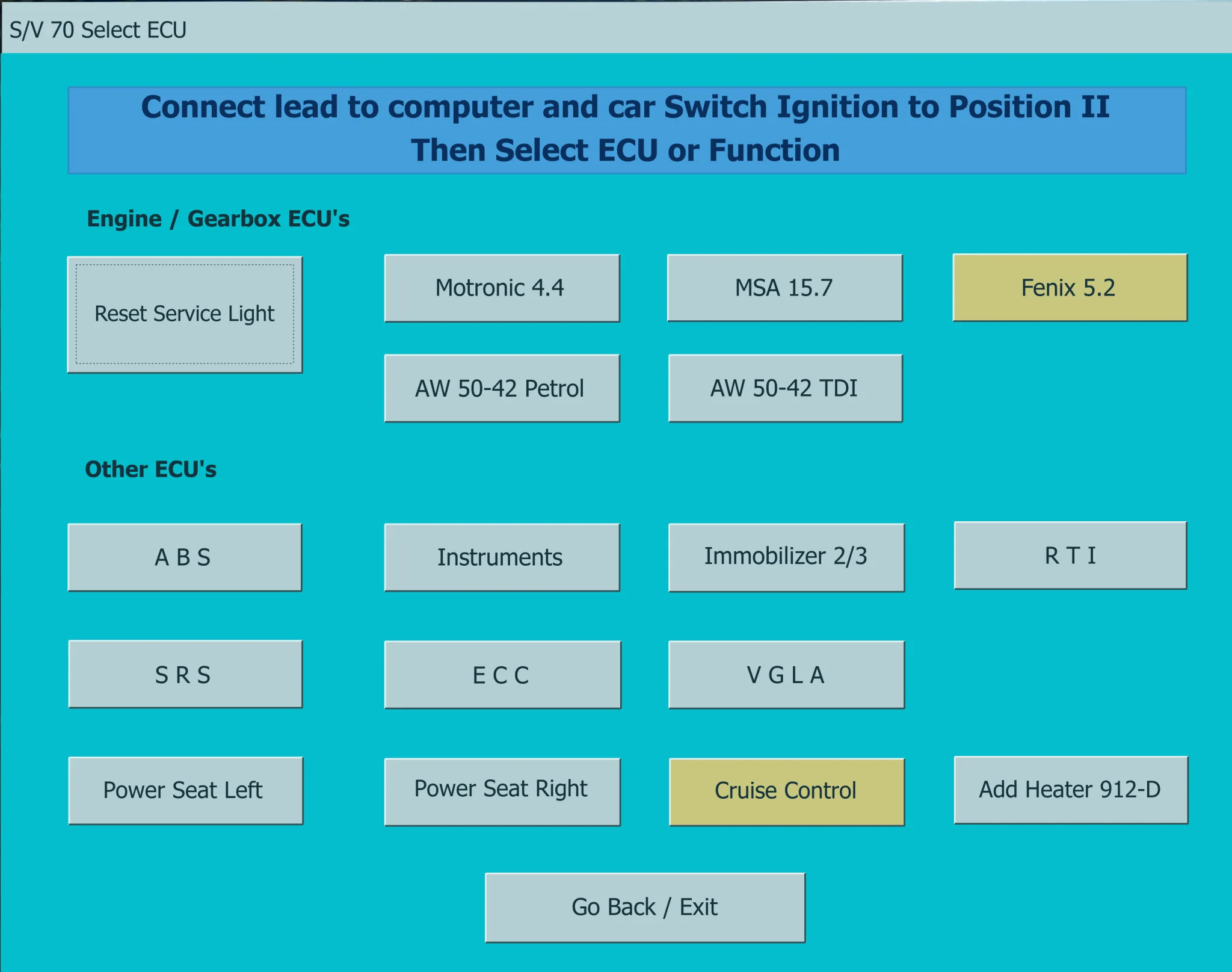
Legacy Windows diagnostics for supported pre-CAN Volvo vehicles, with fault-code reading and clearing, control-unit selection and selected service functions.
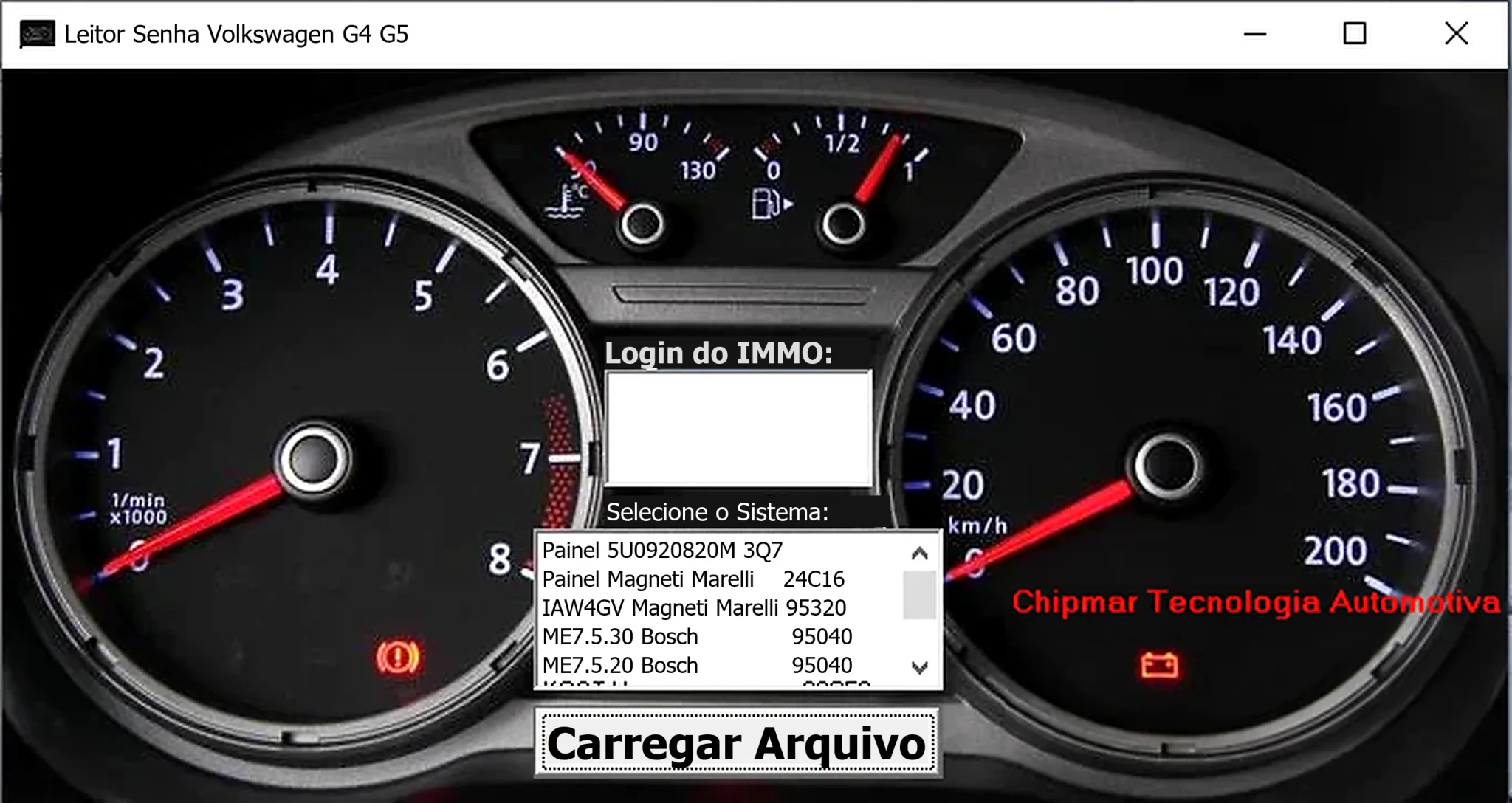
Windows dump-based PIN reader for selected Volkswagen dashboards and Magneti Marelli IAW4GV, Bosch ME7.5.30 and ME7.5.20 ECU memory files.
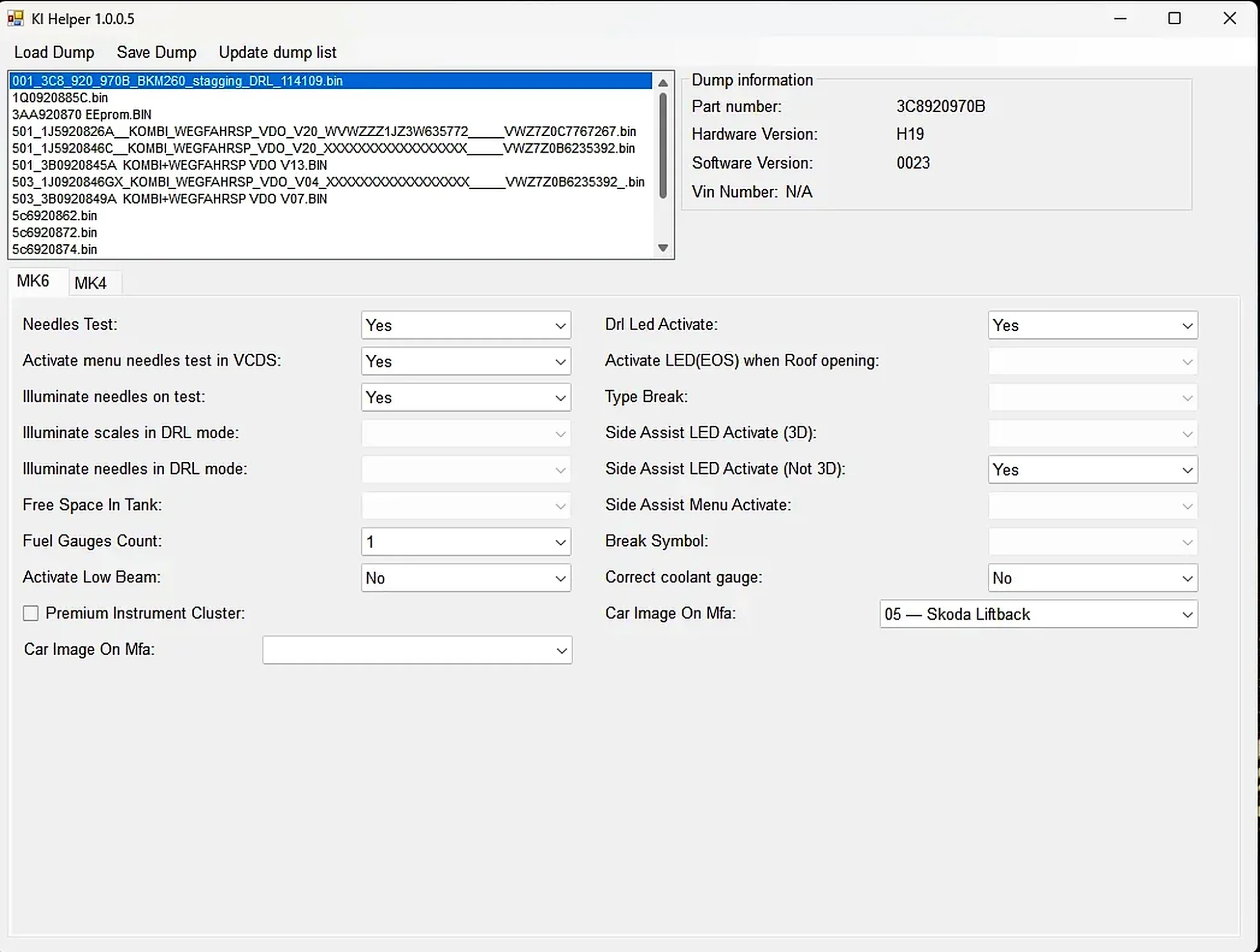
Windows EEPROM dump editor for selected VAG MK4 and MK6 instrument clusters, with identification, needle-test, lighting, display and configuration options.
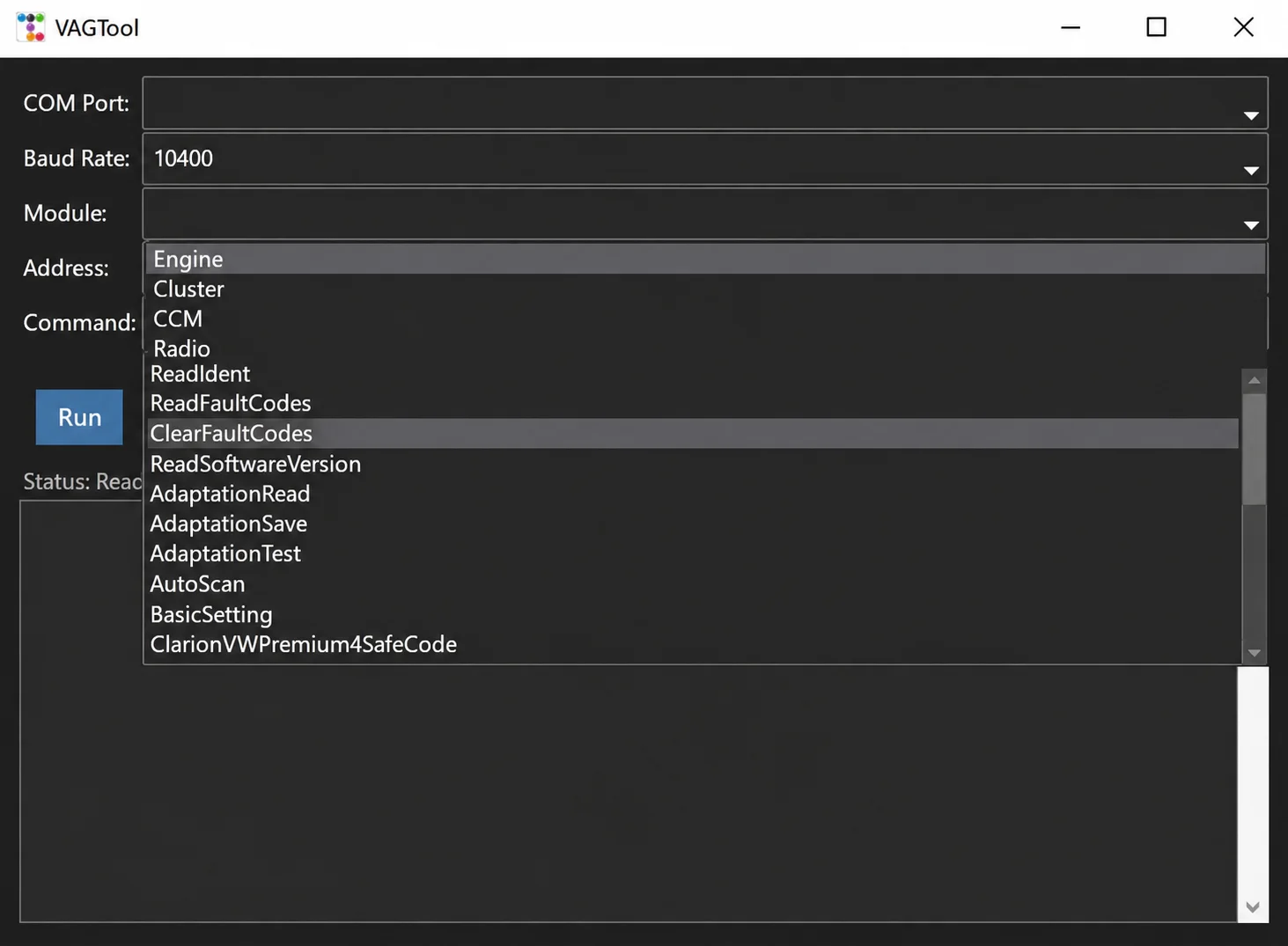
Legacy Windows K-line KWP1281 diagnostics for supported VAG modules, with COM-port control, fault codes, identification, adaptation, scanning and basic settings.