
SOFTWARE DATABASE / RELEASE RECORD
VERSION UnspecifiedVAGTool - KWP1281 Diagnostic and Adaptation Utility
Legacy Windows K-line KWP1281 diagnostics for supported VAG modules, with COM-port control, fault codes, identification, adaptation, scanning and basic settings.
Categories
Vehicle references
Overview
VAGTool is a compact diagnostic and adaptation utility for compatible Volkswagen Group controllers using the legacy K-line KWP1281 protocol. It exposes serial-port, baud-rate, module-address and diagnostic-command selection for focused work on vehicles predating modern CAN and UDS diagnostic platforms.
The interface includes engine, instrument-cluster, comfort-control and radio targets, with fault-code, identification, adaptation, basic-setting and scan commands. It is intended for technicians familiar with VAG addresses and documented channel procedures.
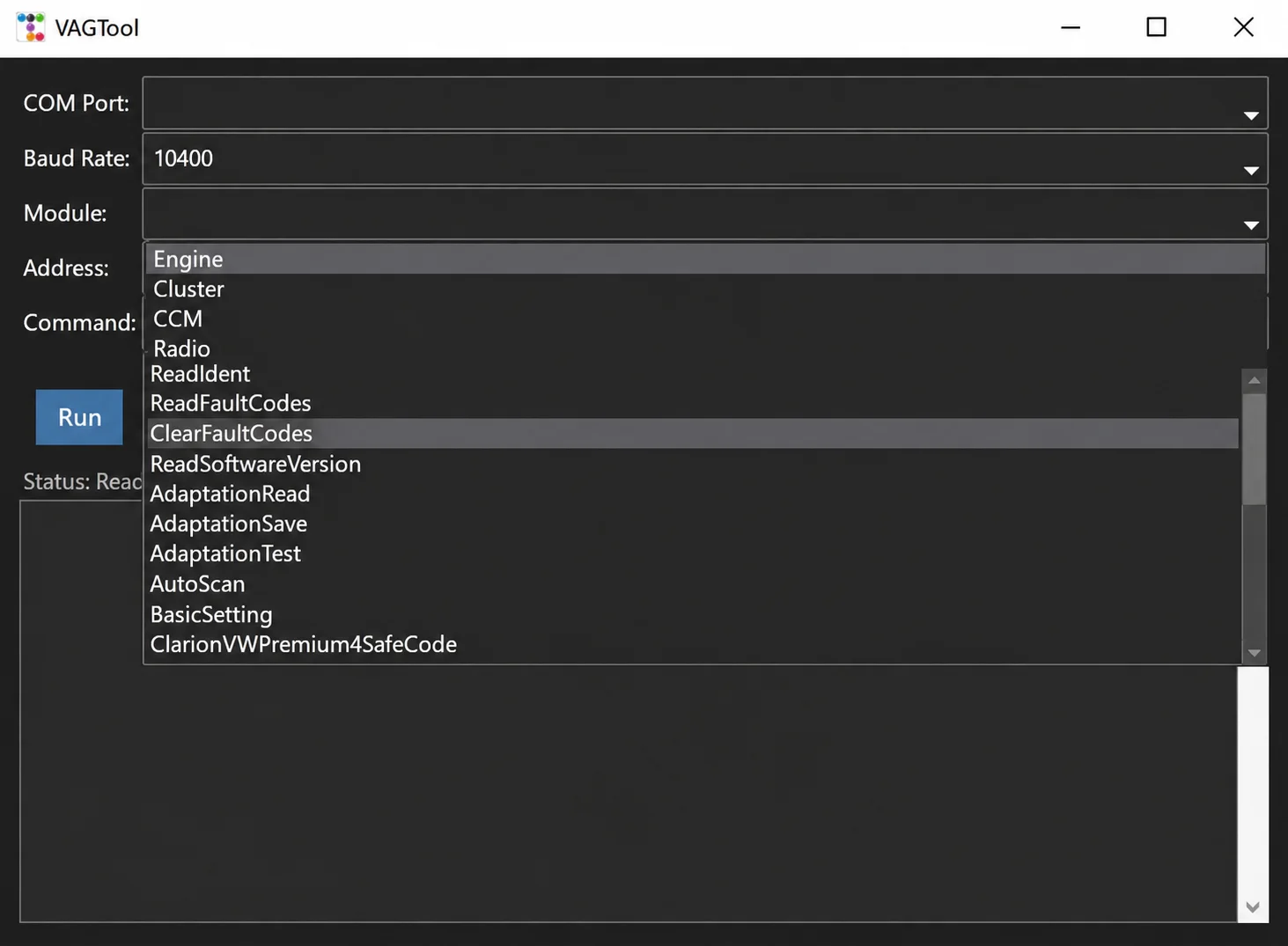
Modules and Commands Visible in the Program
- Engine.
- Instrument cluster.
- Comfort Control Module (CCM).
- Radio and a selected radio-security operation.
- Read and clear fault codes.
- Read software-version information.
- Read, save and test adaptation channels.
- Perform an automatic scan.
- Access basic settings.
- Enter module addresses and custom commands.
The displayed command names include ReadIdent, ReadFaultCodes, ClearFaultCodes, ReadSoftwareVersion, AdaptationRead, AdaptationSave, AdaptationTest, AutoScan and BasicSetting.
ClarionVWPremium4SafeCode is a dedicated safe-code command for a supported Clarion VW Premium radio workflow. It is model-specific and does not establish universal radio-code calculation support.
Vehicle and Protocol Compatibility
KWP1281 is used by many older Volkswagen, Audi, Seat and Skoda controllers over a single K-line. A vehicle may have a 16-pin diagnostic socket without providing generic OBD-II communication for every module. Earlier vehicles can require a VAG 2x2 adapter alongside the K-line interface.
Later CAN, TP2.0, KWP2000-over-CAN and UDS modules are outside the utility's core design. Confirm compatibility through the wiring, module address and actual protocol rather than connector shape alone.
Interface and System Requirements
- A Windows computer capable of running a legacy 32-bit application.
- A compatible KKL or K-line interface with a reliable COM port.
- A VAG 2x2 adapter where required by the vehicle.
- The correct USB-to-serial driver for a virtual COM port.
- Stable vehicle battery voltage.
- A known controller address and a documented adaptation or basic-setting procedure.
The illustrated interface shows 10400 as its baud-rate setting. The correct rate can vary by module. Avoid generic Bluetooth ELM327 interfaces unless they explicitly support the transparent K-line behaviour required by this software.
Recommended Connection Workflow
- Identify the vehicle year, platform, controller and diagnostic-connector arrangement.
- Install the interface driver and confirm its COM-port number in Windows.
- Connect battery support and set the ignition according to the service procedure.
- Select the correct COM port, communication rate, module and address.
- Begin with software identification or fault-code reading before attempting adaptation.
- Record the original adaptation values and coding.
- Run only the documented channel or basic setting for that exact controller.
- Cycle the ignition if required, rescan and verify the affected system.
Adaptation and Basic-Setting Cautions
Acceptance of a channel number does not establish that an entered value is correct. Incorrect adaptation can disable convenience functions, disturb throttle or idle learning, alter instrument-cluster behaviour or cause immobilizer problems. Preserve every original value and maintain a recovery plan before working on a customer vehicle.
Use security and radio-code functions only for authorized service. Keep PINs, key data, customer VINs and other protected information out of public discussions.
Troubleshooting Communication
No controller response: verify ignition state, K-line continuity, ground, interface voltage levels and COM-port assignment. Confirm that the module actually uses KWP1281. Generic engine OBD support does not establish that other modules use the same protocol. Close other software holding the serial port open.
Incomplete fault descriptions: record the numeric VAG fault code and check it against model-specific service information.
Interrupted adaptation: restore the original value before trying another change.
Package and Safety Notes
The documented package contains one Windows executable. No trustworthy embedded release number is identified, so its version remains unspecified.
The program is documented as unsigned and statically inspected without being launched during preparation. This is a package-review statement, not an independent ECUDB execution or vehicle test. Use a controlled diagnostic computer and perform your own current local security scan.
Technical Compatibility
Supported Modules
Operating Systems
System Requirements
- Windows computer capable of running a legacy 32-bit application
- Compatible KKL/K-line interface and reliable COM port
- VAG 2x2 adapter where required
- Correct USB-to-serial driver for virtual COM interfaces
- Stable vehicle battery voltage
- Known controller address and documented adaptation/basic-setting procedure
Screenshots
Related Software

Offline Windows reference and calculation tool for supported dashboard, body-module and EEPROM/MCU mileage profiles, with memory information, byte locations and repair calculations.

Offline Windows reference tool for Bosch ECU part numbers, controller families and OE cross-references, with exact, wildcard, prefix and binary-dump identifier searches.

Windows map and axis detection for supported Siemens PPD/SID full BDM binaries, with table and 3D views, DTC analysis and XDF/A2L definition export.

Offline Windows checksum inspection and correction for recognized Bosch and Sagem petrol ECU binaries, with eight supplied modules and All, Bad and Fixed counters.
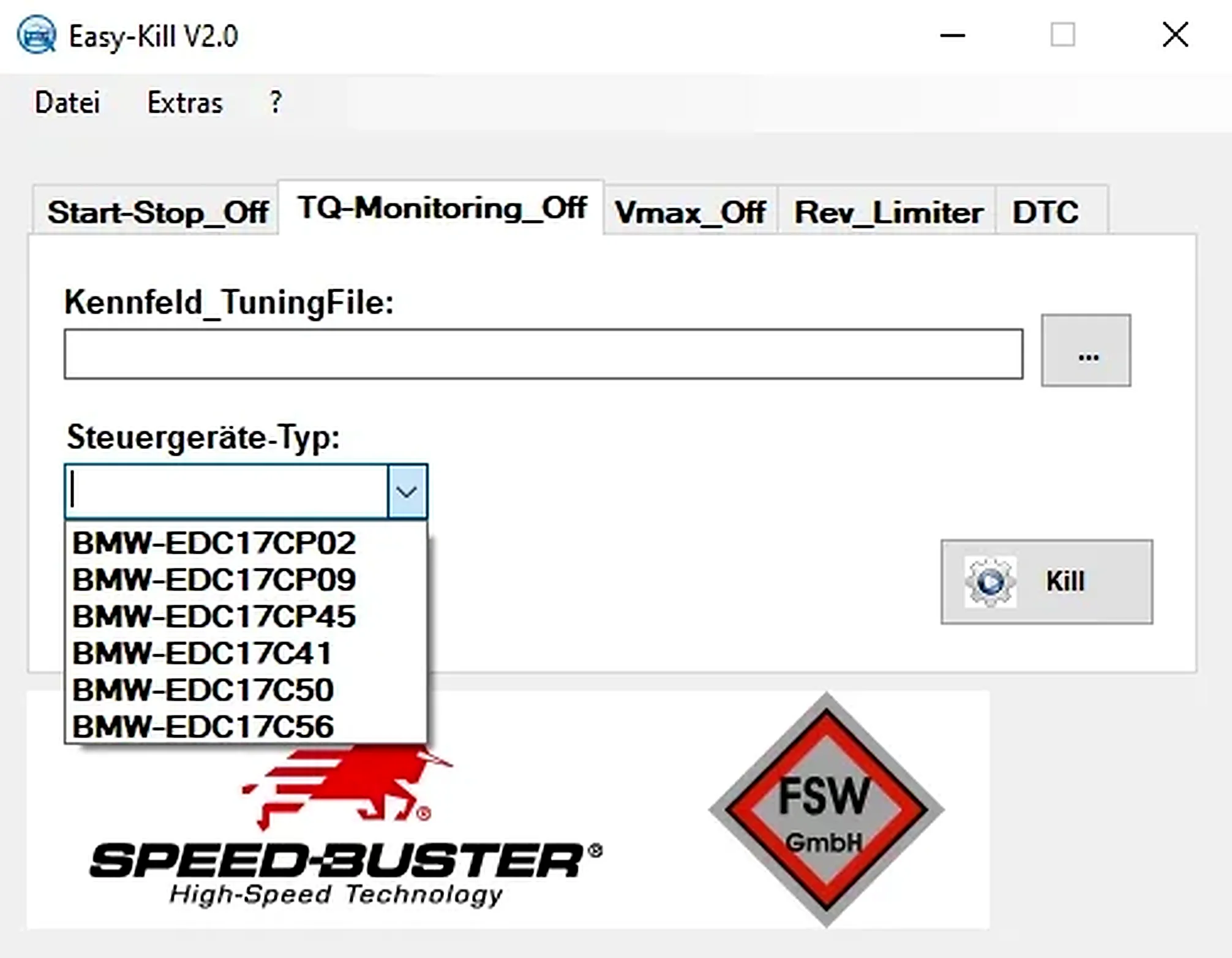
Offline Windows file editor for selected BMW and VAG Bosch ECU profiles, with separate start-stop, torque monitoring, Vmax, rev-limiter and DTC functions.
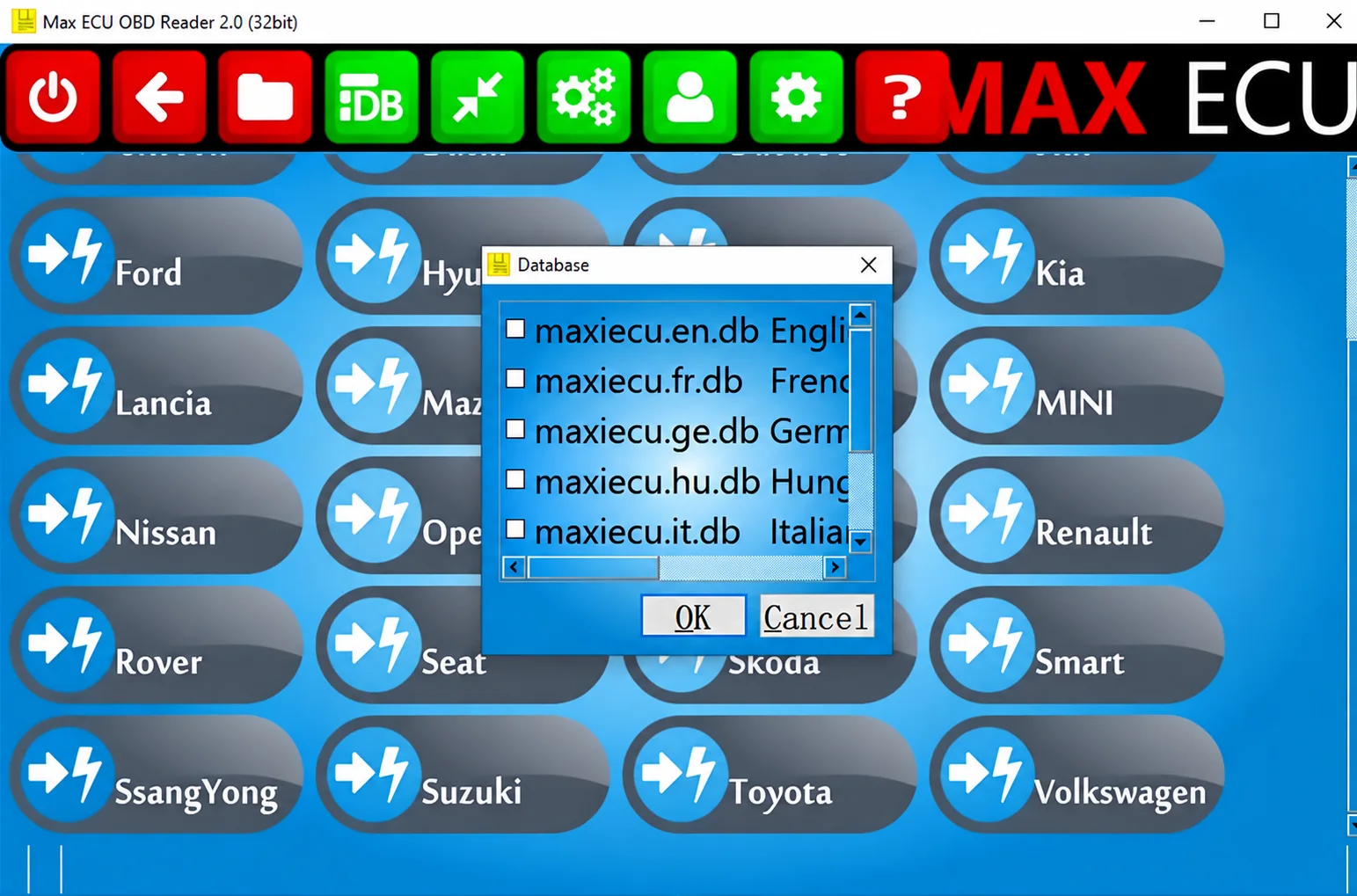
Legacy Windows multi-brand diagnostics with generic OBD, licensed manufacturer modules, live data and supported service functions using compatible MaxiECU hardware.