
SOFTWARE DATABASE / RELEASE RECORD
VERSION 1.1Hex Advance Analyzer - Original and Tuned ECU File Comparator 1.1
Windows x64 comparator for original and modified ECU binaries, with hex differences, ASCII strings, identifier checks and a separate target-file workflow.
Categories
Overview
Hex Advance Analyzer 1.1 compares original and modified ECU files on Windows. It brings together a summary, hexadecimal differences and readable ASCII text so a technician can review changed data, file sizes and available identifiers before transferring changes to a separate target.
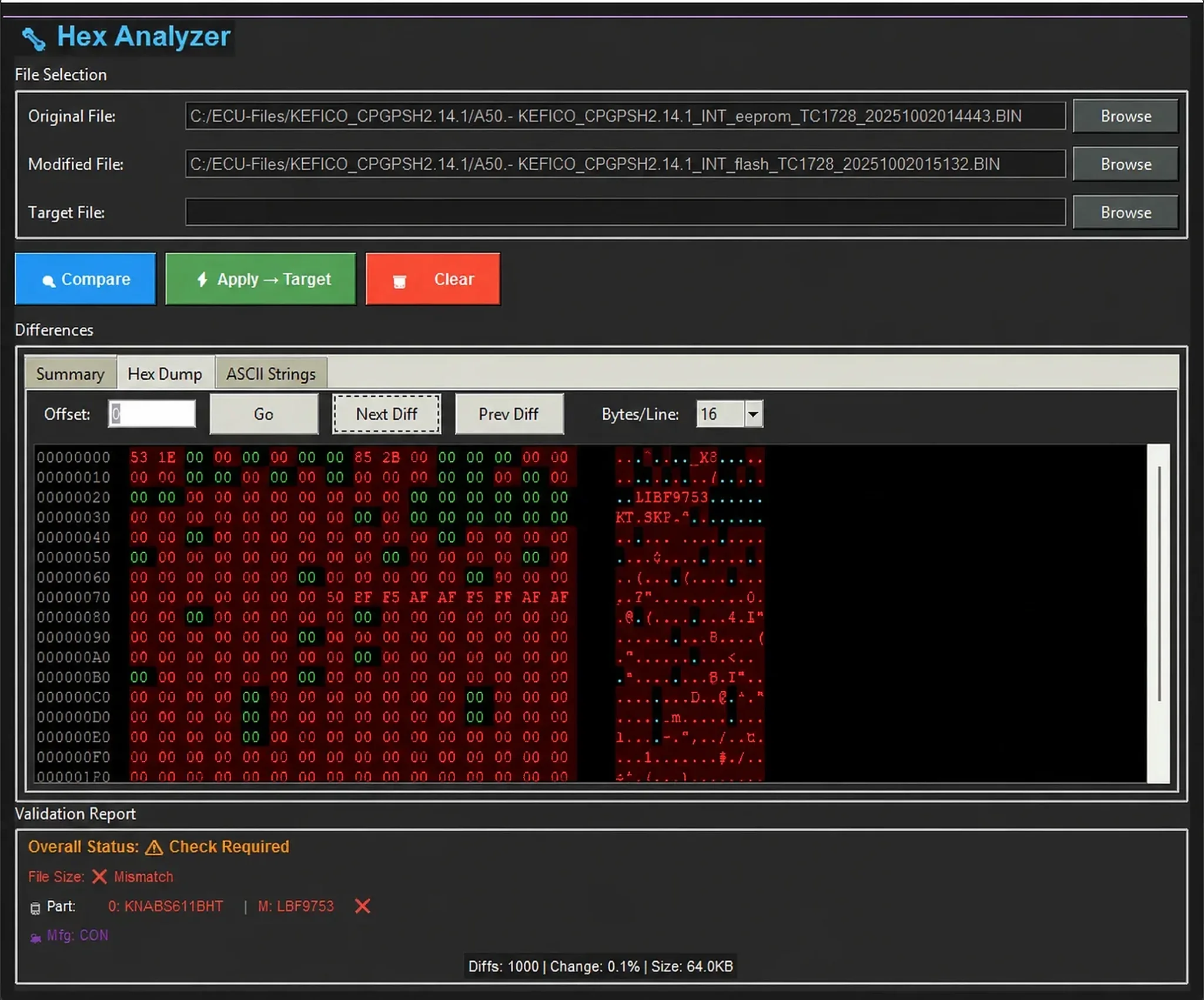
What the analyzer is designed to do
Load the original and modified reads first. Review their comparison before introducing the optional target file, whose controller identity must be compatible with the validated pair. The program analyzes files acquired with external equipment. ECU reading and flashing require the appropriate vehicle tools.
Comparison and validation features
- Side-by-side original and modified file comparison.
- Count and percentage of changed bytes.
- Previous and next difference navigation.
- Hexadecimal offsets and color-highlighted changes.
- A separate ASCII Strings tab for readable text.
- File-size checks before target operations.
- Available part, manufacturer, hardware or software identifiers detected from file contents.
- Transfer of the detected changes to a separately validated target.
ECU families, vehicles and file compatibility
A fixed vehicle, engine or ECU coverage list is unavailable. Raw files from Bosch, Continental, Delphi, Denso, Magneti Marelli, Siemens and other controllers require matching hardware, software, part number, memory region and length. The original and modified pair must share the same controller family and calibration lineage.
Identifier detection depends on the controller’s readable data. Investigate blank fields independently. Convert encrypted slave files, proprietary containers and compressed projects to the appropriate plain binary format before comparing.
Recommended comparison workflow
- Preserve the untouched read as a write-protected master.
- Load the verified original and modified files, then use Compare.
- Review sizes, identifiers, summary, difference count and changed byte ranges.
- Investigate mismatches and establish software identity independently of filenames.
- For an optional third file, confirm its hardware and software match the validated source.
- Save a separate output and verify its structure and checksum independently.
System requirements
- 64-bit Windows for the native x64 executable.
- Local plain binary files and output-folder write permission.
- Storage for original, modified, target and backup copies.
- An external ECU reader or programmer suited to the controller.
- Appropriate checksum correction software where required.
The portable package contains one executable. A vehicle driver or communication interface is unnecessary for its offline comparison functions.
Important limitations and safe use
A matching result is an initial compatibility check. Assess tuning quality, torque-model consistency, emissions requirements, checksums, signatures, protection mechanisms and suitability for the installed hardware separately.
Keep a recoverable original, maintain stable programming power and validate the output with controller-specific tools. Transfer changes only between compatible software and part numbers. Complete independent checksum and structure verification before programming.
Technical Compatibility
Supported Modules
Operating Systems
File Formats
System Requirements
- 64-bit Windows for the native x64 application.
- Local plain ECU binary files and output-folder write permission.
- Storage for original, modified, target and backup copies.
- Separate compatible ECU reader or programmer.
- Appropriate checksum correction and verification tools.
Screenshots
Related Software

Collection of 1,350+ UPA-USB scripts for EEPROM and MCU work, covering odometer, IMMO, airbag reset, radio codes, PIN extraction and ECU virginization.
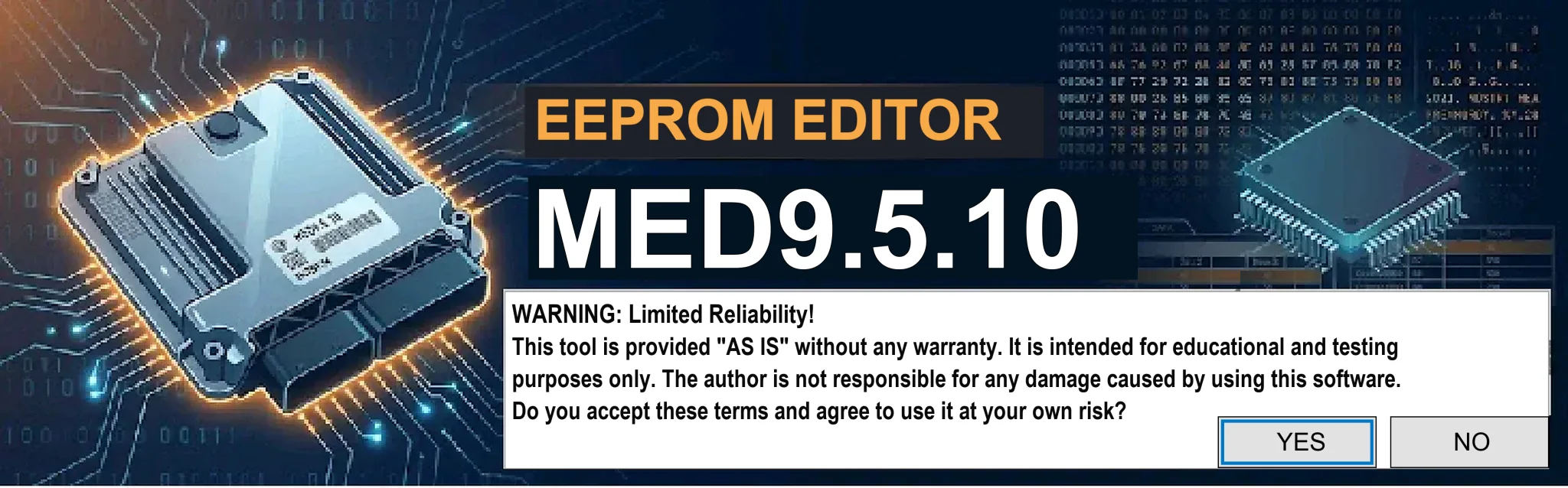
Windows EEPROM-file utility for Bosch MED9.5.10 petrol ECUs, with CRC/P0601 checksum repair, 95080/95320 dump editing, ECU identifiers and backup/restore.
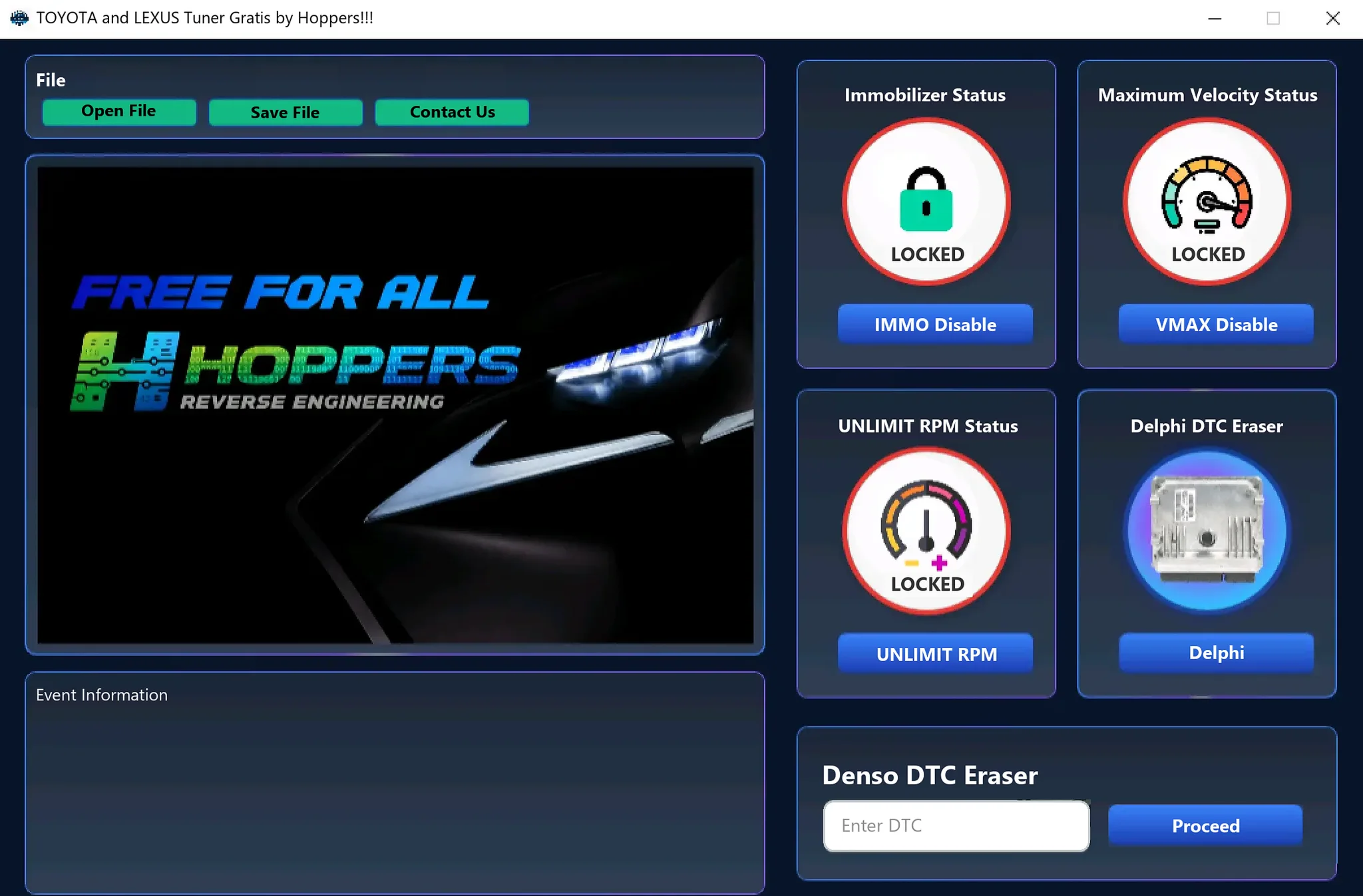
Offline Toyota and Lexus ECU binary editor with IMMO, VMAX and RPM modules, plus dedicated Denso and Delphi DTC Eraser functions for supported firmware.
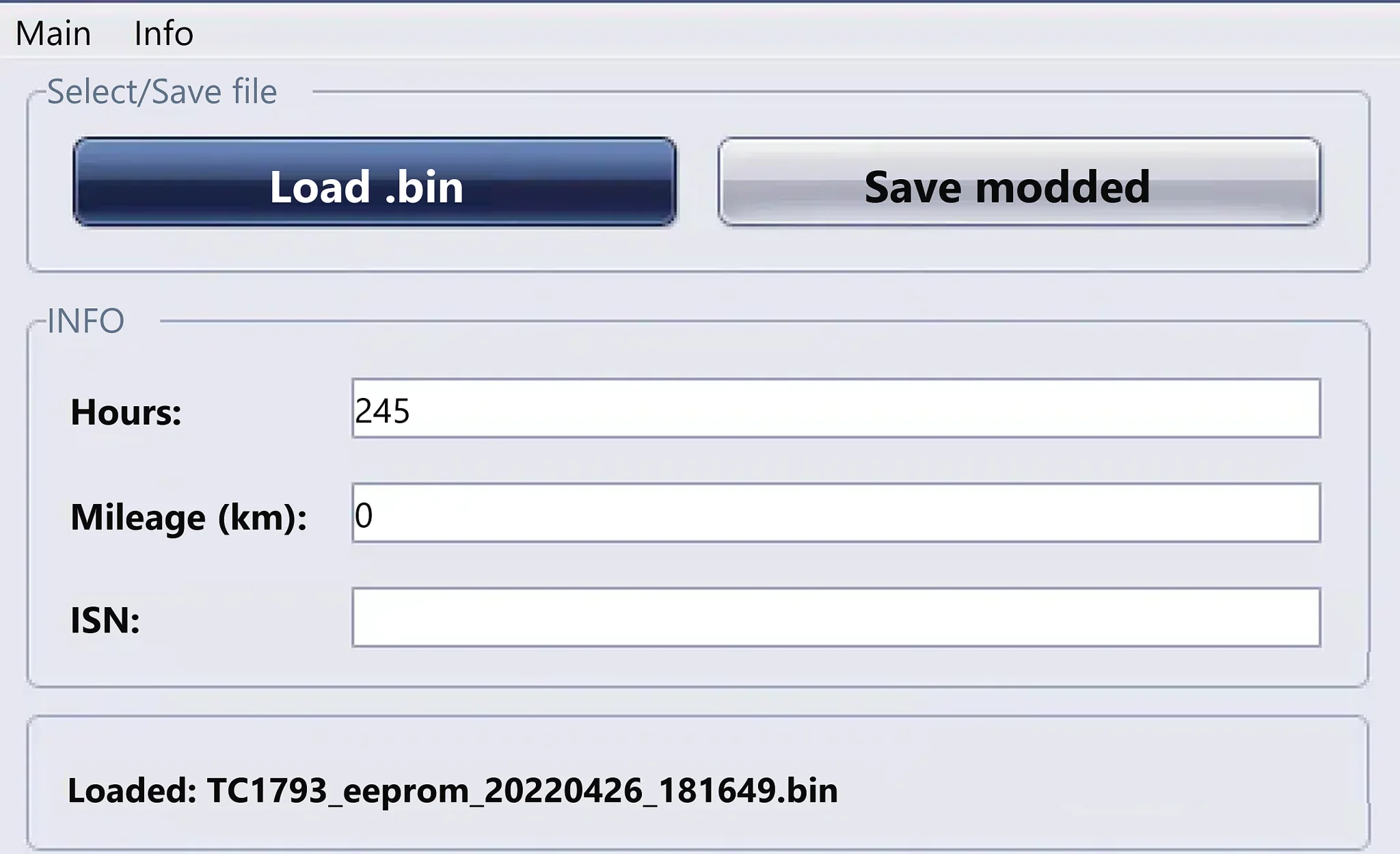
Offline BMW MEVD1723 TC1793 EEPROM editor for working hours, mileage and ISN display, with automatic checksum correction when saving modified BIN files.
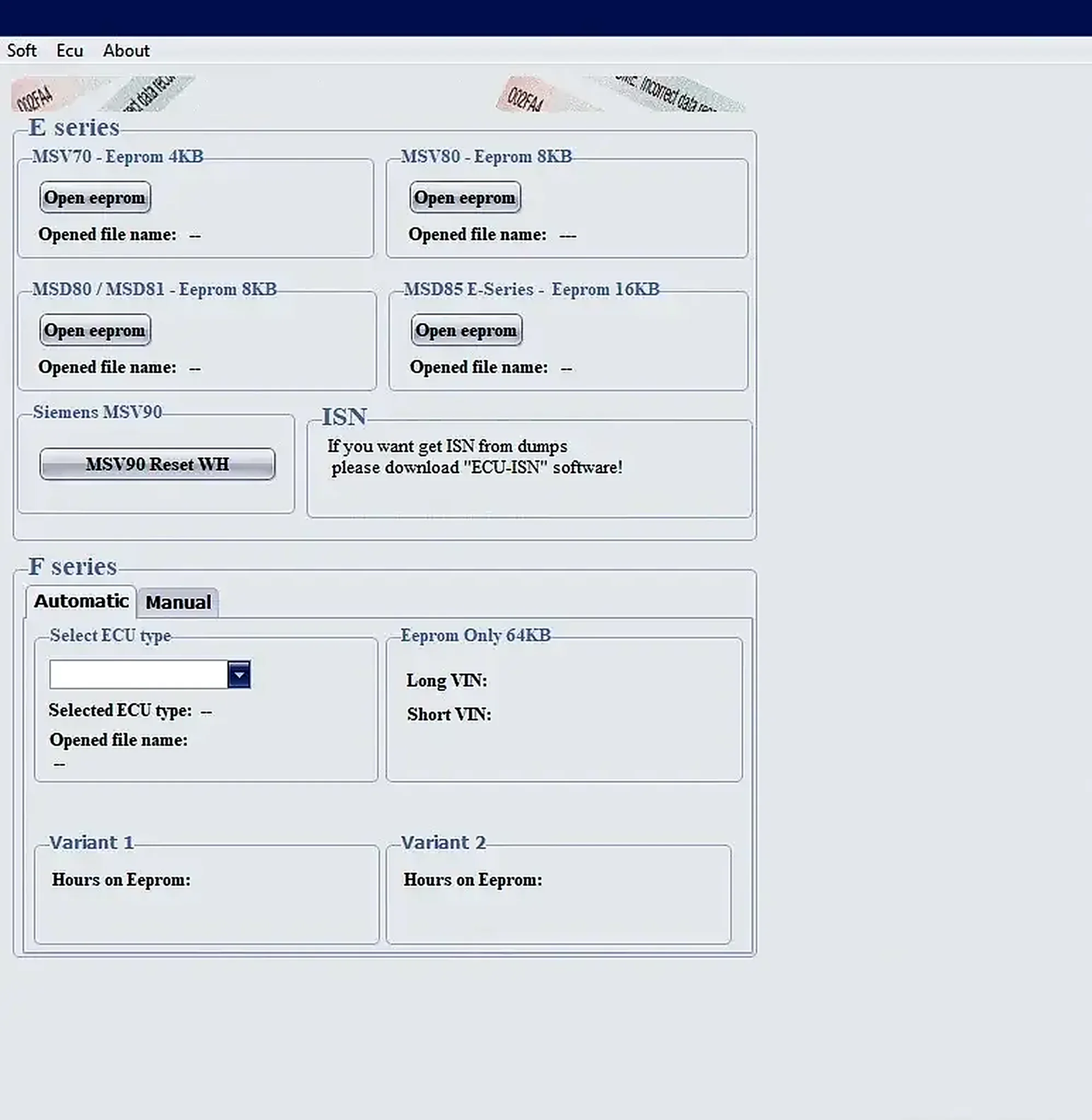
Offline BMW EEPROM utility for resetting supported DME working-hours data, addressing the documented 2FA4 replacement scenario and editing supported VIN fields.
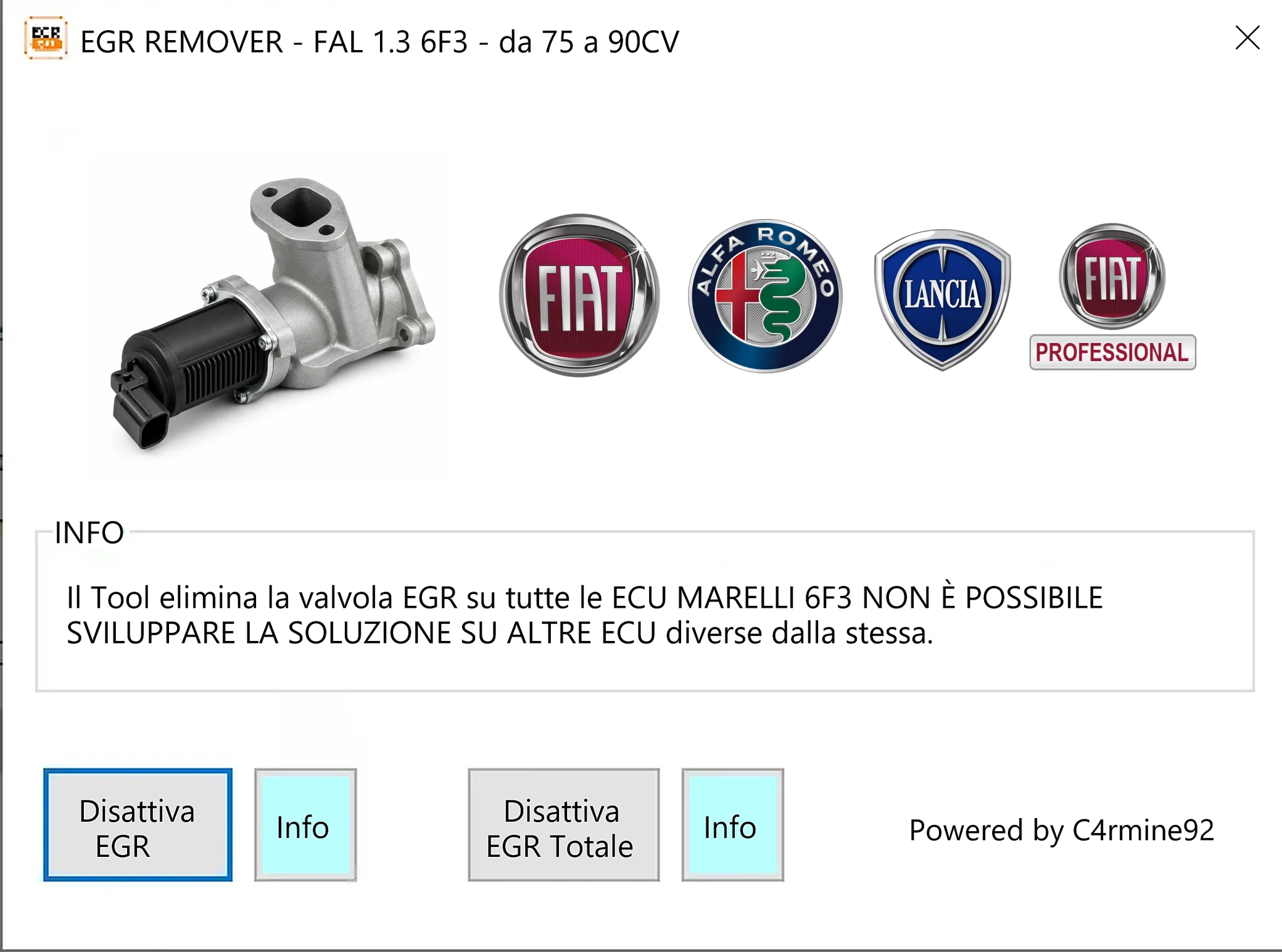
Offline binary-file EGR utility for FCA 1.3 Multijet Marelli 6F3 engines rated 75–90 CV, with standard and total-disable modes.