
SOFTWARE DATABASE / RELEASE RECORD
VERSION 0.2.16ELMConfig Ford and Mazda Module Configuration 0.2.16
Windows module-configuration and diagnostic utility for supported Ford and related Mazda platforms, using a compatible ELM327 interface with HS-CAN / MS-CAN support.
Categories
Vehicle references
Overview
ELMConfig is a Windows workshop utility for configuration and diagnostics on supported Ford platforms and related Mazda modules through a compatible ELM327-style interface.
It supports adapter connection, network selection, vehicle and module identification, live-parameter viewing and supported configuration-data operations. The illustrated screen is the HS-CAN diagnostic page in Offline mode, with its VIN, measurements and trouble-code fields empty.
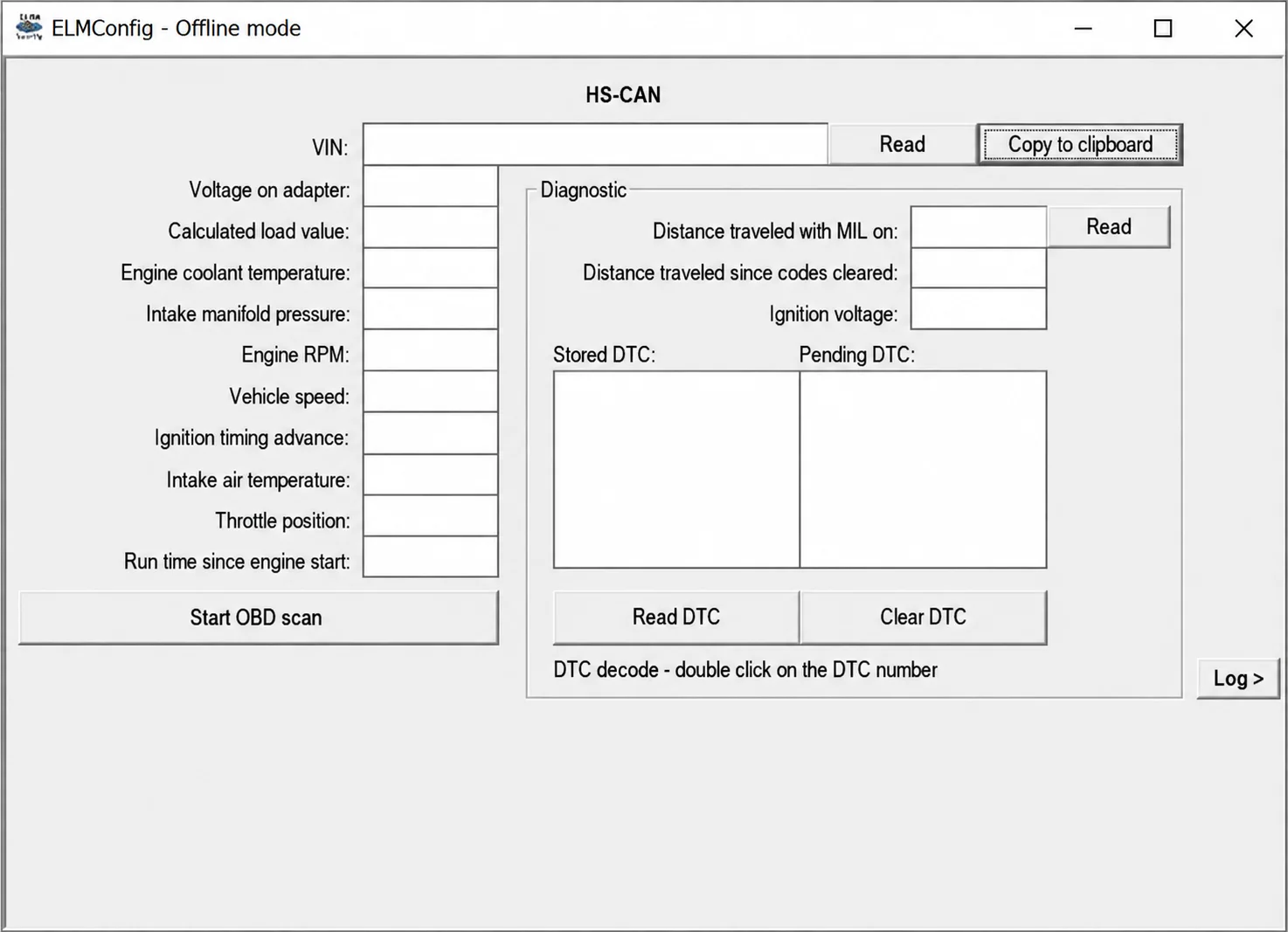
ELMConfig HS-CAN diagnostic page in Offline mode.
Confirmed Diagnostic and Configuration Functions
- Connect through a serial ELM-compatible adapter.
- Select the relevant HS-CAN or MS-CAN network when supported by the adapter and vehicle.
- Read vehicle and module identification data.
- View selected live parameters and graph values.
- Read stored and pending diagnostic trouble codes.
- Clear trouble codes after repair.
- Read and write supported module-configuration data.
- Use the included VBF files only in the exact matching module workflow.
Diagnostic Interface
The HS-CAN page includes VIN reading and Copy to clipboard, an OBD scan control and a Log control. Visible parameter fields are:
- Voltage on adapter.
- Calculated load value.
- Engine coolant temperature.
- Intake manifold pressure.
- Engine RPM.
- Vehicle speed.
- Ignition timing advance.
- Intake air temperature.
- Throttle position.
- Run time since engine start.
The Diagnostic panel includes Distance traveled with MIL on, Distance traveled since codes cleared and Ignition voltage. Separate Stored DTC and Pending DTC lists accompany Read DTC and Clear DTC controls. The interface instructs the user to double-click a DTC number for decoding.
The screenshot shows an offline, unpopulated workspace rather than a live diagnostic result.
Supported Vehicle Context
This legacy build is intended for supported Ford and related Mazda vehicle platforms. The included VBF filenames identify Ford engineering-number families; their presence does not establish a complete vehicle-compatibility list.
Related Lincoln or Mercury platforms may share networks and modules, but compatibility must be established individually. Newer architectures and gateway-protected vehicles may require different tools.
- Confirm the model generation, build date and market.
- Record every module engineering number and calibration identifier.
- Verify whether the target module uses HS-CAN or MS-CAN.
- Do not infer support solely from the presence of an OBD connector.
Interface and Computer Requirements
- A Windows computer with a reliable USB-serial driver and administrator access for legacy ActiveX components.
- A quality ELM327-compatible USB adapter with a proven HS-CAN / MS-CAN switch or automatic network support.
- A stable COM-port assignment and no competing diagnostic application.
- A vehicle battery-support supply appropriate for coding.
- USB power management and sleep disabled during a write.
Package Contents
The documented package contains the application, a data directory with eleven VBF files, Microsoft ActiveX controls and runtime libraries required by the legacy interface.
Package notes describe an unsigned executable, valid signatures on several Microsoft controls and unsigned bundled legacy libraries. An adapter-driver installer is not included; install the correct adapter driver separately.
Safe Module Workflow
- Identify the vehicle, module address, hardware number, software number and current configuration.
- Connect a known-good adapter with stable ignition state and battery voltage.
- Read and save the original configuration, then store a second copy outside the working folder.
- Change one documented parameter at a time and keep a written record.
- Write only after confirming the module and network, with recovery access available.
- Cycle the ignition as instructed, rescan every network and verify the affected vehicle function.
Firmware and VBF Cautions
VBF files are calibration or firmware containers, not universal updates. Never select one solely because its filename resembles the expected file.
Before programming, verify the complete Ford engineering number, hardware level, calibration dependencies, bootloader requirements and the available bench-recovery method. Configuration changes and firmware programming carry different risks and require the appropriate module-specific procedure.
Troubleshooting Connection Problems
- No COM port: install the correct USB-serial driver and reconnect the adapter.
- Adapter responds but the module does not: check the HS-CAN / MS-CAN switch position and target network.
- Incorrect voltage reading: stop and inspect adapter wiring and vehicle grounds.
- Read succeeds but write fails: avoid repeated retries; preserve the logs and establish recovery.
- ActiveX error: use an isolated compatible Windows environment and register only the supplied trusted controls.
- DTC returns after clearing: diagnose the circuit; clearing a code is not a repair.
Compatibility and Safety Limits
Configuration blocks and firmware must match the exact vehicle platform, module part number and network branch. An incorrect central-configuration value or interrupted write can disable functions or leave a module offline.
ELMConfig does not replace Ford or Mazda factory service information and must not be the sole authority for As-Built values. Keep the vehicle on supported power and do not program through an unstable wireless adapter. Keep VINs, keys, security codes and customer-configuration files private.
Package Integrity and Safe Handling
The package-preparation notes describe a complete file inventory, extraction and static executable inspection without launching the programs. They also describe an archive rebuilt with encrypted headers, archive testing, re-extraction and a file-by-file comparison. These packaging checks do not establish vehicle compatibility or successful module programming.
Preserve untouched originals, work on copies, use an isolated workshop computer for unsigned legacy software and keep a documented recovery route before any vehicle-side operation.
Technical Compatibility
Supported Modules
Operating Systems
System Requirements
- Windows computer with reliable USB-serial driver
- Compatible ELM327 USB interface with suitable HS-CAN / MS-CAN support
- Stable COM port without competing diagnostic applications
- Legacy ActiveX controls and runtime libraries
- Stable vehicle battery-support supply for configuration writes
Screenshots
Related Software

Offline Windows reference tool for Bosch ECU part numbers, controller families and OE cross-references, with exact, wildcard, prefix and binary-dump identifier searches.

Windows map and axis detection for supported Siemens PPD/SID full BDM binaries, with table and 3D views, DTC analysis and XDF/A2L definition export.
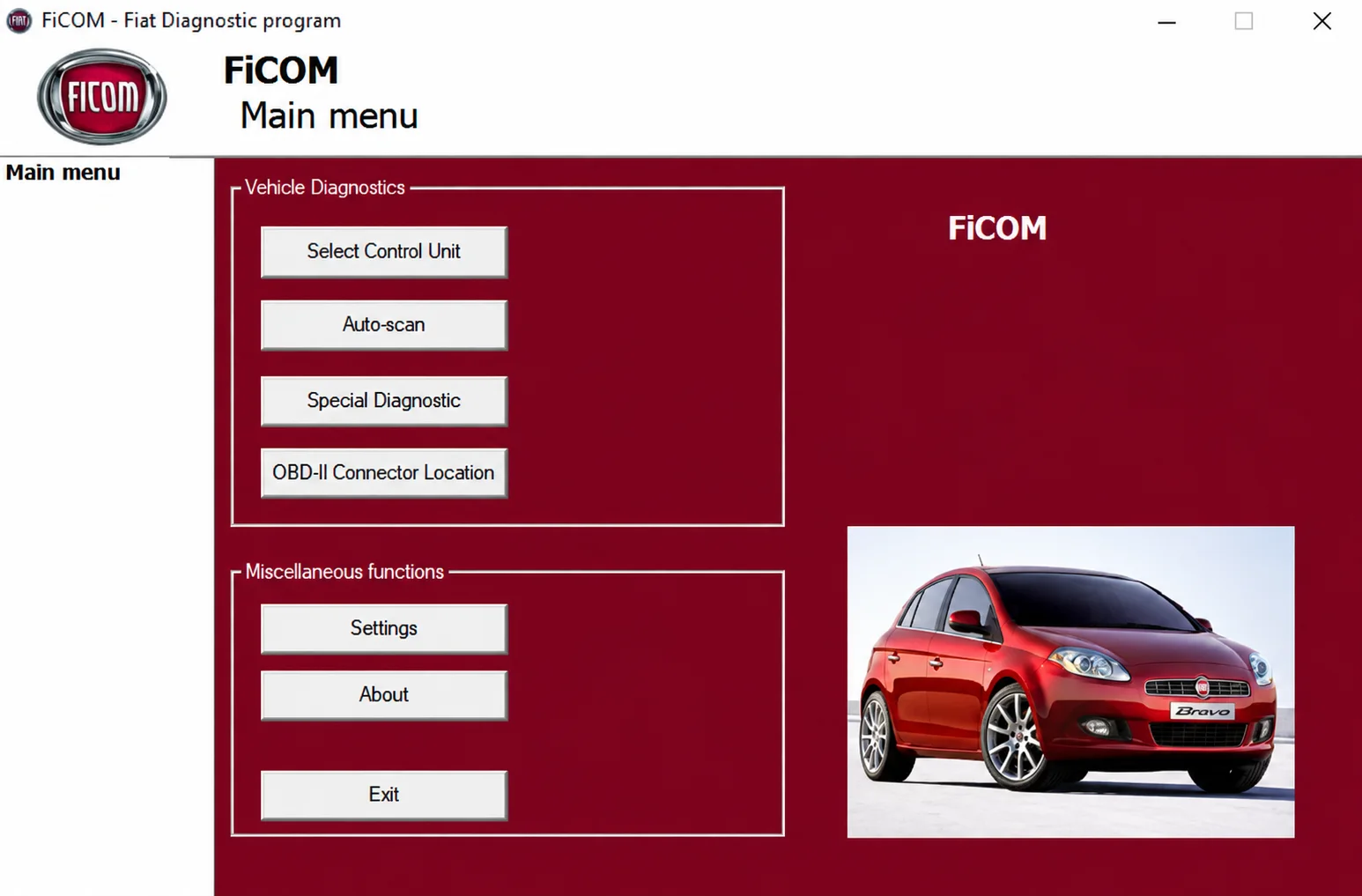
Windows diagnostics for supported Fiat-group vehicles, with ECU selection, auto-scan, fault codes, live parameters and module-specific service functions.
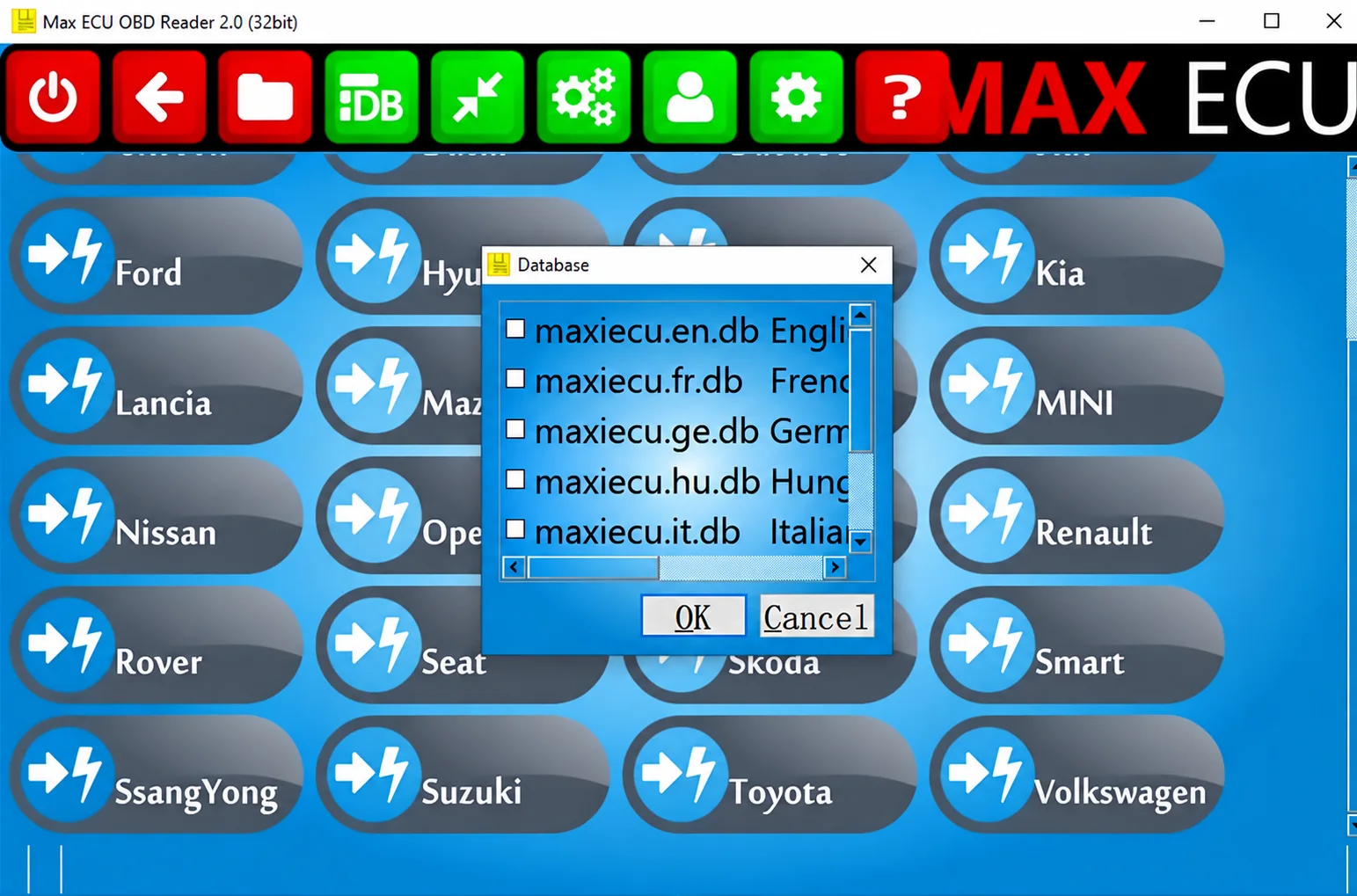
Legacy Windows multi-brand diagnostics with generic OBD, licensed manufacturer modules, live data and supported service functions using compatible MaxiECU hardware.
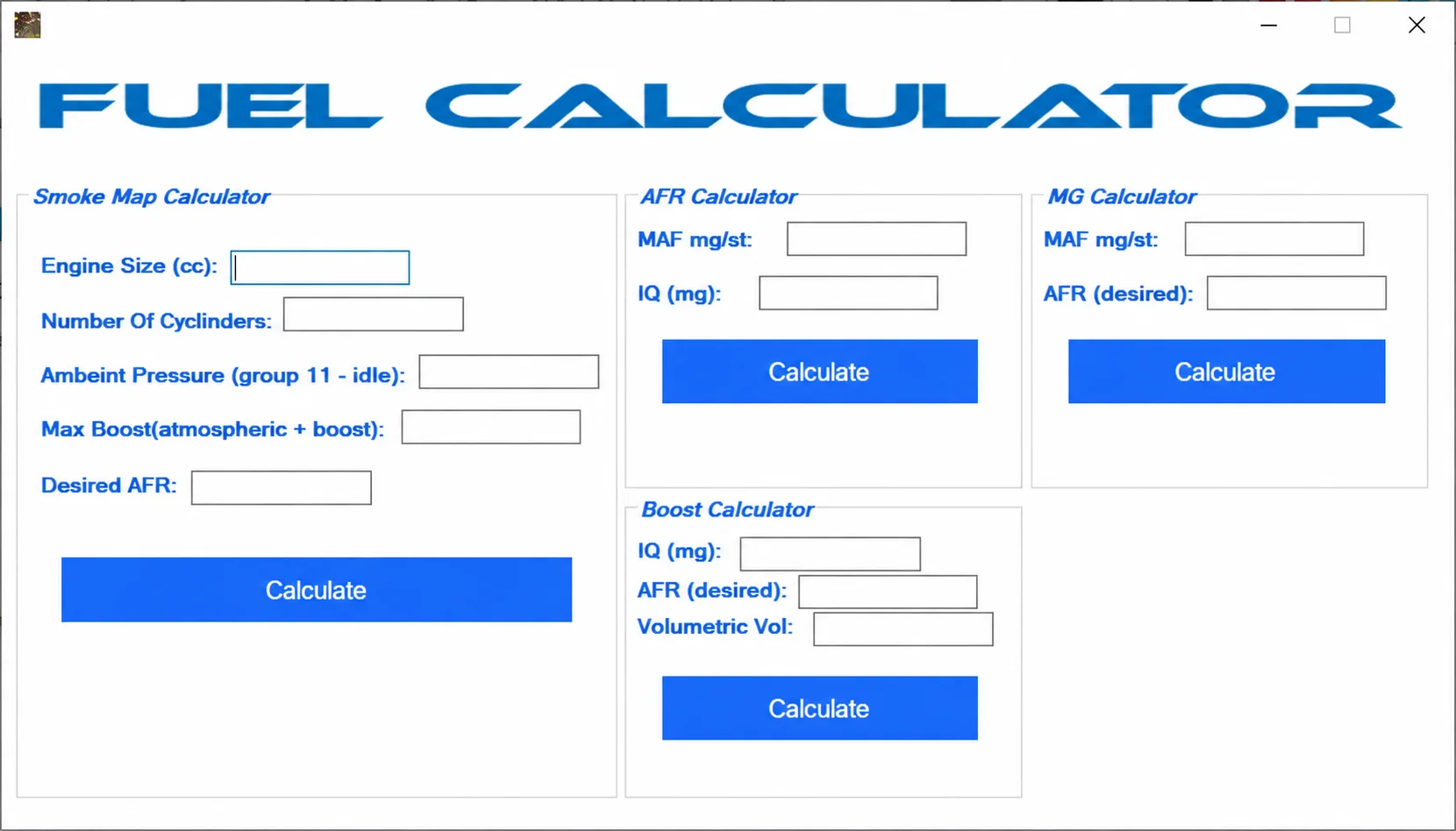
Windows workshop collection with EDC15P file tools, EDC17C19/C59 PIN extraction, Ford V-code lookup, WinOLS extraction, Insignia fix and fuel calculators.
Convert supported Ford EEC-V PCM BIN files between 88K, 112K, 216K, 224K and 256K layouts, with format detection, bank reordering and local file processing.