
SOFTWARE DATABASE / RELEASE RECORD
VERSION 1.0.0.0Automotive Multi Tool ECU, Dashboard and Radio Utilities 1.0.0.0
Windows workshop collection with EDC15P file tools, EDC17C19/C59 PIN extraction, Ford V-code lookup, WinOLS extraction, Insignia fix and fuel calculators.
Categories
Vehicle references
Overview
Automotive Multi Tool is a Windows collection of focused workshop utilities for selected ECU binary tasks, radio-code lookup, distance conversion, screen capture and fuel-related calculations.
Its modules cover EDC15P DTC operations and rev-limiter changes, EDC17C19 / EDC17C59 PIN extraction, Ford V-code lookup, supported WinOLS demo-project extraction and an Opel Insignia file fix. Each module has its own input requirements and compatibility limits.
What This Resource Is For
Use the package for small, repeatable bench-side tasks when the required module is known and the result can be checked against the untouched input or trusted workshop data. The application does not provide OBD, J2534 or direct ECU communication.
Functions Included
- EDC15P DTC-table operations with VAG-code input.
- EDC15P rev-limiter / popcorn-limiter calculation and file modification.
- MOD-file extraction from a supported WinOLS demo project.
- A focused Opel Insignia binary-repair function.
- Kilometre-to-mile and mile-to-kilometre conversion.
- Built-in screen capture for documenting a workflow.
- PIN extraction from supported EDC17C19 and EDC17C59 files.
- Ford V-code lookup using the included database.
- Smoke-map, AFR, injection-quantity and boost calculations.
Main Menu and Ford V-Code Workspace
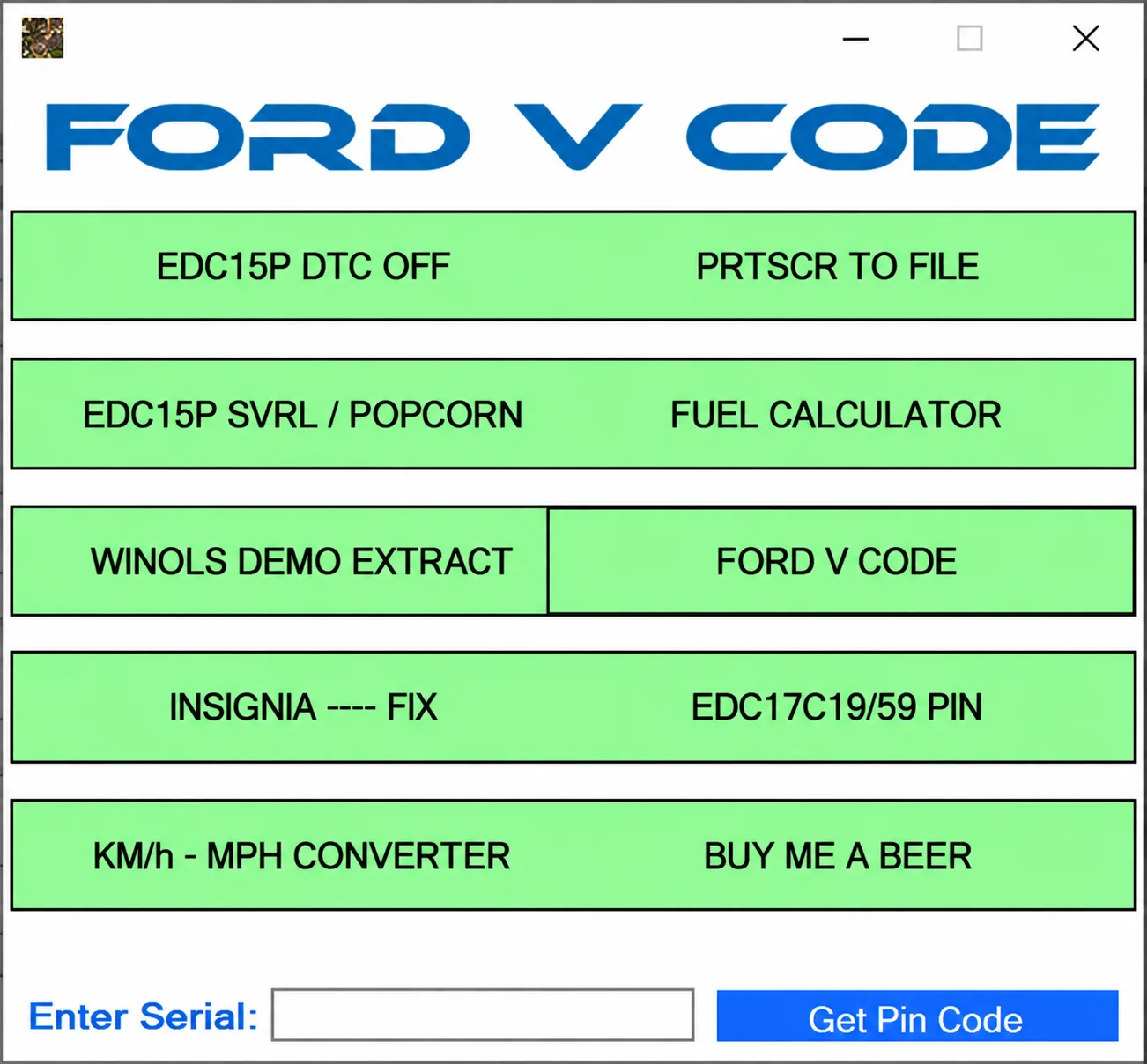
The illustrated FORD V CODE window provides a menu for EDC15P DTC OFF, PRTSCR TO FILE, EDC15P SVRL / POPCORN, FUEL CALCULATOR, WINOLS DEMO EXTRACT, FORD V CODE, INSIGNIA FIX, EDC17C19/59 PIN and KM/h - MPH CONVERTER. A BUY ME A BEER control is also visible.
The radio-code area includes Enter Serial and Get Pin Code. Ford V-code lookup depends on the bundled database; verify the radio serial and applicable service procedure. The illustrated serial field is empty.
EDC15P DTC Operations
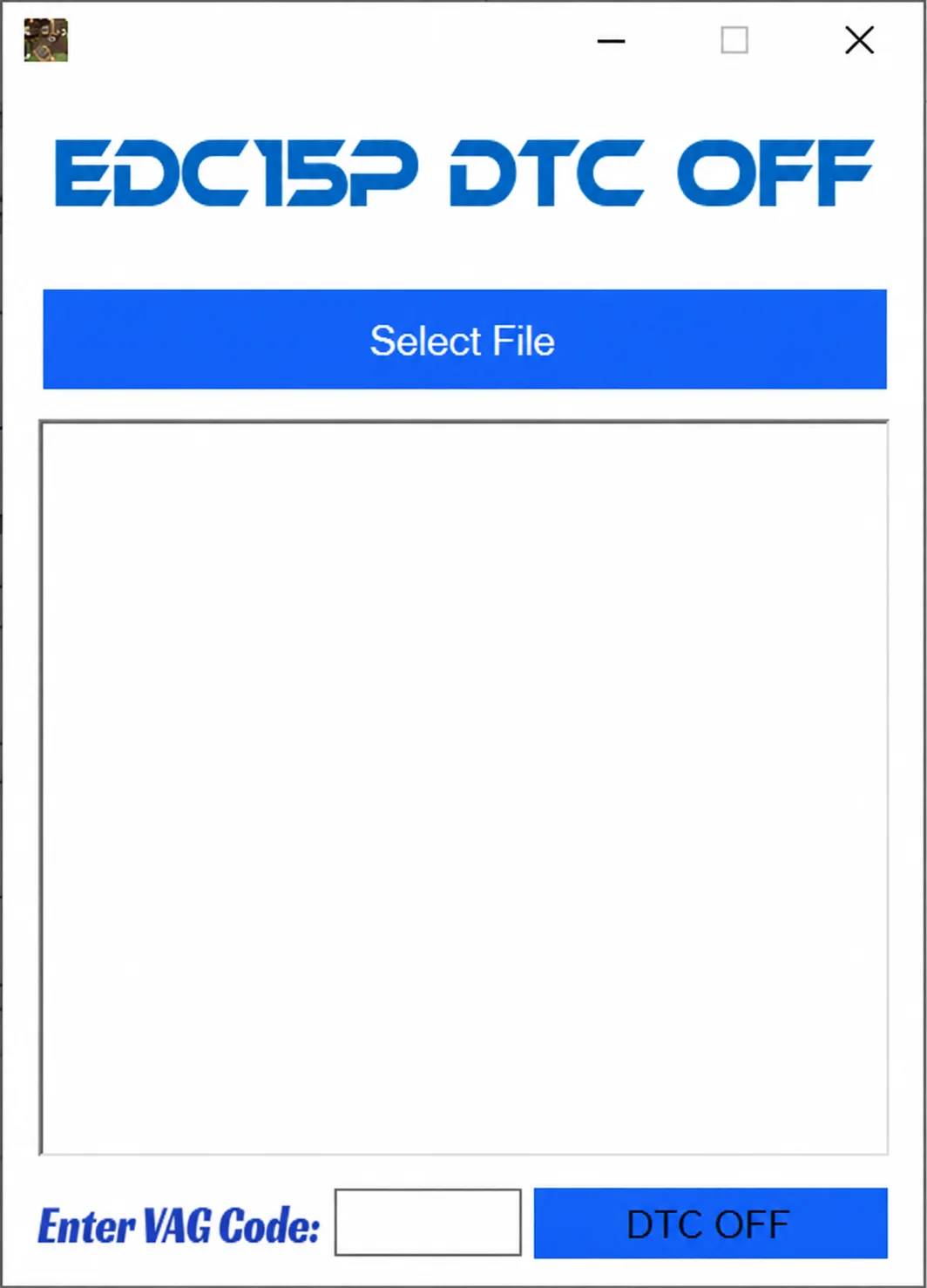
The EDC15P DTC OFF module provides Select File, a file / results area, Enter VAG Code and DTC OFF controls. It operates on supported internal file layouts; opening a file alone does not establish that its DTC-table structure is supported.
EDC15P Rev-Limiter / Popcorn-Limiter Module
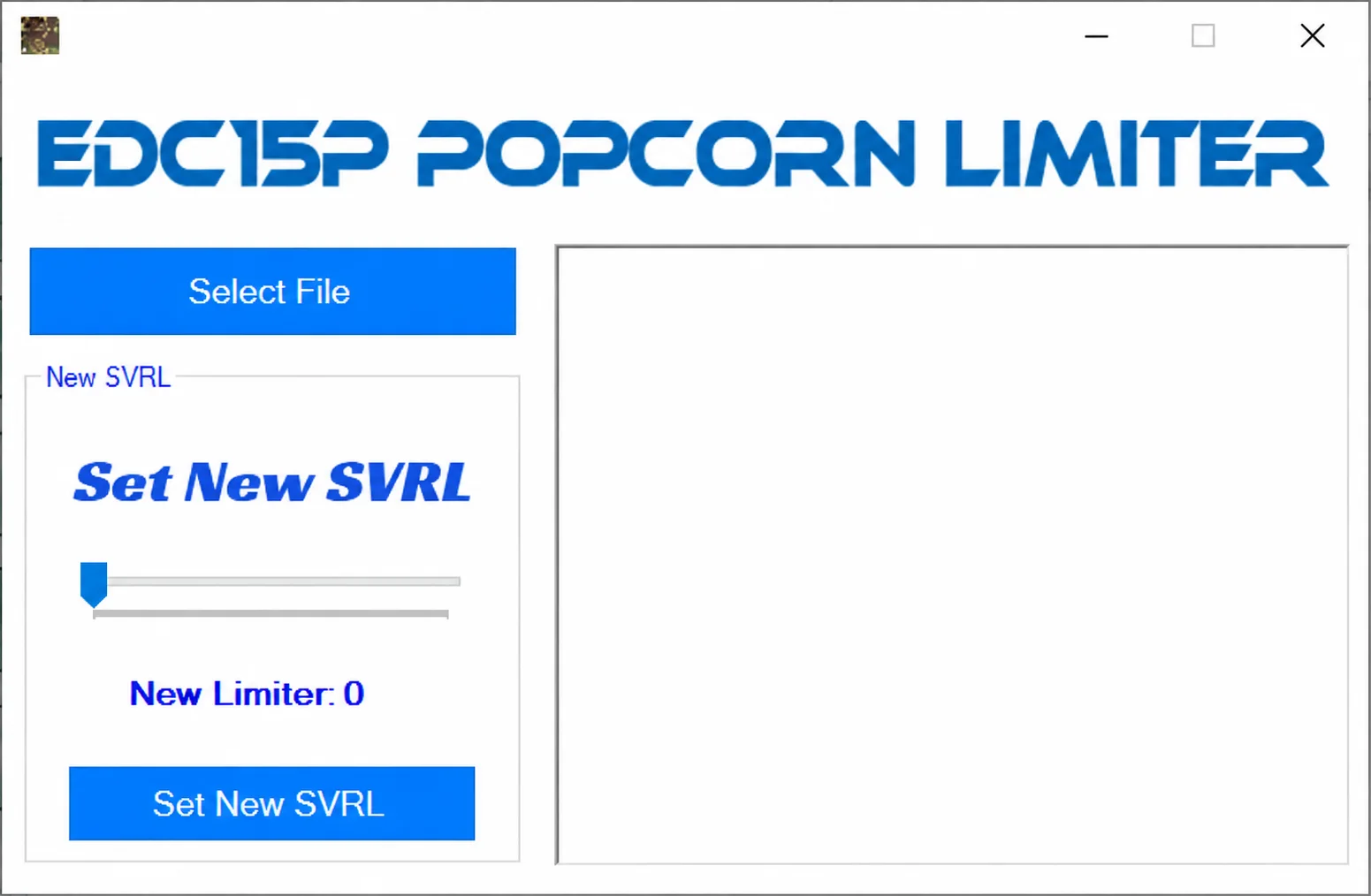
The EDC15P POPCORN LIMITER workspace includes Select File, a New SVRL section, a slider, the New Limiter value and Set New SVRL. The screenshot shows New Limiter: 0 with no file loaded; this is the displayed initial state, not a recommended setting.
Compatibility depends on recognizing the expected layout in the selected EDC15P file.
WinOLS Demo Project Extraction
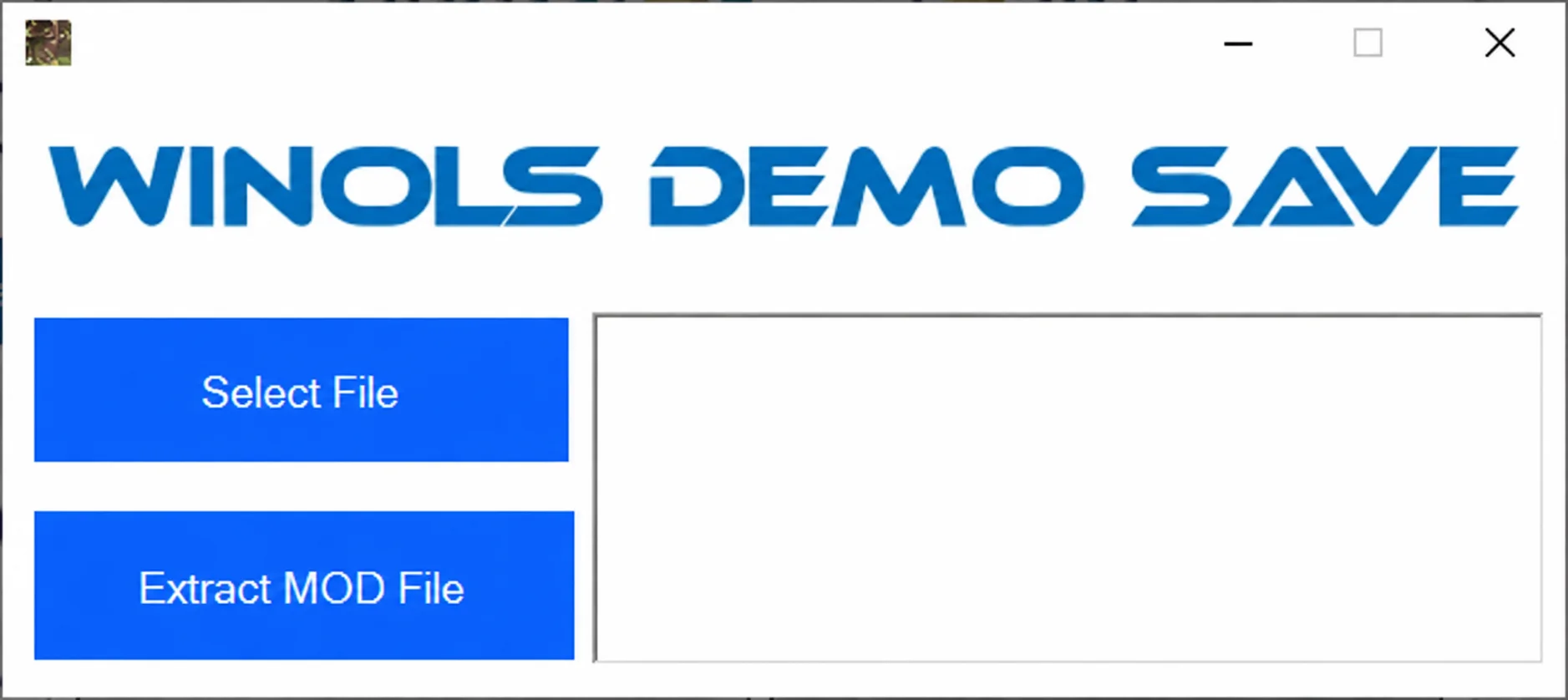
The WINOLS DEMO SAVE module includes Select File and Extract MOD File controls with an output area. It extracts a MOD file from supported WinOLS demo projects; compatibility is limited to the project structures understood by this module.
Opel Insignia File Fix
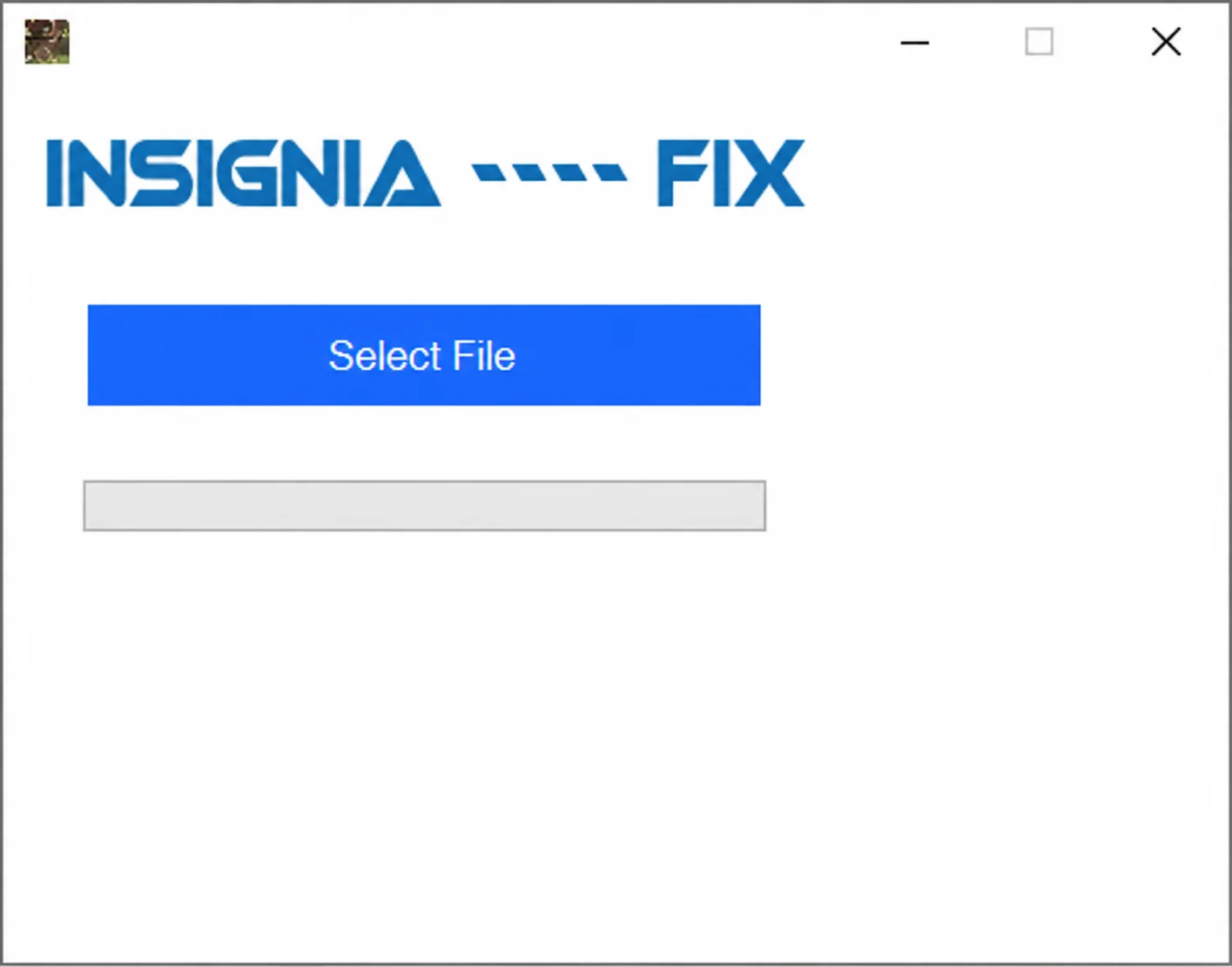
The Insignia repair workspace offers local file selection and a progress indicator. A controller list, software-revision list and detailed repair scope are not documented, so applicability must be established for the exact input file.
Distance Conversion
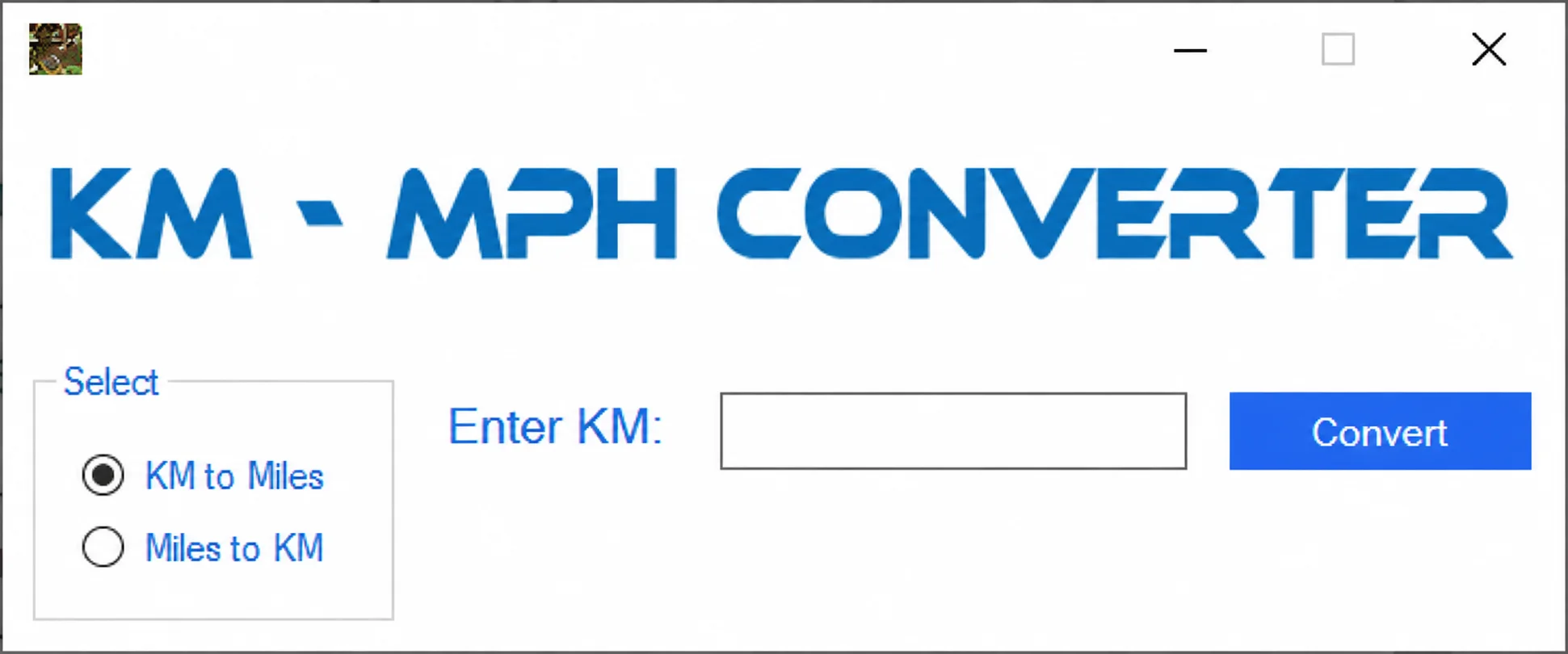
The KM - MPH CONVERTER window provides KM to Miles and Miles to KM selections, a numeric input and Convert. KM to Miles is selected in the screenshot. It is a unit-conversion utility; the interface does not establish a dashboard-programming function.
Screen Capture
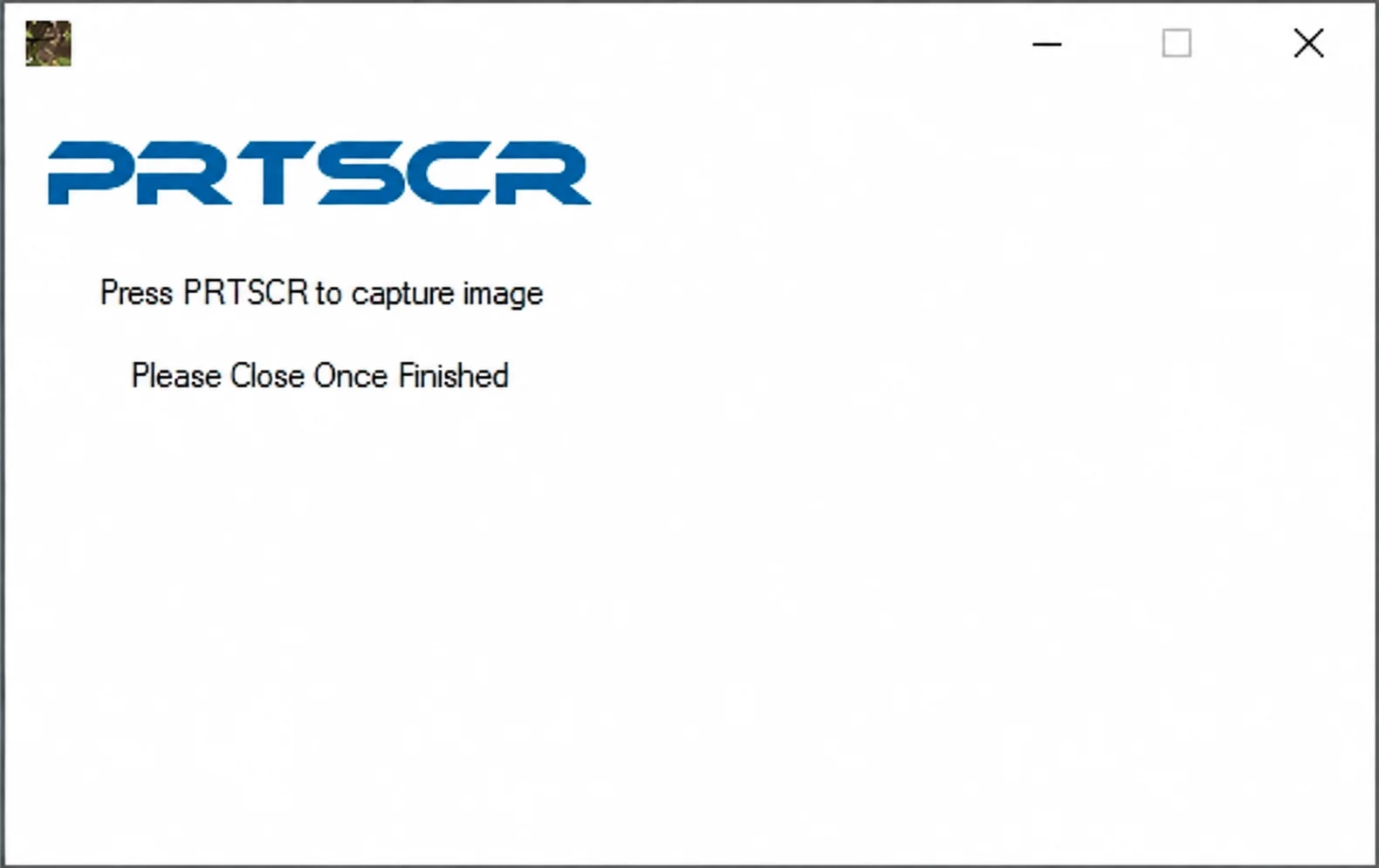
The PRTSCR module displays Press PRTSCR to capture image and Please Close Once Finished. It supports capturing workflow evidence from the application.
EDC17C19 / EDC17C59 PIN Extraction
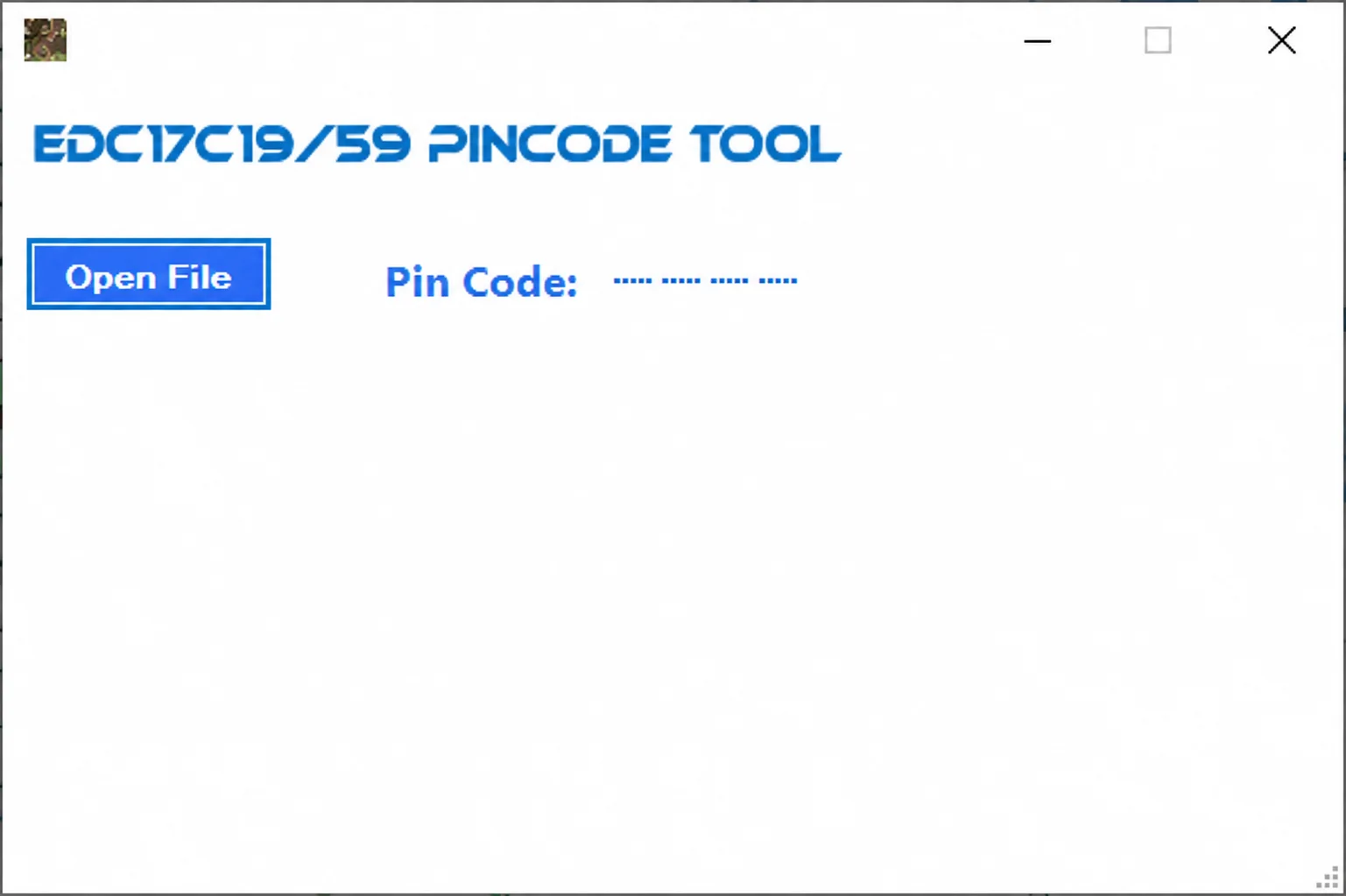
The PINCODE TOOL explicitly names EDC17C19/59 and provides Open File with a Pin Code display. It extracts PIN information only from supported file structures. The screenshot contains an unfilled placeholder rather than an extracted PIN.
Fuel Calculator
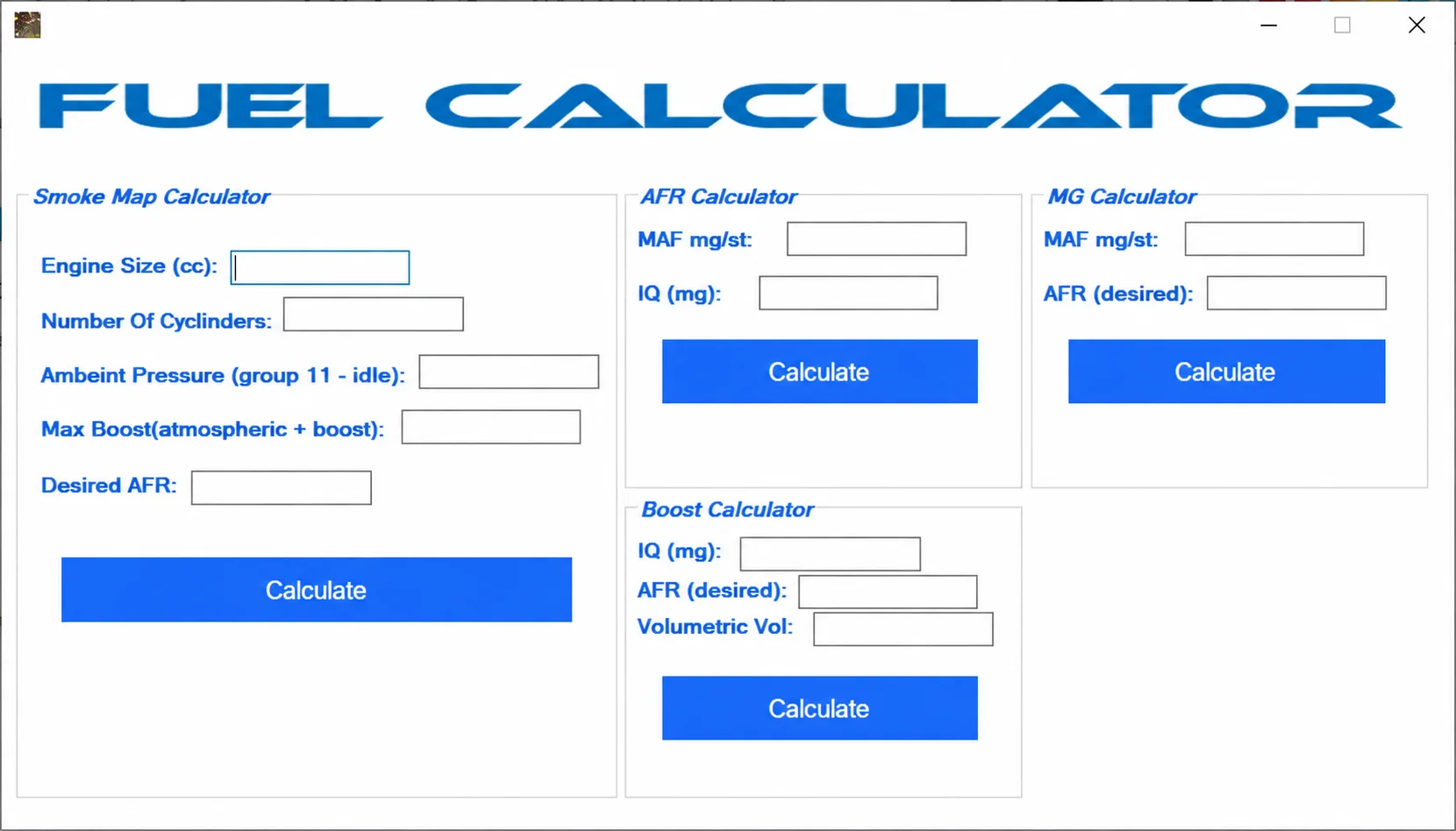
The FUEL CALCULATOR workspace combines four panels:
- Smoke Map Calculator: Engine Size (cc), Number Of Cylinders, Ambient Pressure (group 11 - idle), Max Boost (atmospheric + boost) and Desired AFR.
- AFR Calculator: MAF mg/st and IQ (mg).
- MG Calculator: MAF mg/st and desired AFR.
- Boost Calculator: IQ (mg), desired AFR and Volumetric Vol.
Each panel has its own Calculate control. Correct engine size, cylinder count, pressure, airflow, injection quantity, volumetric efficiency and target-AFR units are required. All fields in the illustrated workspace are empty.
Supported Vehicles, Controllers and File Types
- EDC15P file functions are limited to recognized internal layouts.
- The PIN module explicitly names EDC17C19 and EDC17C59.
- Ford V-code data depends on the bundled database and must be checked against the radio serial and service procedure.
- The Insignia function does not publish a controller or software list.
- Fuel calculators require correct engineering units and measured inputs.
- The application does not provide OBD, J2534 or direct ECU communication.
The presence of a module does not establish support for every ECU software revision, dashboard, radio or vehicle. The modules do not share a universal vehicle database or automatic ECU identification.
Package Contents
- Main multifunction Windows application.
- Companion display / runtime library.
- Ford V-code database kept with the executable.
- Nine application screenshots documenting the menu and individual modules.
- An ECU programmer, diagnostic interface, calibration database and vehicle-specific wiring are not included.
System, Hardware and Interface Requirements
- Windows PC or isolated virtual machine.
- The exact ECU or project file required by the selected binary function.
- Reliable binary-comparison and checksum-verification tools.
- Correct engineering units and measured inputs for calculations.
- Authorization for PIN, immobilizer or radio-code work.
- A separate programmer and recovery method whenever an output will be written to a controller.
Recommended Workshop Workflow
- Choose the module from the main menu before loading a file.
- Confirm that the module matches the ECU family or task.
- Duplicate the input and work only on the copy.
- For calculations, record each unit and source measurement before entering values.
- Compare the output with the original or an independently calculated result.
- Validate each result before passing it through another file-changing module.
- Document the selected module and final validation in the job record.
Compatibility Limits and Responsible Use
- Successful file opening does not prove support for the software revision or internal layout.
- A full read, calibration-only read, virtual read and reconstructed file are not interchangeable unless the specific workflow permits it.
- The application does not identify unknown hardware, select the programmer protocol or create a recovery backup.
- Do not write output with unexplained size changes, unusually broad modifications or a failed checksum check.
- Immobilizer, identity, emissions and safety-related work must be authorized and lawful for the vehicle being serviced.
- The modules do not share a universal vehicle database or automatic ECU identification.
Troubleshooting
- File rejected: verify the controller family, software number, byte length and whether EEPROM, flash or calibration data is expected.
- No change produced: the selected signature or table may be absent from that software revision; do not force a similar profile.
- Many unrelated areas change: stop, restore the original working copy and confirm the input format.
- Program will not start: keep the supplied runtime and activation components together and use an isolated compatible Windows environment.
- Module does not communicate after writing: use the prepared recovery method and restore the exact original rather than making further edits.
Practical File-Handling Notes
Preserve the supplied archive and the first verified controller read unchanged. Use short, descriptive filenames for working copies, record which tool and operation created each output and keep the untouched recovery image separately.
Keep any activation or key-generation component required by the supplied release with the application, together with its companion runtime and Ford V-code database.
Technical Compatibility
Supported Modules
Operating Systems
System Requirements
- Windows PC or isolated virtual machine.
- Exact ECU or project file for the selected binary function.
- Reliable binary-comparison and checksum-verification tools.
- Correct engineering units and measured inputs for calculators.
- Authorization for PIN, immobilizer and radio-code work.
- Separate programmer and recovery method when writing output to a controller.
Screenshots
Related Software

Legacy Windows ECU service software for supported VAG EDC15/ME7, PSA EDC15C2 and Opel Delco controllers, with profile-dependent PIN, identity and EEPROM functions through a matching interface.

Offline Windows reference tool for Bosch ECU part numbers, controller families and OE cross-references, with exact, wildcard, prefix and binary-dump identifier searches.

Windows map and axis detection for supported Siemens PPD/SID full BDM binaries, with table and 3D views, DTC analysis and XDF/A2L definition export.

Offline Windows checksum inspection and correction for recognized Bosch and Sagem petrol ECU binaries, with eight supplied modules and All, Bad and Fixed counters.

Offline Windows command-line decoder and editor for supported Bosch ME7.5 ECU and VAG instrument-cluster EEPROM files, primarily 1.8T Immobilizer III.
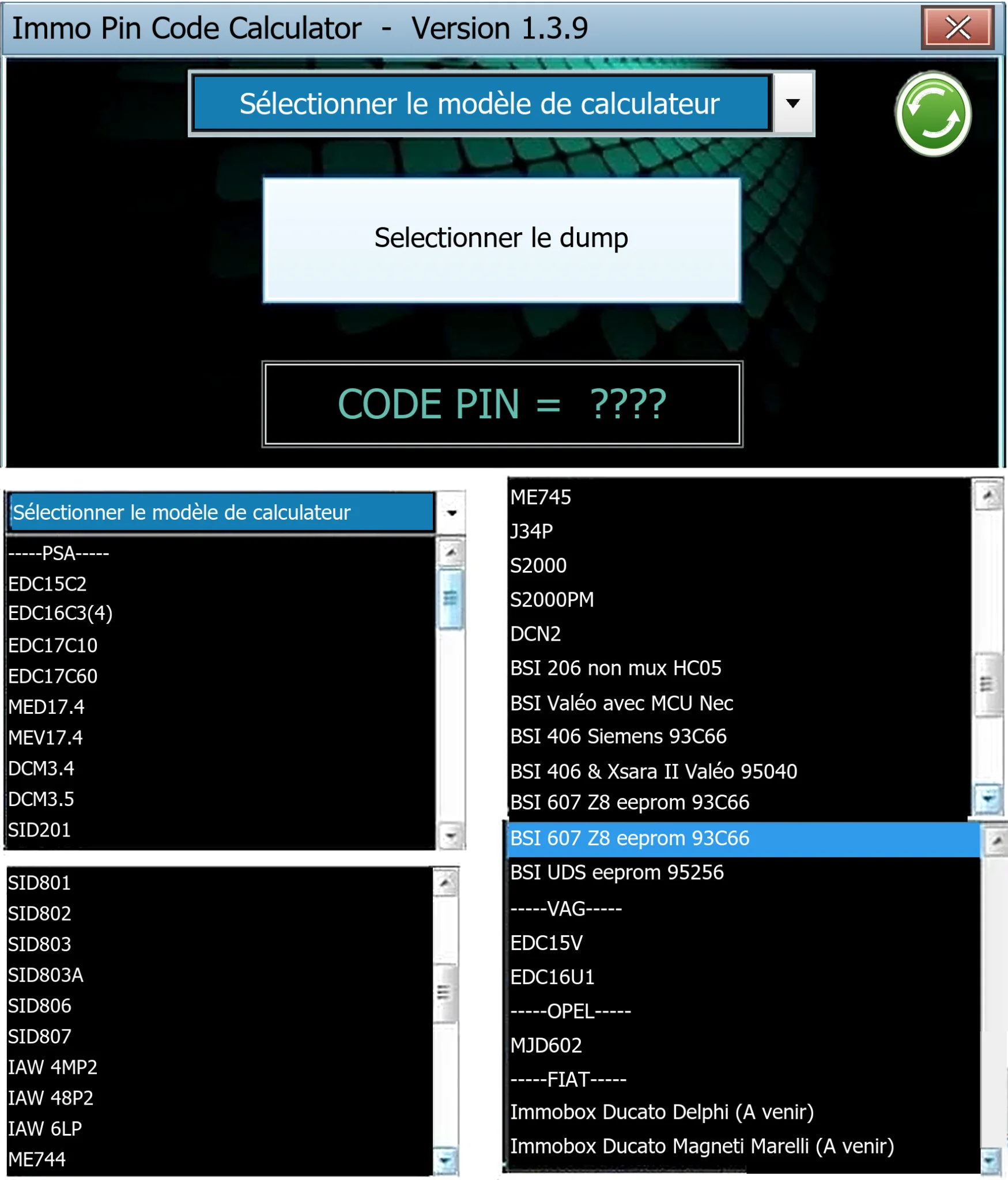
Offline Windows PIN decoder for supported Peugeot/Citroën ECU and BSI dumps, with additional Volkswagen EDC15V/EDC16U1 and Opel MJD602 profiles.