
SOFTWARE DATABASE / RELEASE RECORD
VERSION 3.0.9DashDumpEdit VAG Instrument Cluster Data Transfer and Calibration Tool 3.0.9
Windows dump editor for selected VAG VDO immo2/immo3 and Bosch-Motometer immo3 clusters, with data transfer, gauge calibration and configuration options.
Categories
Vehicle references
Overview
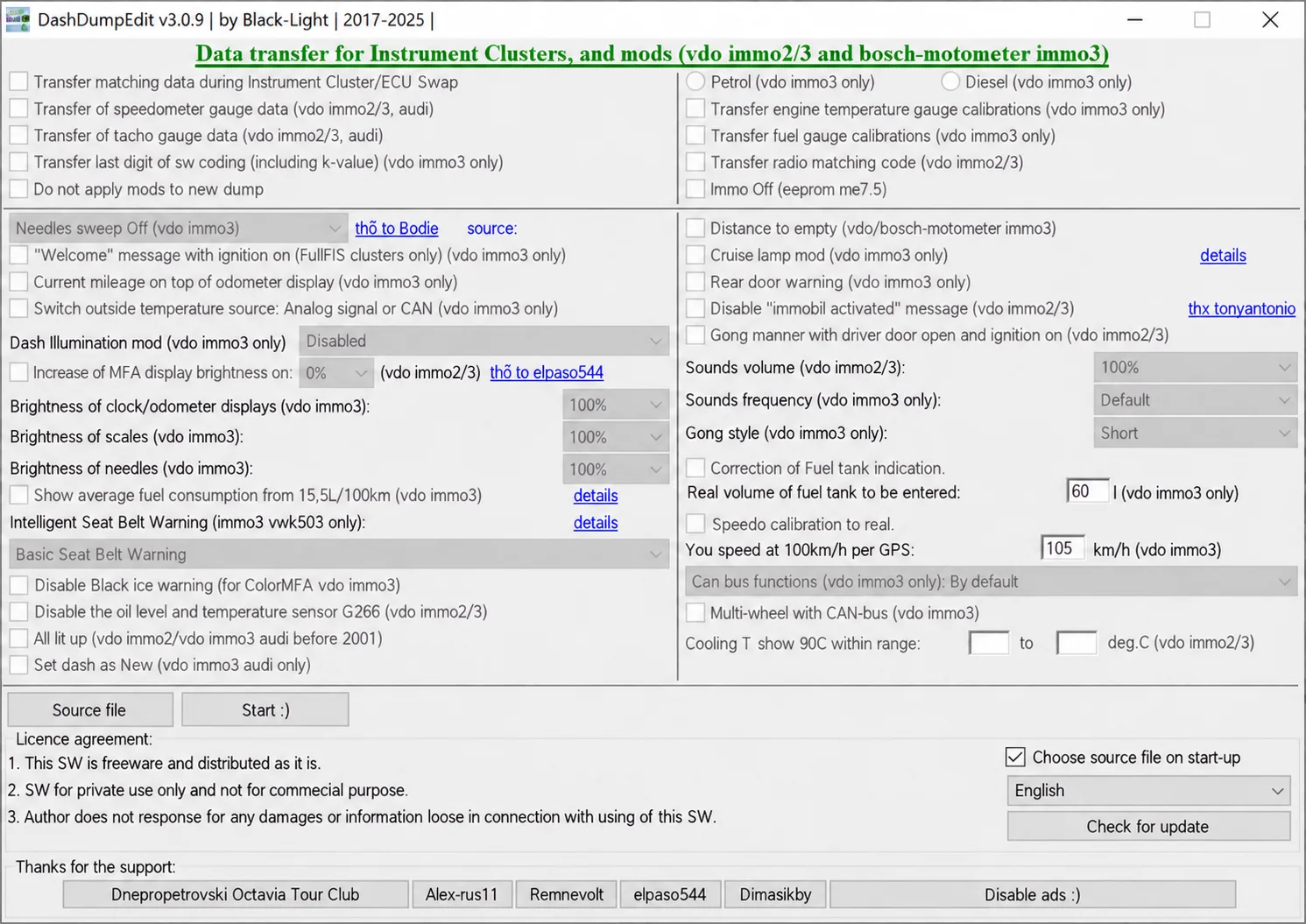
DashDumpEdit 3.0.9 is an offline instrument-cluster dump editor for selected Volkswagen Group VDO and Bosch-Motometer generations. It transfers matching data between compatible source and target dumps and provides calibration and convenience settings for recognized immo2 and immo3 layouts.
The package includes the current application and an older branch with multilingual resources. DashDumpEdit does not connect directly to a dashboard: a complete EEPROM or MCU read and an external programmer are required before file processing.
What this resource is for
Use the utility for documented cluster replacement, repair and configuration when both original and donor memory files are available. Its visible options cover identity and gauge-data transfers together with selected display, warning, illumination and CAN-related settings.
Confirmed functions
- Transfer matching cluster or ECU data between compatible dumps.
- Copy supported speedometer, tachometer, temperature-gauge and fuel-gauge calibration data.
- Handle radio matching-code data in recognized VDO immo2/immo3 files.
- Configure supported needle-sweep, welcome-text, current-mileage display and warning options.
- Adjust clock, odometer, FIS and scale illumination on supported layouts.
- Apply selected fuel-tank, speed, sound, coolant-display and CAN-bus settings.
Supported controllers, files and vehicles
- VDO immo2 and immo3 instrument-cluster dumps recognized by the application.
- Bosch-Motometer immo3 operations explicitly identified in the interface.
- Selected Volkswagen, Audi, Seat and Skoda instrument-cluster generations.
- Support depends on the exact EEPROM or MCU layout and software revision; the vehicle model alone does not establish compatibility.
Package contents
- The current application branch.
- An older branch retained for legacy comparison.
- Language files covering multiple European and Asian languages.
- No bundled flashing interface, driver or automatic checksum service.
The application interface identifies the software as freeware for private use, with commercial use excluded, and includes the author's liability notice. Review the included terms before use.
System and interface requirements
- A Windows computer or isolated virtual machine.
- An EEPROM/MCU programmer able to obtain complete cluster reads and verify them.
- Original and donor dumps of the expected size.
- Stable bench power, anti-static precautions and a proven method of restoring the original memory.
Recommended workshop workflow
- Read each source memory twice and compare the results.
- Label original and donor files with the cluster part number and memory type.
- Open the source first and check whether its displayed information is plausible.
- Select only the required transfer or calibration operations and save to a new file.
- Inspect changed offsets and verify lawful mileage documentation before writing.
Compatibility limits and responsible use
- Successfully opening a dump does not establish that every displayed field was decoded correctly.
- Do not use calibration or mileage-related functions to misrepresent vehicle history.
- Immobilizer-data transfers between incompatible clusters may prevent the vehicle from starting.
- A file editor alone cannot fix hardware defects, CAN faults or damaged EEPROM cells.
Troubleshooting
- Empty or shifted fields: verify the memory type, byte order and read length.
- Donor data will not transfer: confirm that both clusters belong to the same supported generation.
- Incorrect gauge readings: restore the original and recheck the selected calibration source.
- The cluster will not wake after a write: examine checksum handling, soldering and power supply, and verify the original backup.
File integrity and safety notes
Package documentation describes archive testing and extraction, opening nested containers where present, and static executable inspection without launching the files. These are documented preparation claims, not independently performed ECUDB binary or cluster tests.
Keep original ECU, EEPROM and calibration reads immutable and work on copies. Confirm output size and checksum requirements, maintain stable power and prepare a proven recovery procedure before writing. An unsigned executable is not established as malware-free; inspect files in a dedicated analysis environment with current security tools.
Technical Compatibility
Supported Modules
Operating Systems
System Requirements
- Windows PC or isolated virtual machine; exact Windows editions and architecture are unspecified.
- EEPROM/MCU programmer supporting verified complete instrument-cluster reads.
- Original and donor dumps of the expected size and supported memory/software layout.
- Stable bench power, anti-static handling and a proven original-memory recovery method.
Screenshots
Related Software

Offline Windows reference and calculation tool for supported dashboard, body-module and EEPROM/MCU mileage profiles, with memory information, byte locations and repair calculations.

Offline Windows command-line decoder and editor for supported Bosch ME7.5 ECU and VAG instrument-cluster EEPROM files, primarily 1.8T Immobilizer III.
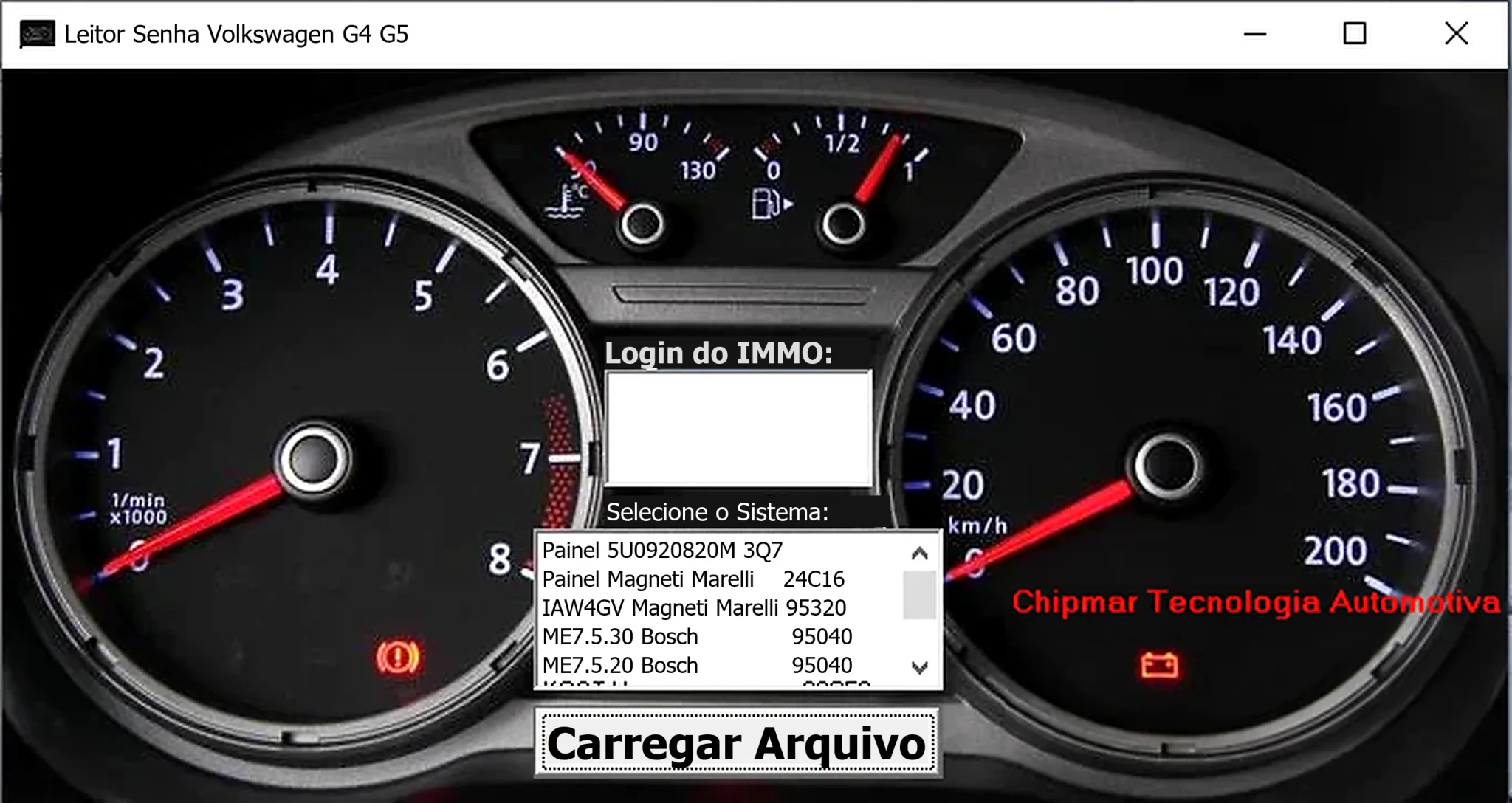
Windows dump-based PIN reader for selected Volkswagen dashboards and Magneti Marelli IAW4GV, Bosch ME7.5.30 and ME7.5.20 ECU memory files.
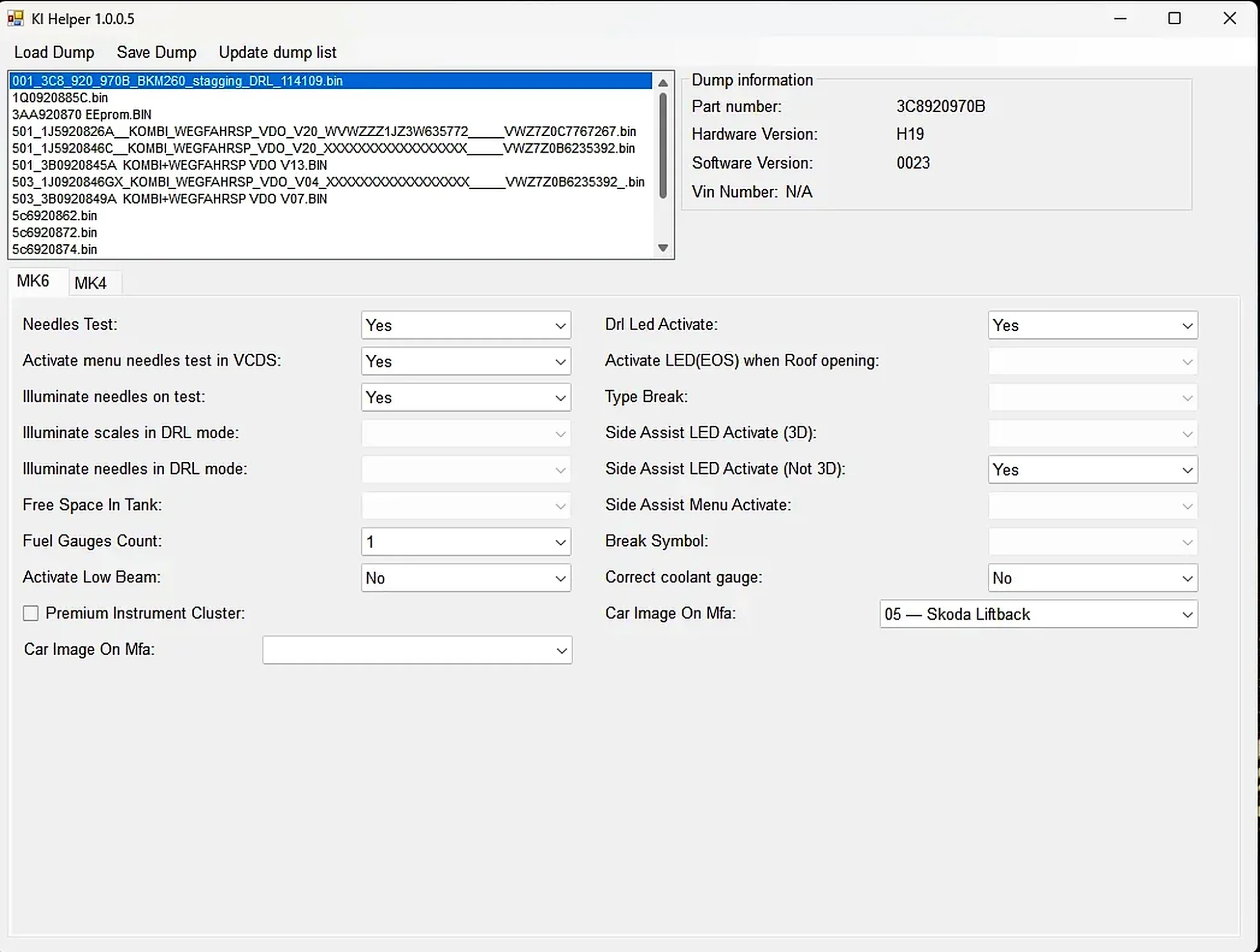
Windows EEPROM dump editor for selected VAG MK4 and MK6 instrument clusters, with identification, needle-test, lighting, display and configuration options.
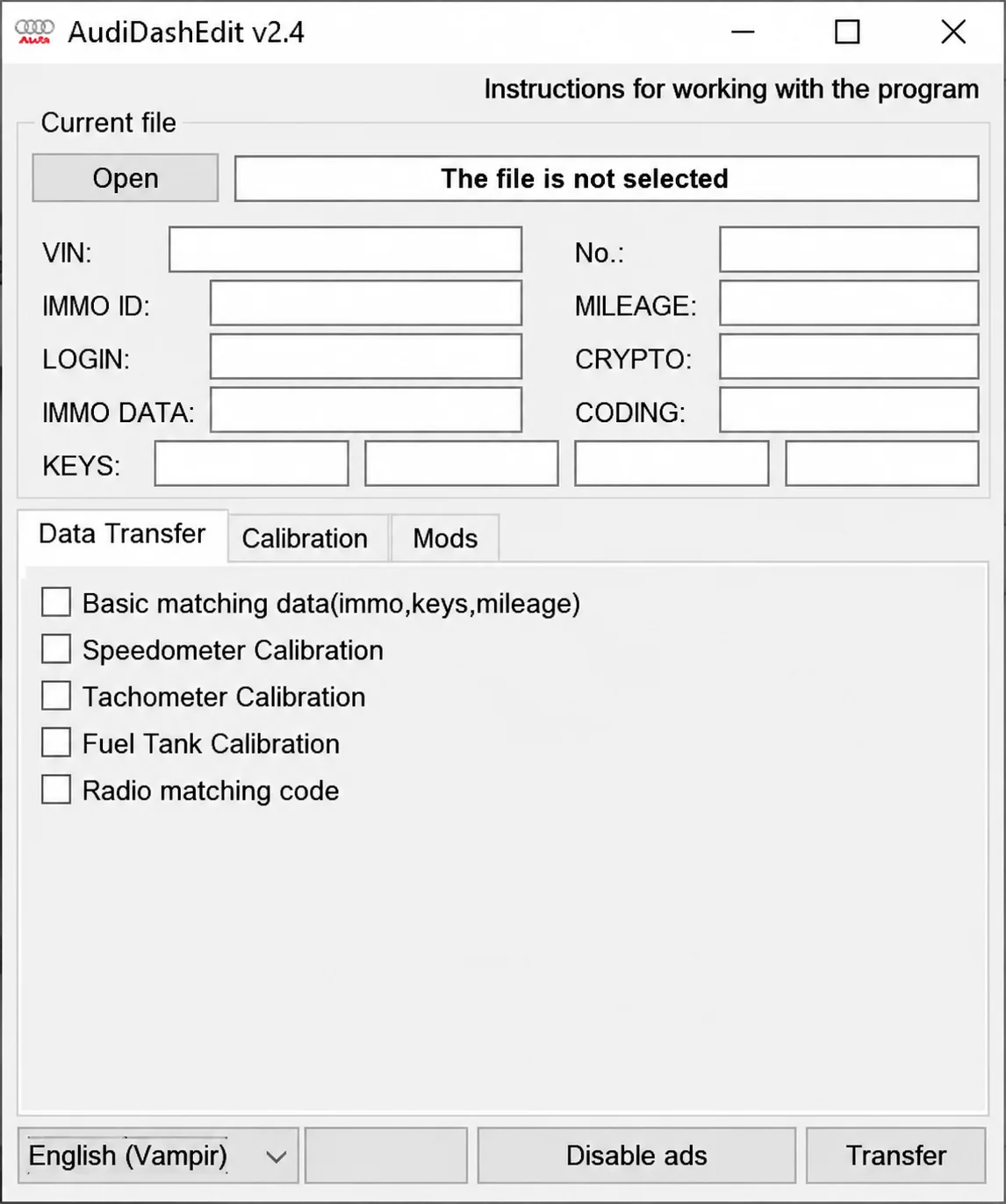
Offline Windows editor for recognized Audi instrument-cluster EEPROM files, with identity, immobilizer, key, mileage, coding and supported calibration fields.
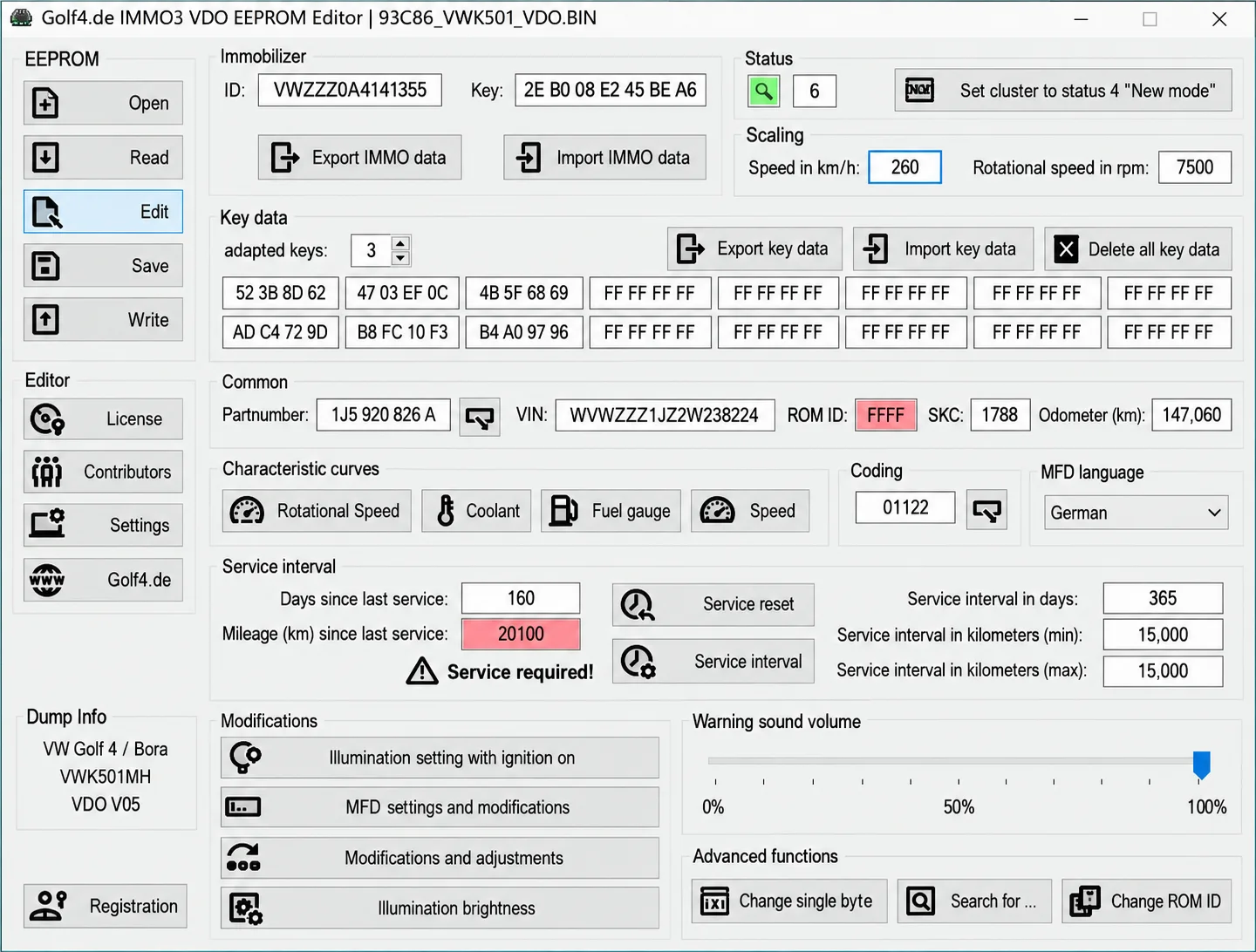
Companion Windows EEPROM editors for supported VAG VDO IMMO2 and IMMO3 clusters, with identity and key data, coding, display, illumination and service settings.