
SOFTWARE DATABASE / RELEASE RECORD
VERSION 2.4Audi DashEdit Instrument Cluster EEPROM Editor 2.4
Offline Windows editor for recognized Audi instrument-cluster EEPROM files, with identity, immobilizer, key, mileage, coding and supported calibration fields.
Categories
Vehicle references
Overview
Audi DashEdit 2.4 is a Windows offline editor for recognized Audi instrument-cluster EEPROM files. Its workspace exposes supported identity, immobilizer, key, mileage and coding fields alongside data-transfer, calibration and modification pages.
The application opens a memory dump obtained separately. It does not read a dashboard through OBD or convert an unknown dump into a supported layout. Establish the exact cluster family, memory device, file size and software structure before editing.
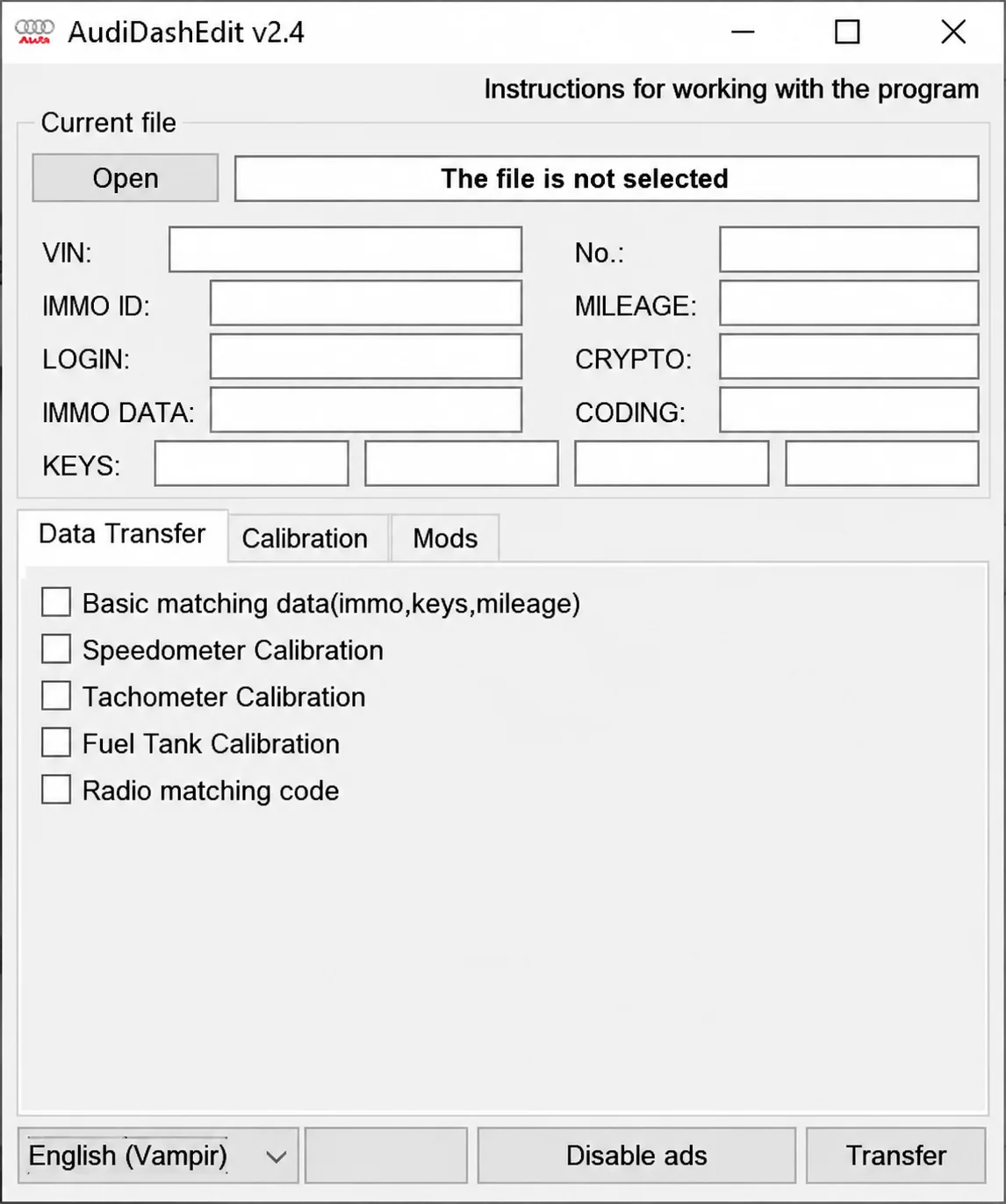
AudiDashEdit v2.4 workspace with no file selected.
What This Package Is For
Use DashEdit to inspect a verified cluster backup and prepare a controlled working copy for an authorized repair or replacement. Check every decoded identifier against the vehicle and cluster label. One plausible value does not validate the rest of the file layout.
Main Functions
- Open and save supported instrument-cluster memory files.
- Display VIN, immobilizer identifier and login when the recognized layout exposes them.
- Review supported key and immobilizer-data fields.
- Inspect or adjust mileage only for lawful replacement or documented repair.
- Review cluster coding and basic matching information.
- Access available speedometer, tachometer and fuel-tank calibration fields.
- Review radio matching and other cluster-specific modification pages.
Interface and Data Fields
The illustrated window is labeled AudiDashEdit v2.4. Its Current file area provides Open and displays The file is not selected. All data fields are blank:
- VIN.
- IMMO ID.
- LOGIN.
- IMMO DATA.
- KEYS, with four adjacent fields.
- No.
- MILEAGE.
- CRYPTO.
- CODING.
The tabs are Data Transfer, Calibration and Mods. Data Transfer is selected in the screenshot, with unchecked options for Basic matching data (immo, keys, mileage), Speedometer Calibration, Tachometer Calibration, Fuel Tank Calibration and Radio matching code.
The window also includes program instructions, a language selector, Disable ads and Transfer. The blank screenshot does not represent a decoded vehicle file or a completed transfer.
Supported Vehicles, Systems and Control Units
- Selected Audi instrument-cluster EEPROM structures recognized by this application.
- Compatibility is determined by the file layout rather than universal Audi model-year coverage.
- VDO, Magneti Marelli and other cluster families must be identified individually; they are not interchangeable by assumption.
- The memory device and exact byte count must agree with the supported layout.
- No EEPROM programmer, OBD interface or wiring diagrams are included.
- Immobilizer and key-related data requires authorization for the vehicle being serviced.
Package Contents
- The supplied Audi DashEdit 2.4 executable.
- Language resource files accompanying the selected release.
- One application-interface screenshot.
- The prepared package excludes older application revisions.
- No customer memory dumps, keys, VIN lists or calibration examples.
PC, Interface and Workshop Requirements
- A dedicated Windows workshop computer, with administrator privileges when needed for installation or separate hardware drivers.
- Storage for the extracted package, logs and untouched original backups.
- An EEPROM or MCU programmer appropriate for the exact cluster memory.
- The correct interface, cable and driver for any separate connected service step.
- Confirmed controller identity and a complete diagnostic scan before repair.
- At least two matching memory reads and a recorded checksum for the original file.
- Suitable stable battery support whenever a subsequent live diagnostic or programming session is required.
- Authorization and accurate repair records for immobilizer, key and odometer-related work.
Exact Windows versions, architecture and runtime dependencies are not specified.
Recommended Workflow
- Identify the cluster manufacturer, part number and memory device.
- Read the memory twice and compare the files byte for byte.
- Open a working copy and check that VIN, immobilizer and coding information is coherent.
- Change only the documented field required for the authorized repair.
- Save under a new filename and compare every modified range with the original.
- Use the separate programmer with stable power, verify the written memory and complete vehicle diagnostics.
Important Limitations
- A brand or menu entry does not prove compatibility with every model year, market or controller revision.
- Use current OEM service information, wiring diagrams and the required security authorization alongside the tool.
- Do not attempt configuration, key, immobilizer or programming operations on an unidentified module.
- Never edit the only original EEPROM, flash, configuration or diagnostic capture.
- Readable decoded text does not establish automatic repair of every checksum or redundant data area.
- Odometer and immobilizer work requires accurate records and compliance with the requirements applicable to the repair.
Troubleshooting Checklist
- File not recognized: check memory type, read mode, byte order and exact file size.
- Decoded information is incoherent: stop and investigate an incorrect layout or corrupt read.
- Saved output changes extensively: do not write it until all changed regions are understood.
- Cluster does not start after writing: restore the verified original and check power, wiring and memory orientation.
- Key or immobilizer information disagrees: use approved vehicle diagnostics and the untouched backup.
Safety and Data Handling
Keep a verified, unchanged original and record the vehicle, cluster label, interface and power conditions before making changes. Keep VINs, security credentials, customer records, diagnostic seeds and responses, and proprietary module files out of public support messages.
The package-preparation notes describe static executable inspection without launching the software. No independent ECUDB execution or cluster-programming test is claimed.
Technical Compatibility
Supported Modules
Operating Systems
System Requirements
- Windows workshop computer
- Suitable EEPROM or MCU programmer for the exact cluster memory
- Two matching memory reads and a recorded original-file checksum
- Confirmed cluster identity and pre-work diagnostics
- Untouched backups and storage for working copies and logs
- Correct interface, cable and driver for separate vehicle-side operations
- Stable power for subsequent programming or diagnosis
- Authorization and accurate records for immobilizer, key and odometer repair
Screenshots
Related Software

Offline Windows reference and calculation tool for supported dashboard, body-module and EEPROM/MCU mileage profiles, with memory information, byte locations and repair calculations.

Offline Windows command-line decoder and editor for supported Bosch ME7.5 ECU and VAG instrument-cluster EEPROM files, primarily 1.8T Immobilizer III.
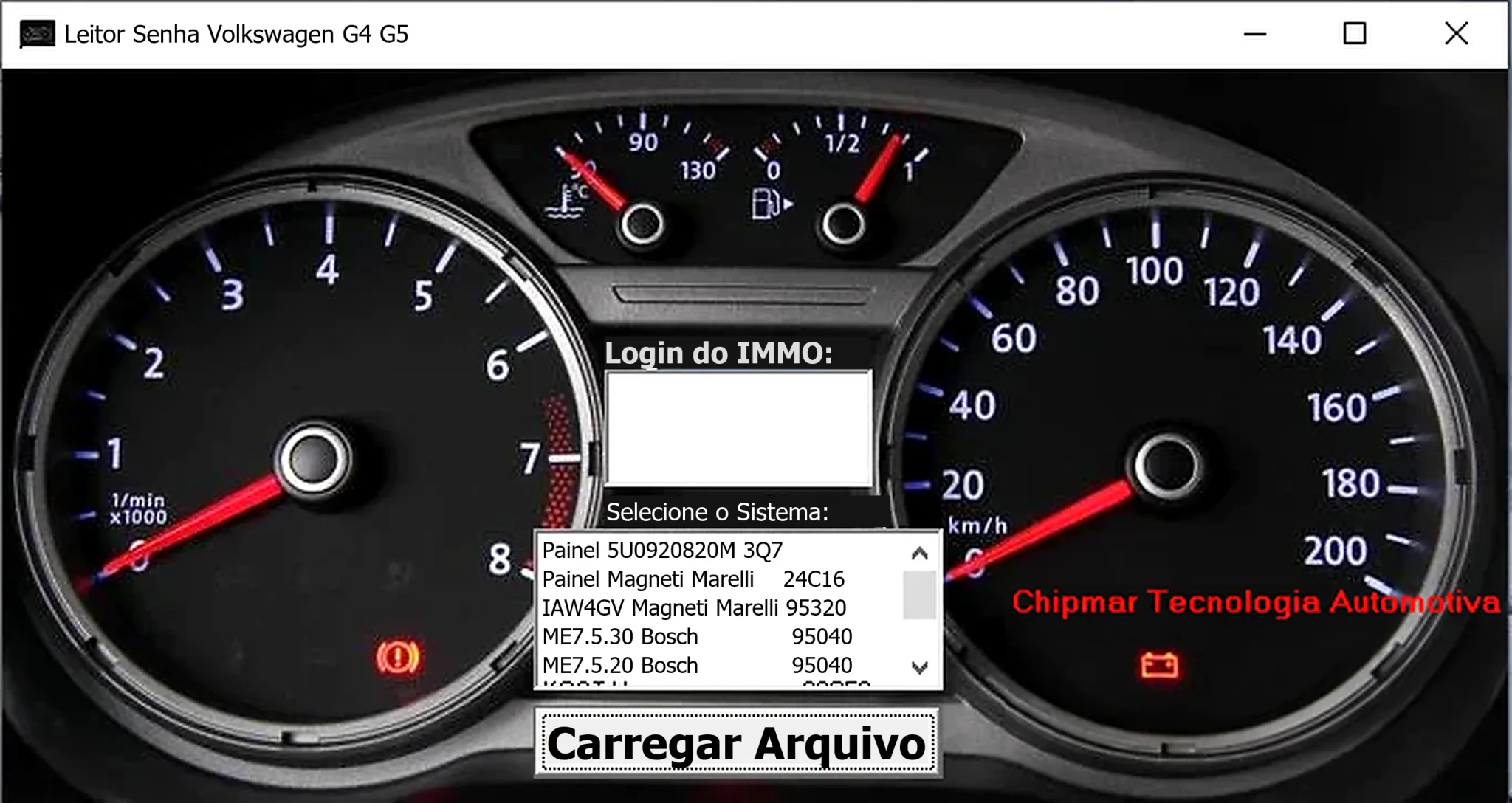
Windows dump-based PIN reader for selected Volkswagen dashboards and Magneti Marelli IAW4GV, Bosch ME7.5.30 and ME7.5.20 ECU memory files.
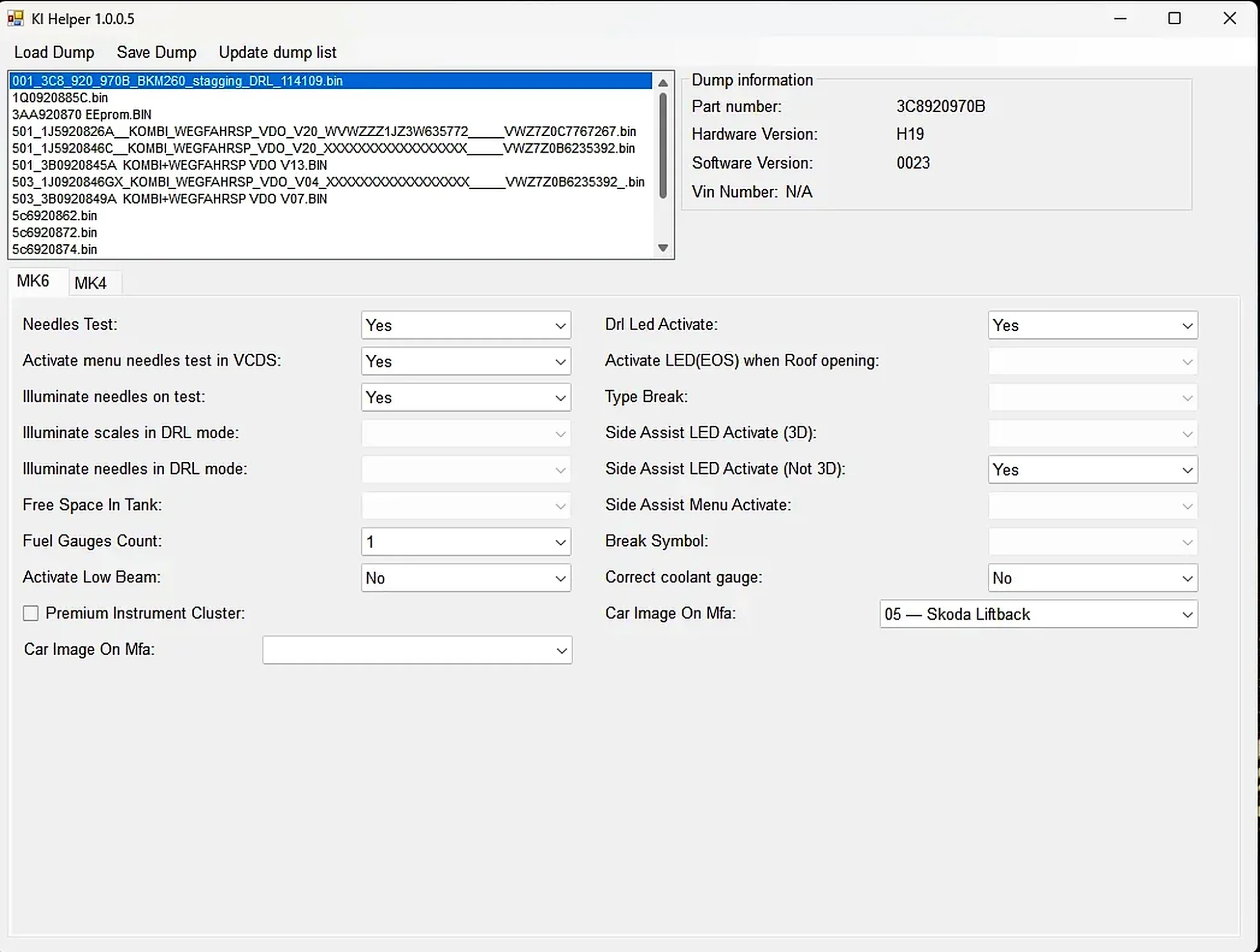
Windows EEPROM dump editor for selected VAG MK4 and MK6 instrument clusters, with identification, needle-test, lighting, display and configuration options.
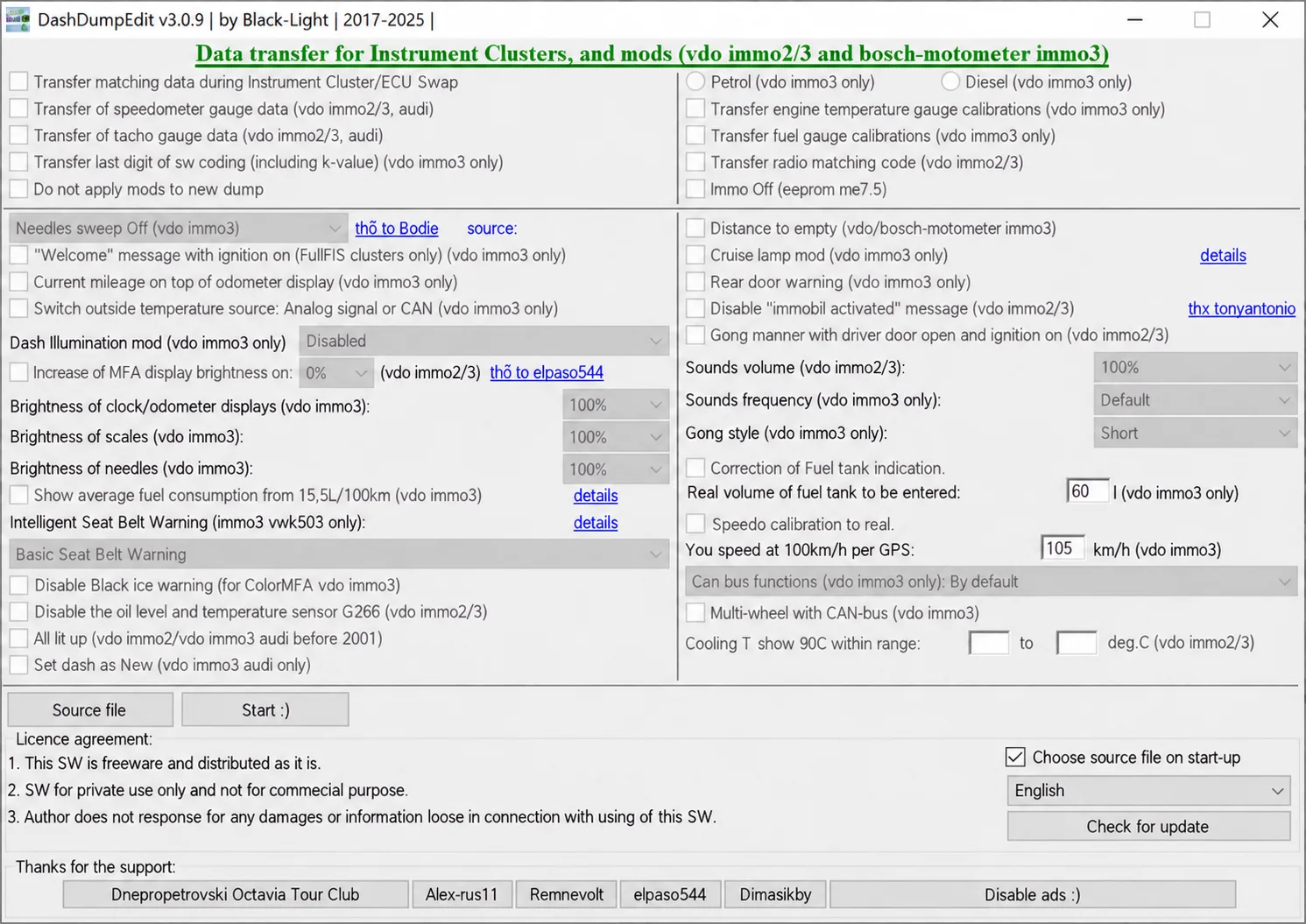
Windows dump editor for selected VAG VDO immo2/immo3 and Bosch-Motometer immo3 clusters, with data transfer, gauge calibration and configuration options.
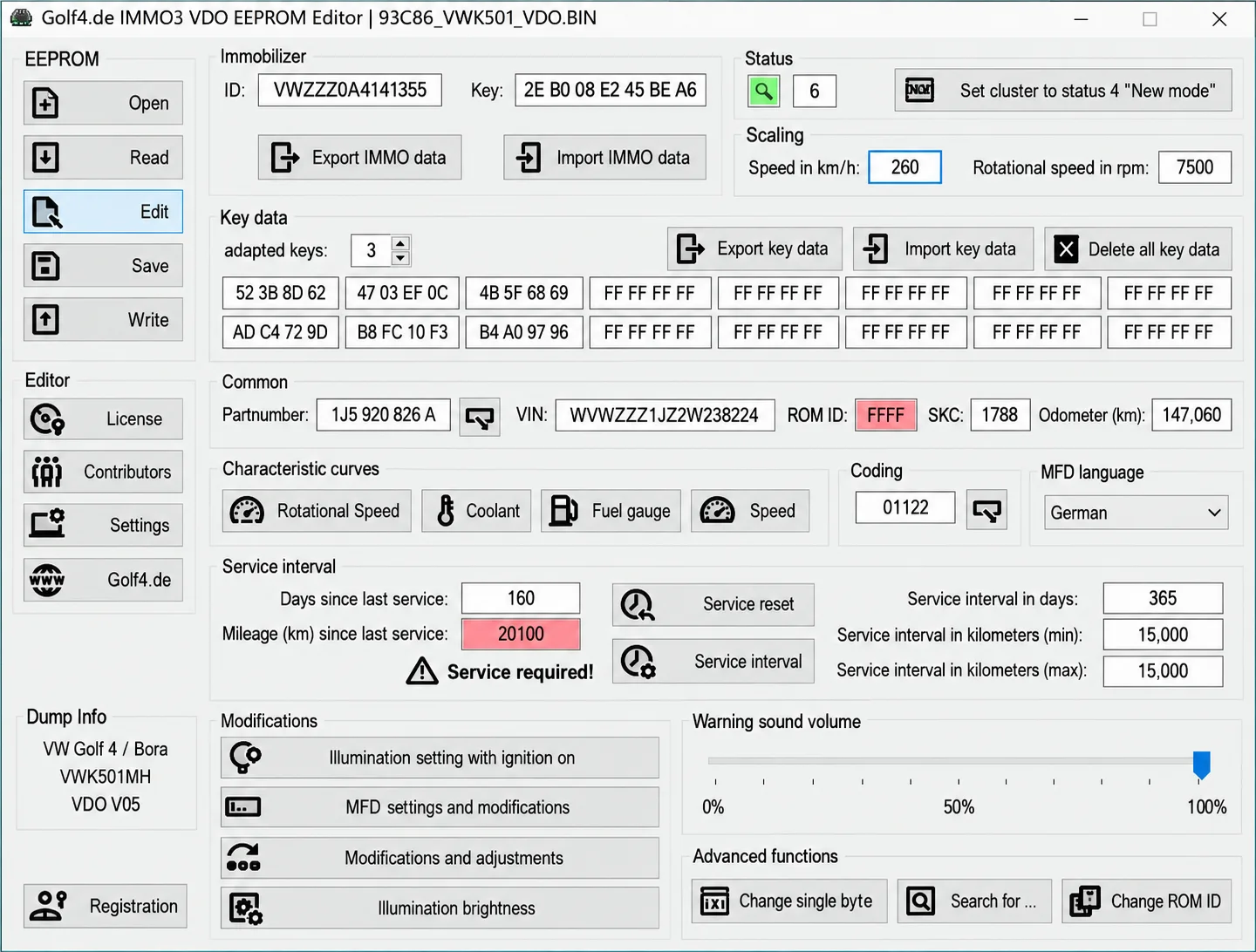
Companion Windows EEPROM editors for supported VAG VDO IMMO2 and IMMO3 clusters, with identity and key data, coding, display, illumination and service settings.