
SOFTWARE DATABASE / RELEASE RECORD
VERSION 0.3.0CrossTuner Studio - ECU BIN Mapping Editor 0.3.0
Portable Windows ECU BIN map editor with reusable definitions, engineering-value tables, comparison of up to three files, 3D inspection and checksum information.
Categories
Overview
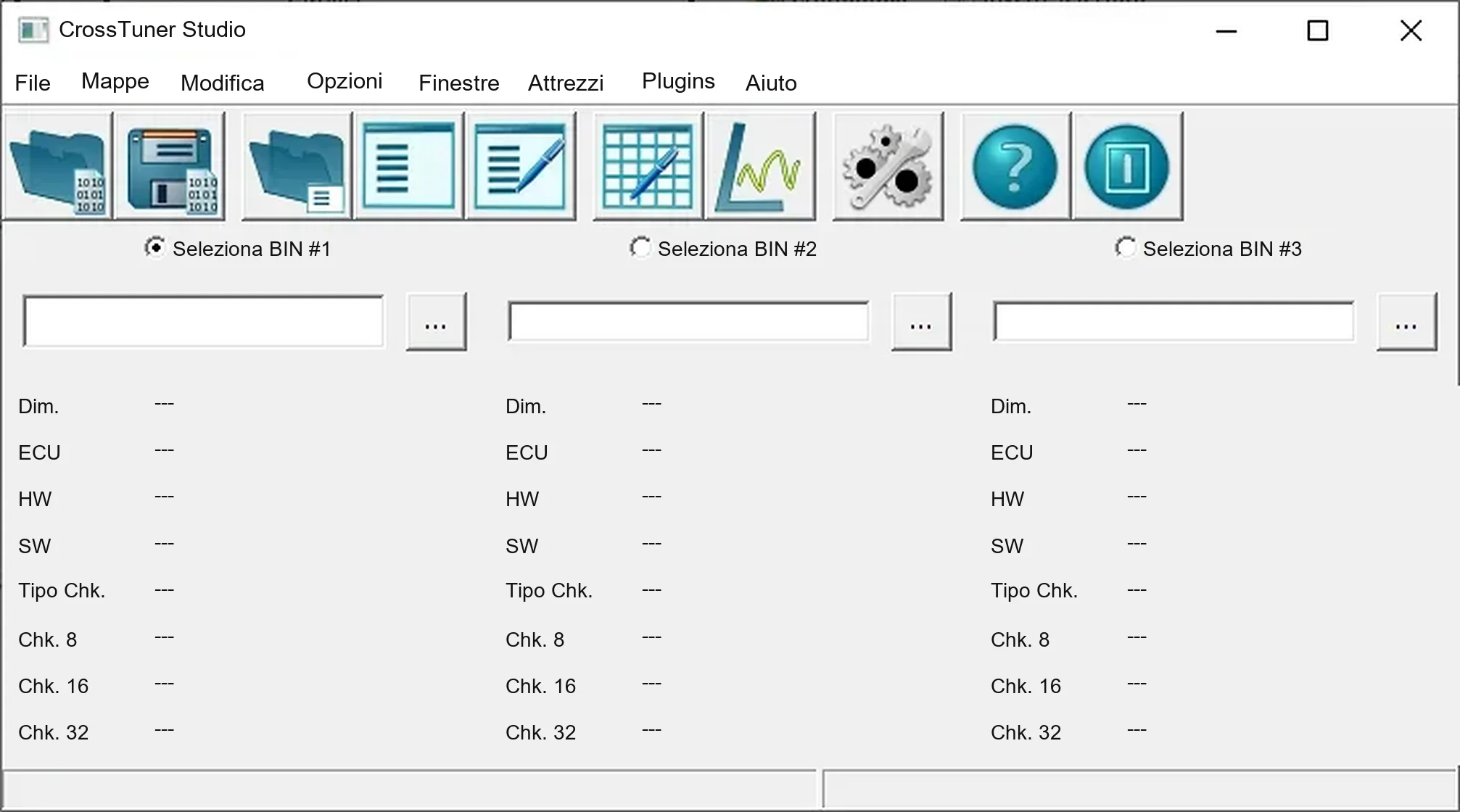
CrossTuner Studio is a portable ECU calibration-map editor for examining binary files, working with map definitions and comparing calibration data without installing a complete tuning suite. Several BIN files can be opened in the same workspace, combining table-based editing, engineering-value conversion and graphical map inspection.
Supported vehicles, ECUs and files
CrossTuner does not automatically identify every ECU. Its practical coverage depends on a matching definition specifying the map address, data type, dimensions and conversion formula for the particular binary. The interface includes ECU, hardware, software and checksum information panels; the presence of a displayed field does not establish that a modified file is ready for programming.
- Raw ECU
.binfiles accompanied by an accurate CrossTuner map definition. - Up to three calibration files shown in the interface for reference and comparison.
- User-created definitions that can be shared for supported table and parameter layouts.
- The legacy Windows and Linux environments documented by the original developer.
Functions
- Table-based map display: view defined maps using converted engineering values instead of relying only on raw hexadecimal data.
- Graphical inspection: examine calibration surfaces through the bundled plotting components and 3D visualisation.
- Map and definition editing: change map values and maintain reusable definition metadata for identified ECU software.
- Checksum information: review the 8-bit, 16-bit and 32-bit checksum information exposed by the application.
System and hardware requirements
- A compatible desktop environment. The original developer lists Windows XP, Vista and 7, as well as Linux.
- No installer is needed. Keep the complete portable wxWidgets and gnuplot directory tree together.
- A verified original ECU binary and a definition corresponding to its exact hardware and software revision.
- A separate checksum solution and programming tool wherever the application does not explicitly perform those stages.
Recommended workflow
- Calculate a hash of the original BIN and archive it. Identify the ECU software and select a definition that matches it.
- Work on a copy, checking several known axes or maps against trusted documentation. Reject definitions with implausible addresses.
- Apply small, documented edits and compare every changed region with the original file.
- Independently validate checksums and file size before carrying out any programming operation.
Package contents
The archive comprises CrossTunerStudio, its Win32 runtime libraries, the bundled gnuplot files, release notes and the open-source licence/readme material required by those components. The plotting documentation is part of the functional package rather than promotional content.
Important limits
A map editor cannot confirm compatibility from a vehicle model name alone. An incorrect definition may alter the wrong memory address while leaving the output file at the expected size. Accurate definitions and independent verification remain essential.
Technical Compatibility
Supported Modules
Operating Systems
File Formats
System Requirements
- Compatible Windows environment; the original developer lists Windows XP, Vista and 7, and also documents Linux support.
- Keep the complete portable wxWidgets and gnuplot directory tree together; no installer is required.
- Verified original ECU binary and definition matching its exact hardware/software revision.
- Separate checksum solution and programming tool where those stages are not explicitly completed by the editor.
Screenshots
Related Software

Collection of 1,350+ UPA-USB scripts for EEPROM and MCU work, covering odometer, IMMO, airbag reset, radio codes, PIN extraction and ECU virginization.
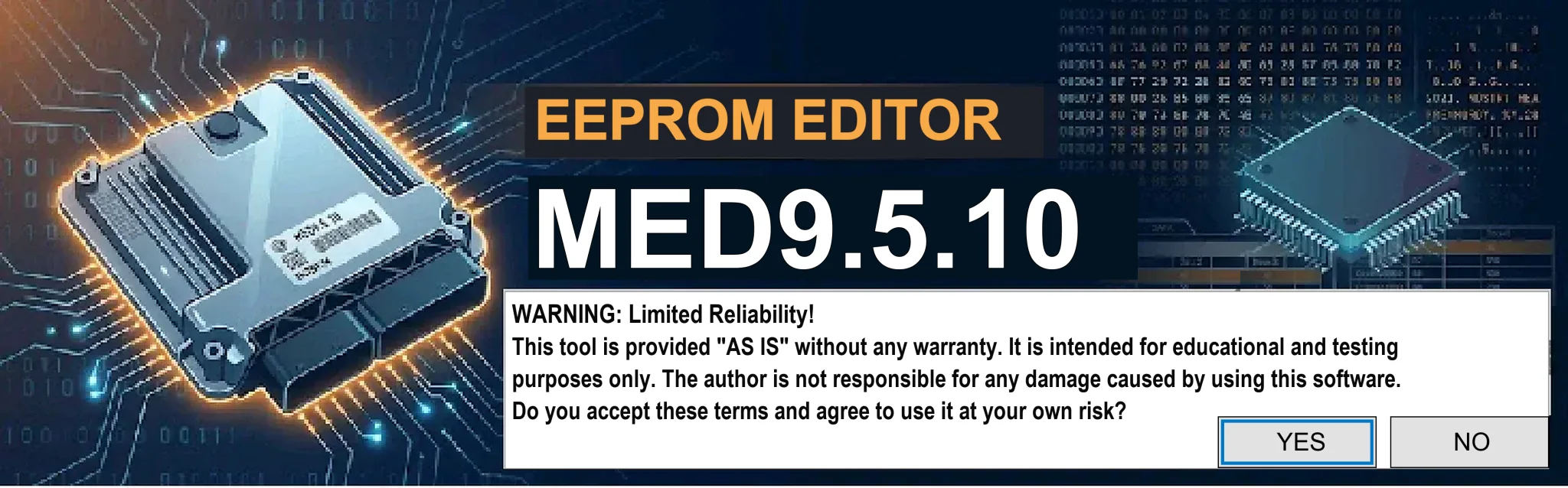
Windows EEPROM-file utility for Bosch MED9.5.10 petrol ECUs, with CRC/P0601 checksum repair, 95080/95320 dump editing, ECU identifiers and backup/restore.
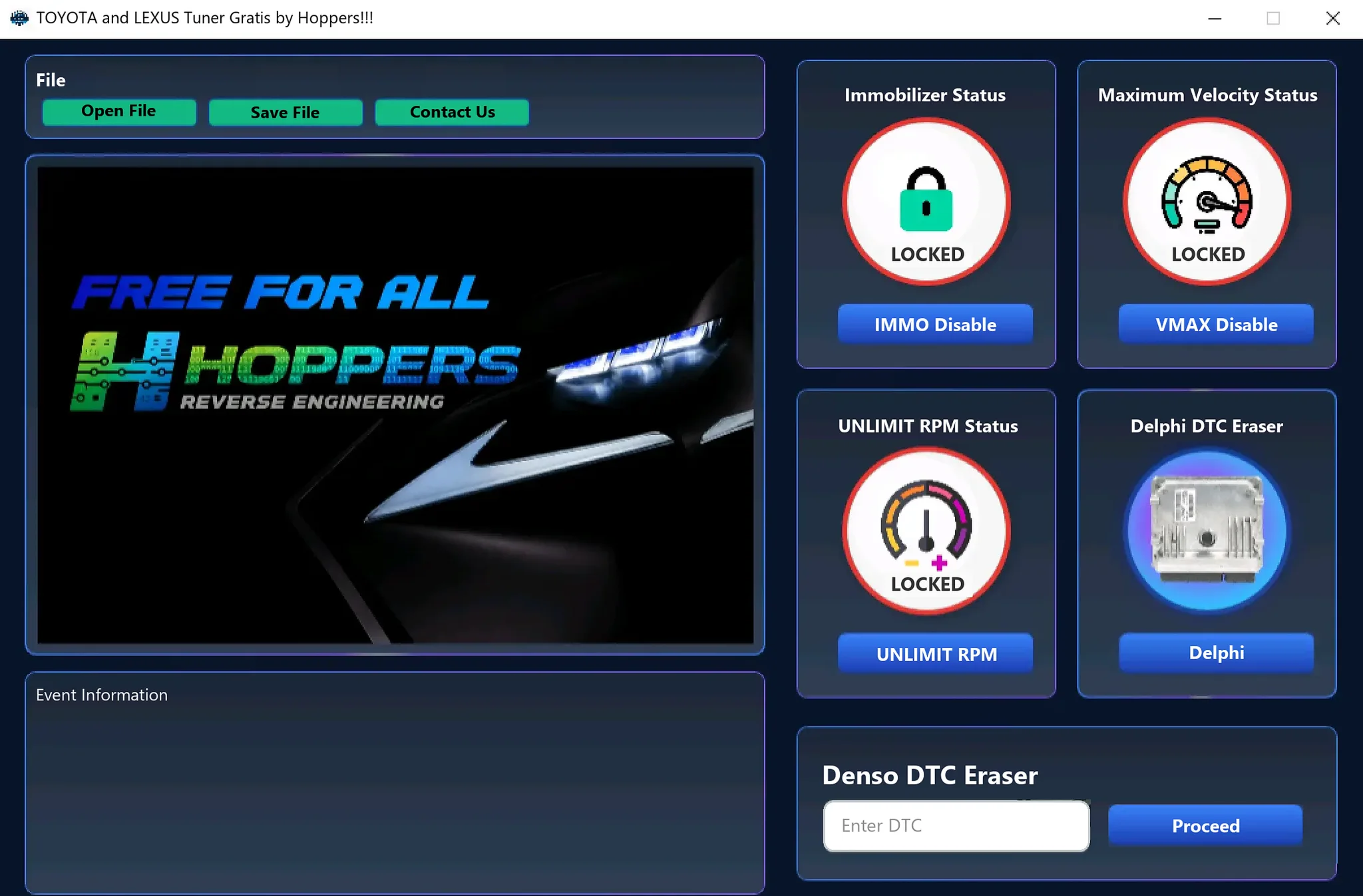
Offline Toyota and Lexus ECU binary editor with IMMO, VMAX and RPM modules, plus dedicated Denso and Delphi DTC Eraser functions for supported firmware.
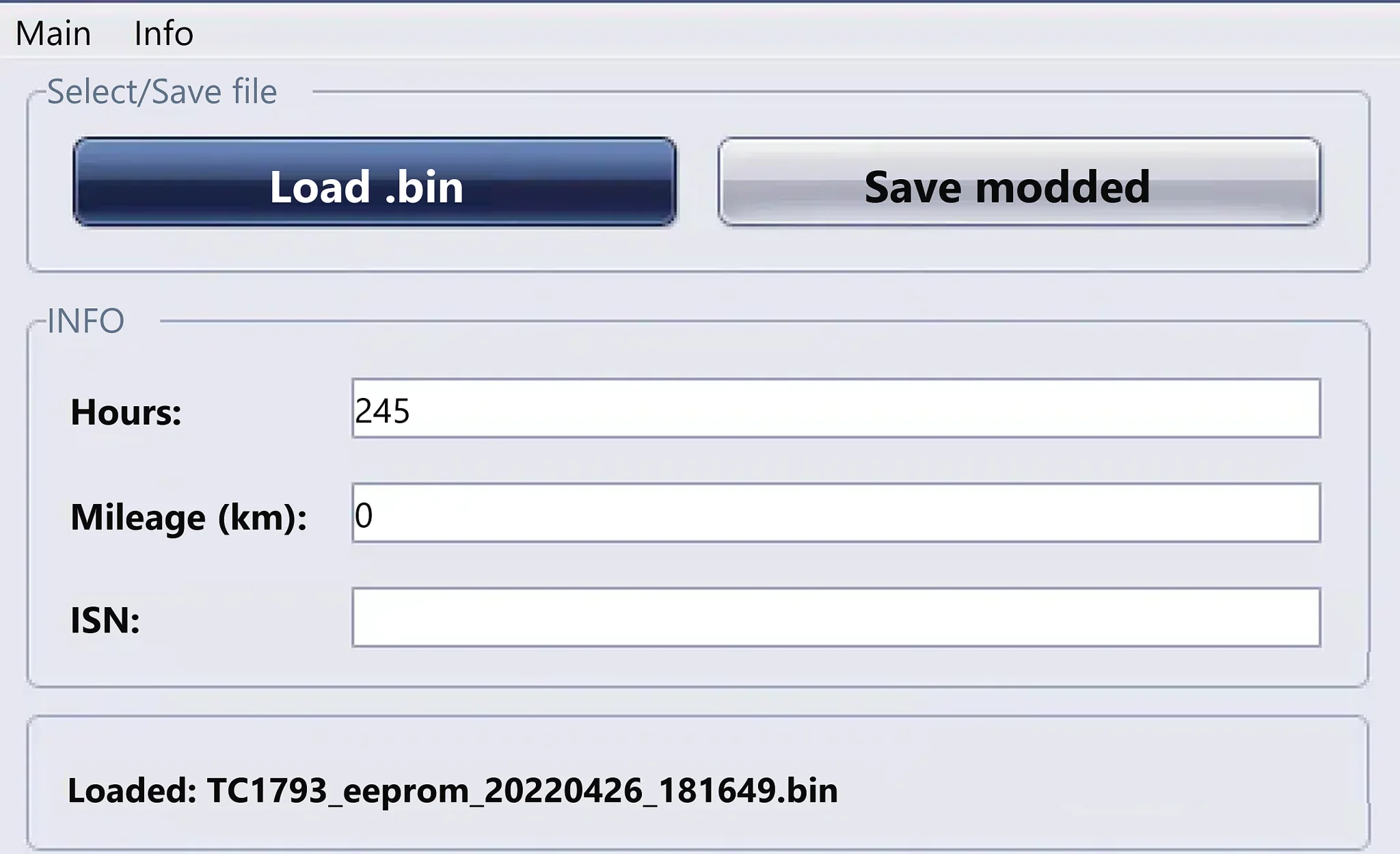
Offline BMW MEVD1723 TC1793 EEPROM editor for working hours, mileage and ISN display, with automatic checksum correction when saving modified BIN files.
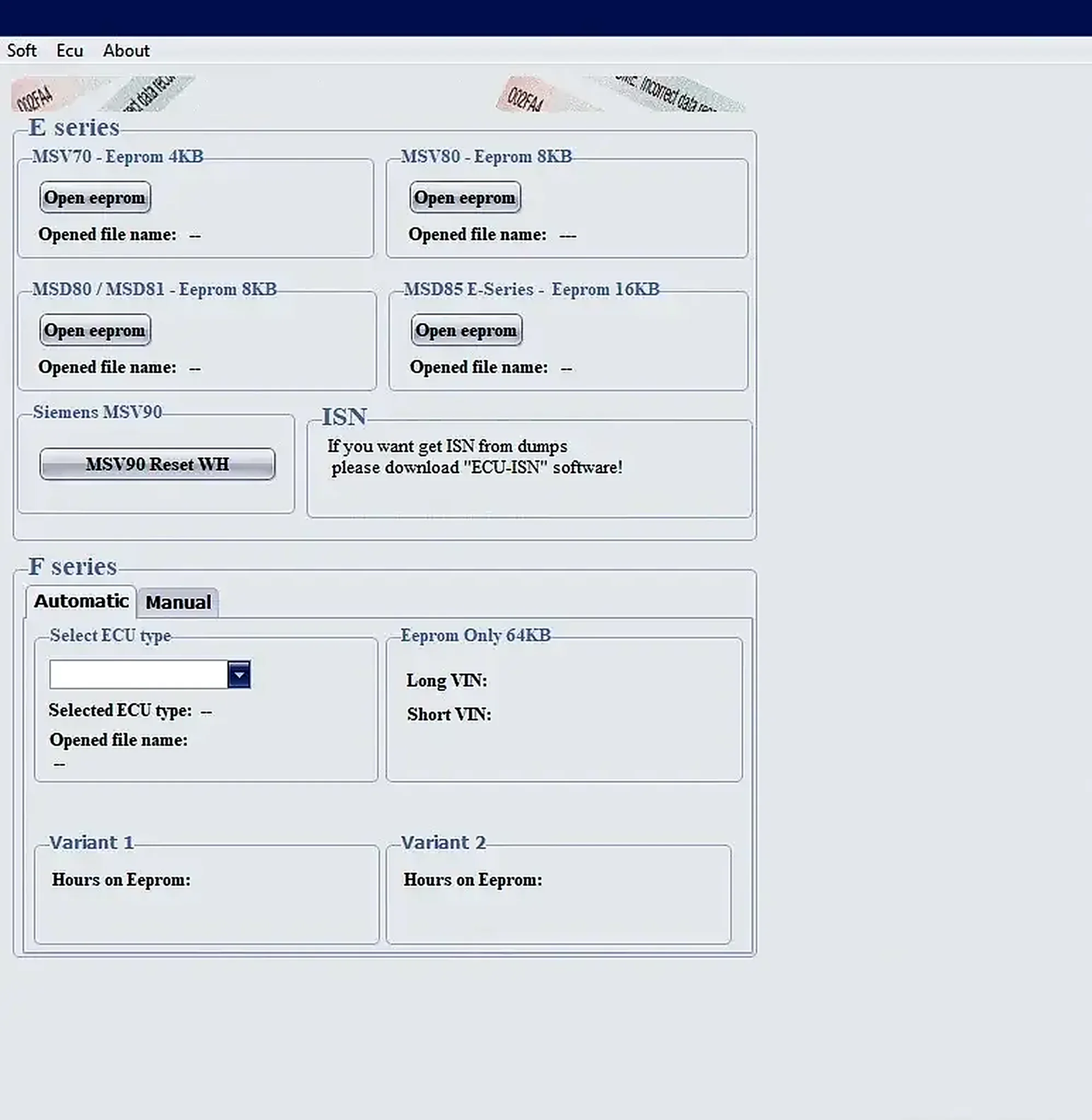
Offline BMW EEPROM utility for resetting supported DME working-hours data, addressing the documented 2FA4 replacement scenario and editing supported VIN fields.
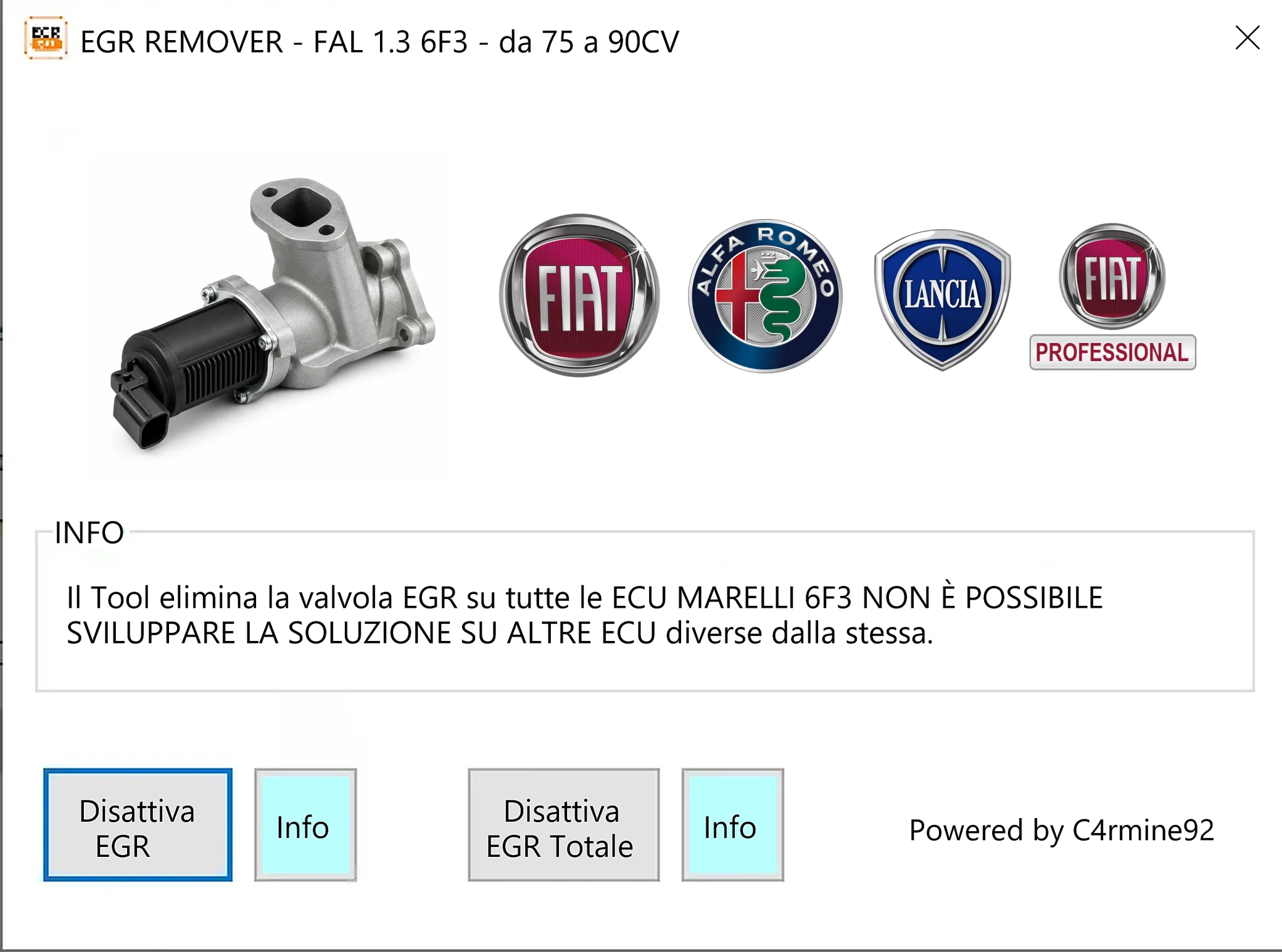
Offline binary-file EGR utility for FCA 1.3 Multijet Marelli 6F3 engines rated 75–90 CV, with standard and total-disable modes.