
SOFTWARE DATABASE / RELEASE RECORD
VERSION 1.00CAXEdit - EFILive CAX Definition Generator 1.00
Portable Windows editor and generator for classic EFILive V7.5 CAX calibration definitions, including table addresses, data types, axes and scaling.
Categories
Overview
CAXEdit is a portable Windows application for editing and generating EFILive CAX calibration-definition files. It is intended for experienced calibration users who need to define extra tables or parameters absent from the standard EFILive definition. The editor keeps the associated addresses, data types and conversion formulas organised in a structured definition file.
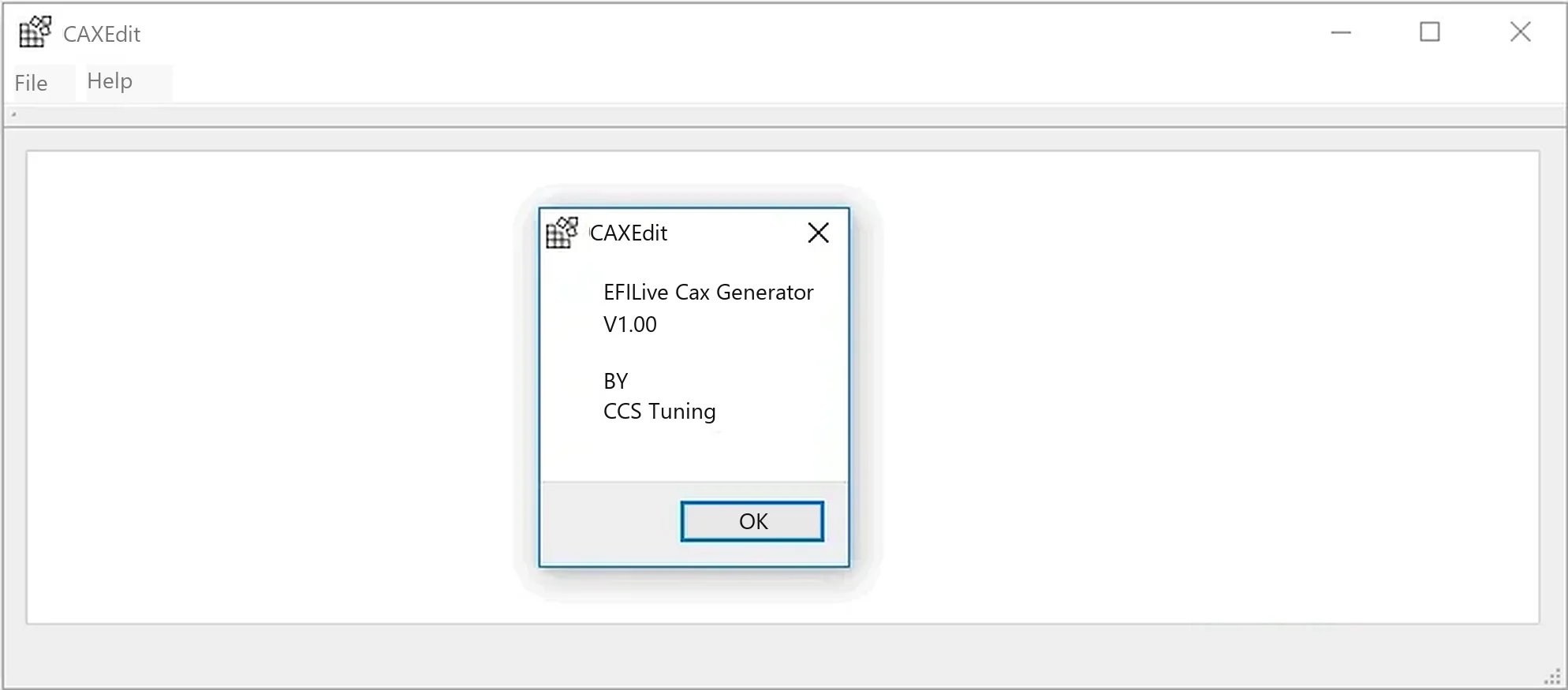
Supported vehicles, ECUs and files
Classic CAX definitions are plain-text files used by the EFILive V7.5 Tune Tool to add user-defined calibration items. Each definition must correspond to the controller's exact operating system and memory layout. Its address, element size, row and column dimensions and engineering-unit conversion all require validation. CAX8 is a separate format and must not be treated as directly interchangeable with a classic CAX file.
- EFILive V7.5 CAX workflows for controller files whose memory organisation is already understood.
- Scalar parameters and one- or two-dimensional tables representable by the supported CAX syntax.
- Definition files stored in the EFILive calibration template location for the matching controller operating system.
Functions
- Create and edit definition sections: maintain item names, descriptions, addresses, data types and scaling information.
- Organise map structure: manage axes, dimensions and display units without manually keeping track of every text delimiter.
- Generate a reviewable CAX file: examine the definition before opening it in the EFILive Tune Tool.
- Reuse known definitions: maintain definitions associated with controller operating systems that have already been identified.
System and hardware requirements
- A Windows computer. The portable application includes the Qt libraries and plugins it requires.
- EFILive V7.5 Tune Tool to use the resulting classic CAX definition.
- A legally obtained calibration file and reliable reverse-engineering information or OEM definition data.
- The expertise needed to check memory addresses, signedness, byte order, units and scaling.
Recommended workflow
- Preserve a copy of the original calibration and establish its exact controller operating-system or software number.
- Create one definition at a time, using independently verified address and conversion information.
- Load the CAX alongside a copy of the calibration and check that displayed values agree with known physical ranges.
- Review every edit and determine the applicable checksum requirements before any controller-programming operation.
Package contents
The archive contains the CAXEdit executable and its complete Qt runtime directory tree, including platform, image, SVG and translation plugins. There is no installer or complete user manual. Keep the supplied directory structure intact so the application can find its required components.
Important limits
A faulty CAX definition can point to the wrong memory location, and a value that appears reasonable may still be incorrect. Invalid definitions or calibrations can leave a controller unresponsive after programming. Verify each address independently rather than relying on the appearance of the displayed value.
Technical Compatibility
Supported Modules
Operating Systems
File Formats
System Requirements
- Windows computer; keep the bundled Qt libraries and plugins intact.
- EFILive V7.5 Tune Tool for classic CAX definitions.
- Legally obtained calibration and reliable reverse-engineering or OEM definition data.
- Knowledge of memory addresses, signedness, byte order, units and scaling.
Screenshots
Related Software

Windows calibration-file utility with manufacturer and ECU selection menus for EGR, flap, Hotstart, DTC and related service functions.

Volvo VIDA 2015A workshop environment for vehicle identification, guided fault tracing, wiring diagrams, service documentation and parts reference.

Detroit Diesel Diagnostic Link (DDDL) Full Suite 6.5 / 8.19 / DRS 6.31
v6.5 / 8.19 / DRS 6.31Detroit Diesel and Mercedes-Benz MBE workshop suite combining DDDL legacy and modern diagnostics, DRS reprogramming, live data, service tests and parameter functions.
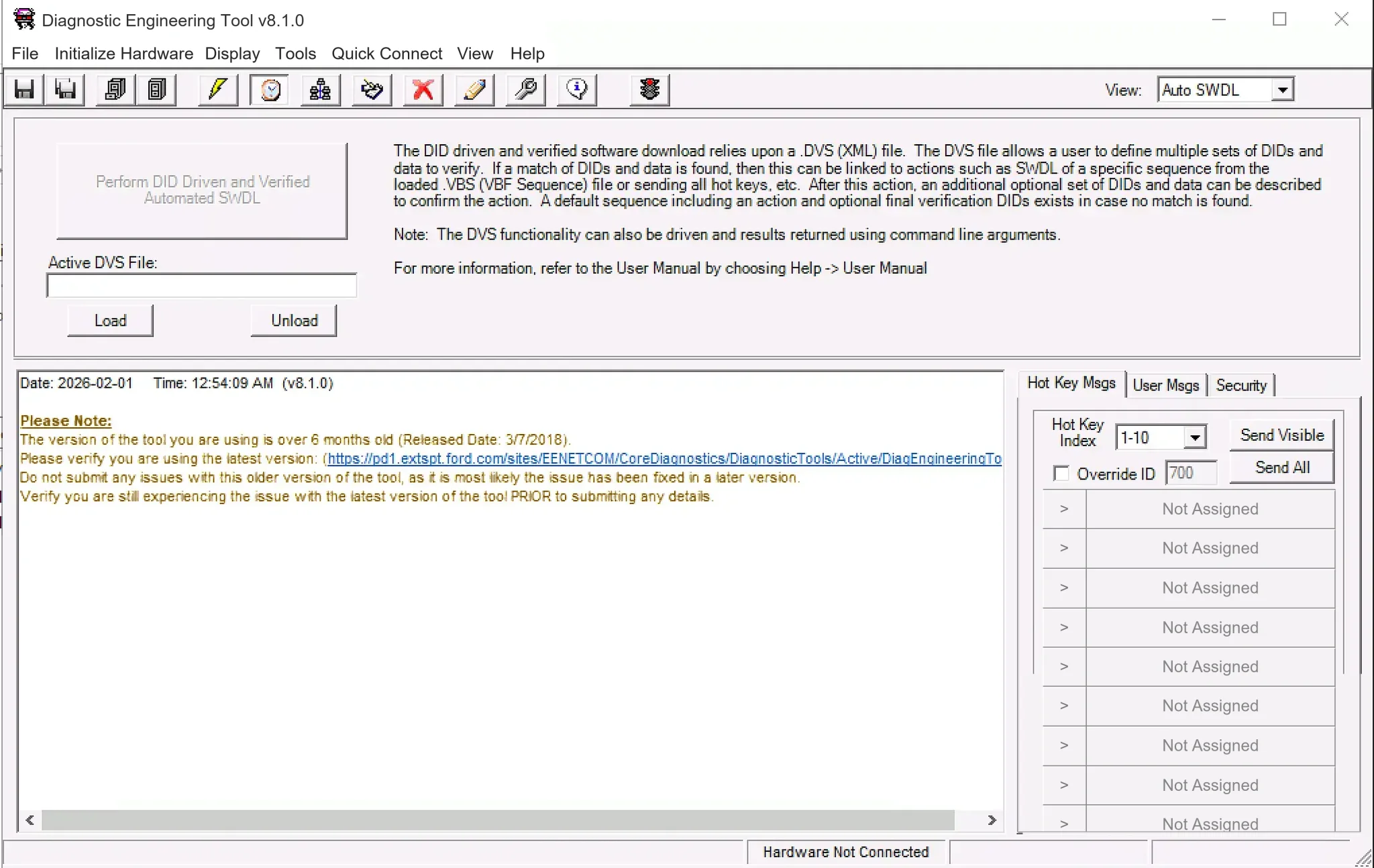
Ford ISO 14229 UDS engineering diagnostics with raw requests, DIDs, ECU configuration, software download sequences and module-focused service routines.
CAN SmartCraft diagnostics and delivery configuration for supported Mercury Marine and MerCruiser systems, with module identification, eBOM selection, fault review and supported service tests.
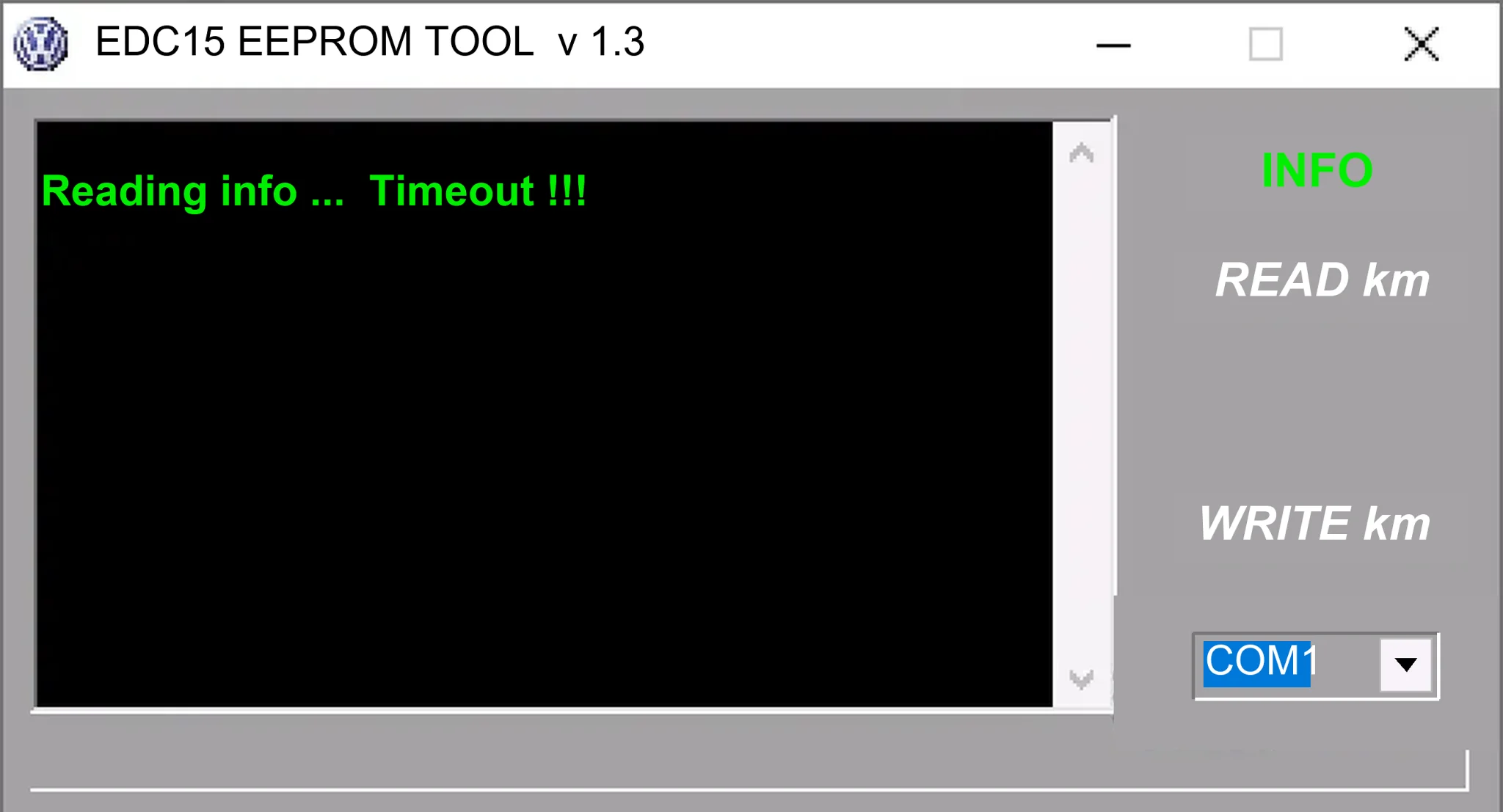
Windows utility for supported Bosch EDC15 diesel ECU information, EEPROM access and authorized KM data service operations through a compatible interface.