
SOFTWARE DATABASE / RELEASE RECORD
VERSION 2.0.0CAS3+ C4 Editor - Repair ISN & Repair Tool 2.0.0
Offline Windows workspace for supported BMW CAS3+ / CAS3++ 4 KB EEPROM files, with ten key slots, vehicle data, DME/EGS ISN, EWS and recovery functions.
Categories
Vehicle references
Overview
CAS3+ C4 Editor | Repair ISN & Repair Tool
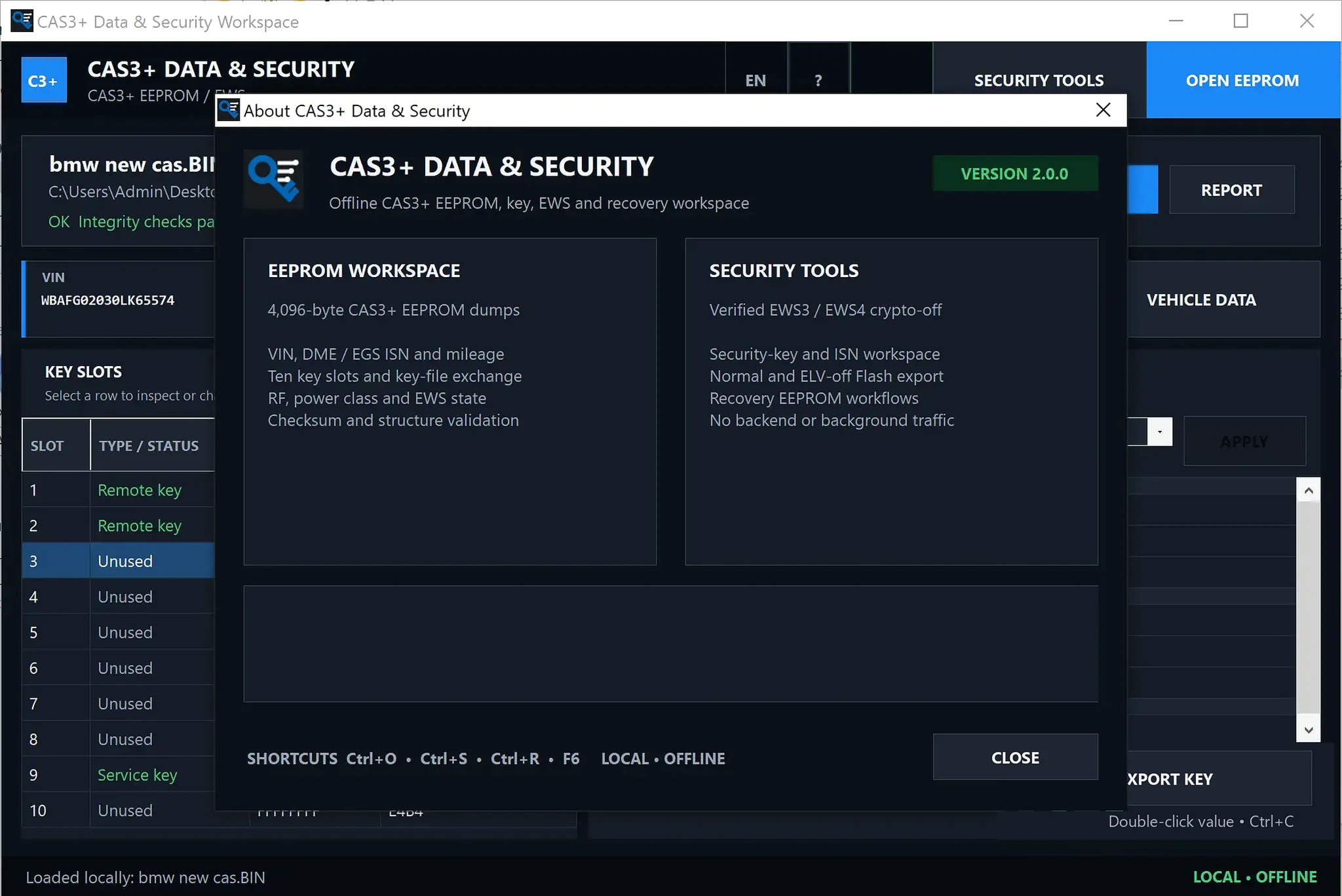
CAS3+ Data & Security Workspace 2.0.0 is a fully rebuilt successor to the original CAS3+ C4 Editor. It provides a portable, offline Windows workspace for supported BMW CAS3+ and CAS3++ 4 KB EEPROM files, bringing EEPROM analysis, vehicle-data editing, ten-slot key management, DME/EGS ISN functions and security-key inspection together in one application.
The redesigned edition also includes EWS3/EWS4 crypto-off processing, checked Flash-image exports and dedicated recovery tools. It continues the earlier editor's work on CAS3 repair, ISN repair, key management, EWS synchronization, downgrade recovery and all-keys-lost cases, rather than representing only a cosmetic interface update.
The primary input must be a compatible CAS3+ EEPROM dump of exactly 4,096 bytes. A 512 KB CAS Flash image is not a valid substitute for this EEPROM input.
Main Functions
- Load and validate supported
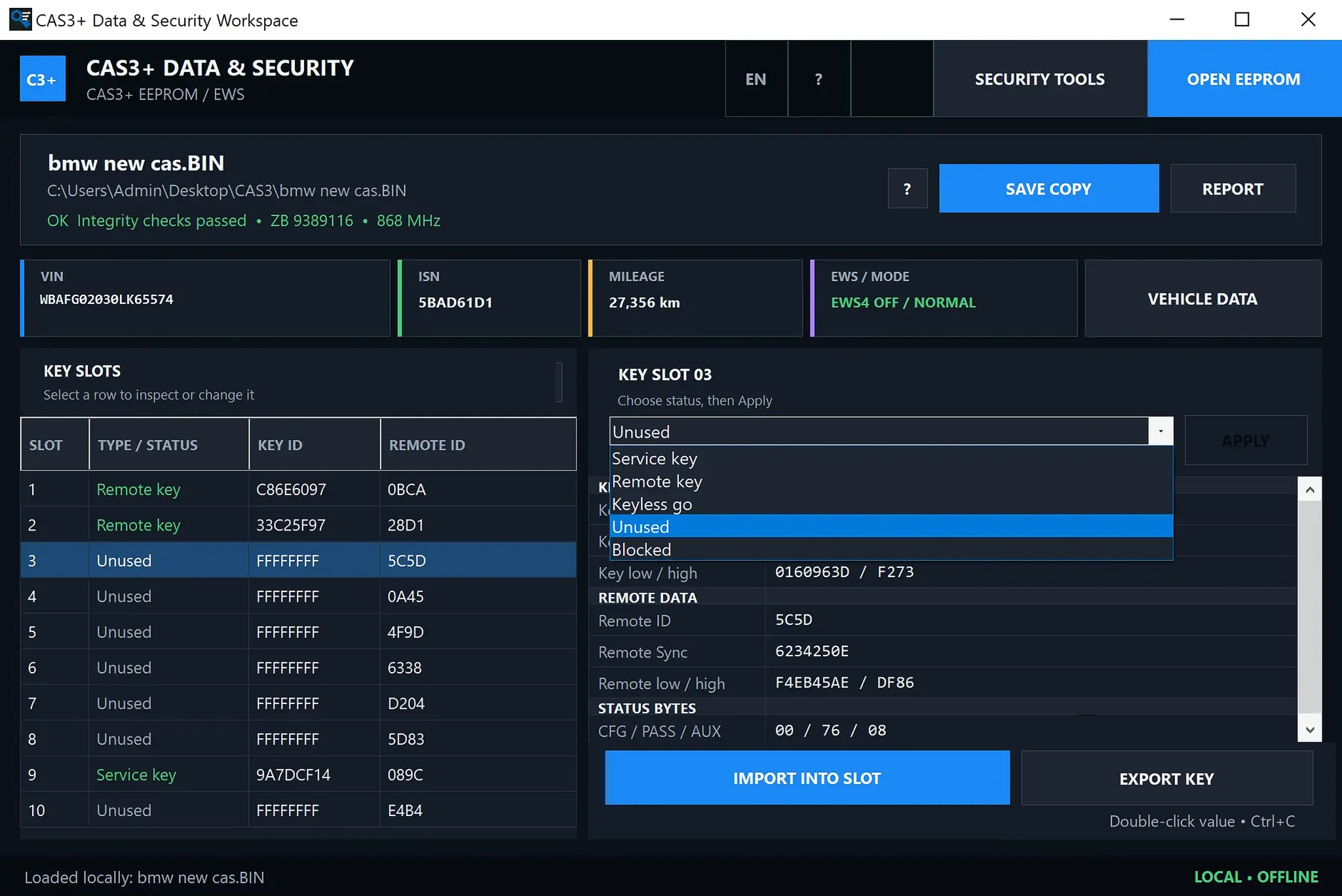
4,096-byteCAS3+ EEPROM dumps. - Show the VIN, DME/EGS ISN, stored mileage, EWS state and operating mode.
- Identify the ZB number and remote-control frequency.
- Inspect all ten CAS key slots.
- Display each key's type, status, Key ID, Remote ID and internal synchronization information.
- Change the type or status of one selected key slot.
- Import a compatible
.keyfile into a selected slot. - Export the selected slot to a compatible
.keyfile. - Edit the VIN, production date and mechanical key-cut code.
- Adjust the remote frequency and power class.
- Enable or disable the supported EGS EWS state.
- Set the supported CAS mileage block to zero.
- Produce a readable TXT report.
- Inspect and work with four-byte DME/EGS ISN data.
- Inspect and process the SK1, SK2 and SK3 security-key structures.
- Use verified EWS3/EWS4 crypto-off workflows.
- Apply the legacy XOR operation in compatible older repair cases.
- Export verified normal and ELV-off CAS3+ Flash images.
- Generate a separate downgrade-repair EEPROM output.
- Use the dedicated EDC16 all-keys-lost recovery workflow.
The application works with files. A compatible professional programmer is still needed to read or write the physical CAS, DME, DDE or EGS module; those operations take place separately.
Supported CAS3+ EEPROM Workspace
The main workspace accepts compatible BMW CAS3+ EEPROM structures with an exact length of 4,096 bytes. On opening a file, it checks the checksum, integrity and internal structure before making the applicable editing functions available.
The loaded-file panel can show:
- The source filename.
- The complete path to the opened BIN.
- The integrity-check result.
- The detected ZB number.
- The remote frequency.
- The VIN.
- The four-byte ISN.
- The stored mileage.
- The current EWS state and operating mode.
Clicking the displayed file path copies the full path to the Windows clipboard.
Important: The expected file size alone does not establish compatibility. Identify the actual CAS version and keep untouched copies of both its EEPROM and Flash before editing.
CAS3 and CAS3+ Compatibility Boundary
This editor targets supported CAS3+ / CAS3++ data structures. It is a separate application from the CAS3 C3 / 0L01Y editor: another CAS dump being 4,096 bytes long is not enough to make it suitable here.
Before processing a file:
- Identify the CAS module and its processor version.
- Confirm that the read is an EEPROM dump.
- Do not load Flash data in place of EEPROM data.
- Keep EEPROM and Flash from different CAS modules separate.
- Do not process a file when its origin or read method is unknown.
Key Slot Workspace
The KEY SLOTS table presents the ten key records held in the loaded CAS3+ EEPROM. Each slot can expose:
- Its slot number.
- The key type and present status.
- The Key ID.
- The Remote ID.
- Key synchronization data.
- Key low and high values.
- Remote synchronization values.
- Remote low and high values.
- Configuration, password and auxiliary bytes.
The available slot states include Service key, Remote key, Keyless Go, Unused and Blocked.
Choose the required row, select the intended status and press APPLY. The change affects that slot in the active working copy only.
Key File Import and Export
IMPORT INTO SLOT uses a compatible .key file to replace the data in the currently selected slot. EXPORT KEY writes the selected slot to a compatible key file for backup, comparison or authorized module-replacement work.
The scope of these operations is deliberately limited:
- An import changes the selected slot only.
- A key file does not replace the entire EEPROM.
- The remaining slots are left unchanged.
- The source EEPROM is not overwritten automatically.
- Double-clicking a displayed key value copies that value to the clipboard.
Preserve the original EEPROM before an import, and export the existing slot first when the repair requires a separate copy of its data.
Vehicle Data Editor
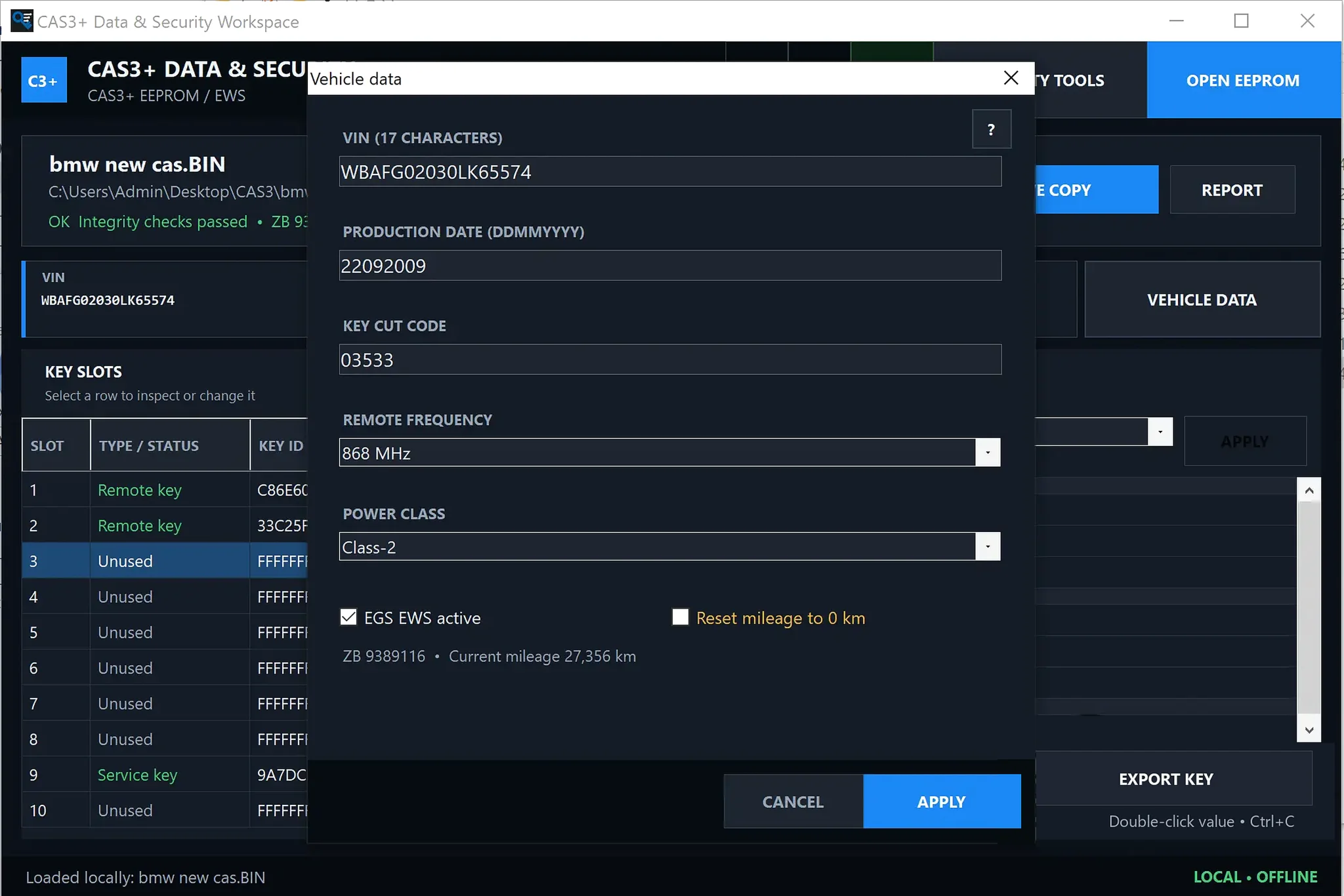
The integrated VEHICLE DATA window brings together the supported vehicle and CAS configuration fields:
- The full 17-character VIN.
- The production date in
DDMMYYYYformat. - The mechanical key-cut code.
- The remote-control frequency.
- The power class.
- The supported EGS EWS state.
- A zero reset for the supported CAS mileage block.
The detected ZB number and current stored mileage are also displayed. Edits remain in the active working copy until a new EEPROM file is saved.
Resetting the CAS mileage block to 0 km does not automatically alter or synchronize mileage in other vehicle modules.
DME and EGS ISN Workspace
The workspace includes dedicated handling of supported four-byte ISN data in the CAS, DME and EGS security environment. 4-BYTE ISN supports inspection, comparison and authorized synchronization of the applicable DME/EGS values.
Before changing an ISN:
- Confirm the exact value with a second professional tool.
- Establish whether the value was obtained from the DME, DDE or EGS.
- Keep the original CAS EEPROM untouched.
- Save the edited output with a different filename.
- Do not program security information that has not been verified.
There is no direct DME or EGS communication in this application. The required source information must be read separately.
Security Keys — SK1, SK2 and SK3
SECURITY KEYS provides access to supported CAS3+ security-key structures identified as SK1, SK2 and SK3. These form part of the protected EWS environment and should be handled only with a clear understanding of the exact synchronization or repair procedure.
Do not substitute security-key values from an unrelated vehicle or donor set unless a verified conversion procedure specifically supports the operation.
EWS3 and EWS4 Crypto-Off
CRYPTO-OFF provides dedicated, verified processing paths for supported EWS3 and EWS4 CAS3+ structures. The applicable output depends on the loaded EEPROM and the mode detected by the application; the original source remains preserved.
The main window shows the current EWS condition, for example EWS4 OFF / NORMAL.
Important:
- Crypto-off processing does not replace correct hardware diagnosis.
- Retain the original CAS EEPROM and Flash.
- Confirm the DME, EGS and CAS security information before programming.
- Check the processed file before writing it to the module.
- Use this function only for authorized repair and module recovery.
Legacy XOR Function
LEGACY XOR remains available for compatible older repair and conversion procedures. It is intended for cases that specifically require the correct legacy XOR operation, rather than routine use on every CAS3+ dump.
An unsuitable XOR transformation can damage the security data and leave the vehicle unable to start.
Verified CAS3+ Flash Images
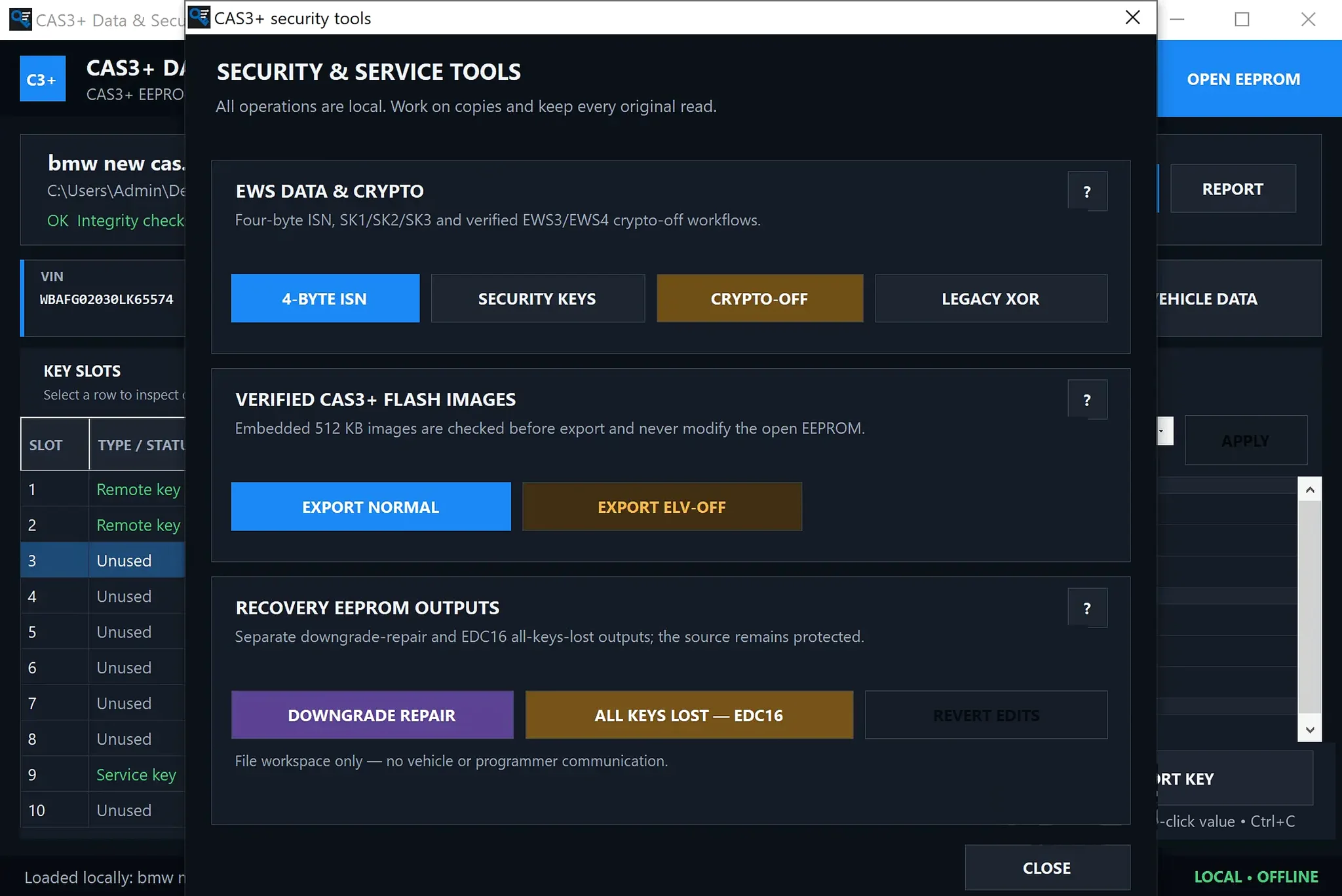
The Security Tools window contains two embedded Flash outputs:
- EXPORT NORMAL: a verified normal CAS3+ Flash image.
- EXPORT ELV-OFF: a verified CAS3+ Flash image with ELV disabled.
Each image is exactly 524,288 bytes / 512 KB. The application checks the embedded image before export, and exporting either option leaves the open 4 KB EEPROM unchanged.
Use these images only with compatible CAS3+ hardware, retain the module's original 512 KB Flash and follow a verified programming procedure. Matching file size by itself is not a sufficient basis for choosing a Flash image.
Downgrade Repair Workflow
DOWNGRADE REPAIR generates a separate recovery EEPROM file for supported CAS3+ data that was damaged or left inconsistent by a failed or interrupted downgrade. It protects the selected source rather than overwriting it automatically.
The workflow can help when recoverable structures remain in the original data but downgrade-related work has stopped it from operating correctly. It cannot guarantee recovery of every damaged dump; verify the generated result before programming.
All Keys Lost — EDC16
ALL KEYS LOST — EDC16 is a dedicated recovery path for supported cases on compatible BMW vehicles with an EDC16 engine control unit. It creates a separate recovery EEPROM output and does not automatically overwrite the source.
Before using it:
- Confirm that the vehicle has a supported EDC16 application.
- Back up all original CAS and ECU files.
- Verify the DME/DDE security information.
- Give each generated output a separate filename.
- Check the result with another suitable BMW security or locksmith tool.
Revert Edits
Where enabled, REVERT EDITS discards applicable unsaved changes and restores the data held in memory to the state before the active recovery operation. This convenience does not replace an untouched original backup.
TXT Report Export
REPORT produces a readable TXT summary of the information found in the loaded CAS3+ EEPROM. Depending on which structures are available, the report may contain:
- The source filename and full path.
- The validation status.
- The detected ZB number.
- The VIN.
- The DME/EGS ISN.
- The stored mileage.
- The remote frequency.
- The power class.
- The EWS state.
- An overview of the key slots.
- Relevant security and structure information.
Reports support workshop records, comparisons and verification. Exporting one does not change the EEPROM.
Interface Languages
The application supports 34 interface languages, together with a separate System · Auto setting. Automatic mode follows the Windows display language; manual selection is available through the two-letter language button in the upper toolbar.
The saved preference is shared with the CAS3 Data & Key Workspace application and is retained between launches.
The complete supported-language list is:
- Русский
- Български
- Čeština
- Dansk
- Deutsch
- Deutsch (Schweiz)
- Ελληνικά
- English
- Español
- Eesti
- Suomi
- Français
- Français (Suisse)
- Hrvatski
- Magyar
- Italiano
- Italiano (Svizzera)
- Lietuvių
- Latviešu
- Nederlands
- Norsk
- Polski
- Português
- Română
- Română (Moldova)
- Slovenčina
- Slovenščina
- Srpski — Latin
- Svenska
- Türkçe
- Українська
- 简体中文 — Simplified Chinese
- 繁體中文 — Traditional Chinese
- العربية
Arabic localization includes its own right-to-left interface layout.
Localized Built-In Help
Small ? buttons accompany the main file, vehicle-data and advanced security functions. Their help follows the selected interface language and explains:
- What the selected function does.
- Which source file is required.
- The expected EEPROM or Flash size.
- Which data will change.
- Which source information remains protected.
- The necessary backup steps.
- The recommended verification procedure.
Quick Working Procedure
- Read the original CAS3+ EEPROM and Flash, and store both securely.
- Create separate copies for processing.
- Choose OPEN EEPROM.
- Select a compatible
4,096-byteCAS3+ EEPROM dump. - Check that its integrity and internal-structure validation pass.
- Review the VIN, ISN, mileage, EWS mode, ZB number and remote frequency.
- Inspect every key slot before importing key data or changing a slot's state.
- Open VEHICLE DATA for VIN, production date, key-cut code, frequency, power class, EGS EWS state or supported mileage operations.
- Open SECURITY TOOLS for ISN, security-key, crypto-off, Flash-export or recovery work.
- Save the modified EEPROM under a new filename.
- Compare it with the original dump.
- Verify the result before programming the CAS module.
Keyboard Shortcuts and Quick Actions
Ctrl+O— open an EEPROM file.Ctrl+S— save a working copy.Ctrl+R— export a TXT report.F6— open Security Tools.- Click the displayed VIN or ISN to copy its value.
- Double-click a selected key value to copy it.
- Click the BIN path to copy its full location.
System Requirements
- Windows 10.
- Windows 11.
- Windows 7 SP1 with Microsoft .NET Framework 4.8 installed.
This is a portable application: it requires no installation or administrator rights. EEPROM and Flash processing takes place locally, without a backend connection or background traffic during file work.
Safe Working Procedure
- Keep the original CAS3+ EEPROM untouched.
- Keep the original
512 KBCAS3+ Flash untouched. - Edit separate working copies.
- Never overwrite the only original file available.
- Confirm the exact CAS module and hardware version.
- Check the VIN, ISN, EWS state, mileage and key-slot information before saving.
- Compare the processed file against the original.
- Verify recovery outputs with another suitable professional tool.
- Maintain stable vehicle power while programming.
- Do not interrupt a CAS programming operation.
The software is intended for authorized CAS replacement, EEPROM recovery, locksmith work, all-keys-lost repair, EWS synchronization and legitimate professional vehicle service.
File Integrity
Filename: CAS3_Plus_Data_Security_Workspace.exe
Documented SHA-256 reference:
72418da9deaa491a3363009eadc45c8df4afaee42c2257912930a37087db2283This reference identifies the executable associated with release 2.0.0. Compare it with the hash calculated from your own downloaded file; a different result identifies a different file. It is a documented reference, not an independent checksum calculation by ECUDB.
To calculate SHA-256 in Windows, open Command Prompt in the application's folder and use:
certutil -hashfile CAS3_Plus_Data_Security_Workspace.exe SHA256Technical Compatibility
Operating Systems
File Formats
System Requirements
- Windows 10 or Windows 11
- Windows 7 SP1 with Microsoft .NET Framework 4.8 installed
- Portable application; no installation or administrator rights required
- Compatible CAS3+ / CAS3++ EEPROM dump of exactly 4,096 bytes
- Separate compatible professional hardware for physical module reading and programming
Screenshots
Related Software
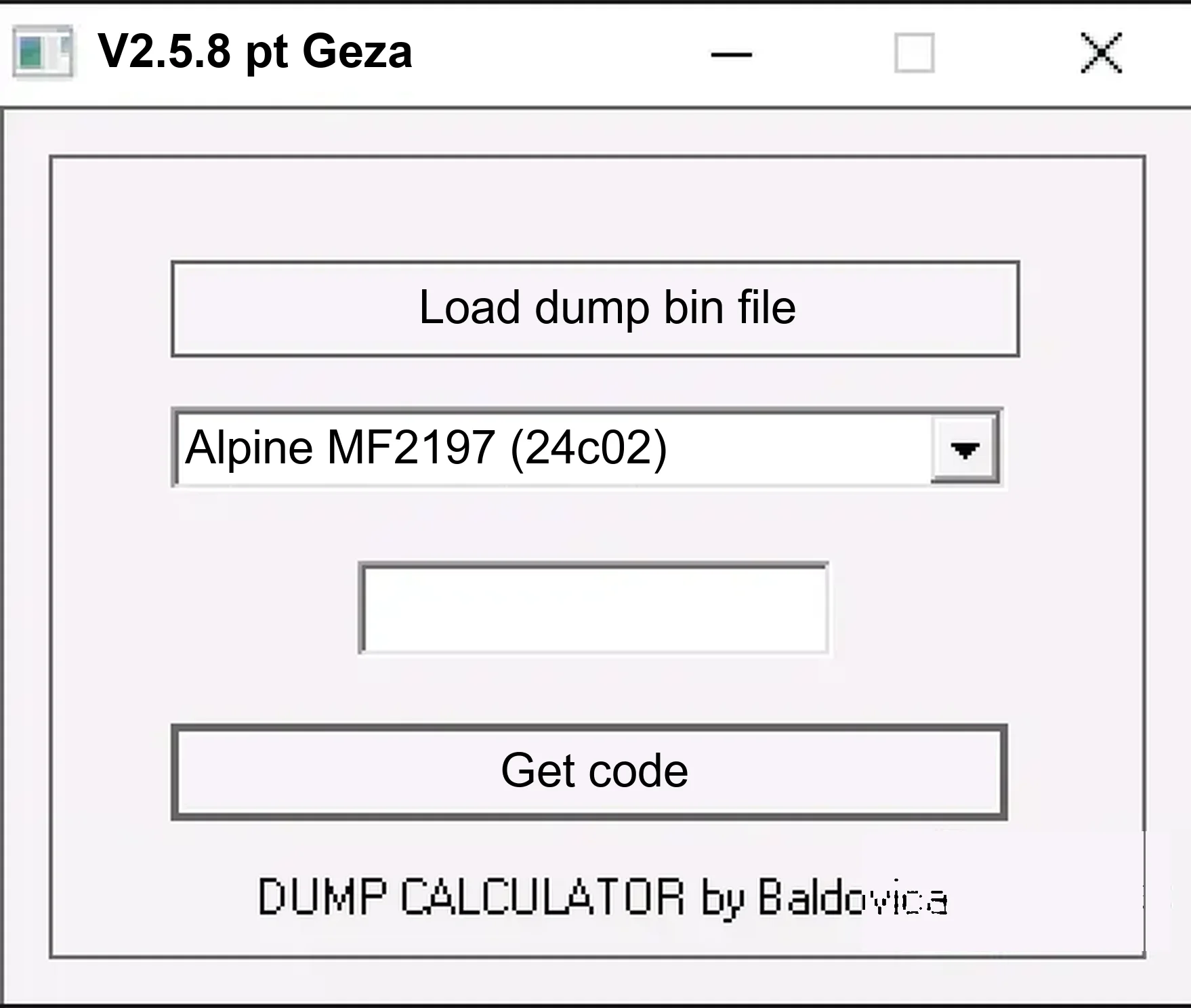
Windows EEPROM BIN dump calculators for supported car-audio head units, including V2.5.8 pt Geza presets and the V2.8.3 calculator build.
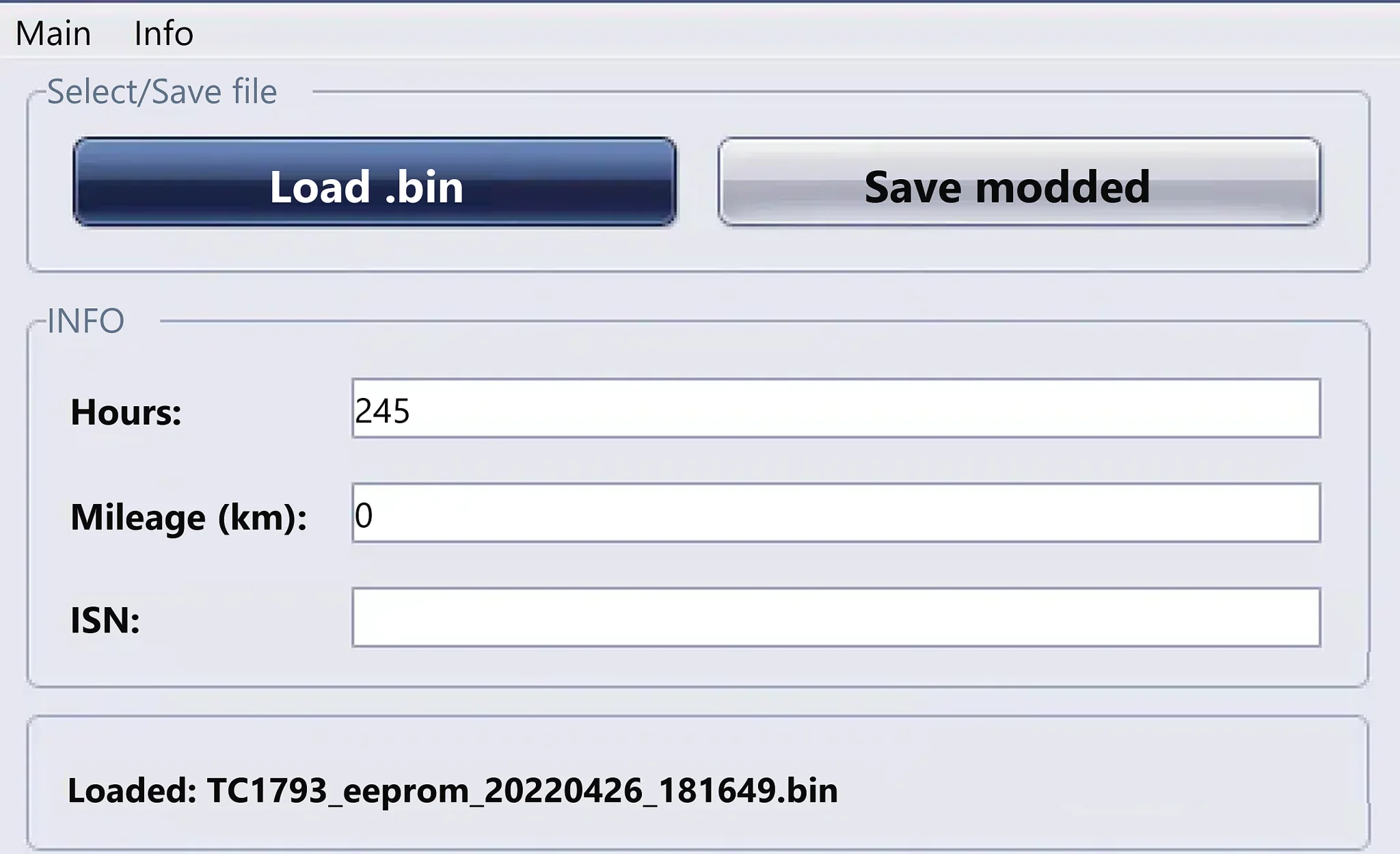
Offline BMW MEVD1723 TC1793 EEPROM editor for working hours, mileage and ISN display, with automatic checksum correction when saving modified BIN files.
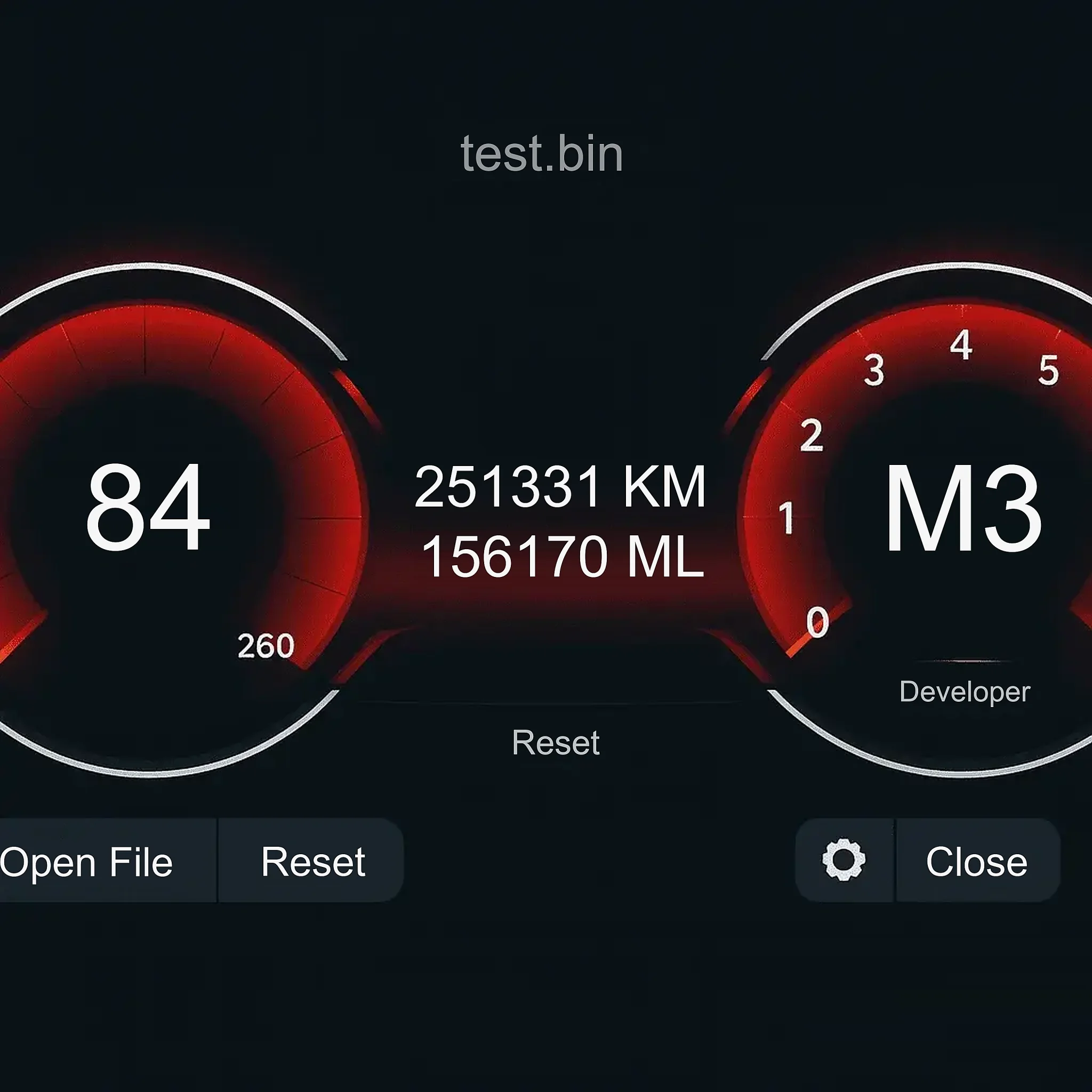
BMW KOMBI EEPROM utility for mileage reading and authorized cluster replacement, with E/F/G-Series editing, VIN changes and F-Series virginization in version 1.1.
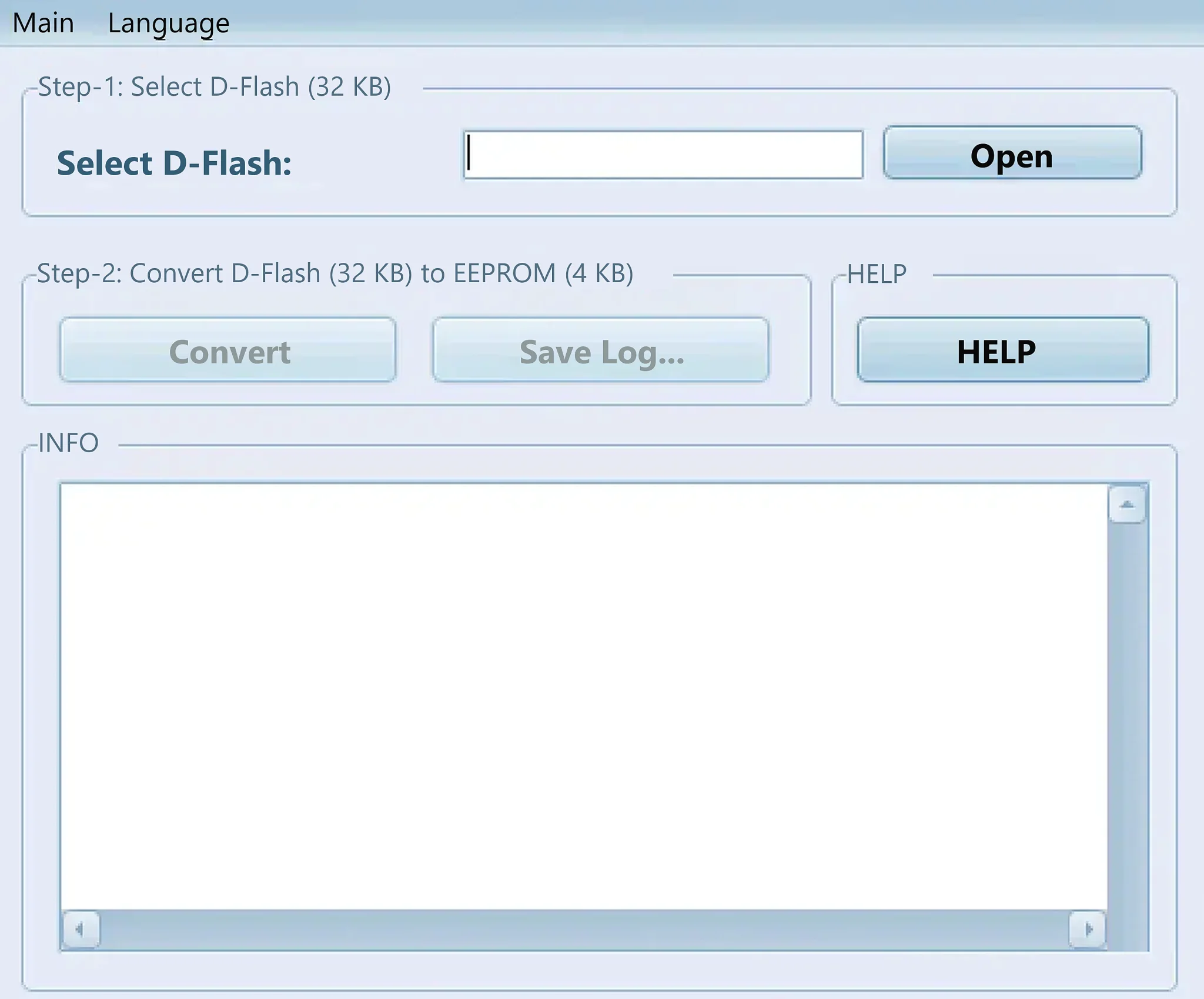
Offline BMW FRM3 recovery utility that rebuilds a 4 KB EEPROM from a supported 32 KB D-Flash dump, with module-identification logs and 31 language packs.
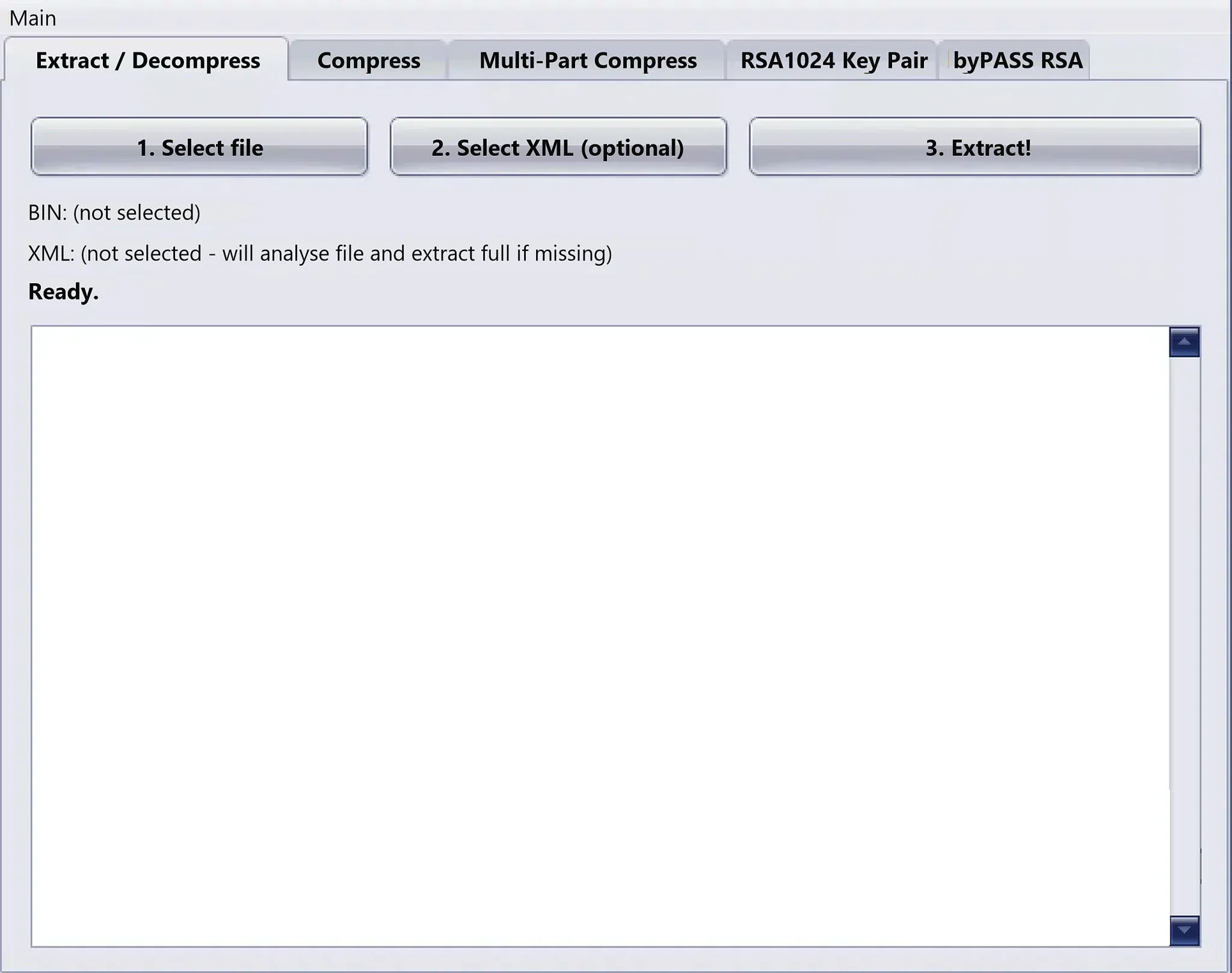
Offline BMW PSdZData utility for BTLD, SWFL and SWFK extraction, NRV compression and XML updating, with single-file and multipart workflows.
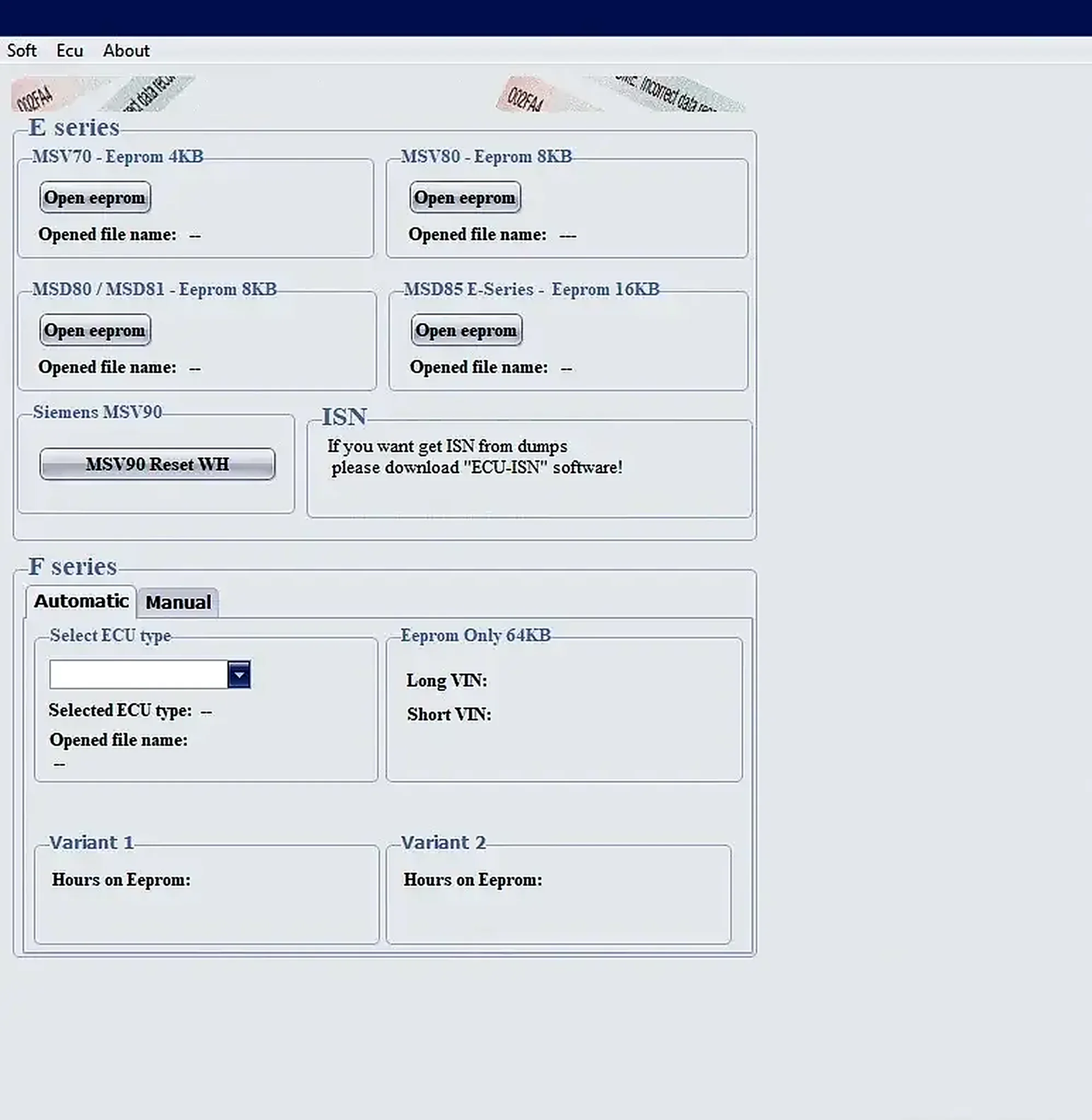
Offline BMW EEPROM utility for resetting supported DME working-hours data, addressing the documented 2FA4 replacement scenario and editing supported VIN fields.