
SOFTWARE DATABASE / RELEASE RECORD
VERSION 1.0NRV Extractor and Compressor - PSdZData Processing Tool 1.0
Offline BMW PSdZData utility for BTLD, SWFL and SWFK extraction, NRV compression and XML updating, with single-file and multipart workflows.
Categories
Vehicle references
Overview
Description
NRV Extractor and Compressor is a standalone engineering utility for extracting, decompressing and recompressing NRV content in BMW E-Sys PSdZData files. It gives advanced users access to the internal blocks of BTLD, SWFL and SWFK components so that their structure can be examined and compatible modified files can be prepared. Its XML-handling functions keep the associated configuration work within the same workspace when preparing output for a separate OBD flashing procedure.
Highlights
- Block-by-block extraction: opens supported BTLD, SWFL and SWFK files and decompresses their individual parts for analysis.
- XML handling: detects associated XML files automatically and also allows manual XML selection when updating file information.
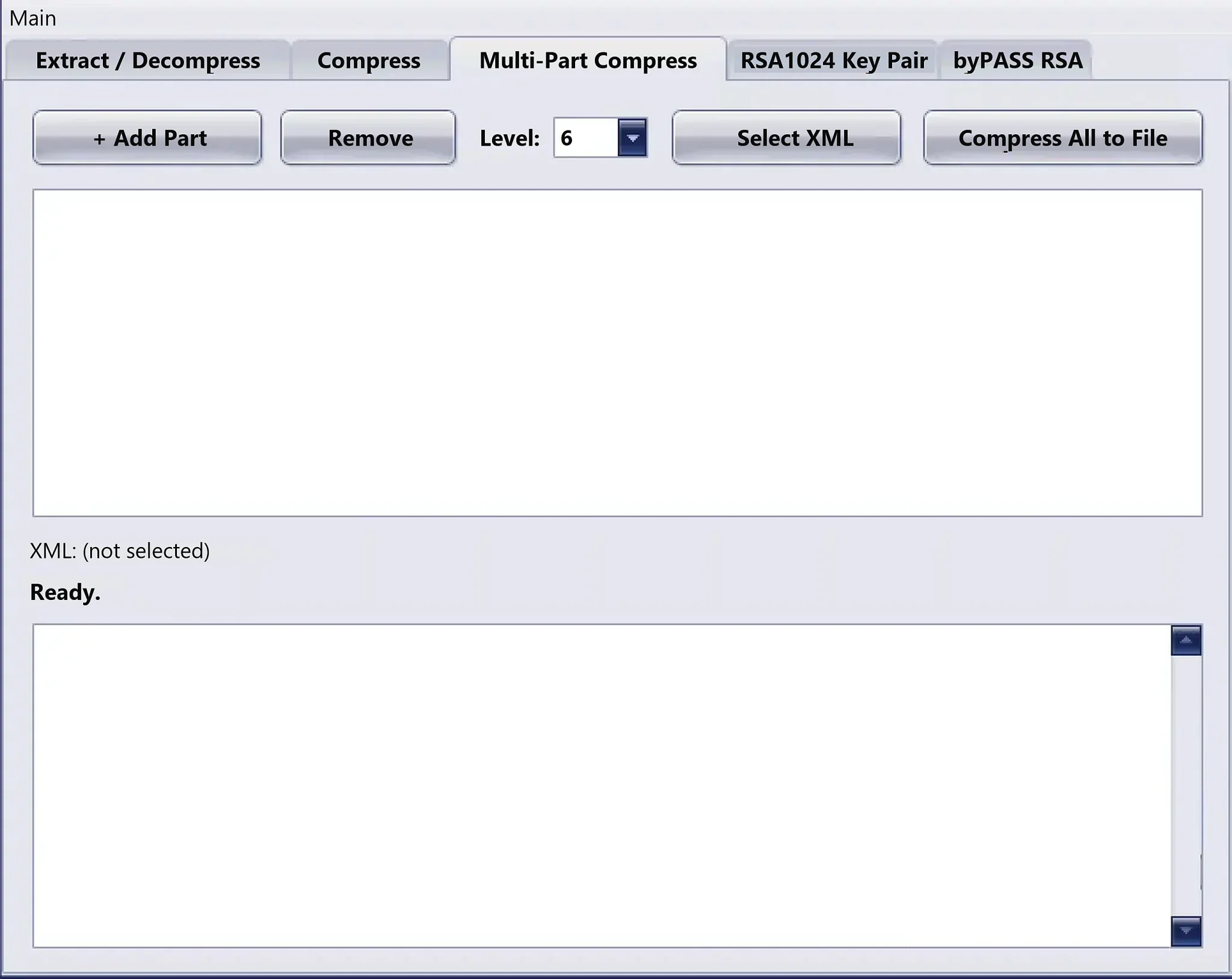
- Single-file and multipart compression: recompresses one file or combines multiple uncompressed parts, with a selectable compression level from 1 to 10.
- E-Sys output preparation: creates the corresponding updated XML files for use with the generated compressed binary in an E-Sys OBD flashing workflow.
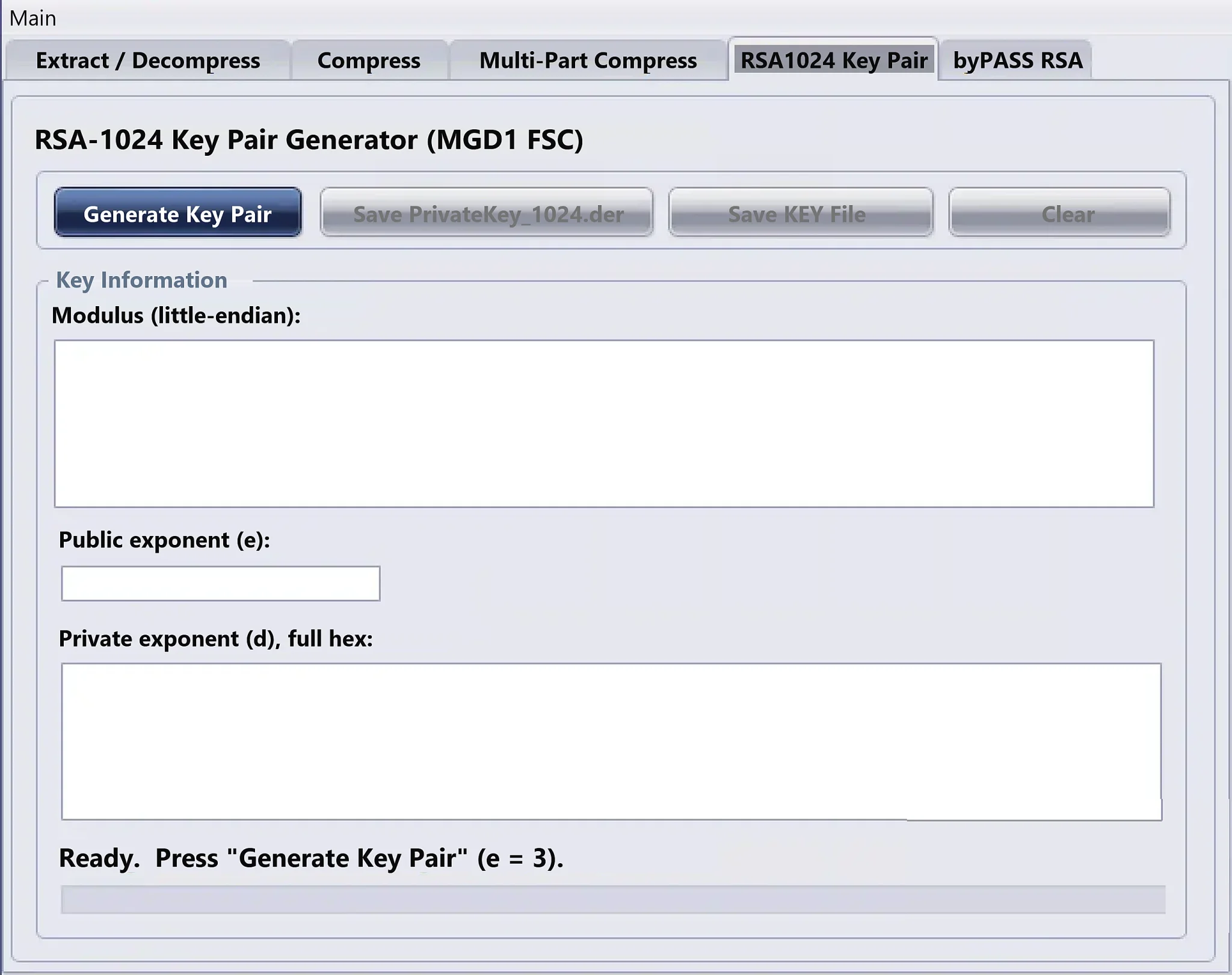
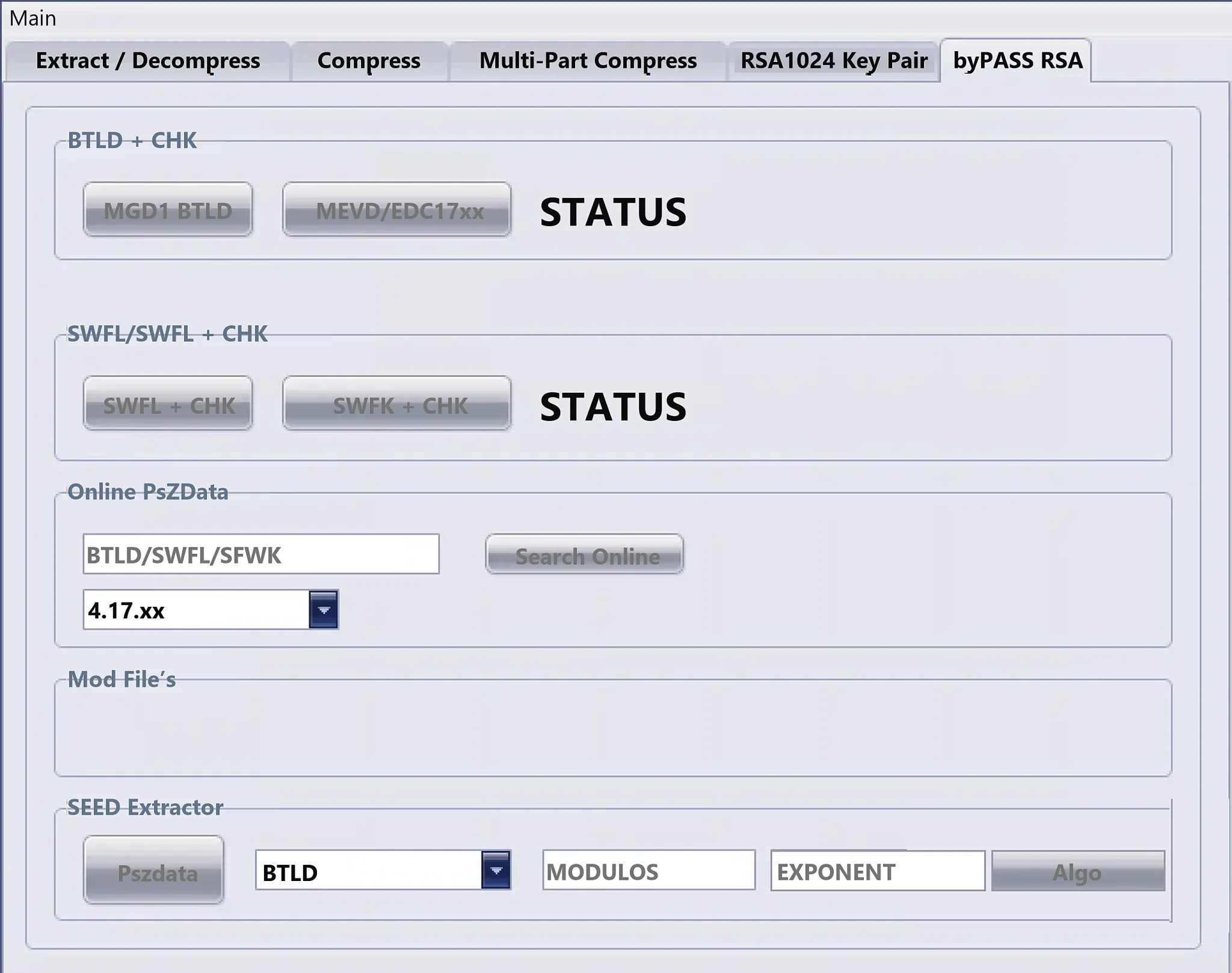
- Additional module tools: includes an RSA1024 Key Pair Generator and RSA bypass tools for specific supported modules.
Supported Hardware
File extraction and compression run offline on the computer. For the subsequent vehicle-programming stage, the generated files are intended for an E-Sys OBD flashing workflow using a standard ENET cable or a suitable E-Sys flashing interface. The file utility itself is used to prepare the data before that separate vehicle operation.
Supported Languages
English.
Package contents
extractor_bmw.exe— the application executable.nrv manual.pdf— the supplied manual.
Compatibility notes
The utility is designed specifically for BMW PSdZData files. A recompressed file will have a different size from the original compressed file because the compression method used is different. The size difference therefore needs to be considered when reviewing the output rather than expecting a byte-for-byte reproduction of the original compressed container.
Recalculate checksums whenever the binaries are modified manually. File preparation and XML updating do not remove the need to check the modified binary before using it in the intended programming workflow.
Basic usage
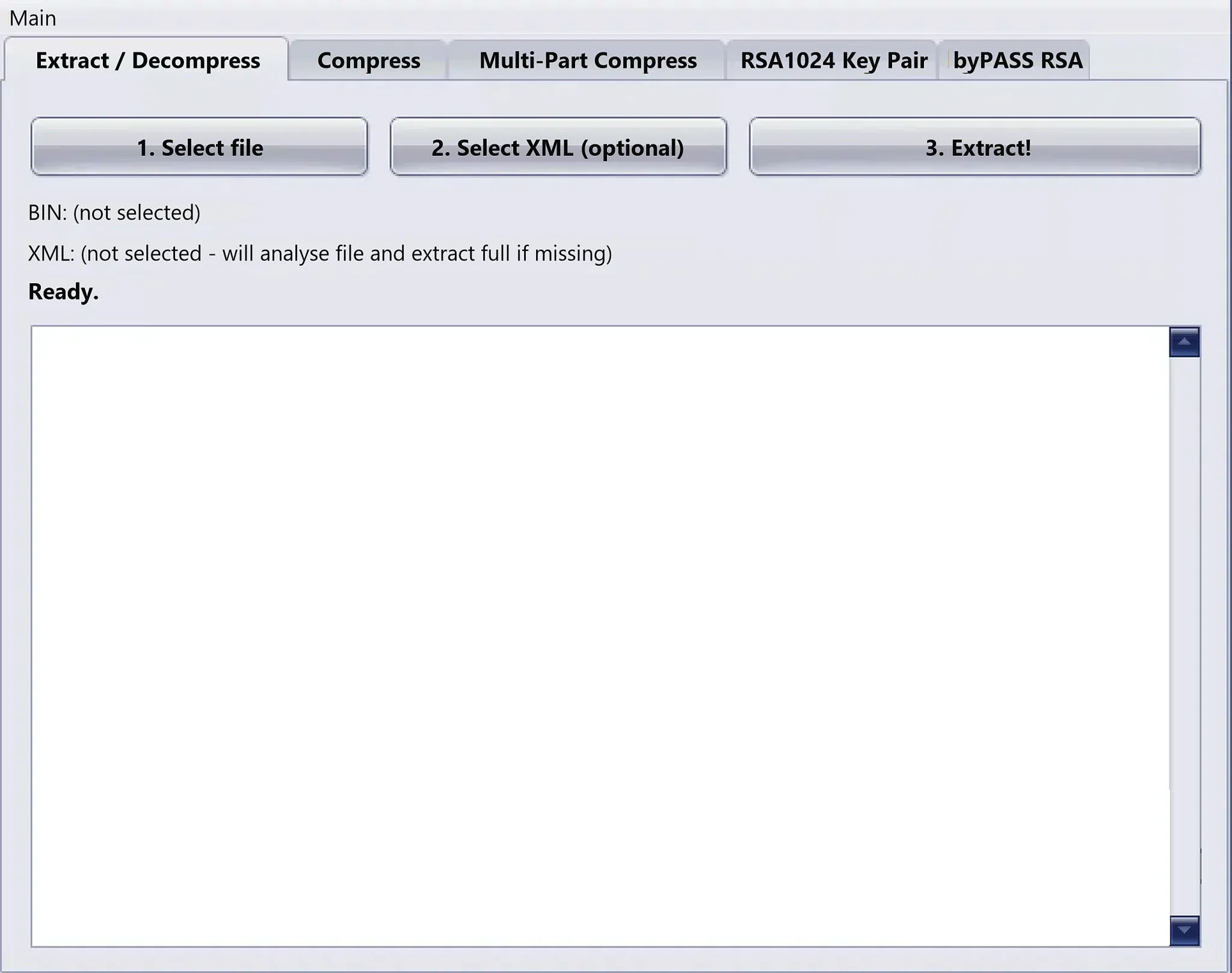
- To extract: select the compressed BTLD, SWFL or SWFK component and its associated XML file, then click Extract!. The tool decompresses the component parts into a new directory. The extraction interface also provides optional XML selection and indicates that it will analyse the file and extract the full content if the XML is missing.
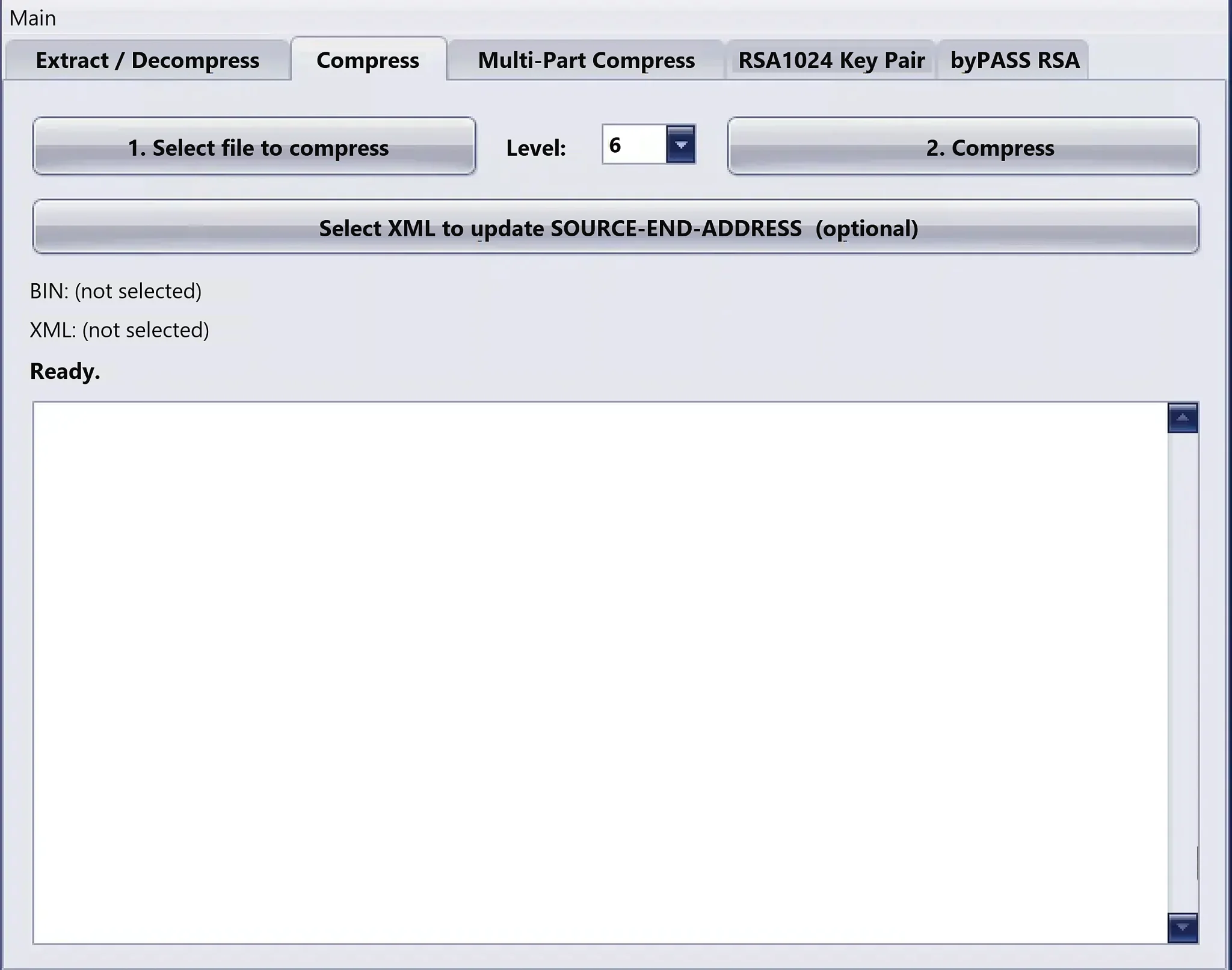
- To compress: open Compress or Multi-Part Compress, choose the modified uncompressed file or file parts and select the original XML. The single-file interface can update the XML
SOURCE-END-ADDRESS. - Choose the compression level: select a value between 1 and 10 and run the appropriate compression operation.
- Prepare the E-Sys files: copy the newly generated compressed binary and its updated XML into the appropriate E-Sys folder for the subsequent vehicle-flashing procedure.
Operating systems
Windows 10 and Windows 11.
Minimum system requirements
- CPU: Intel Core i3 or an equivalent processor.
- RAM: 4 GB.
- Storage: 200 MB of available space.
- Network: offline operation is supported.
- Admin rights: required to execute the application and save files.
Disclaimer
This entry is provided for educational and reference purposes. No application files are hosted or distributed through this article, and download access remains unavailable until it is supplied through the catalog's internal access flow. ECUDB does not supply license keys, patches or protection-bypass procedures. The user is responsible for compliance, vehicle safety and any damage to the vehicle or workshop equipment. Use the software at your own risk.
Technical Compatibility
Operating Systems
File Formats
System Requirements
- Windows 10 or Windows 11
- Intel Core i3 or equivalent
- 4 GB RAM
- 200 MB available storage
- Offline operation supported
- Administrator rights for executing and saving files
Screenshots
Related Software
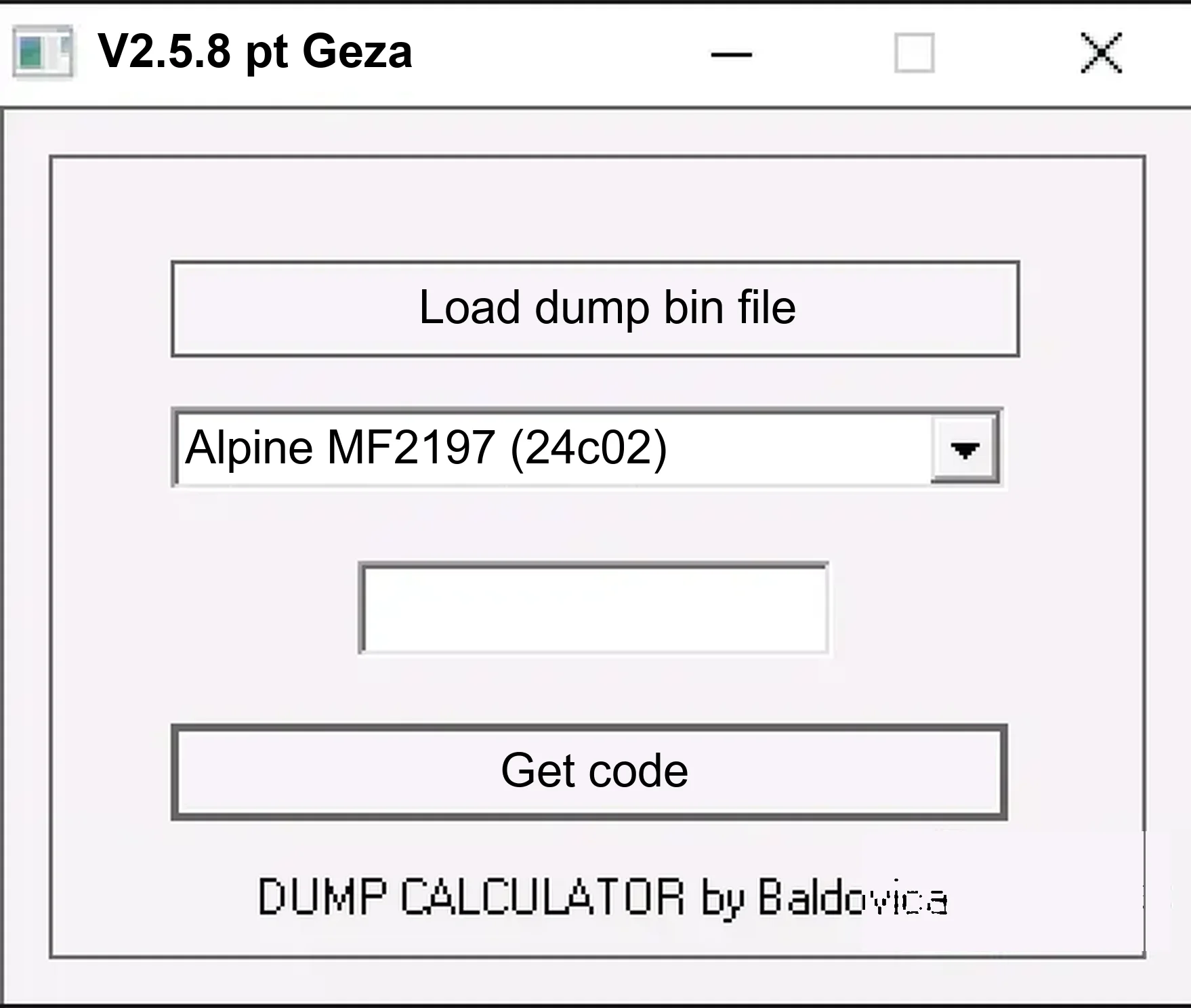
Windows EEPROM BIN dump calculators for supported car-audio head units, including V2.5.8 pt Geza presets and the V2.8.3 calculator build.
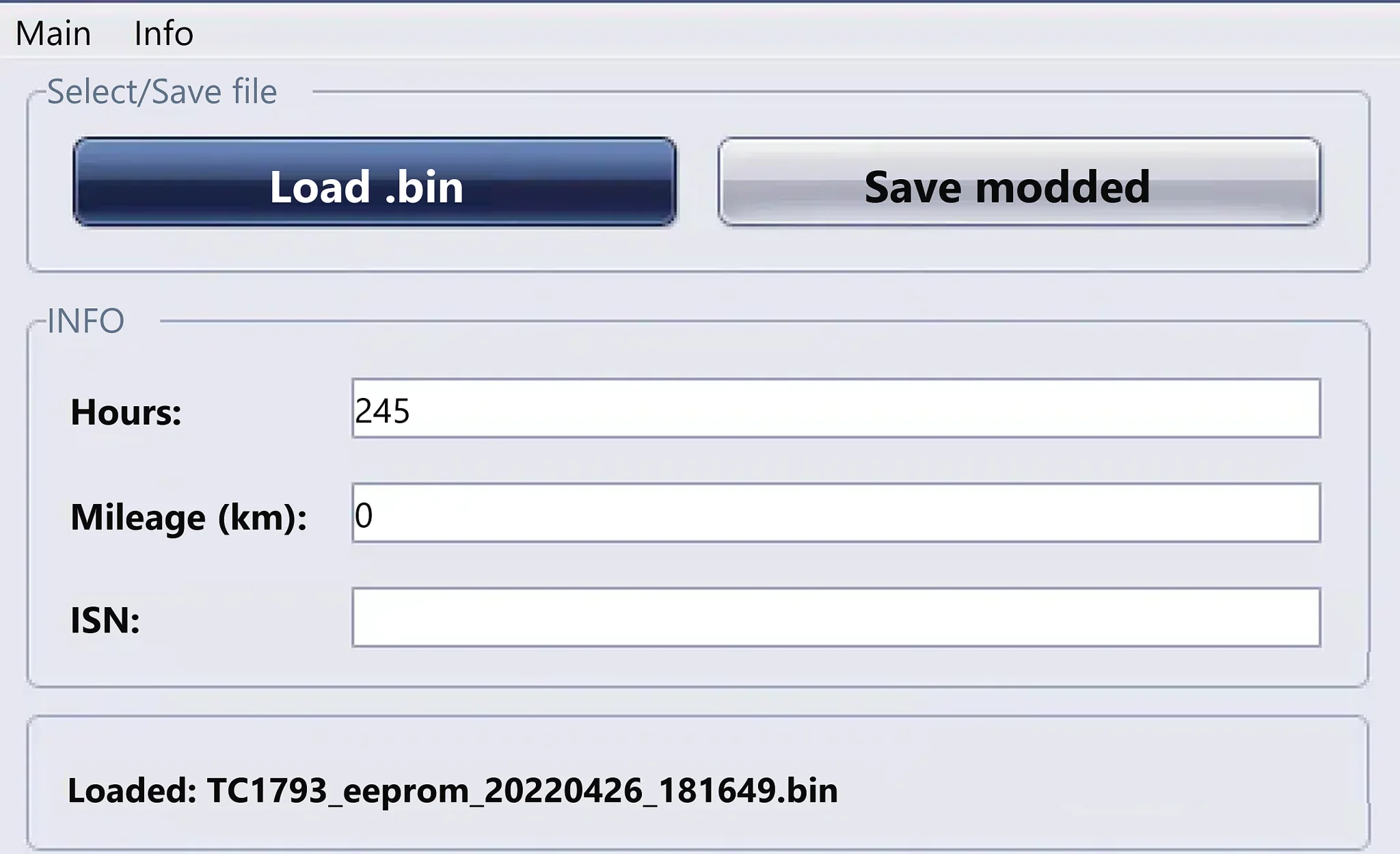
Offline BMW MEVD1723 TC1793 EEPROM editor for working hours, mileage and ISN display, with automatic checksum correction when saving modified BIN files.
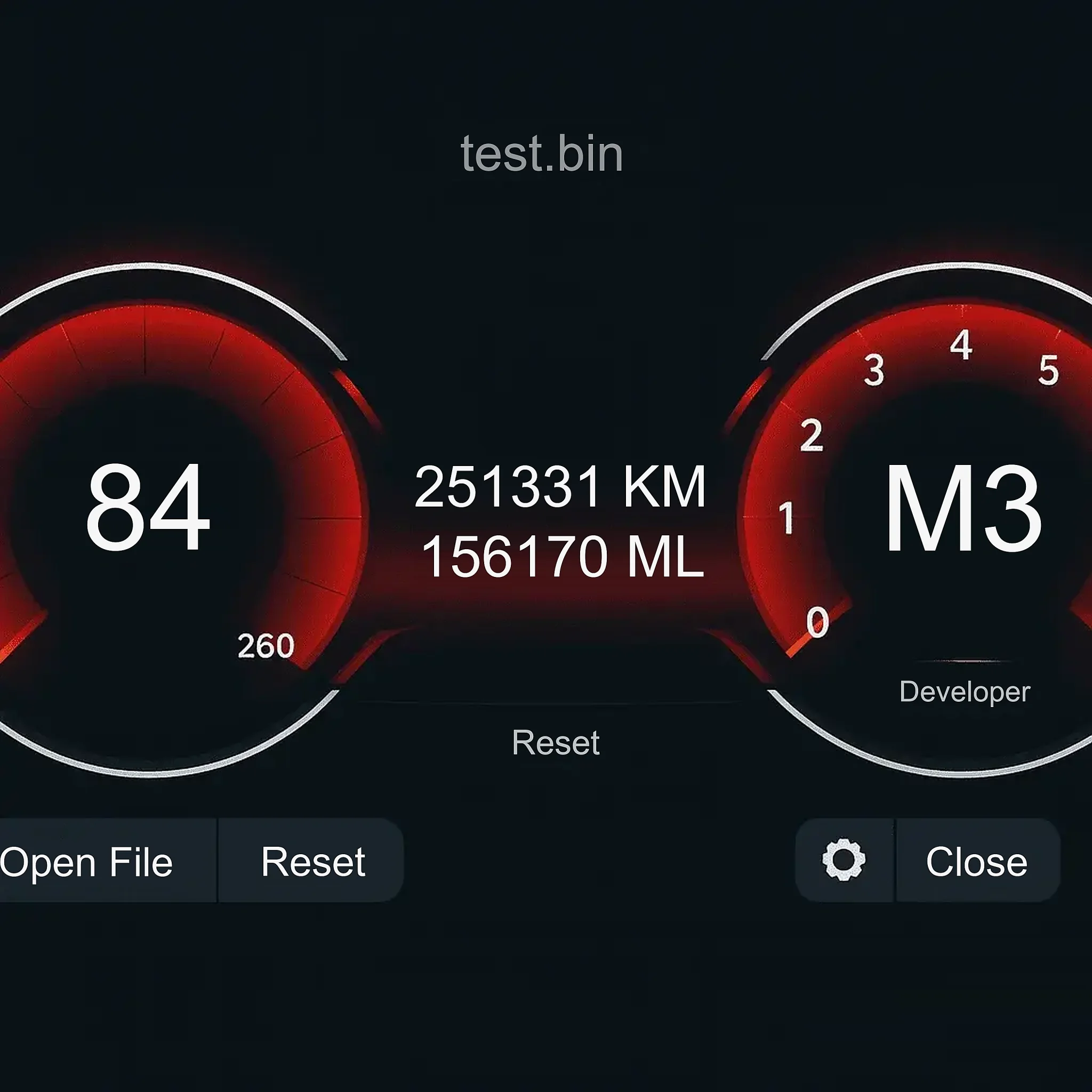
BMW KOMBI EEPROM utility for mileage reading and authorized cluster replacement, with E/F/G-Series editing, VIN changes and F-Series virginization in version 1.1.
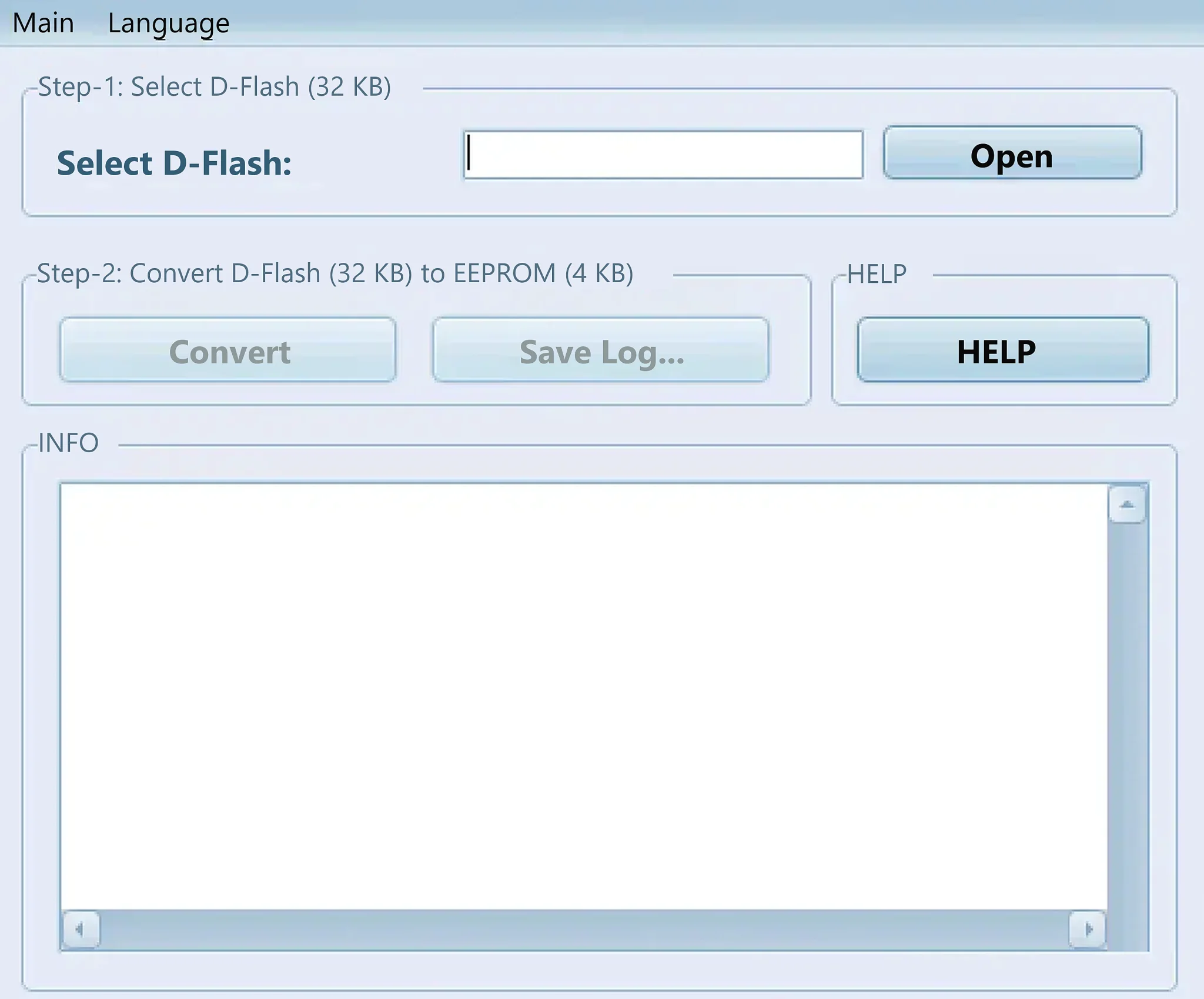
Offline BMW FRM3 recovery utility that rebuilds a 4 KB EEPROM from a supported 32 KB D-Flash dump, with module-identification logs and 31 language packs.
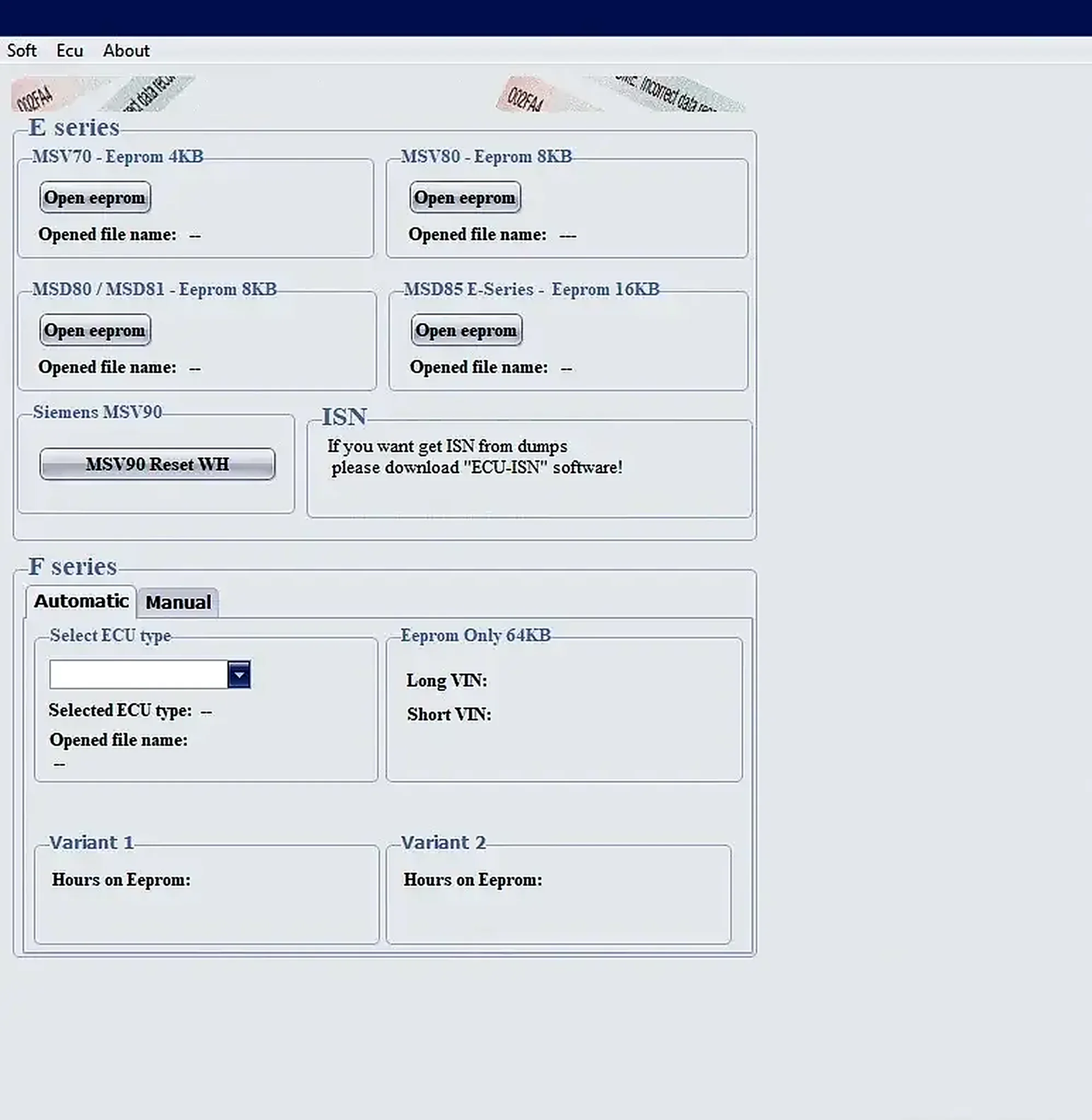
Offline BMW EEPROM utility for resetting supported DME working-hours data, addressing the documented 2FA4 replacement scenario and editing supported VIN fields.
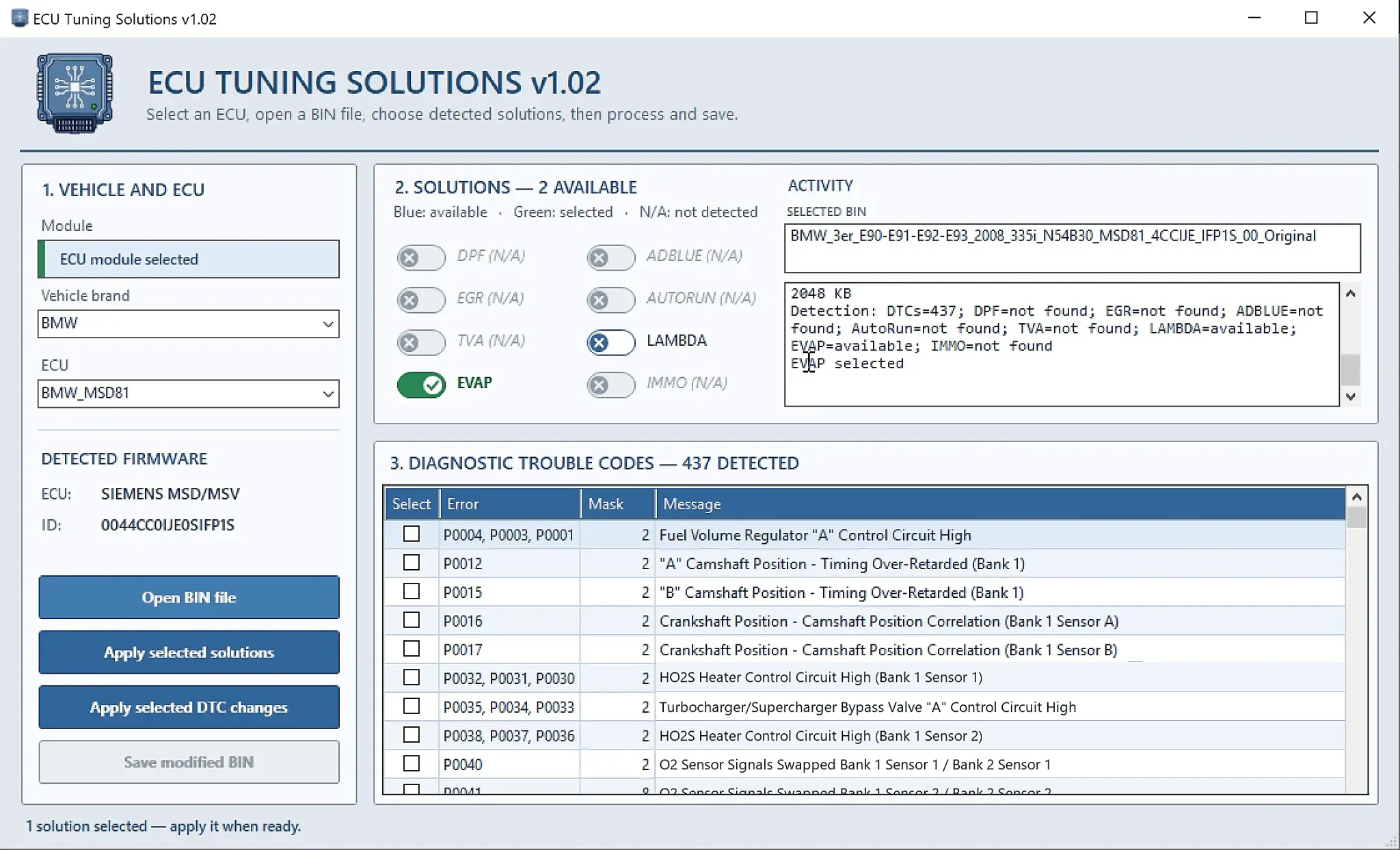
Offline Windows ECU-file processing and DTC handling for supported multi-brand controllers, with eight solution types and HWID-based activation in version 1.02.