
SOFTWARE DATABASE / RELEASE RECORD
VERSION 1.0FRM3 Recovery Tool - D-Flash to EEPROM Converter 1.0
Offline BMW FRM3 recovery utility that rebuilds a 4 KB EEPROM from a supported 32 KB D-Flash dump, with module-identification logs and 31 language packs.
Categories
Vehicle references
Overview
Description
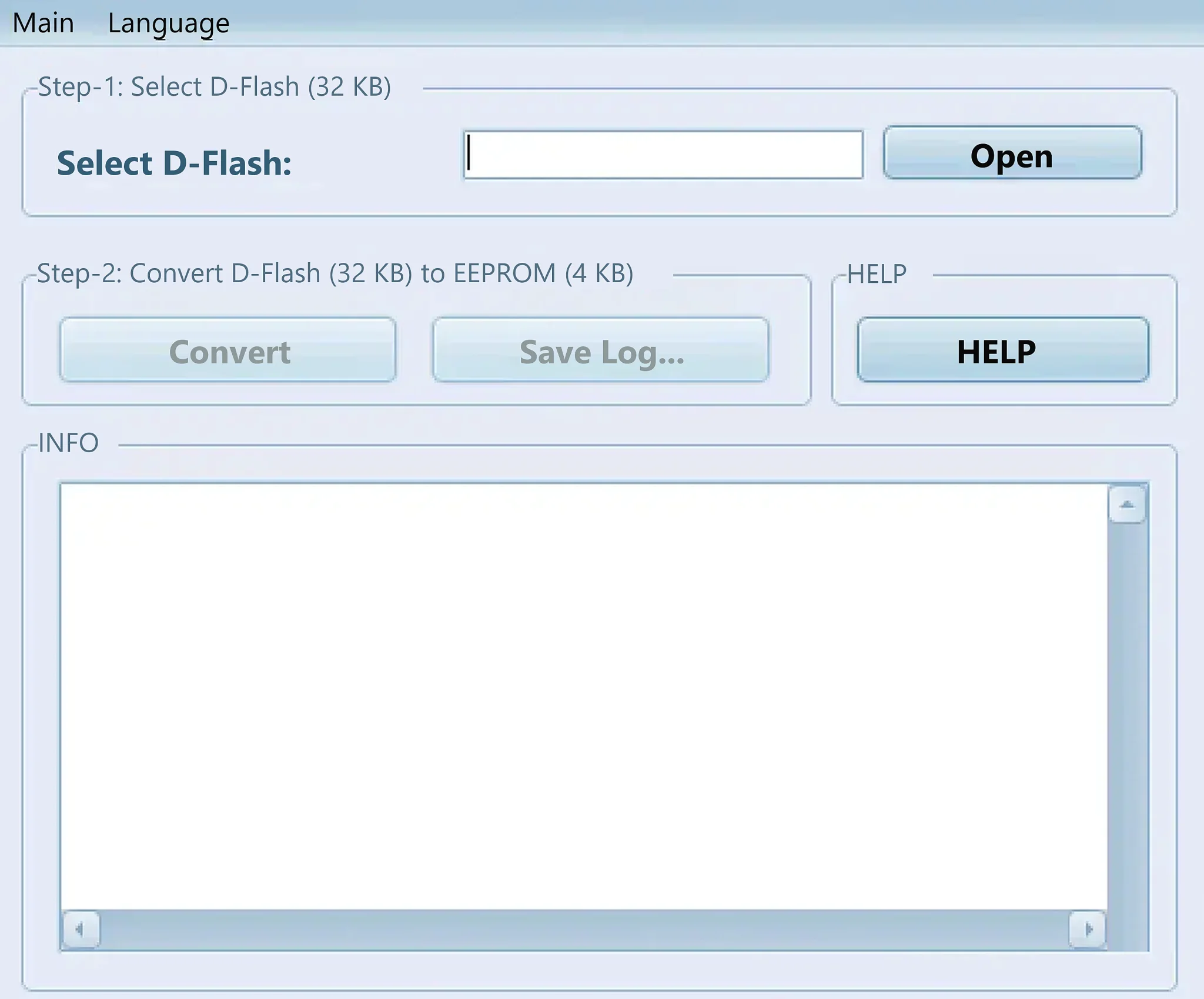
FRM3 Recovery Tool is a standalone Windows utility for recovering BMW FRM3 (Footwell Module) units affected by failures associated with a depleted battery or a loss of communication. It works with a 32 KB D-Flash dump read from the module, repairs the damaged data structure and builds a 4 KB EEPROM file for the recovery procedure. The application handles the file-conversion stage; reading the processor and writing the resulting EEPROM are performed separately with suitable workshop programming equipment.
Highlights
- Direct conversion: converts a supported 32 KB D-Flash dump into a repaired 4 KB EEPROM file.
- Factory-coding recovery: the documented recovery process restores the factory coding, with the aim of avoiding additional coding after the repaired EEPROM is written back.
- Identification logs: generates a log containing the VIN together with the module's hardware and software part numbers.
- Offline processing: operates locally without an online connection and supports unlimited conversions.
- Multilingual interface: includes support for 31 distinct languages.
Supported Hardware
The application processes binary dumps offline and does not connect to the vehicle. An external MCU programmer is required to read and write the module's Motorola 9S12XEQ384 processor. The documented examples are Xprog-M, VVDI Prog, CG100, Hexprog and Orange5.
Supported Languages
The package contains 31 language packs. These include English, German, French, Spanish, Russian, Japanese, Arabic, Chinese and Turkish, alongside the other supplied translations.
Package contents
BMWfrm3.exe— the recovery application.- 31 language-pack archives, ranging from
01_english_bmw_frm3.zipthrough31_tajik_bmw_frm3.zip.
Compatibility notes
This utility is intended exclusively for BMW FRM3 modules. Conversion requires a D-Flash input of exactly 32 KB; a different file size is not a substitute for the required read. Before processing, confirm that the original bench read is complete and valid.
Basic usage
- Read the module: use the MCU programmer to obtain the FRM3's 32 KB D-Flash dump.
- Open the dump: launch the application and select the corrupted D-Flash
.binfile. - Convert the data: click Convert to create the repaired EEPROM output.
- Write the result: use the programmer to write the generated 4 KB EEPROM file back to the FRM3 module.
- Reinstall the module: place the recovered unit back in the vehicle.
Operating systems
Windows 7, Windows 10 and Windows 11.
Minimum system requirements
- CPU: Intel Core 2 Duo or an equivalent processor.
- RAM: 1 GB.
- Storage: 50 MB of available space.
- Network: offline operation is supported.
- Admin rights: required to execute the application and save local logs.
Disclaimer
This entry provides information for educational and reference purposes. No application files are hosted or distributed through this article; download access remains unavailable until it is supplied through the catalog's internal access flow. ECUDB does not provide license keys, patches or protection-bypass procedures. Responsibility for compliance, vehicle safety and any damage to the module or workshop equipment rests with the user. Proceed at your own risk.
Technical Compatibility
Operating Systems
File Formats
System Requirements
- Windows 7, Windows 10 or Windows 11
- Intel Core 2 Duo or equivalent
- 1 GB RAM
- 50 MB available storage
- Offline operation supported
- Administrator rights for executing and saving local logs
- Suitable external MCU programmer for the Motorola 9S12XEQ384
Screenshots
Related Software
Windows EEPROM BIN dump calculators for supported car-audio head units, including V2.5.8 pt Geza presets and the V2.8.3 calculator build.
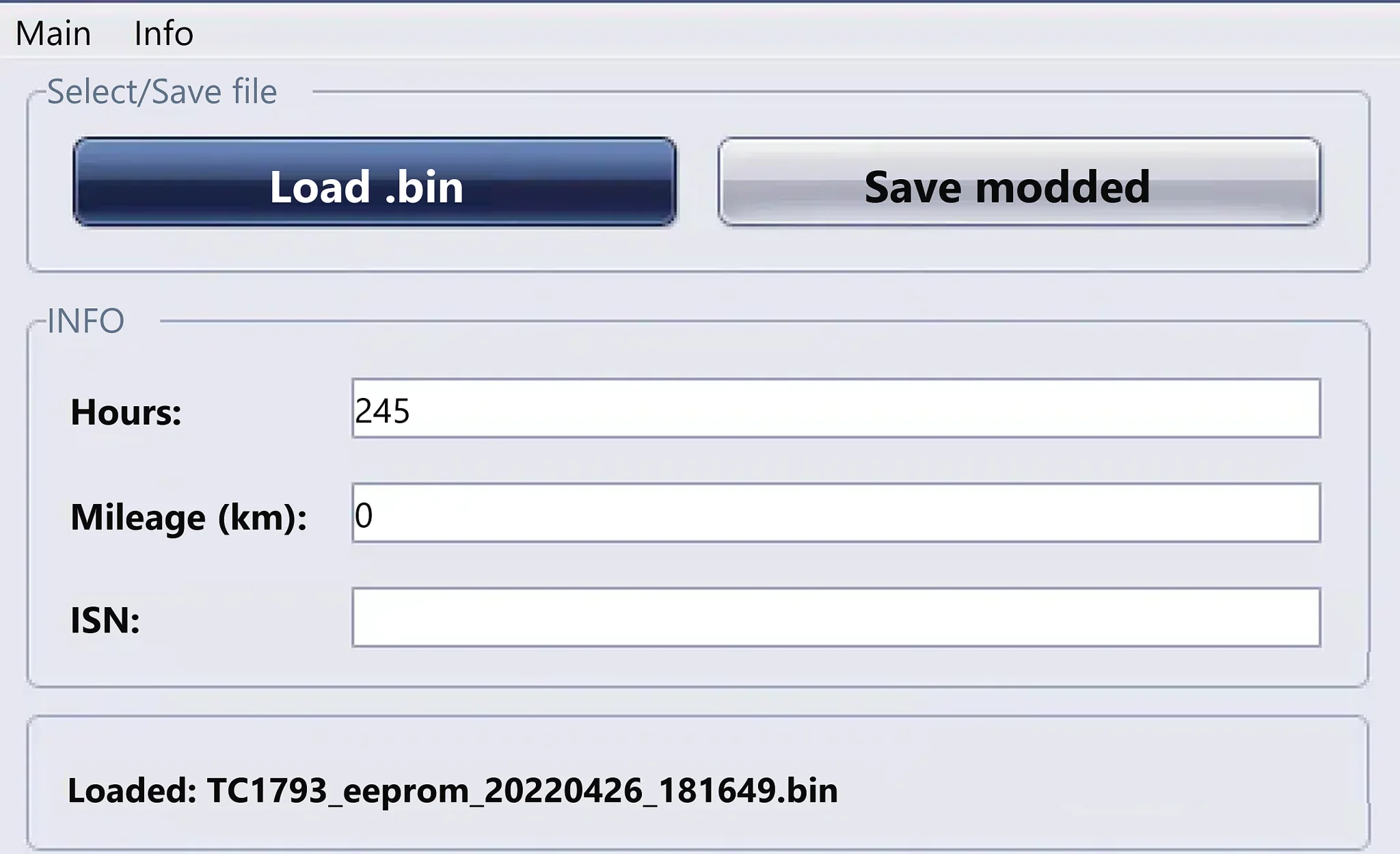
Offline BMW MEVD1723 TC1793 EEPROM editor for working hours, mileage and ISN display, with automatic checksum correction when saving modified BIN files.
BMW KOMBI EEPROM utility for mileage reading and authorized cluster replacement, with E/F/G-Series editing, VIN changes and F-Series virginization in version 1.1.
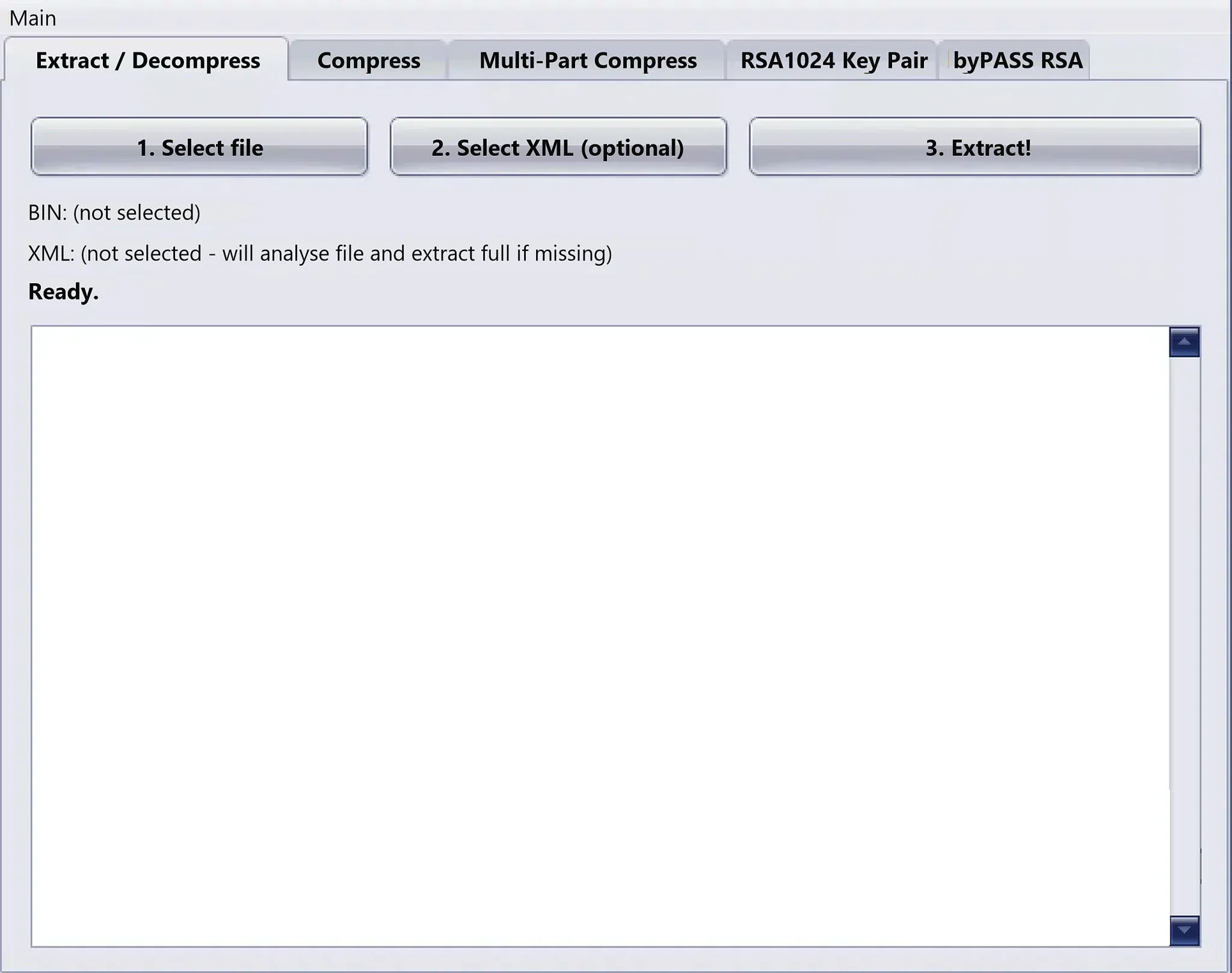
Offline BMW PSdZData utility for BTLD, SWFL and SWFK extraction, NRV compression and XML updating, with single-file and multipart workflows.
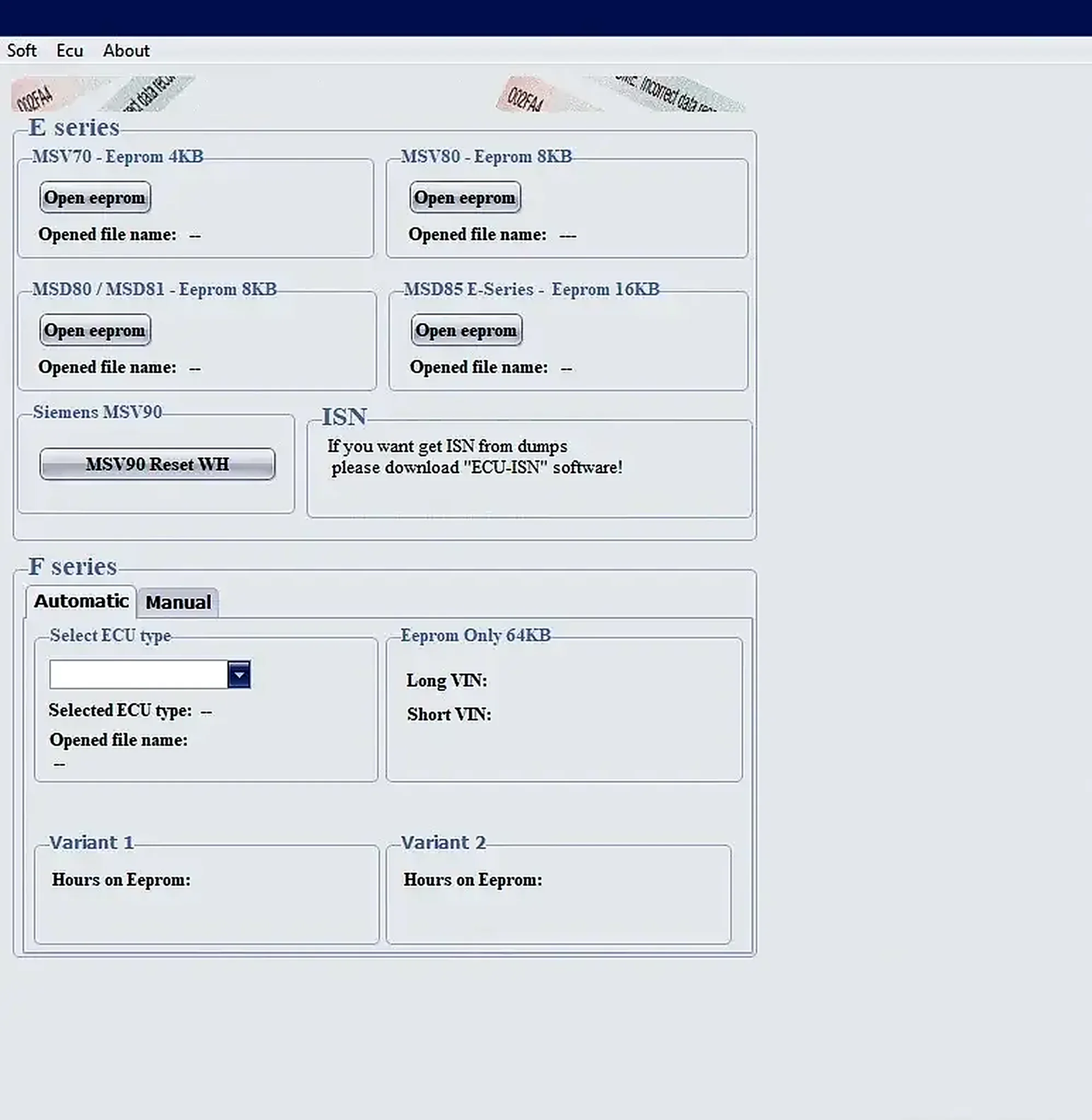
Offline BMW EEPROM utility for resetting supported DME working-hours data, addressing the documented 2FA4 replacement scenario and editing supported VIN fields.
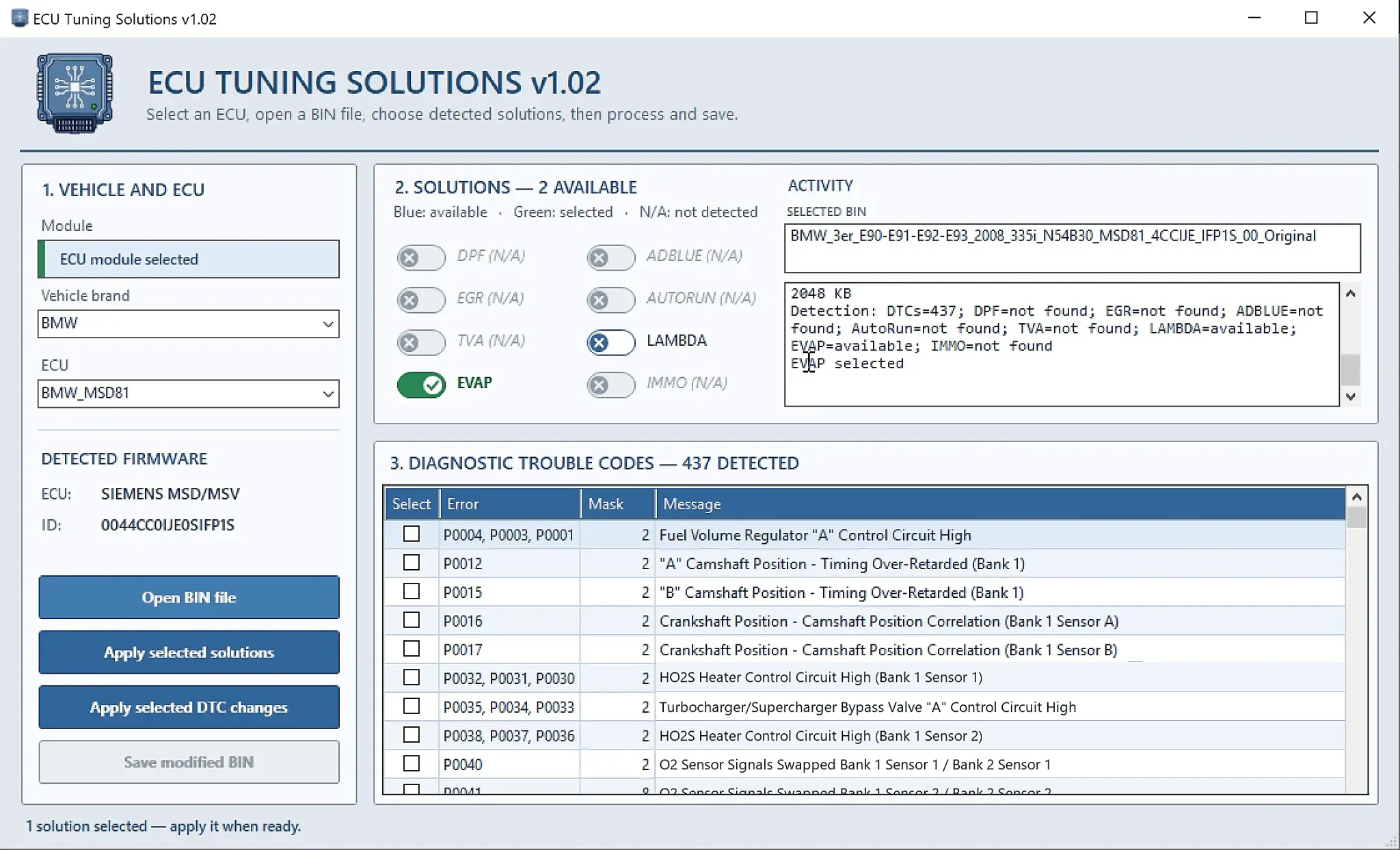
Offline Windows ECU-file processing and DTC handling for supported multi-brand controllers, with eight solution types and HWID-based activation in version 1.02.