
SOFTWARE DATABASE / RELEASE RECORD
VERSION 1.0.0.0Autotuner Filesize Converter - ECU Binary Size Utility 1.0.0.0
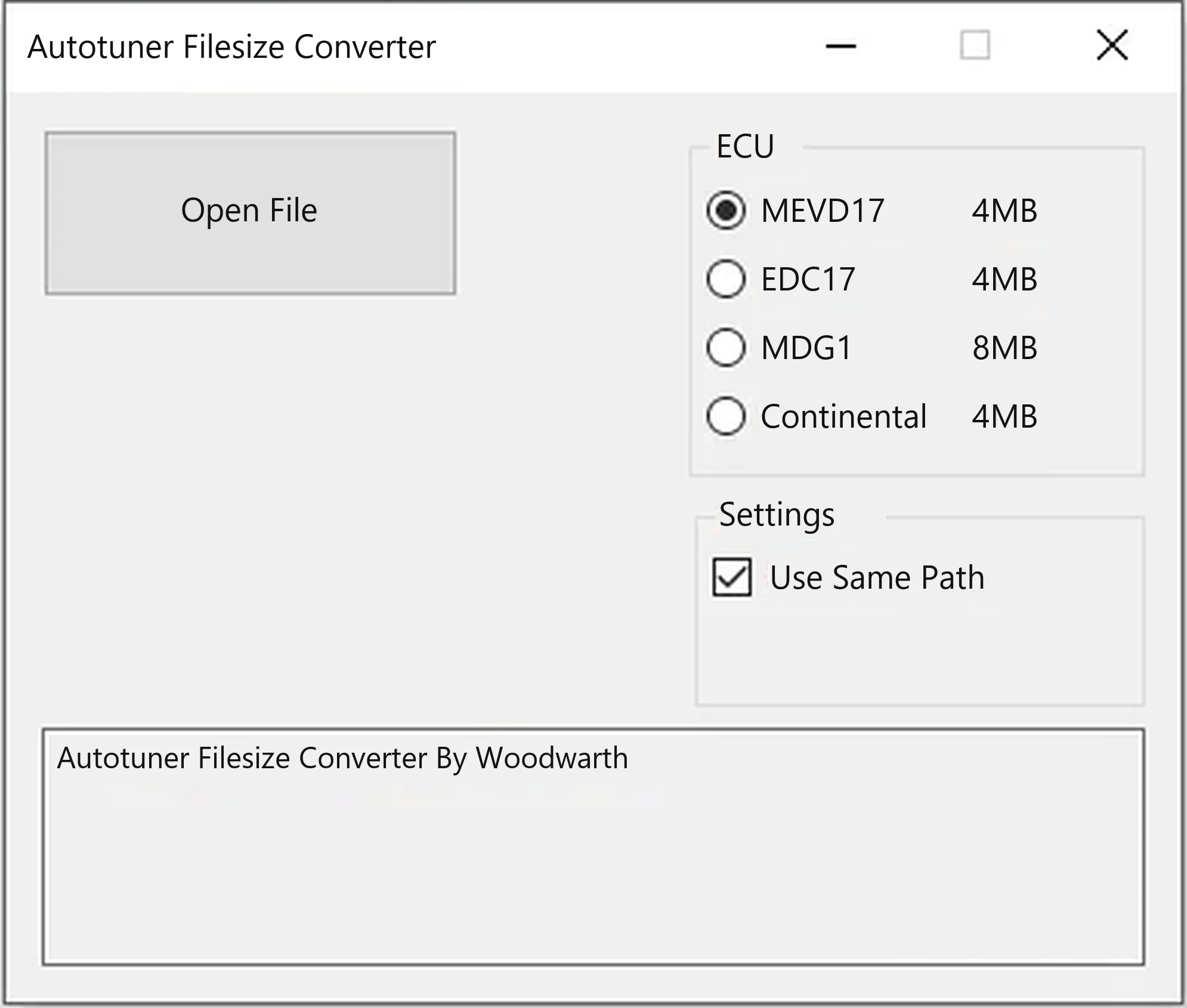
Offline Windows ECU binary size converter with MEVD17 and EDC17 4 MB, MDG1 8 MB and Continental 4 MB presets for supported file-layout workflows.
Categories
Overview
Autotuner Filesize Converter is a compact Windows utility that works offline to expand an ECU read to a controller-specific target size. It is intended for situations where the reading tool has saved the populated flash region, while a comparison, calibration or subsequent processing application expects a file matching the physical memory size.
Supported vehicles, ECUs and files
The interface provides 4 MB output presets for MEVD17 and EDC17, an 8 MB MDG1 preset and a separate Continental 4 MB option. These choices describe target file sizes; they do not constitute a vehicle compatibility database. Before converting a file, the operator must identify the ECU family, understand the type of original read and establish the layout required by the next tool.
- Binary files from supported Bosch MEVD17 and EDC17 workflows that require the displayed 4 MB output size.
- Files from supported Bosch MDG1 workflows requiring the displayed 8 MB target.
- Supported Continental reads for which the displayed 4 MB preset is appropriate.
- Inputs whose absent region can validly be reconstructed by the chosen preset. The converter does not automatically repair incomplete or corrupted reads.
Functions
- Open a binary: select one ECU file through the desktop interface.
- Choose a family preset: select the intended controller target in place of manually adding padding or trimming bytes.
- Select the output location: save beside the input file or use a different working folder.
- Prepare a consistent file size: produce output for comparison, map editing or a programming workflow that accepts the resulting layout.
System and hardware requirements
- A Windows PC. The package contains a single portable x86 executable and has no installer.
- A verified original ECU read and reliable identification obtained from the programming tool or the module label.
- Sufficient free disk space to retain both the original file and the expanded output.
- A hexadecimal/hash comparison tool and the checksum solution, if any, required by the subsequent processing or programming stage.
Recommended workflow
- Record the original file's size and calculate its SHA-256 before beginning the conversion.
- Use trusted tool documentation to confirm the ECU family and the expected physical memory size.
- Process a working copy, then check the exact output byte count and inspect the locations where data has been added.
- Open the result in the intended calibration or flashing application. Reject the output if its identification or checksum results are inconsistent.
Package contents
The archive contains only the unsigned converter executable. The documented preparation involved static inspection without launching it. ECU definition files, interface drivers, flashing software and a user manual are not included.
Important limits
Reaching the expected byte count does not establish that a binary is a valid flash image. Do not use this utility to conceal a failed read, treat full, virtual and bench formats as interchangeable or overwrite the untouched original. Correct controller identification and verification of the required memory layout remain the operator's responsibility.
Technical Compatibility
Supported Modules
Operating Systems
File Formats
System Requirements
- Windows PC; single portable x86 executable, no installer
- Verified original ECU read and reliable controller identification
- Disk space for the untouched original and expanded output
- Hex/hash comparison tool and any checksum solution required by the next stage
Screenshots
Related Software

Collection of 1,350+ UPA-USB scripts for EEPROM and MCU work, covering odometer, IMMO, airbag reset, radio codes, PIN extraction and ECU virginization.
Windows EEPROM-file utility for Bosch MED9.5.10 petrol ECUs, with CRC/P0601 checksum repair, 95080/95320 dump editing, ECU identifiers and backup/restore.
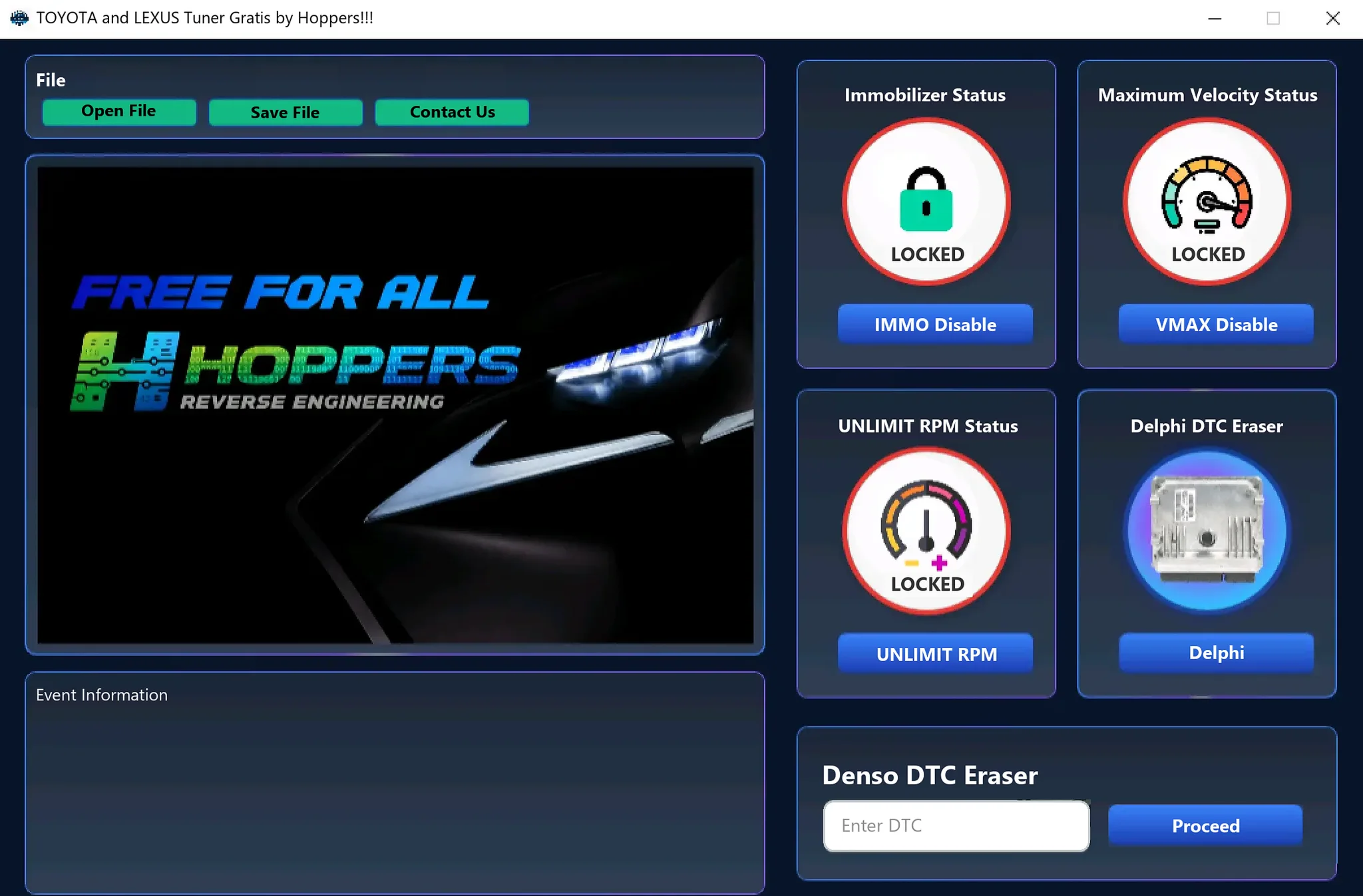
Offline Toyota and Lexus ECU binary editor with IMMO, VMAX and RPM modules, plus dedicated Denso and Delphi DTC Eraser functions for supported firmware.
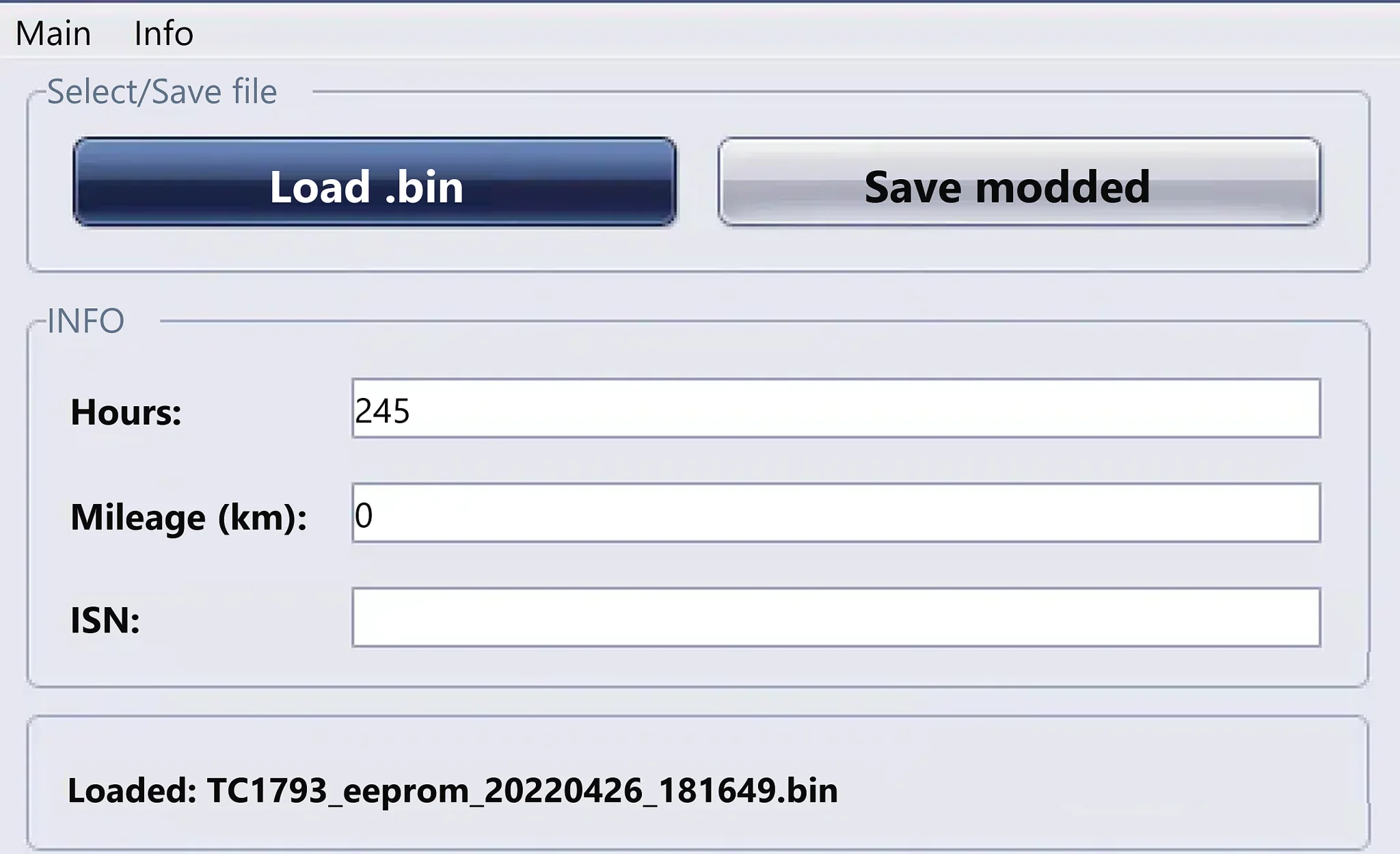
Offline BMW MEVD1723 TC1793 EEPROM editor for working hours, mileage and ISN display, with automatic checksum correction when saving modified BIN files.
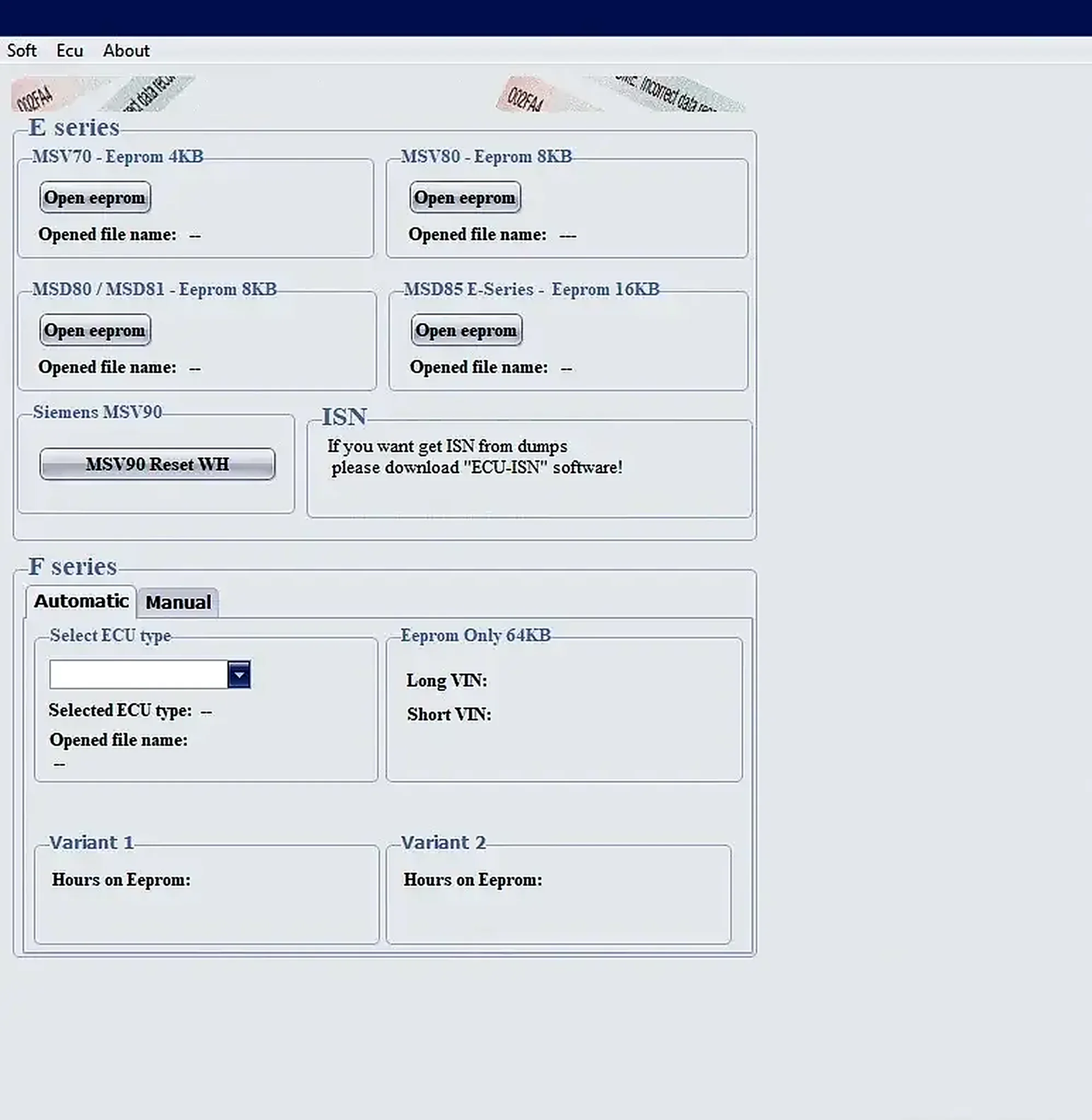
Offline BMW EEPROM utility for resetting supported DME working-hours data, addressing the documented 2FA4 replacement scenario and editing supported VIN fields.
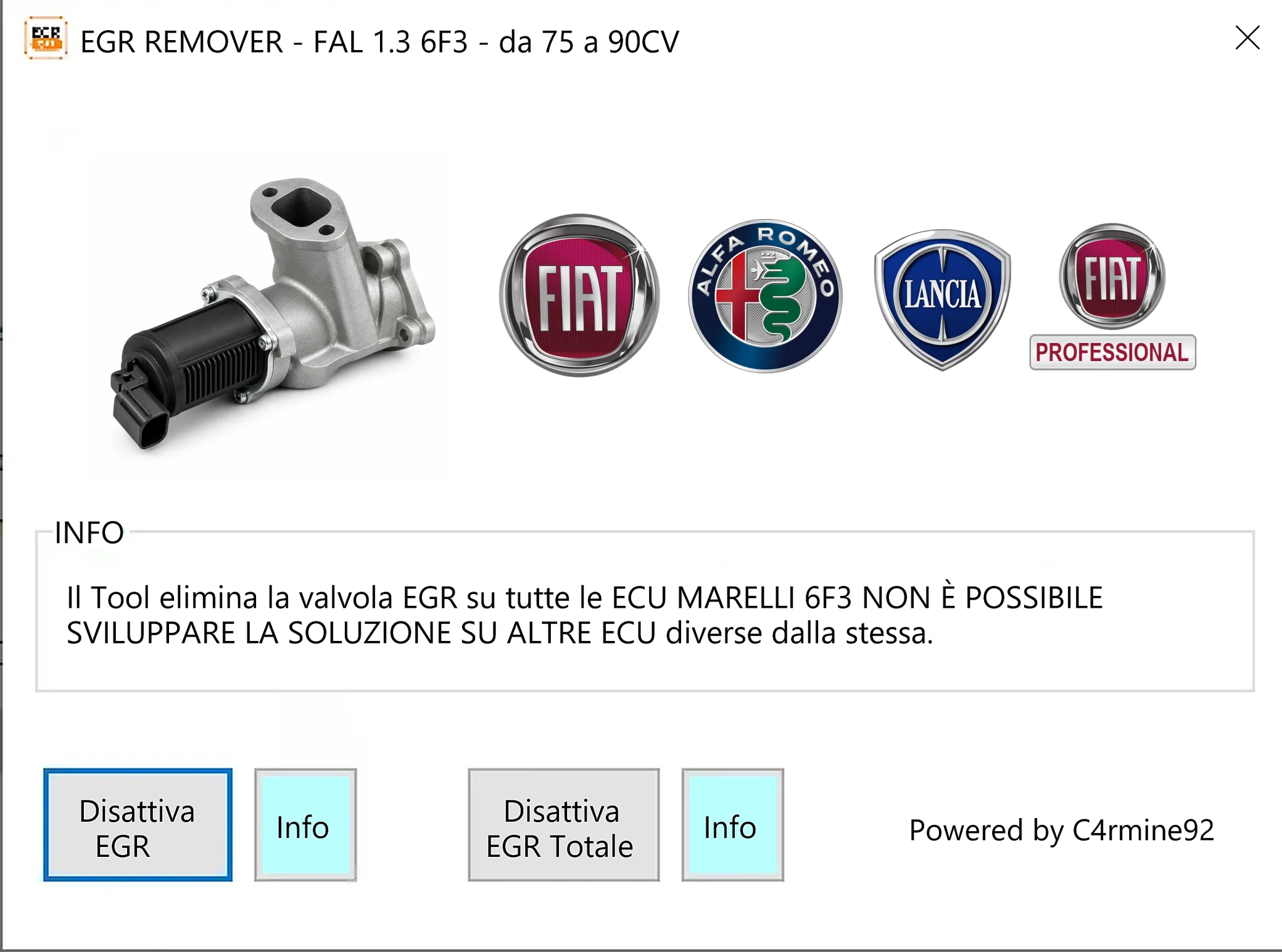
Offline binary-file EGR utility for FCA 1.3 Multijet Marelli 6F3 engines rated 75–90 CV, with standard and total-disable modes.