
SOFTWARE DATABASE / RELEASE RECORD
VERSION 1.0.0.0Visteon DCU10x File Converter KTAG, FGTech and IMMO Utility 1.0.0.0
Offline Windows utility for supported Visteon DCU10x / DCU102 dumps, with KTAG and FGTech / Galletto conversion, HW/SW identification and IMMO-data clearing.
Categories
Vehicle references
Overview
Visteon DCU10x File Converter is an offline Windows utility for converting supported ECU dump layouts between KTAG and FGTech / Galletto workflows.
After a supported file is opened, the interface displays detected hardware, software and Ford identifiers. It provides conversion in both directions and a supported immobilizer-clear operation.
What This Resource Is For
Use the converter when supported Visteon ECU data must be transferred between programmer-specific file layouts, or when an authorized repair requires the supplied immobilizer-data operation. Preserve the original read as the untouched recovery master.
The application does not communicate with the ECU and cannot establish whether a programmer produced a full, partial or padded read. The input must belong to the expected DCU10x family, and the selected output layout must match the exact tool and protocol intended for the next write.
Functions Included
- Open a supported Visteon DCU10x dump.
- Display detected hardware and software identifiers.
- Display the Ford calibration or part identifier found in the file.
- Convert a recognized FGTech / Galletto layout to KTAG format.
- Convert a recognized KTAG layout to FGTech / Galletto format.
- Apply the supported immobilizer-clear operation to a working copy.
Interface and Identification Fields
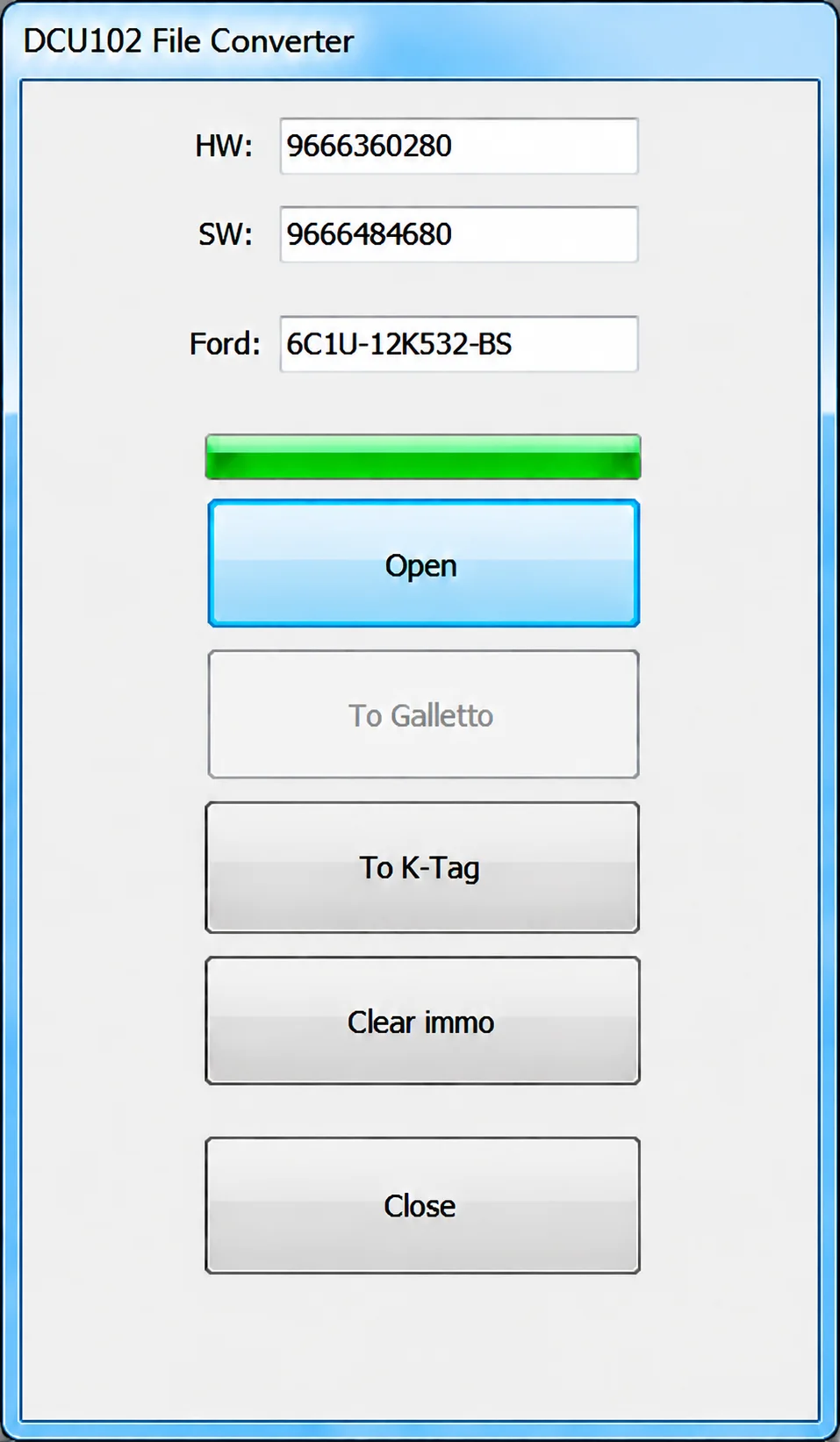
The application window is titled DCU102 File Converter. Its identification area contains HW, SW and Ford fields, followed by a progress indicator and Open, To Galletto, To K-Tag, Clear immo and Close controls.
The illustrated file displays HW 9666360280, SW 9666484680 and Ford identifier 6C1U-12K532-BS. These are example identifiers from the screenshot, not a complete supported-file list. The To Galletto control is disabled in the illustrated state.
Supported Vehicles, Controllers and File Types
- Support is limited to Visteon DCU10x-family files recognized by the application.
- The application interface and supplied package identification specifically name DCU102; the broader resource scope is described as DCU10x.
- Ford identifiers are shown when present in a supported file.
- The exact byte length and programmer read mode must match the chosen conversion direction.
- Support is not established for unrelated Visteon DCU, SID or EMS families.
No universal vehicle matrix, exact input byte lengths or generic file-extension list is documented.
Package Contents
- A single self-contained Windows converter.
- Application interface screenshot.
- An ECU programmer, driver, pinout, stock file and recovery firmware are not included.
- No generic dump collection is included.
System, Hardware and Interface Requirements
- Windows PC or isolated virtual machine.
- A known-good ECU dump from KTAG or FGTech / Galletto.
- The exact ECU label and programmer protocol information.
- Binary-comparison and checksum-verification tools.
- A stable bench setup and recovery-capable programming method for any subsequent write.
Recommended Workshop Workflow
- Identify the exact vehicle, ECU label, hardware number, software number and reading method before opening the file.
- Where practical, read the controller twice, compare the reads and retain an untouched original outside the working folder.
- Work on a copy with the byte length and segment type expected by the selected function.
- Save the output under a new filename and compare every changed region with the original before considering a write.
- Verify checksum handling using the programmer or an appropriate independent tool for the exact controller family.
- If the file will be written to a module, use regulated power and a documented bench, boot or recovery route.
- After installation, complete identification, fault-code and functional checks before returning the vehicle to service.
Compatibility Limits and Responsible Use
- Opening a file successfully does not prove support for its software revision or internal layout.
- Full, calibration-only, virtual and reconstructed reads are not interchangeable unless the specific workflow permits it.
- The converter does not identify unknown hardware, choose the programmer protocol or provide a recovery backup.
- Do not write output with unexplained size changes, unusually broad modifications or a failed checksum check.
- Immobilizer, identity, emissions and safety-related work must be authorized and lawful for the vehicle being serviced.
- Avoid repeated conversion of the same output between formats; restart from the original read.
Troubleshooting
- File rejected: verify the controller family, software number, byte length and whether EEPROM, flash or calibration data is expected.
- No change produced: the required signature or table may be absent from that software revision; do not force a similar profile.
- Many unrelated areas change: stop, restore the original working copy and confirm the input format.
- Program will not start: retain all supplied runtime or activation components and use an isolated compatible Windows environment.
- Module does not communicate after writing: use the prepared recovery method to restore the exact original rather than making further edits.
Practical File-Handling Notes
Preserve the supplied archive and the first verified controller read unchanged. Use short, descriptive filenames for working copies, record which tool and operation created each output and keep the untouched recovery image separately.
If the supplied release requires an activation or key-generation component, keep it with the application rather than removing it from the functional set.
Technical Compatibility
Supported Modules
Operating Systems
System Requirements
- Windows PC or isolated virtual machine.
- Known-good ECU dump from KTAG or FGTech / Galletto.
- Exact ECU label and programmer protocol information.
- Binary-comparison and checksum-verification tools.
- Stable bench setup and recovery-capable programming method for subsequent writing.
Screenshots
Related Software

Windows BIN-file editor for locating and modifying supported ECU diagnostic trouble-code entries, with ECU-specific Disable/Remove actions and checksum validation requirements.

Offline Windows reference tool for Bosch ECU part numbers, controller families and OE cross-references, with exact, wildcard, prefix and binary-dump identifier searches.

Windows map and axis detection for supported Siemens PPD/SID full BDM binaries, with table and 3D views, DTC analysis and XDF/A2L definition export.
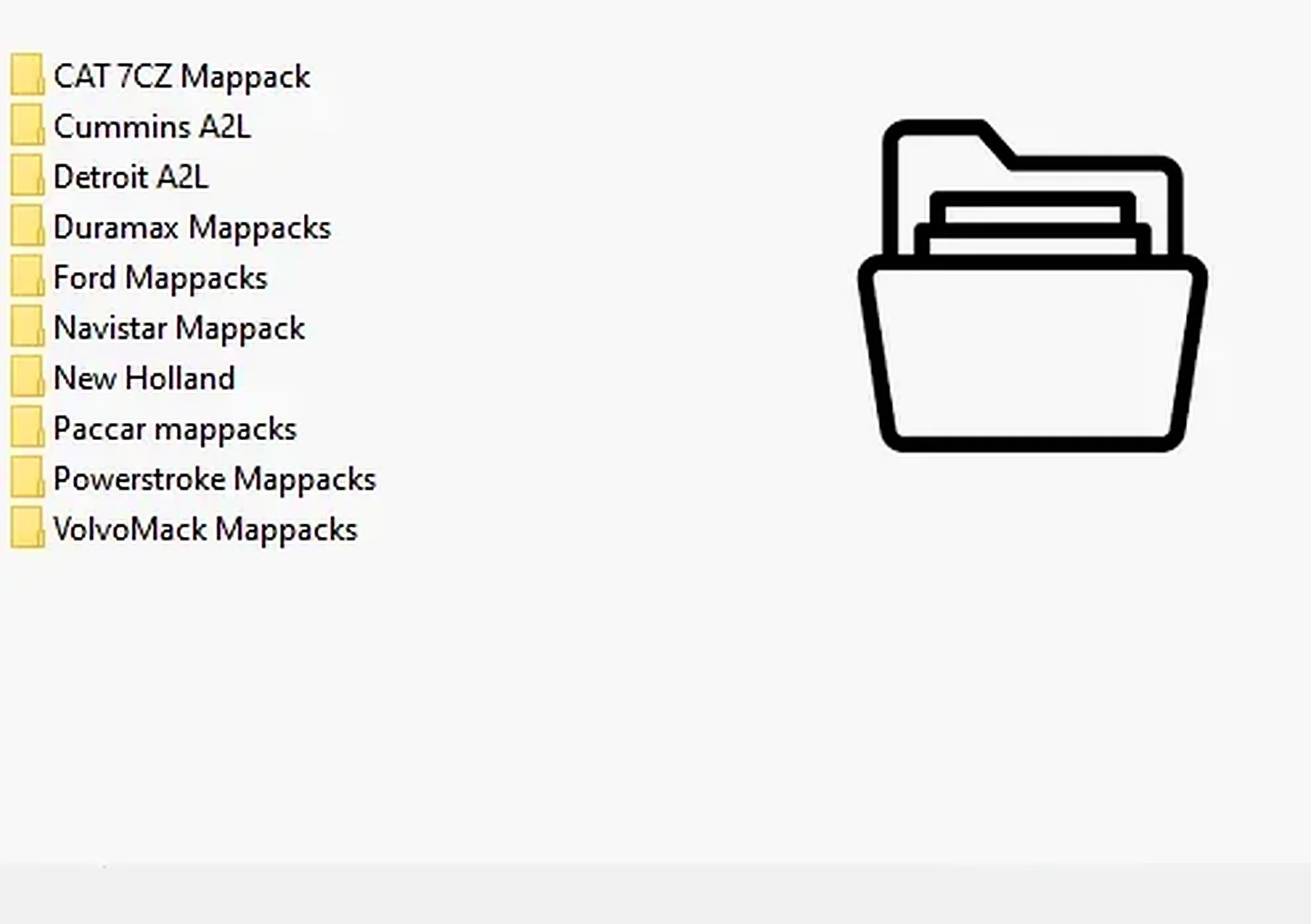
Collection of 28 heavy-duty and industrial ECU definitions in A2L, WinOLS KP and OLS-associated formats for software-specific calibration projects.
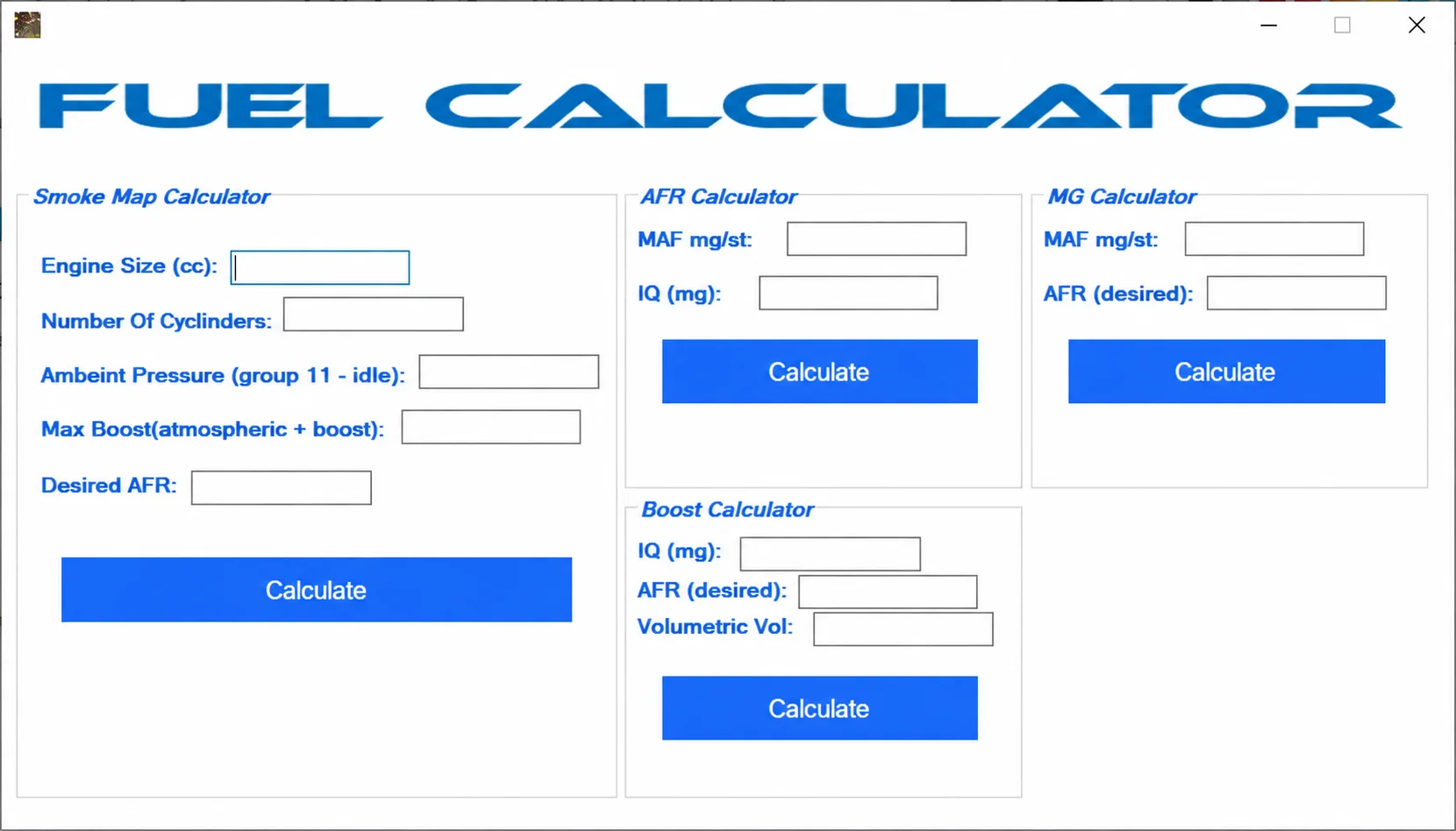
Windows workshop collection with EDC15P file tools, EDC17C19/C59 PIN extraction, Ford V-code lookup, WinOLS extraction, Insignia fix and fuel calculators.
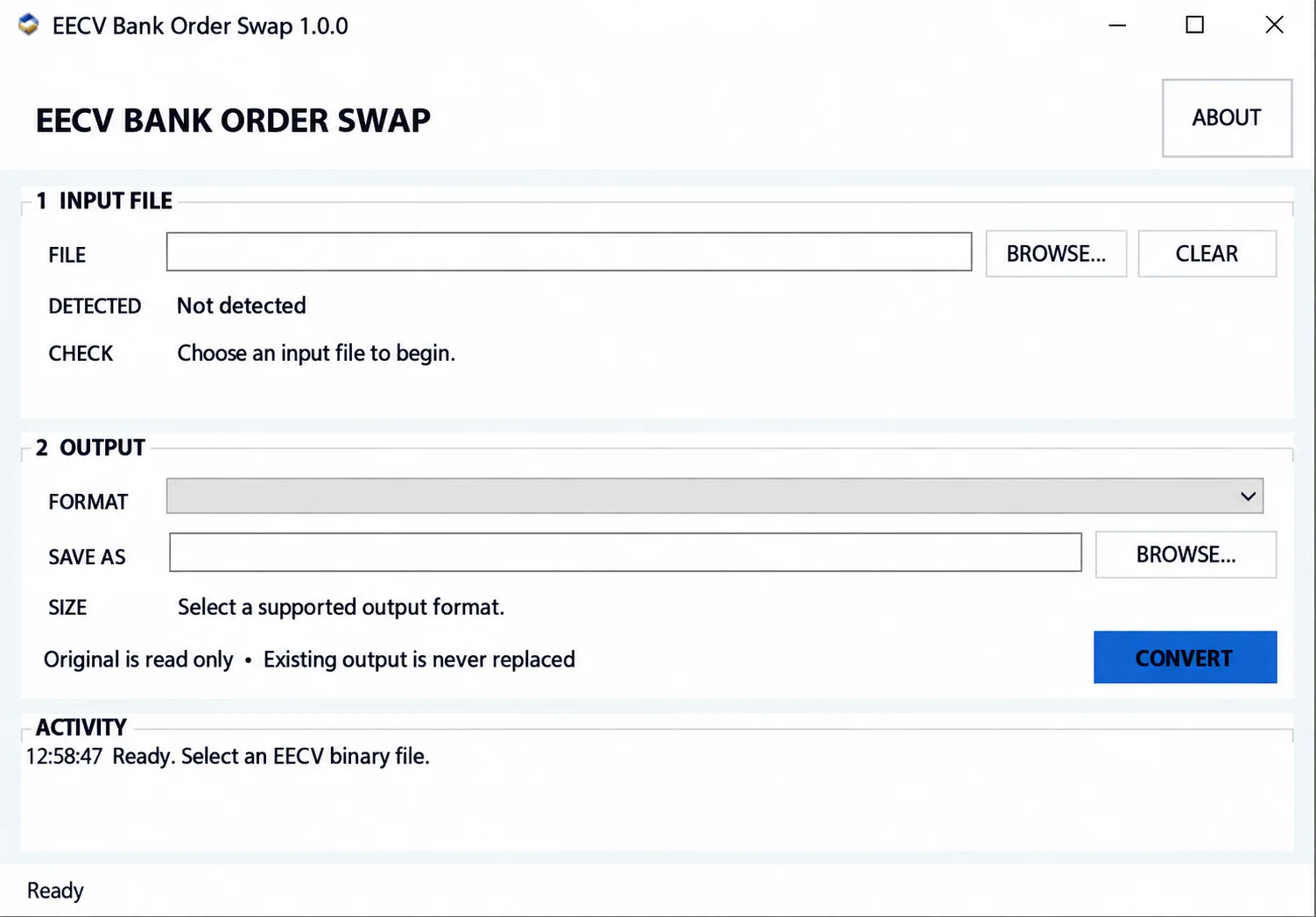
Convert supported Ford EEC-V PCM BIN files between 88K, 112K, 216K, 224K and 256K layouts, with format detection, bank reordering and local file processing.