
SOFTWARE DATABASE / RELEASE RECORD
VERSION 2026.02.002Toyota Lexus GTS+ 2026 Offline Diagnostic Software Package 2026.02.002
Toyota and Lexus GTS+ Europe installation package with GTSPlusOffliner 1.03, local diagnostic database access and documented offline-function limitations.
Categories
Vehicle references
Overview
Toyota and Lexus GTS+ Offline Diagnostic Package
This package brings together the installation components for Toyota Global TechStream Plus (GTS+) and GTSPlusOffliner 1.03. It is intended for Toyota and Lexus diagnostic work using the locally installed GTS+ database and the offline diagnostic functions supported by the installed system.
The base GTS+ installation files are included in the archive, so a separate search for the underlying application is not required. The package described here supplies the European GTS+ installer.
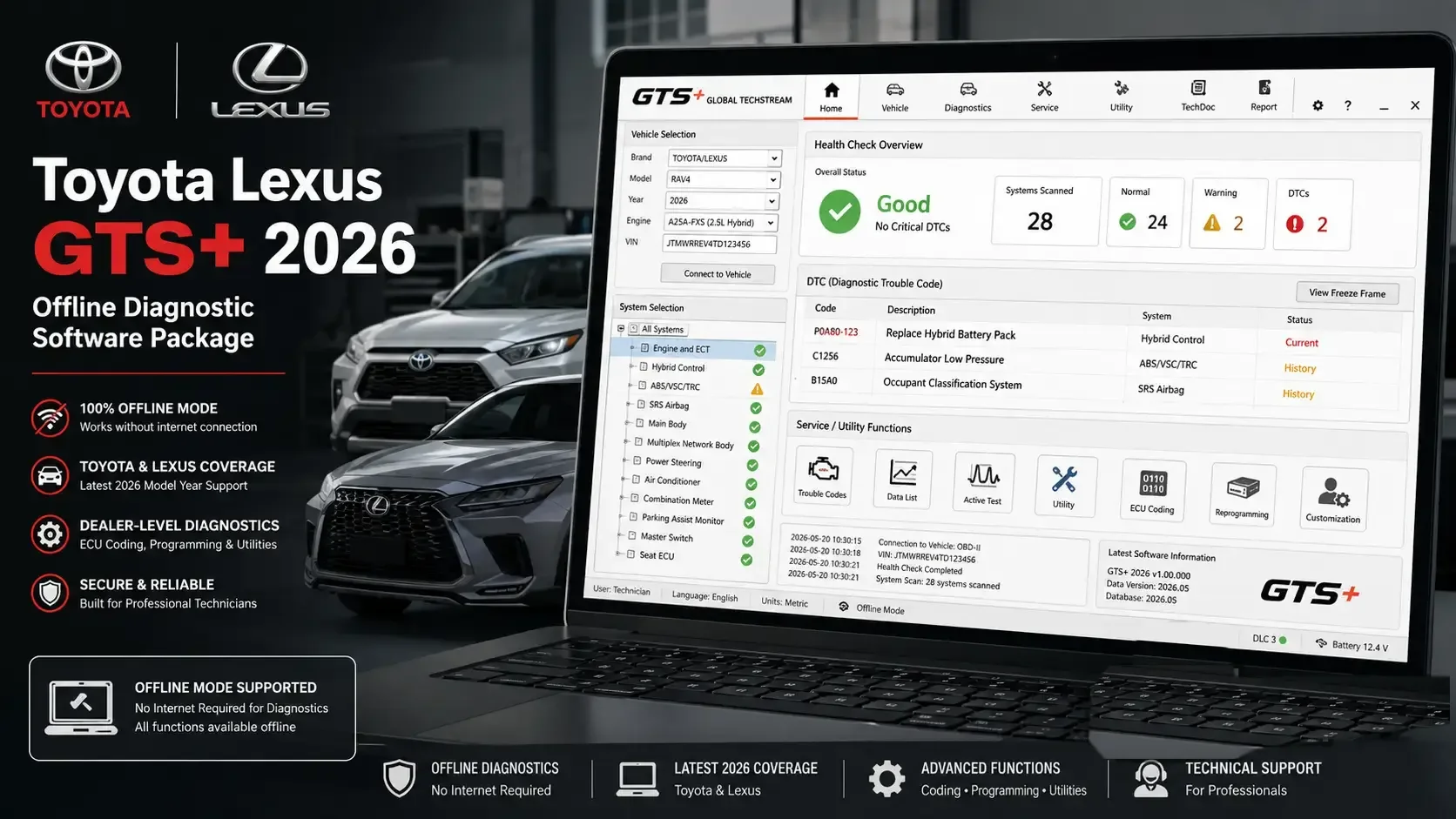
Promotional illustration. Function availability is detailed in the offline-operation and online-limitations sections below.
Package Contents
The archive contains the following installation components:
GTSPlusParentInstaller_EU.exe— the main launcher for the European GTS+ installation.GTSPlusOffliner v1.03.exe— the offline-mode utility.Setup_DB.exe— the diagnostic database component.Setup_GUI.exe— the main graphical interface.Setup_GuiServer.exe— the GUI server component.Setup_DataSync.exe— the data-synchronization component.Setup_InfoCenter.exe— the information-center component.Setup_NativeGraphViewer.exe— the diagnostic graph viewer.Setup_PCSDataViewer.exe— the PCS data viewer.Setup_PF.exe— a supporting program component.Setup_TSEConverter.exe— the TSE conversion component.CUWPlusPF.exe— a supporting GTS+ installation component.
Keep these files together in the same directory. Do not rename or remove individual components before installation.
Tested GTS+ Versions
The documented tested builds for GTSPlusOffliner 1.03 are:
- Europe:
2026.01.004.03. - Europe:
2026.02.002.03. - United States:
2026.02.002.02.
The supplied installer is the European edition. Compatibility with builds outside this list may differ.
Installation
- Obtain the complete archive and extract all its contents into a separate directory.
- Do not launch an installer from inside the compressed archive.
- Start
GTSPlusParentInstaller_EU.exe. - Complete the GTS+ setup, allowing every required component to install.
- Restart Windows if setup requests it.
- Open GTS+ once and check that the main application starts correctly.
- Close GTS+ together with its related processes.
- Run
GTSPlusOffliner v1.03.exe. - Allow the offline-configuration process to finish.
- Open GTS+ again and check which offline diagnostic functions are available.
Important: Do not run GTSPlusOffliner during diagnostics, programming or any other active vehicle operation in GTS+.
Available Offline Operation
The offline functions available depend on the installed database, the vehicle and the connected diagnostic interface. They may include:
- Vehicle identification.
- System selection.
- Health Check.
- Reading and clearing Diagnostic Trouble Codes.
- Freeze Frame information.
- Data List and live parameters.
- Active Tests.
- Supported service utilities.
- Vehicle customization.
- ECU information available locally.
GTS+ determines the availability of each function, which can vary between vehicles and control systems.
Online Functions and Limitations
Some functions need a network connection, access to Toyota servers or online authorization and therefore do not work in offline mode. Examples include:
- Key Registration that requires online authorization.
- Requests for reprogramming signature files.
- ECU Security Key requests.
- Online smart-key and immobilizer authorization.
- Calibration and firmware downloads.
- Server-based technical information.
- Functions tied to an active Toyota account or subscription.
GTSPlusOffliner does not create security keys, programming signatures, calibration files or access to Toyota accounts.
Important Notes
- Install the full GTS+ package before using the offline utility.
- Do not mix installation components from different regional releases.
- Create a Windows restore point before changing an existing installation.
- Use a compatible Toyota diagnostic interface.
- Maintain a stable vehicle power supply during diagnostic and programming procedures.
- Do not program an ECU without the required calibration and authorization data.
- Online-only functions stay unavailable while GTS+ is being used offline.
The package is intended for authorized Toyota and Lexus diagnostics and professional vehicle-service work.
Technical Compatibility
Operating Systems
System Requirements
- Windows; exact supported versions and hardware requirements are not specified
- Complete GTS+ Europe installation package with all components kept together
- Installed local GTS+ diagnostic database
- Compatible Toyota diagnostic interface for vehicle connection
- Online-only operations require the applicable network access and Toyota authorization
Screenshots
Related Software

Windows workshop utility for calculating PIN and key-related service data from supported ECU, dashboard and body-module dumps, with a searchable coverage database.
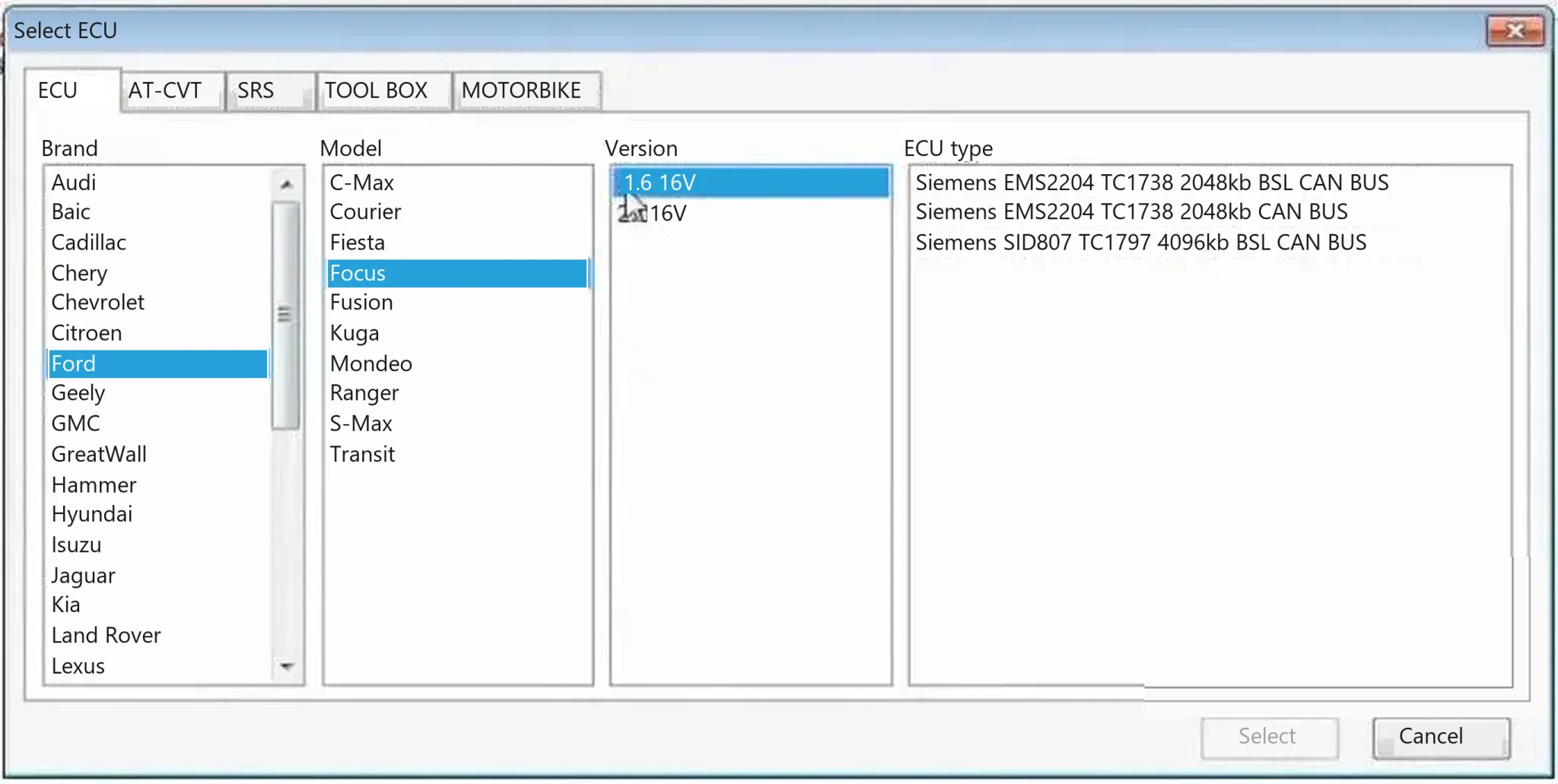
Multi-brand Windows ECU service utility with a Brand/Model/Version selector, ECU protocol hints, backup/restore workflows and ECU, AT-CVT and SRS tabs.

Collection of 1,350+ UPA-USB scripts for EEPROM and MCU work, covering odometer, IMMO, airbag reset, radio codes, PIN extraction and ECU virginization.
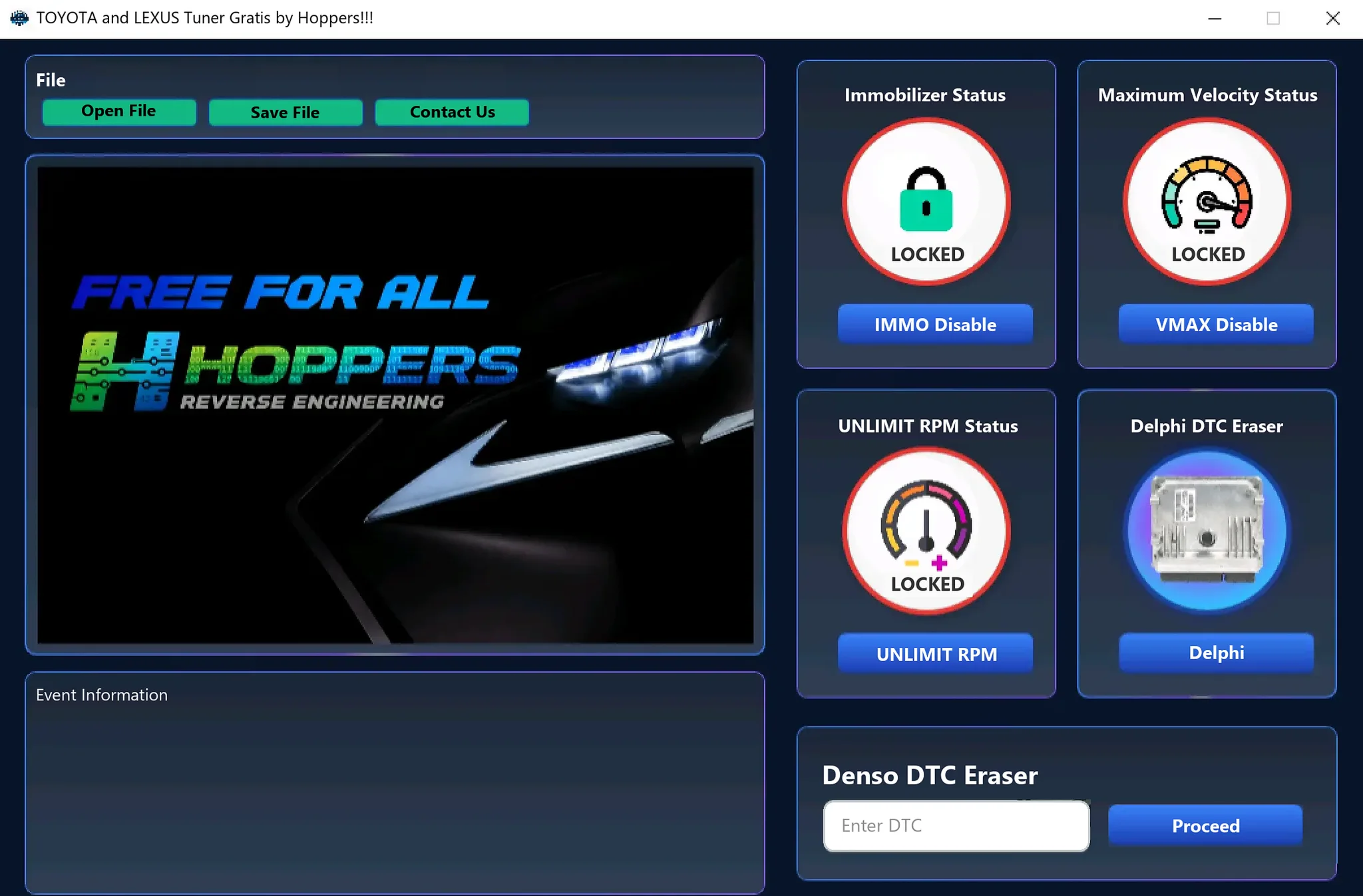
Offline Toyota and Lexus ECU binary editor with IMMO, VMAX and RPM modules, plus dedicated Denso and Delphi DTC Eraser functions for supported firmware.

Windows EEPROM and flash-dump toolkit for supported IMMO PIN, IMMO OFF, virgin, radio PIN, MEDC17 checksum and special repair workflows, including BMW EDC15 ISN in 1.0.4.
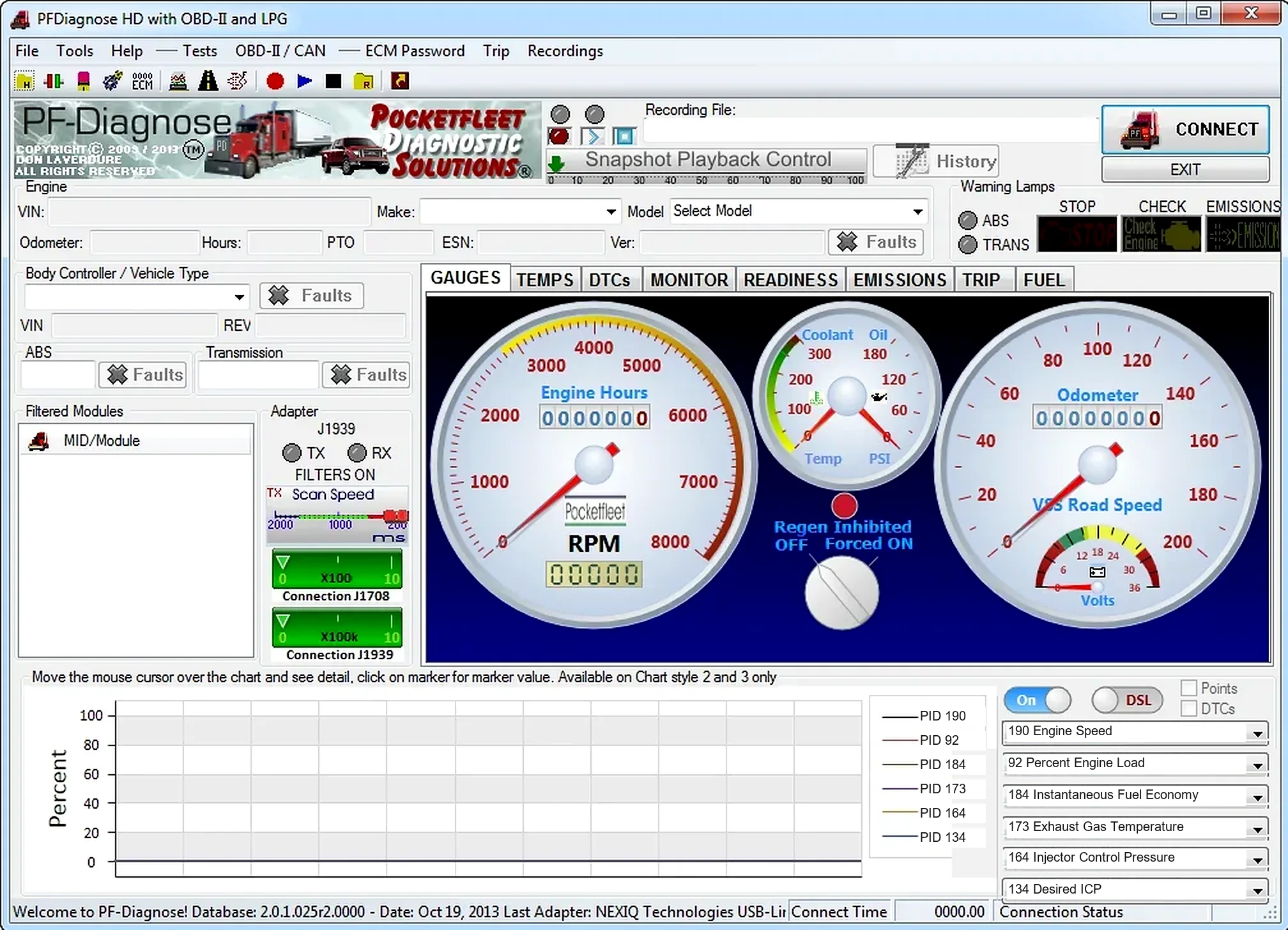
Windows heavy-duty and light-duty diagnostics through compatible RP1210/J2534 interfaces, with DTCs, live data, gauges, emissions monitors, trip information and session recording.